Why multiple tools duplicate your Salesforce activity data (and how to fix it at the source)
Learn why multiple tools duplicate Salesforce activity data and how to fix it at the source.


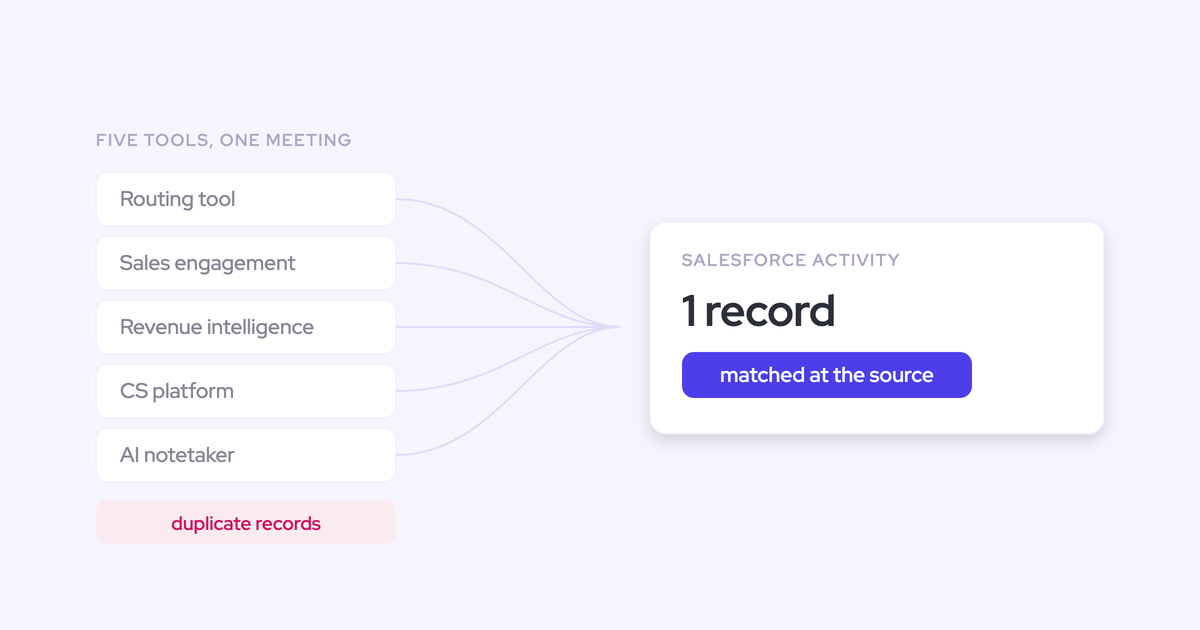

Five tools write activities into your Salesforce org and none of them agree on how. The routing tool books a meeting and creates an event. The sequencer sends an email through the same mail tenant and logs a task. The revenue intelligence platform syncs the same meeting again. The CS platform does its own thing post-sale, and the notetaker writes the recording as a second event on top of the meeting that already exists.
So meeting-per-rep counts are inflated, meeting-per-opportunity is worse, the same person exists three times, and the cleanup queue never empties. You already know this isn't a discipline problem. It's what happens when several services create records automatically with no shared identifier and no reconciliation between them.
This is the problem we've spent years on with Salesforce data capture and Weflow Activity & Contact Capture. Below is the mechanism that produces the duplicates, why downstream cleanup can't win, and what de-duplication at the source actually looks like in an org that already has four capture engines running.
What is de-duplication at the source in Salesforce activity capture?
De-duplication at the source means the capture layer decides before it writes whether an activity already exists in Salesforce, and steps back if it does. The check happens at write time, in the tool that would otherwise create the duplicate, not in a nightly job that finds the mess afterwards.
That's the whole difference. Everything else you've tried, dedup jobs, merge rules, turning syncs on and off, operates downstream of the write and inherits whatever the writers did.
| Dedupe downstream | Dedupe at the source |
| Every tool writes, then a job or a human reconciles | The capture layer checks Salesforce first and skips |
| Workload grows with headcount and tool count | Workload is fixed: one layer, one rule set |
| Reporting is wrong between cleanups | Reporting is right the moment the record lands |
| Merges destroy or rewrite history | Nothing wrong gets written in the first place |
Why multiple tools writing to Salesforce structurally create duplicates
Each tool in your stack was bought by a different function to solve a different problem. The sequencer for the SDRs, Einstein for CS because it was already in the license, the revenue intelligence platform for meetings, the CS platform post-sale.
None of them was designed to be the capture layer. Capture is a side effect for all of them, so each one maps differently, and nothing arbitrates between them. The duplicates aren't mistakes. They're the output of the architecture.
No unique identifier and no reconciliation between the services
Nothing ties one tool's record of an email to another tool's record of the same email. There's no shared key, no handshake, no "this already exists" check across vendors.
Same with people. One tool creates a contact from a calendar invite, another creates a second one from a different address on the same thread, and Salesforce has no basis to know they're the same human.
Then every count built on those objects inflates. Contact coverage on an account looks better than it is. Engagement reporting is quietly wrong rather than obviously broken, which is worse, because nobody catches it until a QBR.
Every tool maps the same email or meeting to a different object
One logs a task. One logs an EmailMessage. One logs an event. Nobody in the company owns the decision about what gets logged, how, and to which object, so even the records that aren't duplicated can't be reconciled against each other.
The object choice isn't cosmetic. It decides what you can report on.
| Tool category | What it typically writes | What that breaks |
| Sales engagement (Outreach, Salesloft, Apollo) | Task records for sent emails | Tasks discard from and to, so reply rate can't be calculated. Volume reporting only. |
| Meeting routing | An event on booking | A second event when a calendar capture writes the same meeting. |
| Einstein Activity Capture | Emails and events, mapped server-side | Falls back to the account when it can't resolve the opportunity, so deal-level activity stays empty. |
| Notetaker / conversation intelligence | Its own event for the recording | Meetings per rep and per closed opportunity double counted. |
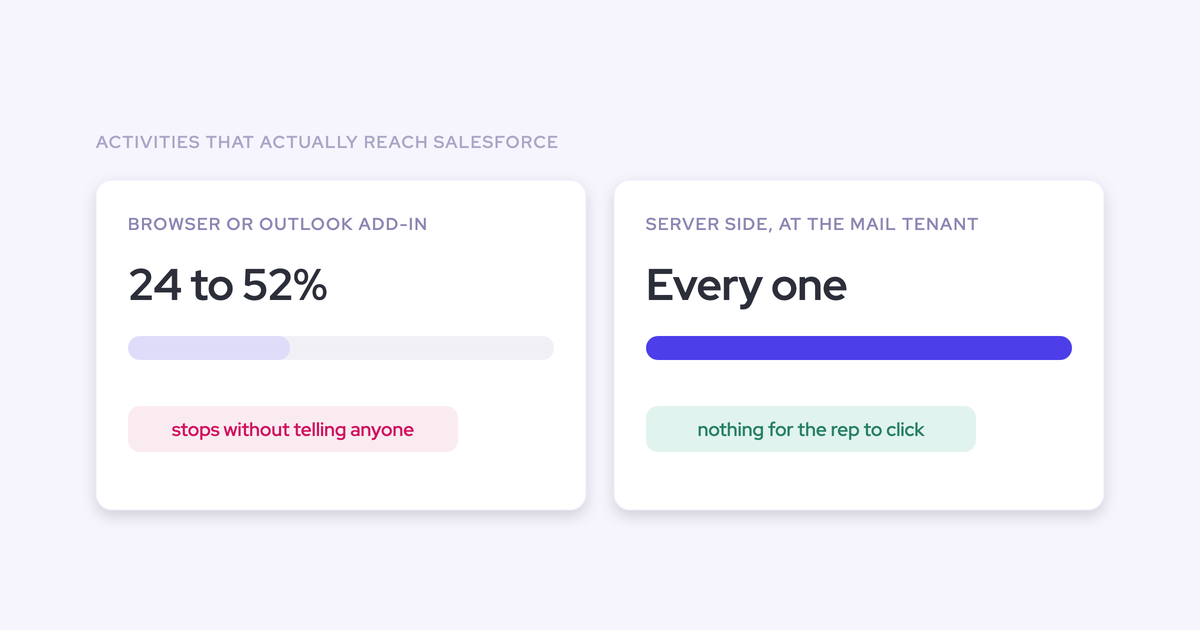
The sequencer case is the one that stings most, because teams believe they have activity capture for years and actually have an outbound log. No direction on the record means no reply rate, and reply rate is the metric that tells you whether a deal is alive.
The Salesforce constraints that make duplicates hard to undo
Salesforce itself compounds this. These aren't vendor failures, they're platform rules every capture tool has to live inside, and each tool resolves them differently:
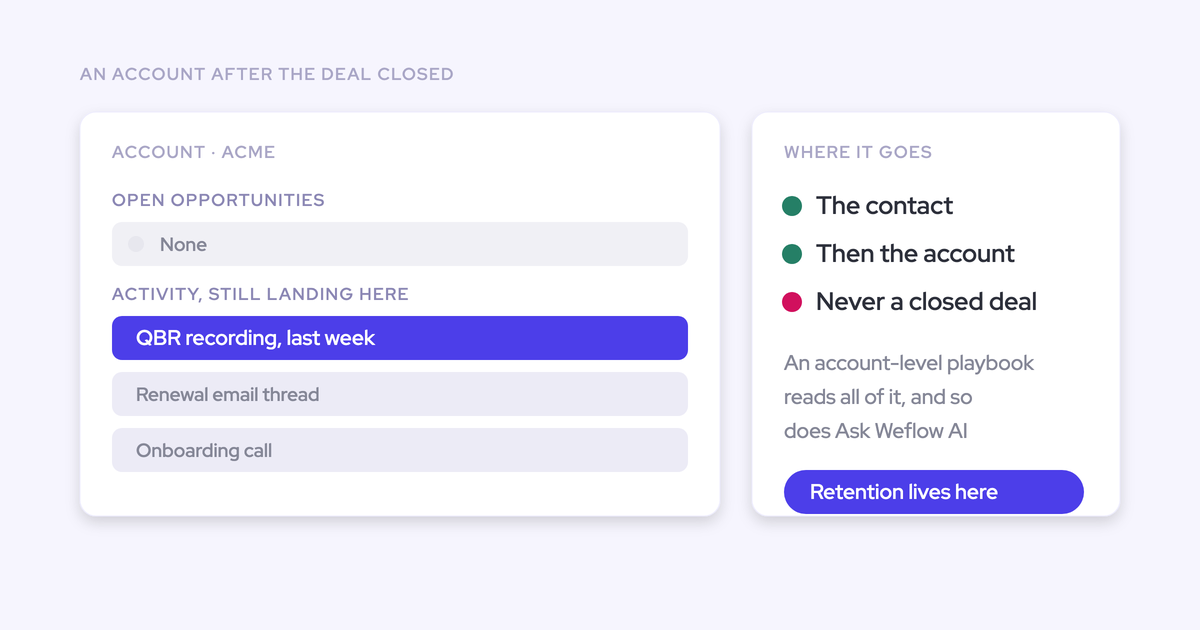
- An activity relates to either an opportunity or an account, never both. Any tool that can't determine the opportunity falls back to the account, silently, with no error and no warning. The account timeline looks healthy while the deal looks dormant.
- Activity reaches an opportunity through opportunity contact roles, which are one of the least maintained objects in any CRM. Where they're missing, there is nothing for a server-side matcher to follow.
- An email record can't be edited once it's synced. Correcting one means deleting it and re-adding it, so a bulk fix is really a bulk delete and re-sync. Events can be edited in place, which is why email mistakes cost more than meeting mistakes.
- Long text fields aren't queryable through the API. Anything written into one can't be reported on, automated against, or checked for duplication.
The three duplication traps: Einstein sync loops, sequencer emails, notetaker meetings
Most duplicated activity in a Salesforce org traces back to three specific mechanisms. If you can name which one you're in, you can usually stop it this week.
| Trap | Why it happens | What it inflates |
| Einstein event sync loop | Einstein's event sync left bidirectional writes the event to Salesforce, pushes it back to the calendar, and writes it again | Every meeting, twice, regardless of what a second capture tool does |
| Sequencer emails | Outreach, Salesloft and Apollo send through the same mail tenant a capture tool reads, so both see the same message | Email counts per rep and per opportunity, plus a task and an EmailMessage for one email |
| Notetaker meetings | The notetaker treats its recording as its own event instead of writing to the meeting that already exists | Meetings per rep and meetings per closed opportunity, the exact reports the tools were bought for |
The Einstein loop is the nastiest because it survives the fixes people try first. Removing the Einstein permission from users doesn't stop it, and the duplicates already written stay written. We've seen orgs where a rep shows thirteen meetings a week in one view and eight in another, and both views are reading real records.
The notetaker trap is the one you already have a principle for.
"If you record a meeting, it's not another meeting. It's the same meeting."
Why manual cleanup and dedup jobs never catch up
Because the duplicates are produced continuously, cleanup is a treadmill. You remove yesterday's while today's are being written, and the write rate scales with headcount, tool count and meeting volume. Your cleanup rate scales with how many hours you personally have.
That gap only widens. Add twenty reps and the duplicate rate goes up; nobody adds twenty hours of merging.
There's a second cost that's easier to miss. Duplicates in email are expensive to fix, because a synced email can't be edited, so correcting a mis-associated thread means deleting and re-adding it. Half a cleanup project turns into a delete-and-resync project, and reps notice records disappearing from their accounts.
If production is structural, the fix has to sit where records are produced. That's the entire argument.
The durable fix: one activity capture layer for all of Salesforce
Treat capture as infrastructure and consolidate it, the way telephony consolidated onto one VoIP provider. One layer writes to Salesforce. Everything else reads from Salesforce.
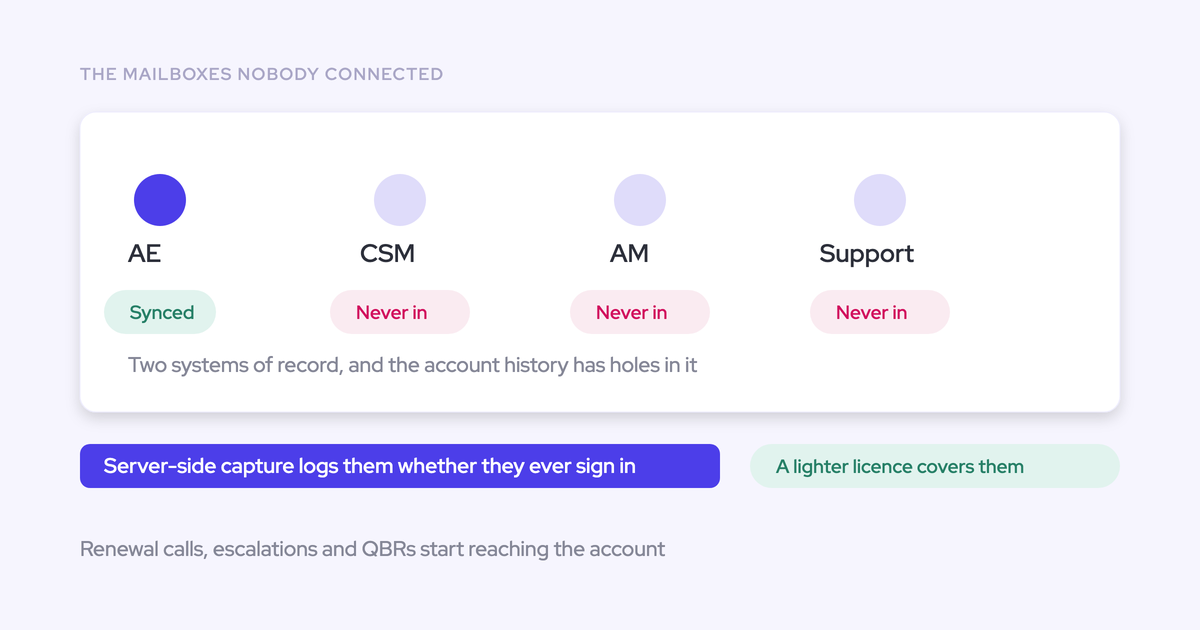
That's a governance decision before it's a tooling decision, and it has to cover every customer-facing role, not just whoever holds sequencer licenses. CSMs and account managers are routinely left out because the seats were bought for the people who send sequences, which is how the post-sale half of the funnel ends up dark or captured in yet another tool with its own mapping rules.
"Don't create an overlap of multiple tools that all have the same data in it, because then you'll have different people looking at different tools."
— Philipp Stelzer, CPO and Co-founder of Weflow
Use this as the evaluation checklist. The single layer has to:
- Write to native Salesforce objects (EmailMessage, Task, Event, Contact) so flows, reports and your BI tool can read what it produces.
- Produce one record per real-world activity, including recorded meetings.
- Recognize what another tool already wrote and step back, rather than writing its own copy.
- Preserve the real sender, recipients and creator on the record, not an integration user.
- Cover sales, CS and account management on the same rules, not one team per tool.
- Map to the opportunity, not just the account, and let a human correct it when the account has several open deals.
How Weflow de-duplicates Salesforce activity at the source
Weflow is the Revenue AI Orchestration platform for sales, customer success, and RevOps teams, and Weflow Activity & Contact Capture is built around the question you actually ask a new vendor: not what will you write, but what will you stop writing.
Here's the mechanism, trap by trap.
Compatibility mode: recognizing another tool's email and stepping back
Compatibility mode is how Weflow runs alongside a tool that's already logging email to Salesforce without both of them claiming the same message. The logic is deliberately boring:
- You name the other tool's sending domain in the configuration.
- Weflow delays its own sync by roughly ten seconds, so the other system gets to claim the record first.
- Weflow checks the message for the other tool's tracking pattern.
- If it finds one, Weflow skips the message. No second record, no merge job.
Outreach, Salesloft, Apollo and Clay ship as presets, so for the common stack it's a checkbox rather than a project. Sellers tell us they haven't seen another capture tool do this, which is less a boast than a comment on how the category treats capture as a side feature.
Running alongside Einstein Activity Capture without duplicate events
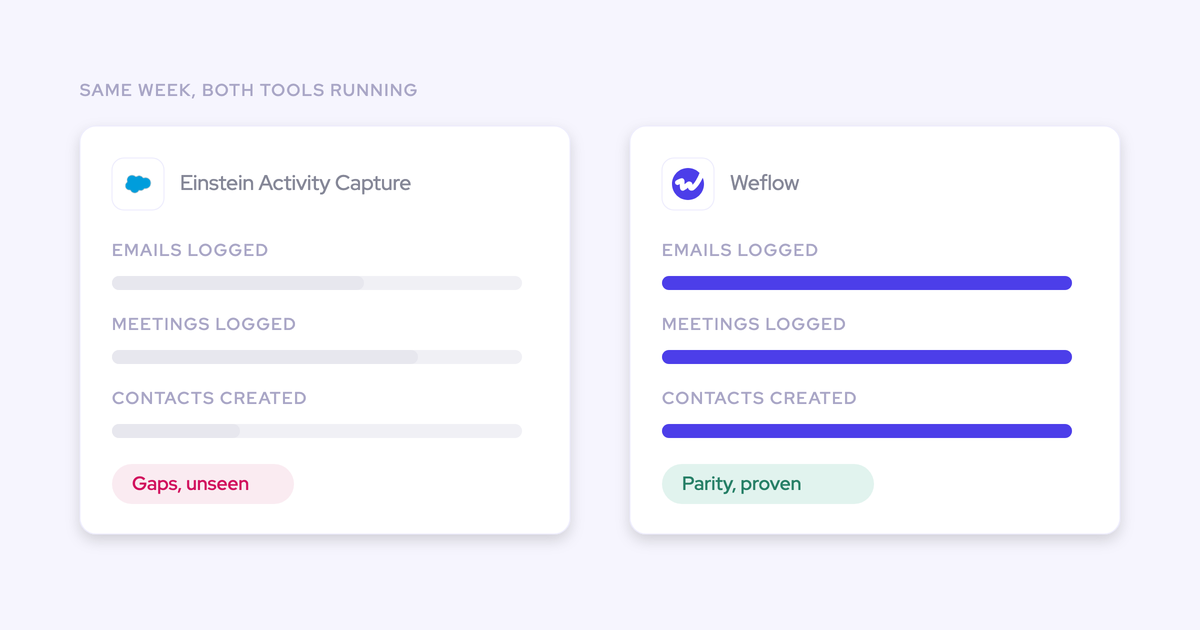
Weflow recognizes and skips activity Einstein already writes, so you don't have to switch Einstein off to adopt Weflow. Weflow then adds call summaries and field updates onto the events Einstein created.
One prerequisite, and it's not optional: set Einstein's event sync to one direction, from your mail and calendar system into Salesforce. Leave it bidirectional and the loop duplicates every event no matter what any second tool does. Removing the Einstein permission from users does not stop it.
Duplicates already written before you change the setting stay in the org and keep distorting your activity metrics until you work them down.

One meeting, one activity: recordings attach instead of duplicating
A meeting is logged as a Salesforce activity whether or not it was recorded. When it is recorded, the summary and the AI field updates attach to that same activity, with a link to the recording.
Recording never creates a second event. That also means your activity trail stays complete when a rep declines to record or the bot isn't admitted: the meeting is still there, just without a summary on it. Which is why activity-based signals like days inactive stay trustworthy even when recording coverage is nowhere near 100%.
Contact deduplication on top of your Salesforce duplicate rules
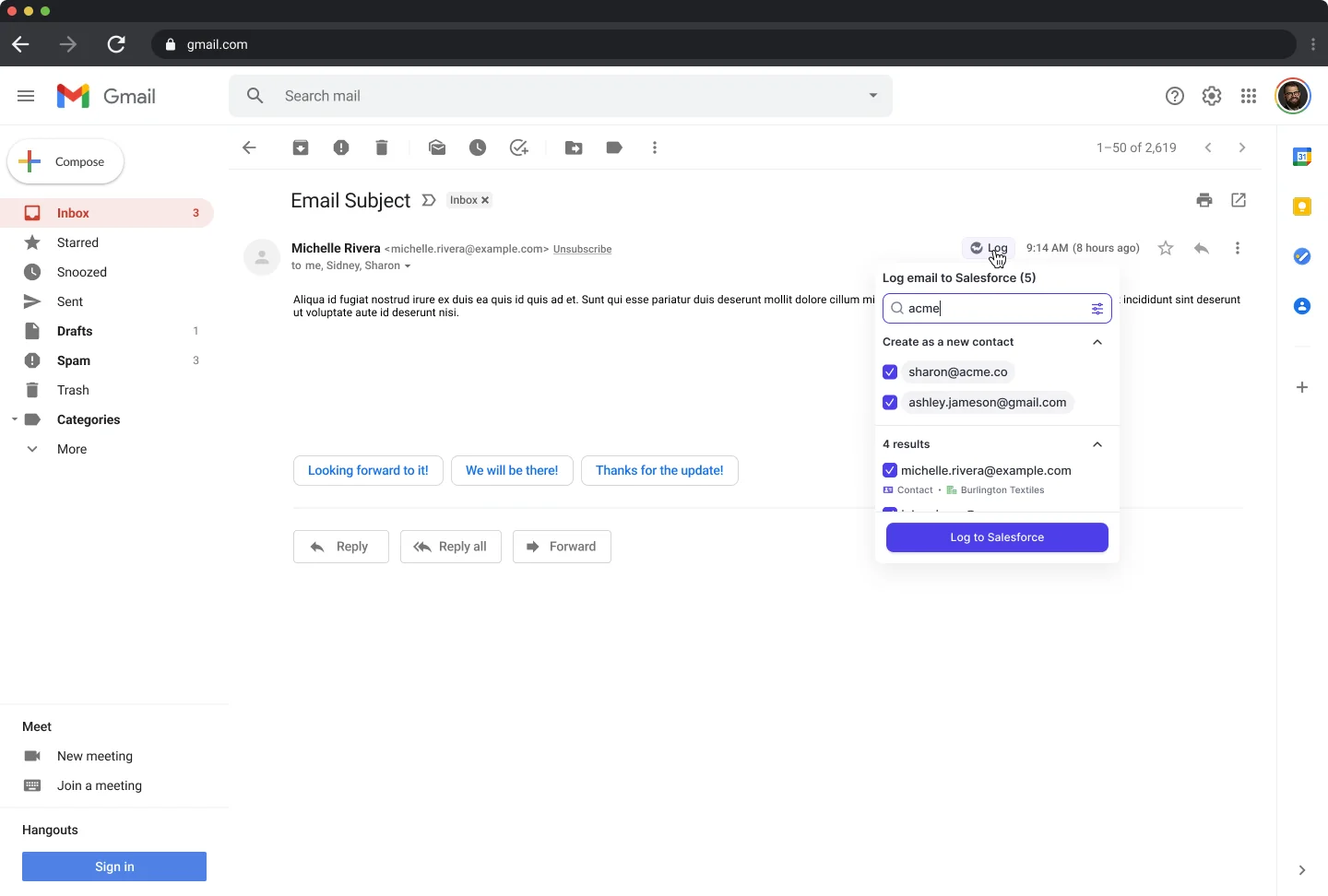
The activity half is only one side of the pain. The other is the same person existing three times. Weflow creates contacts from email threads and calendar invites behind four guards:
- A deduplication layer that sits on top of the duplicate rules your org already runs, not instead of them.
- A check for an existing lead first: if the address already exists as a lead, the activity attaches to that lead instead of creating a duplicate contact. Lead conversion stays a manual Salesforce step.
- An existing-accounts-only rule, so capture can't spawn orphan records. Weflow never creates accounts, leads or opportunities.
- A cap on how many contacts a single event can create, so a hundred-person webinar doesn't write ninety-nine contacts.
Compatibility mode is the bridge, not the end state
Compatibility mode exists to make a transition safe. It is not the architecture you want to run forever.
The clean end state is one capture layer feeding Salesforce with the other capture engines switched off, and every other tool reading activity from the CRM. Compatibility mode buys you the months in between, when contracts haven't lapsed and three teams haven't agreed yet.
Switching the old capture tool off without losing activity history
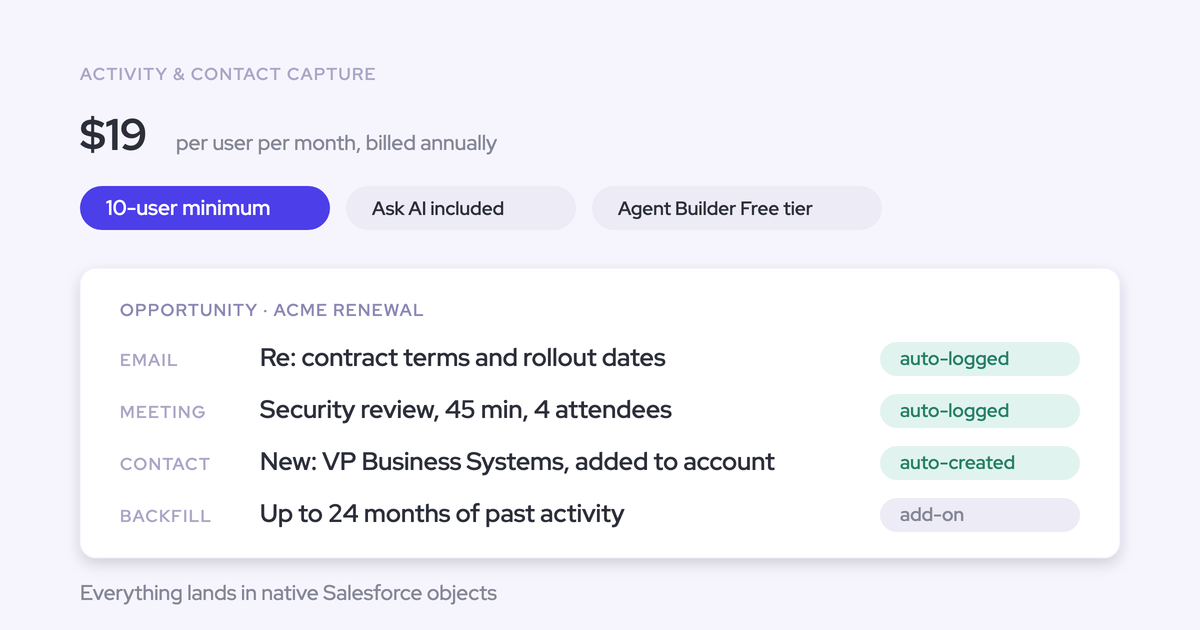
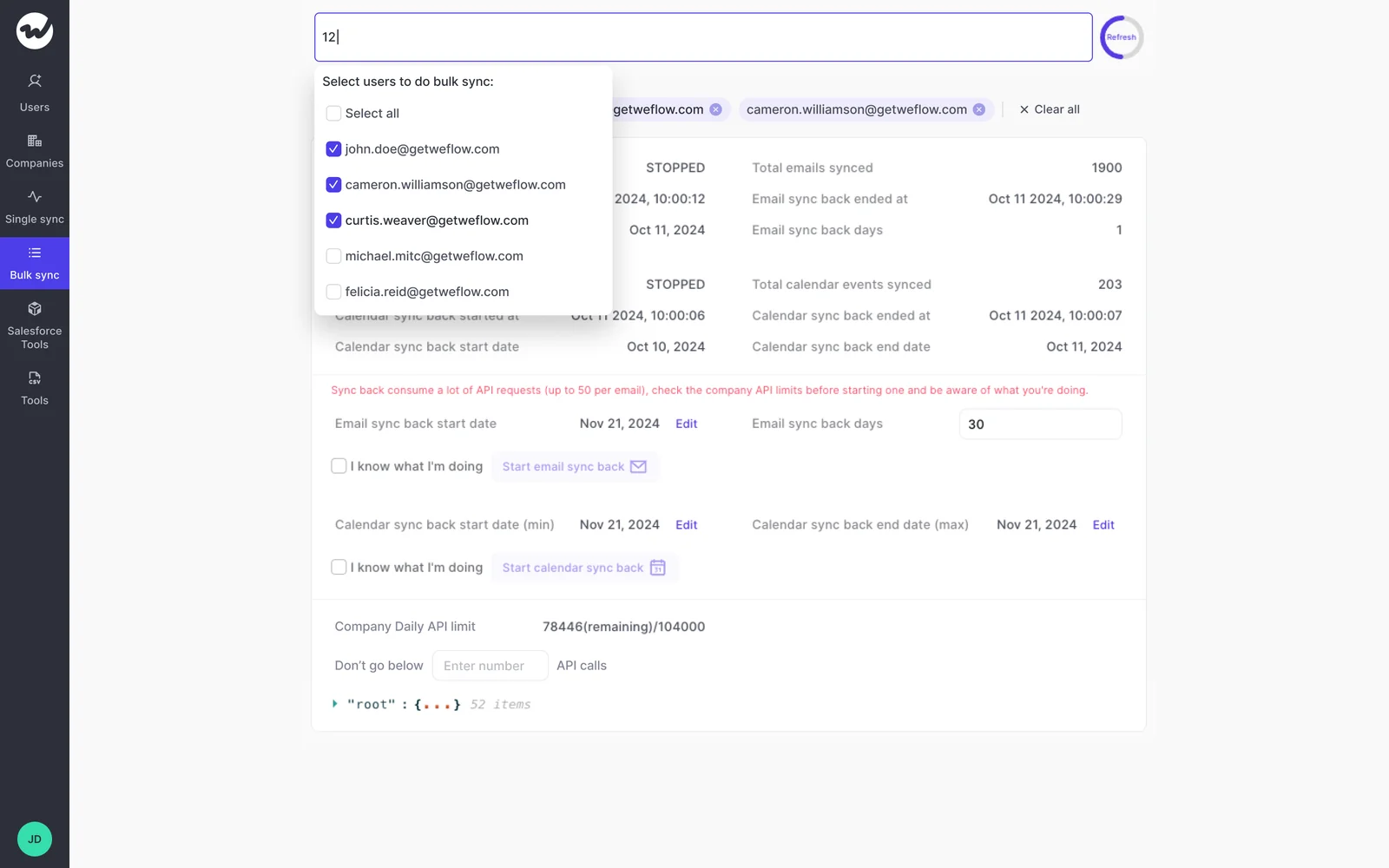
The history isn't hostage to the old tool. Your mail and calendar data lives in your own Google Workspace or Microsoft 365 tenant, which means Weflow can back-fill up to two years of emails and meetings into Salesforce after the fact.
Practically: you can turn the old capture off in the morning, turn Weflow on the same day, and have the gap filled. Anything that failed to sync during a transition can be recovered and pushed into Salesforce later, whether the failure was last week or last month.
Two honest notes. Back-fill is opt-in rather than automatic, and it's deliberately spread over days or weeks because pulling that much history is heavy on the Salesforce API. And teams that already ran another capture tool often skip it entirely, because the historical record is already sitting in the CRM.
Why two capture engines in parallel still create duplicates
Compatibility mode handles a tool that logs email. It does not make two full capture engines safe to run side by side.
If you run Weflow capture and Clari Capture both switched on, you get duplicates. That's not a bug in either product, it's two engines each doing their job against the same mailboxes and calendars.
The pattern that works is one writer, many readers. Clari reads activities from Salesforce, so a team committed to Clari for forecasting can run Weflow as the capture layer and let Clari consume cleaner Salesforce activity. Both get better. Turn both captures on and you're back where you started, with an extra invoice.
Finding the duplicates you already have with Activity Capture Health
Everything above is prevention. It does nothing about the debris already in the org, and no honest vendor should tell you their capture tool deletes your existing duplicates.
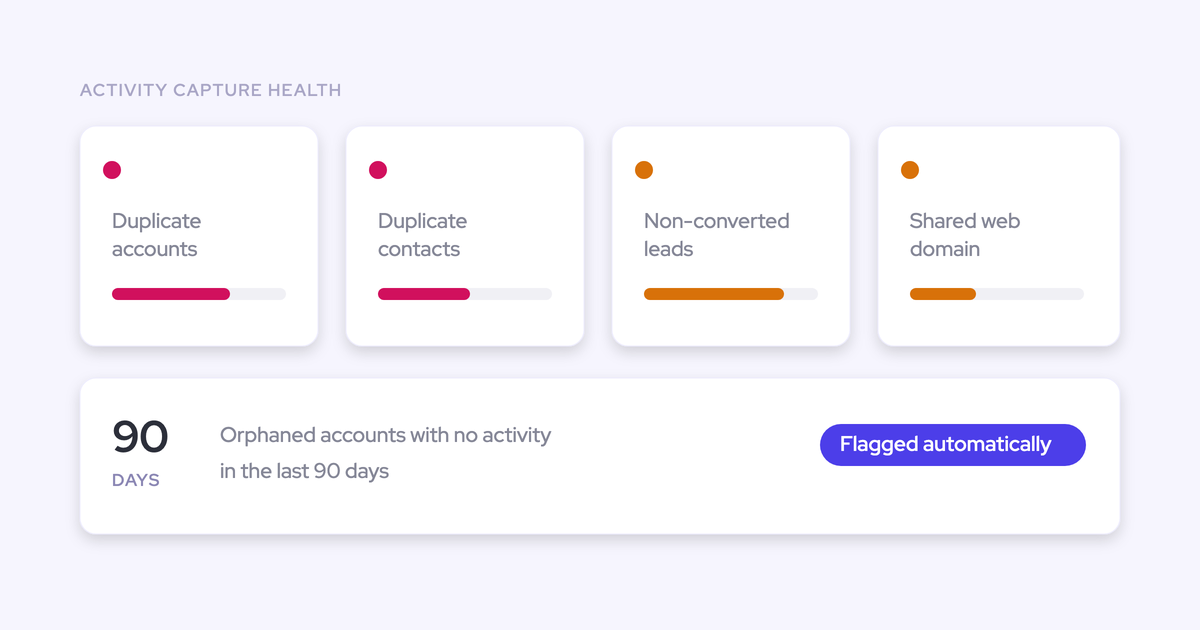
What Weflow gives you instead is a standing view inside Salesforce. Activity Capture Health, part of the Weflow Analytics package, flags:
- Duplicate accounts
- Duplicate contacts
- Non-converted leads
- Accounts sharing the same website domain
- Capture settings not yet configured for full capture
The shared-domain flag is the one to work first. Two identical accounts on one domain is exactly the pattern that breaks activity-to-opportunity mapping, because capture can't tell which of them an email belongs to.
The settings check earns its place on a new install. A capture configuration that's quietly wrong produces missing activity that nobody attributes to configuration for months, and by then people have decided the tool doesn't work.
FAQ: duplicate activities and capture consolidation in Salesforce
Which tools does Weflow's compatibility mode support out of the box?
Outreach, Salesloft, Apollo and Clay ship as presets. For a tool that isn't on that list, the same mechanism is configurable: you name its sending domain and Weflow delays, checks for its tracking pattern, and skips messages it finds. Einstein Activity Capture is handled separately, with the one-directional event sync prerequisite.
Do existing duplicates get cleaned up, or only new ones prevented?
Only new ones prevented. Weflow does not auto-delete records another tool wrote, and duplicates already created by an Einstein sync loop stay in the org until someone removes them. Activity Capture Health surfaces the duplicate accounts and contacts so cleanup becomes a queue instead of a hunt.
Will Salesforce show the rep or a service account as the activity creator?
The real people. Weflow writes to native Salesforce objects with the actual sender, recipients and copied contacts preserved on the record, so reporting by owner, auditing who touched an account and proving a rep was in the room all still work. A capture layer that files everything under an integration user is worth less than the manual logging it replaced.
How does Weflow pick the right opportunity when an account has several open deals?
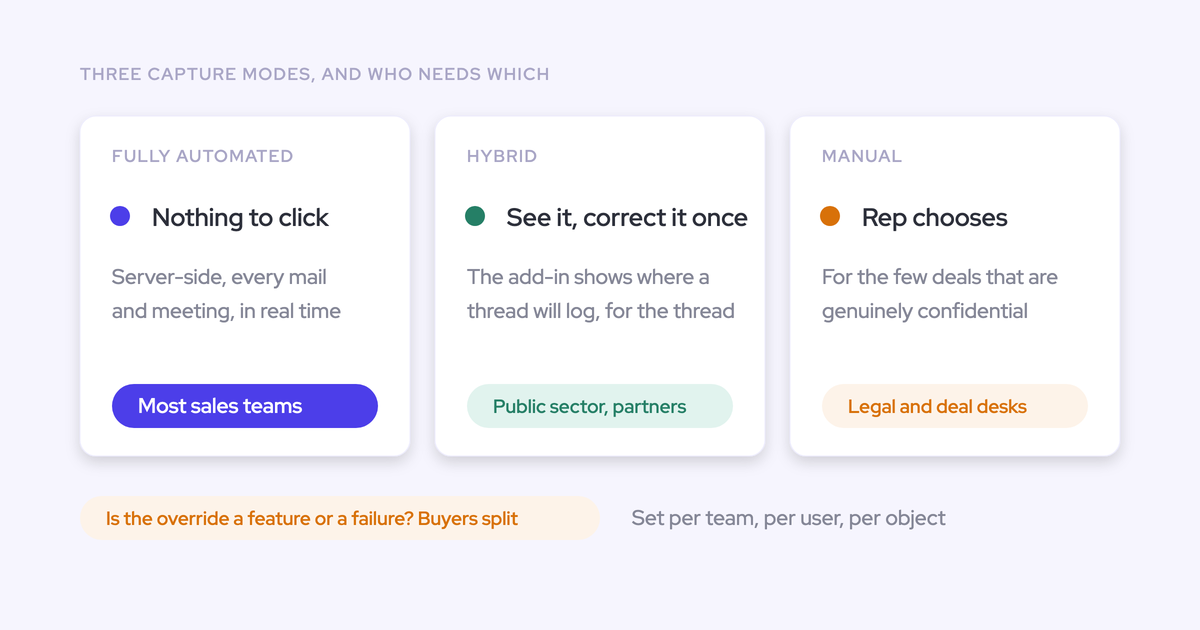
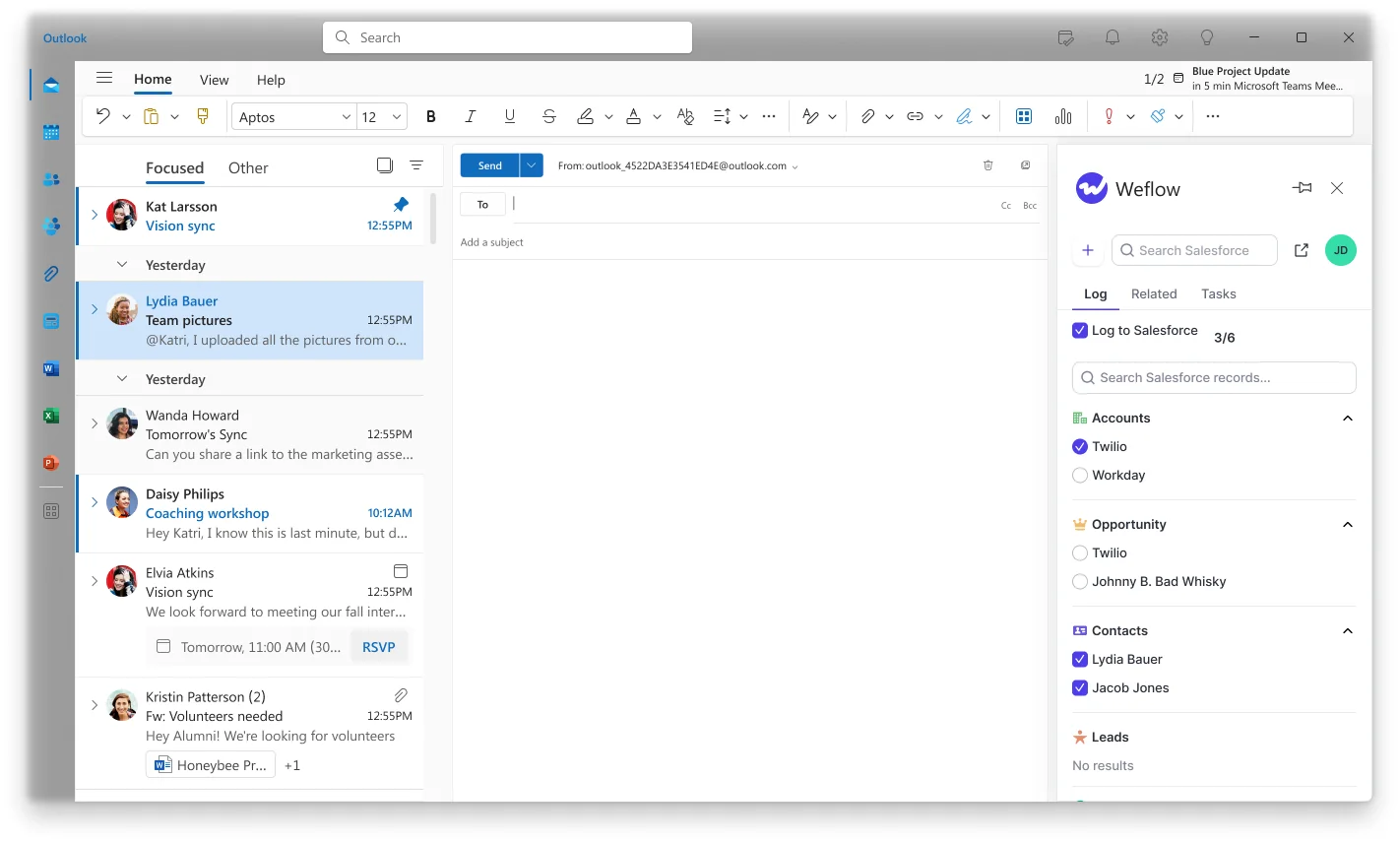
Automatic mapping first, with a rep-visible correction step. No server-side algorithm can decide between two open deals that share the same contacts, so Weflow's model is hybrid: capture stays automatic, and the rep can see and correct the mapping from the Outlook add-in or the browser extension. One caveat worth knowing: the first message in a thread sets the mapping for the whole thread, so a wrong first match pulls the conversation with it. If Weflow can't tie an email to an opportunity or a contact role, it logs to the account.
Does Weflow respect the duplicate rules we already run in Salesforce?
Yes. Weflow's deduplication layer sits on top of your duplicate rules rather than replacing them, and it only attaches contacts to accounts that already exist. Field updates respect validation rules, field dependencies, permissions and role hierarchy. Capture configuration is also per team, per user and per object, so a sales team and a CS team can log to different objects without one team's rules leaking into the other's.
What does consolidating capture do to our Salesforce API limits?
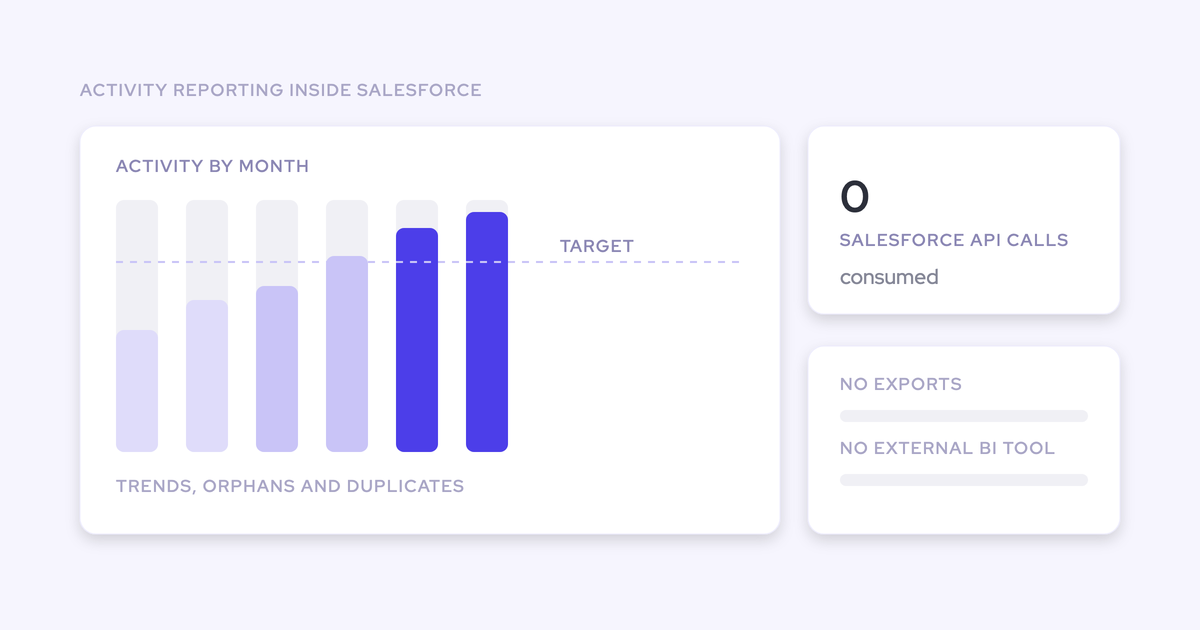
It usually helps, because the integrations you switch off stop consuming the org's daily allowance. Two design details matter here: the Weflow Analytics package runs natively inside Salesforce and consumes no Salesforce API calls, so activity reporting doesn't compete with your other integrations. And historical back-fill is opt-in and throttled over days or weeks precisely because pulling two years of mail is API-heavy.
Can we test Weflow in a Salesforce sandbox, and what does it cost?
Yes, a proof of concept in a sandbox is a normal evaluation format, alongside a 14-day free trial with implementation included at no cost. Activity capture proves out cleanly in that window because it acts on the emails and meetings already happening, and a sync-back can show months of real history on day one. Weflow Activity & Contact Capture is $19 per user per month billed annually, minimum ten users.
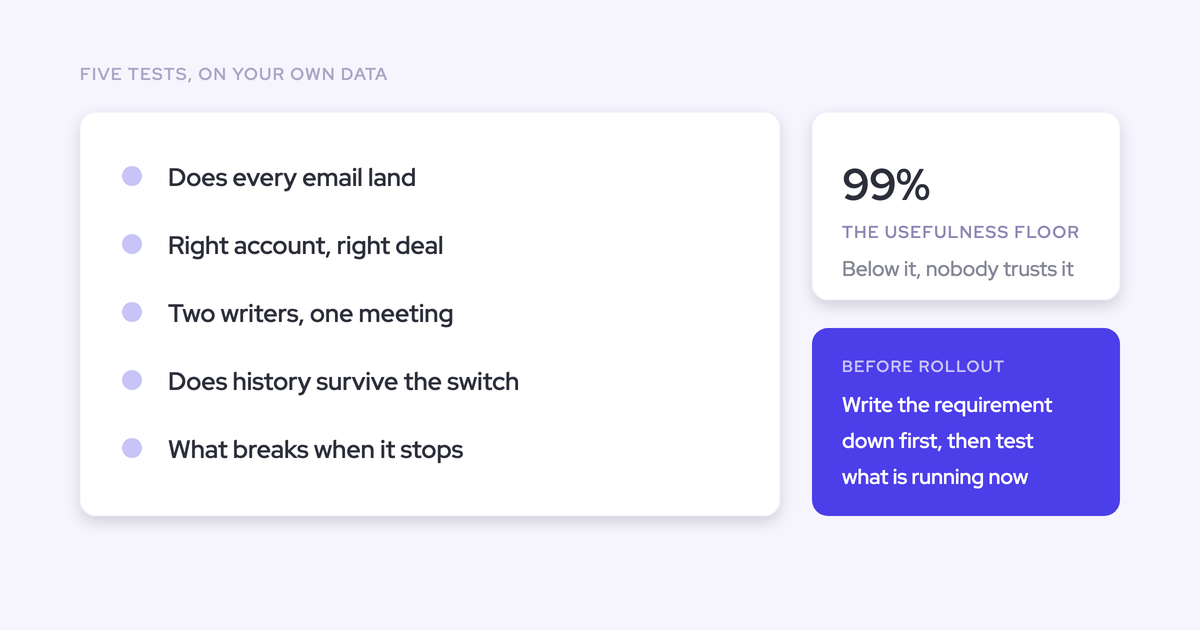
If you want to audit your own setup before you talk to anyone, start with the checklist: the free Salesforce Activity Capture Cheat Sheet walks through what each tool in your stack is writing, to which object, and what that breaks.