Why Reps Reject a Second System, and How Weflow's Activity Capture Avoids It
Learn why reps reject a second system and how Weflow avoids a separate AI workspace in Salesforce.



"Are we just moving from one CRM to another?" Some version of that question comes up on almost every activity capture evaluation we run, usually from the person who has already watched a tool get bought, licensed, and ignored. It isn't paranoia. It's the most predictive instinct in the room.
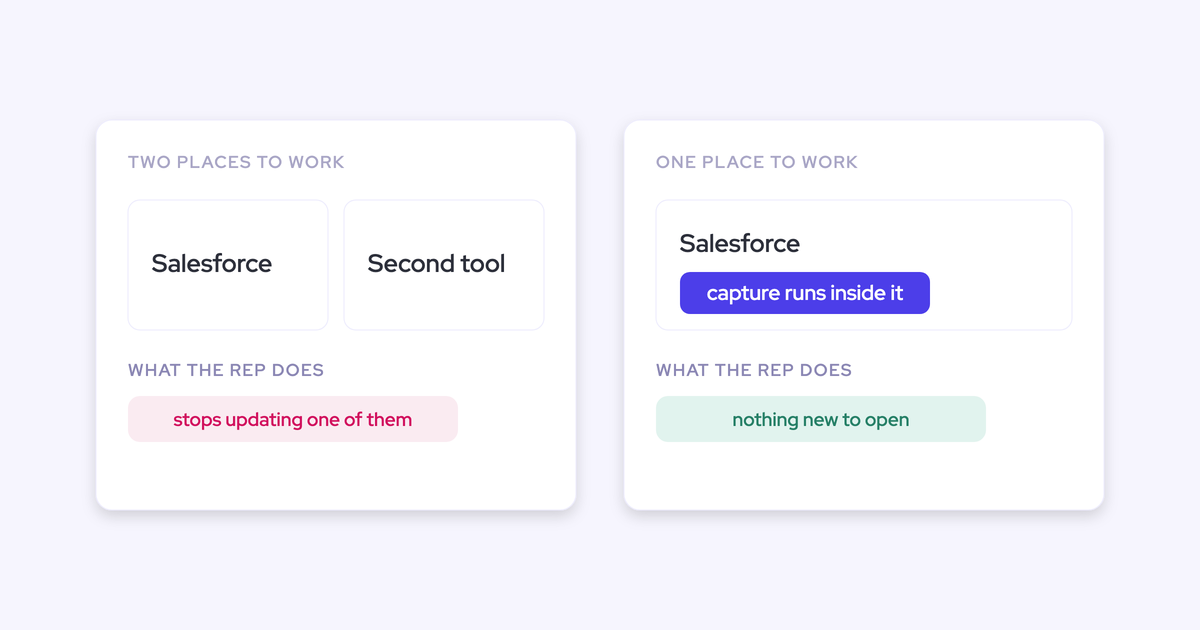
Give reps a second daily destination and they stop maintaining either one properly. So the whole decision collapses into a single question you can test structurally instead of taking on a vendor's word: where does the rep actually live during their day?
What follows is the architectural answer to that question, not an adoption promise: activity capture that asks the rep for nothing, no separate login, and data landing on the Salesforce record itself so deal hygiene stops depending on rep behavior. And the part most vendors skip: an itemized list of which users still work in a separate workspace, because some do.
What is the second-system problem in sales tools?
The second-system problem is what happens when a tool bought to fix CRM data becomes a second place reps have to work: reps abandon it, the company keeps paying for the licenses, and the CRM it was meant to improve keeps decaying.
The cost is that you lose the data twice.
The CRM stops being the system of record because the interesting stuff now lives elsewhere. And the new tool only ever gets used by the two or three people who happen to like it, so its data is partial too.
One RevOps leader in an active evaluation put it to us like this:
That's not a usability worry. It's a structural one, and it deserves a structural answer.
Why sales tools go unused next to Salesforce
Adoption failure isn't a training gap that opens six months in. It opens on day one, through three causes that have nothing to do with how good the tool is.
The chain is always the same. Reps sell and write to customers all day, so the CRM is what gets left. Someone buys a tool to close the gap. The tool asks the rep for a behavior. The behavior never happens.
Reps won't do the setup step
Any capture that depends on a rep doing something will not happen at scale. Not because reps are lazy, but because the ask competes with selling and loses every time.
The steps that kill adoption are always the small ones:
- Install a plugin or mail add-in
- Connect their own mailbox or calendar
- Authenticate individually against Salesforce
- Re-authenticate when that connection breaks
- Find the record and click log, per email
Per-user setup also degrades silently, which is the part that catches admins out. The Salesforce extension for Outlook and Gmail requires every user to authenticate with their own Salesforce account, that connection breaks, and users don't fix it.
Activity capture then fails one rep at a time with no central signal, and by the time the reporting looks wrong the missing activity is gone for good.
Manual logging has the same shape with worse math.
Logging a single email to a custom object can take four clicks, and a rep sending thirty or forty emails a week, which plenty send in a day, will not sustain that. In practice somewhere between a quarter and a half of activity reaches the CRM. The add-in flow is also built for outgoing mail, so the replies, the strongest evidence a deal is alive, are the part that goes missing.
A second interface competes with Salesforce as system of record
Where a vendor keeps the data decides where reps drift. If the tool holds its own copy behind its own interface, that interface is now competing with Salesforce for the rep's attention, and it usually wins on polish.
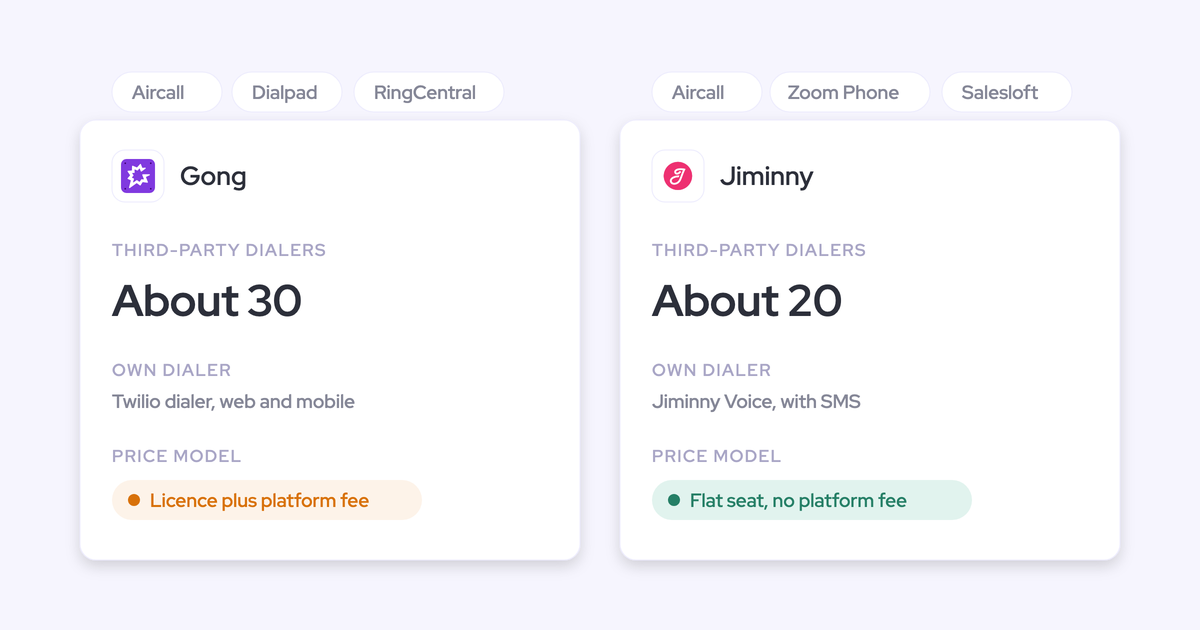
Gong is the clearest example, and worth crediting properly: its conversation intelligence and coaching are genuinely strong, and it does log activity to Salesforce, so activity logging alone isn't why teams leave.
The issue is deeper.
Gong maps captured calls and activity into its own Revenue Graph rather than writing them into your Salesforce, which means that data can't trigger a Salesforce Flow, can't be joined to the rest of your reporting, and doesn't stay with you if the contract ends.
Now you have two versions of the truth and only one of them is maintained. The moment a rep asks which one is real, adoption is over, whichever answer you give.
Top-down purchases with no internal owner never get adopted
A tool bought without the leaders of the teams who have to use it, and then run with nobody owning it, keeps every license and loses every user.
The pattern is familiar. A CEO decides the company needs AI, RevOps is told to go buy some, and the sales leaders meet the decision as an instruction.
The vendor is then still selling months after the contract is signed, this time to managers who had no say and may not want the visibility.
Years later the licenses are provisioned and reps still can't tell you what the thing does.
If it's just another thing on their plate, they're just gonna ignore it, and they will fight it.
— Janis Zech, Co-founder and CEO of Weflow
AI-native stacks raise the cost of a second system
A tool that stands outside your CRM used to be an annoyance. In an AI-native stack it's a liability, because every agent and assistant you build reads whatever data foundation you actually hold.
We're hearing this often when talking with prospects:
We are trying to move to a more AI-native internal stack. We are connecting AI into Salesforce, and this direction makes things standing outside the sales stack even a bigger issue than it has been historically.
If your conversation and activity data lives in a vendor's cloud, it is invisible to your Salesforce reports, your Flows, and anything you or your admin build on top. You're paying for intelligence your own AI can't reach.
Salesforce is making the same argument from the other side. Its Agentforce strategy is deliberately headless: agents get built once on the data foundation and surfaced wherever the seller already works, including Slack, Microsoft Teams, Outlook, ChatGPT and Claude.
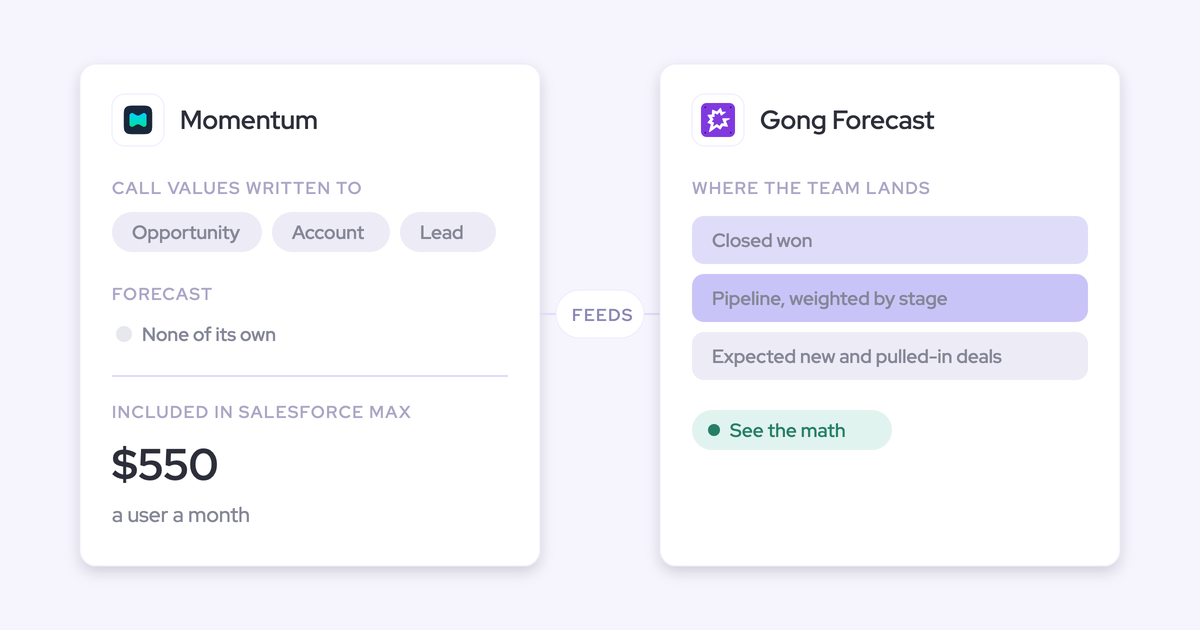
And after acquiring Momentum, Salesforce positions activty capture as the data foundation beneath Agentforce rather than as a recording product.
Read that as the platform owner conceding the surface argument. Nobody serious is betting on reps opening a new tab. The competition has moved to whose data foundation the agents run on, which is exactly why "does this tool stand outside Salesforce?" has become a bigger question than it was two years ago.
The same shift shows up in how RevOps leaders now arrive at evaluations. Several have already wired an AI assistant to their CRM and built a rough version of what they want, and they still land on the same constraint:
We could probably do it with Claude, but I'm just trying to think from a seller perspective. I want to give them as few UIs as possible.
The evaluation question: where does the rep live all day?
The single question that predicts adoption is where the rep lives during their day, and any answer that adds a second daily destination fails before the demo ends.
Make it a knockout, not a preference. Adoption promises and "it's really easy to use" are unfalsifiable, and you've already watched both fail. Three sub-questions turn the promise back into architecture:
- What does the rep have to do before capture starts working, and what do they have to keep doing every week?
- Where does the data land: your Salesforce objects, or the vendor's cloud with a link back?
- Who has to log in to get value, and with which identity?
Then ask for the list. Not a claim about being embeddable, an itemized list of which views run inside Salesforce and which exist only in the vendor's app. The gap between those two lists is the gap between a tool that gets used and shelfware you'll be defending at renewal.
One more test worth writing into the process: make the sellers see it before you choose it, in a day-in-the-life demo rather than a buying-committee demo. If reps can't recognize their own Tuesday in the demo, the rollout is already in trouble.
How Weflow keeps Salesforce the system of record
Weflow is the Revenue AI Orchestration platform for sales, customer success, and RevOps teams, built for Salesforce teams. Our answer to the question above is five structural facts, each of which an admin can verify in a trial rather than take on trust.
Server-side capture that asks the rep for nothing
Weflow captures emails, meetings and contacts server-side, through a Google Workspace admin app or a Microsoft Entra ID app that an admin installs once. There is nothing for the rep to switch on.
Provisioning runs off Salesforce itself. Weflow teams are built dynamically by manager, role or a field condition, and those teams drive product enrolment, so a rep who moves team in Salesforce moves in Weflow automatically. A user starts being captured the moment an admin adds them to a capture configuration, whether or not they have ever signed in.
What the rep never has to do:
- Install a plugin or connect a mailbox
- Authenticate their own mail account, or re-authenticate when it breaks
- Click log on an email or a meeting
- Sign in to Weflow at all, if capture is all they're on
Because it runs server-side, incoming mail is captured as well as outgoing. That's the half that proves a buyer is responding, and the half a rep-driven add-in structurally misses.

No separate login: access runs through Salesforce authentication
The only way into Weflow is your Salesforce authentication, using OAuth and whatever SSO your org already enforces, or Salesforce two-factor. Email and password login isn't supported.
There's no separate Weflow identity to create, no second password to be phished, and nothing extra for IT to deprovision. Deactivate a user in Salesforce and their Weflow access is gone immediately, which is what makes joiners and leavers a non-event instead of a weekly admin chore.
Captured data lands in native Salesforce objects
Weflow writes captured activity into native Salesforce objects, and conversation data lands as Salesforce records carrying the summary and the full transcript. It's your data, in your CRM, on the objects your reports and Flows already read.
| Question | Vendor-cloud model | Weflow's native-object model |
| Where activity and conversation data is stored | The vendor's own data layer, mirrored or linked back to Salesforce | Native Salesforce objects in your org |
| What can report on it | The vendor's dashboards, plus whatever you export | Salesforce reports, your BI tool, your warehouse |
| What can automate on it | The vendor's workflows | Salesforce Flows and automations, reading the records directly |
| What your own AI agents can reach | Whatever the vendor exposes | The same records everything else in your org reads |
| What happens if the contract ends | The history leaves with the vendor | The records stay in your Salesforce |
This is the difference Einstein Activity Capture teams feel most sharply. EAC activity shows in the timeline and isn't stored in the core Salesforce database, so you get one canned report you can't customize, no reporting of your own, and nothing to export into Looker, Tableau or Power BI.
Weflow's Analytics package goes the other way: it gives you activity reports natively inside Salesforce as a Salesforce app, and it consumes no Salesforce API calls, so activity reporting doesn't compete with every other integration for your daily allowance.
Insights surface on the Salesforce record, not a new tab
The rep-facing surfaces come to the rep. The Weflow Activity Timeline is a Lightning component an admin drags onto any Account, Opportunity, Contact or Lead page, showing next meeting, last meeting and last email at a glance, an activity trend line, email threads grouped by conversation, and summaries of recorded calls.
It's built to replace the standard Salesforce activity timeline rather than sit beside it. Six emails in a thread read as one conversation instead of six rows nobody opens.
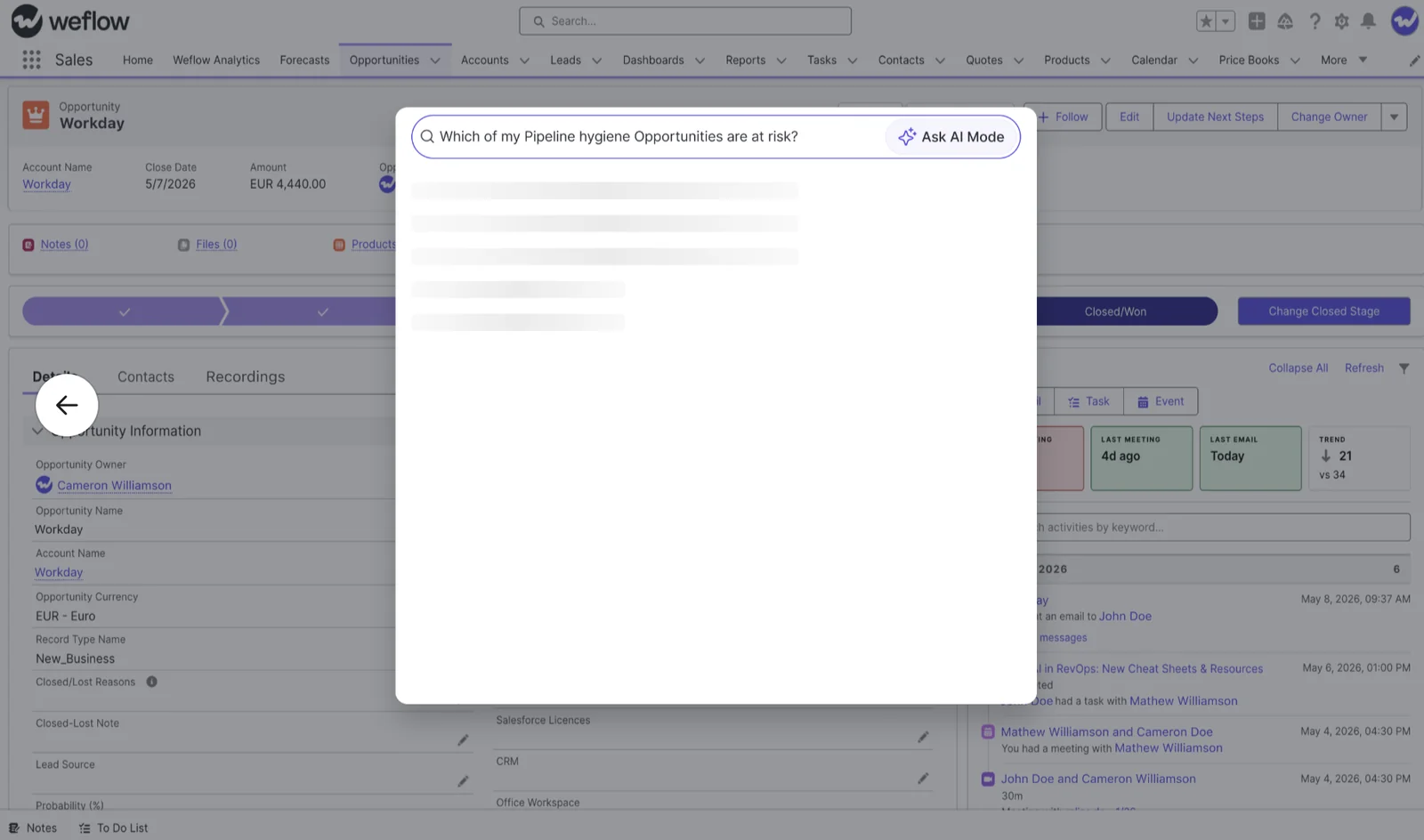
Ask Weflow AI runs in the Weflow Chrome extension, which makes it available on Salesforce record pages, so a rep can ask a question about the deal they're looking at without leaving the CRM.
Automatic capture with rep-visible mapping control
Fully automatic mapping breaks on accounts with several open deals, and any vendor who tells you otherwise hasn't met your data. Salesforce lets an activity relate to an opportunity or an account, not both, so when a tool can't determine the opportunity it falls back to the account. No error, no warning: the account timeline looks healthy and the deal looks dormant.
One bad mapping costs the credibility of the whole thing. A rep opens the opportunity before a review, sees none of their own emails, and concludes the tool is broken.
Weflow's model is hybrid. An admin-configured mapping algorithm does the work automatically, and the rep can see and correct which Salesforce record an activity mapped to, from the Chrome extension or the Outlook add-in, right next to the email or meeting. That's control without a logging chore, and it's what makes activity data trustworthy at the opportunity level.
Weflow's Activity Capture Health view, inside Salesforce, flags the conditions that break mapping in the first place: duplicate accounts, duplicate contacts, non-converted leads, and accounts sharing the same website domain.
Which Weflow views run inside Salesforce, and which don't
The no-second-system claim is scoped, and here's the honest scope: capture and the rep-facing views live on the Salesforce record, while forecasting, deal management and the richer analytics live in the Weflow workspace.
| Surface | Where it runs |
| Captured emails, meetings and contacts | Native Salesforce records on the account, contact and opportunity |
| Call summaries and full transcripts | Written to Salesforce records, readable on the record page |
| AI-written fields (next steps, MEDDIC and similar) | The Salesforce fields your team already reports on |
| Activity Timeline | Lightning component on the Salesforce record page |
| Activity reporting (Weflow Analytics) | A Salesforce app inside your org, using no Salesforce API calls |
| Ask Weflow AI | Salesforce record pages via the Weflow Chrome extension, and in the Weflow workspace |
| Correcting an activity's record mapping | Chrome extension and Outlook add-in, next to the email or meeting |
| Recording library, coaching scorecards, conversation insights | Weflow workspace |
| Pipeline management grids and Kanban views | Weflow workspace |
| Deal signals, warnings and pipeline analytics | Weflow workspace |
| Forecast submissions, roll-ups and accuracy tracking | Weflow workspace |
| Admin configuration: capture settings, AI templates, teams | Weflow admin console |
That split is deliberate, and it puts the second screen where it's survivable. Reps, the group that reliably rejects a second destination, stay on the Salesforce side of the line: they're captured without signing in, and what they get back appears on the record.
Managers and forecast submitters do work in the Weflow workspace. In our experience they accept it, because a roll-up motion and a deal grid are jobs Salesforce doesn't do well and they're doing that work in a spreadsheet today anyway.
If your requirement is that every user, managers included, operates end to end inside Salesforce Lightning, we don't meet it today. Better you know that now than in month four.
Rolling out activity capture without repeating the adoption failure
Architecture removes the rep-behavior risk. The rollout has to remove the organizational risk, and that means sequencing by data foundation rather than switching everything on at once.
- Activity & Contact Capture first. It asks nothing of reps, starts working the day an admin enables it, and everything downstream depends on it. Technical setup runs 30 to 45 minutes with a Salesforce admin and your Google Workspace or Microsoft admin.
- Conversation Intelligence second. This is the wave reps actually like: summaries, follow-up emails, fields filled from the call instead of typed after it.
- Deal Intelligence third. Deal signals only mean something once activity is attached to the right opportunities, which wave one fixes.
- Forecasting last. A forecast isn't a tool topic, it's an operating cadence encoded in software, so it needs sales leadership in the room and a cycle of clean data behind it.
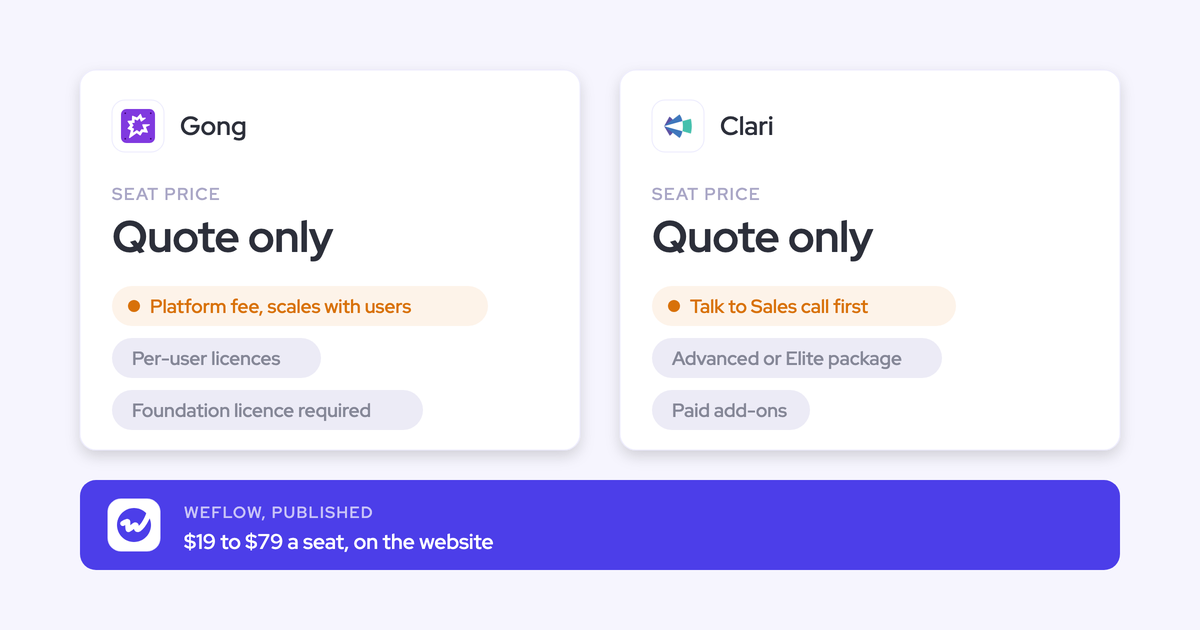
Two things to watch. Call recording lives in Conversation Intelligence, not in capture, and buyers who take capture alone and expect recordings find out in week one. That's why the Revenue AI Foundation bundle pairs the two at $49 per user per month, against $19 for Activity & Contact Capture and $39 for Conversation Intelligence bought standalone.
The phased order also keeps the first bill small. You can expand into Deal Intelligence & Forecasting later for roughly $10 more per user per month rather than opening a fresh procurement cycle: Revenue AI Business is $59 and Revenue AI Enterprise, with forecasting, is $79. All annual, ten users minimum.
Then the organizational half, which no architecture fixes for you:
- Name the internal owner before the contract, not after go-live. The tools that die are the ones nobody owns.
- Put the sellers in front of it before you choose, in a day-in-the-life demo, so managers aren't handed a decision they had no part in.
- If two weeks can't prove it, take the three-month paid pilot: contractually the first three months of a multi-year agreement with an opt-out at the end, so you get a real exit and a small bill instead of an unpaid proof of concept nobody can justify.
See how Weflow captures activity, updates Salesforce fields from calls, and rolls up your forecast. Book a 30-minute demo.
FAQ: Salesforce-native capture and rep adoption
Who needs a paid Weflow seat, and who is captured without one?
Users who are only on Activity & Contact Capture need no Weflow seat and no interface. An admin adds them to a capture configuration and their emails, meetings and contacts start landing in Salesforce, whether they ever sign in or not.
Signing in is only needed to see the insights. View-only licenses are unlimited and included, so stakeholders who want to read recordings, summaries and analytics don't consume a paid seat either.
Does Weflow respect Salesforce field-level security and permission sets?
Yes. Access runs through your Salesforce authentication, and writes respect your validation rules, field dependencies, permissions and role hierarchy.
Weflow also doesn't impose a data model on you. Data lands in your own standard and custom objects and fields, so your existing record types and reporting keep working. The managed package footprint is deliberately small: one custom object and three custom fields.
One limit worth knowing: AI field writes support every Salesforce field type except lookup relationships.
Does AI field writing overwrite what a rep already typed?
You decide per template, and the safe default is review. Weflow shows the AI-suggested value side by side with the current CRM value, and an admin can run a field in manual review mode or fully automatic.
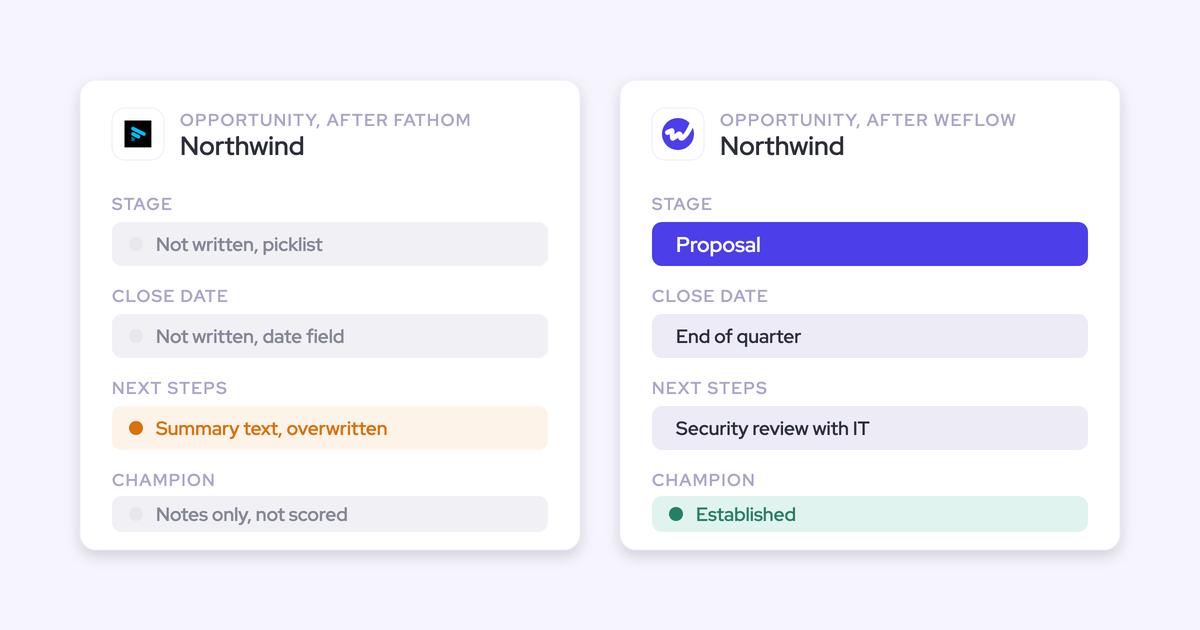
Our advice for the fields reps actually maintain by hand, like the qualification notes a manager reads in a deal review, is to start on review. Once a rep watches their own paragraph disappear, they stop maintaining the field at all, and then you own an automated field nobody corrects and nobody believes.
Will Weflow create duplicate contacts or activities in Salesforce?
The model is one activity per real-world event. A recorded meeting is not a second meeting, so the AI summary attaches to the same meeting activity rather than creating a parallel record, which is exactly how notetaker-plus-capture stacks inflate meeting counts per rep.
Contact creation is scoped to accounts that already exist, with internal domains, free mail domains and test accounts excluded, so you capture the stakeholder a buyer forwards onto a thread without filling the CRM with webinar addresses.
If another tool is also syncing, configure for it rather than hoping. Einstein Activity Capture set to sync events in both directions creates a loop that duplicates every event once a second capture tool writes to Salesforce; setting it to one direction, calendar into Salesforce, resolves it. And never run two full capture engines at once. That's the failure mode, not coexistence itself.
Does Weflow capture phone and VoIP calls?
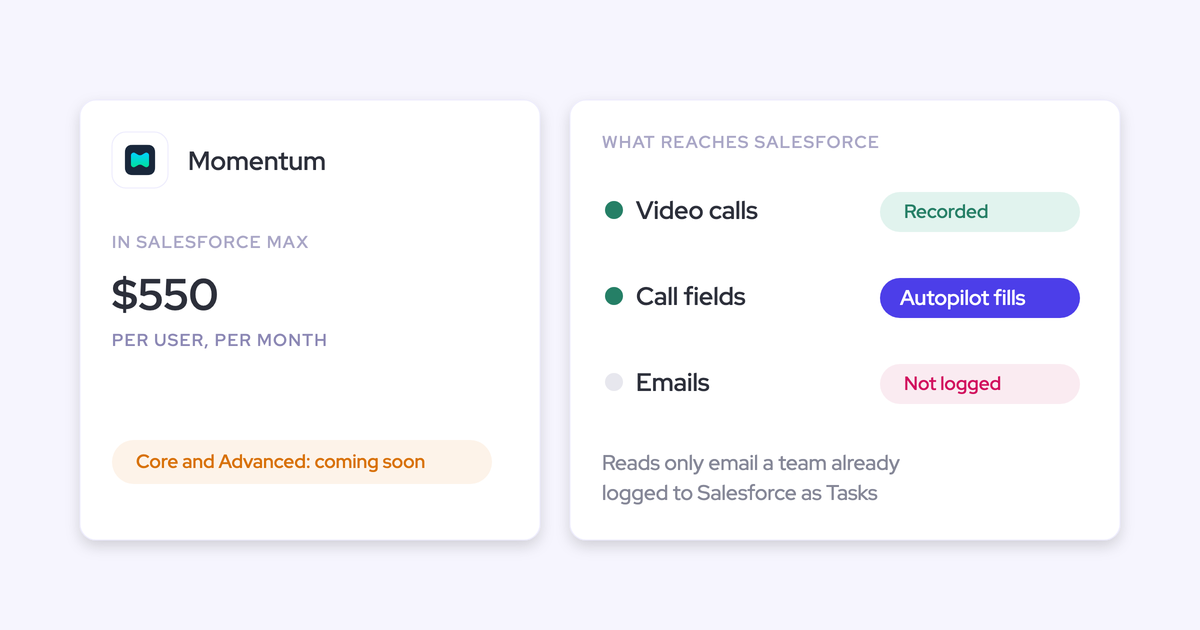
No. VoIP and phone call capture is a gap today, Zoom Phone is on the roadmap and not available yet, and SMS isn't supported. If a large share of your customer conversations happen on the phone, weigh that honestly in the evaluation.
What is covered: Zoom, Microsoft Teams and Google Meet, plus in-person meetings through Mobile Copilot, which matters for field teams whose selling happens on site.
Will Weflow consume our Salesforce API call limits?
Your org has one daily API allowance shared by every connected system, and when one integration eats it, unrelated tools break in different ways on the same afternoon. It's a fair question to gate a rollout on.
Two specifics. Activity reporting through Weflow's Analytics package runs natively in Salesforce and consumes no Salesforce API calls, so the reporting layer isn't competing for budget. The operation that is bounded by your allowance is historical sync-back, which is why it runs as a scheduled backfill rather than continuously.
What happens to history from the tool we're leaving?
Recordings and transcripts get imported from your incumbent conversation intelligence platform through its API, at no extra cost, in roughly one to two weeks depending on volume. Because they land in your own CRM, they stay searchable by Weflow's AI afterwards, so a question about how an objection was handled last quarter still answers after the move.
For email and meetings, historical sync-back covers the previous 12 to 24 months and takes three to four days, limited by the Salesforce API calls you have available. Users need to be in the capture configuration first, and a license isn't required for it, so you can backfill a test group and check the data quality before you buy the wider rollout.