Weflow vs Salesforce Momentum: What Actually Reaches Salesforce as Activity Data
Learn what Weflow vs Salesforce Momentum actually writes to Salesforce as activity data.


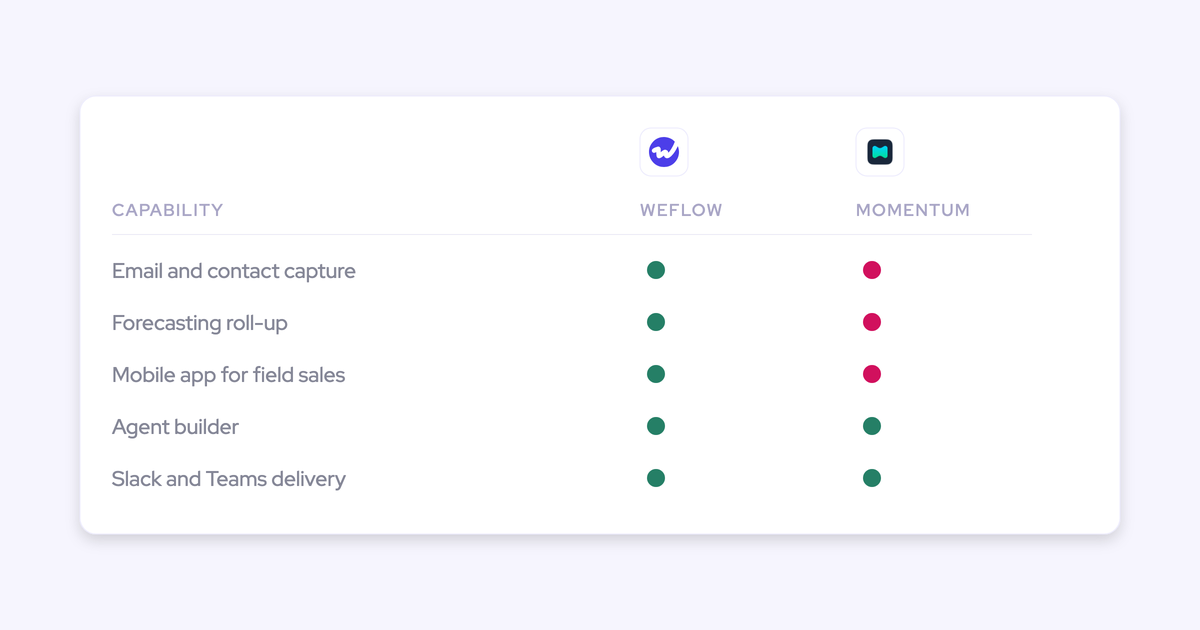

Salesforce has named Momentum the future of call recording and activity capture inside Salesforce. No migration path, no end-of-life date for Einstein Activity Capture or Einstein Conversation Insights, no stated pricing consequence, and no way to buy Momentum on its own. If you standardized on the native path because it was included and simple, the ground just moved under you.
So the evaluation in front of you isn't really Weflow against another vendor. Momentum is sold inside Agentforce packaging, which makes this the Weflow-versus-Agentforce decision with a capture layer attached.
This comparison judges both products on one test: not what each tool ingests and analyzes, but what lands in Salesforce as an activity record you own and can report on. Weflow is the Revenue AI Orchestration platform for sales, customer success, and RevOps teams, built for Salesforce teams, and its activity and contact capture writes emails, meetings, and contacts into native Salesforce objects. Momentum's real strengths get credited before the divergences, because you'll test both anyway.
Weflow vs Salesforce Momentum at a glance
The two products diverge structurally, not on the feature grid. Here's where, with specifics in every cell.
| Dimension | Salesforce Momentum | Weflow |
|---|---|---|
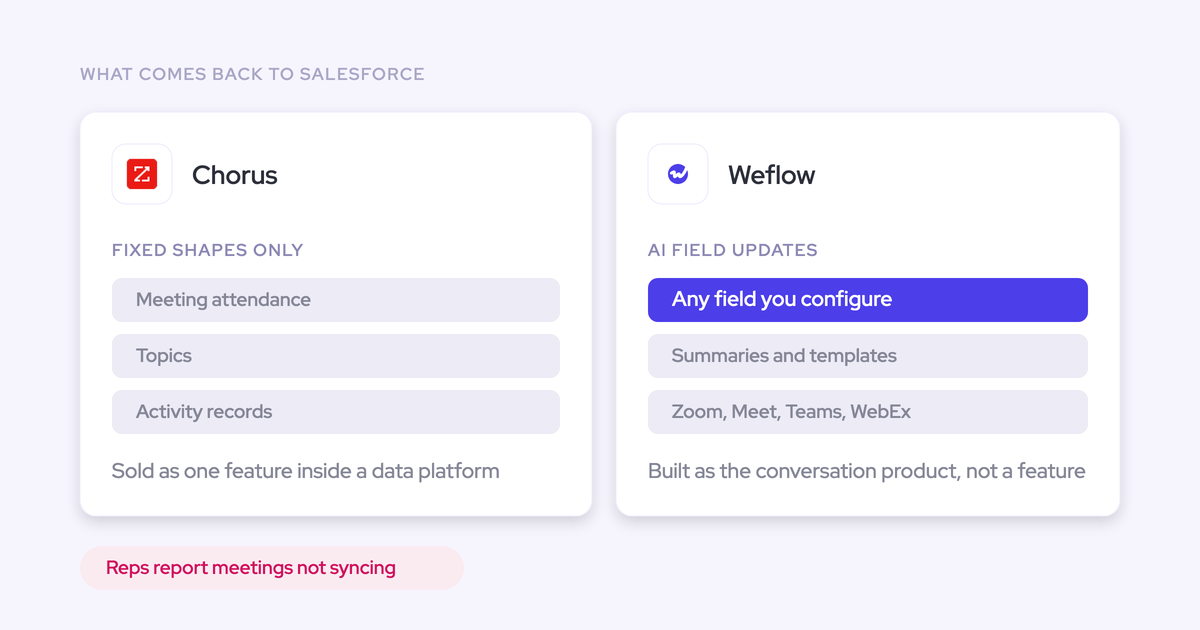
| What reaches Salesforce as activity records | Calendar events sync to Salesforce. Email threads and the contacts inside them do not arrive as activity records, and there's no Outlook add-in or Google extension. | Emails, meetings, and contacts auto-captured from Outlook or Google into native Salesforce objects (EmailMessage, Event), with contacts auto-created and opportunity contact roles auto-set. |
| Opportunity mapping and correction | Picks the open opportunity carrying the most opportunity contact roles among external attendees, ties break on LastActivityDate, falls back to the account by email domain. No rep correction described. | Automated mapping plus a rep-facing browser and Outlook extension where reps see and change which record an activity landed on. |
| Methodology field writes | MEDDPICC and SPICED elements each into their own Salesforce field, plus Three Whys, next best action, last meeting summary, and custom fields. Can append with a timestamp instead of overwriting. | AI field updates into any Salesforce field except lookup relationships, with 250+ prebuilt prompts across MEDDIC, MEDDPICC, SPICED, BANT, Challenger, SPIN, and Command of the Message. Respects validation rules, permissions, and role hierarchy. |
| Telephony, SMS, Slack delivery | Ingests telephony, email, and SMS. Auto-cuts 10 to 15 second clips into Slack channels grouped as walls (wall of love, competitor mentions, product feedback). | No VoIP or phone capture, no SMS capture. Slack carries meeting summaries, forecast call reminders, and Agent Builder reports. |
| Forecasting | None. | Roll-up with rep baseline and best-case submissions, manager overrides, versioned changes, AI prediction, quota settings, and forecast accuracy tracking. |
| Cloud coverage and mobile | Sales Cloud only. Service Cloud and the Salesforce Voice integration are still being built. No mobile app. | Covers pre-sale and post-sale conversations on Salesforce. Mobile Copilot records in-person meetings, Android live, iOS launching mid-April 2026. |
| How you buy it | Only through Salesforce packaging: inside the Agentforce 1 Sales Edition bundle or as an add-on to Agentforce for Sales. No standalone route. | Published seat prices: Activity & Contact Capture $19, Conversation Intelligence $39, Deal Intelligence & Forecasting $39, bundles at $49, $59, and $79 per user per month, annual, 10-user minimum. |
Why Salesforce teams are comparing Momentum and Weflow now
This comparison exists because of one answer in a webinar Q&A. Asked what the Momentum acquisition means for Einstein Activity Capture and Einstein Conversation Insights, Momentum replied in writing:
Nothing followed. No migration path, no end-of-life date, no pricing consequence. The same webinar opened with the standard forward-looking-statements disclaimer telling the audience to buy on what's in market today.
That changes what "native" means for you. It used to mean the capture engine already switched on in your org, included with your edition. Now it means a separately packaged product sold with Agentforce, with a different scope and a different buyer.
And that's why teams who never had to run a capture evaluation are running one:
We're in a sales cycle with Momentum as a tool that we would use to just populate data against Salesforce fields and write to Slack for having a human in the loop approval of changes to Salesforce records.
Nobody in that position is choosing between two notetakers. They're deciding whether their data foundation runs through the Agentforce contract or through a platform they buy on its own terms.
The two meanings of "capture" in this comparison
Both products say "capture" and mean different things, and the difference is where your activity reporting lives or dies.
One meaning is ingestion: pulling a conversation in so a model can read it and act on it. The other is the write: creating a record in Salesforce, on the right object, related to the right account or opportunity, that your reports, flows, and agents can query afterwards.
A tool can be excellent at the first and thin on the second. Keep the two apart while you evaluate and most of this comparison resolves itself.
What Momentum ingests to analyze, and what reaches Salesforce
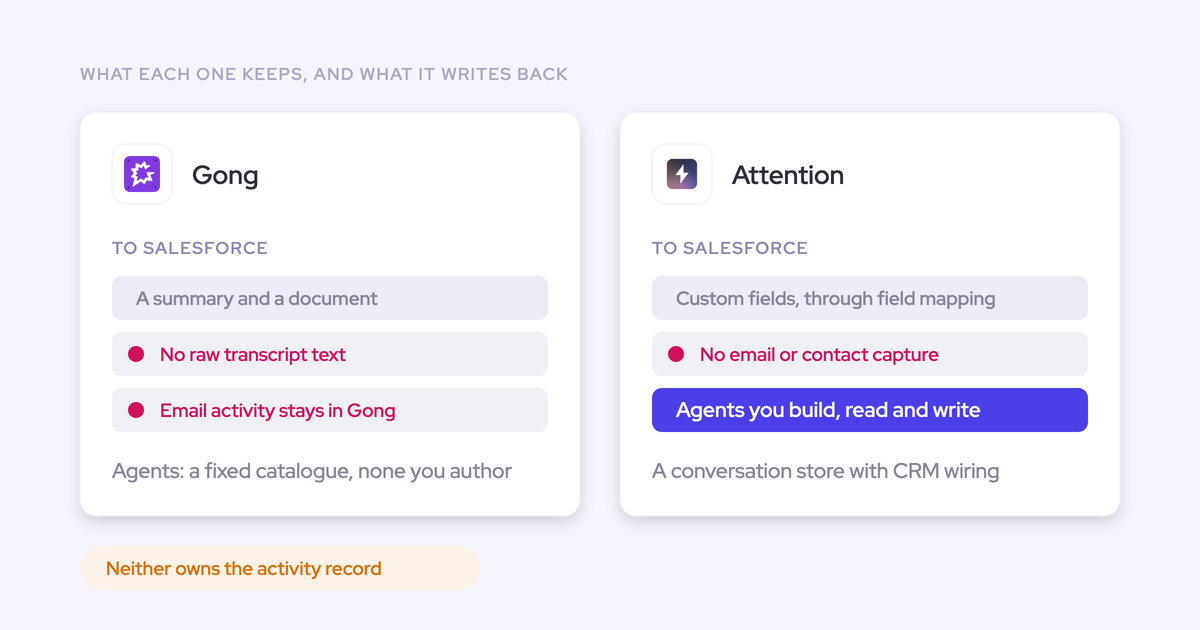
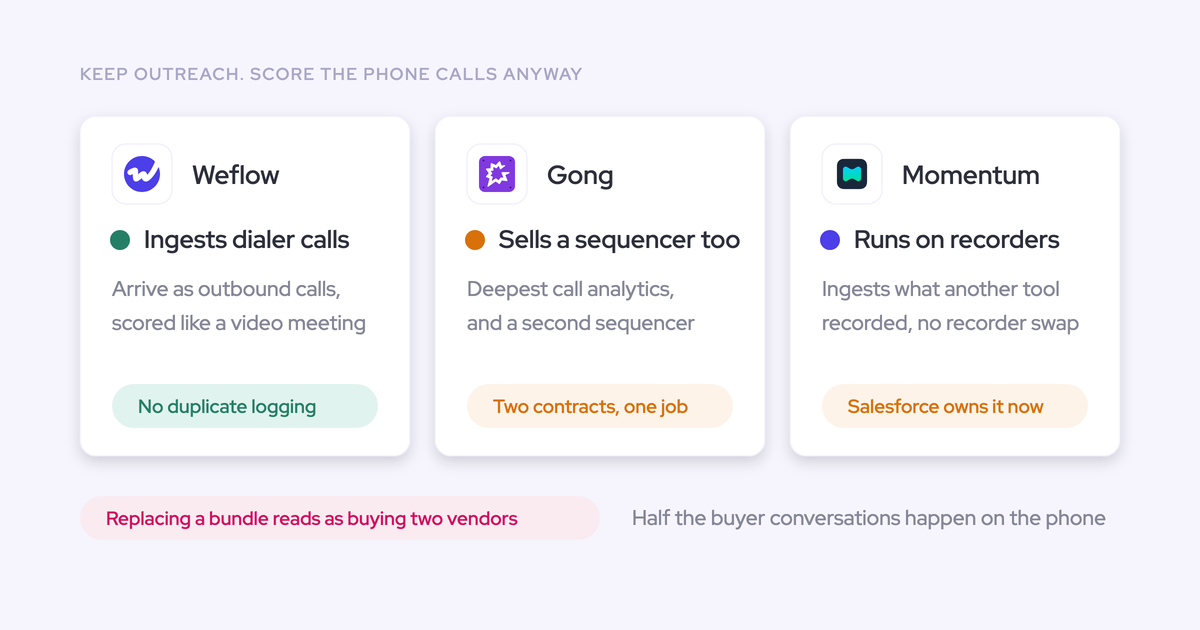
Momentum's ingestion is broad, and that breadth is genuine. It records natively on Zoom, Microsoft Teams, and Google Meet, sends a bot into platforms it has no native integration with such as GoToMeeting, and pulls in telephony, email, and SMS. It will also sit on top of a recorder you already own, ingesting transcripts from Gong, Clari Copilot, or Avoma instead of replacing them. That was its original shape.
What reaches Salesforce is narrower:
- Ingested to analyze: video calls across platforms, telephony, SMS, email content, and third-party transcripts from an incumbent recorder.
- Written into Salesforce: calendar events, plus structured field writes onto the opportunity drawn from calls, emails, and dials.
- Not written as activity records: email threads and the contacts inside them. There's no Outlook add-in or Google extension for advanced mapping either.
So the record shows a meeting happened and a set of qualification fields got filled. The email conversation around the deal, and the people on it, aren't there as queryable activity. If your full-funnel reporting, capacity analysis, or deal-level activity counts run on emails, that gap is the whole evaluation.
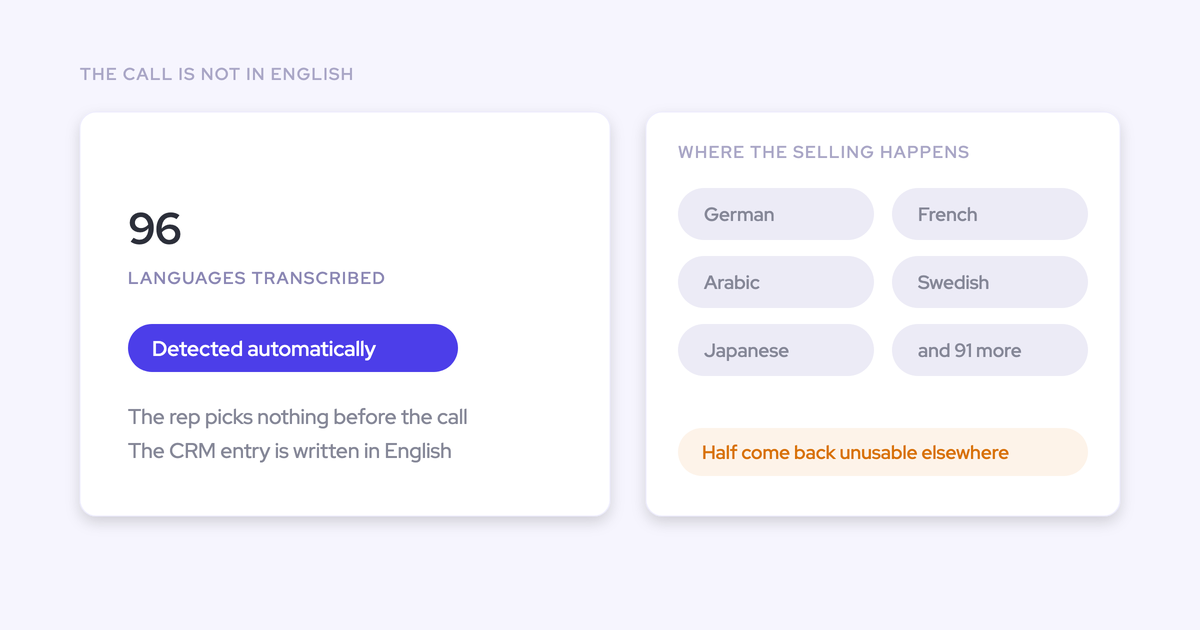
One more dependency worth knowing: Momentum's 100-plus language support applies when its own recorder is the source. Layer it on an incumbent recorder and you inherit that recorder's transcription quality.
How Weflow writes emails, meetings, and contacts into Salesforce
Weflow auto-captures emails, meetings, and contacts from Outlook or Google Workspace and writes them into native Salesforce objects the customer owns. Emails land on the EmailMessage object, meetings on the Event object, not dumped into tasks, which is what preserves direction and lets you calculate reply rate and email velocity per opportunity.
Conversation data lands the same way.
Weflow writes it into two native Salesforce objects, a recording object holding the summary and full transcript, and an indexing object. That makes the transcript reportable, permissioned, and queryable next to everything else in the CRM, and it stays in your org when the subscription ends.
This is the structural point a RevOps leader on EAC already understands from the wrong side:
Biggest challenge with Einstein Activity Capture is that the activities are not stored as records in Salesforce but on a different Hyperforce server, which basically streams it into the activity timeline, which means you cannot query it, so you cannot use it for flows. You cannot report on it outside of the standard, say, like, basically, the activity reporting that Salesforce provides, and you cannot export the data.
— Janis Zech, CEO and Co-founder, Weflow
Capture runs server-side, so no rep presses anything. Reps who want control get a Chrome extension and an Outlook add-in on top. And because the Weflow Analytics package puts activity reporting inside Salesforce without consuming Salesforce API calls, the reporting can run continuously instead of competing with every other integration for your daily allowance.
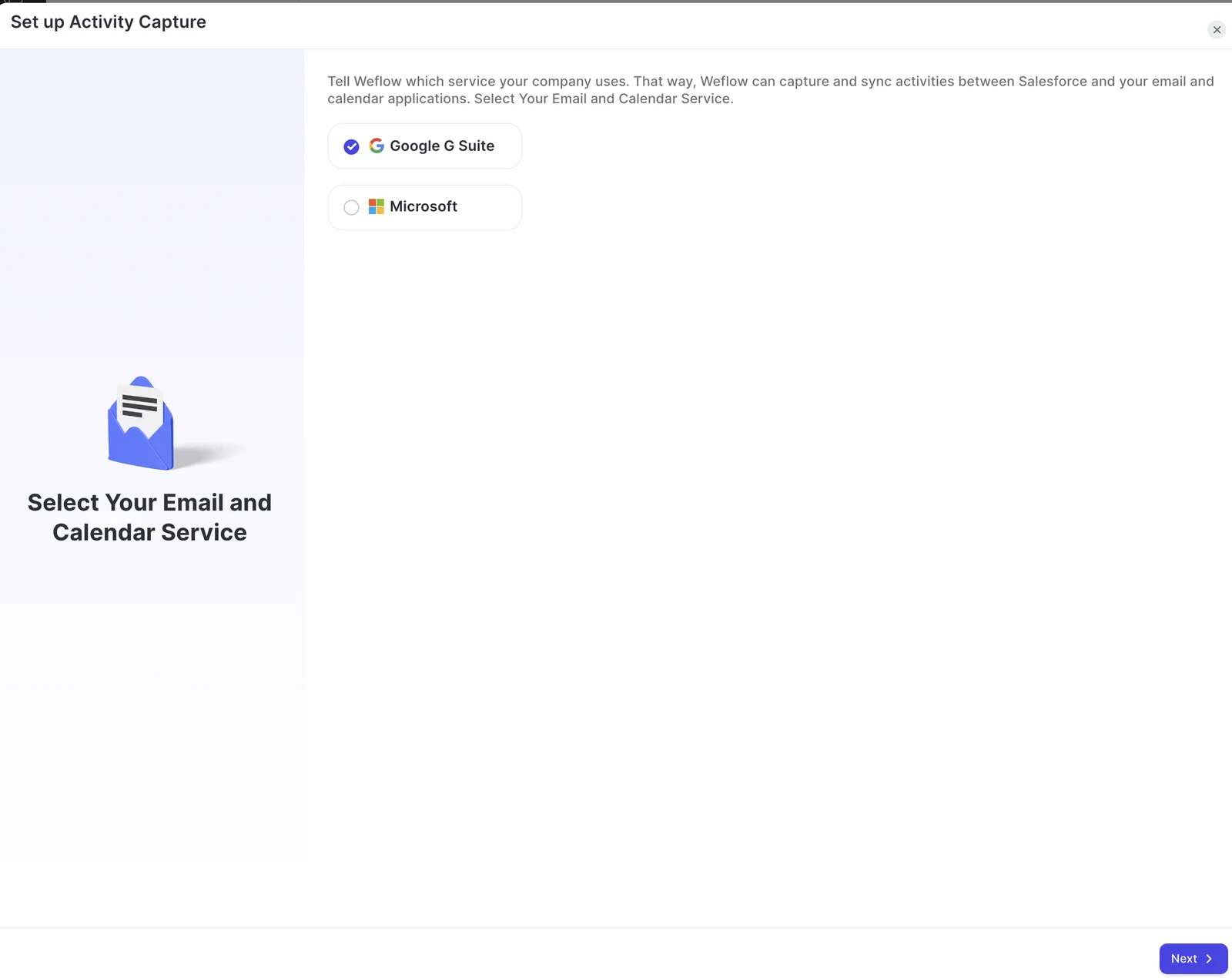
Weflow Activity & Contact Capture setup: connecting Google Workspace or Microsoft.
Where Momentum is genuinely the stronger choice
Momentum is not a thin product, and pretending otherwise would waste your time. Its agent builder is at parity with Weflow's: multi-step workflows built in minutes, agents that research, analyze, and act. So agents won't separate these two. Three things genuinely might.
Slack delivery: auto-cut clips and competitor walls
Momentum's Slack delivery is better than Weflow's today. It cuts 10 to 15 second clips out of recorded calls automatically and posts them into channels grouped as walls: a wall of love, a wall of competitor mentions, a wall of product feedback, each with the account name and the quote attached.
Nobody selects the moment. If your leadership consumes voice of the customer as a feed in Slack, that mechanism is ahead of Weflow's meeting summaries and forecast reminders. A competitor named on a call reaches the whole leadership team the same day.
Telephony and SMS
Momentum ingests telephony and SMS. Weflow does not capture VoIP or phone calls today, and does not capture SMS at all. That's a real gap, and a phone-heavy motion is a real argument for Momentum.
The context, not the excuse: telephony providers like RingCentral, 8x8, and Aircall ship their own Salesforce integrations, so dialed calls usually reach Salesforce through the dialer rather than through a capture layer. That's why capture work in Salesforce concentrates on emails and meetings, where nobody owns it by default. If your reps sell mostly by phone and text, weigh Momentum seriously.
How each tool maps activity to the right opportunity
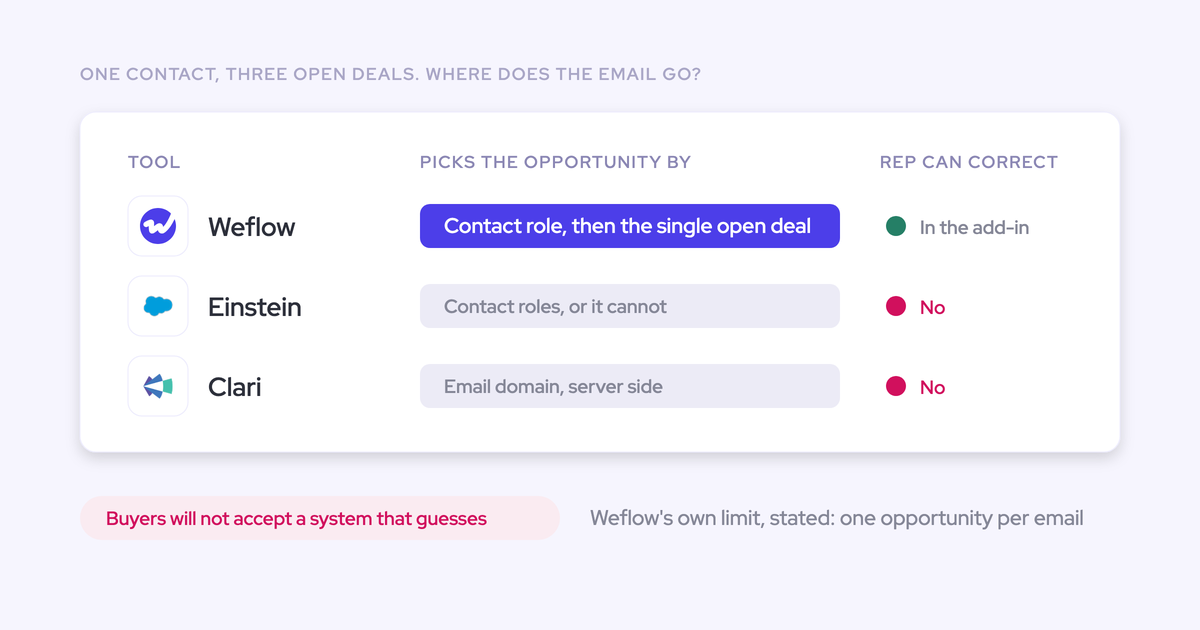
You already know where EAC breaks: the moment an account carries more than one open opportunity, activity lands on the account or on the wrong deal, and nothing tells you it happened. Salesforce lets an activity relate to an opportunity or an account, not both, so every capture tool falls back silently. The account timeline looks healthy while the deal looks dormant.
Momentum's chain rests on opportunity contact roles, which is the same dependency that broke EAC for you. Where roles aren't maintained, every open opportunity scores zero and the tie-break becomes whichever record was touched most recently, which is the record a rep updated last rather than the one the meeting was about.
Weflow keeps capture automatic and puts a correction step in front of the write. Reps see which Salesforce record an activity mapped to in the browser extension or Outlook add-in and change it when it's wrong, which is what makes the data trustworthy on the deal rather than merely present.
| Salesforce Momentum | Weflow | |
|---|---|---|
| Mapping signal | Matches external attendee emails to Salesforce contacts, derives the account, then picks the open opportunity with the most opportunity contact roles among attendees. | Admin-configured mapping across emails, meetings, and contacts, with custom rules for internal domains, partner accounts, and test accounts. |
| Fallback behavior | Ties break on LastActivityDate. With no open opportunity, the call lands on the account by email domain and never reaches a deal. | Ambiguous cases fall back to the account, and Activity Capture Health flags the patterns that cause it: duplicate accounts, accounts sharing a website domain, non-converted leads, misconfigured capture settings. |
| Correction path | Nothing described for a rep correcting a wrong match after the fact. | Reps re-map from the extension or Outlook add-in. Any email or meeting that failed to sync can be recovered and pushed into Salesforce later, a week or a month on. |
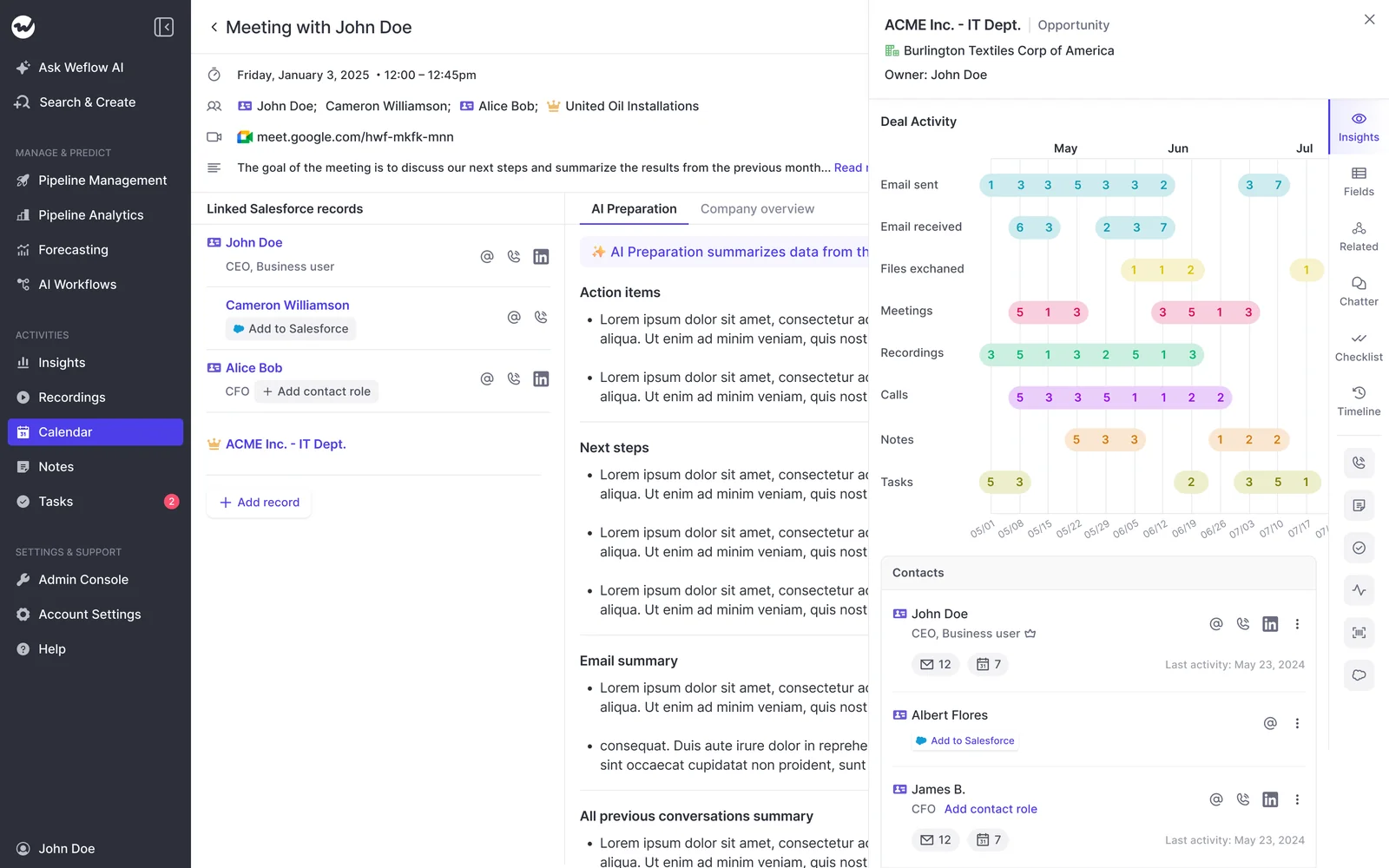
Deal activity and contacts on the opportunity, with Salesforce sync status per contact.
Forecasting, mobile, and Service Cloud: the scope divergence
This isn't capture against capture. One product is a conversation and orchestration layer for Sales Cloud. The other covers capture, conversation intelligence, and forecasting across the customer lifecycle. Three places where that shows up in your budget.
Forecasting: Momentum has none, Weflow runs the roll-up
Momentum does no forecasting. Buy it and you still need a forecasting tool, which for most teams means keeping Clari or the spreadsheet.
Weflow's forecasting is a roll-up motion, not a dashboard. Each rep submits a baseline and a best case, either as a number or by selecting the specific opportunities behind each figure, with a comment. Every submission is versioned, managers can override, and deadlines lock the field.
Two details decide enterprise evaluations. Each Salesforce opportunity record type, New Business, Renewal, Existing Business, Partner, keeps its own stage path, forecast category mapping, and independent roll-up, so new logo and expansion don't get forced into one pipeline shape. And an AI prediction runs alongside the team's number rather than replacing it.
Honest limit: a forecast setup places the full opportunity amount into the single period its chosen date field falls into. If you recognize revenue across quarters, Weflow won't split one deal across them.
Sales Cloud only: post-sale conversations stay uncovered
Momentum works with Sales Cloud only today. Support for other Salesforce clouds including Service Cloud is under development, and the Salesforce Voice integration is still being built.
Interesting tension: Momentum's own usage extends well past sales, into support, customer success, and renewals, and one of its largest customers is heavier post-sale. The capability is clearly there. The Salesforce cloud coverage isn't, yet, so a team running service on Salesforce waits or keeps a second tool.
The cost is the split record at the handover. The pre-sales conversation is structured and reportable, the support call three months later isn't, and nobody can answer a question that spans the two. Which is most of the questions that matter about churn and expansion.
No mobile app for field and in-person meetings
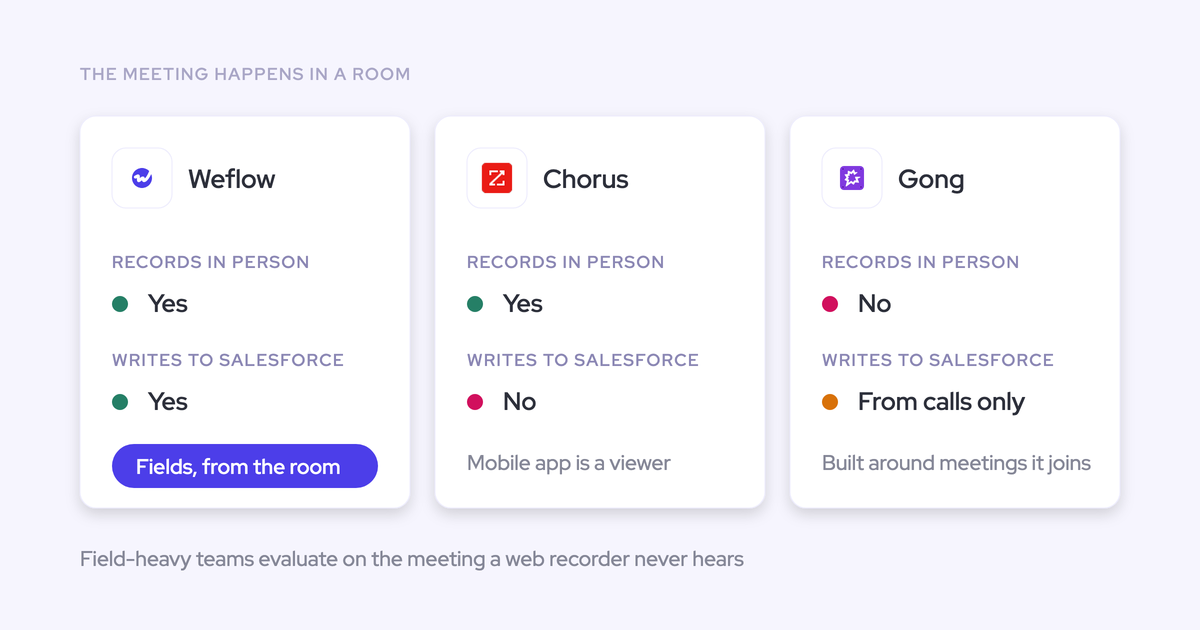
Momentum has no mobile app. In-person meetings reach Salesforce only if a rep writes them up later from memory, which for a field motion means the highest-value conversations are the least documented ones.
Weflow's Mobile Copilot records in-person conversations and syncs them to Salesforce. Android is live and iOS launches mid-April 2026. If you have no field motion, ignore this row entirely.
Pricing and packaging: Agentforce bundles vs Weflow seats
How you're allowed to buy is itself a product difference, and this is where the decision leaves your desk.
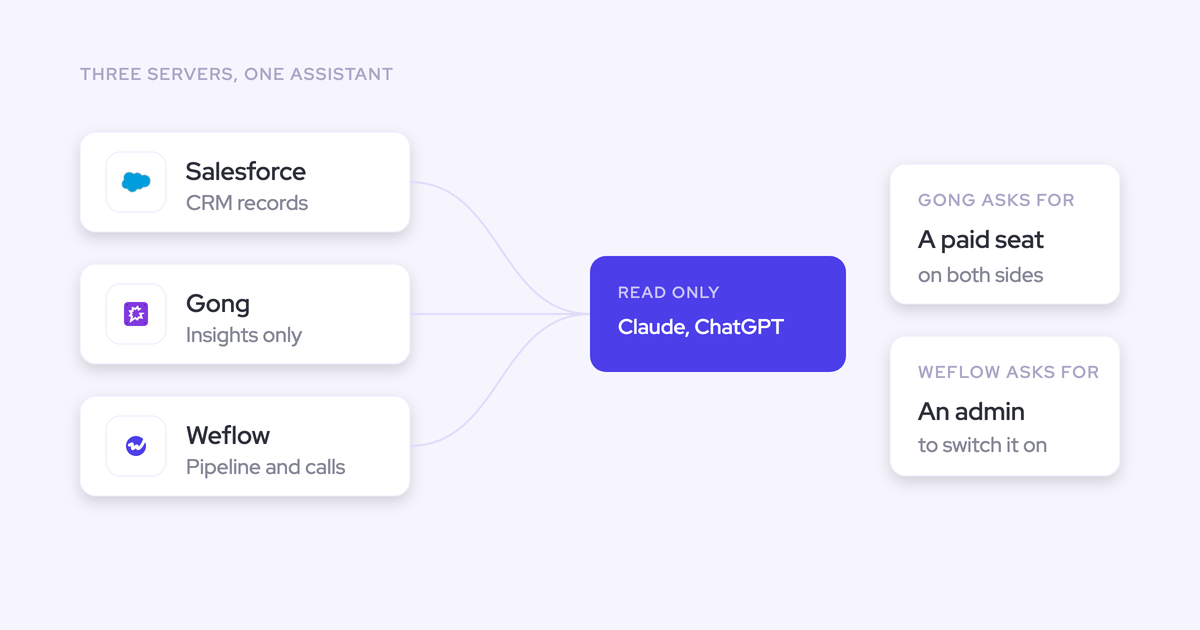
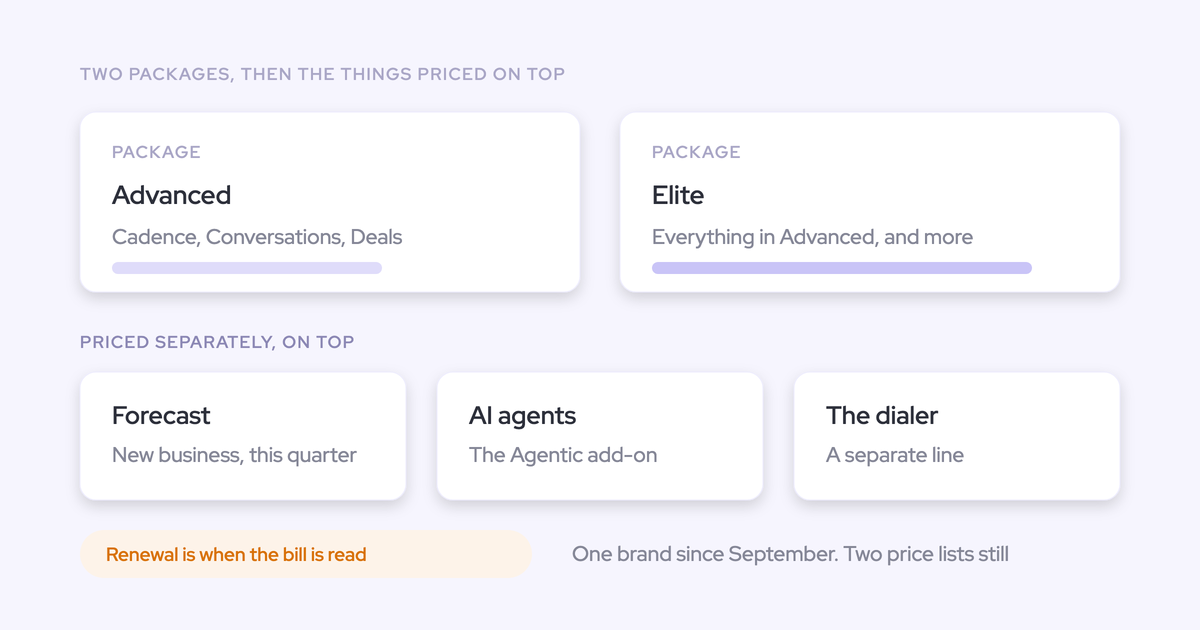
Momentum is sold only through Salesforce packaging: inside the Agentforce 1 Sales Edition bundle, which carries Momentum, Agentforce for Sales, and Slack Enterprise+ on a single license, or as an add-on to Agentforce for Sales. There's no route to buying the capture and field-writing layer on its own. To get conversation capture writing into Salesforce, you're buying an agent platform, and the decision moves up to whoever owns the Salesforce contract.
That's also how consumption pricing enters a conversation you didn't start. Agentforce is priced on usage, and RevOps leaders say the same thing about it every time:
I can't have explosive token usage. We can't afford to say, oh, it cost 200 grand, I spent 400 grand.
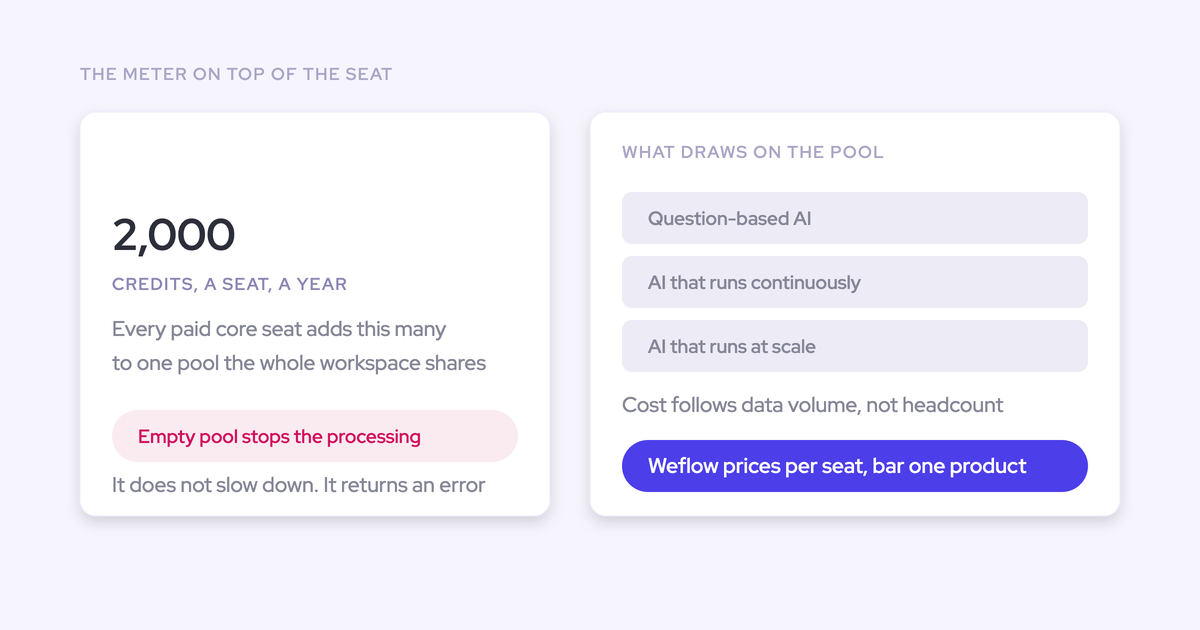
Weflow publishes its prices and sells the layers separately. Everything is per seat with AI usage included: recordings, transcripts, AI field updates, and Ask Weflow AI prompts aren't metered. Agent Builder is the one consumption-priced piece, and every plan includes a free tier of 25 agent actions per month before Growth at $299 per month for 500 actions.
| Salesforce Momentum | Weflow | |
|---|---|---|
| How it's sold | Inside the Agentforce 1 Sales Edition bundle, or as an add-on to Agentforce for Sales. Not standalone. | Standalone products or bundles, bought directly. |
| Pricing model | Not published. Sits inside the Agentforce commercial model. | Prices per user per month, billed annually, 10-user minimum: $19 Activity capture, $39 Conversation Intelligence, $49 for Revenue AI Foundation (Activity capture plus Conversation Intelligence) |
| What's metered | Agentforce consumption. | Only Agent Builder actions above the 25 included per month. No caps on recordings, transcripts, or AI field updates. |
| Who signs | Whoever owns the Salesforce agreement. | RevOps or the sales leader, inside their own budget line. |
| Smallest sensible starting point | An Agentforce bundle. | Activity & Contact Capture at $19 per user per month, with forecasting a roughly $10 per user per month step later. |
What happens to Einstein Activity Capture and your existing data
Nothing has been said about your EAC and ECI data. There's no published migration, no end-of-life date, and no statement about what happens to the configuration you've already built. Waiting is the one option that costs data every month, because EAC activities aren't stored as records in your org anyway, so there's no archive quietly accumulating value while you decide.
Momentum's migration story is real on the recording side, and worth crediting. It moves years of historical recordings out of an incumbent recorder as a service delivered by its own team over a couple of days, and it can retroactively populate a newly created Salesforce field across every past conversation in a batch. One customer used that to find multi-location restaurants across three years of calls and build a segment for a product that didn't exist when those calls happened. That's genuinely useful. It just doesn't answer what happens to your activity history.
Weflow's cutover covers both the call archive and the activity history, and runs in this order:
- Install the managed package and connect Salesforce plus Google Workspace or Microsoft in a 45 to 60 minute technical session with a Salesforce admin and a mail admin.
- Backfill 12 to 24 months of historical emails and meetings. It takes three to four days and is bounded by the Salesforce API calls your org has spare, not by Weflow.
- Import recordings and transcripts from your incumbent conversation intelligence tool through its API, typically one to two weeks depending on volume, at no extra cost.
- Configure the business logic: team structure, methodology, which fields AI populates, playbooks, deal warnings.
- Disable Einstein Activity Capture once Weflow's capture is verified per user, so two engines never write the same activity twice.
- Roll out by role, with separate leadership and rep training.
Typical time to live is two to four weeks, four to six for a large org, and Weflow doesn't charge for implementation. Where RevOps bandwidth is the blocker rather than product fit, Weflow can run the heavy lifting as a managed service and your team only unlocks access and answers questions.
Choose Weflow if, choose Momentum if
Choose Momentum if:
- Your sales motion runs on phone and SMS, which is the one place its capture is broader than Weflow's.
- Your leadership consumes customer voice as a Slack feed, and auto-cut clips posted to competitor and product-feedback walls would actually get read.
- You're already committed to the Agentforce path and the Salesforce contract owner is comfortable pricing a bundle.
- You want to keep Gong, Clari Copilot, or Avoma as the recorder and add a layer that acts on their transcripts rather than replacing them.
- Your forecasting is already solved elsewhere and you have no field or post-sale coverage requirement.
Choose Weflow if:
- You need both conversation data (recordings) and emails, meetings, and contacts landing in Salesforce as native records you own, query, report on, and keep after the subscription ends.
- You've been burned by mapping and want reps able to see and correct which record an activity landed on, rather than depending on opportunity contact roles being maintained.
- You want activity capture, conversation intelligence, and forecasting on one platform instead of buying a forecasting tool separately.
- Your customer success and renewal conversations need the same treatment as your sales calls, and you have field reps recording in person.
- You need a published seat price you can approve in your own budget, with AI usage included, without opening the Salesforce agreement.
See how Weflow captures activity, updates Salesforce fields from calls, and rolls up your forecast. Book a 30-minute demo.
FAQ: evaluating Weflow against Salesforce Momentum
Is Momentum replacing Einstein Activity Capture and Conversation Insights?
Salesforce has named Momentum the future of call recording and activity capture inside Salesforce, which puts Einstein Activity Capture and Einstein Conversation Insights on a superseded path rather than a development path. No migration path, end-of-life date, or pricing consequence has been stated. Practically, a team on EAC today has no roadmap to plan against and should buy on what's in market, which is what the Momentum webinar's own disclaimer advised.
Can you buy Momentum without an Agentforce bundle?
No. Momentum is sold only inside the Agentforce 1 Sales Edition bundle, which carries Momentum, Agentforce for Sales, and Slack Enterprise+ on a single license, or as an add-on to Agentforce for Sales. There's no standalone route to the capture and field-writing layer, so evaluating it means opening an Agentforce commercial conversation with whoever owns your Salesforce contract.
Does Momentum replace Gong or Clari Copilot?
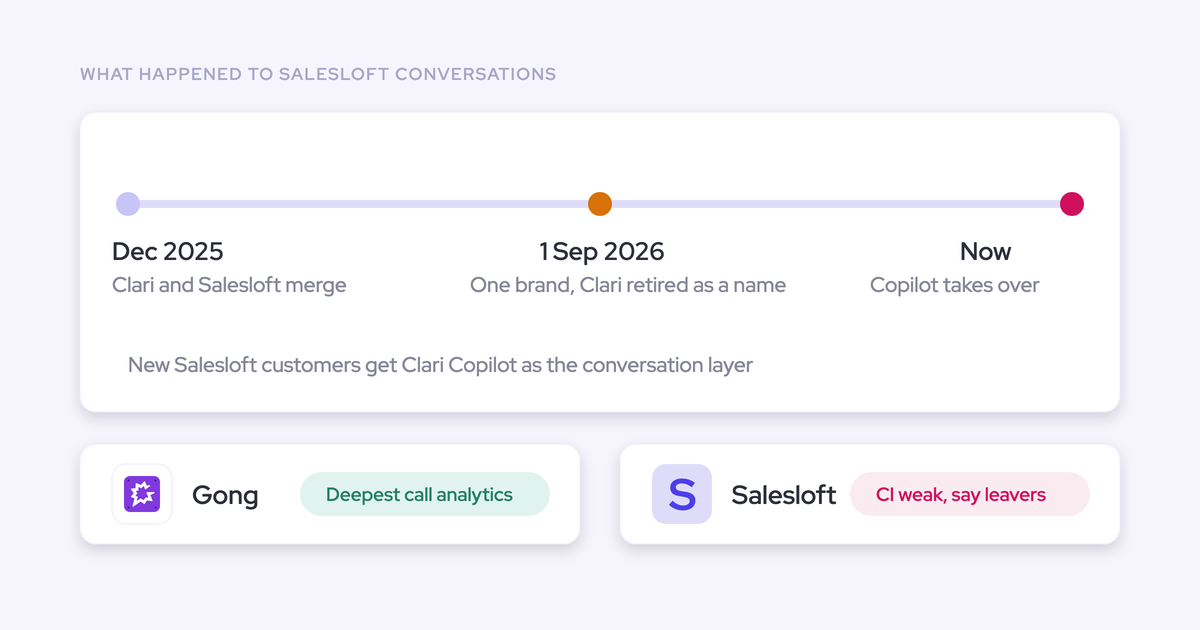
It can, and it can also sit on top of them. Momentum was built to ingest transcripts from Gong, Clari Copilot, Avoma, and other recorders and act on them, filling Salesforce fields and posting into Slack, and it still sells that way while arguing that consolidating the recording onto itself is a simpler relationship. Keep your incumbent recorder and you also inherit its transcription quality, since Momentum's 100-plus language support applies only when its own recorder is the source.
Does Momentum work with Service Cloud or Salesforce Voice?
Sales Cloud only today. Support for other Salesforce clouds including Service Cloud is under development, and the Salesforce Voice integration is still being built. A support or customer success organization can't use it yet, so buy on what's in market rather than on the roadmap.
Does Weflow capture phone and VoIP calls?
No. Weflow doesn't capture VoIP or phone calls today, and SMS capture isn't supported or planned. In most Salesforce orgs phone activity reaches the CRM through the dialer's own integration, since providers like RingCentral, 8x8, and Aircall ship deep Salesforce integrations that log calls out of the box. Weflow's capture covers emails, meetings, and contacts, where no vendor owns the logging by default.
Who owns the conversation data if you leave Weflow?
The records live in your Salesforce org. Weflow writes conversation data into two native Salesforce objects, a recording object holding the summary and full transcript, and an indexing object, so it's reportable, permissioned, and queryable alongside everything else in the CRM, and it survives the end of the subscription. Data residency follows your Salesforce instance, so a European org keeps its Weflow data in Europe; video files are the exception, held by Weflow and streamed back.