Weflow MCP Prompts for Quota Attainment and Pipeline Coverage by Rep in Claude
Learn Weflow MCP prompts for quota attainment and pipeline coverage by rep in Claude and ChatGPT.


The Weflow MCP connector gives Claude per-rep metrics and configured targets that Weflow has already computed. Claude can answer "who's short against quota" and "who's thin on coverage" from numbers it didn't invent. Salesforce's MCP alone can't do this, because quotas, targets and forecast calls live in Weflow, not on Salesforce objects.
Weflow is the Revenue AI Orchestration platform for sales, customer success, and RevOps teams. It's built for Salesforce teams, and Weflow Deal Intelligence & Forecasting is where your targets and forecast submissions sit.
Below are eight prompts for attainment, coverage and the forecast call. Each one:
- sets a scope and close-date period;
- names the connector fields it uses;
- ends with a check against the opportunity IDs that come back with every number.
Two conditions apply from the start. The per-rep breakdown caps at 25 owners per request, and attainment only works where targets are configured in Weflow. The same prompts run in ChatGPT through the same connector. The answers feed straight into rep 1:1s and Weflow deal reviews.
Why Claude needs Weflow's MCP connector alongside Salesforce's
Claude needs both because they answer different questions. Salesforce's connector answers questions about the record. Weflow's connector answers questions about the forecast.
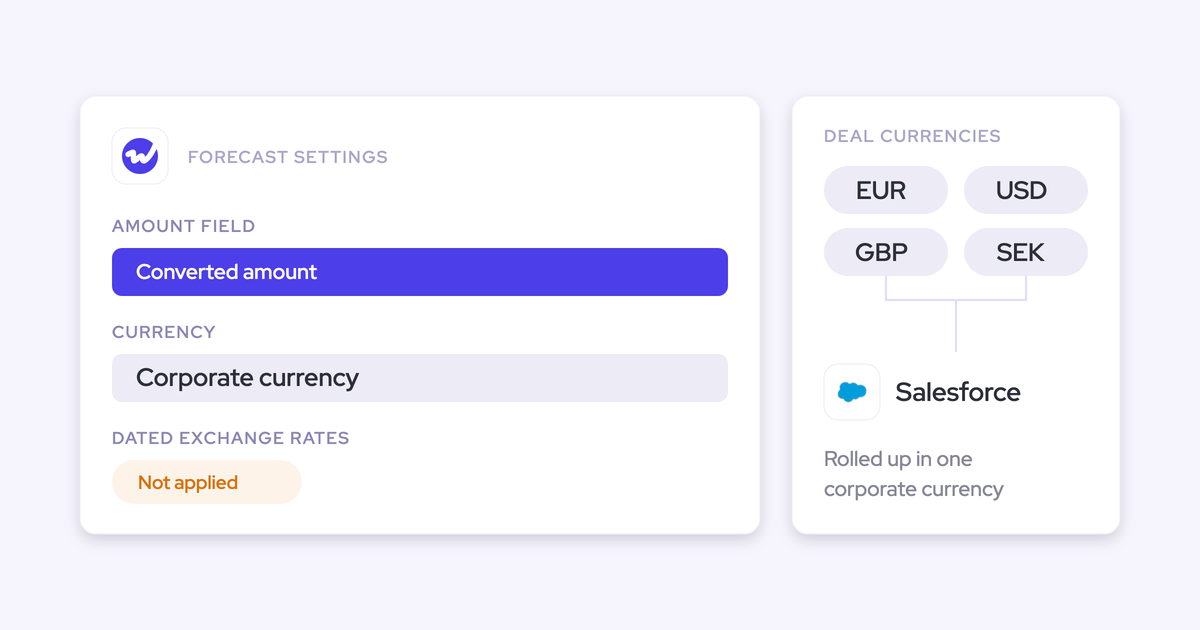
Weflow writes activity, transcripts and AI field updates into Salesforce. Forecast submissions and targets are the exception: they stay in the Weflow app. A CRM-only connector can't see them, so when you ask Claude for attainment, it either asks you for the quota or guesses one.
Here's how the work splits between the two connectors:
| Question | Weflow MCP connector | Salesforce's MCP alone |
|---|---|---|
| Attainment by rep | Returns closed-won and the configured target in one call | Has closed-won opportunities, no Weflow target |
| Gap to target | Resolves from the target and actuals it returns | Claude needs the quota from you |
| Coverage against target | Returns a computed coverage ratio per rep | Claude builds its own ratio from raw opportunities |
| Submitted call vs live pipeline | Returns both, plus the delta, per period | Can't see it: no submitted forecast lands on a Salesforce field |
| Deal record details | Returns the opportunity IDs behind each figure | Reads the full opportunity record directly |
One nuance if you keep a copy of targets in a Salesforce object for BI. Claude can find that copy through Salesforce, but Weflow doesn't read targets from Salesforce. The number your Weflow forecast runs against is the one in Weflow.
What the Weflow MCP connector returns for each rep
The Weflow MCP connector returns computed metrics for every rep in scope, plus the opportunity IDs behind them. Targets come back where you've configured them. Forecast categories follow your own setup. Each period also carries the submitted call, the live pipeline and the delta between them.
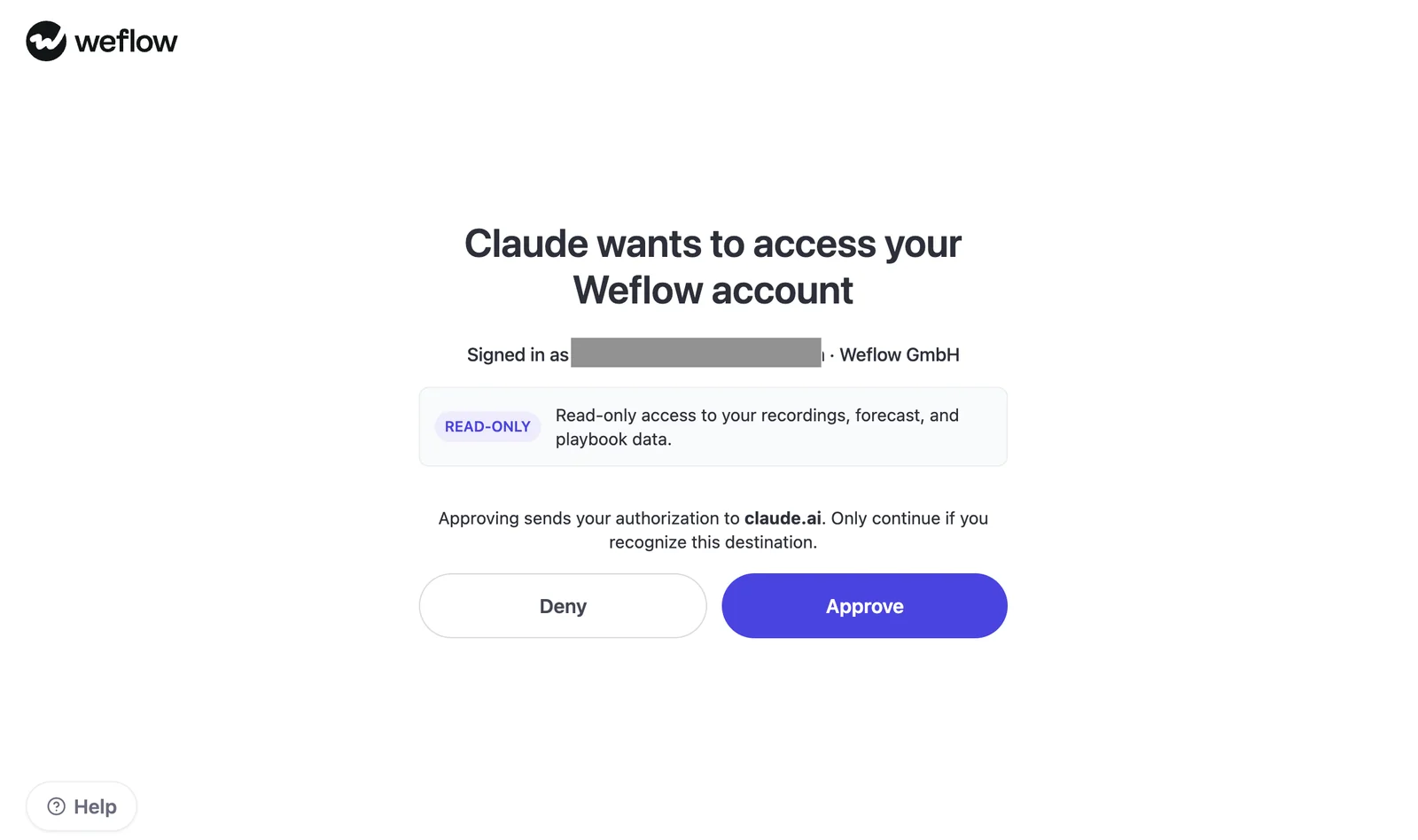
The connector is read-only. Claude can read your recordings, forecast and playbook data, and it can't change anything.
The prompts below are numbered 1 to 8. Here's every field and which prompts use it:
| Field | What it means | Prompts that use it |
|---|---|---|
| Pipeline, weighted and unweighted | Open pipeline value, with and without stage weighting | 2, 3, 4, 5, 6 |
| Closed-won amount | Revenue closed in the period | 1, 2, 3, 5, 8 |
| Closed-won count | Number of deals won | 1, 5 |
| Total closed count | Won plus lost deals, the sample behind win rate | 5 |
| Total opportunity count | Every opportunity in scope | Verification step |
| Win rate | The rep's own conversion | 5 |
| Average deal size | Mean deal value | None of the eight; useful for deal-mix questions |
| Average contract value | Mean contract value | None of the eight |
| Average sales cycle in days | Time to close | None of the eight; useful for cycle comparisons |
| Coverage ratio | Pipeline against target, computed by Weflow | 4, 6 |
| Gap to forecast | Distance between pipeline and the forecast | 7 |
| Target | Rep quota or manager target, where configured | 1, 2, 3, 4, 5, 6 |
| Submitted call, live pipeline, delta | The latest locked number against what the data says | 7, 8 |
| Forecast category breakdown | Pipeline split by your own categories | 8 |
| Opportunity IDs | The deals behind every figure | All |
Weflow computes these metrics from your Weflow forecast configuration, not from your Salesforce forecast setup.
What to check in Weflow before your first prompt
Five settings decide whether these prompts return what you expect. Each one takes a minute in the admin console:
- Scope. Every request runs as "me" or "team" over a close-date period. "Team" follows your configured reporting hierarchy. With no hierarchy, "team" resolves to every active user in the company.
- The 25-owner cap. Above 25 owners, you get aggregates instead of a per-rep breakdown. Narrow the question to one team to get rep-level rows back.
- Targets. Targets come from the Weflow admin console, not from Salesforce. A target set outside the active forecast period won't surface, which is the usual reason quotas look missing.
- Target types. Targets are amounts only. The month is the finest grain, so there are no weekly targets and no deal-count or new-logo targets.
- Saved views and deal boards. The connector doesn't expose them. Any filter you rely on in a deal board has to be written into the prompt.
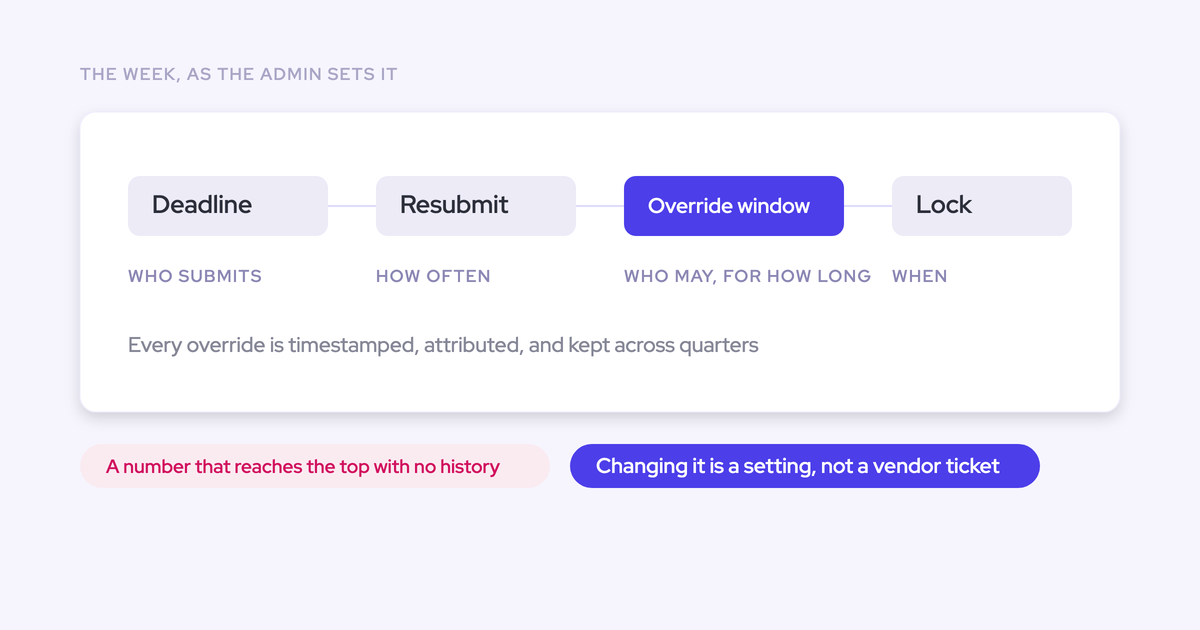
Quotas you set in the admin console show on the forecast page beside closed, commit and pipeline coverage. You can see at a glance which reps and periods carry a target.

How every prompt here keeps Claude from guessing
A defensible answer comes from structure, not clever wording. Every prompt in this library has five parts:
- Set the scope and close-date period.
- Name the connector fields to use.
- Treat null or missing values as "not available", and never estimate them.
- Return opportunity IDs with every figure.
- Close with what the answer can't tell you.
Part three matters most. An LLM fills gaps by default. When a rep has no target, you want "no target" in the table, not a zero that drags the team average down in front of your CRO.
Each prompt below follows the same layout:
- the prompt text;
- the inputs you supply;
- the fields used;
- the output;
- where to run it;
- the verify step;
- where it stops.
Quota attainment prompts for Claude, by rep and team
Attainment only means something once you decide who sits in the denominator and which target applies. A blended "% of reps at quota" gets both wrong.
Show quota attainment by rep with ramping reps taken out
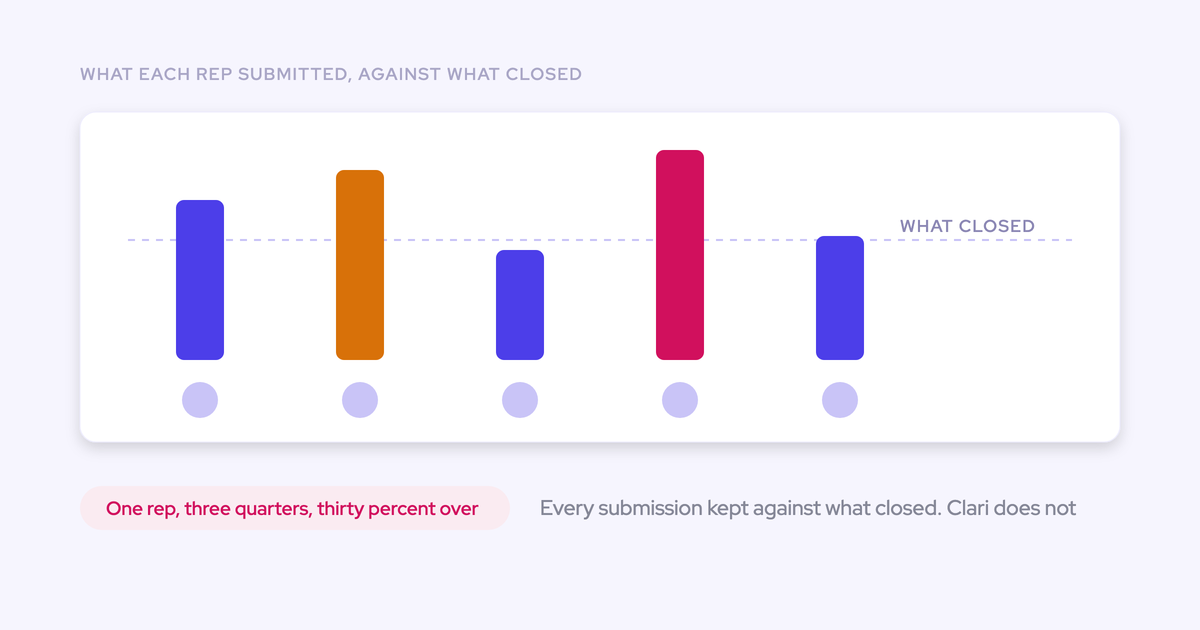
This prompt shows attainment for the reps who were expected to carry a full number. John McMahon, five-time CRO and board member at Snowflake and MongoDB, makes the point on our RevOps Lab podcast. In a company doubling every year, raw attainment runs around 55 to 60 percent. Measured on reps past ramp, it's closer to 75 to 80 percent. Asking the raw question in a growth org gives you a false negative.
The connector has no tenure or ramp field, so you list the ramping reps yourself.
Prompt 1
Use only data from the Weflow connector.
Scope: team. Close-date period: [start date] to [end date].
Ramping reps: [Name 1], [Name 2], [Name 3].

For each rep in scope, return a table with: rep name, target,
closed-won amount, attainment % (closed-won / target), ramp flag
(yes if listed above).

Then give two summary lines:
1. Share of reps at or above target, all reps.
2. Share of reps at or above target, ramping reps excluded.

If a rep has no target in this period, show "no target" and leave
them out of both percentages. Never estimate a target.
Under the table, list the closed-won opportunity IDs for each rep.
End with one line on what this answer can't tell you.- Inputs: team scope, period, list of ramping reps.
- Fields used: closed-won amount, closed-won count, target, opportunity IDs.
- Output: a table of rep, target, closed-won, attainment % and ramp flag, plus the two summary lines.
- Where to run: Claude or ChatGPT with the Weflow connector added.
- Verify: open one rep's closed-won IDs in Salesforce and add up the amounts.
- Where it stops: ramp status is your input, not Weflow's. Weflow's AI projection doesn't adjust for ramping reps either, so read a new rep's projected line with that in mind.
Find which reps are short against quota this period
This prompt ranks reps by how far they sit from target, with open pipeline beside each gap. That's the first question your CRO asks.
Prompt 2
Use only data from the Weflow connector.
Scope: [me / team]. Close-date period: [start date] to [end date].

For each rep, calculate gap to target = target - closed-won amount.
Return a table ranked from largest gap to smallest with: rep name,
target, closed-won amount, gap to target, open unweighted pipeline.

List reps with no configured target in a separate section titled
"No target". Do not show them as zero and do not rank them.
Give the closed-won opportunity IDs for the three largest gaps.
End with one line on what this answer can't tell you.- Inputs: scope, period.
- Fields used: target, closed-won amount, unweighted pipeline, opportunity IDs.
- Output: reps ranked by gap, plus a "No target" list.
- Where to run: Claude or ChatGPT with the Weflow connector added.
- Verify: open the closed-won IDs for the rep with the largest gap.
- Where it stops: only reps with a target inside the active period appear in the ranking, and the breakdown caps at 25 owners.
Calculate the team's gap to target with the manager buffer kept
This prompt measures the team against the manager's own number, not the sum of rep quotas. Most teams over-assign quota on purpose, so the manager target sits below the rep total.
In Weflow, a manager can carry a team target set on its own, separate from the rep sum. Most of our customers set it that way. Where rep quotas don't add up to the team target, Weflow carries the remainder on the manager, so the buffer stays visible. A naive roll-up erases it.
Prompt 3
Use only data from the Weflow connector.
Scope: team (I am the manager). Close-date period: [start] to [end].

Use the team target set on my manager record. Do not add up rep
targets to get the team number.

Return:
- Manager team target
- Sum of rep targets
- Buffer (sum of rep targets - manager team target)
- Team closed-won amount
- Team open unweighted pipeline
- Gap against the manager team target
- Gap against the sum of rep targets

If no manager team target exists for this period, say so and stop.
List the closed-won opportunity IDs behind the team total.
End with one line on what this answer can't tell you.- Inputs: team scope run by the manager, period.
- Fields used: manager team target, rep targets, closed-won amount, pipeline, opportunity IDs.
- Output: the manager target, the rep sum, the buffer and the gap against each.
- Where to run: Claude or ChatGPT with the Weflow connector added.
- Verify: open the team target in the Weflow admin console and match it to the first line.
- Where it stops: this needs a configured manager team target, and targets go no finer than the month.
Pipeline coverage prompts that use each rep's own win rate
A flat 3x tells you very little when win rates run from roughly 20 to 75 percent across motions. The connector returns each rep's win rate, so you can size coverage per rep instead of per company.
Show pipeline coverage against target for every rep
This prompt gives you each rep's coverage right now, with weighted and unweighted pipeline side by side. The gap between the two columns shows you which reps are carrying early-stage pipeline.
Prompt 4
Use only data from the Weflow connector.
Scope: [me / team]. Close-date period: [start date] to [end date].

Return a table sorted from lowest to highest coverage with: rep name,
target, unweighted pipeline, weighted pipeline, coverage ratio.

Report the coverage ratio exactly as the connector returns it.
Do not recalculate it.
If a rep has no target, show "no target" instead of a ratio.
List the open opportunity IDs for the three lowest-coverage reps.
End with one line on what this answer can't tell you.- Inputs: scope, period.
- Fields used: coverage ratio, weighted and unweighted pipeline, target, opportunity IDs.
- Output: a per-rep coverage table.
- Where to run: Claude or ChatGPT with the Weflow connector added.
- Verify: open the IDs for the lowest-coverage rep and check the deals belong to the period.
- Where it stops: the ratio is Weflow's calculation. Claude reports it and doesn't redefine it.
Calculate how much more pipeline each rep needs from their win rate
This prompt turns the QBR spreadsheet into one answer per rep.
The math works like this. Divide the remaining target by the rep's own win rate to get the pipeline required. Subtract the open pipeline from that, and you have what's still to create.
Prompt 5
Use only data from the Weflow connector.
Scope: [me / team]. Close-date period: [start date] to [end date].

For each rep:
- Remaining target = target - closed-won amount
- Pipeline required = remaining target / win rate
- Pipeline still to create = pipeline required - open unweighted
  pipeline (show 0 if negative)

Return a table with: rep name, remaining target, win rate, total
closed count, pipeline required, open unweighted pipeline, pipeline
still to create.

Flag any win rate built on fewer than [10] closed deals as
"low sample". If a rep has no target or no win rate, show
"not available" and do not estimate.
End with one line on what this answer can't tell you.- Inputs: scope, period, your low-sample threshold.
- Fields used: target, closed-won amount, win rate, total closed count, unweighted pipeline, opportunity IDs.
- Output: a table from remaining target through pipeline still to create.
- Where to run: Claude or ChatGPT with the Weflow connector added.
- Verify: open one rep's open pipeline IDs and check the close dates fall inside the period.
- Where it stops: a win rate from a handful of closed deals is noise. Total closed count is there so Claude can say so instead of presenting it as fact.
Find which team is running thin on coverage
This prompt finds the team your company number hides. A healthy enterprise team can mask a segment sitting at 1.4x until the miss arrives. Run it once per team so you stay under the 25-owner cap and get rep-level rows back.
Prompt 6
Use only data from the Weflow connector.
Scope: team, narrowed to [team name]. Close-date period: [start] to [end].

Return:
1. Team target, team unweighted pipeline, team weighted pipeline,
   team coverage ratio as returned by the connector.
2. The reps whose coverage ratio is below [your threshold, e.g. 2.5x],
   with their target, pipeline and coverage ratio.

If the answer comes back as aggregates without per-rep rows, say so
plainly instead of inferring rep numbers.
End with one line on what this answer can't tell you.- Inputs: one team per run, period, your coverage threshold.
- Fields used: coverage ratio, pipeline, target.
- Output: a team coverage summary plus the reps pulling it down.
- Where to run: Claude or ChatGPT with the Weflow connector added.
- Verify: open the open pipeline IDs for the lowest rep on the list.
- Where it stops: scopes above 25 owners return aggregates. With no hierarchy configured, "team" means every active user.
Prompts that test the forecast call against the pipeline
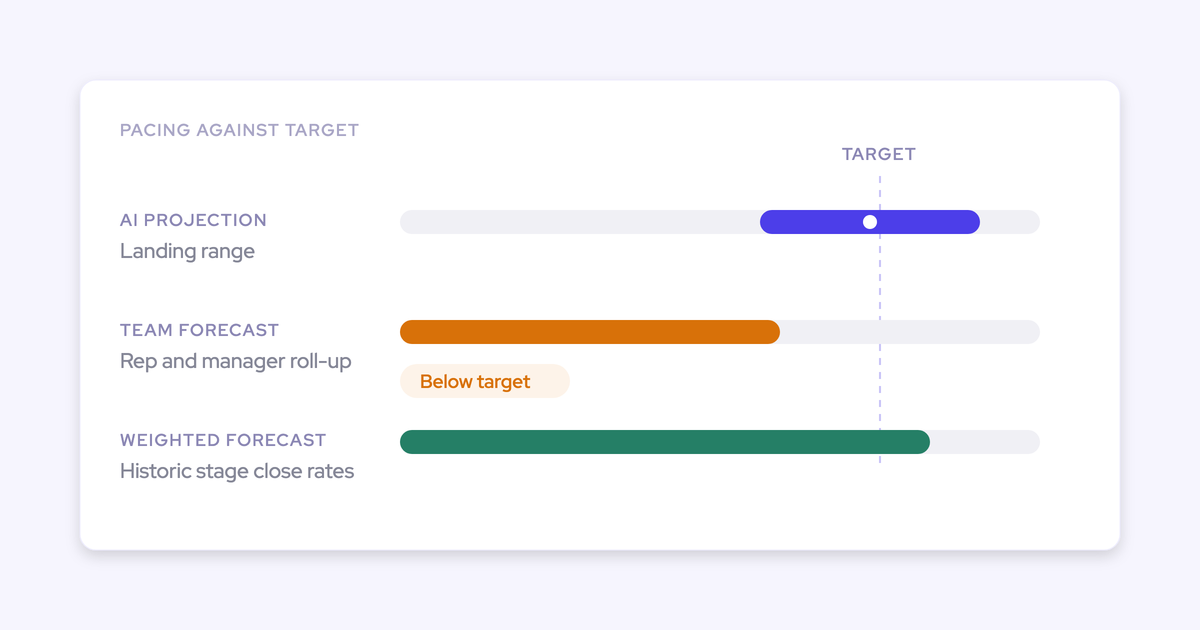
The connector returns the submitted call, the live pipeline and the delta per period. No CRM-only connector reaches this, because the submitted number never lands on a Salesforce field. A null means nobody submitted for that period.
Compare the submitted forecast call with live pipeline per period
This prompt answers whether the team is forecasting above or below its own pipeline. That's the question a forecast call exists to settle.
Prompt 7
Use only data from the Weflow connector.
Scope: [me / team]. Periods: [month 1], [month 2], [month 3].

For each period, return a table with: period, submitted forecast
call, live pipeline total, delta, direction ("call above pipeline"
or "call below pipeline").

If the submitted call is null, write "no call submitted".
Never treat null as 0.
End with one line on what this answer can't tell you.- Inputs: scope, the periods to compare.
- Fields used: submitted call, live pipeline total, delta, gap to forecast.
- Output: one row per period with the direction of the gap.
- Where to run: Claude or ChatGPT with the Weflow connector added.
- Verify: match one period's submitted call to the forecast page in Weflow.
- Where it stops: the connector returns the most recent submission only, so this doesn't show how the call moved during the quarter.
Split the commit into funded and unfunded pipeline
This prompt shows how much of the commit is backed by deals today and how much still has to come from somewhere. Early in a quarter, a commit is usually bigger than the deals behind it. That's normal. What matters is seeing the unfunded share instead of reading one total that hides it.
Prompt 8
Use only data from the Weflow connector.
Scope: [me / team]. Close-date period: [start date] to [end date].
My commit category is called: [Commit].

Return:
- Submitted forecast call
- Funded amount = closed-won + open pipeline in the [Commit] category
- Unfunded amount = submitted call - funded amount
- Unfunded share of the call, as a %
- The opportunity IDs behind the funded amount

If no call was submitted for this period, say so and stop.
End with one line on what this answer can't tell you.- Inputs: scope, period, your commit category name.
- Fields used: submitted call, forecast category breakdown, closed-won amount, opportunity IDs.
- Output: the funded amount with its deal IDs, the unfunded amount and its share.
- Where to run: Claude or ChatGPT with the Weflow connector added.
- Verify: open the funded IDs and check each sits in your commit category in Salesforce.
- Where it stops: category names follow your Weflow configuration. Rename "Commit" in the prompt to match yours.
How to check Claude's numbers against opportunity IDs and Salesforce
Every figure is traceable, because the opportunity IDs come back with it. When Claude's number differs from a Salesforce report, the cause is almost always Weflow's forecast configuration or your targets, not Claude.
Run this check the first week, then spot-check when a number surprises you:
- Pick two reps, one high and one low.
- Open their returned opportunity IDs in Salesforce.
- Check the amount field and close dates against the period you asked for.
- Compare the number of IDs with the total opportunity count the connector returned.
If something still doesn't match, it usually comes down to one of these:
| If this differs | Likely cause |
|---|---|
| Amount | Your Weflow forecast setup uses its own chosen amount and date fields, which may not be the ones your Salesforce report uses |
| Target | Weflow keeps its own targets. A target changed in Salesforce doesn't change in Weflow |
| Category names | Categories mirror your Weflow setup, not a fixed list |
| Missing reps | The 25-owner cap, or a hierarchy that doesn't include them |
How to adapt these prompts to your own Weflow setup
The prompts are written for a standard setup. These are the changes that make them fit yours:
- Rebuild your deal-board filters in the prompt text, because the connector doesn't expose saved views.
- Swap in your own forecast category names wherever a prompt says "Commit".
- Narrow to one team at a time when you have more than 25 reps.
- Paste the same prompts into ChatGPT; they work the same way through the connector.
- Use Ask Weflow AI inside Weflow when you need a deal board as context, because it can take a deal board, a deal or a meeting directly.
See how Weflow captures activity, updates Salesforce fields from calls, and rolls up your forecast. Book a 30-minute demo.
FAQ
Which Weflow package do I need for forecast data over MCP?
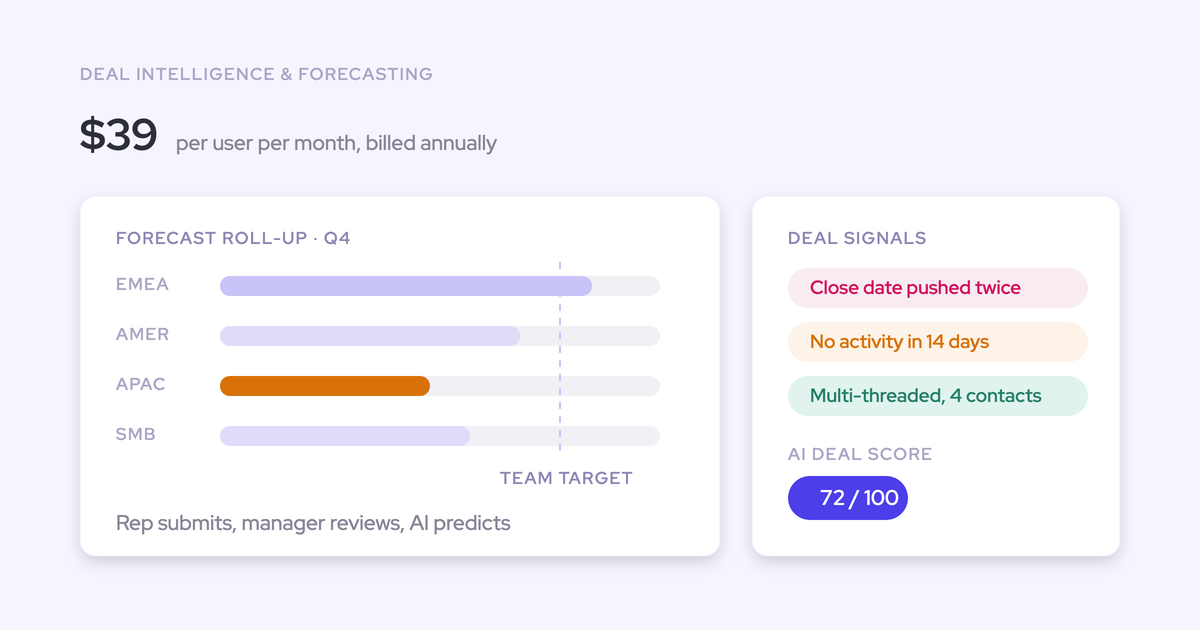
You need Weflow Deal Intelligence & Forecasting, because targets, forecast calls and the per-rep forecast metrics come from it. It costs $39 per user per month, billed annually.
Does querying Weflow through Claude cost anything extra?
No. Building on the Weflow MCP connector and public API costs nothing extra. Only actions run inside Weflow's own Agent Builder are metered.
How do I add the Weflow MCP connector to Claude or ChatGPT?
A Weflow admin turns on the connector for your workspace in the admin console. You then paste the connector URL into Claude or ChatGPT as a custom connector and approve read-only access.
What can a Weflow admin see and control about the connector?
The admin console has two controls:
- a per-workspace switch that turns the connector on;
- a separate transcript toggle. With it off, assistants see AI summaries but never the verbatim transcript.
The console also lists every connected user with their email and connection date. The connector is read-only. Weflow is SOC 2 Type II certified and uses Zero Data Retention for AI processing.
Can our CRO ask these questions in Claude without RevOps?
Yes, once they've connected Claude. Scope follows their place in the reporting hierarchy, so "team" for a CRO usually covers more than 25 owners and comes back as aggregates. For rep-level answers, they narrow the question to one team, and the same target and period conditions apply.
Can I track deal-count or weekly targets through the connector?
No. Weflow targets are amounts only, so there are no deal-count or new-logo targets. The month is the finest grain, so there are no weekly targets either.
How do renewal and expansion motions show up in these prompts?
Weflow runs separate forecast setups for new business, renewal and expansion, each with its own targets, and category names come back as each setup defines them. Split deals are a different matter. If a second rep is recorded only as a name on the opportunity, the Salesforce data model has to be fixed before any tool can forecast the split.
Can Claude write back to Weflow or open our saved deal boards?
No. The connector is read-only, saved views and deal boards aren't exposed, and template prompts can only be edited in the admin console.
What if our security policy rules out vendor-hosted connectors?
Use the Weflow public API and run your own MCP server inside your boundary. Some security teams prefer that setup, and the API supports it.
We run Clari's Forecast MCP. Does this replace it?
No. Clari's Forecast MCP gives Claude and ChatGPT live forecast data, including historical snapshots, scoped to each user's Clari permissions. If your team is happy with it, you have no reason to switch for this. These prompts are for teams whose forecast runs in Weflow.