
The AI workflow that became a second job: why agent chains break in production
Decide when ChatGPT or Claude vs a revenue platform works, and why agent chains break in production.



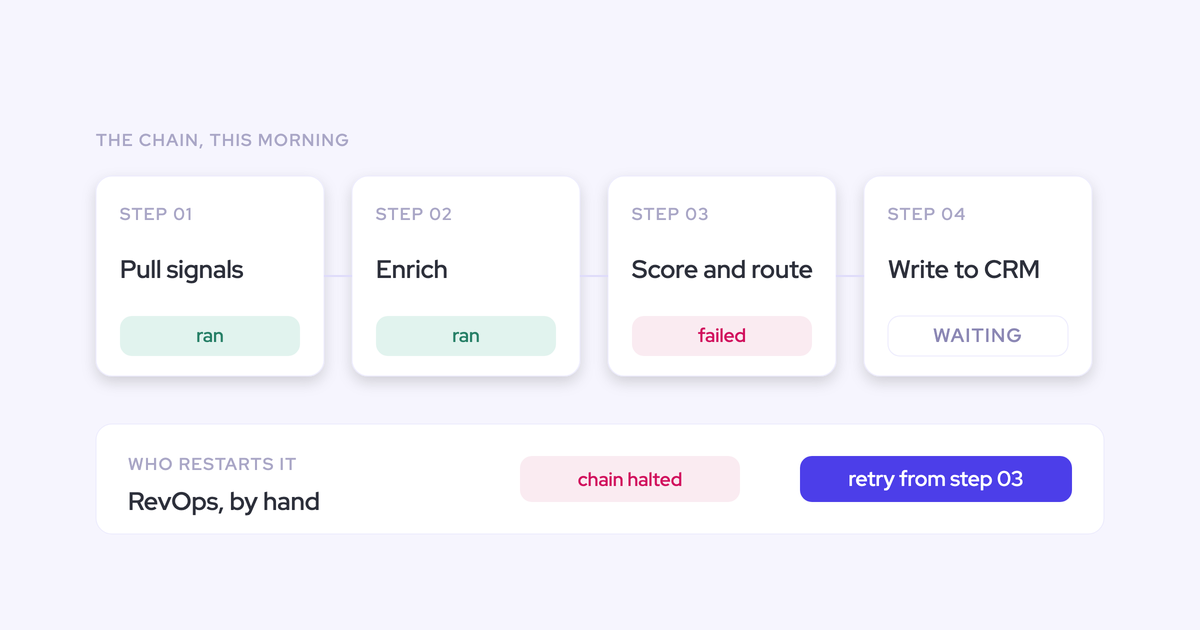

A second-job AI workflow is an AI workflow whose outputs still get verified by a human every time, so the review time quietly exceeds the time saved. A workflow that needs checking isn't a workflow.
You know the shape of it, because you built it. Transcript out of the recorder, into ChatGPT or Claude. One agent drafts, one fixes the tone, one makes it less salesy. It was beautiful in the demo. In production you're babysitting, and the output was supposed to end up somewhere useful: the deal record, the forecast, the deal execution process your team actually runs.
Here's the argument this article makes: the chain isn't failing because your prompts are weak. It's failing because a chat workspace can reason and can't capture, own, or write back. No amount of chaining fixes something that's structurally absent.
Why agent chains break in production
The three failures you've hit aren't three incidents. They're three predictable consequences of the same setup, and each one has a mechanism you can name.
Every extra agent adds an output a human must verify
Chaining multiplies review surface. Each hop produces something someone has to read before the next hop runs, so verification cost grows faster than the work saved.
We hear the same arithmetic from teams that chained three agents onto one email:
And suddenly you need for an email that would have taken you five minutes, fifteen minutes because you let it cross check several times, still need to read it.
The test that matters is net, not gross: how much time does the workflow give back after a human has verified the output, and how confident do you have to be before you stop checking.
A tool that only saves time if you trust it blindly saves no time. That's why the AI mandate produces a pile of experiments instead of something you can point at in a QBR.
Insight scatters across chat threads nobody can find twice
With no shared context and nowhere for output to land, every rep hand-assembles their own chain per task. What they produce dies where they pasted it.
Follow the output and it ends up in one of three places:
- A chat channel where it's readable for about a day and unsearchable after that.
- A rep's personal AI account, which nobody else can open.
- A shared workspace doc that three people rebuild separately because none of them found the first one.
None of it reaches Salesforce. None of it reaches the forecast. Insight sitting in a chat thread isn't an asset the company owns, which is why leaders describe this state as messy and ask for it to be rationalized.
The model reasons over a thin slice of your CRM
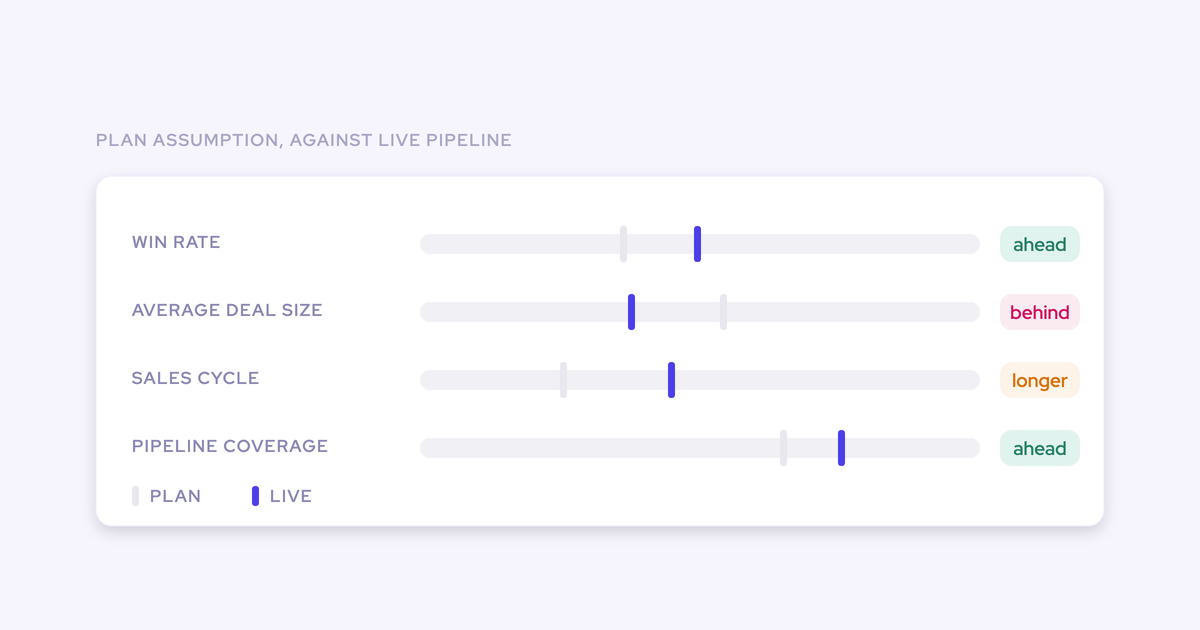
Point a model at Salesforce and it answers with confidence from whatever's there. Half the meetings are missing, the qualification fields are empty, the same account exists three times. The answer sounds right and is wrong in ways nobody in the room can see.
If you could just hook Claude into Salesforce and it gives you the truth. I mean, in theory, if it's a system of truth, it should be able to do it. But the reality is it just doesn't work like that.
An agent inherits the data. It can't repair it. And a pasted transcript is one thin slice of one conversation, not a foundation.
The problem is the foundation, not the prompts
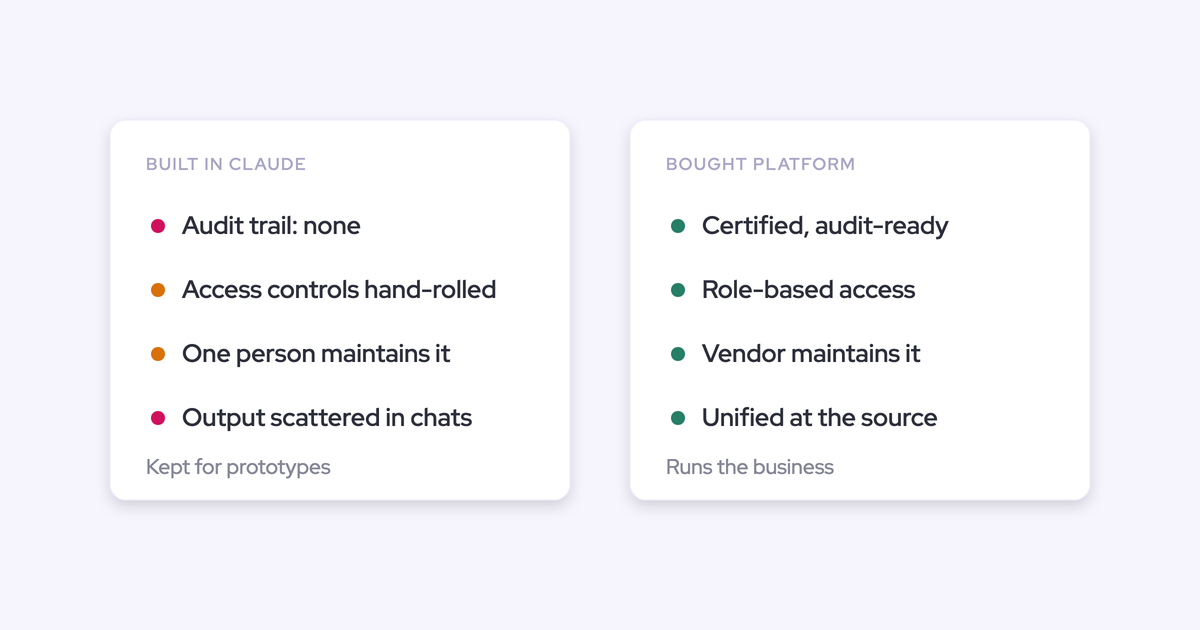
All three failures come from one cause. A chat workspace is a reasoning layer with nothing underneath it.
Four things are structurally absent, and better prompting can't supply any of them:
- No data capture. It knows only what you pasted this morning, and forgets it after.
- No shared context. Every person's chain starts from a blank window, so the same analysis gets done three times.
- No write path. The output can't land in the object your reports, automations, and forecast already read.
- No governance. Nothing defines what's trusted, who decided it, or what changed as a result.
So the fix isn't a fifth agent. Capture and unify first, then orchestrate. That order is the whole argument, and it's the one thing you can repeat to an executive who's asking what shipped with AI this quarter: we're building the data foundation the agents run on, because agents on thin data produce work we have to check.
ChatGPT or Claude vs a platform for revenue data: what actually differs
Give ChatGPT and Claude their due first. They're fast, they're flexible, they need zero setup, and your company has probably already standardized on one of them. The reasoning quality is genuinely good, often better than what's baked into revenue tools.
Buyers now ask us whether their own agents can reach the data, and that's the right question to ask.
The difference isn't model quality. It can be the same model on both sides. The difference is structural: where the data comes from, where the output lands, and what compounds.
| Dimension | AI chat workspace (ChatGPT, Claude) | Revenue AI platform |
| How data gets in | You paste it, per task. Whatever you didn't paste doesn't exist for that answer. | Captured continuously from email, calendar, and meetings, then mapped to the right Salesforce record. |
| Where output lands | In a thread, inside whoever's account ran it. | Written into native Salesforce objects and fields your reports already read. |
| Shared context | None. Each person's chain starts blank and stays private. | One data layer. Same call, same structured fields, same answer for everyone. |
| Review burden per output | Every hop produces something a human checks before the next hop runs. | Extraction runs on admin-configured templates mapped to named fields, with a review step or an automatic write. |
| Auditability | A chat log. No record of what changed in the CRM, because nothing did. | The write is visible on the record, and validation rules, field dependencies, and permissions still apply. |
| What the work compounds into | Nothing. The thread ages out and the analysis gets redone. | Activity history, structured fields, and call outcomes the forecast and the next agent read. |
Same model, different ownership. That's the line the whole comparison turns on.
When a DIY agent chain is still enough
Sometimes it is, and a vendor telling you otherwise is selling. Your chain holds when all of these are true:
- The task is yours alone and you're the only person who consumes the output.
- Everything the model needs fits in what you can paste, and you know it's complete.
- The output is disposable. Nobody needs to find it again next quarter.
- Nothing downstream, no forecast, no field, no board number, depends on it being right.
The balance tips the moment the work has to be trusted by someone else, shared across a team, or repeated on a cadence. That's when the review burden stops being your problem and starts being everyone's.
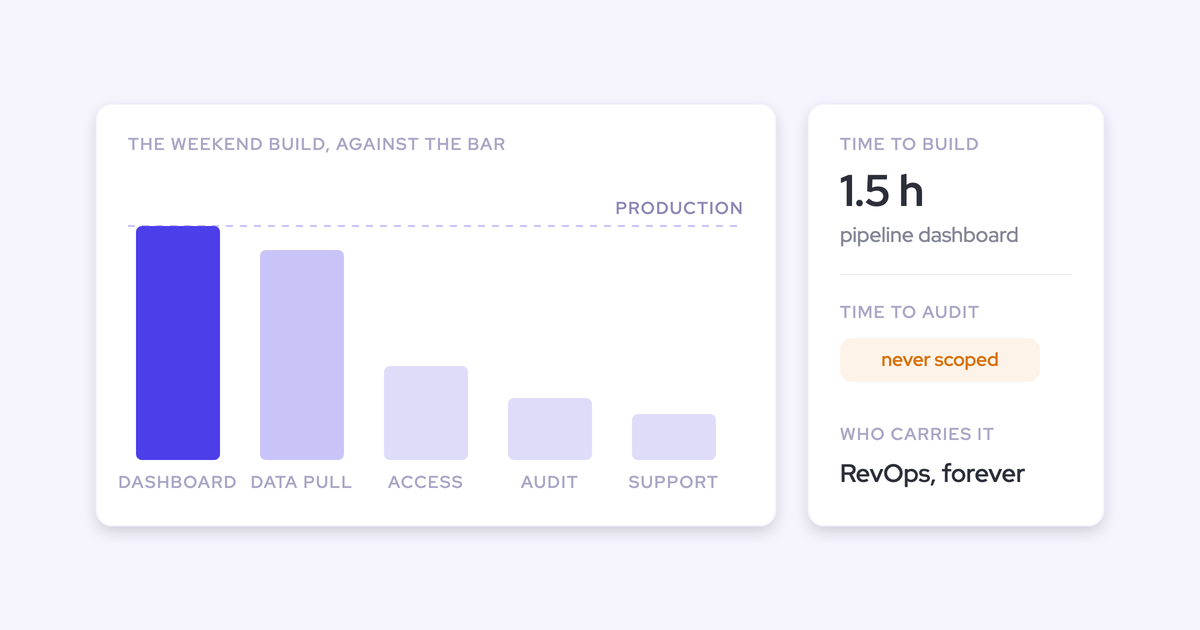
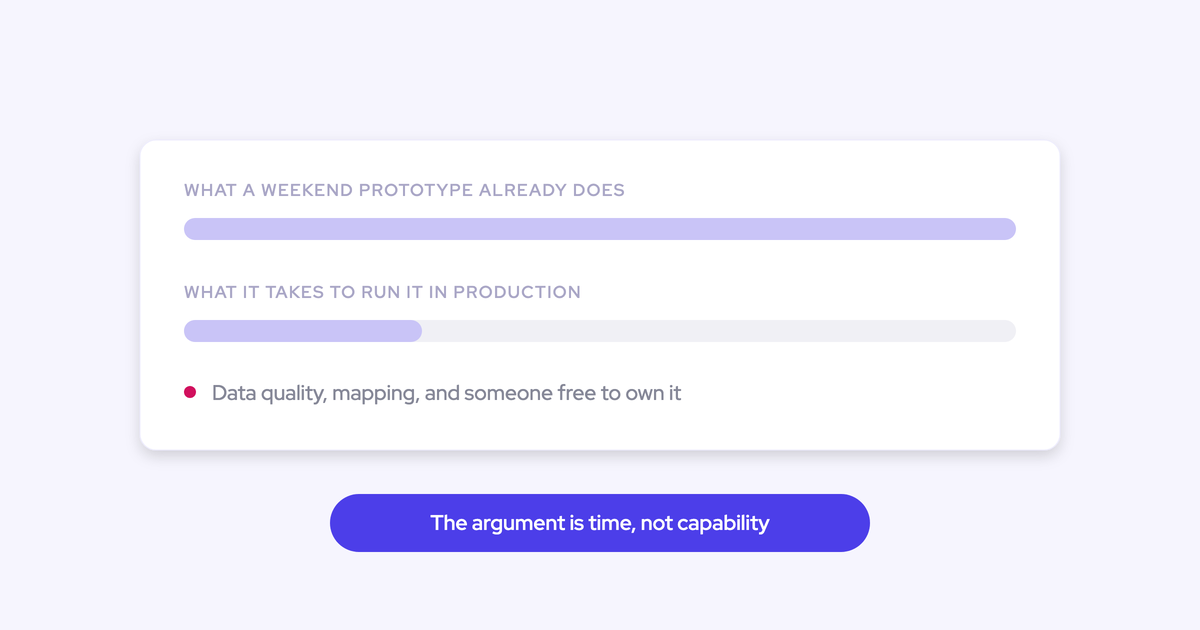
The other open option is building it properly in-house, and it's worth sizing honestly. Capture isn't one problem, it's three: a server-side connection to the mailbox and calendar, an interface where a person can see and correct which record an activity attaches to, and a write path into the CRM with structured extraction on top.
Teams get the first one working fast, which is exactly what creates the confidence. Then they hit the mapping, which is the actual product. Sized honestly that's a year to eighteen months with several engineers, and whatever ships is a solution to the requirements as you understood them a year ago.
How Weflow runs the chain the other way
Weflow is the Revenue AI Orchestration platform for sales, customer success, and RevOps teams, built for teams running on Salesforce. The reason it belongs in this argument is the order of operations: it captures first and reasons last.
Capture the call, write Salesforce, then reason over it
The sequence is the point:
- Weflow Activity & Contact Capture syncs emails, meetings, and contacts from Outlook or Google into Salesforce, mapped to the right record, with a rep-facing extension so a person can correct the mapping when an account has two open deals.
- Weflow Conversation Intelligence records and transcribes the conversation and runs your AI templates over it.
- The extracted answers write into native Salesforce objects and fields: next steps, MEDDIC or SPICED answers, the summary, whatever your admin mapped.
- Ask Weflow AI and Agent Builder reason over that, not over a pasted fragment.

Two consequences matter more than the features.
The output is owned, because it sits in your CRM under your validation rules, permissions, and role hierarchy. And whether an action is taken by an agent or by a human stays your decision, not a product default. Field updates can run in review mode where a person compares the AI value against the current one, or automatically once you trust the template.
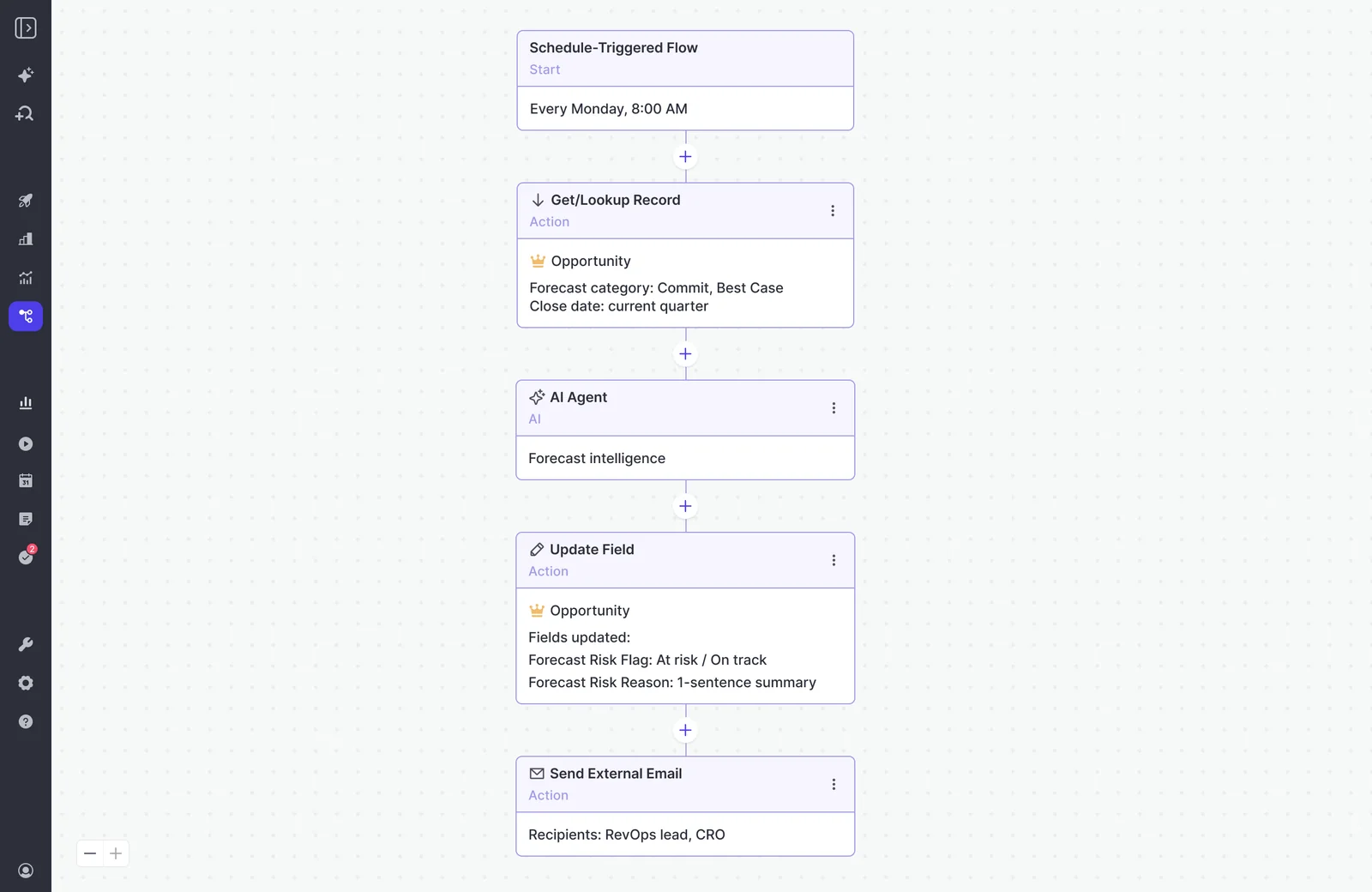
The honest limits: Agent Builder and orchestration maturity
Agent Builder is our newest product and it isn't as mature as activity capture, conversation intelligence, deal intelligence, or forecasting.
The wider truth: data-driven action orchestration isn't fully solved yet, by anyone. Weflow's claim is a stronger foundation, not solved orchestration. If a vendor tells you their agent layer is finished, ask them what it does when a deal has two open opportunities on the same account.
Some other ceilings worth knowing before you evaluate:
- Ask Weflow AI answers within a one million token ceiling on a single query, so anything that sweeps your whole book of business belongs in an agent rather than in the chat.
- Weflow works exclusively with Salesforce. No HubSpot, no Dynamics.
- VoIP and phone call capture isn't there today, so a phone-heavy motion won't be fully covered by capture.
RevOps as the orchestration layer, chat as the interaction layer
The platform doesn't replace your chat window. It gives it something trustworthy to reason over.
The orchestration layer will continue to be RevOps and the interaction layer will be chat, whether that's in Slack, in a tool, or in email. You want a set system plus the ability for reps, managers, VPs, and CROs to have flexibility around what else they get out.
That division of labor is what keeps this from becoming a second place to work:
| The orchestration layer (RevOps designs and governs) | The interaction layer (where people actually work) |
| What gets captured, and which Salesforce record it maps to. | Asking a question of the deal from the record page, in Slack, or in the chat tool the company standardized on. |
| The AI templates per team, and which fields they write. | Reading the summary, the scorecard, the next steps. |
| Which agents run, on what trigger, and who receives the output. | Taking the action, or approving the one the agent proposes. |
| What gets retired when nobody acts on it. | Nothing. Retiring things is not a rep's job. |
Practically, the rep doesn't get a new daily destination. The Weflow Activity Timeline is a Lightning component your admin drops onto the Account, Opportunity, Contact, or Lead page, and Ask Weflow AI runs inside the Chrome extension, which means it's available on the Salesforce record the rep is already looking at.
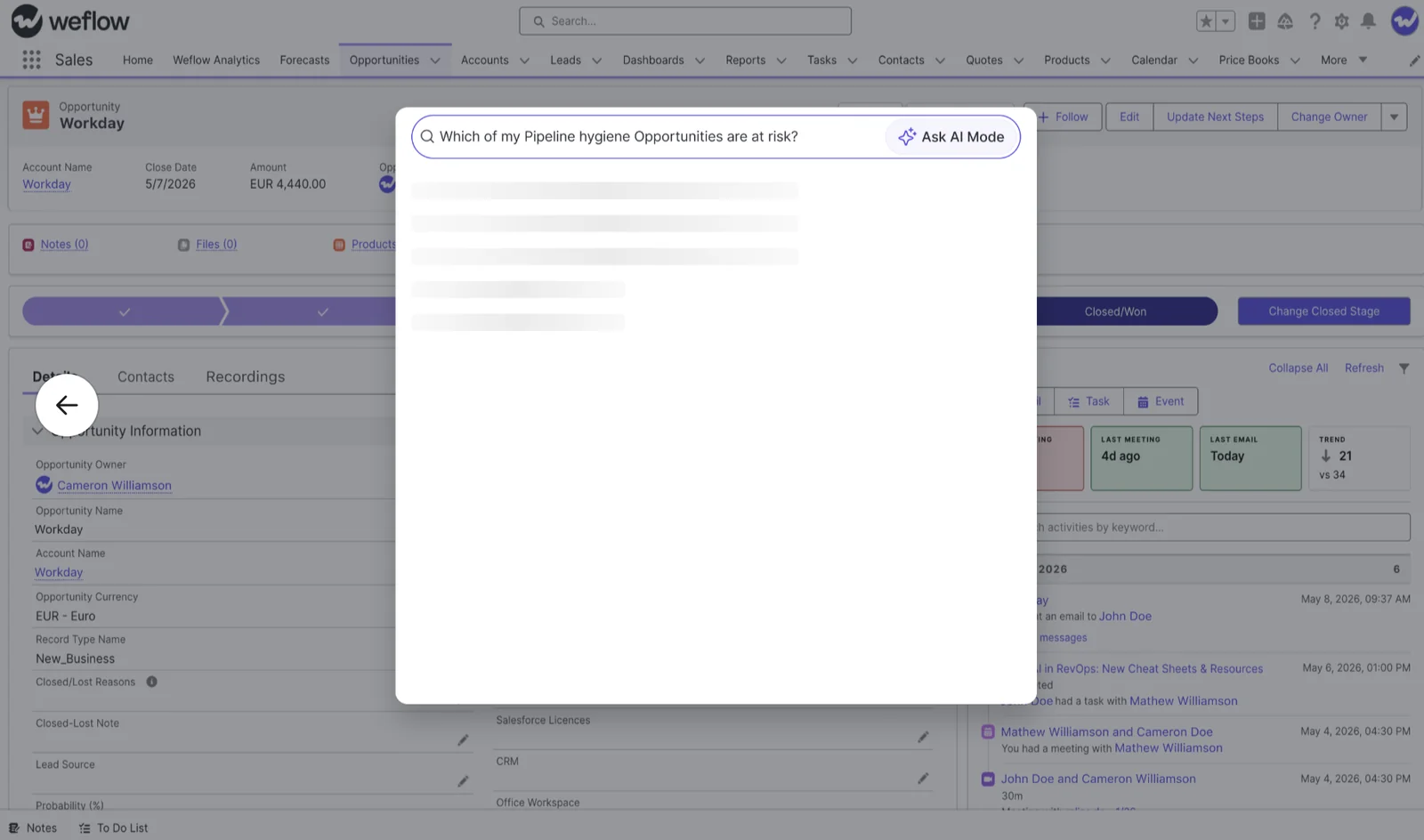
And because the captured data lands in native Salesforce objects you own, your company's own agents reach it the same way they reach anything else in your CRM. That's the structural answer to "is this a walled garden": the data was never ours to wall off.
FAQ: AI workflows, chat workspaces, and Weflow
If our Salesforce data is bad, doesn't a platform inherit it?
Only if the platform reads your data instead of producing it. Weflow's capture layer writes new activity, contacts, and call outcomes into Salesforce, so the record gets more complete rather than just better analyzed.
United Fintech saw a 3x increase in captured activities after switching, and checked manually that those were real interactions that had been slipping through. The data groundwork is the first step of the rollout, done with you, not homework you finish before you're allowed to start.
Is Weflow another interface our reps will drift to?
For reps, no: the data lands on the Salesforce record, the activity timeline is a Lightning component on that record, and the AI is reachable from the same page. Sign-in runs through your Salesforce authentication, so there's no second identity to manage.
Being straight about it: RevOps, managers, and anyone running forecast roll-ups do work inside the Weflow app, because that's where the roll-up motion lives.
Is Weflow priced per seat or by token usage?
Seat-based, with AI usage bundled in. No metering on recordings, transcripts, AI templates, or Ask Weflow AI prompts.
- Standalone: Activity & Contact Capture $19, Conversation Intelligence $39, Deal Intelligence & Forecasting $39 per user per month.
- Bundles: Revenue AI Foundation $49, Revenue AI Business $59, Revenue AI Enterprise $79 per user per month.
- Agent Builder is priced per workspace, not per user: a Free tier with 25 agent actions per month is included in every plan, then Growth at $299 per month for 500 actions and Scale at $999 per month for 2,500.
Annual billing, ten-user minimum. Ask Weflow AI sits under a fair use policy that no customer has reached.
Is Agent Builder mature enough to rely on today?
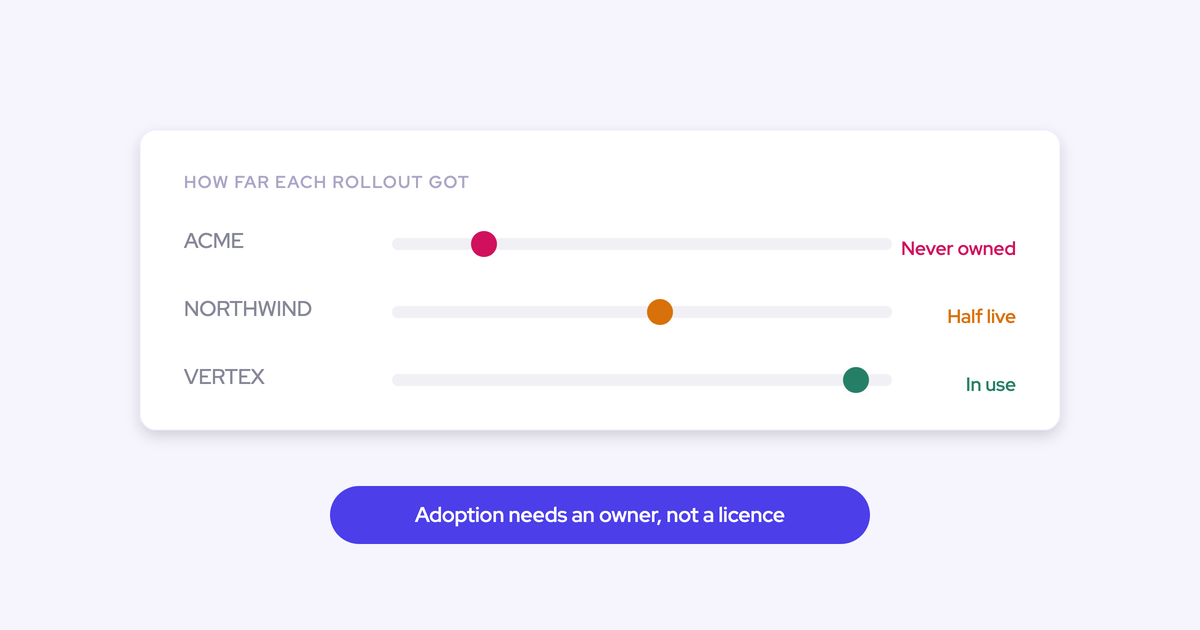
Start small. Build one or two agents against a workflow you already run manually, and let the established layers, capture, conversation intelligence, deal intelligence, and forecasting, carry the foundation while the agent layer matures. If your plan requires a finished orchestration layer this quarter, we're not the right answer yet, and neither is anyone else.
How do we keep agent output from becoming alert spam?
Apply one test: does this output enable an action worth taking. Reports and alerts decay, and agents accelerate the decay because they push instead of waiting to be visited.
Start with very few agents aimed at people who will act, prefer writing a field on the record over sending a message, and schedule a review that retires anything nobody acted on. Governance of what gets sent matters more than how much can be generated.
What happens to call history we hold in another tool?
Weflow imports recordings and transcripts from the conversation intelligence platform you're leaving, pulling them through that platform's API, at no extra cost and in about one to two weeks depending on volume. They land in your own CRM, so a question about how an objection was handled last quarter still answers after the move.
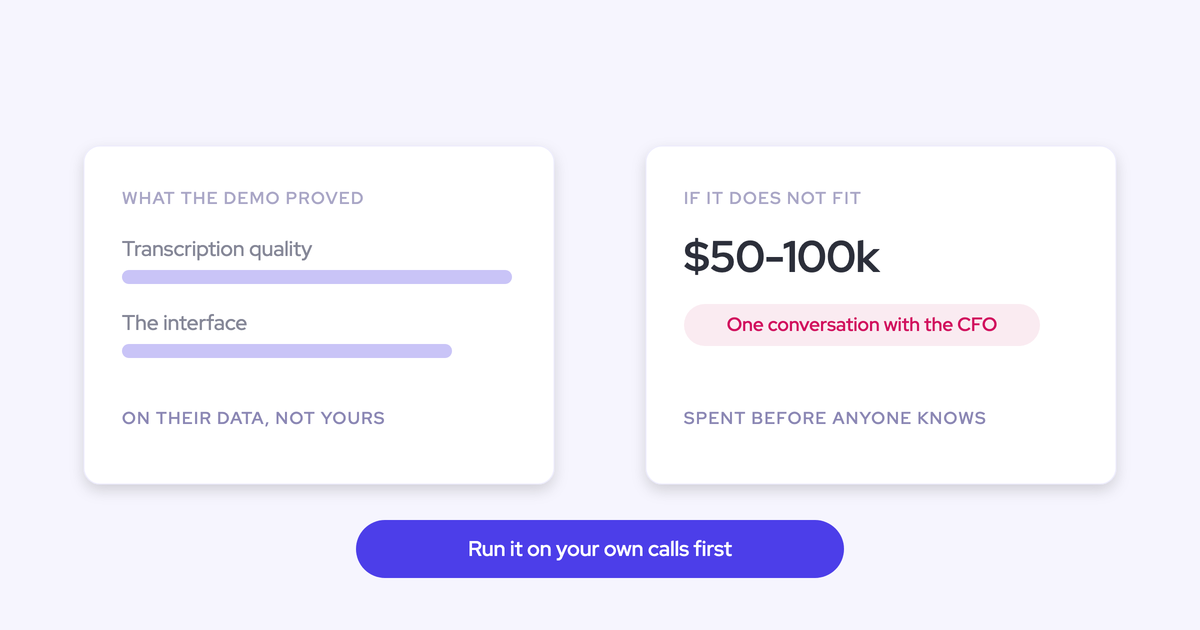
If you want to run your own net-not-gross test on the reversed chain, walk through the product yourself.
.webp)
