

A RevOps Guide to Build vs Buy for Revenue Tooling
Decide when to build vs buy revenue tooling, and how to answer Salesforce admin pushback.



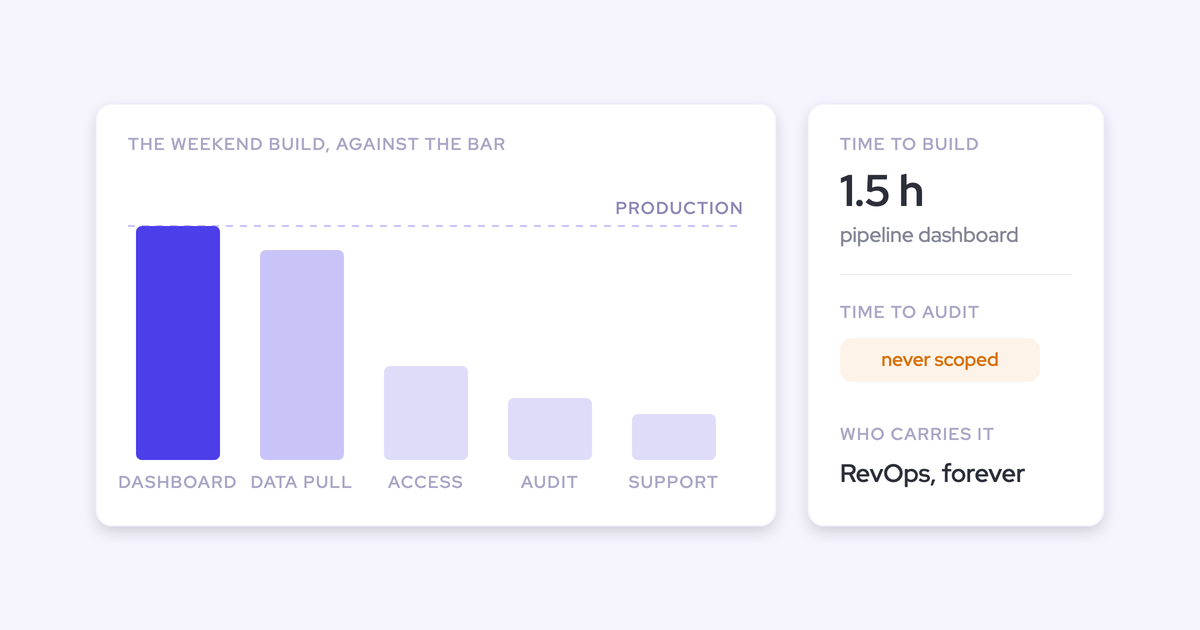

Build vs buy for revenue tooling used to be a capability question. AI coding assistants ended that. The question now is ownership: whether maintaining, governing, and keeping a hand-built tool audit-worthy for the next three years costs you less than buying the same layer already audited.
We hear the same story on calls almost weekly. Someone opens Claude or Cursor, points it at a Salesforce report, and has a working pipeline view before the flight lands. It works. That's not the part in question.
What's in question is the rest of it: the mapping layer under the prototype, the maintenance bill, the day the builder resigns, and the moment an auditor asks who governs the thing sitting in the path of your CRM. This article is an honest accounting of all four, plus a rule for which side of the line each kind of tooling belongs on, and how the governed layer that runs deal execution on top of the CRM fits either way.
How Claude and ChatGPT collapsed the cost of building
A working v1 is now a weekend, so RevOps leaders show up to vendor calls with a prototype already running. The old "you couldn't build this" argument is dead, and any vendor still using it deserves to lose the room.
"I just got one single Salesforce history report, put it in Cursor, and began writing everything I wanted out of it. Once I built out a plan doc and started prompting the agent to build, I got to essentially what you would traditionally have built into a full pipeline dashboard in a ThoughtSpot or Domo. That only took maybe an hour and a half to do something my previous company would have taken weeks to build."
That's real, and it's repeatable. We've also had a prospect open a call by telling us they'd rebuilt a forecasting tool the way they wanted it, in Salesforce, on a plane, and were now pricing us against their own build:
So the question changed shape:
| The old question | The question now |
| Can we build this? | Should we own this? |
| Answered by engineering capacity | Answered by maintenance, governance, and audit scope |
| Decided at the demo | Decided by whoever signs off on your controls |
What the weekend prototype proves, and what it hides
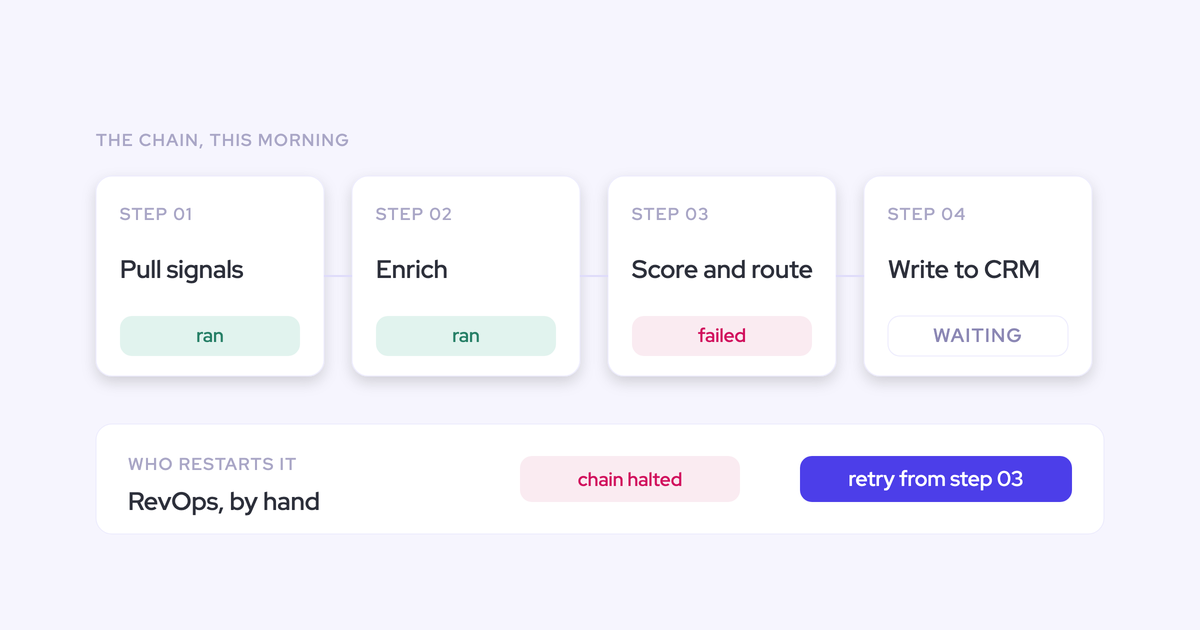
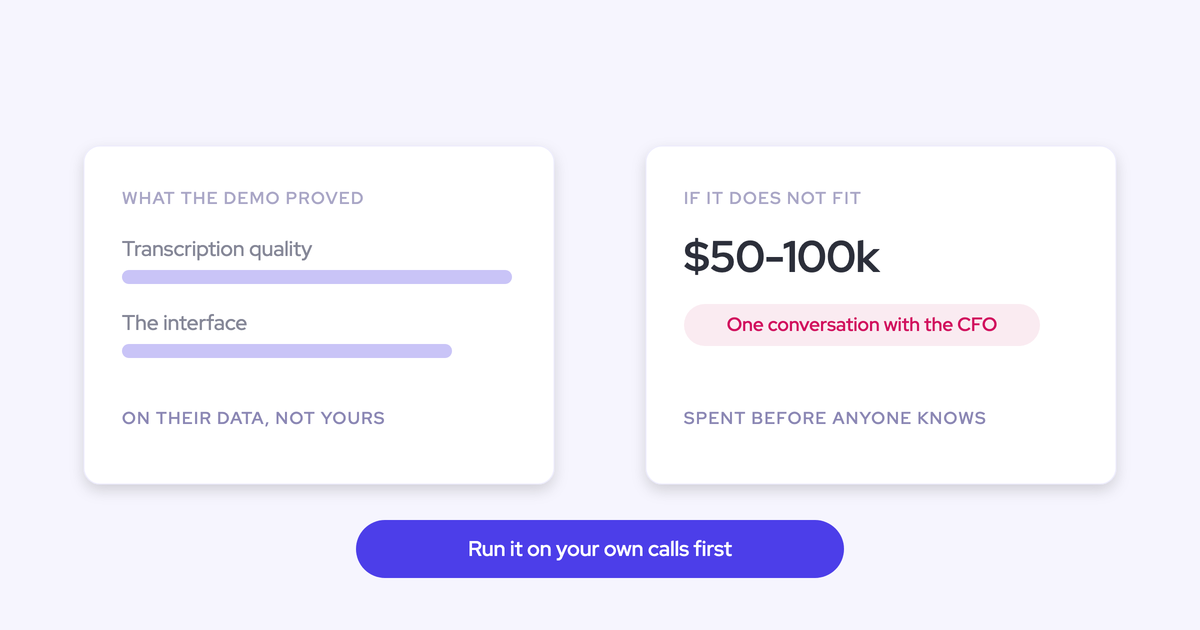
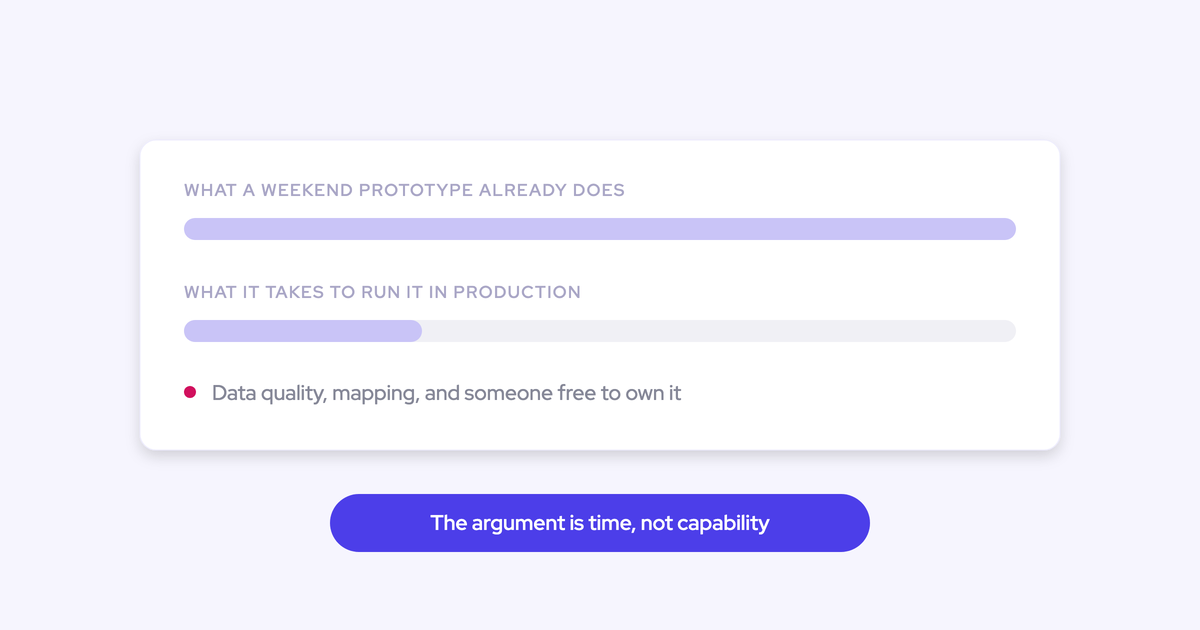
The prototype proves the interface and the logic. It hides the layer underneath: mapping, write-back, permissions, and the recovery path when any of it fails. That layer is the actual product, and it's invisible at demo stage because a demo runs on data you hand-picked.
Why activity capture is three builds, not one
Building activity capture in-house is three distinct problems, and teams discover them in this order:
- A server-side connection to the mailbox and calendar, so capture doesn't depend on a rep installing anything.
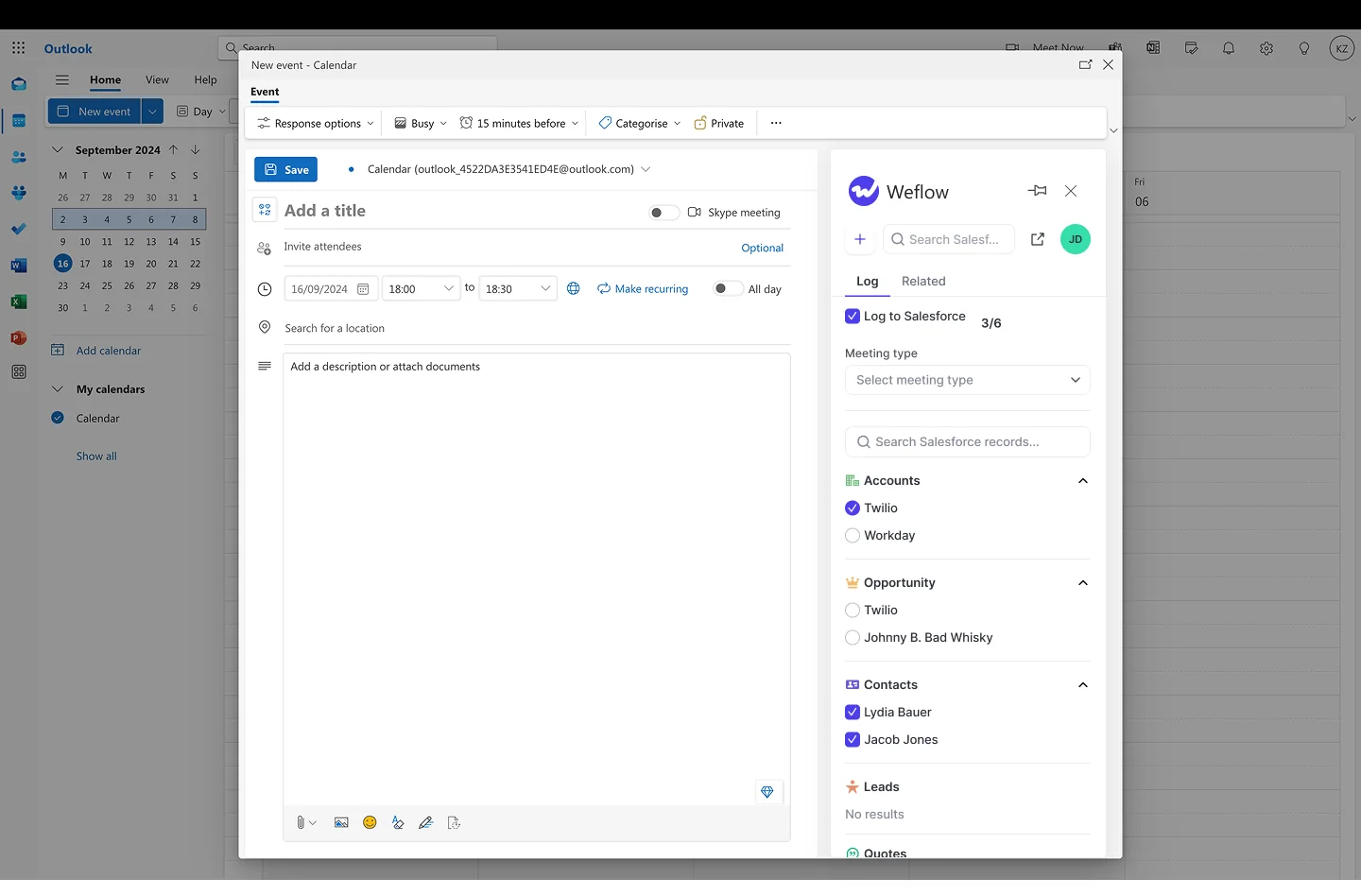
- An interface where a human can see and correct which Salesforce record an email or meeting is being attached to.
- A write path into the CRM, with structured extraction on top of it.
Teams nail number one fast. That's what creates the confidence.
Then they hit number two, which is the product. Querying Salesforce from Outlook to work out which of three open opportunities on an account a thread belongs to isn't a model problem, it's an information problem, and the rep is the only one who knows the answer. Fully automated capture guesses, and it guesses wrong the moment an account has more than one live deal.
Sized honestly, all three together is roughly a year to eighteen months with several engineers, and then sustained forever. One buyer put the mapping part better than we do:
What production adds that the prototype never shows
Hold your own prototype against this list. Every line is work that has to keep working while your team also runs the business.
- A data model that survives schema change. Someone adds a picklist value or renames a field, and your dashboard silently stops being right.
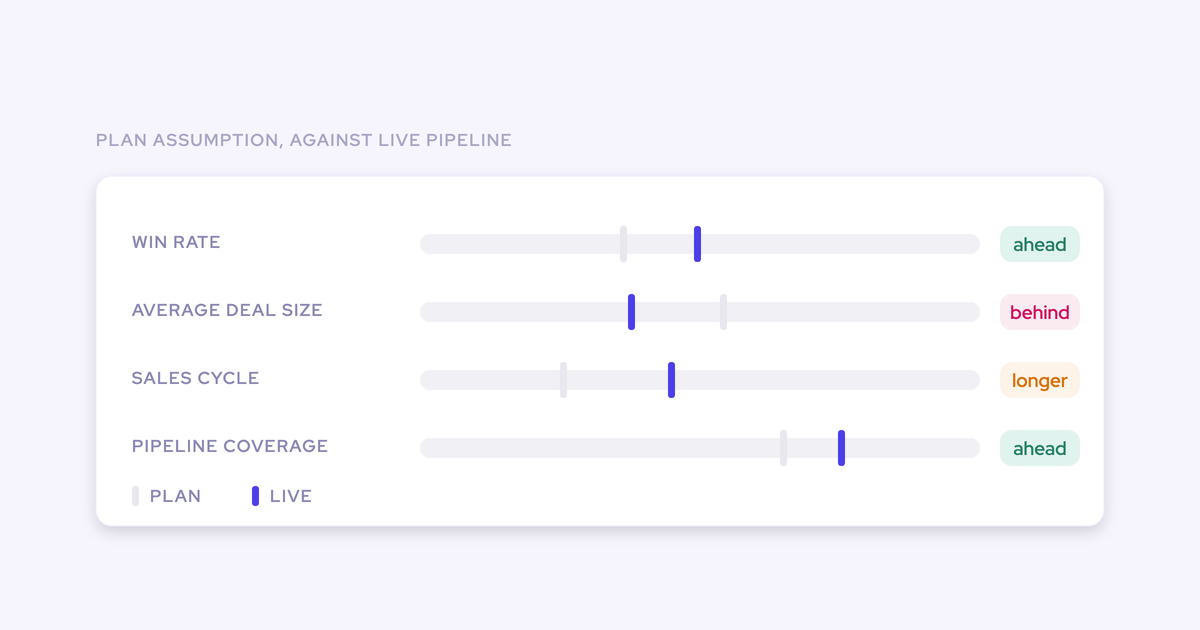
- Snapshotting. Salesforce shows the pipeline as it stands now. Comparing this quarter to the same day last quarter means storing pipeline state over time, which Salesforce reporting can't do without a warehouse.
- Permissions and role hierarchy. A managed layer that reads deals has to respect who is allowed to see what, per record, forever.
- Roll-ups across the hierarchy. Then again after the next reorg, which will happen this year.
- Integrations that don't fight each other. Two things writing activity against the same inbox produce duplicates, and someone has to own that.
- Recovery. When a week of meetings fails to sync, you need to find out why, fix the rule, and backfill the gap.
- Someone on call. Forecast week doesn't wait for a fix.
The real cost of owning your build for three years
The honest comparison isn't "can we build it," it's "is owning ours cheaper than owning theirs." Priced properly, the build column is a permanent line item and the buy column is a subscription with the maintenance attached to someone else's payroll.
| Cost line | Owning your build | Owning Weflow |
| First working version | A weekend with Claude or Cursor | A 45 to 60 minute technical setup with your Salesforce admin and mail admin |
| The full layer | Roughly a year to eighteen months with several engineers | Two to four weeks to live, four to six for a large org, no implementation fee |
| Maintenance | Forever, inside a team already at capacity | Ours |
| Compliance evidence | You produce it, and keep producing it | SOC 2 Type II, HIPAA, GDPR, CCPA, Zero Data Retention, held today |
| Reliability commitment | Whoever is free | 99.5%-plus uptime SLA, public status page, 48-hour breach notification |
| Roadmap | Your backlog, behind your own quarter | Weflow's |
| Price | Engineering time you don't have | $19 to $79 per user per month, billed annually, 10-user minimum |
When the person who built it leaves
A vibe-coded internal tool is institutional knowledge with no documentation. The prompts that produced it aren't a spec, and the plan doc in someone's Notion isn't a handover.
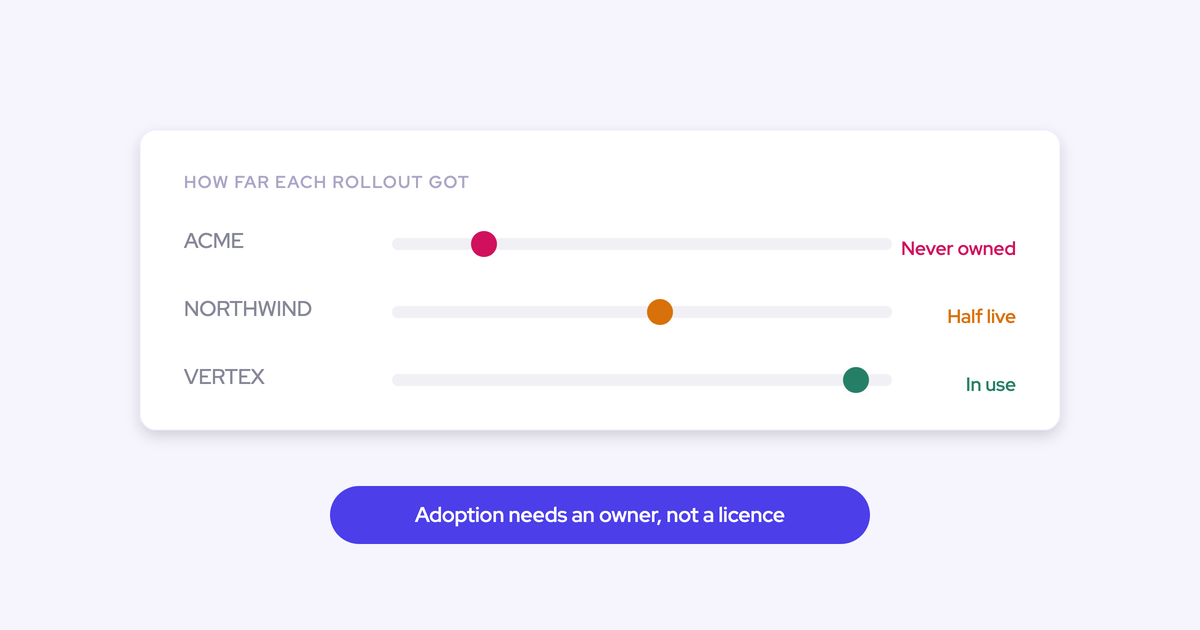
Play it forward. Your builder takes a role somewhere else in eighteen months. The company now owns software nobody can maintain, sitting in the read path of the CRM, feeding a forecast the board sees.
And the team inheriting it is not large. We talk to plenty of $100M-plus companies whose entire Salesforce function is two people, running an AI mandate on top of the day job.
The roadmap gap that reopens every cycle
What ships in a year solves the requirements as they were understood a year ago. That's not a delay you pay once, it's a position you hold permanently, because the gap reopens with every cycle.
This is the version of the argument that survives contact with a CFO. It's also worth remembering what building core revenue software actually takes at full commitment:
"It took HubSpot ten years to build the CRM. Ten years in house build. HubSpot is a good company and they still lack fundamental capabilities to Salesforce. They do other things really well."
Becoming a software vendor inside your own company
When RevOps builds and maintains a replacement for bought software, RevOps becomes a software vendor inside its own company. The build has to be governed, kept compliant, and made audit-worthy exactly like a commercial product, and that burden lands on the team already carrying reporting, forecasting, integrations, and change management.
Which is why the practitioner frame most RevOps leaders already hold puts build on the expensive side of the ledger:
"I'm a big believer in configuring versus customizing, and I put build in the bucket of customizing. My LinkedIn feed is also littered with people who have vibe coded over the weekend and built a CRM or a governance platform or an enrichment solution. More power to you if you can figure it out and run a business and maintain that technical debt, if you can apply governance and compliance."
Read that last sentence again, because it's a conditional, not a dismissal. It's also the exact list an auditor works from.
The audit is where DIY revenue tooling hits the wall
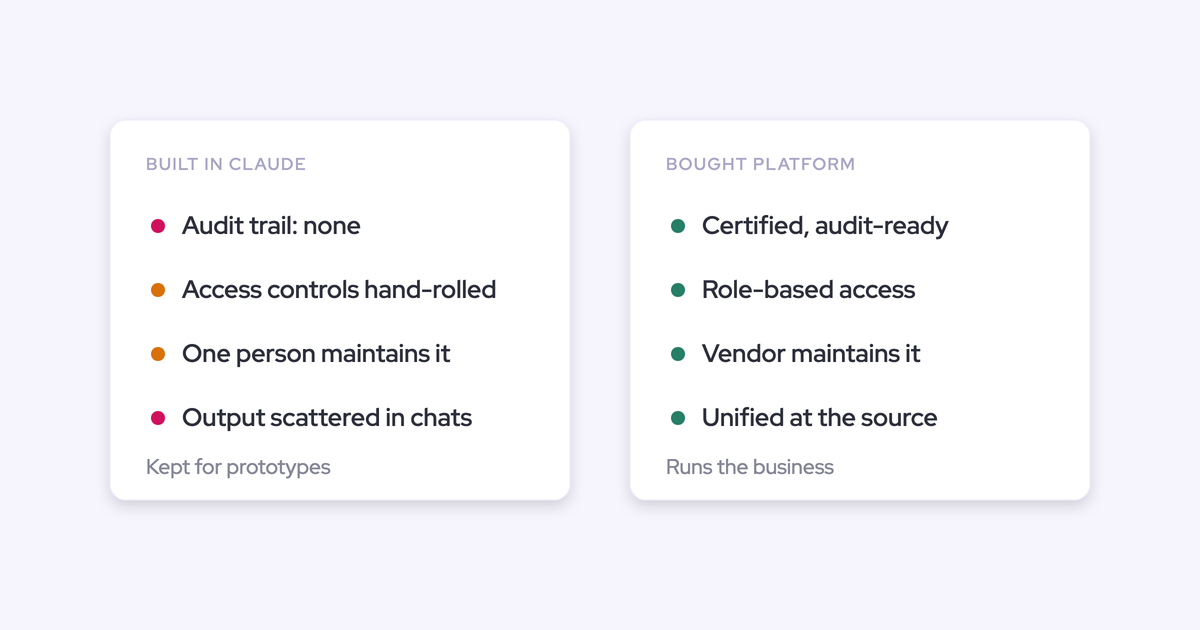
At hundreds of millions in revenue, the auditor doesn't care that your tool works. They care who governs it, who can access what, and what happens when it breaks. A hand-built tool in the path of the CRM, billing, or customer data has no good answer to any of that.
Here's what actually gets asked, and what a weekend build has to produce on demand:
- Who has access to this system, how is access granted, and how is it revoked when someone leaves?
- Where does the data physically sit, and under which agreement?
- Which sub-processors touch it, and how are we notified when that list changes?
- Is customer conversation data used to train a model?
- Who owns this internally, and what's the tech debt position?
- What's the incident process, and how fast do we hear about a breach?
- When was it last tested by someone independent?
That's why compliance is a gate, not a feature comparison. It comes up before the demo, and anything that puts compliance at risk never reaches evaluation, however good it is. Build stays for prototypes and exploration. Anything core to running the business gets bought.
When building your own RevOps tooling is still right
Always-buy is a vendor pamphlet, not advice. Building is genuinely the right call in a defined set of cases, and this is the rule we'd give a peer.
| Build when | Buy when |
| You're exploring: testing whether a view or a signal is worth having at all | The tool is in the path of the CRM, billing, or customer data and lands inside audit scope |
| The tool is narrow, non-core, and read-only against data you already own | It writes to records the forecast, comp, or board reporting depend on |
| Nobody outside the team depends on it, and it can break for a week without consequence | The business stops if it breaks during forecast week |
| You have real engineering capacity to sustain it after the person who built it leaves | Your Salesforce team is two people and already the bottleneck |
| The problem is genuinely specific to your motion and no vendor covers it | The capability is a market category with a roadmap you'd otherwise fall behind |
| You're not required to produce controls evidence for it | Security review, SOC 2 requests, and DPAs are part of your normal procurement |
The prototype proves you can. The auditor decides whether you should.
How Weflow preserves the control that made building attractive
Weflow is the Revenue AI Orchestration platform for sales, customer success, and RevOps teams. And we agree with the premise of your build, because we learned it the hard way: Weflow started as a Notion-like workspace on top of Salesforce that stayed largely manual, and we rebuilt around automated capture once it was clear that anything depending on discipline doesn't survive scale.
The two things that made building attractive are ownership and control. Neither is what buying costs you here.
Your data lands in Salesforce objects you own
Everything Weflow captures and generates is written into native Salesforce objects: EmailMessage, Task, Event, and any standard or custom object or field you point it at, apart from lookup relationships. It's stored permanently, in your org, in the region your Salesforce instance sits in.
So the prototype you already built keeps working, and gets better. It reads richer data from the same place it read before.
Same for anything you build next. Your own agents, your own dashboards, your BI models, all reading captured activity and structured conversation data out of Salesforce rather than out of a vendor cloud you'd have to reconcile.
The activity reporting package runs inside Salesforce and consumes no Salesforce API calls, which is what makes continuous activity reporting viable at enterprise scale instead of something you ration against the daily limit.
Configuration your admin owns, not a services ticket
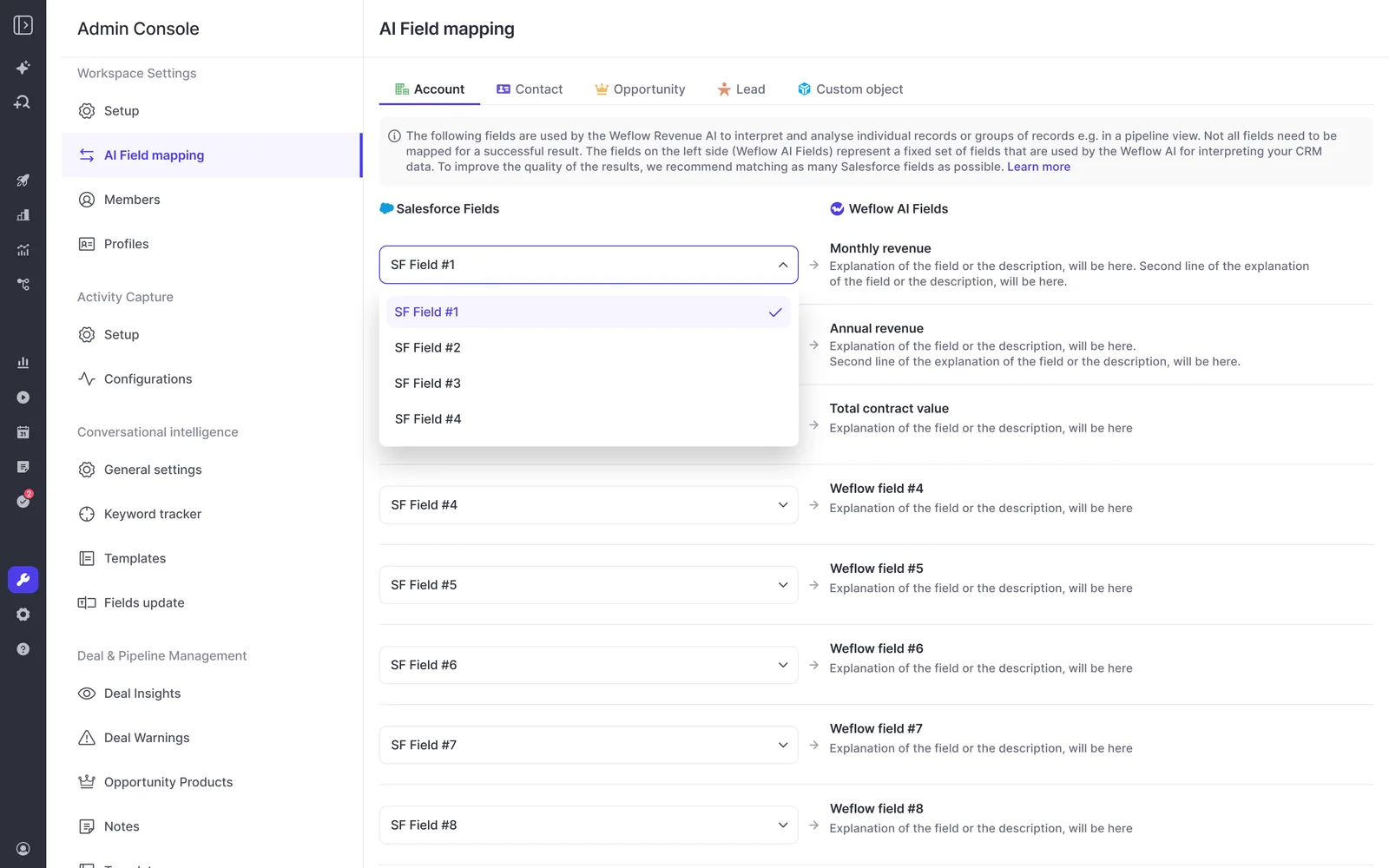
The AI surface is prompts and templates your admin rewrites in a self-service console. That's configuring, not customizing, and it's the part that answers the builder instinct without handing you a maintenance obligation.
What an admin changes themselves, live:
- Which Salesforce fields AI populates, and how they map
- The summary and coaching templates, including as many formats as your teams need, picked from a dropdown on the call record
- Methodology prompts across MEDDIC, MEDDPICC, SPICED, BANT, Challenger, SPIN, and Command of the Message
- Deal warnings, playbooks, pipeline views, quotas, forecast cadences
- Who can access Ask Weflow AI, by team
This matters because of what the alternative looks like. With some forecasting tools, adding a quarterly target or changing how the roll-up works goes through the vendor's professional services team, so a ten-minute change takes two weeks and gets billed. Operators who've lived with that check for it first on the next tool.
The compliance answers an auditor gets, and Weflow's limits
The evidence a build can't produce exists here on day one. What Weflow holds today:
- SOC 2 Type II, audited since 2021, with third-party penetration testing
- HIPAA, GDPR, and CCPA compliance, with a DPA incorporating EU Standard Contractual Clauses
- Zero Data Retention for AI processing, and customer data never used to train models
- Data stored in the region your Salesforce org sits in, on AWS and Google Cloud, TLS 1.2+ in transit and AES-256 at rest
- A public sub-processor list with advance change notification, and 48-hour breach notification
- Sign-in only through your Salesforce authentication, so deactivating a user in Salesforce removes their Weflow access immediately and there's no second identity to deprovision
- A 99.5%-plus uptime SLA and a public status page
Now the limits, because you'll find them anyway.
Weflow is not FedRAMP certified. If you're a US government contractor with a FedRAMP requirement, we're not a fit, and no amount of product depth changes that.
ISO 27001 is in progress with a December 2026 target. That's a commitment with a date attached, not a certification we hold.
External agent access is still evolving. If your company has standardized on a corporate Claude or ChatGPT and wants an endpoint your own agents query directly, that's a fair thing to press us on rather than take on trust today. And forecast submissions, targets, and roll-up data live in the Weflow application rather than being surfaced as Salesforce fields, which matters if you've decided reps only ever work in one system.
FAQ: build vs buy questions RevOps leaders ask
Should I build my own forecasting tool in Salesforce?
Build a prototype, don't build the production system. Native Salesforce forecasting can't manage quotas and forecast against them in one place, gives you no pipeline waterfall, and holds no history of how the pipeline moved, which is exactly why smart operators start building. But reproducing a same-day-last-quarter comparison means snapshotting pipeline state over time, and a core forecasting motion sits inside audit scope and run-the-business criticality, which is the buy side of the line.
Can I keep my prototype and buy the layer underneath it?
Yes, and it's the pattern we'd recommend. Weflow writes captured activity, contacts, conversation data, and AI field updates into your own Salesforce objects, so whatever you built, or build next, reads from data you own rather than from our cloud. You buy the hard layer, the connection, the mapping correction, the write path, the compliance, and keep the exploration for yourself.
Does Weflow respect my custom Salesforce configuration?
Yes. Weflow writes to your custom fields and custom objects, and respects validation rules, field dependencies, permissions, and the role hierarchy as they're already set. Sign-in happens only through your Salesforce authentication using OAuth and whatever SSO your org enforces. There's no parallel logic layer or duplicate mapping to maintain alongside Salesforce. The one exception on writes is lookup relationship fields, which Weflow doesn't update.
How much RevOps bandwidth does a Weflow implementation need?
The technical setup is a 45 to 60 minute call with your Salesforce admin and your mail admin. Time to live is typically two to four weeks, or four to six weeks in a large org, and most of that is configuration: team structure, methodology, which fields AI should populate, playbooks, warnings, and prompt templates. Weflow doesn't charge an implementation fee and runs onboarding itself. If your team genuinely has no spare hours, there's a managed option where we do the heavy lifting and your team answers questions and unlocks access.
Can I start with Weflow without a full procurement cycle?
Yes. Products are sold standalone, so you can start with Activity & Contact Capture at $19 per user per month, Conversation Intelligence or Deal Intelligence & Forecasting at $39, or a bundle from $49, with a 10-user minimum and annual billing. There's a 14-day free trial for the things a trial can prove. For forecasting, which can't be judged in two weeks because the instance has to be configured and a roll-up cycle has to actually run, there's a three-month paid pilot that is contractually the first three months of a multi-year agreement with an opt-out at the end.
Is Weflow FedRAMP certified or ISO 27001 compliant?
No on both, stated plainly. Weflow is not FedRAMP certified, so organizations with a FedRAMP requirement should rule us out. ISO 27001 is in progress with a December 2026 target. What Weflow holds today is SOC 2 Type II, HIPAA, GDPR, and CCPA compliance, Zero Data Retention for AI processing, and a commitment that customer data is never used to train models.
.webp)
