Phased rollout for Revenue AI: start with capture, add forecasting when you're ready
Learn Weflow's phased rollout for Revenue AI: start with capture, add forecasting later




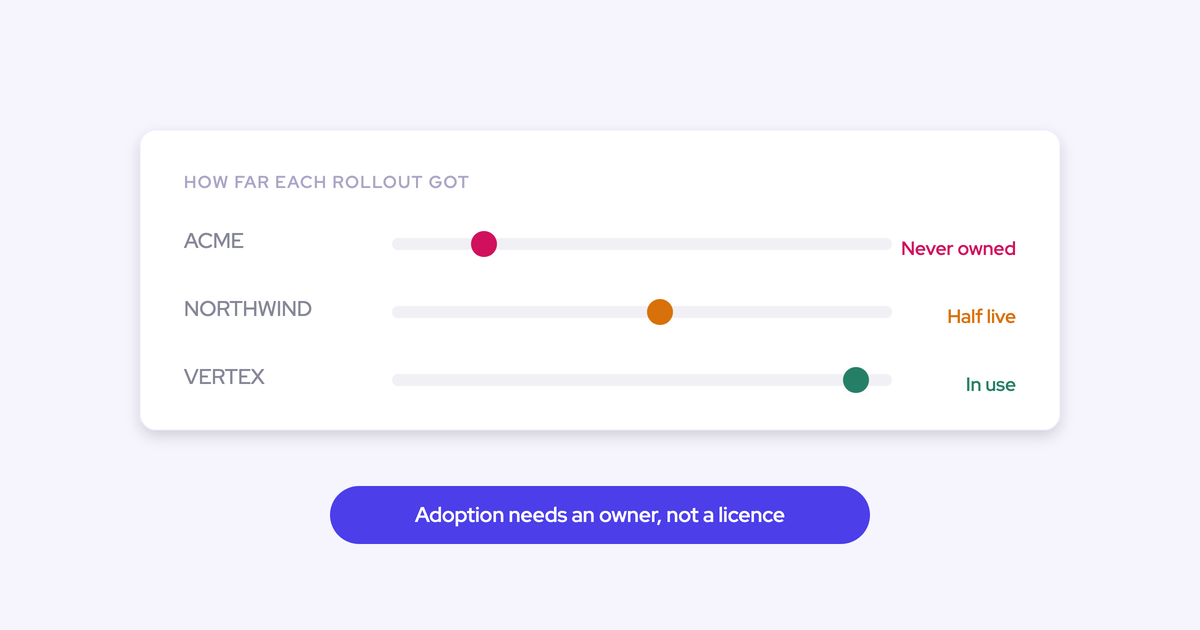
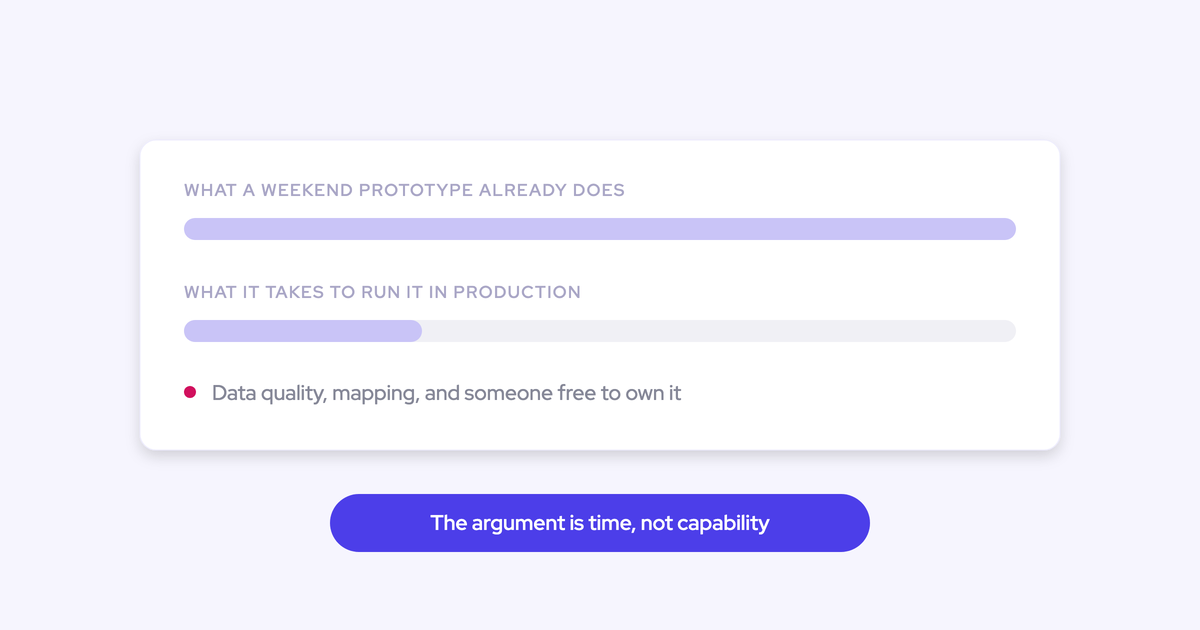
The rollout is the risk, not the product. You've already decided a Revenue AI platform is worth buying. What keeps you up is the picture of your reps opening it on day one to deal boards, forecast submissions, analytics and playbooks, disengaging by week two, and the whole investment getting judged on the modules nobody was ready for.
That fear is the correct read of how revenue tools die. Phasing isn't hesitation to be talked out of, and it isn't a compromise you accept because the budget is thin. It's the sequence that works, and there's a causal reason each wave earns the next.
This guide gives you both halves. The wave order, capture first and forecasting last, with the reason behind each step. And the part most rollout guides skip: how the commercial structure has to follow the waves, so you're not paying for seats and modules that aren't live. Weflow is the Revenue AI Orchestration platform for sales, customer success, and RevOps teams, and its products are sold and switched on in the same order the rollout runs, ending in the AI-powered deal execution workflow the waves build toward.
Why switching everything on at once kills rep adoption
A big-bang launch gets the platform judged on its hardest module. Reps meet the forecast submission screen and the deal board in the same week they meet the notetaker, and the one that asks the most of them sets the verdict for all of it.
What that looks like three weeks in:
- Reps use the recording summary and ignore everything else, so the boards and analytics show partial usage and leadership reads the whole thing as failed.
- Managers run their reviews in the old spreadsheet because the new pipeline view isn't populated yet.
- Forecast submissions come in late and inconsistent, because the cadence behind them was never agreed, only the tool that collects them.
- Your training session covered four modules in an hour, so nobody remembers the one thing they were supposed to change.
- The tool becomes the thing that was announced and never happened, which is much harder to relaunch than to launch.
"It's so important to identify the thing that moves the needle and then create quick wins so that the reps buy into it and the managers buy into it, so that they see that what you are jointly working on as a team helps them become more successful. If it's just another thing on their plate, they're just gonna ignore it, and they will fight it."
Three ways to roll out a Revenue AI platform
There are three honest paths, and two of them have a real fit case. The one your CRO will push for is usually the second, because forecasting is what leadership actually asked for.
| Path | Live on day one | What it asks of reps | When it fits | Where it fails |
| All at once | Capture, conversation intelligence, deal boards, pipeline analytics, forecast submissions | New habits in four places in the same week | One business unit, a small team, and a renewal window that leaves no room for waves | The hardest module sets the verdict. Reps judge the platform on the forecast screen nobody trained them for |
| Forecasting first | Roll-up submissions, quotas, pipeline views | A weekly submission before they've received anything from the tool | Teams that already run a disciplined forecast cadence on complete activity data in Salesforce | The forecast inherits whatever the capture layer missed. Bad data in, bad forecast out, and reps read the launch as surveillance |
| Capture-first waves | Activity and contact capture only | Nothing | Multi-unit orgs, RevOps teams of one to three, anyone replacing an incumbent mid-contract | Slower to leadership value, and it needs someone to own the wave calendar or waves three and four never happen |
All at once is a defensible choice for a single team of twenty against a hard deadline. Forecasting first is defensible in exactly one situation: your activity data in Salesforce is already complete and your forecast cadence already exists, and you're only replacing the tool that collects it. If either of those isn't true, you're building the forecast on the layer you haven't fixed yet.
Four criteria that decide your rollout sequence
Four tests decide the order, and you can apply them to any vendor's module list, not just ours.
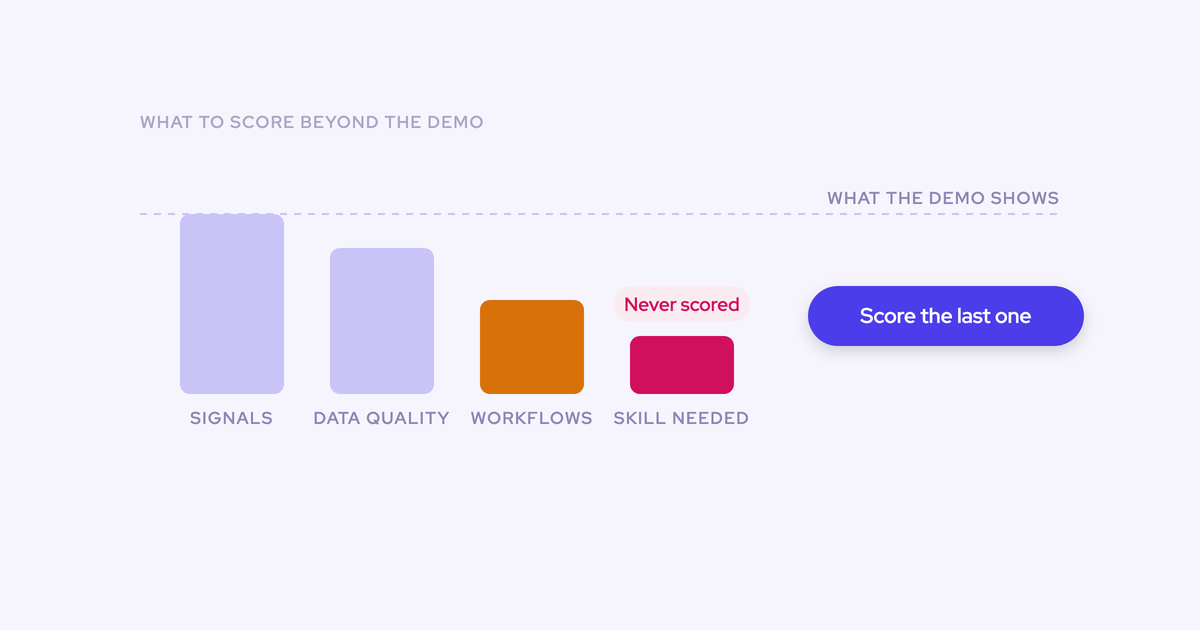
- What the wave asks of the rep. Score each module by the behavior change it requires. Zero-ask modules go first, because they buy you credibility you'll need later. Assess it by asking what a rep has to do differently on Monday morning.
- What data the module depends on already existing. Deal signals, engagement scores and AI predictions are computed from captured activity. If that activity isn't in Salesforce and mapped to the right opportunity, the module reports noise on day one and never recovers trust.
- How much of your bandwidth the wave consumes. Count it in your hours, not the vendor's: configuration decisions, training sessions, and the follow-up slot every wave creates. A team of one to three can carry one wave at a time, not four.
- What finance will approve this quarter. If your forecasting vendor's renewal is signed, a second forecasting contract isn't getting approved and arguing about it wastes the quarter. Start where you have no incumbent and no blocked budget.
Run those four against a full platform and the order comes out the same every time.
The capture-first rollout sequence, wave by wave
The order is capture, then conversation intelligence, then pipeline and deal intelligence, then forecasting. That's Weflow's own adoption method, and it's causal rather than a preference: every wave computes on the data the wave before it captured.
"We have so many customers that come to us and say, oh, we need to improve our forecasting. We need to improve our forecast accuracy. And, you know, then you peel back the onion and you see that data is missing, visibility is missing, understanding of what's going on is missing. And so it's not about then creating a roll up forecast or something. It's really fixing the root cause from a first principles perspective."
Wave 1: activity and contact capture asks nothing of reps
Wave one wins because it demands nothing from the rep while it builds the data foundation every later wave stands on. It's a configuration exercise, and capture typically goes from technical setup to rollout in two to three weeks.
What goes live in wave one:
- Emails, meetings and contacts syncing automatically from Outlook or Google Workspace into native Salesforce objects, permanently, where your own reports and automations can read them.
- Contacts created against existing accounts and attached to the opportunity as contact roles, which is what turns multi-threading into a reportable fact instead of an assertion.
- Computed fields Salesforce doesn't have on its own: days inactive, last and next meeting, a rolling activity timeline per opportunity.
- What does not go live: call recordings and transcripts. Recording lives in Weflow Conversation Intelligence. Tell your reps that in the wave-one session or you'll spend week two answering the same question.
Wave one also doesn't require you to rip anything out first. Weflow's compatibility mode lets capture run alongside a tool that's already logging email to Salesforce: you name the other tool's sending domain, Weflow delays its own sync by about ten seconds, checks the message for the other tool's tracking pattern, and skips it if it finds one.
The setup itself is where you decide sync direction, object type and which teams are switched on.

"The beauty is that end-users don't actively use it - it just works. Everything is captured automatically."
— Erick Mahle, Vice President of Revenue Operations & Digital Transformation, Lendz Financial
Wave 2: conversation intelligence gives reps a personal win
Wave two is where the rep gets something back before anything is demanded of them. That's the whole adoption mechanic, and it's why this wave sits second and not fourth.
Recording, transcription and summaries land here, along with the follow-up email draft and the AI field updates that write call outcomes into your Salesforce fields. The rep stops writing notes. The MEDDIC or SPICED fields they used to fill in on Friday get populated from the conversation itself.
Two weeks is a realistic time-to-live for this wave too, so waves one and two can land inside a month if you want them to.
The thing to protect here is trust in the data. The admin console carries a recording health dashboard showing meetings recorded, attempts, meetings skipped and an error rate, so when a call is missing you can tell whether the bot was never admitted or the meeting simply didn't happen. Without that split, every gap looks like a product failure and reps go back to their own notetaker.
"At first reps were hesitant, but now they say, 'I don't have to do this anymore - I can spend that time on selling.'"
— Rugile Pudzevelyte, Senior Revenue Operations Manager, United Fintech
Wave 3: pipeline and deal intelligence built on captured activity
Wave three is the first one aimed at managers rather than reps, and it only pays off now because its signals are computed from the activity waves one and two captured.
By this point you have weeks of clean, correctly mapped activity underneath the deal, so the signals mean something:
- Days in stage and close-date push count, tracked automatically without you building custom fields and the automation to populate them.
- Deal warnings you author yourself as rules against any Salesforce field or computed field, encoding your own slippage patterns rather than a vendor's fixed model.
- A pipeline waterfall built from opportunity snapshots taken every few hours, reconciling starting to ending pipeline through created, increased, moved in, moved out, lost, decreased and won, each bucket drilling into the actual deals.
- A deal-level AI summary that reasons across every meeting on the opportunity, so a manager can see momentum and multi-threading without opening calls.
Switch this wave on in month one instead and the warnings fire on incomplete activity, the engagement scores are wrong, and your managers learn to ignore the board. That's the failure you can't undo with training.
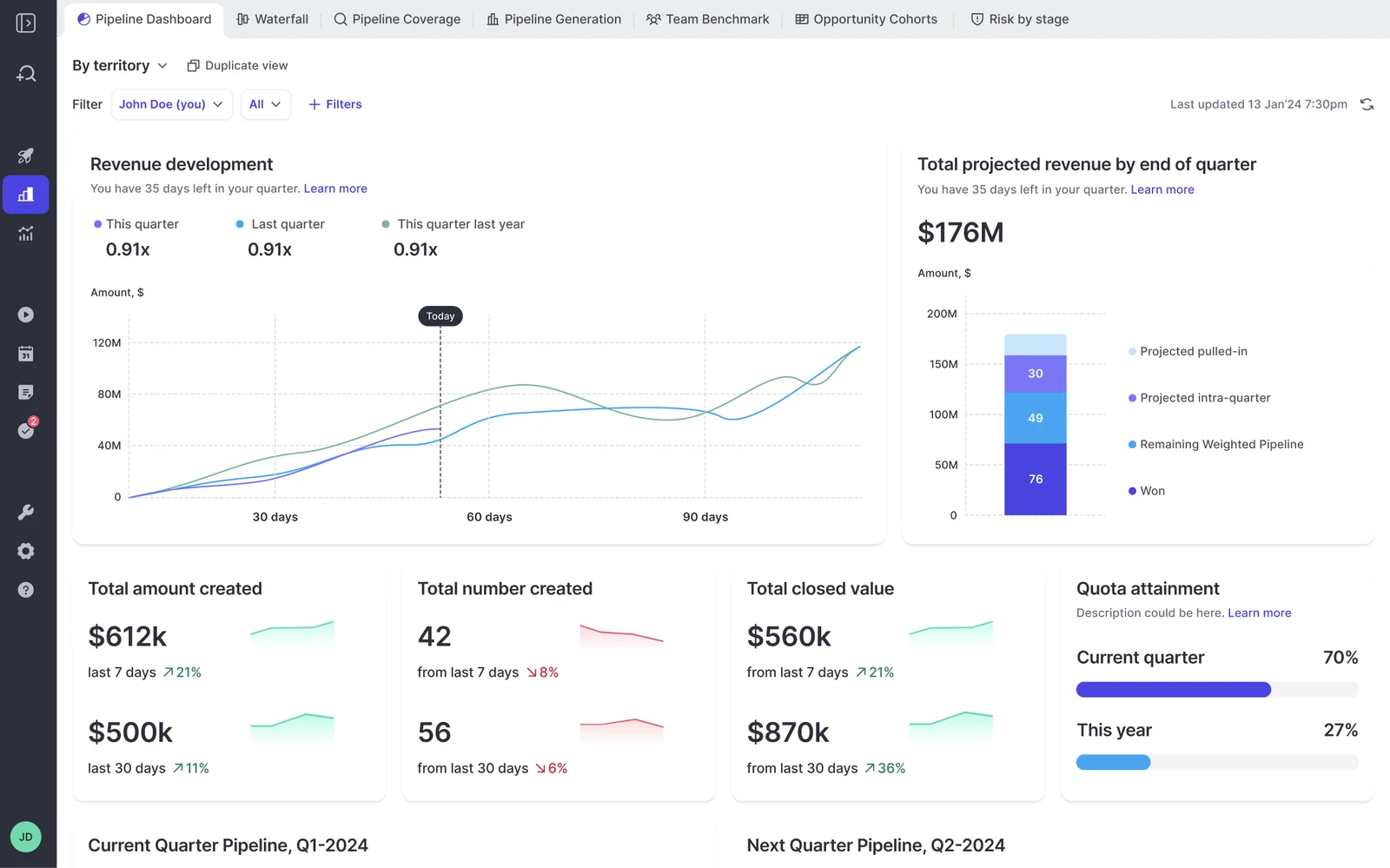
One practical note for this wave: free view-only licenses (up to one per recording license) are included, so leadership and cross-functional watchers can look at pipeline views and analytics without consuming a paid seat. You don't have to buy the exec team into wave three to show them wave three.
Wave 4: forecasting encodes a cadence, so it goes last
Forecasting is the one wave that's a process decision rather than a tool decision. You're encoding who submits, how often, at deal or manager level, against which quota and which budget. That takes longer than a configuration call and it needs sales leadership in the room, not just RevOps.
"This is also a typical conversation we have when we have prospects coming in who are interested in our forecasting solution. Then, you know, actually, this is one of the conversations that we need to have with them. We need to challenge them a little bit. Hey, do you actually have all the cadences set up already to actually do proper forecasting? How do you forecast today?"
What the wave actually involves: each rep submits a baseline and a best case, either as a total or by selecting the specific opportunities behind each number, with a comment. Every submission is versioned, managers can override, and deadlines lock the field. Submissions roll up the hierarchy automatically.
Because it runs last, the deal warnings from wave three surface inside the submission screen at the moment a rep picks which deals to commit. That's what stops unhealthy pipeline entering the forecast instead of explaining it afterwards.
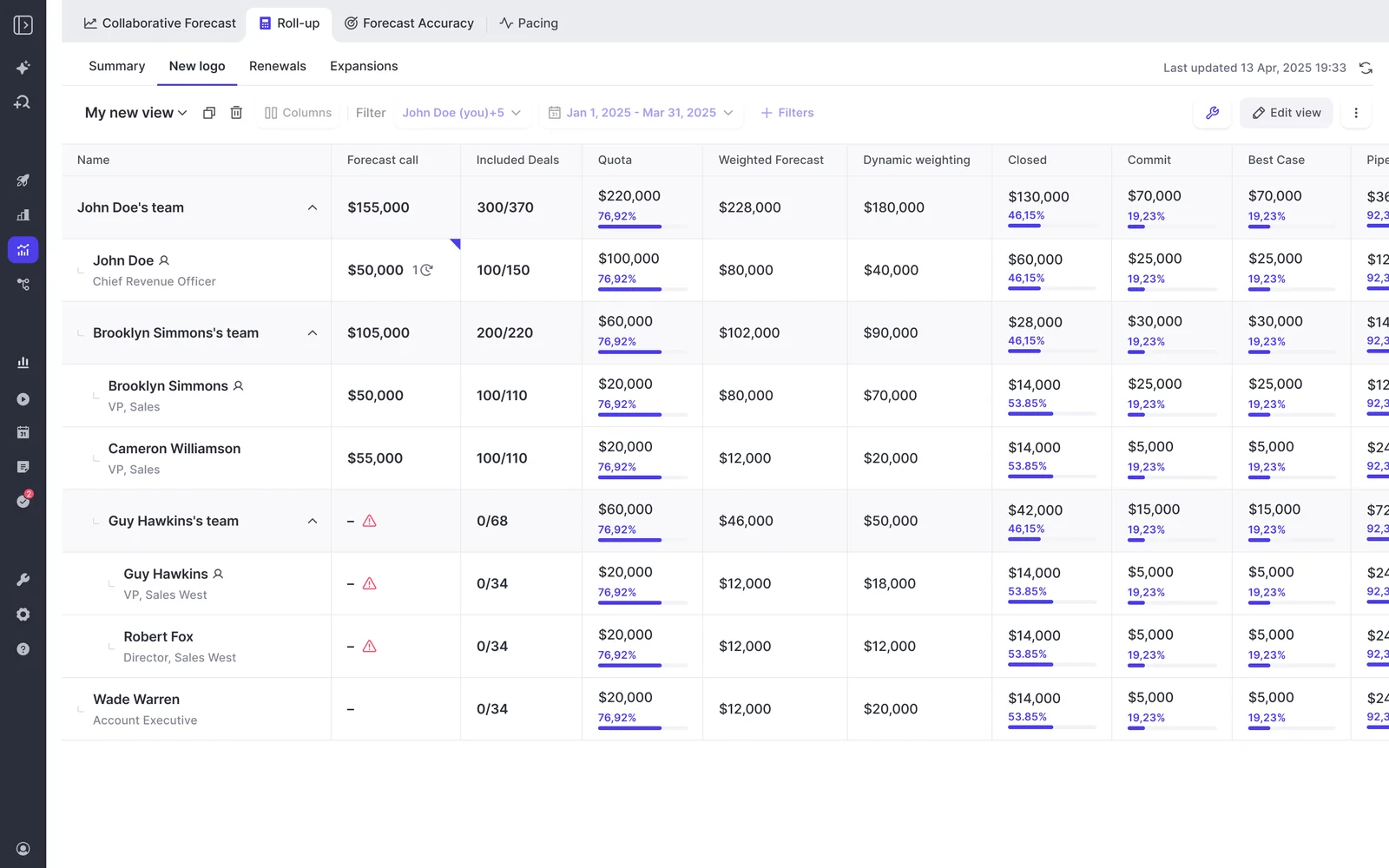
One limit to know before you design this wave: forecast submissions, targets and roll-up data live in the Weflow application rather than in Salesforce fields. Everything else, activity, transcripts, summaries and AI field updates, is written back into Salesforce. If your rule is that reps only ever work inside Salesforce, roll-up submission breaks it, though the weighted forecast and the AI prediction still work because both run off CRM data with no rep input.
Who does the rollout work: your team vs Weflow's
The rollout doesn't require a project team you don't have. Weflow runs onboarding itself as a project in three phases against a mutual action plan with named owners on both sides, and there's no implementation charge. Time to live is typically two to three weeks.
| Phase | Your side owns | Weflow owns |
| Technical implementation, 45 to 60 minutes | A Salesforce admin and a mail admin in the room, and the access to grant | Connecting Salesforce, Google Workspace or Microsoft, and installing the managed package |
| Configuration | The decisions: team structure and hierarchy, the methodology, which custom fields AI should populate, what counts as a warning | Building it: AI templates and prompts, playbooks, warning rules, pipeline views, field mapping |
| Role-based rollout | Scheduling, attendance, and naming a wave owner per team | Separate leadership and rep training, up to fifteen or more sessions in a large org, plus the follow-up slot each wave creates |
If even that is too much, there's a managed-service option where Weflow does the heavy lifting and your team only answers questions and unlocks access. We built that because the blocker in most displacement deals is RevOps bandwidth, not product fit.
KORE Wireless ran the full sequence in five explicit phases: activity capture, then conversation intelligence, then coaching, then deal intelligence, then forecasting. Weflow owned onboarding end to end, including live training with a real-time Portuguese translator for the Brazil team.
"I made a deliberate choice to let Weflow own end-to-end onboarding rather than pull my team off revenue-generating work. That's exactly the kind of partnership leverage I was looking for."
— Scott Jones, SVP of GTM Revenue Intelligence & Enablement, KORE Wireless
Rolling out across business units at different readiness levels
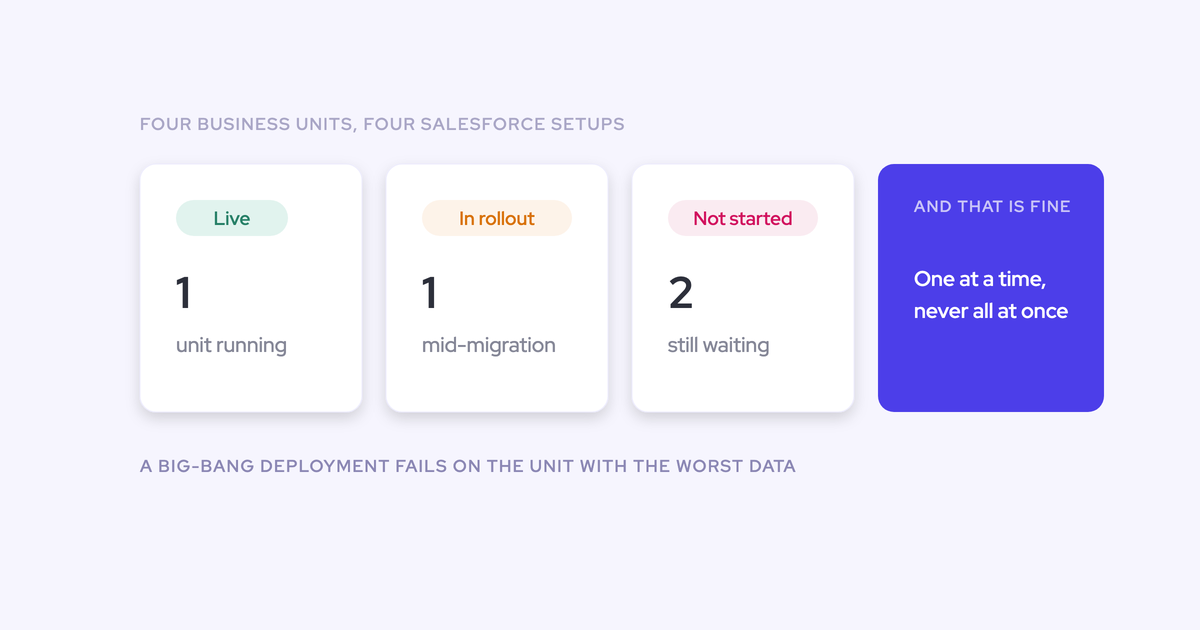
If you run several business units, phasing has two axes: by module and by unit. Nobody rolls a revenue tool out to four units at once, because each one has its own leader, its own P&L and its own Salesforce mess, and the big-bang deploy fails in the unit that wasn't ready and poisons the others.
A pattern that works:
- Pick the unit with the cleanest Salesforce setup and a leader who actually wants this. Run all four waves there first and let it become the reference.
- Activate capture for the next unit as soon as wave one is stable in the first. Weflow activates per team, so this is a switch, not a second implementation.
- Set each unit's wave-two to wave-four dates against that unit's readiness, not a shared group go-live date.
- Design the forecast cadence once two units have run it, so the third inherits a working process instead of sitting through a workshop.

Provisioning helps here in a way people don't expect. Sign-in runs through your Salesforce authentication only, so activating a unit is a Salesforce action and deactivating a user in Salesforce removes their Weflow access immediately. There's no second identity system to manage per unit.
The commercial side has to follow the same shape. If a unit slips a quarter, you should be paying for the seats that are live, not the ones planned for next year. A vendor who insists on the full seat count on day one is telling you they've never run a phased enterprise deployment.
How Weflow's modular pricing follows the rollout waves
A rollout in waves only works if you can buy in waves. This is the half most rollout advice skips, and it's the half that decides whether your phased plan survives the procurement conversation.
Pay per product and per wave, not for the platform
Each wave is a purchasable unit. The three products are sold standalone, so nobody pays for modules that aren't live, and the bundles exist for teams that already know they want more than one.
| What you're buying | Price per user per month, billed annually | What it covers |
| Weflow Activity & Contact Capture | $19 | Wave 1: email, meeting and contact sync into Salesforce, activity insights and reports |
| Weflow Conversation Intelligence | $39 | Wave 2: recording, transcription, summaries, AI field updates, coaching scorecards, Mobile Copilot |
| Weflow Deal Intelligence & Forecasting | $39 | Waves 3 and 4: deal boards, signals and warnings, pipeline analytics, roll-up forecasting |
| Revenue AI Foundation | $49 | Capture + Conversation Intelligence, the natural landing point for waves 1 and 2 |
| Revenue AI Business | $59 | Foundation + Deal Intelligence, without pipeline analytics and forecasting |
| Revenue AI Enterprise | $79 | All products, including the full forecasting layer |
Ask Weflow AI Pro and Agent Builder's free tier are included with every product and every bundle, so wave one already ships with the AI layer rather than gating it behind the top tier.
Compare that to the legacy model. Gong's pricing starts from a high-priced foundation you have to buy before you add any module, which means you can't put most of your seats on a cheap capture tier and only the leadership group on the expensive intelligence tier. That's exactly the shape a phased buyer can't get approved.
Expanding into deal intelligence and forecasting for $10 to $30 more per user
The expansion is deliberately sized to what you can get approved without opening a new procurement cycle.
Land on capture and conversation intelligence at $49 per user per month. Adding the deal intelligence layer is $10 more. The full forecasting layer takes you to $79. A standalone forecasting contract from a dedicated vendor typically runs $100 to $200 per user per month, which is a six-figure line item and a new approval, not an amendment.
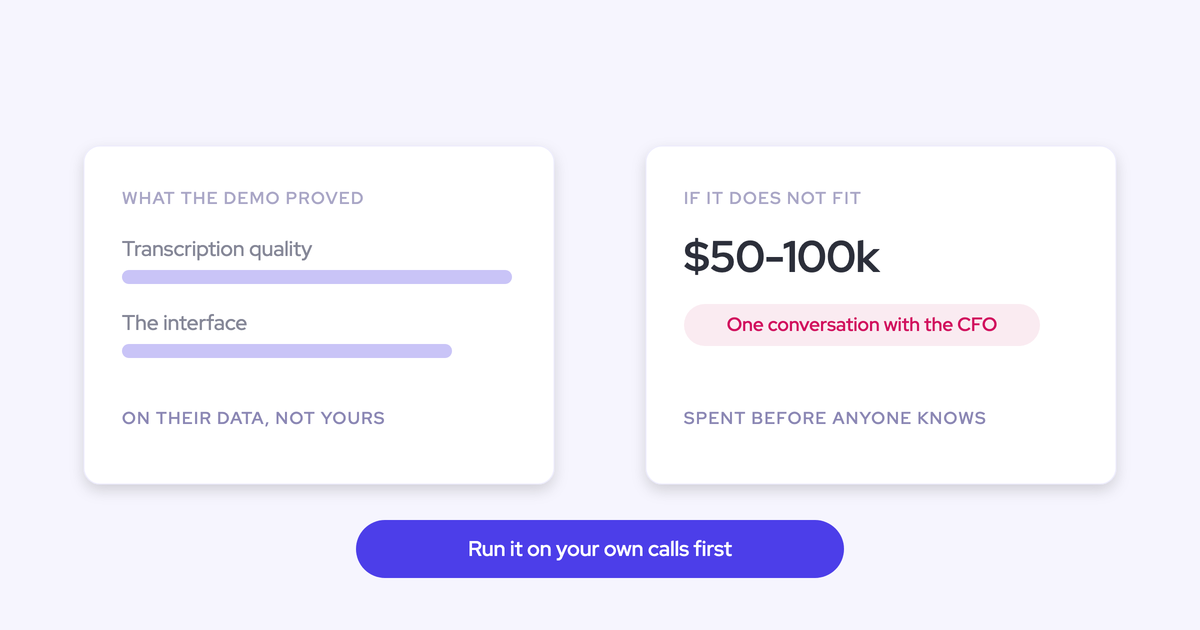
That matters most when your CFO has already signed a forecasting renewal. They will not approve a second forecasting tool this year, and no amount of demo will change that. So the entry point has to be a capability you don't already own, and the expansion has to be small enough to clear internally. We accept a lower contract value per deal in exchange for fitting how RevOps actually buys.
AI is bundled into the seat price, not metered
Weflow prices per seat with AI usage included, not per token and not per meter. The budget you approve for wave one is the invoice that arrives in wave four.
Included with no usage caps or metering:
- Recordings and transcripts, unlimited.
- AI templates, field updates, coaching scorecards and deal signals.
- Ask Weflow AI prompts across calls, deals, accounts and pipeline.
- Free view-only licenses (up to one per recording license) for stakeholders who need to look but not work in the tool.
- No platform fee and no implementation fee.
One exception to name honestly, because your RFP will ask: Agent Builder is priced per workspace, not per user. Every plan includes the free tier with 25 agent actions a month, then it's $299 a month for 500 actions, $999 for 2,500, or a custom package above that. That's the only consumption-shaped line in the model, and it sits outside the seat price rather than inside it.
The 10-user minimum, stated plainly for small teams
Weflow has a 10-user minimum and bills annually. If you wanted to put a paid pilot in front of one or two reps and only argue for budget after, you can't do that here. Say it now rather than discover it on the pricing call.
What you can do: a 14-day free trial with guided onboarding to test it against a written requirements list, then a ten-seat capture-first start at $19 per user per month as the cheapest honest entry point.
For a team of five, that's paying for ten. If that turns a cheap experiment into a commitment you can't justify yet, we're not the right answer this quarter, and we'd rather you knew that before the demo.
See how Weflow captures activity, updates Salesforce fields from calls, and rolls up your forecast. Book a 30-minute demo.
Frequently asked questions about phased Revenue AI rollouts
Do we get call recordings if we start with capture only?
No. Recording and transcription live in Weflow Conversation Intelligence, not in Weflow Activity & Contact Capture. Capture syncs emails, meetings and contacts into Salesforce, and that's where it stops. If your reps expect recordings in wave one, the Revenue AI Foundation bundle at $49 per user per month pairs the two products, which is exactly why that bundle exists.
Can Weflow run alongside Einstein Activity Capture, Clari, or Gong?
Yes, and the rule is the same in every case: one capture engine writes activity into Salesforce.
- Einstein Activity Capture: set the Einstein event sync to one direction, from mail and calendar into Salesforce, before you switch Weflow on. Left bidirectional, the event gets logged, pushed back to the calendar and logged again, and you get duplicates. Removing the Einstein permission from users doesn't stop it, and duplicates already written aren't cleaned up automatically. With the setting corrected, Weflow adds call summaries and codings onto the events Einstein already creates.
- Clari: Clari reads activities from Salesforce, so you can run Weflow for capture and keep Clari for forecasting through the renewal. Turning both captures on is the failure mode, not the coexistence.
- Gong and sequencers: Gong logs activity to Salesforce too, and Outreach, Salesloft and Apollo send through the same mail tenant Weflow reads. Compatibility mode handles that: name the other tool's sending domain and Weflow skips messages it already claimed.
Is Weflow's AI priced separately or metered by usage?
Weflow prices per seat with AI usage bundled in. Recordings, transcripts, AI field updates, coaching scorecards, deal signals and Ask Weflow AI prompts carry no usage caps or metering, and there's no platform or implementation fee. Agent Builder is the one per-workspace line: the free tier with 25 agent actions a month is included in every plan, with paid tiers above it.
How long until forecasting is live, and what must be ready?
Capture and conversation intelligence go live in two to three weeks each. Forecasting takes longer, because you're not switching a feature on, you're encoding a cadence: who submits, how often, at deal or manager level, against which quota and which budget.
Have those four answers before the design session, plus your quotas and your hierarchy. The upside of running capture first is that several weeks of clean activity data already exist by the time the forecast design is agreed, so the first submission runs on real deal data instead of last quarter's spreadsheet.
What happens if a business unit isn't ready for its wave?
Waves activate per team, so a unit that slips doesn't hold up the ones that are ready, and the commercial structure should follow activation rather than a single go-live date. Bring your wave plan and seat counts per wave to the commercial conversation and price against live seats. If a vendor won't structure it that way, that's your signal about how their last phased rollout went.