Running a Real POC for Conversation Intelligence: What a Demo Can't Show
Learn how to run a free Conversation Intelligence POC and test what demos can't show in Salesforce.




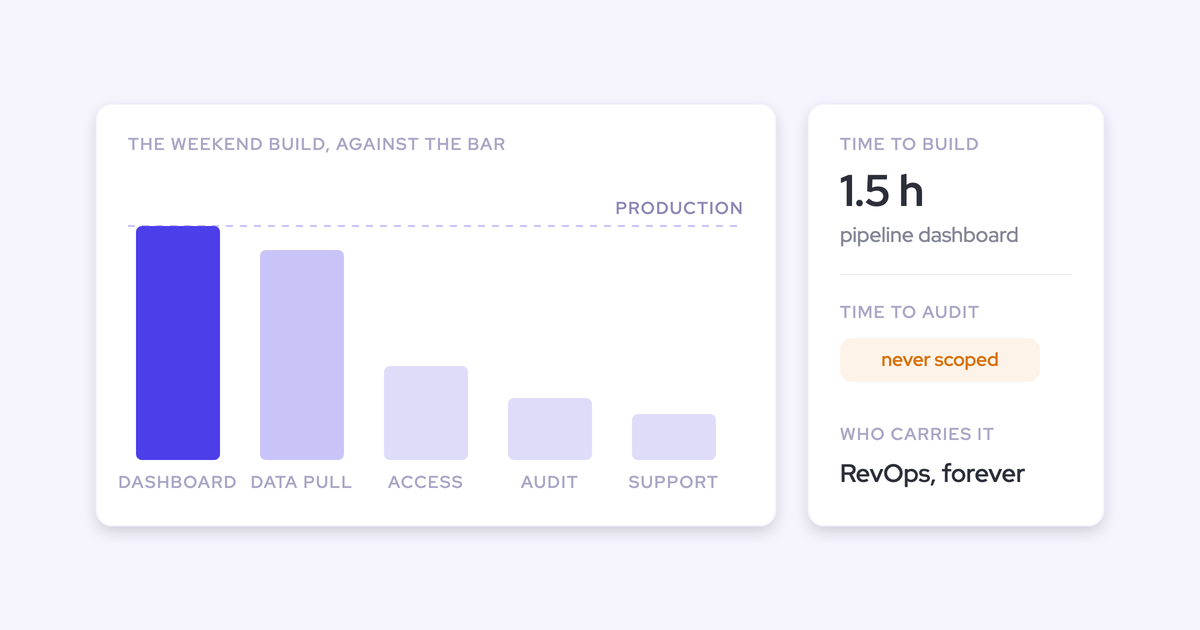
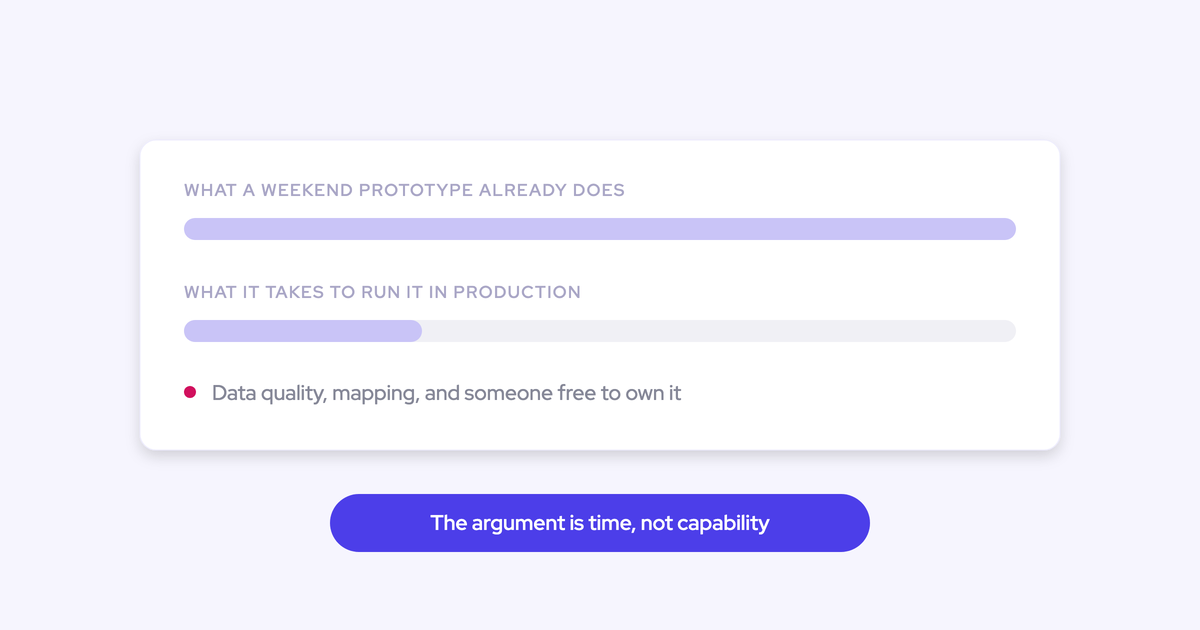
Four demos in, and you can't tell them apart. Everyone transcribes cleanly, everyone summarizes well, everyone has a screen where the call plays on the right and the AI notes sit on the left. That's not a failure of your attention. It's that the recording layer became a commodity, so the demo is a level playing field by design.
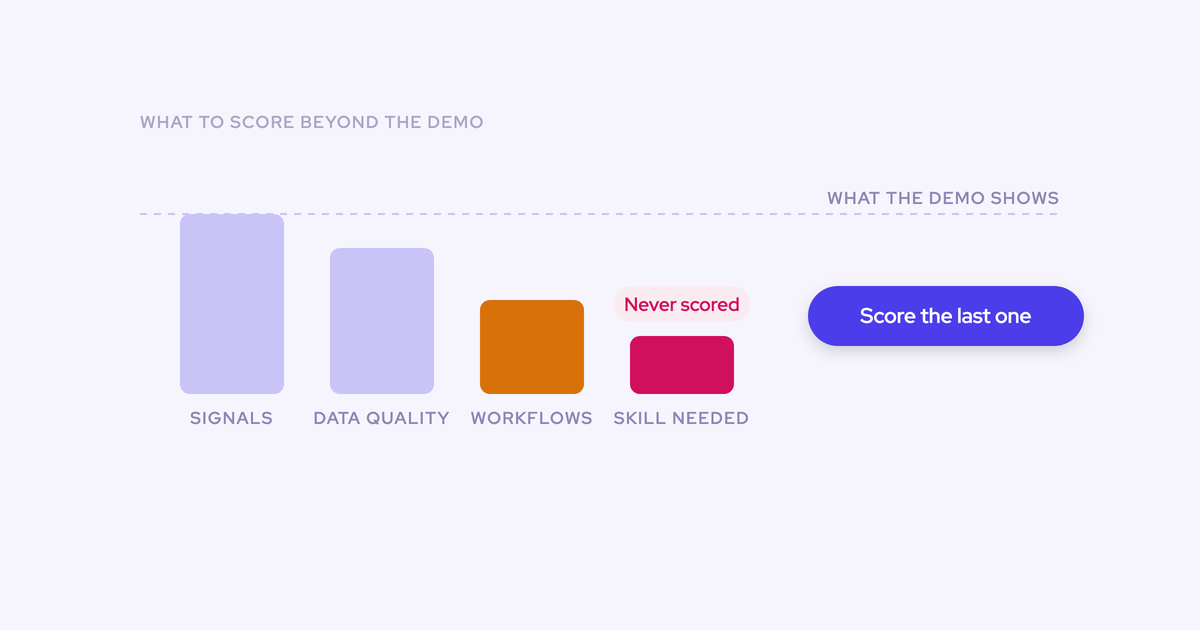
The differences that decide whether this purchase survives the year live somewhere a demo can't reach: the Salesforce write-back. Duplicate meeting records, coverage that rots rep by rep, activity mapped to the wrong opportunity, a summary dropped into a text box instead of the fields your reports read. None of that shows up in 45 minutes. All of it shows up in week six, on your data.
So here's the test plan. What to put on the requirements list before your next vendor call, how to run a two-week POC on your own Salesforce, and the exact checks that separate a real Conversation Intelligence + AI Field Updates integration from a good-looking one.
Why every conversation intelligence demo looks the same
Because the part a demo can show is the part every vendor now does well. Transcription and summarization are cheap and solved. Vendors compete on the surface they can put on a screen, and under-invest in the surface they can't.
The failures that matter need real data and real time to appear:
- Duplicate meetings. Your capture tool writes the meeting to Salesforce. The notetaker writes the meeting to Salesforce. Now meetings per rep and meetings per closed opportunity are inflated, and that's the reporting you bought both tools for.
- Coverage decay. Where each rep authenticates their own calendar, some never do it and a few tokens break every month. Nobody notices, because a rep with no recordings looks like a rep with no meetings.
- Mis-mapping. Server-side matching on email domain has no way to choose between two open opportunities on the same account, so it guesses, and every deal-health signal built on top inherits the guess.
- Shallow writes. A summary in a description field reads fine and reports on nothing.
- Missing contacts. The four people on the call who don't exist in Salesforce still don't exist in Salesforce.
"Look at the Salesforce integration, trial it. That is often something that most CI providers don't start with. They see it as an afterthought. And I think it's making it really, really hard to have a reliable and in-depth integration into your Salesforce to, you know, go after the system of record excellence we're all looking for."
What to decide before the first vendor call
Whoever writes the criteria controls the evaluation. If you walk into the first call without them, you'll spend three weeks being shown each vendor's best angle and end up comparing four different things.
Settle these in writing first:
- Scope the POC to capture and conversation intelligence. Both act on meetings and emails that are already happening, so fourteen days is enough to judge them. Forecasting isn't, and putting it in the scope guarantees an inconclusive result.
- Pick one team of five to ten people, on your production Salesforce. A demo org proves nothing about your validation rules, your custom fields, or your accounts with three open opportunities. A sandbox is second best and still useful if your security team insists.
- Choose the consent mode with legal before rollout, not after the first guest objects. Opt-out, opt-in, or manual. This decision sets your coverage ceiling, so it's a business decision as much as a legal one.
- Nail the commercial terms of the test itself. Does the trial cost anything, how long does it run, is there a seat minimum on the contract that follows, and who from your side has to be in the room. A three-month services project to get connected tells you what the next two years look like.
- Write the requirements list. Then send it to every vendor before the first call.
Teams that have been burned by a capture setup that logged half the emails already work this way. They write the list, share it with two or three providers, and run a short pilot against it. A vendor who can't be tested against a written list in a fortnight doesn't make the shortlist.
The requirements list for a conversation intelligence POC
Build the list from failure modes, not features. A feature grid puts two vendors side by side and makes them look identical. A failure-mode list makes them behave differently in front of you.
| Requirement | Why a demo can't show it | How to verify it in the trial |
| Writes to the one meeting activity that already exists | A demo org has no competing capture tool and no calendar event history | Record a meeting that's already on the calendar, then count Event records on the opportunity timeline |
| Links participants to the right contacts and leads, and creates the missing ones | Demo data is pre-populated, so nothing is ever missing | Invite an external attendee who isn't in Salesforce and check what gets created, and where |
| Relates activity to the correct account and opportunity, with a rep-facing correction point | Demo accounts have one open opportunity | Run the test on an account with two or three open deals, then try to correct a wrong mapping as a rep, without an admin |
| Populates structured Salesforce fields, including picklists | A summary in a text box looks identical to a field write on a slide | Name five fields you report on, including one picklist, and check the values landed in them |
| Connects centrally at the workspace level | Per-rep authentication works perfectly on day one and rots quietly afterwards | Ask who is connected and how. Then check the recording ratio per rep at the end of week two |
| Scores the methodology across the whole opportunity | Per-call scoring demos beautifully on a single call | Open an account with a dozen calls and a hundred emails and ask for the qualification picture |
| Data lives permanently in your CRM | Every vendor's UI looks like ownership | Query the native objects directly, or build a Salesforce report on the captured data yourself |
| No model training, across the sub-processor chain | It's a contract question, not a product question | Get it in writing, covering sub-processed LLM providers, before the pilot starts |
One extra question worth asking every vendor: what will you stop writing. Most teams already have three or four systems syncing activity into Salesforce with different mapping logic. A vendor who only talks about what they add is describing your next reconciliation problem.
How to run the two-week POC step by step
- Send the list to two or three vendors before the first call. Ask each one to mark the lines they don't do. The ones who answer honestly are the ones worth trialing. Owner: RevOps.
- Choose the pilot group and the test accounts. One team, five to ten reps, and at least two accounts with more than one open opportunity. Those accounts are where the evaluation gets decided. Owner: RevOps plus the pilot team's manager.
- Agree the consent mode and document it. What's captured, where it's processed, who can hear it. In Germany and Austria this is the step that stops rollouts, so do it in week zero, not week two. Owner: RevOps plus legal.
- Install, connect, and clock it. Time to live is a scored criterion, not a footnote. Note the calendar days from kickoff to first synced record, and who from your side had to be in the room. Owner: Salesforce admin plus your Google Workspace or Microsoft admin.
- Sync back historical activity. Without a backfill you spend the first week waiting for data to exist. With one, you can inspect months of real mapping behavior on day one. Owner: vendor implementation team.
- Record real meetings for a full week and leave the defaults alone. Every configuration tweak the vendor makes mid-trial is a tweak your team will have to make forever. Owner: pilot reps.
- Run the write-back checks in week two, on live records. The next section is the script. Owner: RevOps admin.
- Pull the recording ratio. Recorded meetings as a share of all customer meetings the pilot team held, broken down by rep. Owner: RevOps.
- Score every vendor against the same list and write down what each one failed. That document is what you hand your CFO in six weeks. Owner: you.
How to test the Salesforce write-back during the trial
These are the checks that separate a real integration from a well-designed screen. Run all of them on production records with real people on the call.
- The duplicate meeting check. Record a meeting that already exists as a calendar event on an opportunity. Then open the opportunity's activity timeline. Pass: one Event, carrying the summary and a link to the recording. Fail: two records for one conversation, which quietly doubles your meeting counts.
- The multi-opportunity check. Record a call on an account with two open deals and the same contacts on both. Pass: the activity is related to the right opportunity, and a rep can correct it themselves from the mailbox or browser if it's wrong. Fail: it lands on the account with no opportunity, or on the wrong one with no way to fix it.
- The participant check. Put an external attendee on the call who doesn't exist in Salesforce yet. Pass: a contact is created on the matched account, deduplicated against existing records, and attached to the opportunity as a contact role. If the address already exists as a lead, the activity attaches to the lead instead of spawning a twin. Fail: nothing gets created, or you get a duplicate.
- The field check. Pick five fields your pipeline review actually reads. Include one picklist or multi-picklist, because that's where the shortcuts show. Pass: values land in those fields, respecting your validation rules and allowed picklist values. Fail: a paragraph of prose in the description field, or a picklist write that silently doesn't stick.
- The opportunity-level methodology check. Open a deal that's run across a dozen conversations. Pass: one qualification picture assembled from every call and email on the opportunity, current as of yesterday. Fail: twelve per-call scores nobody will ever stitch together.
- The connection check. Ask the admin console who is connected and how. Pass: one central connection at the workspace level. Fail: a list of individual rep authorizations, two of which already show as expired in week two.
One more, if you have time: ask what happens to a meeting that failed to map. A vendor who can inspect why the match failed, correct the rule, and backfill the record is telling you that a rollout gap won't become a permanent hole in your activity history.
How to keep the pilot from becoming a recording referendum
If your pilot group has never been recorded, the POC stops being a test of the product and becomes a vote on being tracked. Conversation intelligence trials less cleanly than activity capture for exactly this reason: capture asks nothing of a rep, recording asks them to change how they work for four weeks while someone watches.
The honest answer is that this isn't a decision to put to a pilot group. It's a leadership decision about how the team runs, made as one, then supported with enablement.
"If it's just another thing on their plate, they're just gonna ignore it, and they will fight it."
What works in practice:
- Launch it as help, not audit. The first thing a rep should see is their meeting note already in the company's mandated format, the follow-up email drafted, and the CRM fields filled. That's time back today, before you ask for anything.
- Keep manager metrics out of the rep-facing launch. Talk ratio, longest monologue, hours in meetings. Managers need them, and showing them on day one teaches the pilot group that the deployment is surveillance. Give managers their own session and set permissions accordingly.
- State the logging rules out loud. Which domains are excluded, whether internal mail is captured, what happens to a recording when a guest declines. Vagueness here is what people fill with the worst assumption.
- Pick the consent mode deliberately. Opt-out records by default with a notice and a decline route, and it's what keeps coverage high. Opt-in produces cleaner consent and materially thinner data, and it falls apart in group calls where one person forgets to accept.
Mistakes that invalidate a conversation intelligence POC
Running two capture tools against the same inbox
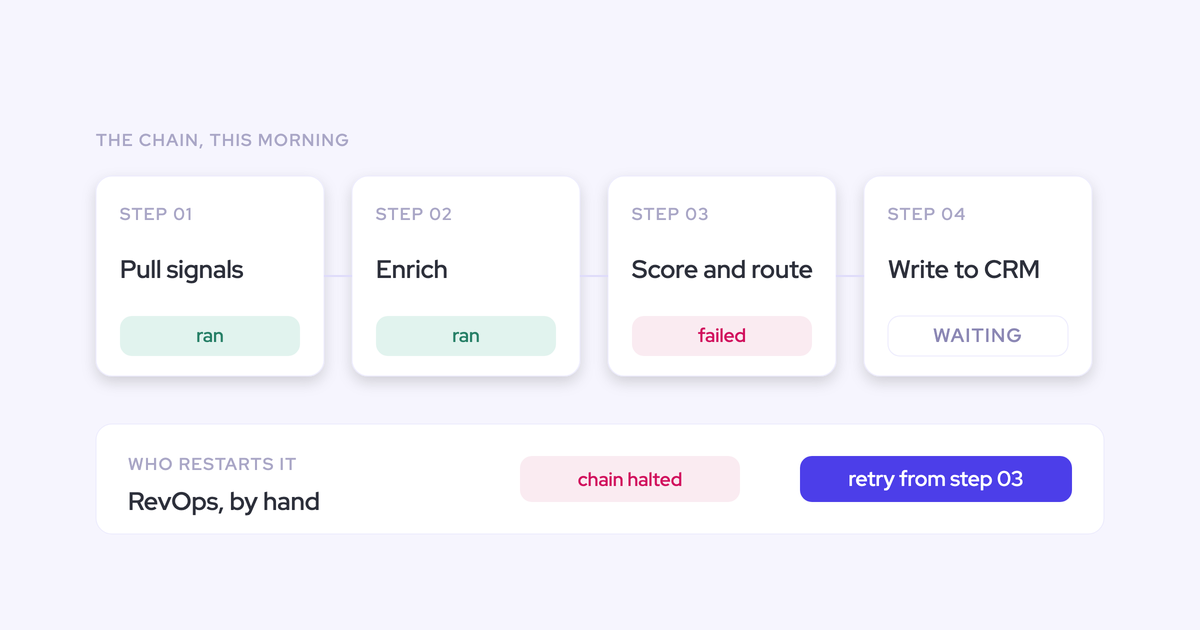
Two capture engines reading the same mail tenant will both write the same emails and meetings to Salesforce. You then score the trial on activity data that's inflated by the trial setup itself.
Run one capture layer at a time. Either switch off the incumbent's Salesforce write-back for the duration, keeping it live for sending, or use a compatibility mechanism that names the other tool's sending domain and steps back when it detects that tool's tracking pattern. Both work. Doing neither invalidates the numbers.
Letting transcript quality decide the shortlist
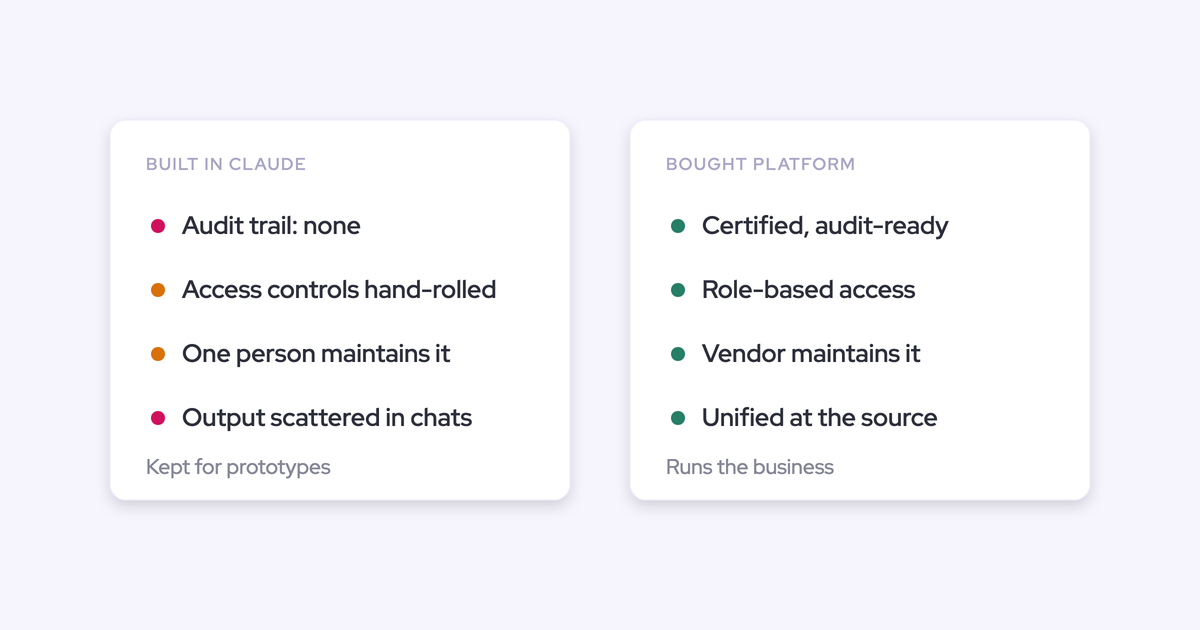
Everything transcribes well now, which is precisely why the transcript can't separate the field. A vendor that wins on the recording screen and writes shallowly into your CRM leaves you where you started: the insight sits in their portal, your Salesforce stays empty, and in eighteen months you're running this evaluation again.
If two vendors tie on the recording screen, that's information. It means the screen isn't the criterion.
Trying to prove forecasting in fourteen days
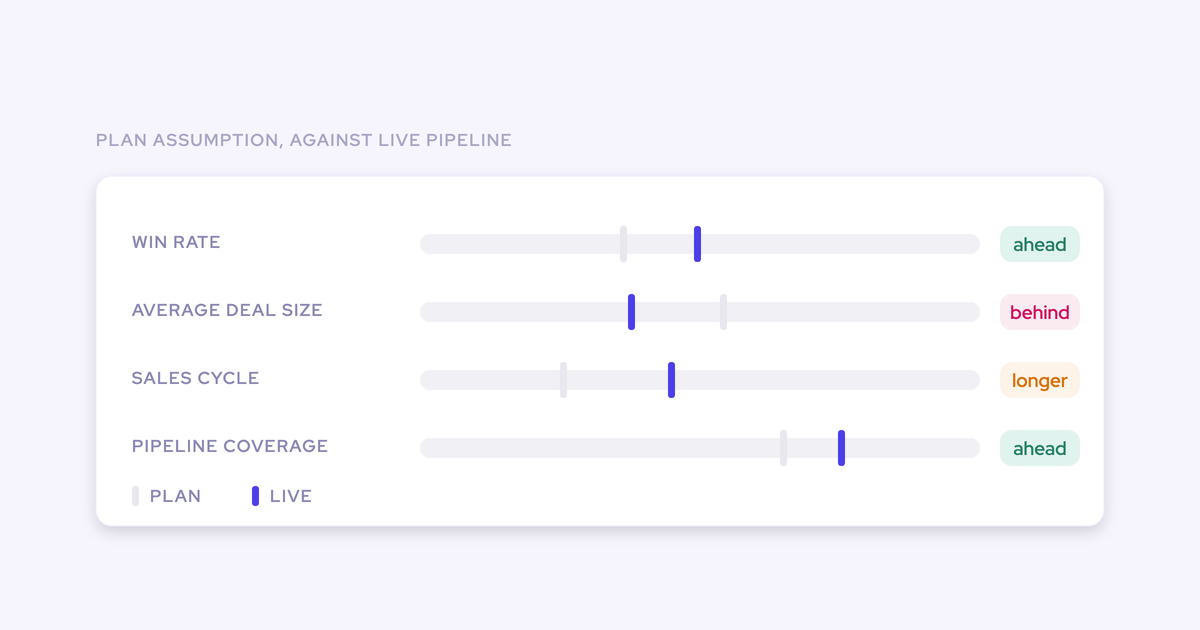
Forecasting proves itself by comparing what you called against what closed, which takes roughly three forecast cycles. Put it in a two-week scope and you'll produce a result nobody can defend, and the inconclusive answer will contaminate the parts of the test that did work.
Score capture and conversation intelligence now. Evaluate forecasting on its own clock, with sales leadership in the room, because it's an operating cadence more than a product.
Success criteria a CFO will accept after the POC
Write these down before the trial starts, measured on your own data. Criteria agreed afterwards are an argument. Criteria agreed beforehand are a decision.
- Recording ratio. Recorded meetings as a share of the pilot team's customer meetings. Weflow's conversation intelligence customers typically land between 50 and 70 percent once the notetaker is scheduled automatically from the calendar. Below that, look at the connection model before you blame the reps.
- Field completeness on piloted opportunities. Count the populated fields on your qualification set before and after. Blacklane runs at 96 percent of MEDDIC fields populated in Salesforce, which is the kind of number that ends the conversation about whether reps will fill them in by hand.
- Mapping accuracy. Sample twenty activities on multi-opportunity accounts and count how many landed on the right deal. This is the single number most vendors will not volunteer.
- Time to live. Calendar days from kickoff to first synced record, plus how many hours of your admin's time it consumed.
- Rep time returned. Ask the pilot reps what they stopped doing. Selling time recovered from automated notes and CRM updates is the most provable ROI in this category. Win-rate improvement is the hardest, so keep it out of the criteria and out of the business case.
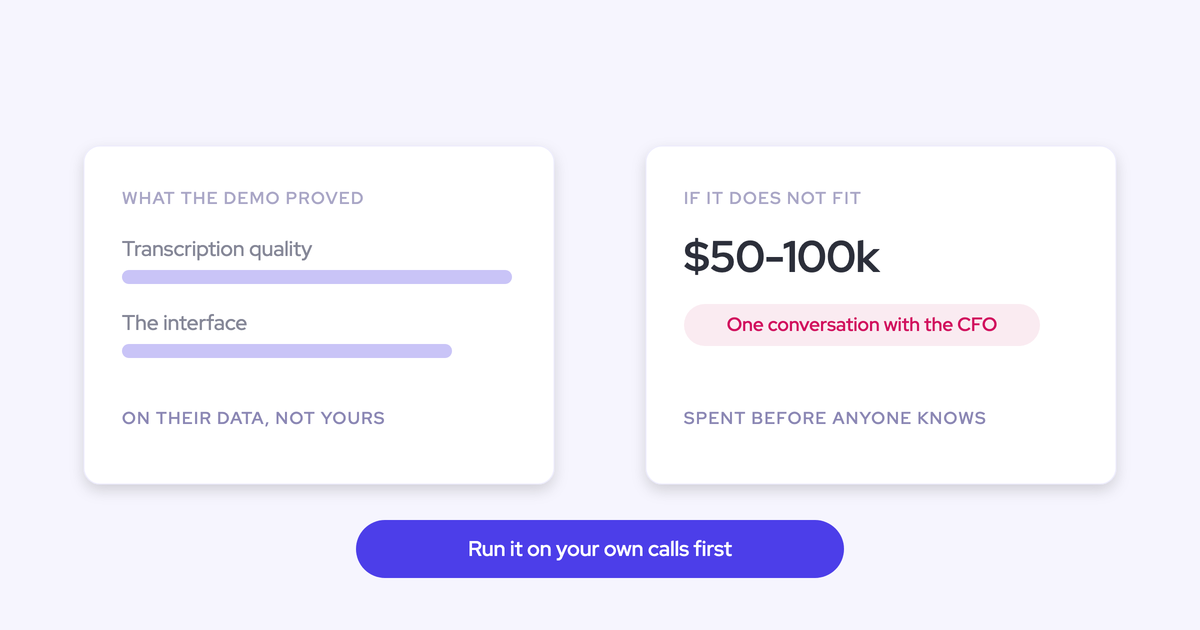
Then defend the invoice. Conversation intelligence is no longer novel technology, and the market has repriced it: roughly $30 per user per month for conversation intelligence alone with a proper feature set and a deep Salesforce integration, and $40 to $50 combined with activity capture. A five-figure platform fee plus $100 to $200 per user is above that band. If you're new in seat, the size of that first check is its own conversation with your CFO.
How a Weflow POC runs on your own Salesforce
Weflow is the Revenue AI Orchestration platform for sales, customer success, and RevOps teams, and the way we run evaluations is built for exactly the test above: a 14-day free trial with white-glove implementation included at no cost, on your production Salesforce and your own activity. Not a demo org. The alternatives are an opt-out pilot or a proof of concept in a sandbox, and in all three cases pricing and success criteria are agreed before the pilot starts. Typical scope is one team of five to ten people.
What you can actually check inside the window:
- The recorded meeting writes to the one Salesforce Event that already existed, with the AI summary on it and a link to the recording, so meetings per rep stay countable.
- Participants get linked to existing contacts and leads, and missing contacts are created on the matched account, deduplicated, and attached to the opportunity as contact roles. Weflow never creates accounts, leads, or opportunities.
- Activity relates to the account and the specific opportunity, and reps can see and correct the mapping from the browser or Outlook extension without opening a ticket.
- Field updates land in the Salesforce fields you name, with a side-by-side view of the AI suggestion against the current value, in review mode or fully automatic.
- The calendar and mail connection is installed centrally through the Google Workspace admin app or Microsoft Entra ID, so coverage doesn't depend on each rep authenticating.
- Methodology scoring reads across every call and email on the opportunity, not one recording at a time.
- Historical sync-back puts months of real activity in front of you on day one, so you're inspecting mapping behavior in week one instead of waiting for data.
The summary itself is written in named sections you configure, which is what makes it mappable to fields rather than a blob.

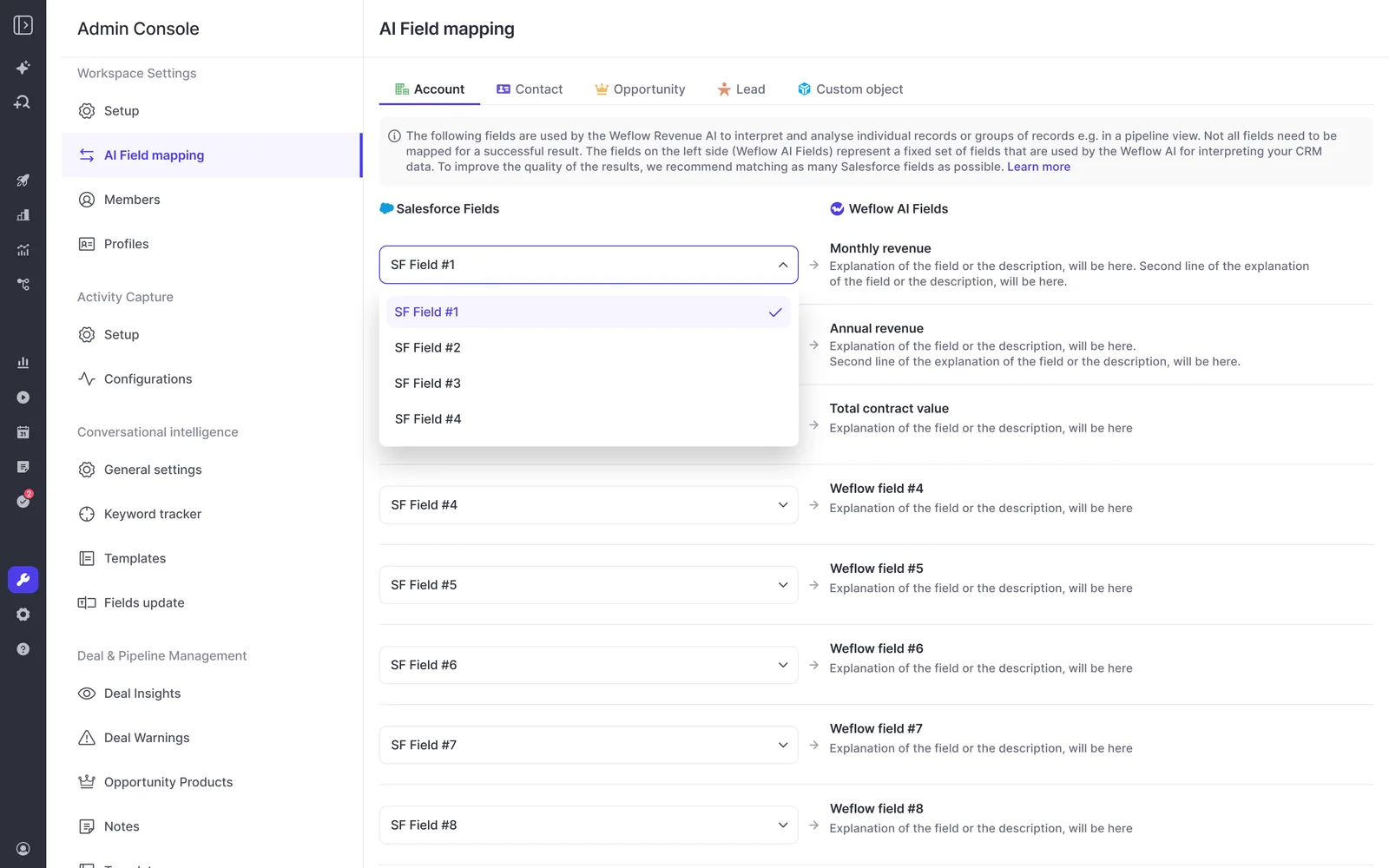
Your admin owns the mapping between Salesforce fields and what the AI writes, which is the part you want to poke at during a trial rather than discover afterwards.
On time to live, the technical setup is a 30 to 45 minute session with your Salesforce admin and your Google Workspace or Microsoft admin.
"It took less than an hour to install the managed package and start syncing data. Everything was live immediately."
— Bastian Stosic, Head of Media Sales Operations at HolidayCheck
Full time-to-value, including AI templates, permissions, and rollout, runs two to three weeks.
Now the limits, because the list above is only worth reading if this part is honest:
- Weflow works exclusively with Salesforce. No HubSpot, no Dynamics. If you're mid-migration, wait.
- VoIP and phone call capture is a gap. A phone-heavy motion will not be fully covered, and no POC design fixes that.
- Forecasting is deliberately out of POC scope. It needs around three forecast cycles to prove, so we'd rather you judge it on its own timeline than on ours.
- Individual seller scoring on multi-rep calls isn't supported. If two of your reps are on the same call, coaching scores apply to the call, not to each of them.
- If your pilot group has never been recorded, expect the adoption conversation to be the hard part of the trial, not the integration.
If that test sounds like the one you want to run, the fastest way to scope it is a conversation about your org, not another product tour. See how Weflow captures activity, updates Salesforce fields from calls, and rolls up your forecast. Book a 30-minute demo.
Conversation intelligence POC: frequently asked questions
Does a conversation intelligence POC cost anything, and is there a seat minimum?
A Weflow trial runs 14 days at no cost, with the implementation team doing the setup. Paid contracts start at a minimum of ten licenses, so if you want to test with one or two people, the trial is the route, not a small paid contract. That distinction matters for small teams: a ten-seat floor turns a cheap experiment into a commitment you can't yet justify, and nobody should be arguing for budget before they've seen anything change.
How long does it take to connect Weflow to Salesforce?
The technical setup is a 30 to 45 minute session with a Salesforce admin and your Google Workspace or Microsoft admin, installing the managed package and connecting the mail and calendar apps. Data starts syncing from there. Getting to full value, with your AI templates, pipeline views, permissions, and team rollout, takes two to three weeks. Treat any vendor whose answer is a multi-month services project as a different category of purchase.
What happens to our data when the POC ends?
Everything Weflow writes during the trial lands in native Salesforce objects in your own org: the Events, the email messages, the contacts and contact roles, the field values. Those are your records and they stay, whatever you decide about the contract. The recordings and transcripts live in Weflow. That's the asymmetry worth checking with every vendor on your list, because a tool that keeps the structured output in its own cloud gives you nothing to keep.
How do we handle recording consent during a POC in the EU?
Decide the consent mode with legal before the first recorded call, then document what's captured, where it's processed, and who can access it. Weflow supports opt-out, opt-in, and manual flows: a notice is posted in the meeting chat with a link that lets any participant stop the recording, and an optional pre-meeting email lets a guest decline in advance. The wording and language are customizable. If someone opts out, the notetaker leaves and the recording, transcript, and notes are destroyed. In Germany and Austria the works council will want that documentation plus per-session consent, not a line in an employment contract, so build the week for it.
How many vendors should we run in parallel?
Two or three, scored against one list. More than that and you'll run out of pilot meetings before you run out of vendors. The constraint is capture, not attention: two tools writing activity into the same Salesforce from the same inbox will duplicate records and corrupt the data you're scoring. So either stagger the trials week by week, or disable the incumbent's write-back while you test.
Is our conversation data used to train AI models?
No. Weflow operates Zero Data Retention for AI processing, and customer data is never used to train models. We're SOC 2 Type II certified and GDPR compliant, with a Data Processing Agreement incorporating EU Standard Contractual Clauses and a public sub-processor list with advance notice of changes. Ask every vendor for the same answer in writing, and make sure it covers the sub-processed LLM providers, not just the vendor's own systems. That's the line where the question usually falls apart.