Stop Pasting Snapshots into Claude: Account-Level Deal Intelligence with Ask Weflow AI
Decide if Ask Weflow AI or Claude is better for account-level deal intelligence and data-driven reviews.



Account-level deal intelligence means asking one question across every call transcript, email, field change, and pipeline record on an account, and getting an answer grounded in what was actually said, not in whatever happened to make it into a paste.
This article is written for RevOps leaders mid-evaluation, deciding whether to keep the Claude habit or replace it with something built into the record itself.
Weflow consolidates three core products: Activity & Contact Capture, Conversation Intelligence, and Deal Intelligence & Forecasting on one unified data layer, with Ask Weflow AI as the natural-language way to query it.
TL;DR
- A pasted snapshot lets Claude answer about what you pasted; Ask Weflow AI answers from the complete record you already own in Salesforce.
- Account-level deal intelligence means asking one question across every call, email, and CRM record on an account, and getting an answer grounded in what was actually said.
- Weflow inherits your Salesforce permissions, so nothing has to be exported or pasted anywhere to get the answer.
The workaround every RevOps leader has already built: a snapshot pasted into Claude
RevOps leaders tell us on calls they've rebuilt their forecasting view in Claude on a plane ride.
That's not laziness. It's the fastest way to answer a question their stack gave them no built-in way to ask: what changed on this account since last week, what slipped, what closed won, what closed lost.
A RevOps leader walking into a vendor demo has usually already built a working version of whatever is about to be pitched, wired to a spreadsheet export and a general-purpose model. They know roughly what it costs to build themselves, so the built-in version has to beat the weekend prototype, not just exist alongside it.
The pasted snapshot exists to serve one meeting: the weekly pipeline review, where a manager and a rep argue about what moved and why. Fixing pipeline reviews properly means answering that question inside the record itself, not in a chat window fed by whatever got exported that morning.
Claude answers only what you pasted, and you never paste what the customer said
A pasted snapshot fails for a structural reason
- The model only knows the snapshot, and building the snapshot is the same manual job the workaround was meant to eliminate.
- The paste never contains the richest data on the account: the exact words customers used on calls, which sit unqueried inside recordings.
- Nothing connects back to Salesforce or to history, so "what changed" gets answered from two static pastes, not from a tracked, timestamped change.
Everything that actually explains a deal sits in text: emails, call transcripts, and notes spread across four or five systems, none of it pulled together before someone pastes a summary in.
The objection that killed five deals and the risk that was said out loud two quarters before it mattered are both written down somewhere nobody can query, which is exactly the material a Salesforce field export never carries.
Even wiring a model directly into Salesforce doesn't fix this, because the model inherits the data underneath it.
Philipp Stelzer, Co-founder and CPO at Weflow:
In theory you hook Claude into Salesforce and it gives you the truth. The reality is it just doesn't work with broken Salesforce data.
Philipp Stelzer, Co-founder and CPO, Weflow
An agent connected to a CRM only ever answers as well as the data foundation underneath it: the custom data structure, the data quality, and whether activity and conversation data have been unified in the first place.
That's the work that has to happen before any query, whether it's Claude's or Ask Weflow AI's, can be trusted.
Ask Weflow AI queries the record Claude never sees: every call, email, and field change in your Salesforce
Weflow Conversation Intelligence turns each call into structured, native Salesforce data, not a transcript sitting in a separate system nobody opens.

The Unified Data Layer then combines that conversation data with activity, contact, and CRM data into one queryable layer, so a question about an account pulls from every source at once instead of one system at a time.
Ask Weflow AI is the natural-language query surface sitting on top of that layer. It parses a plain-English question, picks the right retrieval path across conversation, activity, contact, and CRM data, and authenticates with the user's own Salesforce token.
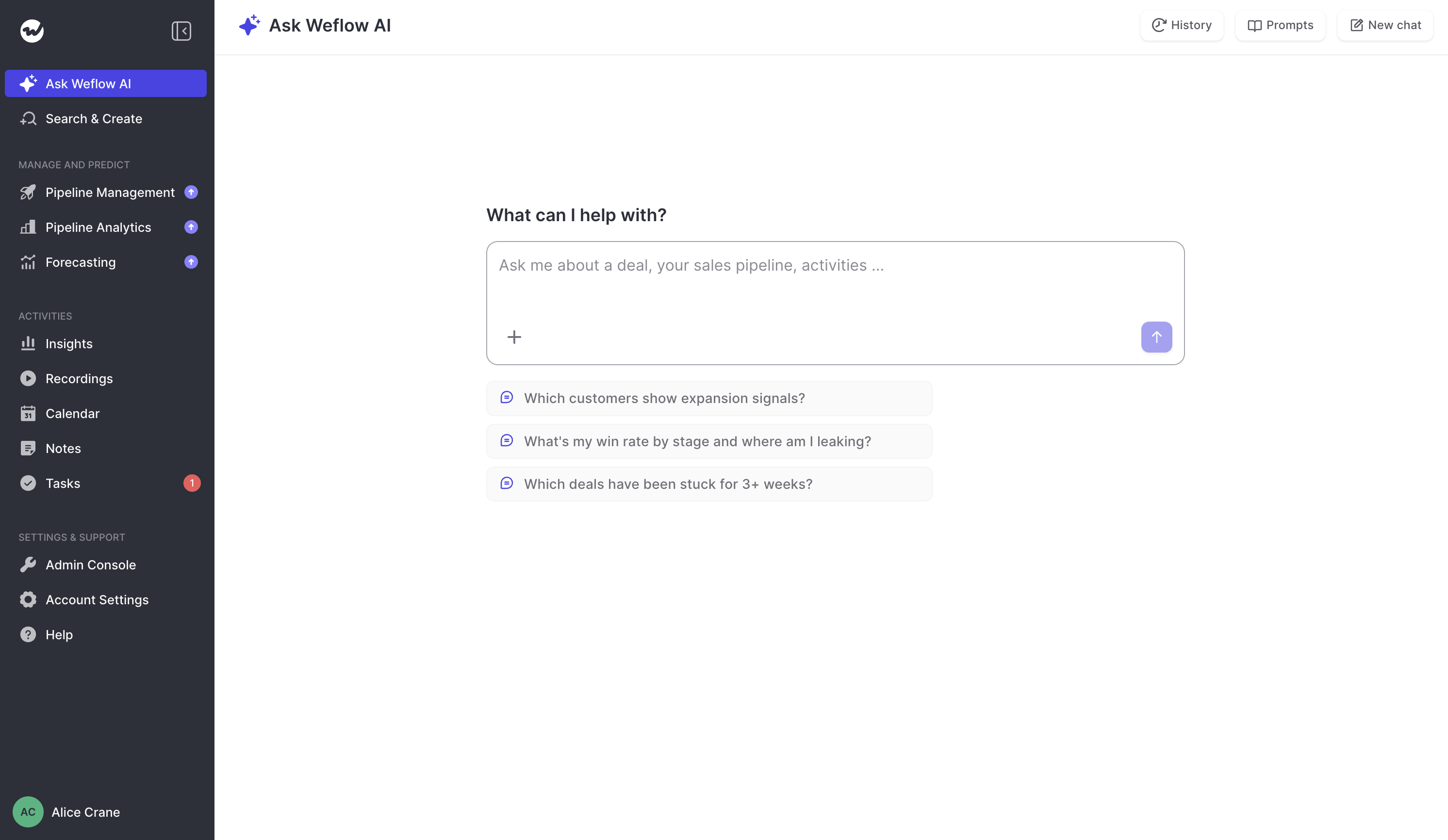
The reason built-in beats the workaround is ownership: the data is already yours, sitting in your Salesforce org, in one layer. There's nothing to export and nothing to paste.
Conversation became data the moment Conversation Intelligence wrote it into Salesforce. Ask Weflow AI is what lets you ask that data anything, in the account's own words instead of a rep's summary of them.
What changed, what slipped, what closed lost
The Ask Weflow AI plays revenue teams actually reuse cluster into five groups:
- a recurring pipeline pass that names the deals needing action
- closed-lost analysis read from the conversations instead of the reason-code dropdown
- methodology gap analysis and deal ranking for data-driven deal reviews
- a weekly priority board
- account handovers between teams.
Weflow snapshots opportunity data every few hours, so slippage and pipeline change are tracked facts rather than a diff between two pastes, because Salesforce alone does not history-track this on its own.
Every one of these plays works because the prompt joins conversation data to CRM data.
| The question as you'd type it | What Ask Weflow AI reads | What comes back |
|---|---|---|
| What changed on this account since our last call, and what slipped? | Call transcripts, email threads, and opportunity snapshots taken every few hours | Which deals were created, increased, moved out, decreased, won, and lost since then — read from tracked snapshots, not a diff of two pastes. |
| Why did we actually lose the deals that closed lost this quarter? | Every recorded call and email on each closed-lost opportunity | The real reasons in the customer's own words, not the reason code a rep picked from a dropdown |
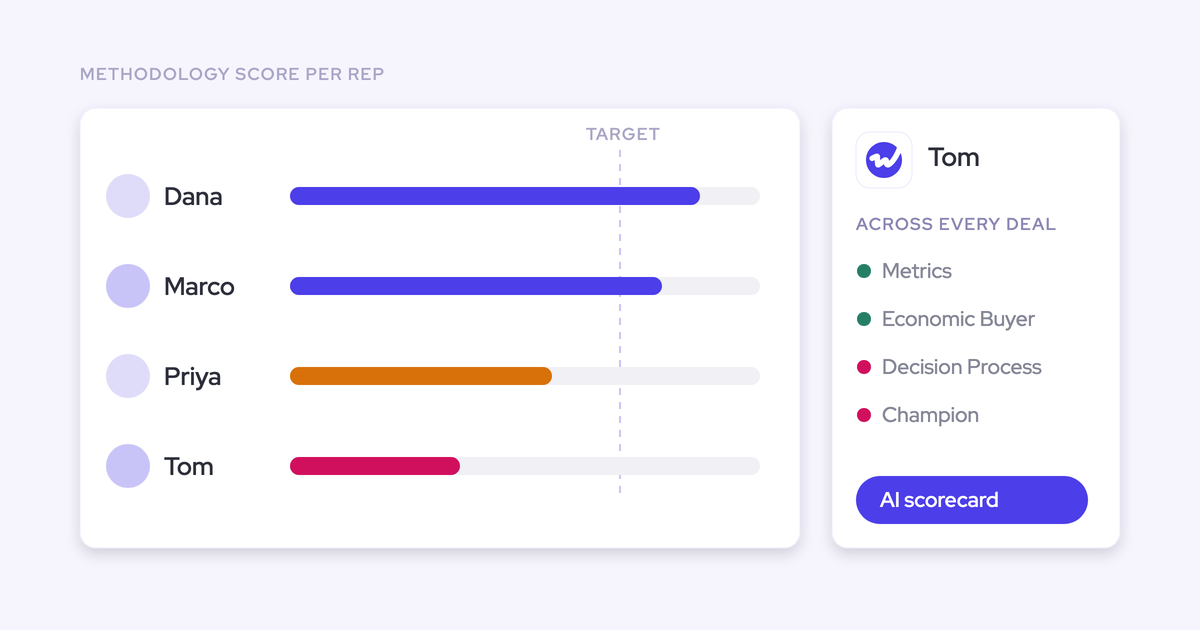
| Which open deals are missing methodology information, and how should we rank them? | Methodology fields, call transcripts, and CRM records across the account | A ranked list with the specific gap named, such as no economic buyer identified or no compelling event |
| What needs my attention this week? | Last week's activity, open tasks, and this week's calendar | A priority board joining what happened to what's scheduled next |
| Brief me on this account before I take it over. | Every email, meeting, and transcript tied to the account | A handover summary grounded in the actual conversation history |
Teams building their own prompt library can start from Weflow's RevOps AI workflow examples and prompts and adapt the five plays above to their own methodology.
Scope one question to a call, a deal, a filtered board, an account, or the entire system
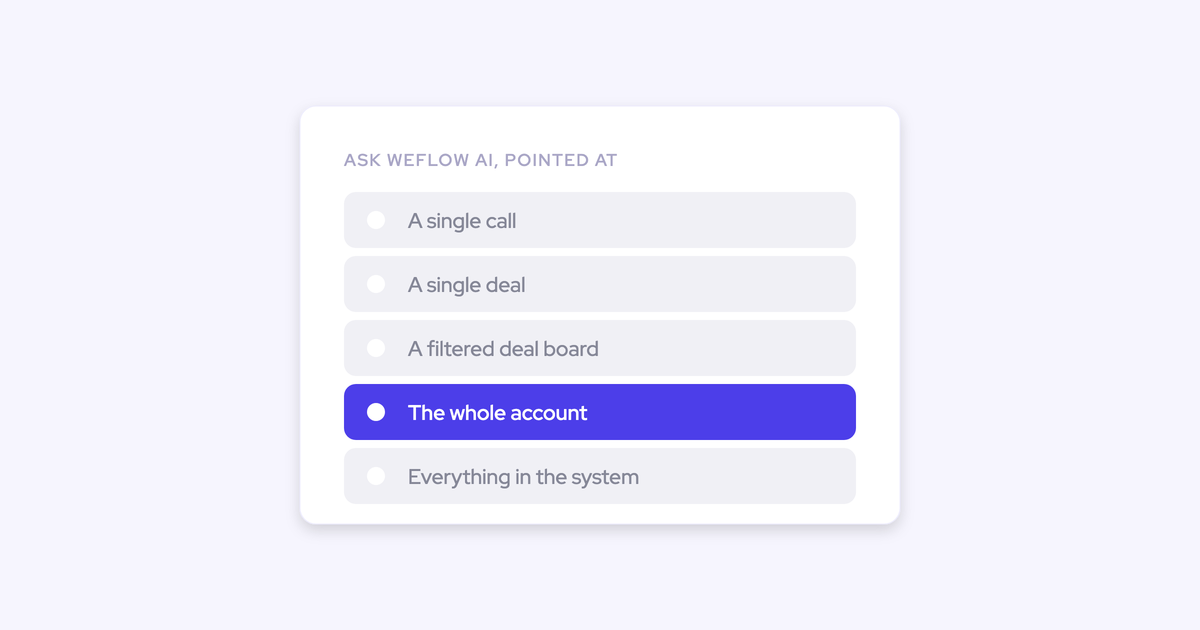
Ask Weflow AI can be pointed at a single call, a single deal, a filtered deal board, an account, or the entire system, and the scope decides exactly what evidence the answer draws on.
- A single call scope reads that one transcript plus the CRM fields and activity linked to it.
- A single deal scope reads every email, meeting, and transcript tied to that opportunity, not just the last call.
- A filtered deal board scope answers a question like which deals are blocked for exactly the deals in view, nothing outside the filter.
- An account scope pulls every email, event, and call transcript on that account into the query, across every deal the account has ever run.
- A system-wide scope reasons across the whole book: every call, every account, every deal in Salesforce.
That's what makes a gap analysis trustworthy: it reads what was actually said, not what a rep remembered to type.
Weflow inherits your existing Salesforce setup: custom fields and objects, validation rules, permission sets, and role hierarchy. Ask Weflow AI only returns data the person asking can already access in Salesforce, whatever scope the question is run at.
How KORE Wireless answers pipeline questions without interrupting a single seller
KORE Wireless evaluated Gong and selected Weflow instead, concluding that Gong's value didn't justify its price by comparison.
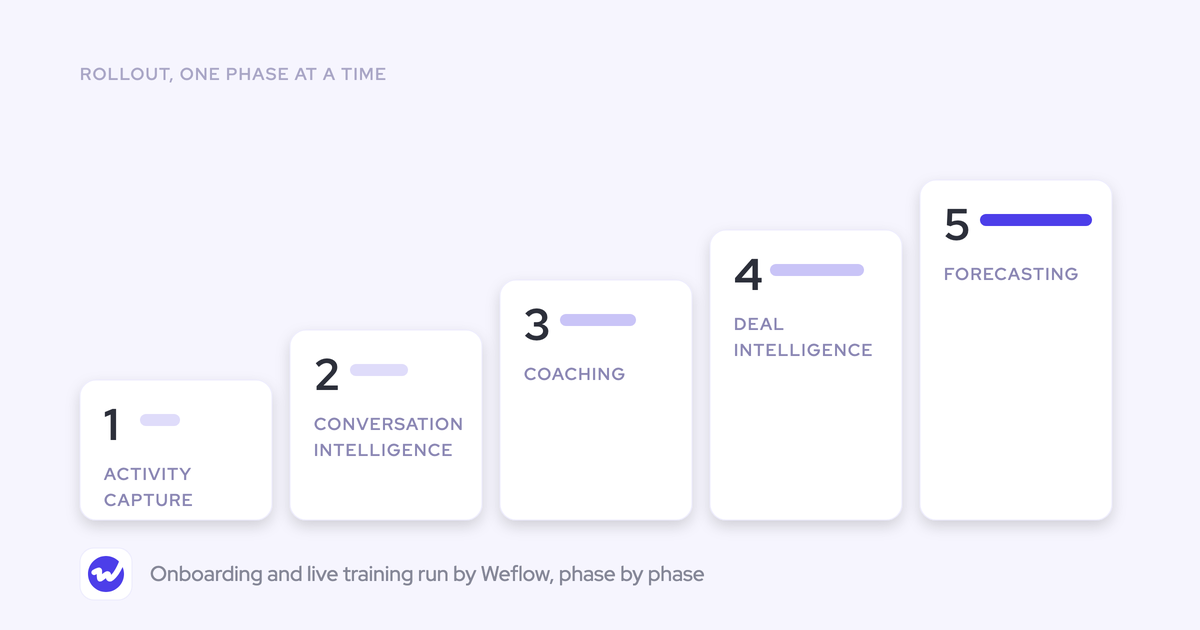
KORE rolled Weflow out across five phases: Activity Capture, Conversation Intelligence, Coaching, Deal Intelligence, and Forecasting. Ask Weflow AI is now the first stop for revenue questions across the account.
Scott Jones, SVP of GTM Revenue Intelligence & Enablement at KORE Wireless, put it this way:
The first thing I do is I go to Weflow and ask the question and see if I can get the intelligence out of Weflow to answer my question. I try to avoid interacting with the sellers during the day for that type of information because they should be giving every minute possible to getting the next customer.
Scott Jones, SVP of GTM Revenue Intelligence & Enablement, KORE Wireless
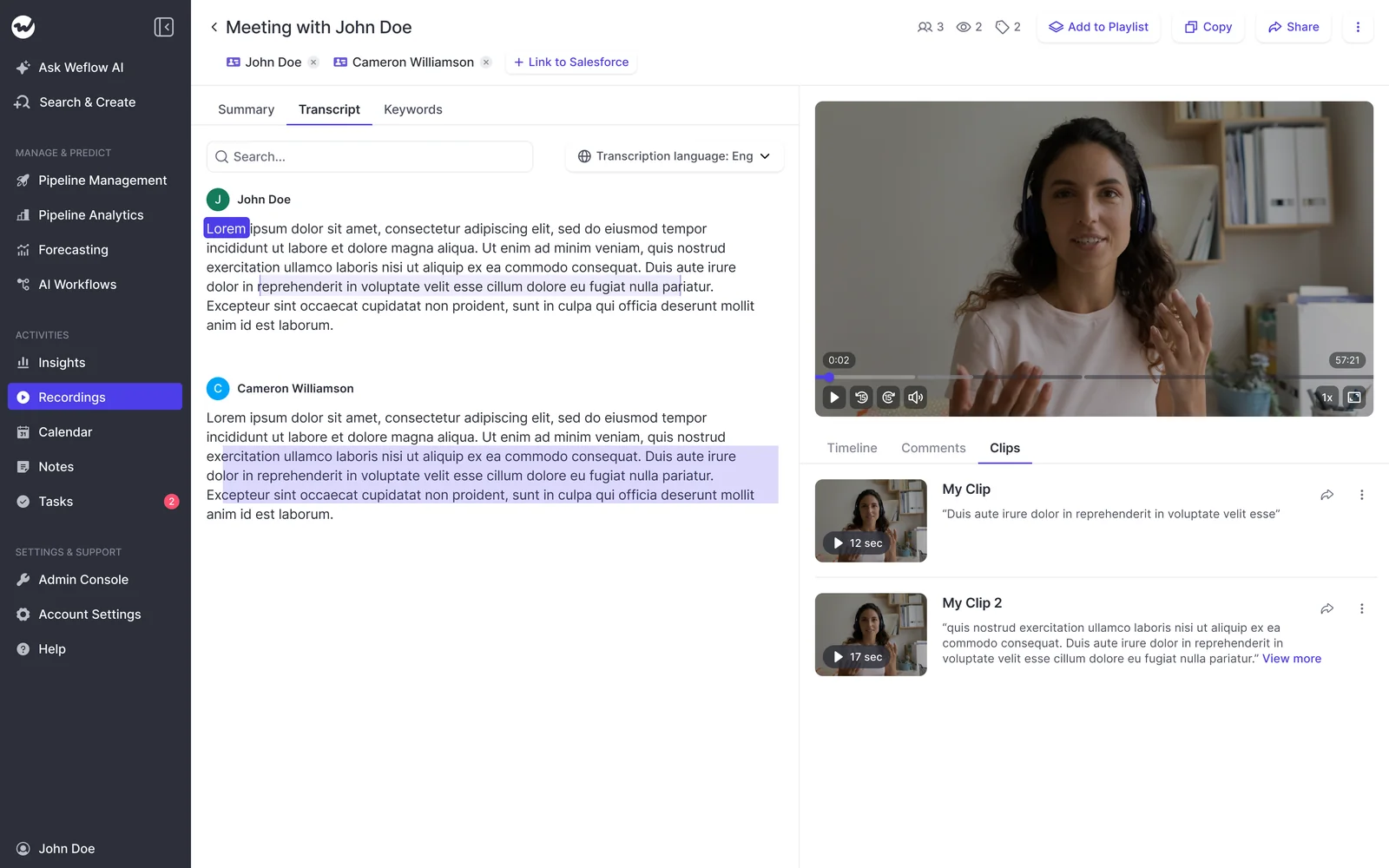
RevOps leaders ask us for exactly this on evaluation calls: what were the exact words the customer used, so we can repeat them back to the room. Scott Jones gets that by clicking through, not by asking a rep to remember:
I love being able to go right to the call, transcript or email and see where something was said that the AI is referencing.
Scott Jones, SVP of GTM Revenue Intelligence & Enablement, KORE Wireless
Zero Data Retention: what happens to your call data when you ask
Weflow operates with Zero Data Retention, and customer data is never used to train models. We hold SOC 2 Type II certification and are GDPR, CCPA, and HIPAA compliant.
Pasting customer conversations into a personal AI account raises exactly the data-governance question this removes, because the built-in version keeps that data inside the compliance boundary your infosec team already reviewed.
Where Ask Weflow AI runs today, and where your Claude habit still fits
Ask Weflow AI runs inside the Weflow interface today. It is not embedded in Salesforce, so a rep living in the Salesforce record has to switch tools to ask the question.
You can also use the Weflow API if you want to ask questions about your conversation data directly inside Claude.
Weflow's public API exposes recordings, transcripts, scores, and deal insights to Claude, ChatGPT, and other AI tools today. A team standardized on Claude can pull structured deal data into it through that API right now; a native MCP connector is next on our roadmap, not yet shipped.
Two inputs are being compared here, not two vendors: a pasted snapshot, and structured Salesforce data reachable through Ask Weflow AI or through Weflow's API into Claude itself.
FAQ: evaluating Ask Weflow AI against the Claude workaround
Can Ask Weflow AI read custom Salesforce fields and objects?
Yes. Weflow inherits your existing Salesforce setup, including custom fields and objects, field dependencies, validation rules, and role hierarchy, so Ask Weflow AI only returns data the person asking can already access in Salesforce.
Is this just a chatbot bolted onto a notetaker?
No. Ask Weflow AI sits on the Unified Data Layer, combining activity, conversation, contact, and CRM data, and it reasons across every meeting on a deal rather than one call at a time. A chat window bolted onto a recorder can't do that, because there's no layer underneath it joining conversation data to CRM data.
How many records can one Ask Weflow AI query cover?
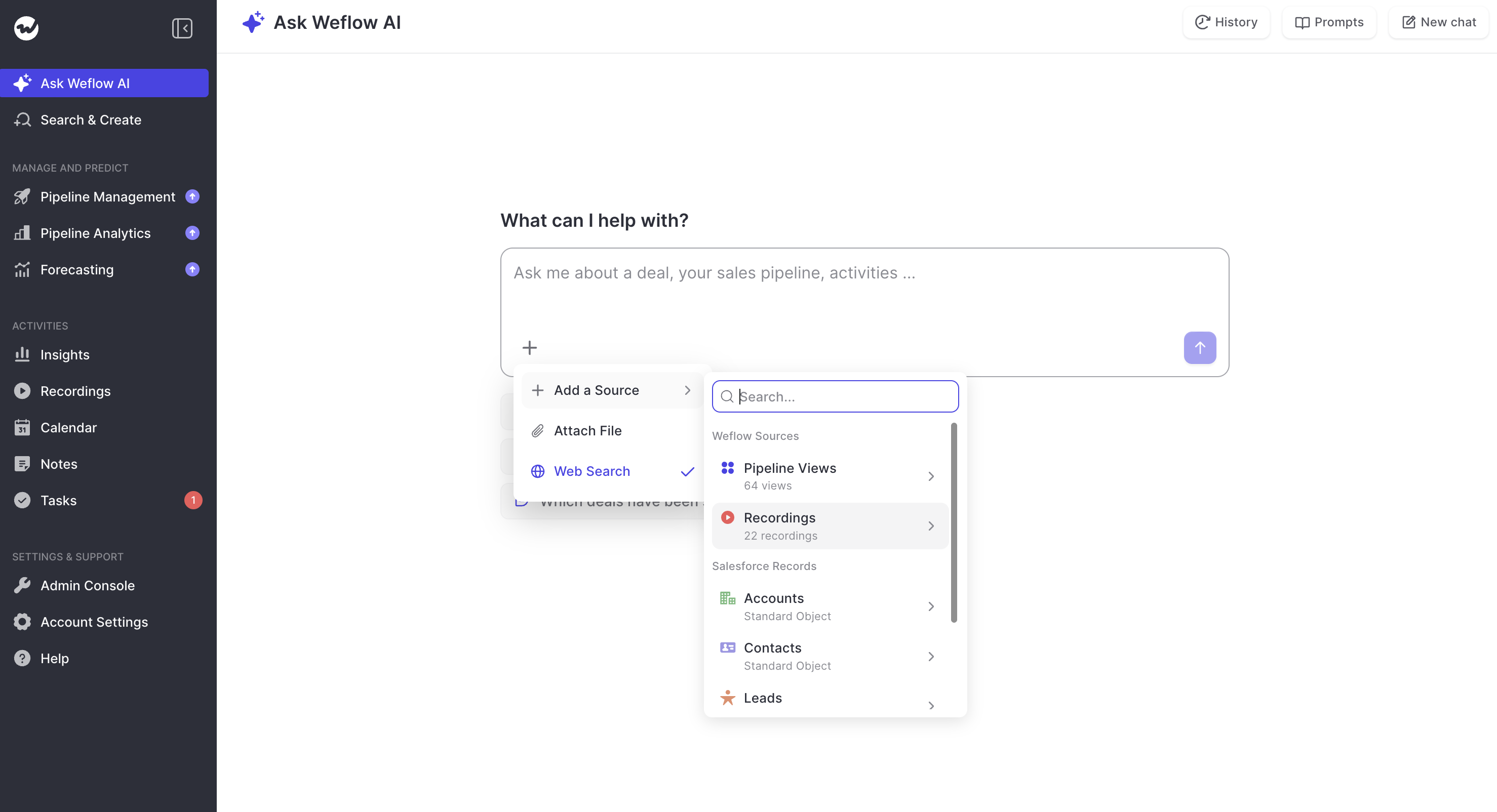
A single pipeline view is capped at 2,000 records, and up to ten views can be linked into one Ask Weflow AI chat. Recordings and single records can be added as additional sources on top of that.
What does Ask Weflow AI cost, and is usage metered?
Ask Weflow AI Pro is included in all of Weflow's bundles: Revenue AI Foundation at $49, Business at $59, and Enterprise at $79 per user, with a minimum of 10 users on annual billing. Pricing is seat-based with unlimited Ask Weflow AI prompts, not metered by token or usage.
Can we still analyze our conversation data in Claude or ChatGPT?
Yes. Weflow's public API makes conversation data available to Claude, ChatGPT, and other AI tools, so a company standardized on its own assistant can reach the data from there instead of logging into another vendor's chat window.
How do we get real usage during a four-to-six-week pilot?
This is the concern we hear most often going into a pilot: sales team adoption is the whole game, and four to six weeks isn't much runway to build a habit. Enable Ask Weflow AI per team, start with the champions who try new tools fast, and seed the shared prompt library with the five reusable plays so the first question every user asks already works.