EmailMessage vs Task for Logging Emails in Salesforce: Reporting, Storage, and Which Weflow Customers Choose
Learn when to use EmailMessage vs Task in Salesforce for email reporting, storage, and reply analysis.


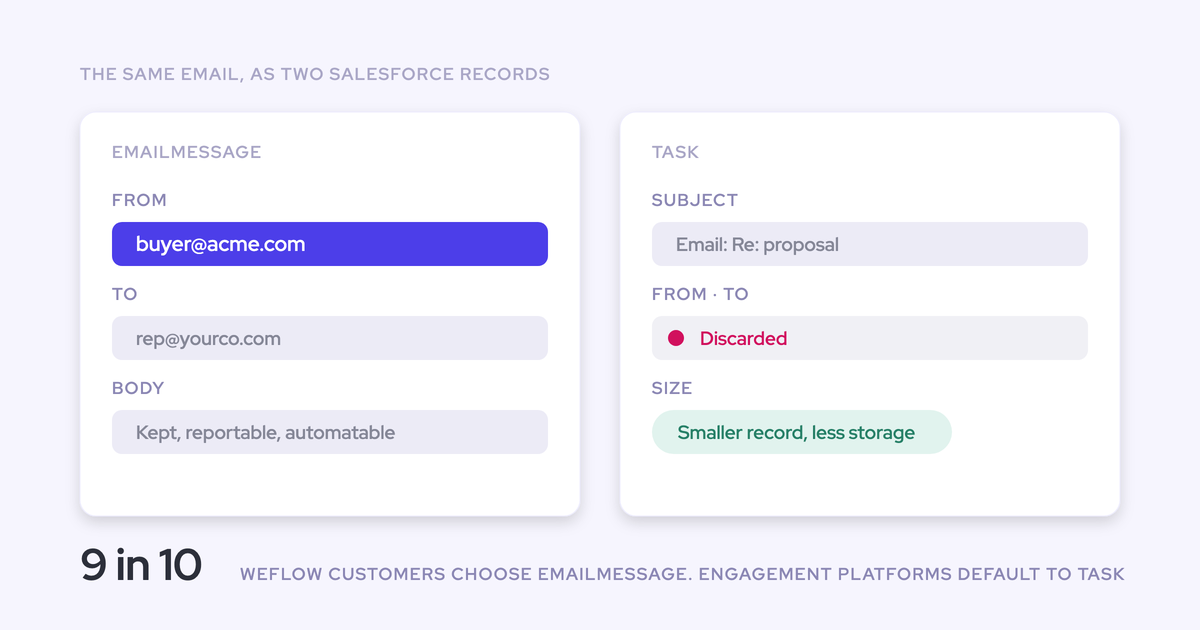

Choose EmailMessage, Salesforce’s email object, when you need structured sender, recipient, and thread data for interaction analysis. Choose Task, an activity object, when you need emails and meetings in one standard activity report, lower storage consumption, or continuity with existing Task-based reporting.
About nine in ten Weflow customers choose EmailMessage. That’s context, not a universal recommendation. A team building reply analysis has different requirements from an org near its storage ceiling with dashboards and flows built around Tasks. Make the decision around the reports you need before you start a historical backfill.
Weflow is the Revenue AI Orchestration platform for sales, customer success, and RevOps teams. Built for Salesforce teams, Weflow Activity & Contact Capture lets you choose either object per capture configuration. The captured email content and coverage stay the same. What changes is how Salesforce stores and uses that content.
How do EmailMessage and Task affect Salesforce reporting?
Task fits Salesforce’s standard Tasks-and-Events reporting model. EmailMessage preserves email structure but sits outside that single activity report. Start with the questions your dashboards must answer.
| Reporting requirement | EmailMessage implications | Task implications |
|---|---|---|
| Count emails and meetings together | EmailMessage records don’t join the same standard Tasks-and-Events report. | Email Tasks and calendar Events can appear in one standard activity report. |
| Analyze senders, recipients, and replies | Native email fields and thread structure provide the inputs for interaction analysis. | Task lacks native From, To, Cc, and email thread structure. |
| Keep existing activity dashboards | Reports that read Tasks won’t count EmailMessage records. | Existing Task-based reports retain their object model, though filters still determine what they count. |
| Analyze captured activity outside Salesforce | You can export the Salesforce records into your warehouse or BI system. | You can export the Salesforce records, with Task’s less detailed email structure. |
Use Task to report on emails alongside Salesforce Events
Use Task when your reporting requirement is one standard Salesforce activity report covering emails and meetings. Weflow writes captured calendar meetings to Event records, so logging emails as Tasks keeps both inside that reporting model.
For example, your weekly manager report might group emails and meetings by rep and account. Task supports that structure without introducing a separate email dataset.
Existing dashboards also depend on filters, not just objects. If your reports separate activity by Task record type, we let you assign a default Task record type to captured emails. That keeps the classification consistent as new emails arrive.
Use EmailMessage fields to distinguish outreach from replies
EmailMessage gives you structured inputs to distinguish outbound effort from customer response. Ten emails sent to an executive don’t tell you whether that executive has replied.
| EmailMessage input | What you can analyze | What you still need to build |
|---|---|---|
| From, To, and Cc | Who sent the message and who received a direct or copied message. | Rules that identify internal participants and customer contacts. |
| Email direction | Sent-versus-received activity. | Filters and groupings for the teams, contacts, or accounts you measure. |
| Recipient relationships | Which people participate in the correspondence. | Connections to the contact roles relevant to your analysis. |
| Thread structure | Related messages within a conversation. | Reply definitions and calculations, including the measurement window. |
One EmailMessage record can relate to up to 50 recipients. That preserves participant relationships without treating every recipient as a separate email.
EmailMessage doesn’t produce a finished reply-rate report by itself. It preserves the structure you need to build one. Weflow’s own insights can read either object, so this distinction matters most when you build analysis directly from Salesforce records.
How much Salesforce storage will captured emails consume?
EmailMessage records are roughly seven times heavier than Task records in our capture comparison. Across millions of emails, that difference matters. It isn’t a complete storage budget.
Your estimate also needs the capture volume, historical backfill, retention window, and attachment policy. An org already deleting old records to stay within its allocation needs those numbers before adding another continuous source of data.
Estimate EmailMessage and Task storage at your email volume
Estimate storage from the emails your capture rules will actually log, using measured consumption for each object. Total mailbox traffic overstates the requirement when your configuration excludes internal correspondence or unmatched emails.
| Input | EmailMessage estimate | Task estimate |
|---|---|---|
| New captured emails per month | Count eligible emails after exclusions and matching. | Use the same eligible email population. |
| Storage per captured email | Measure storage growth over a representative sample. | Measure the equivalent sample under the same capture rules. |
| Historical backfill | Count eligible historical emails within your selected window. | Use the same history window for comparison. |
| Retention | Include the email records your retention process will keep. | Apply the same retention period. |
| Attachments | Budget separately under your attachment policy. | Apply the same attachment policy. |
Monthly email-record growth = captured emails per month × measured storage per captured email.
Initial backfill storage = eligible historical emails × measured storage per captured email.
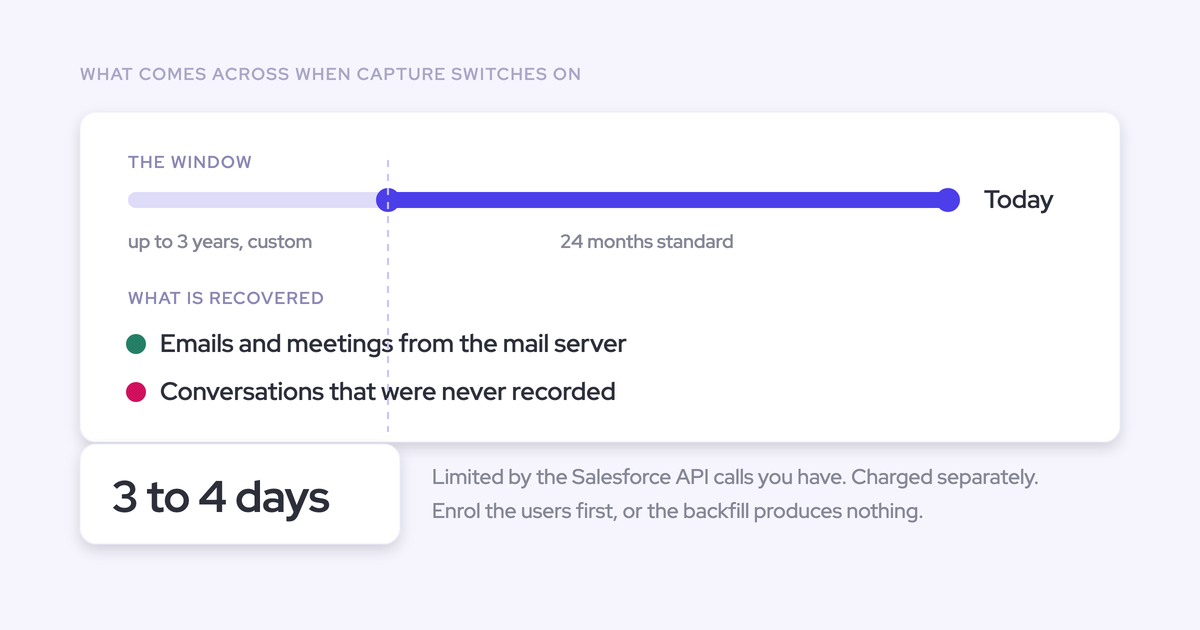
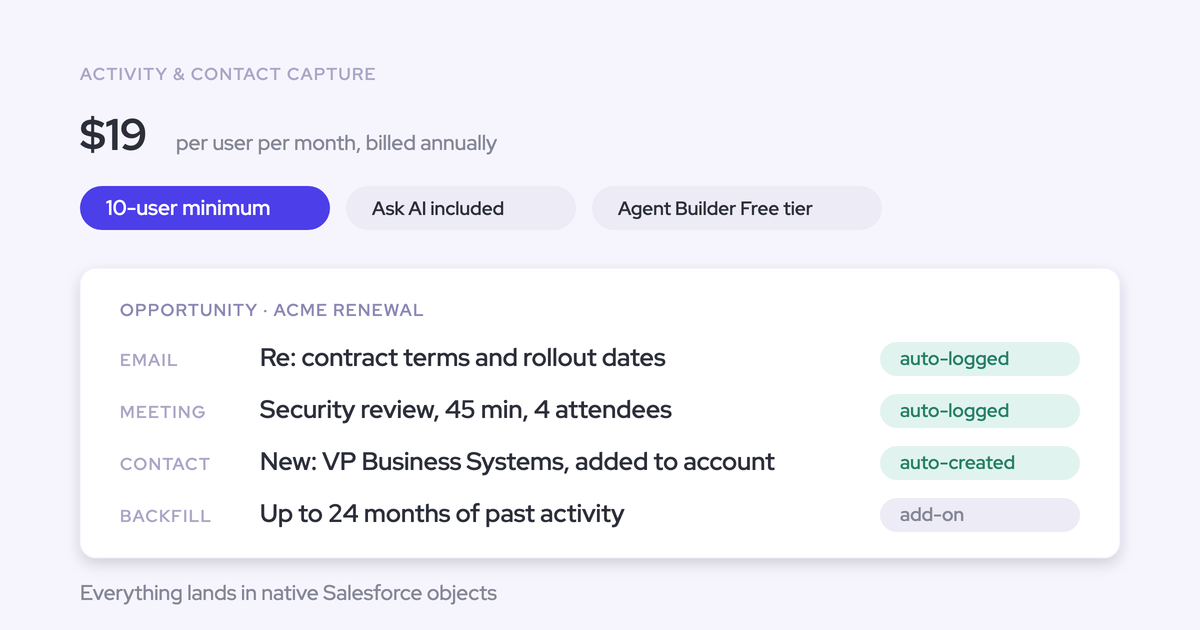
Weflow supports historical email and meeting backfill for up to 24 months. Treat that initial write separately from monthly growth: a manageable ongoing volume can still create a large first load.
Check attachment settings before calculating total storage
Weflow lets you enable or disable attachment logging and apply size exclusions. Those settings belong in the storage decision alongside the email object.
- Capture policy: Keep attachments that your team needs in Salesforce, or exclude them from capture.
- Size policy: Set the attachment size cap for each capture configuration.
- Retention policy: Define how long your business needs email records and their attachments.
- Capacity measurement: Measure attachment consumption separately from email-record consumption.
Use measured attachment consumption in your budget rather than multiplying it by the email-record ratio.
Should you log Salesforce emails as EmailMessage or Task?
Choose the object that supports your required reporting within your storage budget. A reliable Task-based setup doesn’t need replacing just because most of our customers choose EmailMessage.
| Dominant requirement | Better-fit object | Trade-off you accept |
|---|---|---|
| Analyze participants, sent-versus-received activity, and replies | EmailMessage | Higher storage consumption and separate email reporting. |
| Keep emails and meetings in one standard activity report | Task | No native email sender, recipient, or thread structure. |
| Reduce storage consumption across a large email volume | Task | Less structured email data for downstream analysis. |
| Preserve established Task-based dashboards and automation | Task | You retain the reporting model and its limits. |
| Build a new email-analysis dataset without existing Task dependencies | EmailMessage | You need reporting that reads EmailMessage records. |
We recommend EmailMessage when you’ll use its email structure. If your team mainly needs activity counts alongside meetings, or storage is the binding constraint, Task is a reasonable choice.
Choose email objects in Weflow Activity & Contact Capture
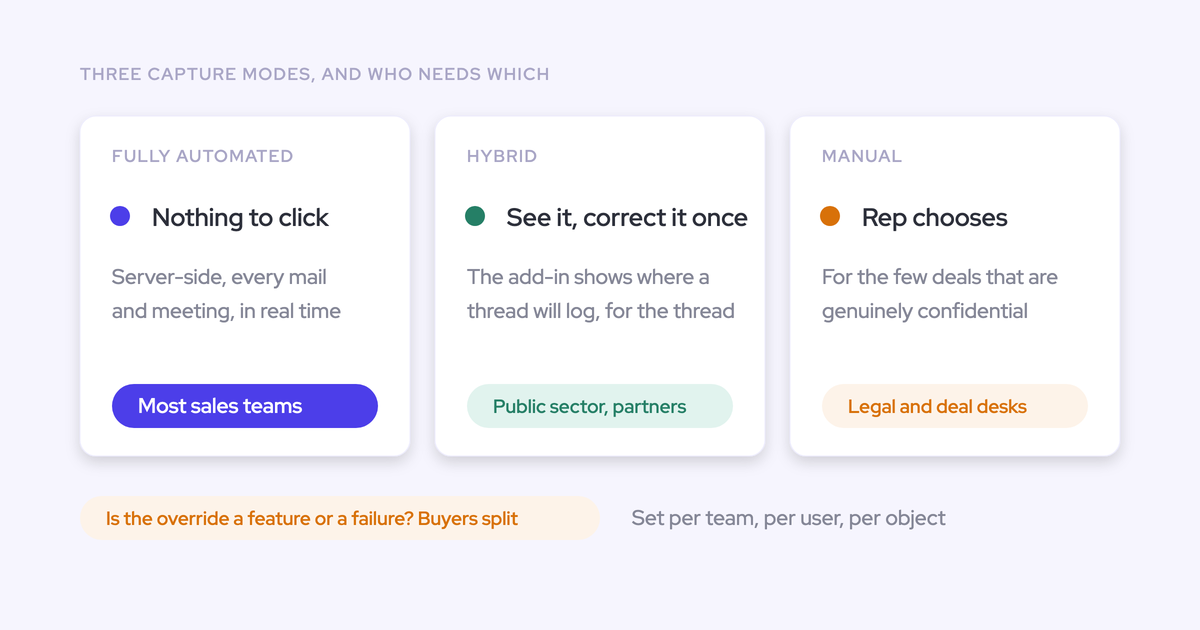
Weflow Activity & Contact Capture lets you choose EmailMessage or Task per capture configuration. You can apply different configurations across teams or regions rather than force one global object choice.
The sync settings put the email-object selection alongside attachment controls, so you can set both parts of the storage model together.

| Setting or behavior | What it means for your setup |
|---|---|
| Email object | Choose EmailMessage or Task for captured emails in that configuration. |
| Default Task record type | When you choose Task, assign a record type for layouts, picklist values, and report filters. |
| Configuration scope | Give teams or regions different capture rules and object choices. |
| Captured email content and coverage | The object choice doesn’t change either. |
| Weflow insights | Our insights read both EmailMessage and Task records. |
| Calendar meetings | Weflow writes meetings to Salesforce Event records. |
Mixed configurations introduce a reporting responsibility: a Task-only dashboard won’t represent a team whose emails land as EmailMessage records. Keep the object choice consistent within each reporting population unless your analytics explicitly combine both.
What should you validate before logging Salesforce emails?
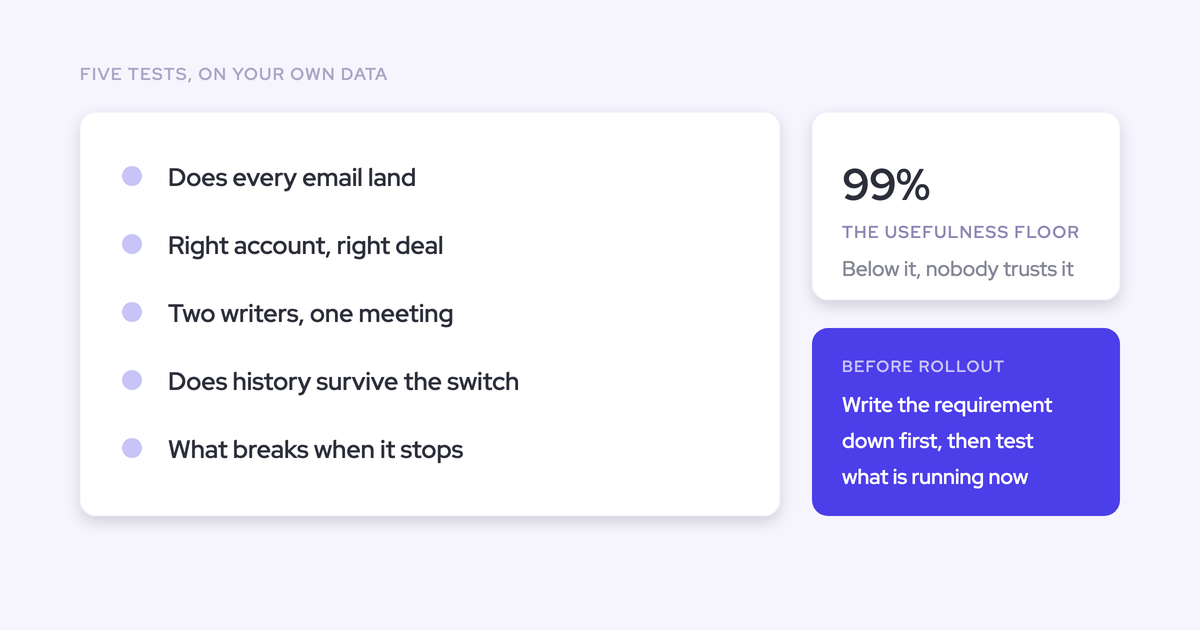
Run a short pilot against the reports and automations your team already relies on. Around two weeks gives you a working sample of captured activity before you commit to a large rollout or backfill.
The acceptance criteria should describe usable outputs. A successful Salesforce write alone doesn’t prove that a manager’s dashboard counts it correctly.
| Acceptance test | Evidence to collect |
|---|---|
| Reconcile report outputs | Match a sample of sent emails, received emails, and meetings to Salesforce records and report totals. Explain exclusions and any differences. |
| Exercise existing flows | Show that the selected object supplies the fields and records each automation reads, with the intended downstream result. |
| Test record visibility | Demonstrate access with representative user roles, including users who shouldn’t see the email. |
| Measure storage growth | Record the storage change over a known email volume, with attachment settings held constant. |
| Trace duplicate writes | Follow sample emails and meetings through every connected logging system. Identify which system owns each write. |
| Test record relationships | Inspect contact, account, and opportunity links, including accounts with several open opportunities. |
| Review historical reporting | Run the required reports across existing records and the pilot population to expose gaps between object models. |
| Exercise retention | Show that your retention process selects the intended captured records without including unrelated activity. |
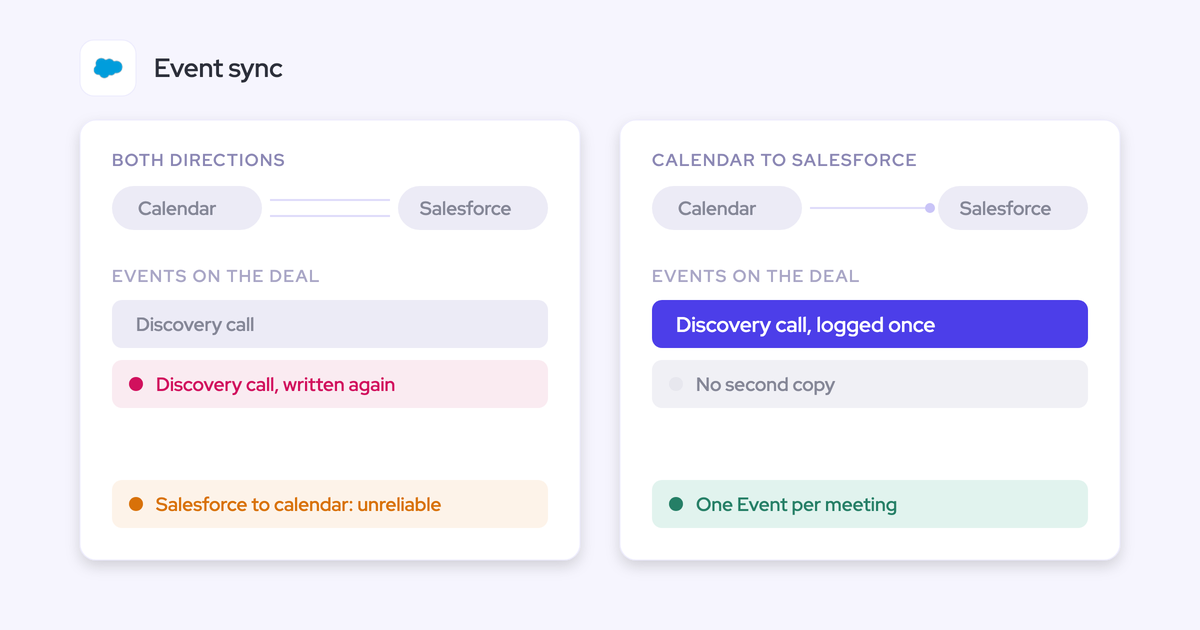
Give duplicate writes particular attention if Outreach, Salesloft, or Salesforce Einstein Activity Capture (EAC) already logs activity. Two records for one email can inflate reporting even when both integrations work as configured.
Use the Free Salesforce Activity Capture Cheat Sheet to document your requirements before approving the rollout.
FAQ: Logging Salesforce emails as EmailMessage or Task
Are EmailMessage and Task objects or Salesforce record types?
EmailMessage and Task are Salesforce objects. A Task record type classifies records within the Task object and helps determine layouts, available picklist values, and reporting filters. In Weflow, choosing Task comes first; assigning a default Task record type follows that choice.
Can Salesforce Flow use EmailMessage and Task records?
Yes. Weflow writes captured emails as Salesforce records that Flow can read. The object choice still matters: automation that queries Tasks won’t retrieve EmailMessage records through that same query. Design each flow around the object and fields it uses rather than treating the two as interchangeable.
How do EmailMessage and Task affect email visibility?
Salesforce offers more access controls on Tasks than on EmailMessage records. If your capture rollout depends on restricted email visibility, include representative user roles in the pilot. Capturing an email and granting the right people access are separate requirements.
Does the EmailMessage-to-Task storage comparison include attachments?
The roughly seven-times figure isn’t an attachment-inclusive storage estimate. Weflow lets you control attachment logging and size exclusions separately. Budget attachments from measured consumption under those settings.
Do captured Salesforce emails remain after leaving Weflow?
Yes. Captured emails remain in your Salesforce org as EmailMessage or Task records after you stop using Weflow. You own those records and can continue reporting on them, exporting them, and using them in your automations, subject to your own retention policies.