How to Audit Salesforce Forecast Fields and Formula Fields Before Migrating Off Clari
How to audit Salesforce forecast and formula fields before migrating off Clari.



You can't safely move a forecast you can't trace. That's the actual blocker, not the migration itself, and it's why a Clari renewal that should be a straightforward decision turns into a stall.
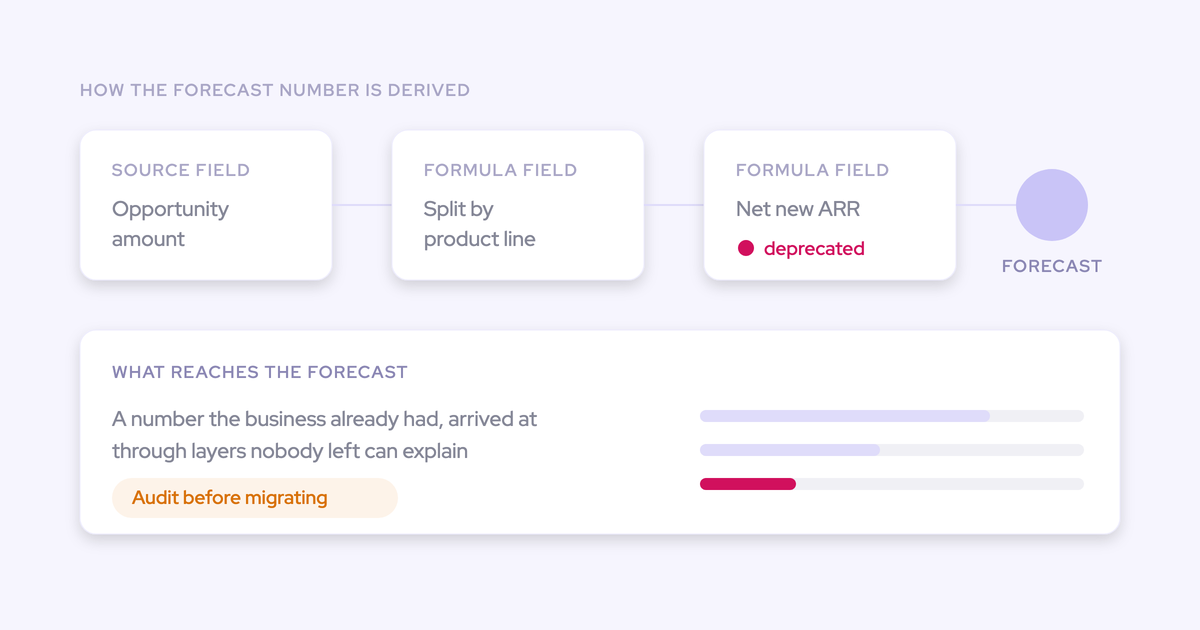
The situation is familiar. Formula fields stacked on formula fields, a few of them reading columns that were deprecated in a migration nobody finished, and the person who built the thing left two reorgs ago. The number comes out the far end and it's the number the business already had at the start.
This guide is the archaeology. You'll finish it holding a named list of the fields your forecast genuinely reads, a kill list of the layers that are dead, and a per-motion decision on the amount and date field each forecast will run on. That's the shape of a forecast roll-up you can point at, and it's worth doing whether you renew, move to a new tool, or fall back on Salesforce reports for a quarter. The audit is yours either way.
What this forecast field audit produces
Three artifacts, all of them written down, all of them produced before a new tool touches your org.
- A field inventory: the small set of Salesforce fields your forecast number is actually derived from, each one named, typed, and traced to the source field a human maintains.
- A kill list: every formula layer you've proven is dead, with the evidence for each verdict, so retiring it is a decision rather than a gamble.
- A per-motion target config: which amount field and which date field each revenue motion forecasts on, decided by you and not by whoever configures the next tool.
Nothing here is a philosophy. It's three documents, and the third one is what you hand a vendor on day one instead of handing them your org and hoping.
Why Clari created formula field sprawl in your Salesforce org
The reporting layer generated the CRM debt. Clari can only display fields that already exist in Salesforce, and it cannot calculate one, so every derived metric a forecast owner wanted had to be specified, built and maintained as a Salesforce formula field first.
That turns a five minute reporting question into a change request, and it means you end up creating fields in your CRM whose only purpose is to make a column possible in a tool.
The date handling makes it worse. Clari can't compare two date fields relative to each other, so anything that depends on one date falling after another gets hard-coded by quarter.
| What the forecast owner wanted | What had to be built in Salesforce to get it |
| The swing between best case and worst case | A formula field computing the delta, maintained by someone else |
| Bookings separated from revenue start ("contract start date is later than close date") | A filter naming the future quarters explicitly, rewritten every cycle |
| A calculation across a currency field and a plain number field | A formula field to pre-compute it, because the tool blocks the mix |
Now add turnover. Nobody prunes a chain they didn't build, so the hard-coded quarter filter silently stops being correct when the calendar moves and no one is told. The number just quietly excludes the wrong deals.
None of this is your negligence. It's what an overlay does to a CRM over four years, and knowing the mechanism tells you exactly where to look.
What you need before you start the audit
- Salesforce admin access to Setup, Object Manager, field metadata, field dependencies and history tracking settings. Read access is enough for the whole trace.
- Admin access to the Clari configuration so you can see which fields the connection actually reads, rather than guessing from the field list.
- The reports and dashboards the business genuinely consumes, including the ones rebuilt outside the tool. If the forecast that goes to the CFO is assembled in a BI tool every cycle, that pipeline is part of your dependency map.
- Thirty minutes with anyone who still uses any output of the stack. Finance, the regional leader, the manager who opens one view every Monday. These are the people who turn a "dead" verdict into a live one.
- A single document to write it all into. The map is the deliverable. If it lives in your head, you'll do this again next year.
You can clear this in a day. The trace itself is the part that takes a week.
How to trace your forecast back to its source fields
Work backwards from the number, never forwards from the field list. Your org carries hundreds of fields and your forecast reads a handful of them, so starting with the field list means auditing everything and finishing nothing.
Five steps. All of them read-only until the final decision.
Step 1: List the fields Clari actually reads
Open the forecast view the business runs on and list the columns, then find the Salesforce field behind each one. That set of fields is the boundary of the entire audit.
- Take every column in the forecast and the pipeline views people actually open, one row per column.
- Go into the Clari configuration and record the exact Salesforce API name feeding it. Not the label, the API name, because two fields with near-identical labels is how this mess started.
- Add the structural fields separately: the amount field, the date field the period is indexed on, forecast category, stage, owner and whatever field the hierarchy resolves through.
- Mark the type of each: standard, custom, formula, roll-up summary.
Your output is a table like this, and it's usually shorter than people expect.
| Field (API name) | Type | What reads it | Verdict |
| Forecast_Revenue__c | Formula (currency) | Forecast roll-up, exec deck | Trace in step 2 |
| CloseDate | Standard (date) | Period indexing | Live |
| Renewal_Due_Date__c | Custom (date) | Renewal view only | Trace in step 4 |
Anything that isn't on this list is not part of your forecast, however loudly it sits on the page layout. That alone narrows the job from a wall of fields to a dozen.
Step 2: Trace each formula field's dependency chain
Walk every formula field from step 1 down its full chain until it terminates in a field a human or an automation actually writes to. This step changes nothing in your org, so do it before you agree to any timeline.
- Object Manager, Fields & Relationships, open the field, read the formula definition and note every field it references.
- For each referenced field, repeat. Keep going until every branch ends in a standard field, a field a rep edits, a field an integration writes, or a field nothing writes at all.
- Use "Where is this used?" on each field as you go. It tells you which reports, flows, validation rules, layouts and other formulas depend on it, which is the input to step 3.
- Write the chain out as a tree. Depth matters more than breadth here, because the dead layer is almost never at the top.
Here's the shape of one chain, written out the way it should look in your document:
- Forecast_Revenue__c (formula) reads Adjusted_ARR__c and Renewal_Uplift__c
- Adjusted_ARR__c (formula) reads Amount (standard, rep-maintained) and Contract_Term__c (custom number, rep-maintained)
- Renewal_Uplift__c (formula) reads Legacy_Contract_Value__c
- Legacy_Contract_Value__c (custom currency): last written to by an integration switched off in the migration. Nothing writes it now.
That last line is the finding. One branch of your forecast has been doing arithmetic on a null for two years, and the total looked plausible the whole time.
Step 3: Separate dead formula layers from live ones
A layer is dead when nothing writes its source and nothing but the forecast reads it. Everything else needs proving, not assuming, because the expensive mistake in this audit is deleting a field that one report in finance quietly depends on.
| Symptom | Verdict |
| Formula references a field nothing has written to since the migration | Dead source. The chain above it is computing on empty. |
| Field exists only to make a column possible in the reporting tool | Dead the day the tool goes, unless step 2 found a second reader. |
| Filter or formula names specific quarters explicitly | Live and wrong. It stopped being correct when the calendar moved on. |
| "Where is this used?" returns nothing but a page layout | Probably dead. Confirm against exports and external integrations before sentencing. |
| Field appears in a validation rule, a flow, or a report someone opens weekly | Live. Keep it, even if your forecast never reads it. |
Then confirm before you sentence anything:
- Check the field against reports, dashboards, flows, validation rules and any scheduled export or BI job. "Where is this used?" does not see your warehouse.
- Ask the two or three humans who consume the outputs. One sentence each: do you use this column, and what happens if it's gone next month.
- Deprecate before you delete. Rename with a prefix, remove it from layouts, leave it in place for a cycle. If nothing screams, it's safe.
Step 4: Check whether one amount field blends several motions
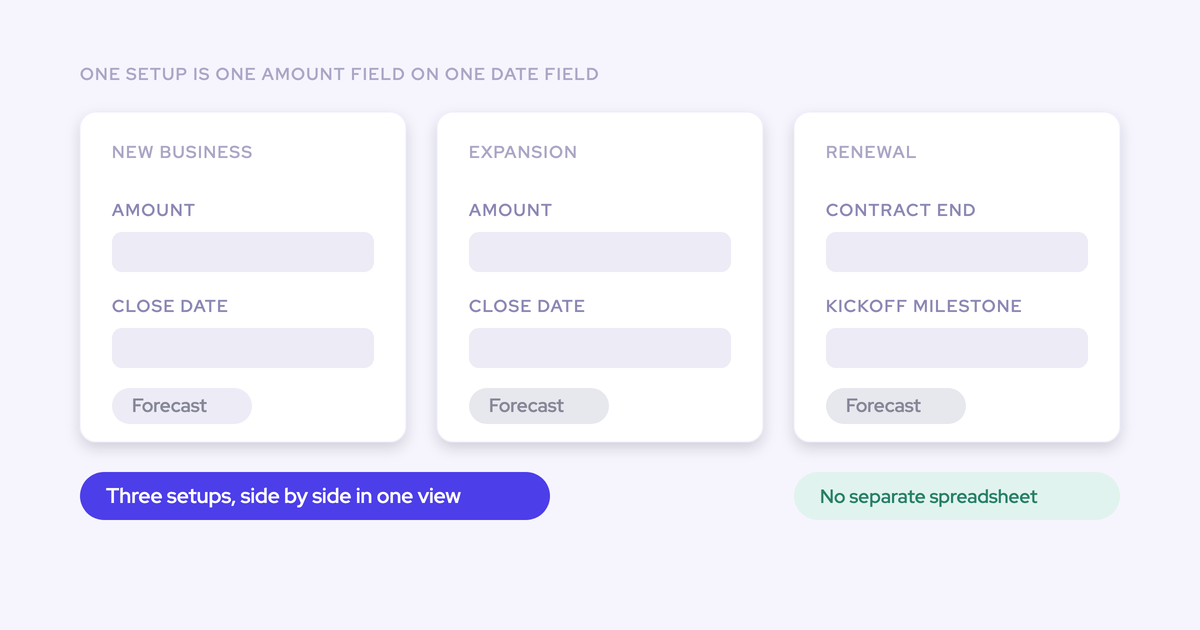
If a single amount field is summing new business, renewals and expansion together, the output of this audit is not one clean field. It's one clean field per motion, and you need to record that now because it dictates how many forecast setups the new world needs.
The tell is usually the date, not the amount. Renewal owners do not think in close dates.
When I'm doing the renewal forecast, I don't care what my close date is. What I want to track is renewals that are due in this quarter and how we are doing against those.
Run four checks against the amount field on your list:
- Do renewals, expansion and new business share it, and do they share record types or stages too?
- Does each motion carry its own quota, and does the current forecast actually resolve against those quotas separately?
- Does any motion need a different date field to be indexed correctly, like a renewal due date or a contract start date?
- Does the blended number hide the motion that's failing? Compare each motion's contribution over the last four quarters and see whether anyone would have noticed a bad one.
Record the answer as a number: how many forecasts you actually run. That number is the single most useful line you'll hand a vendor.
Step 5: Verify field history tracking on surviving fields
Switch history tracking on for every surviving field now, because historical accuracy for custom fields in any downstream tool depends on Salesforce having been tracking them all along. Every month it stays off is history that can't be reconstructed later.
- Object Manager, Fields & Relationships, Set History Tracking on Opportunity.
- Confirm tracking is on for the amount field, the date field and the stage and forecast category fields each motion uses.
- You don't get unlimited tracked fields per object, so spend the budget on the fields your forecast reads, not on the ones you're about to retire.
- Note the date you switched anything on. It's the start of your comparable history, and someone will ask.
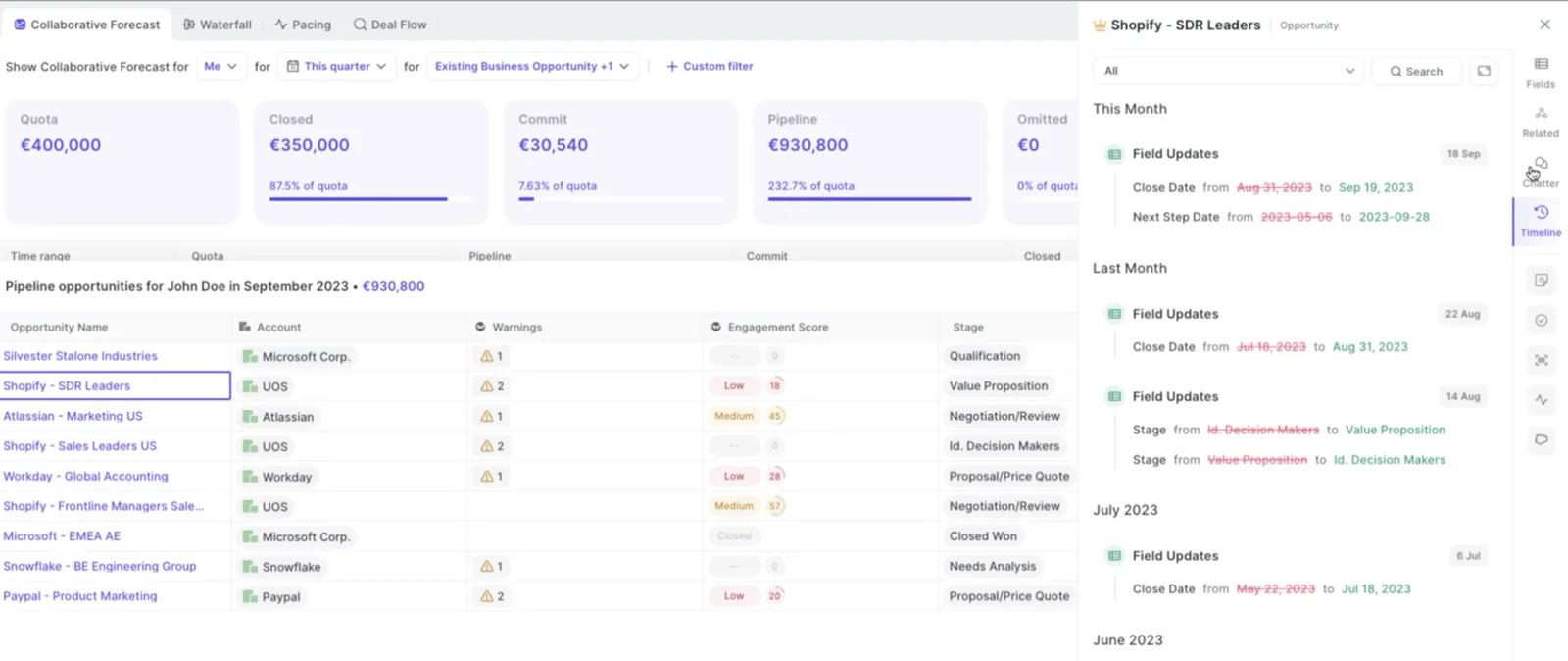
The payoff is that a change to a close date or a stage becomes something you can read back later instead of something you argue about in a forecast call.
Weflow, for example, gives you detailed overviews and syncs all the data to Salesforce too.
What to decide before connecting a new forecasting tool
Five decisions belong to you and belong before the connection. Defer any one of them and the new tool either inherits your mess or gets configured around a requirement you never stated out loud.
| Decision | Why it has to precede the tool | The vendor question it becomes |
| Which amount field each motion forecasts on | The foundation field applies to everyone in a setup. Choose it late and you rebuild the setup. | Can the forecast point at any standard, custom or formula currency field, or only the standard Amount? |
| Which date field indexes each period | Renewals and delivery-based revenue index on a different date than bookings. | Is the date field configurable per forecast, and can we run several forecasts in parallel? |
| How multi-currency conversion is handled | If you need dated rates, that logic has to live in a field you own. | Do you apply Salesforce dated exchange rates, or do we point you at our own converted amount field? |
| Whether revenue must split across periods | Delivery schedules and campaign line items span quarters. Most forecast layers place the whole amount in one period. | Can one opportunity's amount be recognised across two quarters, and if not, what's the workaround? |
| Whether submissions must live in Salesforce | A "reps only ever open Salesforce" rule is a knockout requirement, not a preference. | Which views run inside Salesforce, and which exist only in your app? |
Write your answers down before the first demo. It changes the conversation from a feature tour into a fit check, and it's the fastest way to find out in week one whether a vendor is wrong for you.
Common mistakes when retiring forecast formula fields
- Deleting a layer something still silently reads. "Where is this used?" doesn't see your warehouse, your scheduled exports or a colleague's spreadsheet. Deprecate for a cycle, then delete.
- Replacing retired formula fields with a fresh package of custom fields. You've just moved the debt. Ask what a tool can do with standard fields before you agree to any new ones.
- Chasing parity with a mature incumbent config. Four years of accumulated configuration is not the benchmark. A forecast three people can explain is.
- Carrying the blended number forward because splitting it feels like scope creep. It's the one finding that changes the target architecture. Split it now, while nobody has built anything on top of the new setup.
- Auditing the fields and skipping the cadence. Who submits, how often, at deal or manager level, against which quota. That's the part that takes the time, and no field list answers it.
don't add, like, ten currency fields on top of the amount fields. No one's winning because of this, and your sales motion is not necessarily going to become better.
How a Weflow forecast setup reads your audited fields
Weflow is the Revenue AI Orchestration platform for sales, customer success, and RevOps teams, and a Weflow forecast is built on exactly the artifact this audit produces: one chosen amount field, indexed on one chosen date field.
That field can be standard, custom or a formula field, including a converted-amount field you maintain yourself. You don't build a new formula field to make a column possible, which is the loop that created your current stack.
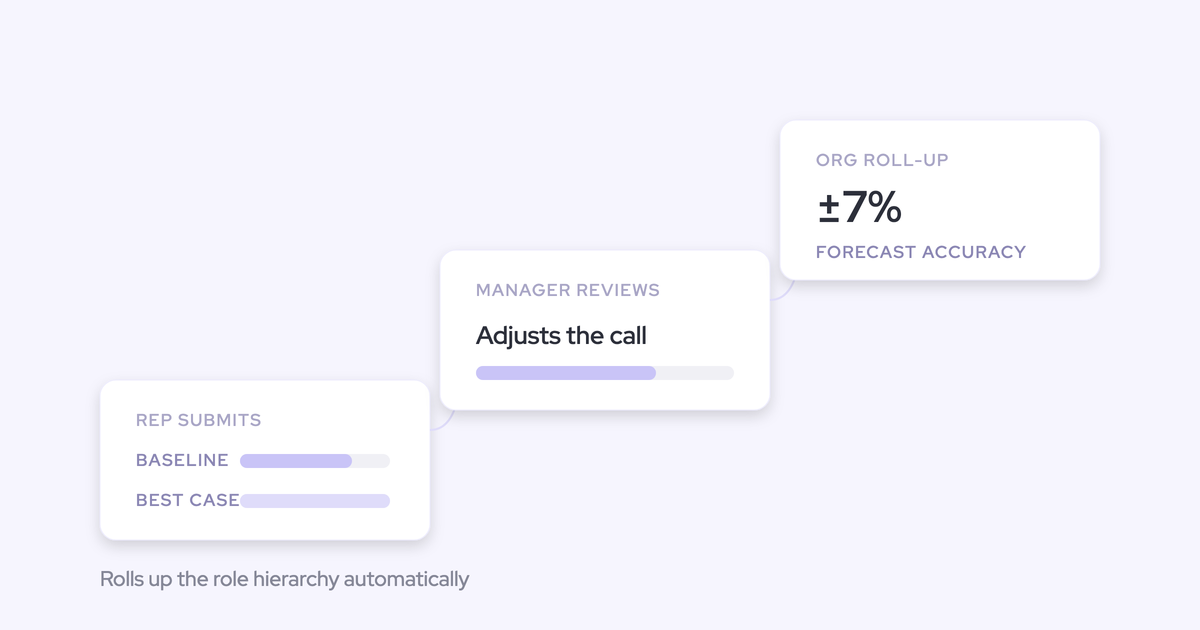
Where you found blended motions in step 4, you run parallel setups. New business against renewals against expansion, each on its own revenue field, its own stages, its own cadence and its own quota, because a single blended forecast hides the motion that's actually failing.
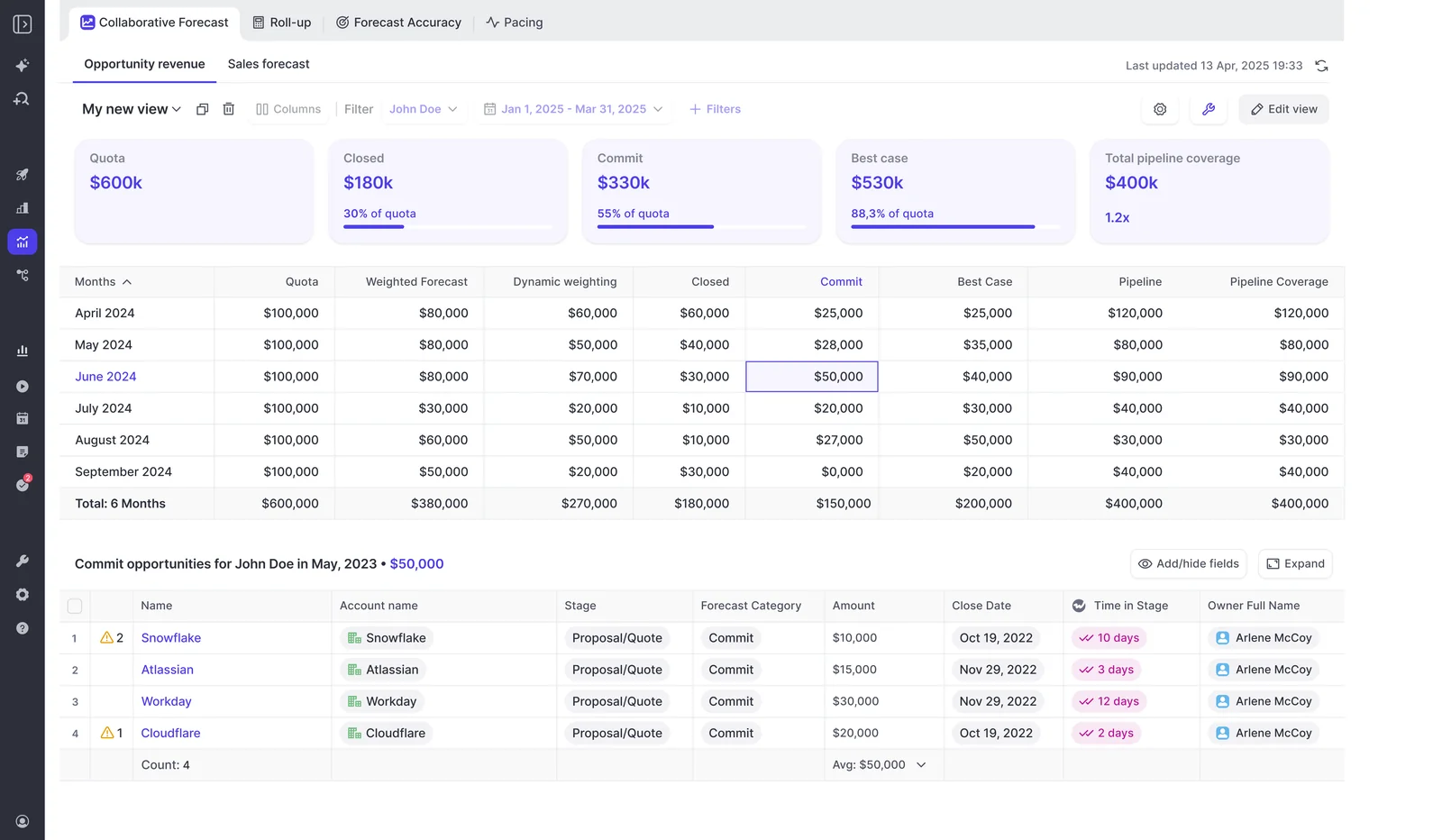
On the sprawl question: the managed package adds one custom object and three custom fields for conversation data, and Weflow tracks days in stage and total close-date push count on every opportunity natively. Those are two fields most teams build and maintain themselves, so the audit can retire debt instead of adding to it.
Now the boundaries, because you'll trust this list more than the capability list, and every item on it maps to a row in your decision table:
- No period splits. A forecast setup places the full opportunity amount in the single period its date field falls into. If you recognise revenue on delivery schedules, the split you see in Salesforce won't be reproduced in the forecast view.
- No dated exchange rates. Weflow reads the standard Salesforce currency field. Multi-currency teams that need finance-approved dated conversion point the forecast at their own converted amount field.
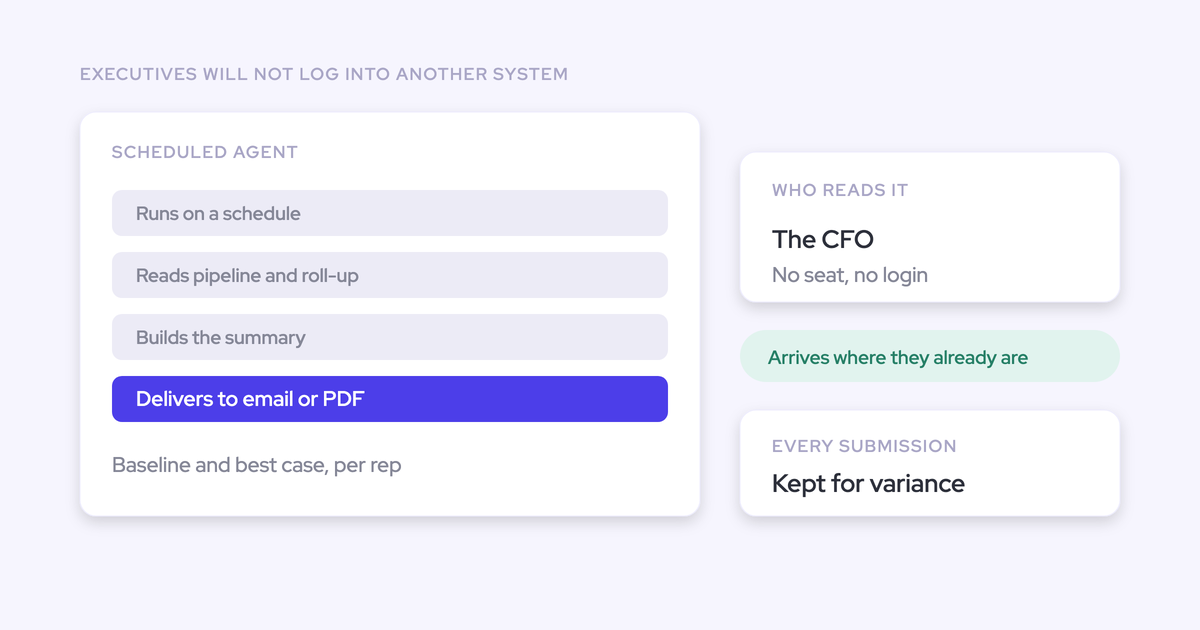
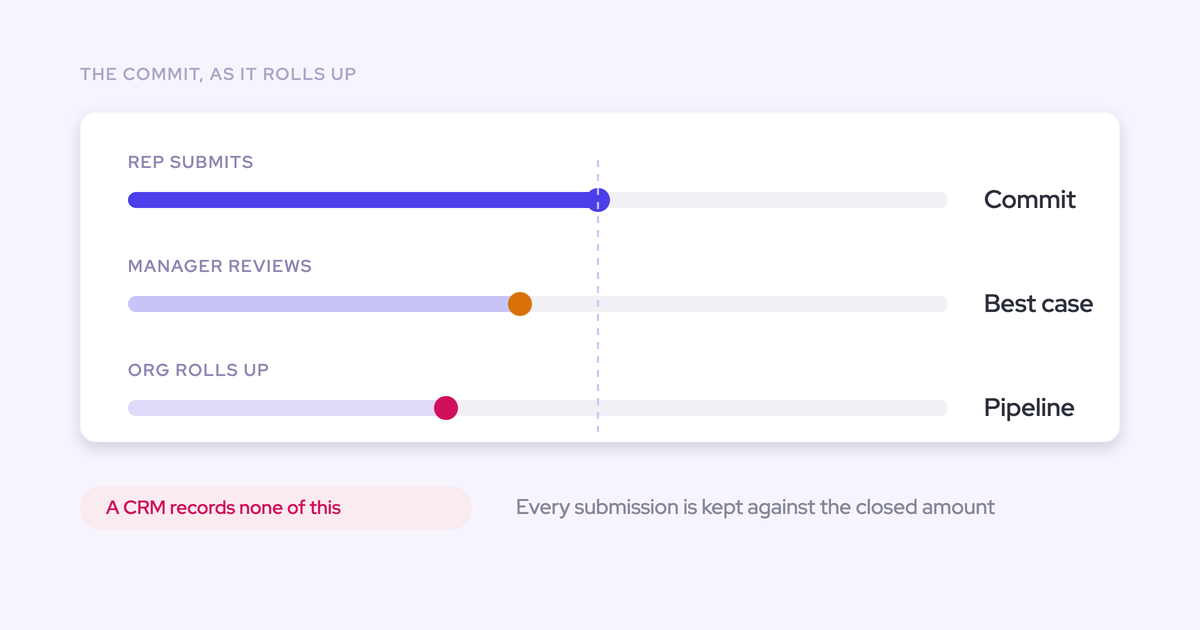
- Forecast submissions live in the Weflow app, not written back into Salesforce. Activity, transcripts, summaries and opportunity edits all land in Salesforce objects, but the roll-up sits on top of the pipeline. If reps are only ever allowed in one system, know that before you sign.
- The roll-up sums the chosen field. It doesn't apply stage probability weighting unless the weighted value is itself the foundation field. The separate weighted view and the AI projection do model likelihood.
- Highly custom setups on non-standard objects may not be feasible. Some spreadsheet-shaped configurations can't be solved because the data isn't on standard objects. Validate that up front, not in month three.
And the honest framing on parity, which is the thing a mature Clari team most needs to hear:
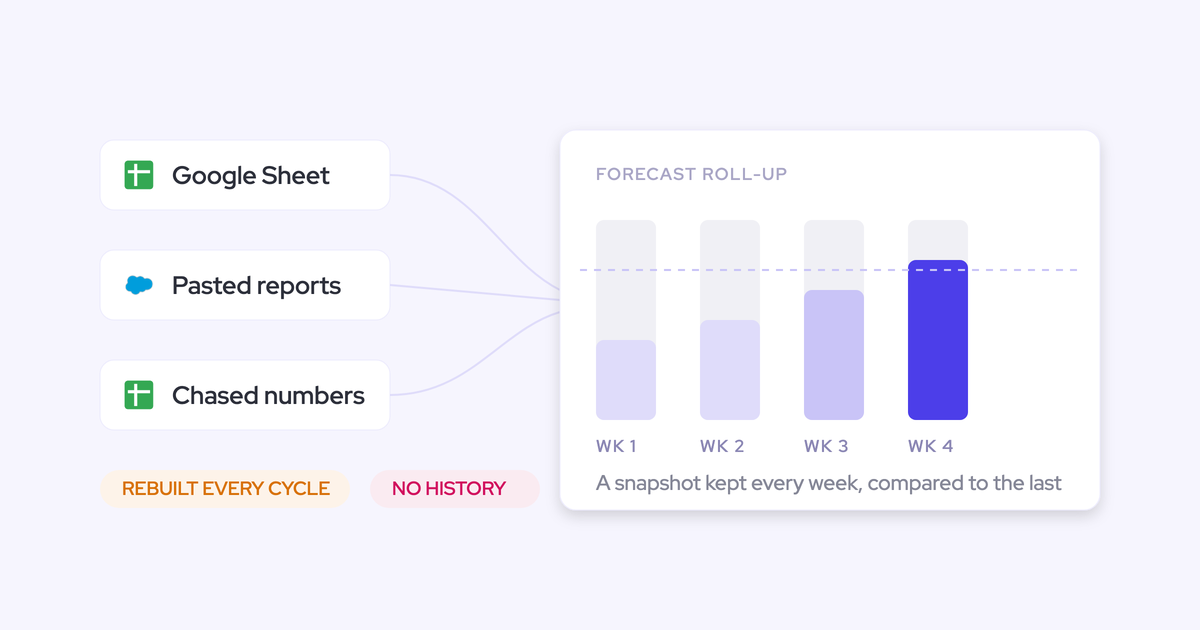
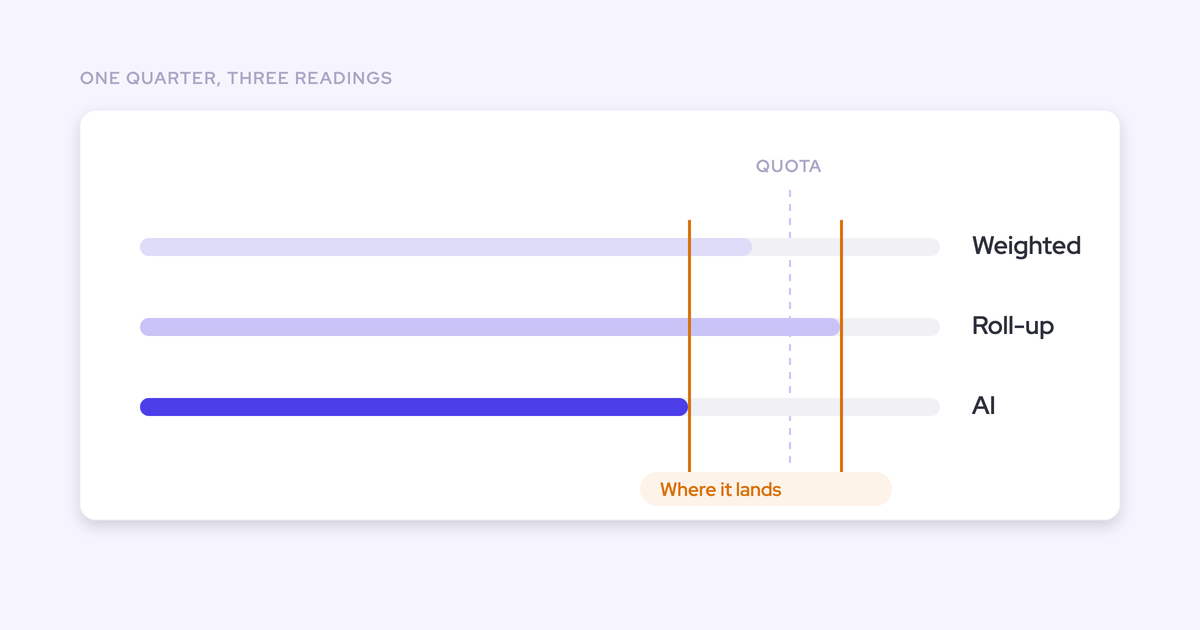
That's roughly right, and it's the correct expectation. Clari's pipeline waterfall, its pacing view and its same-day-last-quarter comparison are the three things teams genuinely use, and the quarter-over-quarter comparison is the hardest of them to reproduce because it needs snapshotted pipeline state. Its Quick Submit is a fair usability benchmark too. Forecast parity is a counterweight in a switch decision, never the reason for one.
The reason is what you've just proven for yourself: a forecast that reads a small number of fields you can name, sitting on data you own.
Free: The Ultimate Sales Forecasting Guide
Forecast field audit and Clari migration FAQs
Can we run the audit while Clari is still connected?
Yes, and you should. Every step through the dependency trace is read-only in Salesforce, so nothing you do changes a number the business is currently reporting. Run it far enough ahead of the renewal that the field inventory exists before the commercial conversation, because the same document is your evidence for what you actually use.
Does Weflow forecast history depend on Salesforce field history tracking?
For custom fields, yes. Weflow forecasting and pipeline analytics import up to 12 months of historical Salesforce data by default, and historical accuracy for custom fields depends on Salesforce field history tracking having been enabled on them. Snapshots build automatically going forward once Weflow is running, so the gap is only ever backwards. That's why step 5 happens now rather than during implementation.
How long does a forecasting migration take after the audit?
Weeks, not quarters. Onboarding typically runs two to four weeks to live, four to six for a large org, and Weflow doesn't charge for implementation. Capture and conversation intelligence move fastest; forecasting takes longer because it isn't a tool topic, it's the encoding of an operating cadence. Who submits, how often, at deal or manager level, against which quota. The audit is what compresses the configuration phase, because the field decisions are already made.
Who does the migration work, our RevOps team or the vendor?
A migration competes with your delivery backlog, not with the incumbent, so this matters more than the feature list. Weflow runs onboarding itself rather than handing it to a partner, and there's a managed service option where Weflow does the heavy lifting and your team answers questions and unlocks access. If a vendor pitches this as a co-project that needs your hours through a busy quarter, it loses to the backlog and you both waste the cycle.
What if forecast data lives on non-standard Salesforce objects?
Then it may not be feasible, and you want to find that out in week one. Highly custom setups where the deal data sits outside standard objects have to be validated against your own org before you commit, not a demo environment. Either way, the audit surfaces the object question early, which is the whole point of doing it first.