How to Measure Forecast Accuracy per Rep and Manager Over Consecutive Quarters in Weflow
Learn how to measure forecast accuracy per rep and manager over consecutive quarters in Weflow


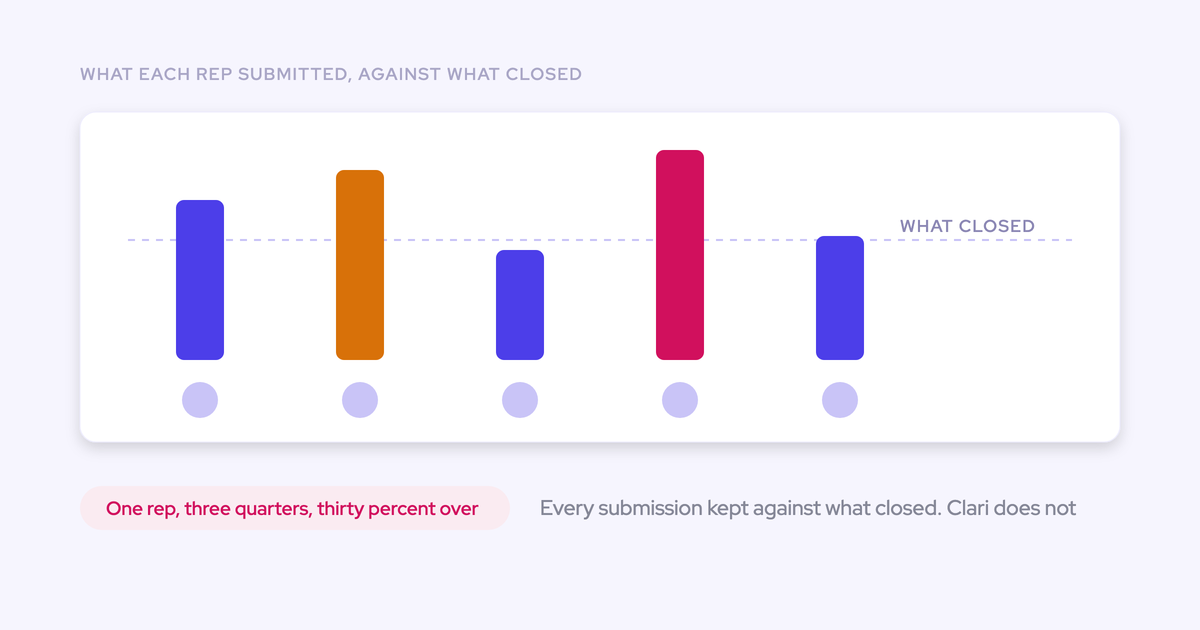

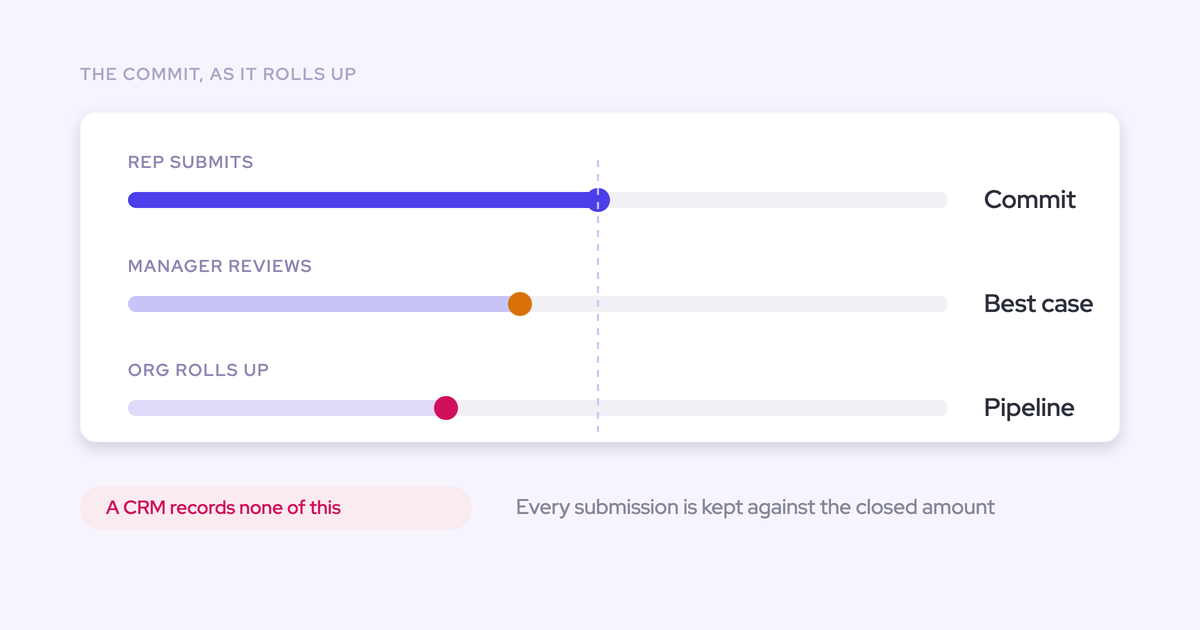
Weflow tracks forecast submissions against final results so you can compare accuracy by rep, manager, team, and segment across consecutive quarters. The useful record preserves three things: what the rep called, what the manager changed, and what eventually closed.
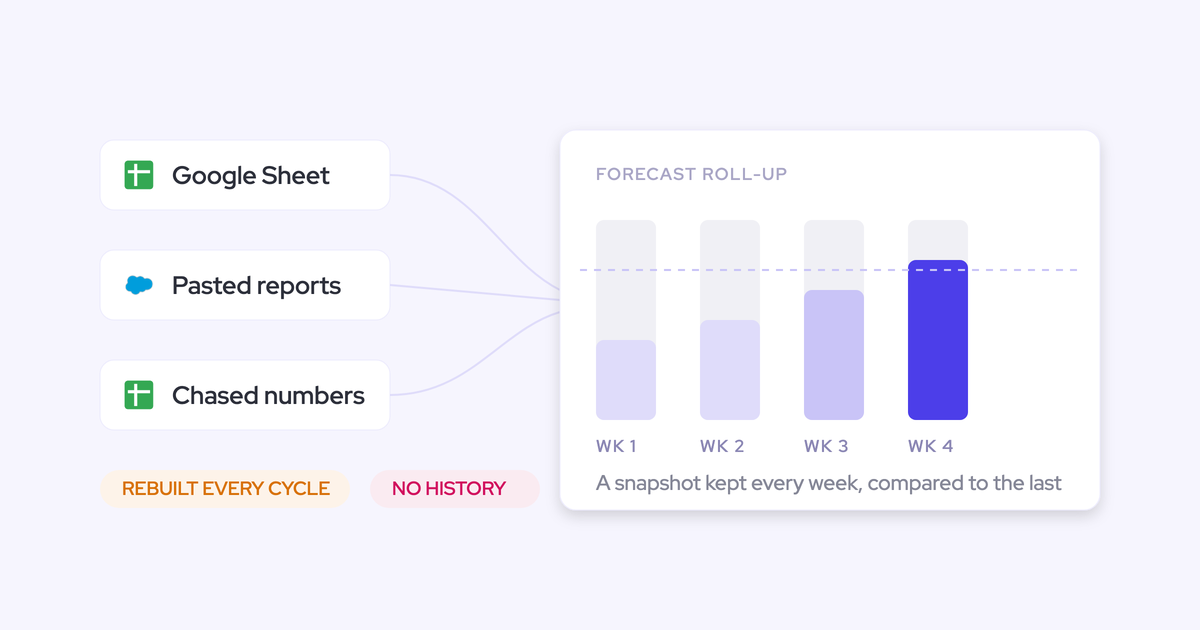
Choose a meaningful comparison point, such as week four, and keep it consistent. A call made early in the quarter tests judgment. A last-day submission mostly tests whether someone knows what already happened.
Weflow is the Revenue AI Orchestration platform for sales, customer success, and RevOps teams. With Weflow forecast roll-ups, you retain submissions and manager adjustments rather than reconstructing them after the quarter closes.
How does Weflow measure individual forecast accuracy?
Weflow compares recorded forecast submissions with the actual-results field your admin selects. Forecast accuracy tracking comes with the Forecasting module and doesn’t require separate activation.
You can read results by individual, manager, team, and segment across consecutive periods. Manager and team averages appear alongside individual results, so you can assess the manager’s judgment as well as the sellers’ calls.
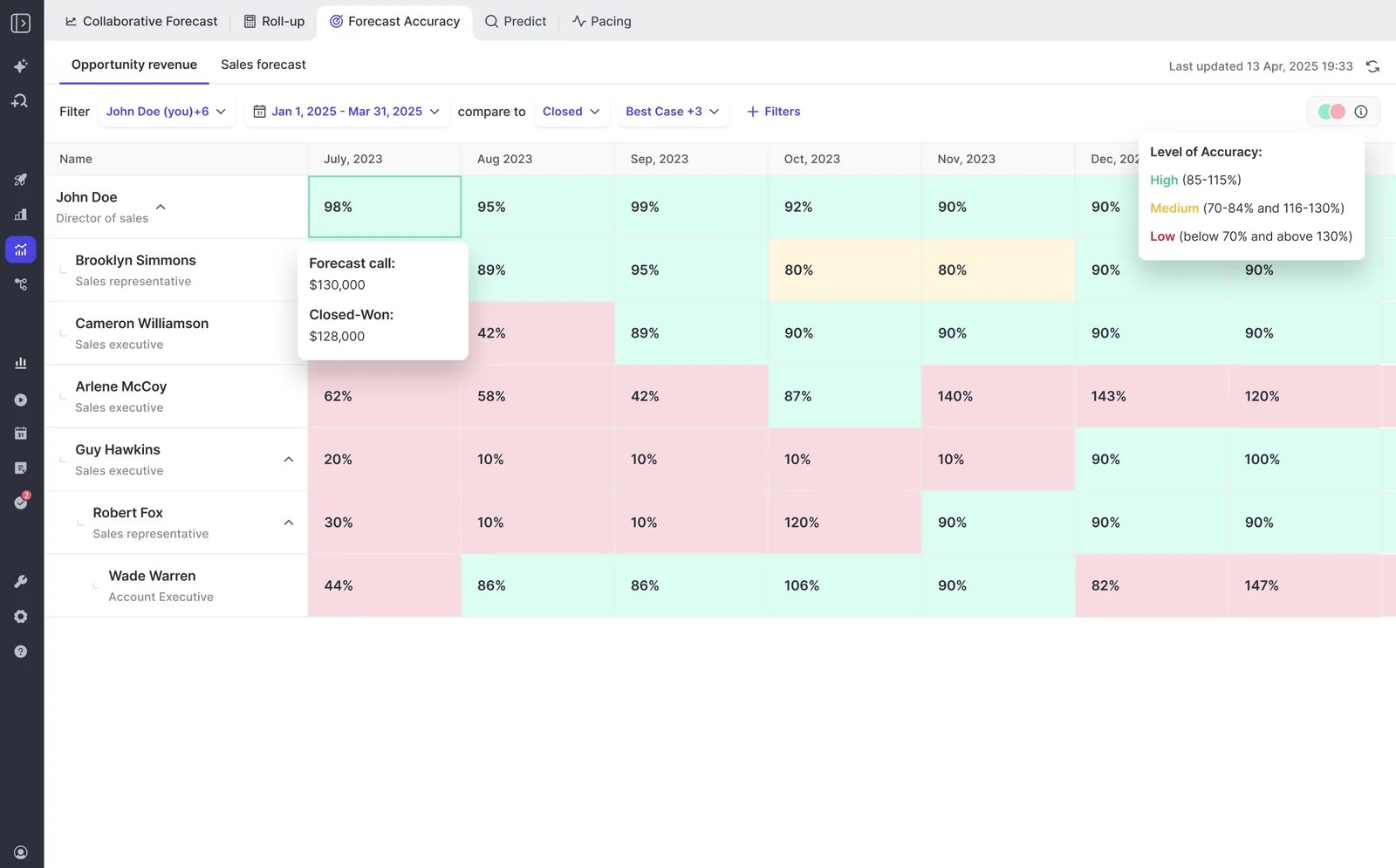
The Forecast Accuracy report shows color-coded accuracy percentages. Its detail view exposes the forecast call and closed amount behind a result.
Keep full forecast accuracy separate from commit accuracy. A team can close its committed deals and still underestimate the quarter because other opportunities close too.
| Measure | Question it answers | Management use |
|---|---|---|
| Forecast accuracy | How close was the predicted period result to the actual result? | Assess whether each person predicts the business reliably. |
| Commit accuracy | How reliably did the committed business close? | Assess commitment criteria and delivery against those commitments. |
For the worked examples below, we use signed dollar variance: forecast call minus actual result. That makes the direction of a miss easy to read.
- A $130,000 call against $128,000 closed gives a +$2,000 variance: the call was high.
- A $128,000 call against $130,000 closed gives a −$2,000 variance: the call was low.
The amount tells you the business impact. The direction tells you which judgment pattern to investigate.
Prepare your team to measure forecast accuracy
Agree on the revenue measure, comparison point, and responsibilities before you configure the forecast. Otherwise, you’ll preserve a history that nobody agrees how to interpret.
- Access: Give participants access to Weflow Deal Intelligence & Forecasting. Users sign in through Salesforce authentication. Assign an admin to configure the forecast and define submission and override rights.
- Data: Identify the Salesforce outcome field, forecast period, revenue scope, and reporting relationships. Your submitted amount and actual result must use the same revenue definition.
- Ownership: Have sales leadership and finance agree on the benchmark week and actual-results definition. RevOps owns configuration; reps own their submissions; managers own their adjustments.
- History: Retain submissions through completed periods. You need consecutive quarters of comparable calls and outcomes to establish a quarter-over-quarter track record.
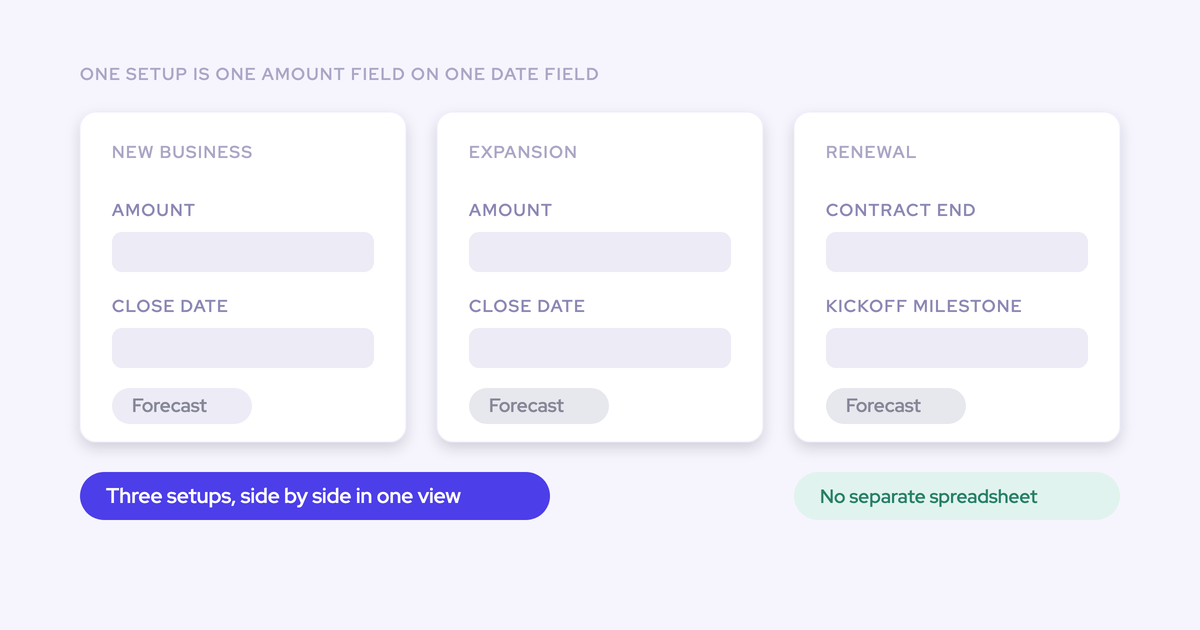
Start with one clearly defined forecast motion. Mixing new business, expansion, and renewals into a single coaching comparison can hide differences in how those teams predict revenue.
Measure forecast accuracy in Weflow, step by step
Build the record in order: define the outcome, set the cadence, collect rep calls, retain manager adjustments, and compare results. Weflow preserves submissions and overrides so each person’s judgment remains identifiable.
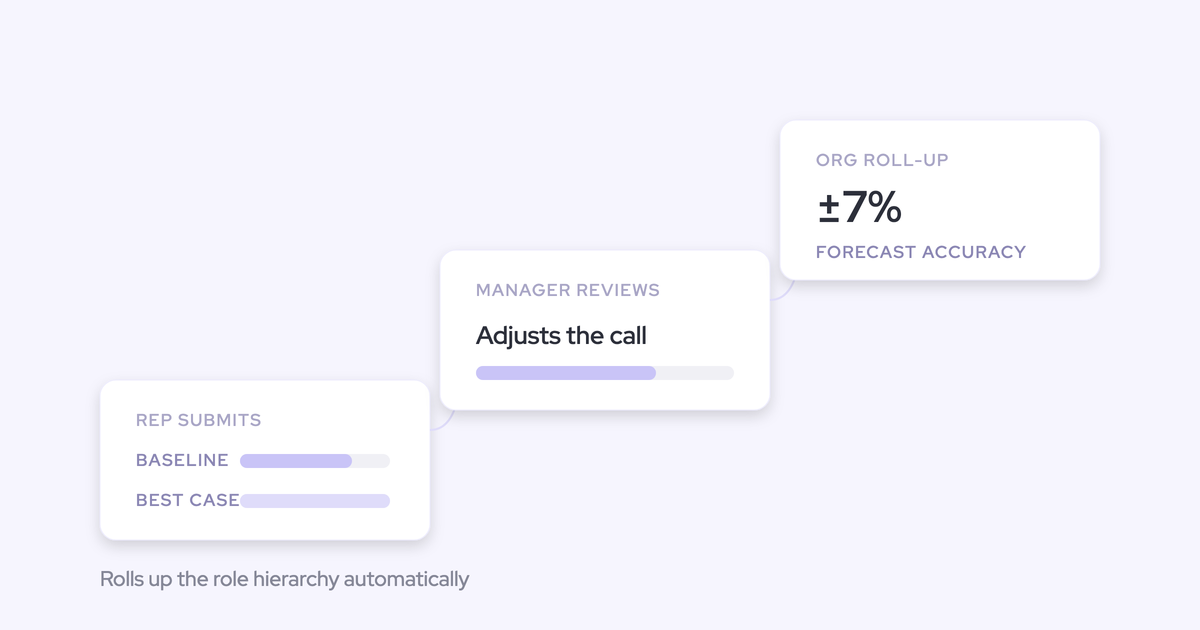
The example below follows a rep who calls $130,000 as the baseline in week four. The manager adjusts that call to $128,000, and the quarter closes at $128,000.
1. Choose the Salesforce field for actual results
Your admin chooses the field Weflow uses as the actual outcome. Match that field to the measure your team forecasts.
- Define the revenue measure and period with finance and sales leadership.
- Select the comparison field in Weflow’s forecast configuration, such as Closed Won.
- Reconcile the resulting amount with the Salesforce opportunities that belong in that period and scope.
For our example, the rep forecasts closed-won opportunity revenue for the quarter. The comparison outcome is $128,000 in closed-won revenue for those opportunities.
Completion check: The forecast and actual result describe the same business. A bookings call compared with a different revenue measure won’t tell you whether the rep forecast accurately.
2. Set forecast deadlines and lock the comparison point
Set a recurring submission cadence, then choose which point in that cadence you’ll use to judge accuracy. Those are separate decisions.
Weflow lets your admin configure submission deadlines, resubmission frequency, override permissions, adjustment windows, and forecast locking.
- Set the recurring rep submission deadline.
- Define who can override submissions and how long managers have to make adjustments.
- Configure locking around the submission and review cadence.
- Agree on a consistent early-quarter benchmark for coaching, such as week four.
For example, have reps submit weekly, give managers a defined review window, and use the week-four call as the benchmark. Continue collecting revisions as the quarter develops.
Completion check: Your week-four submission remains distinct from later revisions. Don’t credit a last-week correction as evidence that the original call was accurate.
3. Submit baseline and best-case forecasts without overwriting history
Reps submit baseline and best-case calls in Weflow, and every revision remains versioned. A later call doesn’t erase the earlier judgment.
- Submit a baseline and best case for the forecast period.
- Enter totals or select the named opportunities behind each figure.
- Add a comment explaining the call.
- Resubmit on the agreed cadence as deal evidence changes.
Named opportunities make the review more useful when timing risk sits in specific deals. A total captures the rep’s judgment, but a deal-backed submission also shows what that judgment depends on.
| Rep submission | Baseline | Best case | Comment |
|---|---|---|---|
| Week four | $130,000 | $150,000 | Baseline reflects expected closes; best case includes additional business with uncertain timing. |
| Later revision | $128,000 | $130,000 | Updated timing reduces the expected quarter result. |
Completion check: You can distinguish the original $130,000 baseline from the later $128,000 call. Keep baseline and best case separate when assessing the rep’s record.
4. Record manager overrides separately from rep forecasts
Managers can override a Weflow forecast at the deal or total level. Weflow retains the timestamp, author, and rationale for each adjustment across quarters.
- Review the rep’s submission and the opportunities behind it.
- Make the adjustment within the permitted override window.
- Record why you changed the number.
- Review the adjustment alongside the original rep call.
In our example, the manager reduces the week-four baseline because part of the expected business has timing risk.
| Judgment | Called amount | Reason |
|---|---|---|
| Rep’s original baseline | $130,000 | Expected quarter closes. |
| Manager’s adjusted call for the same scope | $128,000 | Timing risk warrants a lower call. |
Completion check: The record shows who made the reduction, when, and why. The manager’s $128,000 call doesn’t become the rep’s forecast history.
5. Compare rep and manager forecast variance across quarters
Open Forecast Accuracy to review results by person and period. Weflow shows individual results with manager and team averages, giving you context beyond a single seller’s percentage.
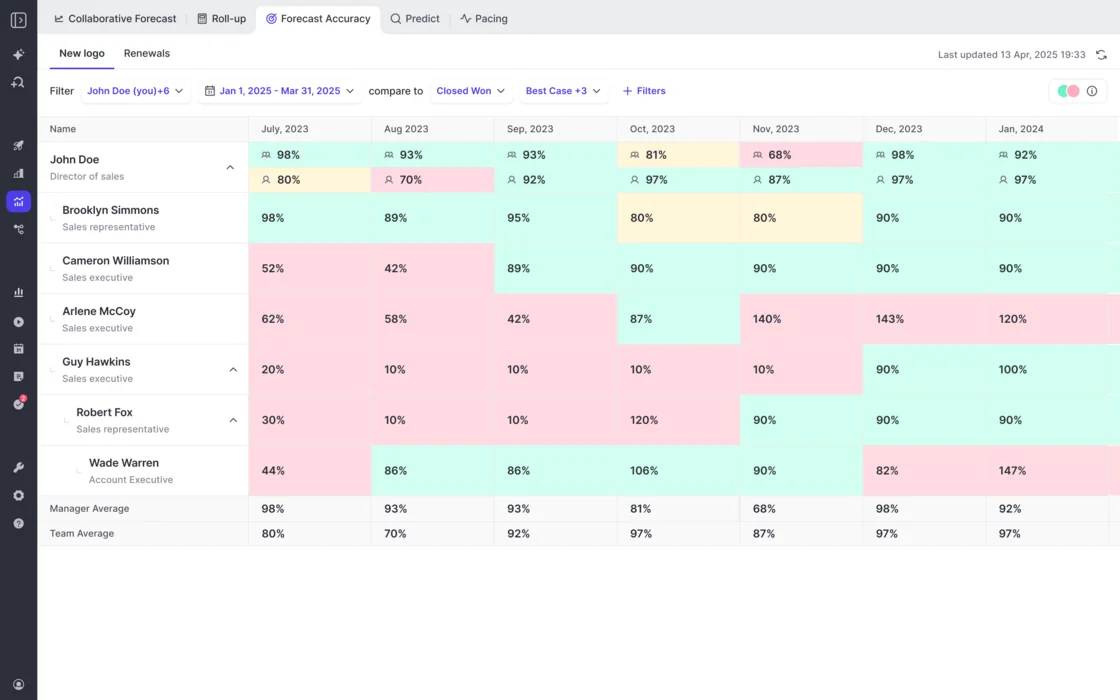
- Choose the people and date range you want to review.
- Compare the relevant forecast category with the configured actual-results measure.
- Read the forecast and closed amounts behind the accuracy result.
- Review submission and override history to distinguish the rep’s call from management’s adjustment.
- Compare consecutive quarters using the same benchmark timing, scenario, and revenue scope.
Here’s how the example develops across three quarters. Each manager call below covers the same opportunities as the corresponding rep call.
| Quarter | Person’s call | Benchmark | Forecast | Actual | Forecast minus actual |
|---|---|---|---|---|---|
| Q1 | Rep baseline | Week four | $130,000 | $128,000 | +$2,000 |
| Q1 | Manager adjustment | Week-four review | $128,000 | $128,000 | $0 |
| Q2 | Rep baseline | Week four | $130,000 | $130,000 | $0 |
| Q2 | Manager adjustment | Week-four review | $128,000 | $130,000 | −$2,000 |
| Q3 | Rep baseline | Week four | $128,000 | $130,000 | −$2,000 |
| Q3 | Manager adjustment | Week-four review | $130,000 | $130,000 | $0 |
The manager improved the call in Q1 and Q3 but made it worse in Q2. That’s a more useful conversation than treating every management adjustment as an improvement.
Completion check: You can explain each person’s result without substituting the team aggregate for their own judgment. Keep monthly results separate from quarter-level calls rather than averaging monthly percentages into a quarterly score.
Use forecast variance to coach reps and managers
Coach recurring judgment patterns, not the color of one cell. Weflow’s retained submissions and override history let you examine how someone reached a number before discussing what they should change.
A repeated low call deserves investigation, but it doesn’t prove deliberate sandbagging. Unexpected pull-ins, territory changes, or different revenue scopes can produce the same pattern.
| Observed pattern | Comparability check | Coaching response |
|---|---|---|
| Rep repeatedly calls high | Same benchmark week and revenue scope? | Review the evidence behind expected close dates and identify recurring timing assumptions. |
| Rep repeatedly calls low | Did business pull into the quarter after submission? | Separate unexpected wins from business the rep knew about but excluded. |
| Manager repeatedly reduces the roll-up | Does the adjustment improve the result for the same opportunity scope? | Replace blanket discounts with explicit deal-level reasons. |
| Accuracy improves only near quarter-end | Are you comparing equally early submissions? | Keep the early benchmark fixed and assess later revisions separately. |
| Team result looks accurate despite individual misses | Are high and low calls canceling each other out? | Coach individual patterns instead of relying on the aggregate. |
| A person’s record changes sharply | Did their territory, manager, or deal mix change? | Understand the operating change before judging the trend. |
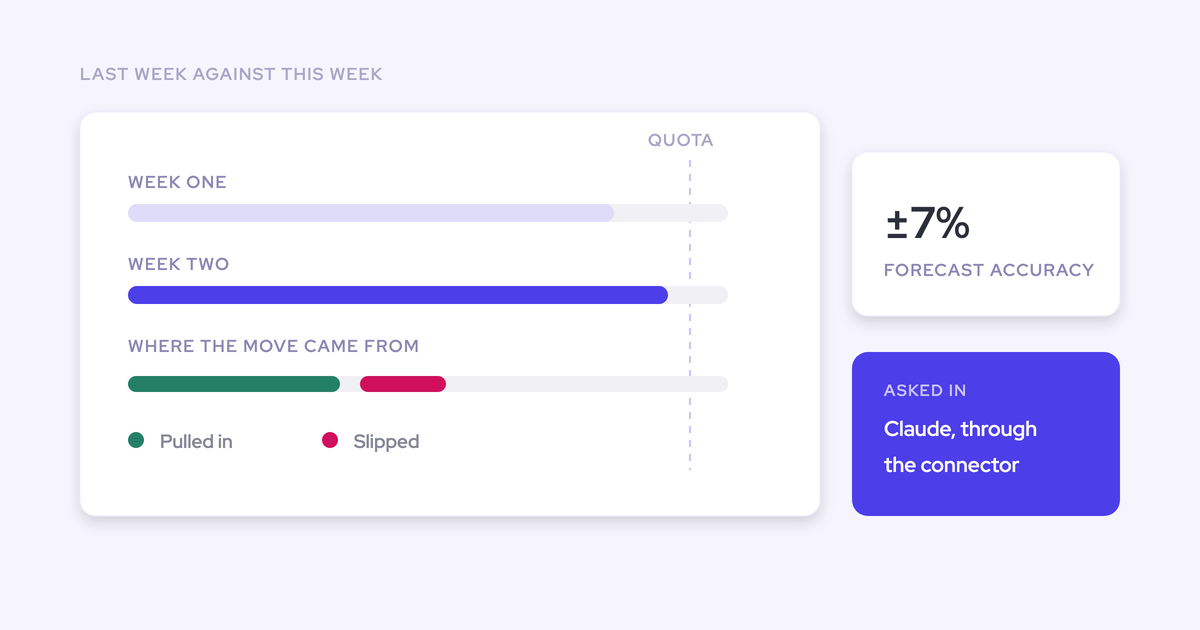
Zeotap reports forecasting within 7% by week four using Weflow. The timing matters: it describes an early-quarter prediction, not a number corrected once the outcome was clear.
We recommend celebrating reliable judgment and using misses to improve the process. A punitive leaderboard gives people another reason to negotiate the number instead of sharing their best assessment.
See how Weflow captures activity, updates Salesforce fields from calls, and rolls up your forecast. Book a 30-minute demo.
Weflow forecast accuracy FAQ
Evaluate the submission-to-outcome workflow separately from the time needed to establish a track record. The remaining fit questions concern reporting, data location, and purchasing scope.
Can a two-week trial prove forecast accuracy?
No. A two-week trial can demonstrate the submission workflow, but it can’t establish consecutive-quarter predictive accuracy.
| Workflow validation | Accuracy validation |
|---|---|
| Submit baseline and best-case calls. | Compare early submissions with completed-period outcomes. |
| Revise a call and inspect retained versions. | Identify recurring high or low calls across quarters. |
| Record a manager override with a rationale. | Assess whether adjustments repeatedly improve the forecast. |
| Exercise deadlines and permissions. | Establish that the team follows the cadence consistently. |
Bring sales leadership, RevOps, and finance into the process discussion before configuration. Forecasting changes how your team runs its week, so software access alone doesn’t establish adoption.
What should we validate before replacing Clari forecast reporting?
Compare the reporting your leadership actually uses, including the original submissions and adjustments behind the final number. Clari’s waterfall, pacing, and same-point-in-prior-quarter views matter to teams that depend on them.
For the accuracy workflow, make the evaluation concrete:
- Follow a rep submission through a manager adjustment and into the roll-up.
- Inspect the retained author, timestamp, and rationale for an override.
- Read individual results alongside manager and team averages.
- Reconcile the actual-results measure with the revenue definition finance uses.
Weflow supports deal-based forecasting, not consumption forecasting. If usage-based revenue drives your forecasting process, that’s a material difference in fit.
Can we report on Weflow forecast submissions in Salesforce?
No. Weflow forecast submissions, targets, and roll-up history live in Weflow; we don’t write them into Salesforce fields.
| Data | Location | Reporting consequence |
|---|---|---|
| Salesforce opportunity fields, including edits made through Weflow | Salesforce | Your Salesforce reports can use the deal record. |
| Forecast submissions, targets, and roll-up history | Weflow | Salesforce reports don’t contain this forecast record. |
If your policy requires every forecast submission to reside in Salesforce objects, Weflow doesn’t meet that requirement.
Does forecast accuracy tracking require other Weflow modules?
Forecast accuracy tracking comes with the Forecasting module, available through standalone Weflow Deal Intelligence & Forecasting or Revenue AI Enterprise.
The data used to make a forecast serves a different purpose from the submissions used to measure it:
- Weflow Activity & Contact Capture supplies activity and contact data so your team can assess engagement.
- Weflow Conversation Intelligence turns conversations into structured Salesforce fields that support deal reviews.
- Weflow Deal Intelligence & Forecasting retains forecast calls and compares them with results.
We recommend a complete activity and conversation record because it gives reps and managers better evidence for their calls. Measuring a forecast doesn’t, by itself, improve the judgment behind it.
What does Weflow Deal Intelligence and Forecasting cost?
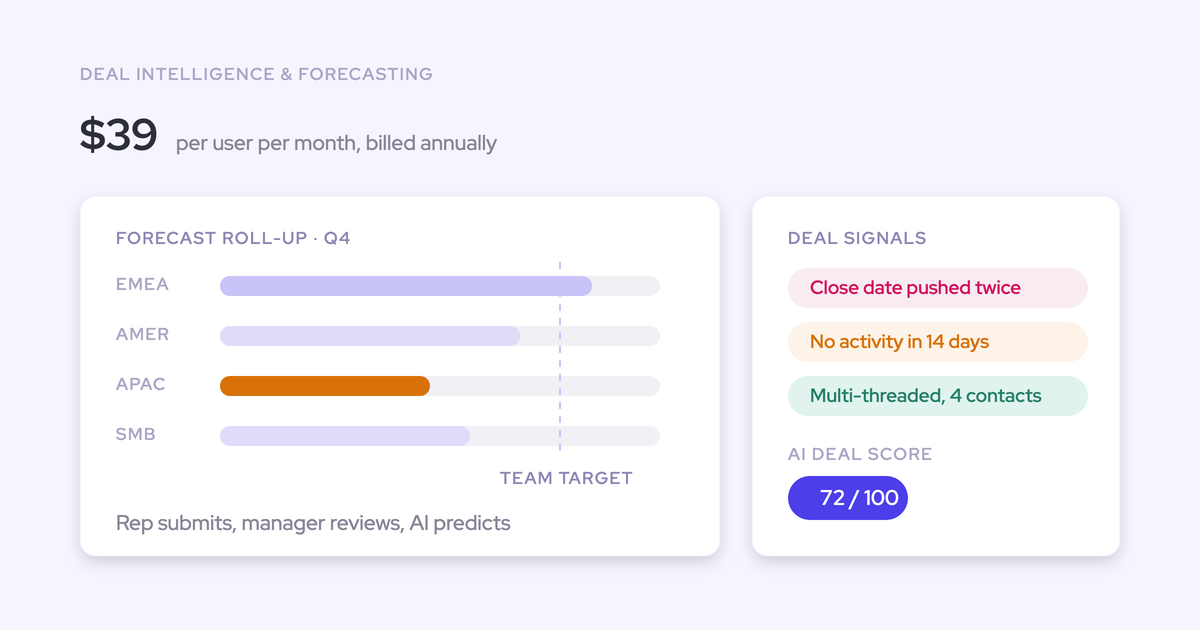
Weflow Deal Intelligence & Forecasting costs $39 per user per month, billed annually. Revenue AI Enterprise includes forecasting with the other Weflow products for $79 per user per month.
| Purchasing option | Price, USD | Included scope |
|---|---|---|
| Weflow Deal Intelligence & Forecasting | $39 per user per month | Deal intelligence, pipeline analytics, forecast submissions, roll-ups, and accuracy tracking. |
| Revenue AI Enterprise | $79 per user per month | Weflow Activity & Contact Capture, Weflow Conversation Intelligence, and Weflow Deal Intelligence & Forecasting. |
- Annual billing with a 10-user minimum.
- No platform or implementation fees.
- Unlimited view-only licenses included.
Revenue AI Business includes deal intelligence but not forecasting. Choose the purchasing scope around whether you need forecast submissions and accuracy reporting alone or activity capture and conversation intelligence alongside them.