What are AI field updates? Turning sales calls into structured Salesforce data
Learn how AI field updates turn sales calls into structured Salesforce fields, not summaries.


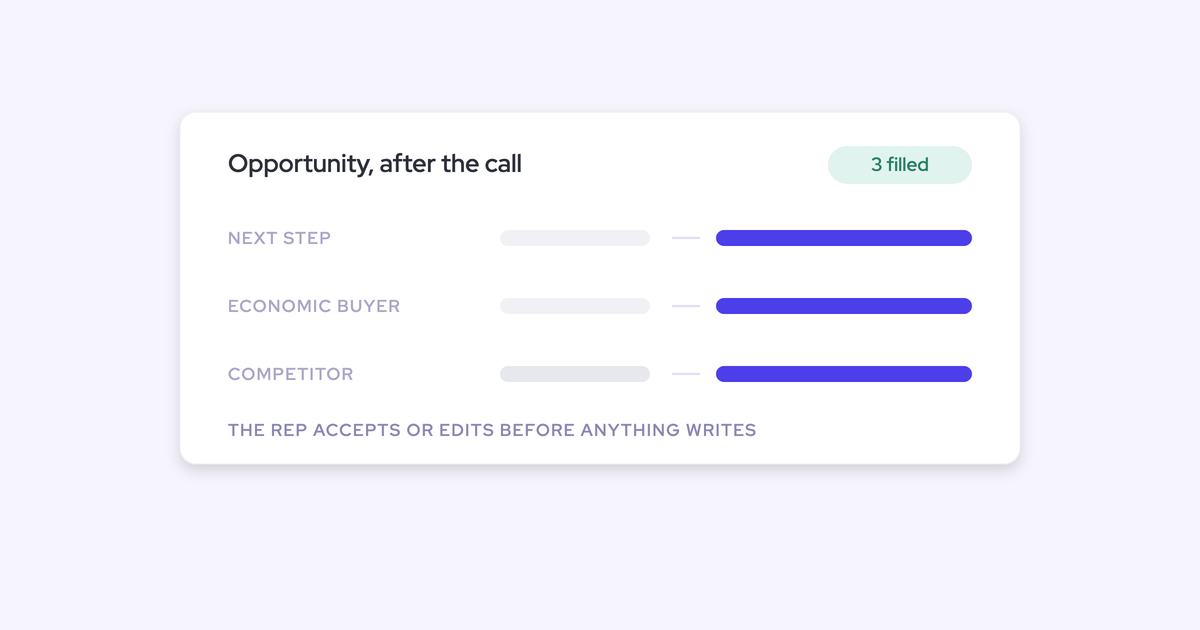

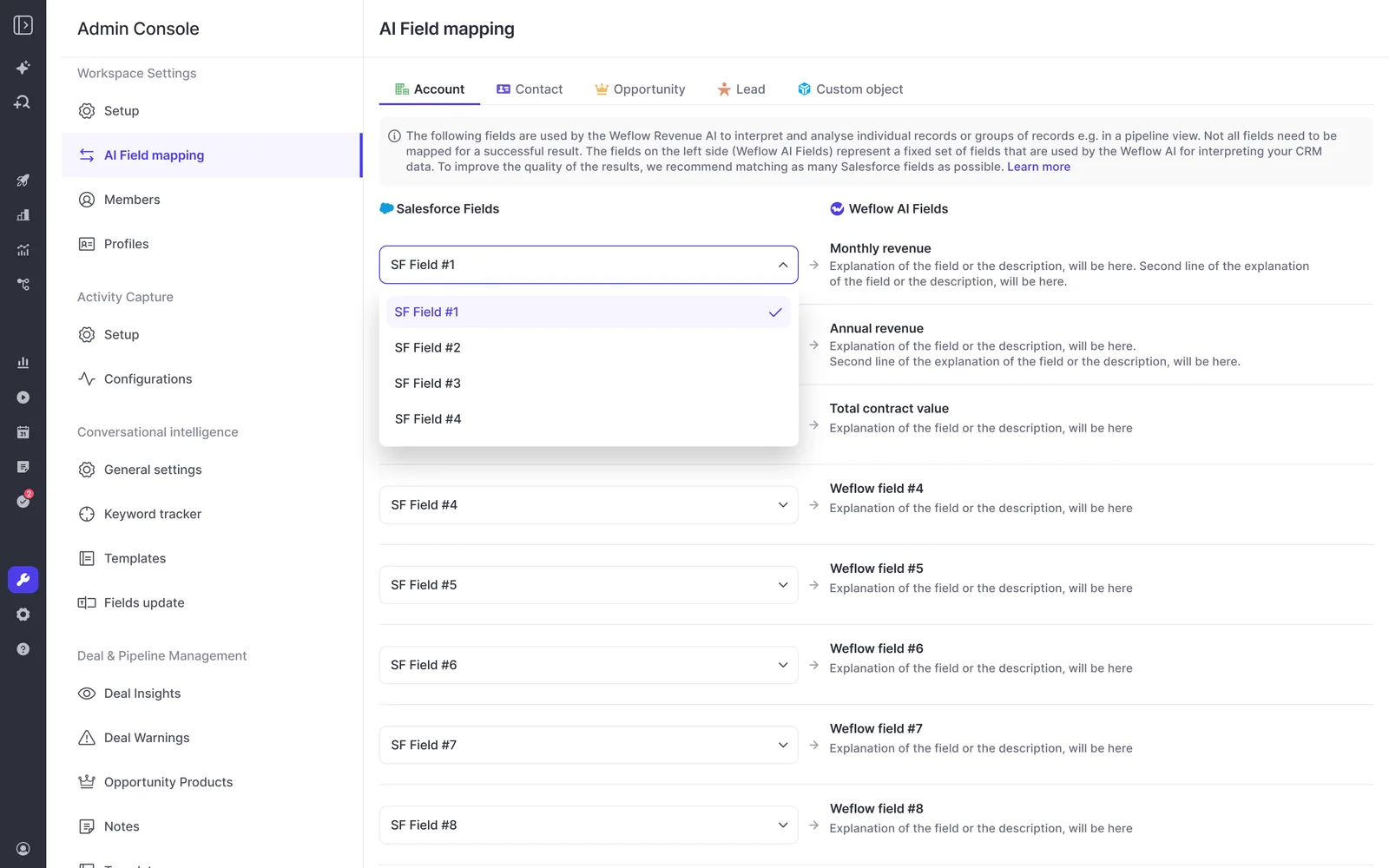
AI field updates are the capability that turns a recorded sales conversation into writes to specific Salesforce fields: a field is mapped to an extraction prompt, the AI pulls the value out of the transcript, a person reviews it beside the current value, and it syncs to the record. That last part matters. Nothing changes in the CRM without confirmation.
Here's why you're probably reading this. Every call is recorded. Every call is summarized. And when you open an opportunity, the MEDDIC fields are still blank, the next step is three weeks old, and the loss reason is whatever the rep picked from a dropdown on the way out.
You didn't do anything wrong. Recording was never the step that fills those fields. Recording is the input; structured data landing in Salesforce is the product.
This article covers the step in between: what it is, how it actually works, and why the first generation of conversation tools never built it.
Why recorded calls never fill your Salesforce fields
Because the first generation of conversation intelligence was built around the recording, not around the write-back. Storage, analytics, and value all live in the vendor's cloud. What reaches Salesforce is raw text or a summary blob, and a blob in a text box is not a value in a field.
So full recording coverage and empty methodology fields sit together by design, not by failure. Here's how that shows up:
| What you see | What's actually happening |
| MEDDIC or SPICED fields empty despite 100% recording coverage | The tool analyzes the call and keeps the analysis in its own portal. Nothing extracts a value and writes it to a named field. |
| Reps retyping call notes into the mandated CRM format | The content already exists in the transcript. The tool doesn't produce it in your template, so a human does the reformatting, late and thin. |
| Loss reasons and competitor mentions are anecdotal | The evidence is in transcripts nobody queries. The picklist gets a guess, and leadership manages a competitive story it can't prove. |
| Insight lives in a portal nobody reports from | Activity and call content get mapped into the vendor's own data structure instead of native Salesforce objects, so your reports, flows, and AI can't read any of it. |
Credit where it's due: Gong invented this category and still has the deepest conversation analytics in it. Gong does log activity to Salesforce. But Gong's captured calls live in its Revenue Graph rather than native Salesforce objects, which is why the data can't trigger a Salesforce Flow and doesn't stay with you if the contract ends.
How AI field updates turn a transcript into Salesforce field writes
AI field updates are a pipeline with four defined steps, and each one is visible and controllable:
- Each Salesforce field you want filled is mapped to an extraction prompt.
- When the call ends, the AI runs those prompts against the transcript and proposes a value per field.
- The proposed value appears beside the current value, and a person accepts, edits, or rejects it.
- The accepted values write back to the existing Salesforce records, not to new ones.
That's the whole mechanism. If a vendor can't walk you through those four steps on your own org, they're selling you a recorder with a summary attached.
Mapping each Salesforce field to an extraction prompt
The configuration layer is one prompt per field. You point at a Salesforce field, and you write the instruction that tells the AI what to look for in the conversation.
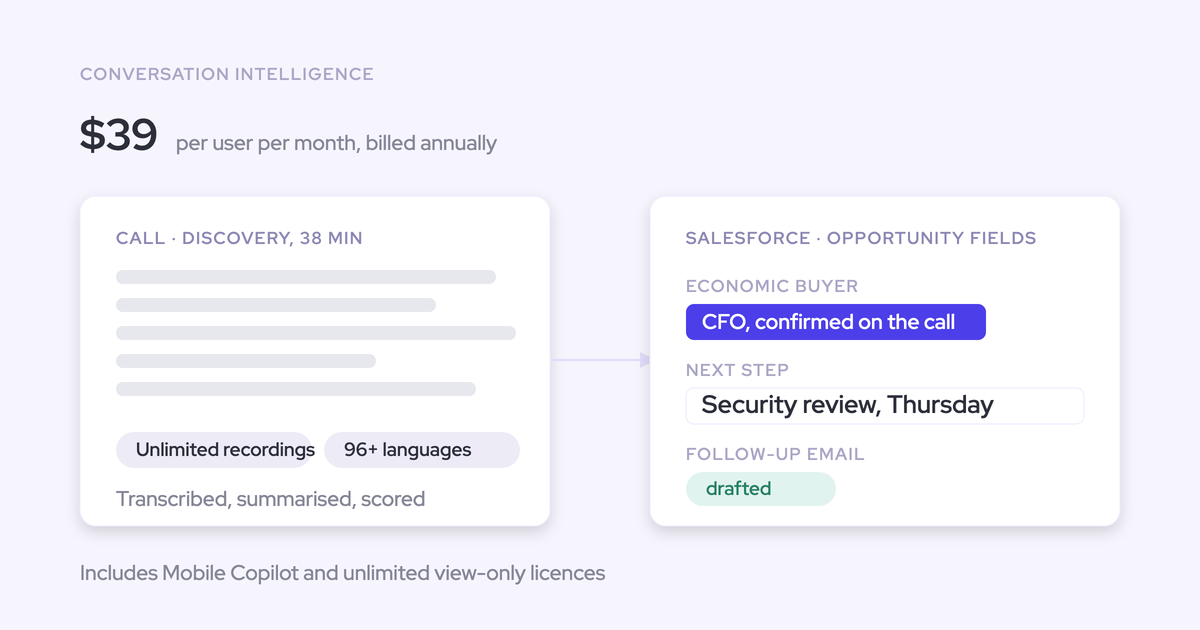
Take a MEDDIC "Economic Buyer" text field. The prompt asks the AI to identify who controls the budget, whether that person appeared on the call or was referenced by name, and what evidence there is either way.
What comes back is a couple of sentences of substance, which is exactly what a rep will never type and a transcript always contains.
Because the mapping is per field, the framework is yours. MEDDIC on enterprise deals, BANT on transactional ones, or a proprietary in-house framework nobody outside your company has heard of. Weflow ships around thirty methodology templates and lets a team map its own prompt to each element.
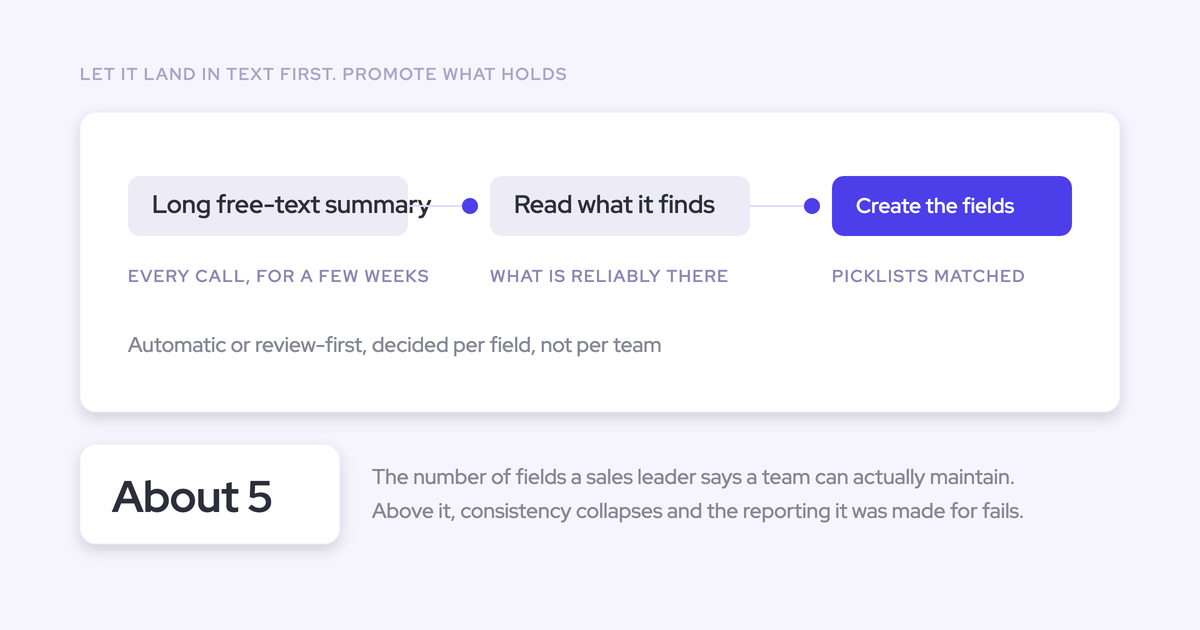
Here's the honest part: this is where accuracy is won or lost. A vague prompt against a multi-select picklist produces confident nonsense. Well-written prompts produce field updates you'd put in a deal review.
There's a second reason the mapping step matters, and it has nothing to do with AI. Sales advisor Richard Harris makes the point that methodology fields sit empty partly because the field label is written in framework language no rep would ever say out loud, so the question that would fill it never gets asked. The transcript has the answer in human words. The prompt is where you translate.
Reviewing current vs. proposed values before anything syncs
This is the question every admin asks a vendor, and the answer should be structural rather than a setting buried in an options page.
In a properly built field-update flow, the rep sees the current CRM value side by side with the proposed one and decides per field: accept, edit, or reject. Required fields stay locked. If the AI attached the call to the wrong opportunity, the rep reassigns it and the analysis reruns against the right deal.
Weflow's AI Field Updates work exactly this way, and they can also run in fully automatic mode where a team has decided a given field doesn't need a human on it. Validation rules, field dependencies, permissions, and role hierarchy are respected either way.
Silent write-back is the alternative, and it's worse than an empty field. An empty field is honestly empty. A field written silently by a model is confidently wrong with nothing marking it uncertain, and a routing rule or a report will act on it.
Writing back to the one Salesforce meeting that already exists
Where the output lands decides whether your reporting survives the rollout. A recorded meeting is not a second meeting.
"If you record a meeting, it's not another meeting. It's the same meeting." — Janis Zech, Co-founder and CEO, Weflow
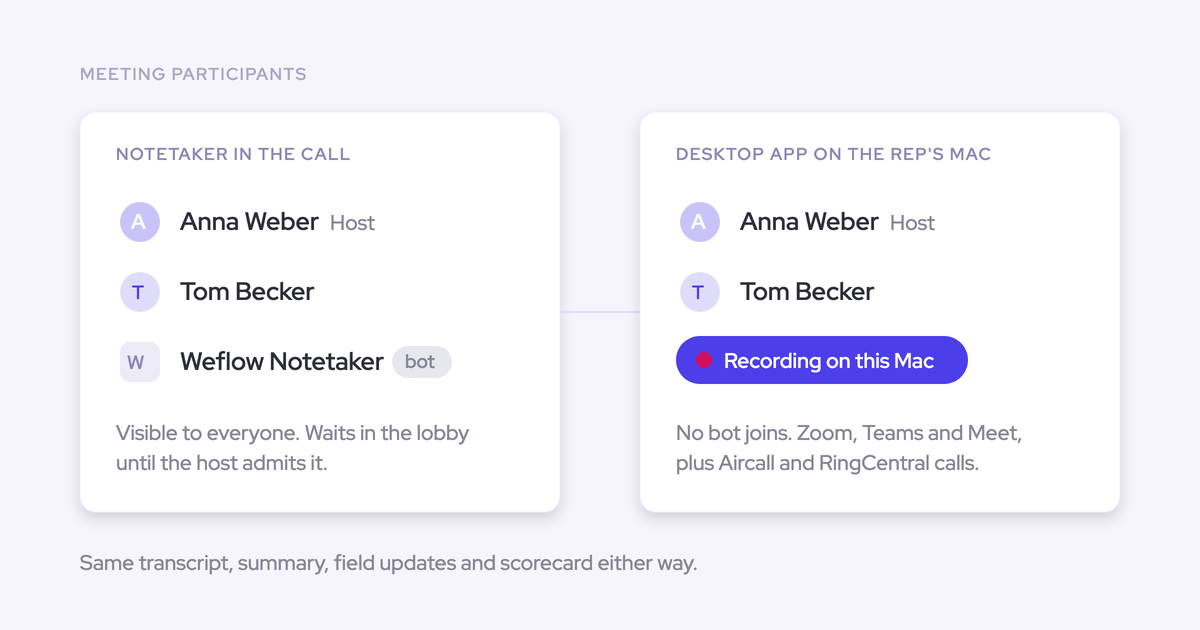
Stack a notetaker on top of an activity capture tool without deduplication and the same meeting lands twice as two records.
Every meetings-per-rep and meetings-per-opportunity number is then inflated, and it looks like richer data right up until someone checks.
The correct model writes one Event, attaches the AI summary to that same record with a link to the recording, and relates it to the right account and opportunity.
Weflow does this within 30 to 60 seconds of the call ending, so the rep sees the summary on the opportunity activity timeline without leaving Salesforce.
The second consequence is ownership. Data written into native Salesforce objects is yours: reportable, automatable, and readable by your own AI.
"If you haven't stored an object or record into the core Salesforce database, then you cannot do automations with it. You cannot trigger automations or flows, and you cannot retrieve any information from that within flows." — Philipp Stelzer, Co-founder and CPO, Weflow
Which Salesforce fields and objects AI field updates can write
The capability class is defined by writing specific values into specific fields. In practice that's the small set of things a call actually changes about a deal:
- Next steps, as agreed on the call rather than as remembered on Thursday night
- Projected amount impact, when the scope or the commercials moved
- Stage validity, meaning whether the deal really is where the record says it is
- Account sentiment, read from the conversation instead of from the rep's mood
- Methodology fields across MEDDIC, MEDDPICC, SPICED, BANT, or a custom framework
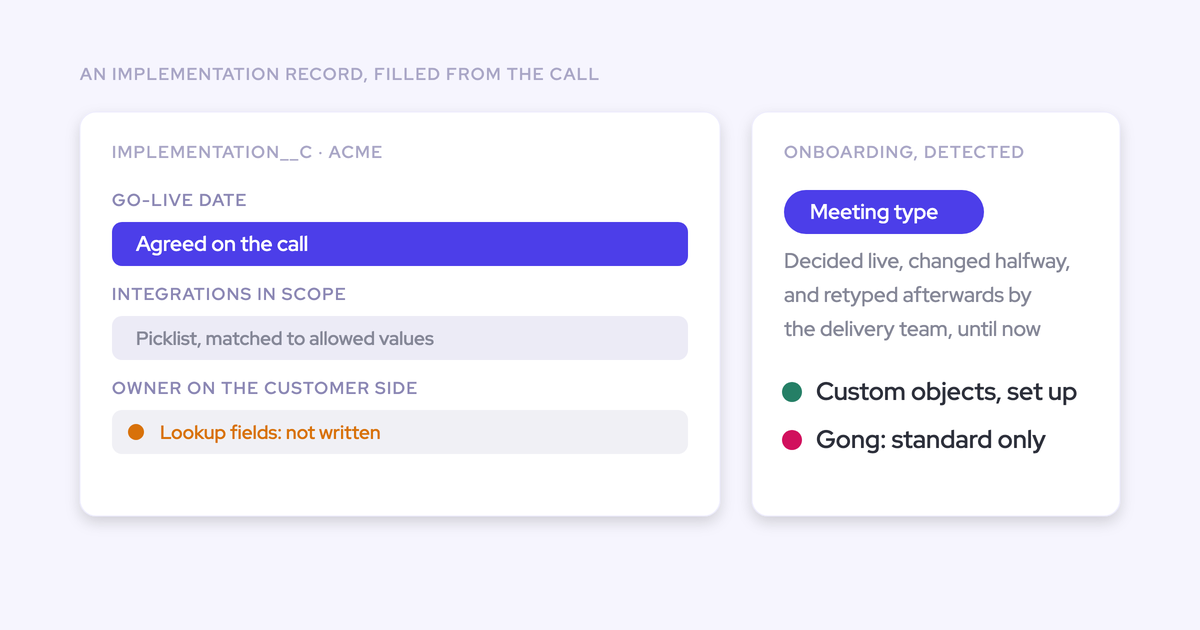
Now the part that decides whether any of this works for you: custom fields and custom objects.
Your methodology almost certainly lives in custom fields. A text field or a note per criterion, a checkbox beside it, and a deal review that reads off exactly those fields. This is the request we hear on evaluation calls, word for word:
That's the precise place the recording-tool generation stops. Gong's AI writes back to standard Salesforce objects only, not custom objects. Chorus pushes call content in fixed shapes: attendance, topics, action items, next steps, with no support for custom fields or objects.
Read that as a plain sentence about your org: standard objects only means your methodology fields stay manual. Which means the qualification data stays in the rep's head, and you're back where you started with a bigger invoice.
AI call summaries synced to Salesforce vs. AI field updates
Your tool already pushes a summary into Salesforce, so it's fair to ask whether this is the same thing. It isn't. They're two different outputs doing two different jobs.
| Synced AI call summary | AI field update | |
| What it is | Readable prose describing what happened on the call | An extracted value written into one named Salesforce field |
| Where it lands | A long text field on the Event, on the activity timeline | The opportunity, account, contact, or custom object field you mapped |
| What it can do downstream | A human reads it. That's the job, and it's a good one. | Filters a report, fires a flow, feeds a deal warning, drives the forecast |
A summary in a text box can't be reported on. You cannot filter a pipeline by "deals where the economic buyer is still unidentified" if that fact exists only as a sentence in a paragraph on an Event.
That's why a team can have summaries syncing cleanly and still have nothing to inspect. Both outputs are worth having. Only one of them was ever going to fill the fields.

How Weflow approaches AI field updates, and where it stops
Weflow is the Revenue AI Orchestration platform for sales, customer success, and RevOps teams, and we built Conversation Intelligence around the write-back rather than around the recording. Transcription is settled. Every tool in this category transcribes well now, and pretending otherwise insults the buyer.
What that means concretely:
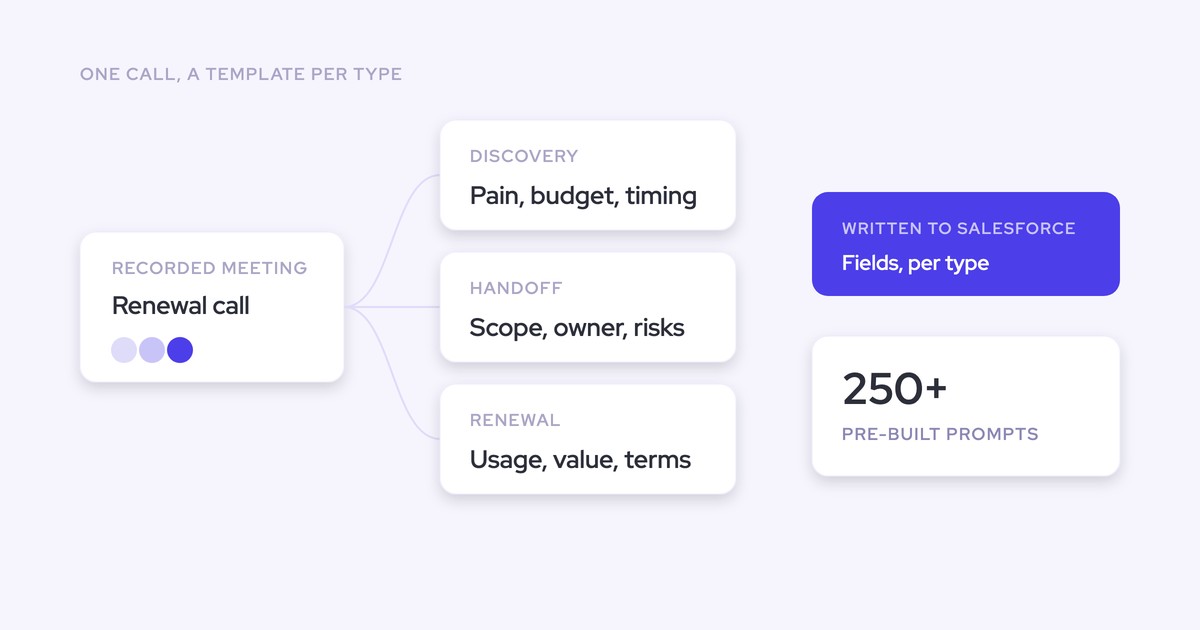
- Weflow AI Field Updates extract values from the transcript and write them to any Salesforce field or object you map, standard or custom, with 250+ pre-built prompts covering MEDDIC, MEDDPICC, SPICED, BANT, Challenger, SPIN, and Command of the Message.
- Suggestions show current value beside proposed value, per field, with required fields locked and nothing syncing without confirmation.
- The summary and the field writes land on the one Salesforce Event that already exists, with a link to the recording.
- Blacklane runs at 96% of MEDDIC fields populated in Salesforce.
- Weflow Conversation Intelligence is $39 per user per month, billed annually, with pricing published rather than extracted over three calls.
Now the boundaries, because a definition with no limits in it isn't a definition.
Weflow works only with Salesforce. If you run HubSpot, Dynamics, or Pipedrive, we're not a fit and no amount of roadmap talk changes that. Lookup relationship fields are the one Salesforce field type we don't write.
Accuracy depends on prompt configuration. The technical setup is 30 to 45 minutes. Getting the prompts right for your fields and your framework takes one to three weeks of configuration work during onboarding, and that's the variable that decides whether the output is trustworthy. It isn't magic out of the box.
Gong leads on corpus-level analytics. Gong invented conversation intelligence, its aggregate analytics across the whole call library go deeper than ours, and its account-level methodology rollups across many calls are genuinely strong. If your core need is analysis across the entire corpus rather than structured data in your CRM, weigh that seriously.
The choice we'd frame for you is simple. Gong gives you the deepest conversation analytics. Weflow gives you the shortest path from a conversation to data your Salesforce owns.
Walk through the product yourself, no call required.
FAQ: AI field updates from sales calls
Do AI field updates respect Salesforce permissions and required fields?
They should, and in Weflow they do. Field updates are suggestions a user confirms, required fields stay locked, and writes respect validation rules, field dependencies, permissions, and role hierarchy.
Access rides on your existing identity model too: the only way to sign in to Weflow is through your Salesforce authentication, using OAuth and whatever SSO the org already enforces. There's no separate Weflow password to manage, and deactivating a user in Salesforce removes their access immediately.
What happens when a later call contradicts an earlier field value?
The review loop is the control. The new proposed value appears next to the current one and a person decides whether it replaces it, edits it, or gets rejected.
The alternative is silent last-write-wins, and it's a real gap: Gong's AI write-back offers no control over what happens when Wednesday's call contradicts Monday's. For a field a report or a routing rule reads, that's worse than empty, because nothing marks it as uncertain.
Can existing Gong or Chorus recordings be turned into field updates?
Yes. Weflow imports conversation data, including transcripts and recordings, from Gong, Chorus, Jiminny, and others through your current provider's API, then reprocesses it. All we need is an API key; there's no manual export or file upload.
Imported recordings get linked to the right Salesforce records automatically, using the provider's association data where it's available through the API and our own lookup service where it isn't. We've done this at libraries in the thousands of recordings. The archive is usually the real reason teams stay put, so it shouldn't reset on a switch.
Can I still get a methodology view across every call on an account?
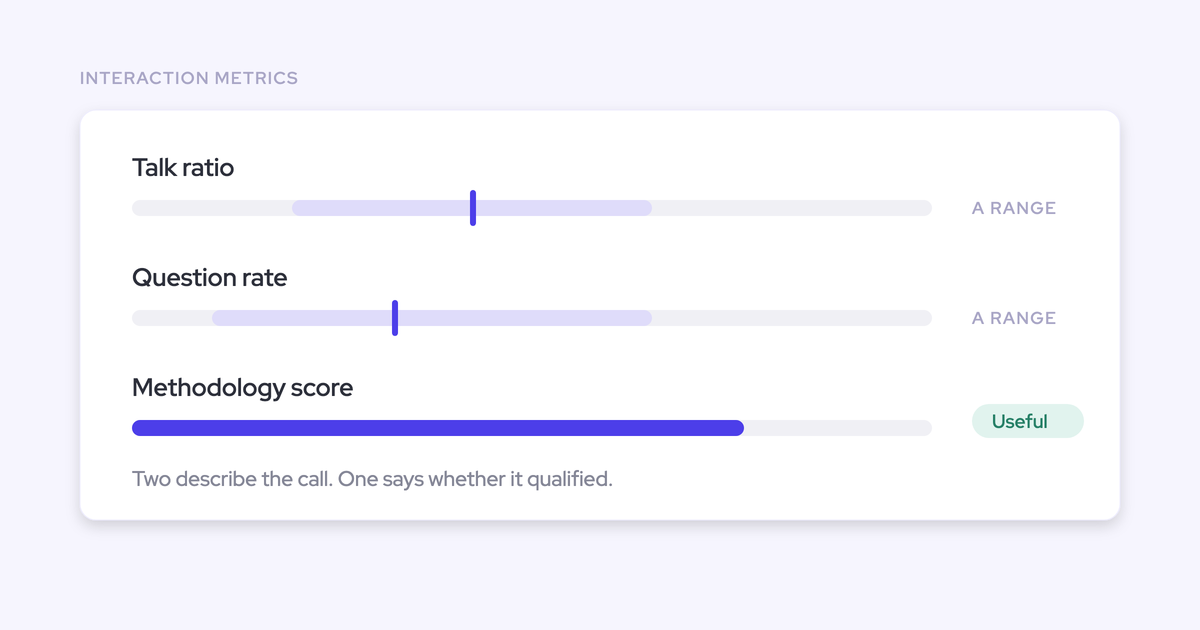
Per-call field updates are one layer, and on their own they measure the call rather than the deal. The rollup comes from a different mechanism.
Weflow AI Playbooks score a whole opportunity against your methodology by reading every email, meeting, transcript, and CRM field on it, refresh on a schedule, write the result back to the corresponding Salesforce fields, and return a next-step recommendation. Ask Weflow AI scoped to an account covers the ad-hoc version of the same question.
Being straight about it: Gong's account-level methodology summaries across many calls are strong, and a team that lives in that view should test both before switching.
Who writes the prompts, and how much setup does it take?
Weflow ships 250+ pre-built prompts and around thirty methodology templates, so most teams start by picking and adjusting rather than writing from scratch. An admin can rewrite any of them, and a team can hold as many summary templates as it wants.
The technical connection takes 30 to 45 minutes with a Salesforce admin and a mail admin in the room. Full time to value is typically one to three weeks, and nearly all of that is configuration: which custom fields the AI should populate, what each prompt looks for, which playbooks apply to which team.
Weflow runs onboarding itself and doesn't charge for implementation, and there's a managed option where we do the heavy lifting and your RevOps team just answers questions. Because RevOps bandwidth, not product fit, is what usually stalls this work.