Salesforce Inbox: Everything You Need to Know
Find out how Salesforce Inbox works and whether it's the right fit for your team.





Email logging is one of the biggest pains for sales teams using Salesforce. The standard Salesforce Sales Cloud license requires you to manually enter data into Salesforce after communicating with prospects or customers via email, wasting hours of your team’s time every month.
Salesforce’s solution to this is Salesforce Inbox, a paid add-on that connects your Gmail and Outlook accounts to Salesforce.
The add-on brings email management capabilities right into your Salesforce interface and syncs your team’s email conversations to Salesforce.
This guide will help you figure out whether Salesforce Inbox would be a good investment for your team, cover its strengths and weaknesses, and suggest an alternative way to track your team’s emails and sales activities.
What is Salesforce Inbox?
Salesforce Inbox is an add-on for Salesforce that enables sales reps to manage their emails and see all the relevant records alongside those emails.
The tool allows Salesforce users to have control over their communications, monitor email metrics, and even schedule meetings and emails. It’s a powerful extension of the standard Salesforce functionality as it allows teams to centralize their sales activities and spend less time logging and accessing data.
Feature overview
In this section, we’ll go over Salesforce Inbox’s main features.
Integration with Gmail and Outlook
Salesforce Inbox connects to your Gmail or Outlook account and lets you access Salesforce data directly from your email inbox.
You can also pin the Salesforce side panel in supported versions of Outlook or install the Salesforce Inbox extension for Chrome so that it stays open as you manage your emails in your Outlook or Gmail inbox.
Calendar integration
Salesforce Inbox integrates with your Google or Microsoft calendar so that you can schedule and manage appointments directly from Inbox.
Email scheduling
The Send Later feature in Salesforce Inbox allows sales representatives to schedule emails to be sent when recipients are most likely to engage in email communication.
This helps you strategically time your outreach to maximize the chances of getting a response.
Email logging
The Salesforce Inbox license also includes access to Salesforce Activity Capture, a productivity feature that helps to maintain Salesforce data hygiene.
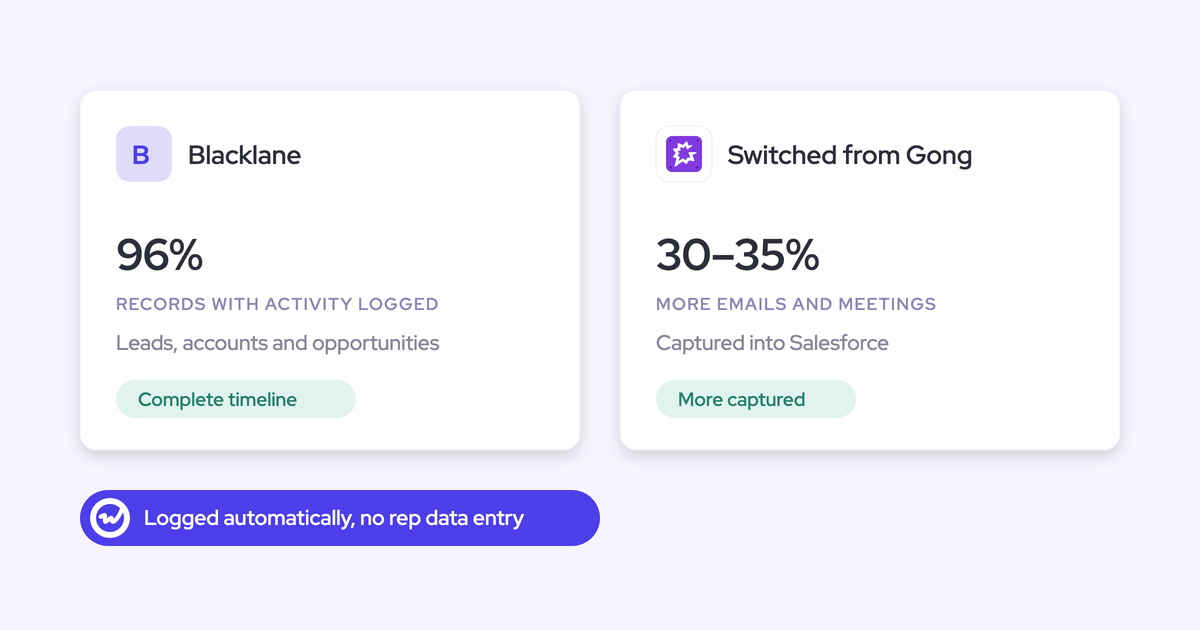
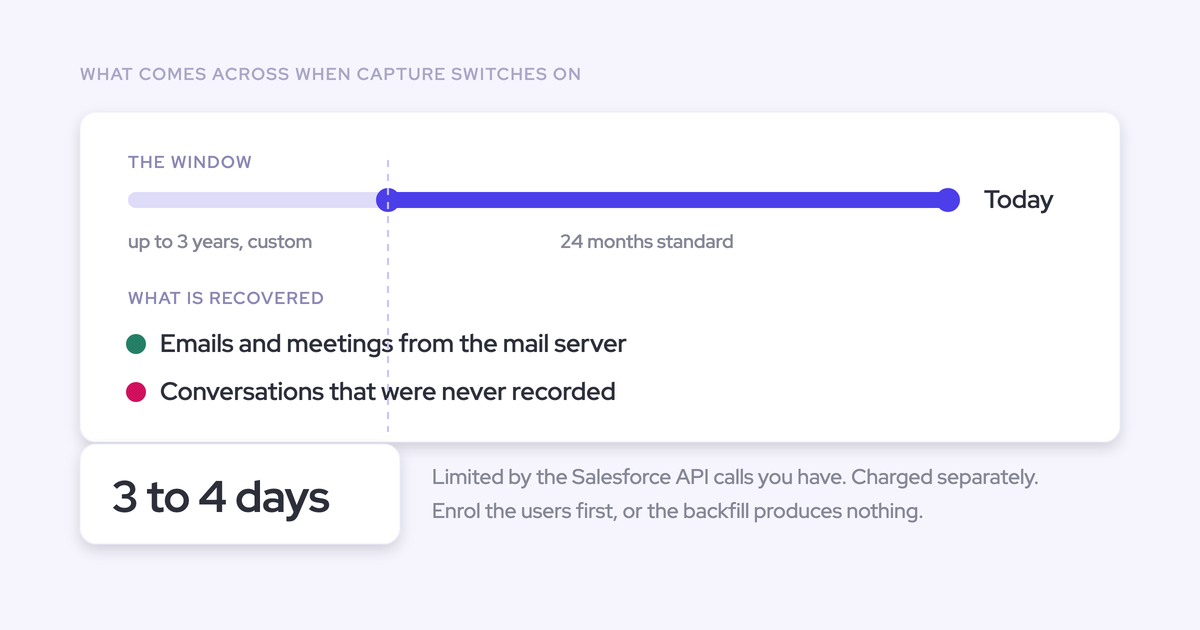
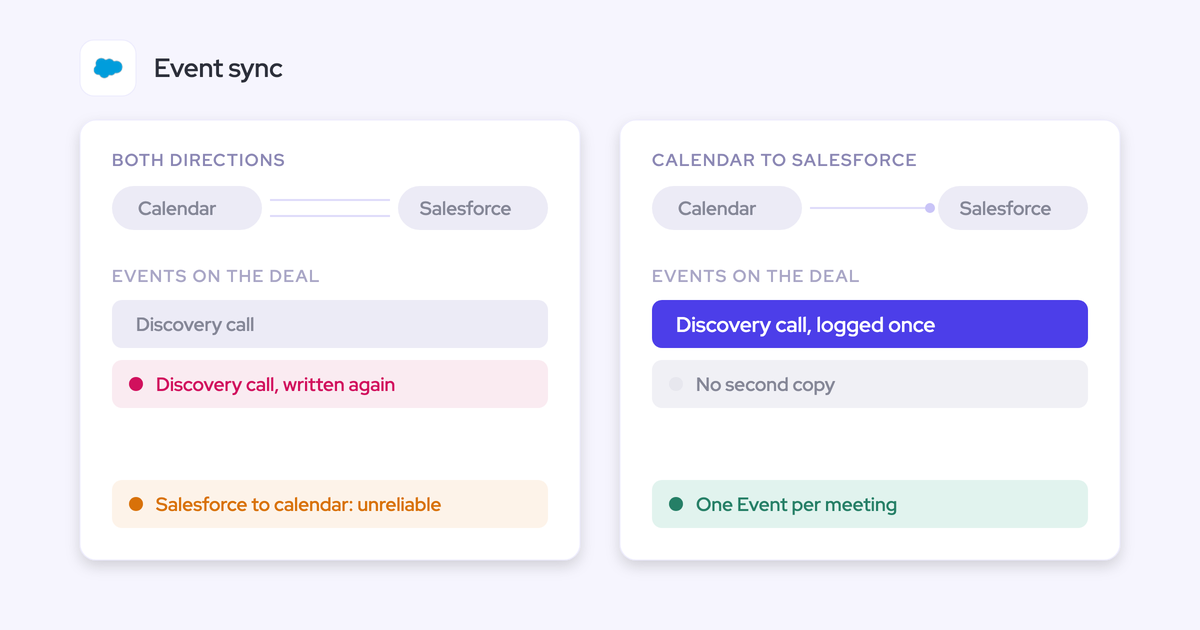
Activity Capture syncs your email and calendar activities to Salesforce, eliminating the need to log the data manually.
Email tracking & analytics
The tool provides you with insights into your email engagement, including opens, clicks, number of emails sent, responses, and success rates.
Customer data surfacing
In Salesforce Inbox, you can access a comprehensive overview of each contact alongside relevant emails, complete with a history of all related sales activities.
The tool connects your email and Salesforce CRM data to provide you with context into each deal and help you close deals more easily.
Mobile app
The Inbox Mobile app brings your Inbox data in one app. With it, you can access the full capabilities of Salesforce Inbox on both iOS and Android devices.
How much does it cost to use Salesforce Inbox?
Salesforce Inbox is a paid addition to Sales Cloud, meaning that there’s an extra cost for accessing it. The Inbox license costs $25/user/month, billed annually.
An alternative way to log emails and track sales activities in Salesforce
While Salesforce Inbox has some useful features, it definitely leaves a lot to be desired.
If you’re looking for an alternative solution for logging your sales team’s emails and tracking sales activities in Salesforce, consider Weflow.
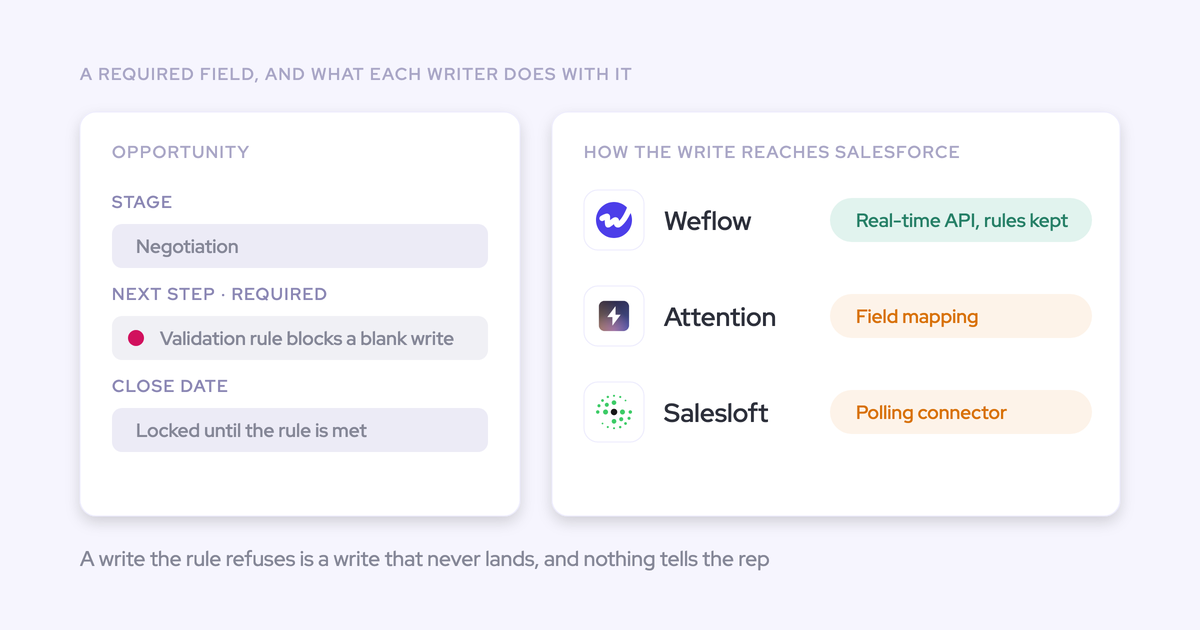
Weflow is a Chrome extension and web app that tracks your team’s emails, tasks, and notes, and syncs them to Salesforce automatically.
This ensures all relevant data ends up in your CRM, which, in turn, saves your sales team from having to do cumbersome data entry work, improves Salesforce data hygiene, prevents deals from falling through, and enables you to create more accurate sales forecasts.
-