How Weflow AI Field Updates add to a methodology field instead of overwriting what the rep wrote
Learn how Weflow AI Field Updates append to Salesforce methodology fields instead of overwriting rep notes.


Weflow AI Field Updates add new evidence to existing Salesforce methodology fields without replacing the rep’s notes. Your MEDDIC or SPICED record grows across calls instead of becoming a summary of the latest conversation.
That preservation matters when reps already maintain those fields. Losing a useful note damages trust in the automation and gives the rep a reason to stop contributing. But append behavior isn’t a blanket promise about every Salesforce field or writing workflow.
Weflow is the Revenue AI Orchestration platform for sales, customer success, and RevOps teams. Built for Salesforce teams, Weflow Conversation Intelligence turns call transcripts into structured field updates. Here’s how that works with a populated methodology field, and how we recommend piloting it.
How Weflow AI Field Updates preserve rep-written methodology notes
Weflow AI Field Updates append qualification evidence to methodology text that’s already in Salesforce, including information a rep entered manually. The earlier context survives even when nobody repeats it on the next call.
Take a Decision criteria field. The rep has recorded an integration requirement. Two later calls add security and reporting requirements.
| Point in the deal | Existing field contents | New qualification evidence | Resulting field contents |
|---|---|---|---|
| Before AI updates | The solution must integrate with Salesforce. | None yet. | The solution must integrate with Salesforce. |
| After the next call | The solution must integrate with Salesforce. | IT requires single sign-on. | The solution must integrate with Salesforce. IT requires single sign-on. |
| After a subsequent call | The solution must integrate with Salesforce. IT requires single sign-on. | Managers need reporting by region. | The solution must integrate with Salesforce. IT requires single sign-on. Managers need reporting by region. |
The integration requirement still belongs in the deal review after the conversation moves on. Appending preserves that context in the Salesforce field your managers already read.
Preservation doesn’t establish whether every statement remains true. If a buyer changes a requirement, your field-maintenance policy needs to account for that change.
Choose how Weflow maintains each Salesforce field
Choose the writing workflow according to what the field represents: accumulated evidence or the current answer. Weflow supports both post-call field updates and broader opportunity-level maintenance through AI Playbooks.
Treat methodology notes differently from stage, amount, and close date
Start with methodology text because it holds context that should accumulate. Keep closer human control over fields that change the deal’s current commercial position.
| Field purpose | What the value represents | Consequence of an incorrect update | Our recommended handling |
|---|---|---|---|
| Methodology evidence, such as decision criteria or pain | Qualification context gathered across the deal | Managers make decisions from incomplete or misleading context | Start with reviewed updates, then enable automatic writing where the output earns your trust |
| Stage | The deal’s current position against your exit criteria | A premature transition changes pipeline reporting and downstream processes | Keep rep review and define the exit criteria in the prompt |
| Amount and close date | The current commercial value and expected timing | An incorrect value changes the forecast | Keep rep confirmation before writing |
| Next step | The action someone should take now | An outdated or incorrect instruction sends the rep toward the wrong action | Review the proposed action rather than accumulating an indefinite history in the field |
Weflow AI Field Updates can update Salesforce Stage from criteria you define in its prompt. That capability deserves a different rollout policy from appending another sentence to Decision criteria.
Choose between Weflow AI Field Updates and Weflow AI Playbooks
Use Weflow AI Field Updates to capture evidence from a single call. Use Weflow AI Playbooks when you need a current deal-level answer drawn from the broader opportunity record.
| Weflow AI Field Updates | Weflow AI Playbooks |
|---|---|
| Evidence scope: A single call’s transcript supplies the qualification evidence. | Evidence scope: Calls, emails, meetings, CRM fields, and related records supply the opportunity context. |
| Trigger: Runs after a call. | Trigger: Reruns when new activity lands on the record and otherwise every three hours. |
| Maintenance objective: Adds the call’s evidence to existing methodology text. | Maintenance objective: Maintains the current best answer across the opportunity’s evidence. |
| Field role: A cumulative record of what buyers have established in conversations. | Field role: A current qualification answer that accounts for evidence across the deal. |
A champion can change during a deal. Preserving what an earlier call established and maintaining the current champion answer serve different purposes.
Assign one AI maintenance workflow to each destination field. Both workflows can write fields, so separate ownership prevents one workflow from replacing what another maintains.
Pilot Weflow AI Field Updates before expanding Salesforce writes
Pilot Weflow AI Field Updates against a populated Salesforce field, with a rep participating in the review. An empty-field demo won’t show whether the human contribution survives.
Before the first pilot call, have these in place:
- An existing methodology field with a useful rep-written note.
- A prompt that defines the evidence that belongs in that field.
- A pilot team with the field-update template assigned.
- Salesforce write permissions and applicable validation rules in place.
- One designated AI workflow responsible for the field.
1. Map a methodology prompt to its Salesforce field
Map one qualification question to the Salesforce field your managers already use. Weflow supports standard methodologies and proprietary frameworks through prompts tied to fields.
For a Metrics field on the Opportunity object, define business impact rather than asking the AI to collect every number it hears.
- Destination: Your existing Opportunity Metrics field.
- Prompt objective: Extract the buyer’s stated business impact, including the current problem and desired outcome.
- Useful result: Evidence of cost, time, revenue, or another outcome the buyer connects to the problem.
- Exclusion: Company headcount alone doesn’t count as a value metric.
A prompt can carry that distinction directly:
Use only the call transcript. Extract quantified business impact the buyer connects to the problem or desired outcome. Include the baseline and target when stated. Exclude company headcount unless the buyer explicitly connects it to that impact. Don’t infer missing numbers.
Your completion check is the mapping itself: the Metrics prompt targets Metrics on the intended Opportunity record, rather than a general summary field.
2. Assign the field-update template to the pilot team
Assign the template to the team whose calls should produce these updates. Weflow supports different field-update templates per team, so the sales pilot doesn’t need to change the workflow for onboarding or customer success.
For example, give the pilot sales team a template containing only the Metrics prompt. Keep the initial scope narrow enough that reps can read every proposed addition.
After a pilot user’s call finishes processing, the field-update pop-up should show the assigned prompt’s output. Weflow displays that pop-up only for users whose team has an assigned template.
3. Confirm the write controls for each Salesforce field
Weflow supports reviewed and automatic field writing. The field-update prompt editor includes an Auto-update Salesforce option, separate from the option that permits internet searches.
For the first Metrics pilot, leave automatic writing off. The rep can compare the current value with the suggested update, then accept, edit, or reject it before syncing.
- Mapped field: Opportunity Metrics.
- Writing behavior: Add qualification evidence to the existing methodology text.
- Approval: Rep review during the initial pilot.
- Evidence source: Internet search off, with the prompt restricted to the transcript.
- Workflow owner: Post-call AI Field Updates, without an AI Playbook writing the same field.
Approval and preservation answer different questions. Review determines whether an update proceeds; append behavior determines what happens to the methodology text already there.
4. Test the populated Salesforce field across successive calls
Judge the pilot by the resulting Salesforce record, not just the quality of the generated suggestion. Weflow’s append behavior should preserve the original note while adding relevant call evidence.
- Save the starting field value so you have a baseline.
- Run a call that adds qualification evidence, review the suggestion, and write it to Salesforce.
- Compare the resulting field with the baseline. The original contribution should remain.
- Have the rep add another useful note directly in Salesforce.
- Run a subsequent call and inspect the field again after the update.
Use these acceptance cases to decide whether to expand the pilot:
| Scenario | Salesforce acceptance criterion | Rollout decision |
|---|---|---|
| Successive calls add different evidence | The original note and relevant additions remain in the field | Expand only after the populated field passes |
| A rep edits the field between calls | The subsequent update preserves the rep’s intervening contribution | Stop expansion if useful human context disappears |
| A call repeats an earlier point | The field remains readable enough for the deal review | Keep review enabled if repeated text creates cleanup work |
| A later call contradicts earlier evidence | The reviewer can distinguish the historical statement from the current qualification position | Keep human review or assign a separate current-answer field to an AI Playbook |
| Salesforce blocks a write | The intended update doesn’t reach the destination field | Correct the blocking configuration before expanding |
Failed Weflow AI Field Updates can’t be replayed. The generated content remains on the Weflow recording object, but someone must copy the missed update into its destination manually.
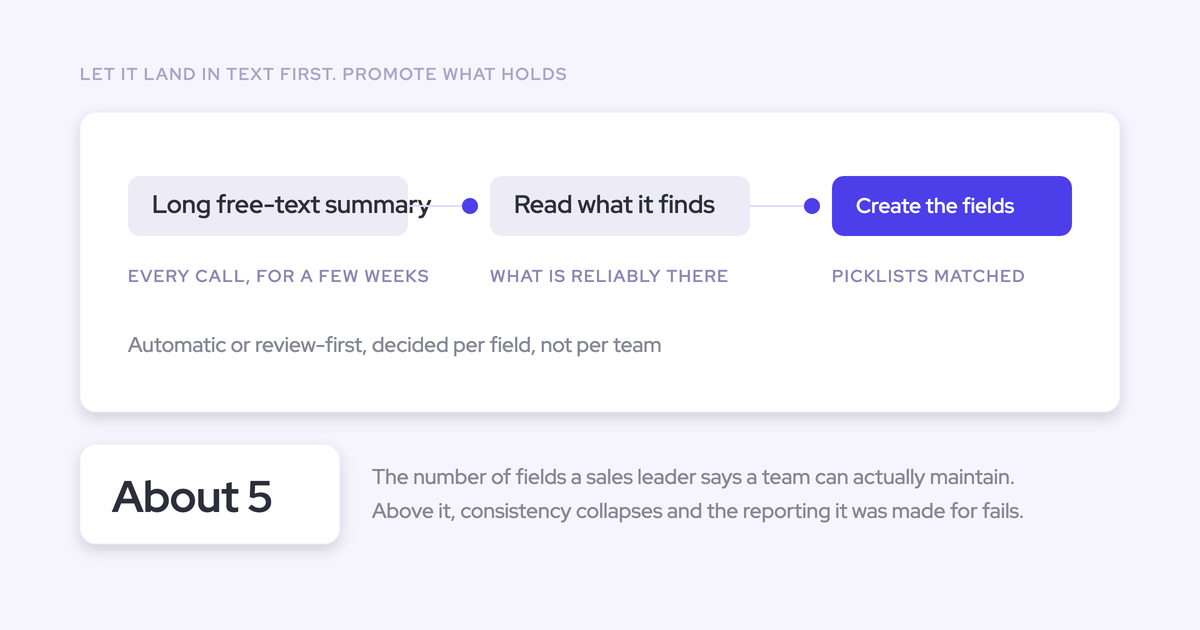
That’s why the first rollout milestone should be a populated field that survives successive calls and rep edits. Enable automatic writing for selected methodology fields only after that workflow earns the team’s trust.
See how Weflow captures activity, updates Salesforce fields from calls, and rolls up your forecast. Book a 30-minute demo.
FAQs about Weflow AI Field Updates in Salesforce
Weflow’s methodology-field append behavior preserves existing text. Source visibility, field compatibility, and workflow ownership determine how you should use that capability.
How does Weflow identify sources in appended methodology notes?
Weflow’s field-update comparison shows the previous value beside the proposed value and highlights what changed. It doesn’t label a value as coming from the transcript or an allowed web search.
For qualification fields that should contain only buyer evidence, restrict the prompt to the transcript and leave internet search off.
Which Salesforce field types support Weflow’s append behavior?
Weflow’s append behavior applies to existing methodology text. Single-value fields such as amount and close date hold a current value rather than an accumulating narrative.
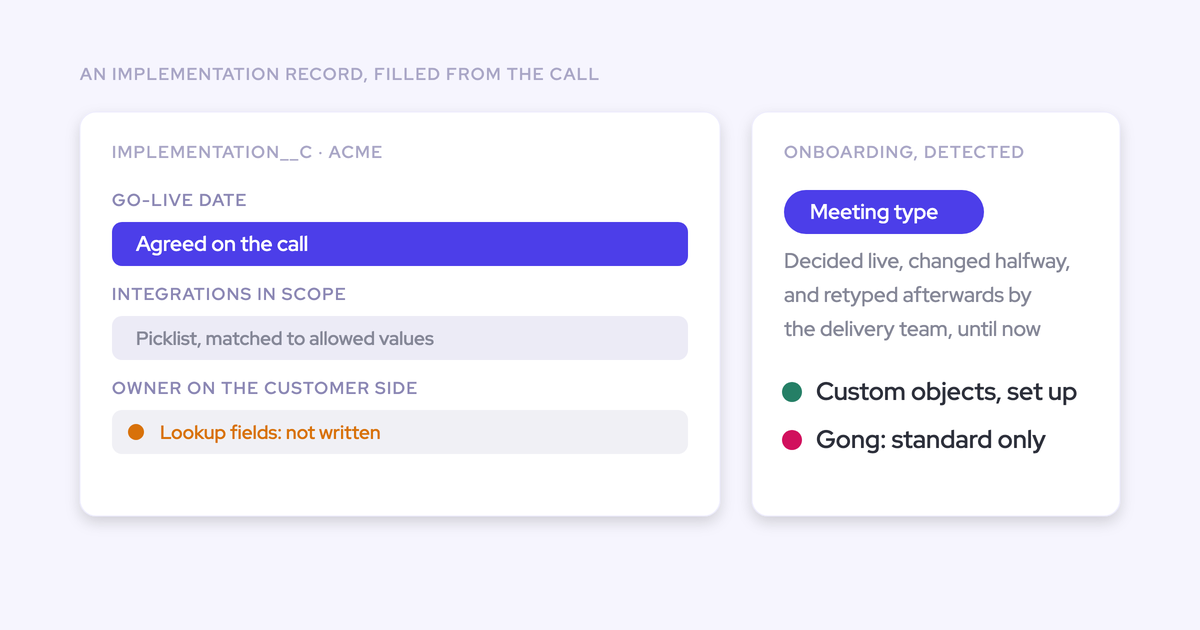
Weflow AI Field Updates also support structured fields, including picklists, multi-picklists, and numeric fields. Include allowed picklist values in the prompt so the extraction matches what Salesforce accepts. Weflow doesn’t support lookup relationship field updates.
Can Weflow update methodology fields on custom Salesforce objects?
Yes. Weflow AI Field Updates support Account, Contact, Opportunity, Lead, and custom Salesforce objects. Weflow support handles the setup for custom objects.
You can keep your qualification model on its existing object rather than moving it to Opportunity just to use field updates.
Can I restrict Weflow AI Field Updates to transcript evidence?
Yes. Leave Allow the AI agent to perform internet searches unchecked in the field-update prompt editor and instruct the prompt to use only the transcript.
Define what counts as evidence, too. A transcript-only Metrics prompt still needs to distinguish business impact from unrelated numbers mentioned on the call.
Can I retry failed Weflow AI Field Updates?
No. Weflow doesn’t provide a replay for a failed Salesforce field write. To recover the missed update:
- Retrieve the generated content from the Weflow recording object.
- Correct the permissions or configuration that blocked the write.
- Review and copy the missed content into the destination field manually.
How do Gong and Momentum update Salesforce methodology fields?
Weflow and Momentum both support adding methodology evidence to existing Salesforce fields. Append behavior alone isn’t a reason to leave Momentum.
| Product | Methodology-field workflow | Existing-value handling | Source visibility |
|---|---|---|---|
| Weflow | Maps prompts to Salesforce fields and extracts qualification evidence from call transcripts | Adds evidence to existing methodology text | Shows current and proposed values with changes highlighted; doesn’t distinguish transcript-derived values from web-derived values |
| Momentum | Writes structured methodology evidence, including MEDDPICC and SPICED, into Salesforce fields | Supports append behavior | Timestamps appended entries |
| Gong | Supports methodology summaries across account calls; field-update capability varies with the Gong products a team uses | We don’t have verified append or entry-provenance behavior for this specific workflow | |
Gong’s account-level methodology summaries are useful when qualification spans several conversations. They don’t, by themselves, establish how an update handles an existing Salesforce field, and we don’t claim that Gong overwrites rep notes.
How much do Weflow AI Field Updates cost?
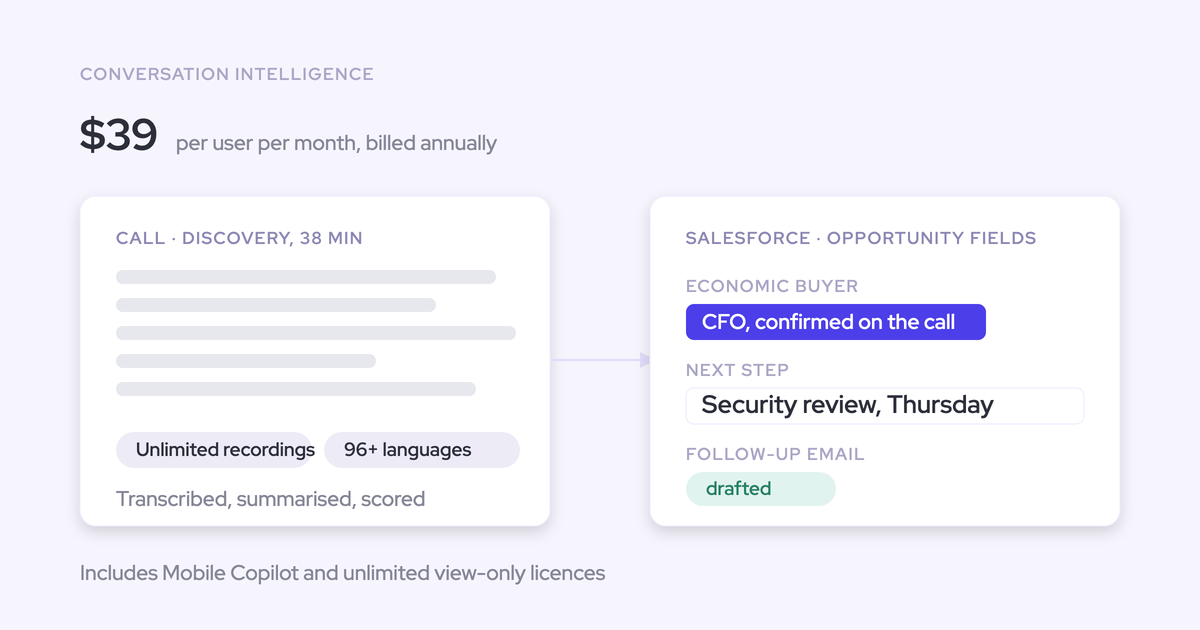
Weflow includes AI Field Updates in standalone Weflow Conversation Intelligence at $39 per user per month, billed annually. You don’t need a bundle to use them.
Revenue AI Foundation costs $49 per user per month, billed annually, and combines Weflow Activity & Contact Capture with Weflow Conversation Intelligence. Weflow requires a minimum of 10 users.
Field updates and AI templates carry no usage caps or consumption charges. Agent Builder has separate action allowances; those don’t meter this field-update workflow.
Start with one populated methodology field and a pilot team. Let the surviving rep note and useful new evidence in Salesforce make the case for expanding.