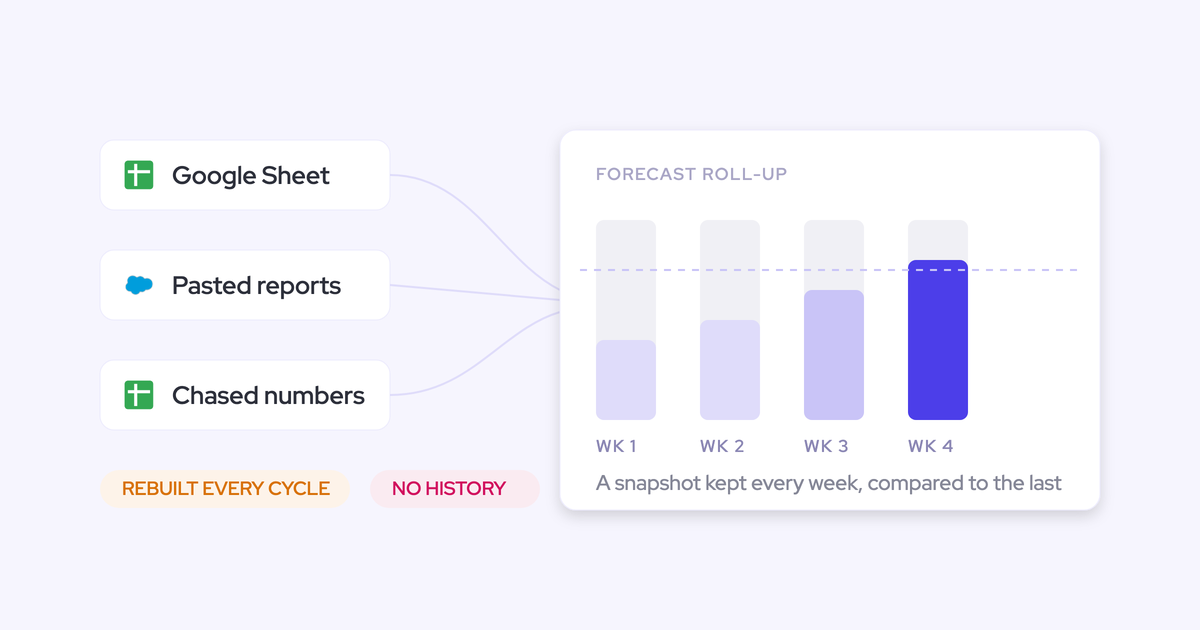
How to Forecast on ARR or a Custom Amount Field Instead of Salesforce Amount in Weflow
Learn to forecast on ARR or a custom Salesforce field in Weflow, not standard Amount.


Yes, you can forecast on ARR, bookings, or another Salesforce currency field in Weflow instead of standard Amount. Each forecast setup uses one chosen amount field and one chosen date field. Everyone in that setup forecasts against the same revenue definition.
You can also run separate setups for new business, renewals, expansion, and services. Keep the finance-approved fields you already use, then choose which records and periods belong in each forecast. Custom-field support doesn’t include revenue scheduling or consumption forecasting.
Weflow is the Revenue AI Orchestration platform for sales, customer success, and RevOps teams. Built for Salesforce teams, Weflow Deal Intelligence & Forecasting reads your existing revenue fields without requiring you to replace them with standard Amount.
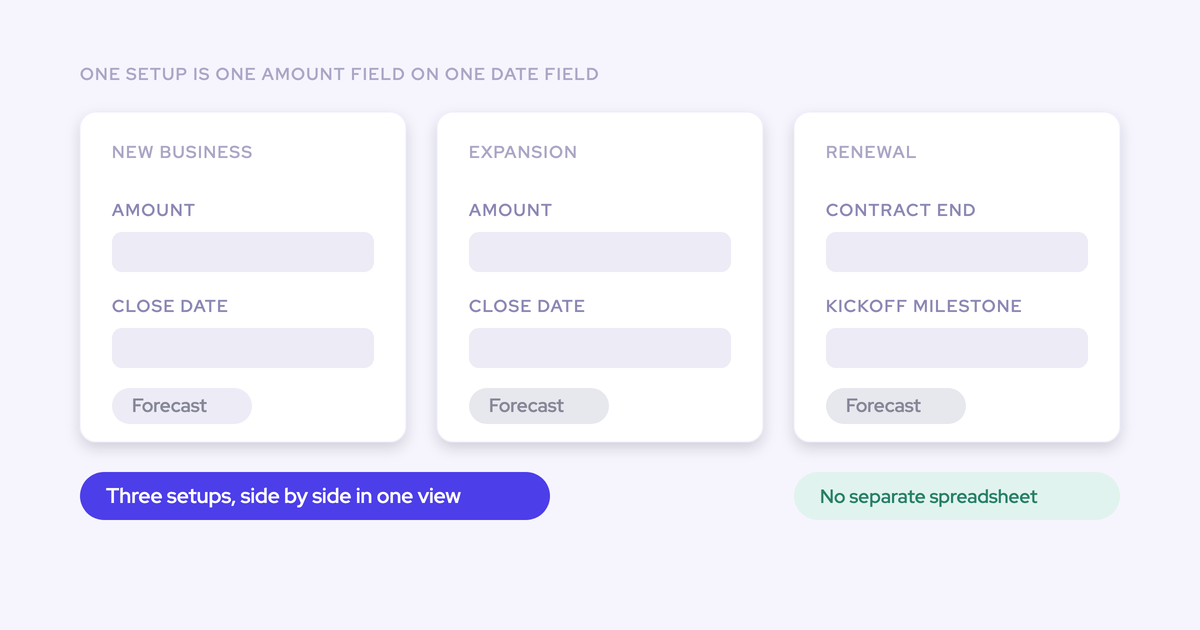
Weflow forecasts one amount field against one date field
A Weflow forecast setup pairs a Salesforce amount field with a date field. The amount determines the value; the date determines its forecast period. Filters determine which records enter the calculation.
That distinction matters. Filtering for renewals changes the records you include. It doesn’t change an ARR forecast into a bookings forecast.
| Business requirement | Supported behavior | Fit implication |
|---|---|---|
| Forecast ARR or bookings instead of Amount | Select a standard, custom, or formula-based Salesforce currency field. | Use the existing field that matches finance’s definition. |
| Forecast different revenue motions | Run parallel setups with their own fields, stages, cadence, targets, and forecast calls. | New business and renewals can roll up independently. |
| Forecast individual products | Choose opportunities or opportunity product line items as the forecast source. | Match the record level to where your revenue values live. |
| Spread one opportunity’s value across quarters | The selected date assigns the full opportunity value to one period. Weflow doesn’t split that amount across quarters. | An opportunity-based forecast won’t reproduce a revenue-recognition schedule. |
| Use Salesforce dated exchange rates | Weflow supports multi-currency with standard conversion rates, not Salesforce dated exchange rates directly. | For dated conversion, select your own calculated converted amount field. |
| Forecast usage-based revenue | Weflow forecasts deal-based revenue and doesn’t offer consumption forecasting. | Keep usage projections in a separate forecasting model. |
| Forecast renewals by whole customer account | Renewal forecasting uses opportunities. Weflow doesn’t provide an account-level forecasting view. | Use renewal opportunities for revenue roll-ups, rather than an account-based churn model. |
Prepare your Salesforce fields for ARR forecasting
Start with the revenue definition finance already approves, its timing rule, and the Salesforce records that carry both. We recommend reusing those inputs rather than adding another currency field just for forecasting.
Data
- Revenue field: Identify the field by its label and API name. For a formula field, use a currency return type.
- Date field: Choose the date that places revenue in the forecast period, such as close date or a delivery date.
- Record scope: Identify the record type or other field that separates new business from renewals, expansion, and services.
- Reference records: Assemble records that finance recognizes, including records near a period boundary and examples from each currency you use.
Permissions
- Give the users working in the forecast access to the relevant Salesforce records and fields.
- Review field-level security and the role hierarchy. Weflow inherits Salesforce permissions; hiding a field or record through a Lightning component isn’t the same as restricting access.
Finance-approved definitions
- Agree whether ARR means total contract ARR, incremental ARR, or another existing measure.
- Document the reporting currency and conversion logic.
- Bring targets in the same revenue metric and period as the forecast.
Configure your custom-field forecast in Weflow
Configure the record source first, then the amount, date, scope, and targets. We’ll use a new-business ARR forecast throughout: opportunity records, your existing ARR currency field, close date, and a quarterly forecast period.
1. Choose opportunities or opportunity product line items
Select the record level that holds the revenue you want to forecast. Weflow supports both Salesforce opportunities and opportunity product line items.
| Source | Choose it when | What to reconcile |
|---|---|---|
| Opportunities | Your approved ARR or bookings value lives on each opportunity. | Each opportunity’s selected amount and date. |
| Opportunity product line items | You need to forecast the products within an opportunity separately. | Each line item’s amount and date, without adding the parent opportunity’s value again. |
For the new-business ARR forecast, choose opportunities because the approved ARR value sits on the opportunity record. Object selection establishes the source records; it doesn’t create a revenue schedule.
Completion check: You can trace each forecast input to the record level finance uses.
2. Select your ARR or custom currency field
Set the forecast amount to your approved Salesforce currency field. Weflow can use a formula-based currency value, so you don’t need to copy a calculated ARR value into a manually maintained field.
| Field choice | Use it for | Selection rule |
|---|---|---|
| Standard Amount | A business that manages revenue using Amount. | Keep it when it already matches finance’s number. |
| Custom currency field | ARR, incremental ARR, bookings, or another approved revenue measure. | Select the field your operating reports use. |
| Formula field returning currency | A revenue value Salesforce calculates from other inputs. | Use the calculated output as the forecast basis. |
| Calculated converted amount | Revenue that must follow your own exchange-rate logic. | Select the converted value and reconcile its currency treatment. |
For our setup, select the existing ARR field. Everyone using that forecast now works against ARR, even if standard Amount contains a different contract value.
Completion check: Open a record where ARR and Amount differ. The forecast’s revenue basis should match ARR.
3. Set the date field and forecast period
Choose the Salesforce date field that controls timing, then set the forecast period. Weflow assigns an opportunity’s selected revenue value to the period containing that date.
Our new-business ARR setup uses close date and a quarterly period. A deal closing on the last day of a quarter contributes its ARR to that quarter. If its close date moves to the following quarter, its ARR moves with it.
A delivery-based forecast can use a delivery date instead. Pick the date that answers the operating question you’re forecasting, rather than keeping close date by habit.
Completion check: Trace records on either side of a period boundary. Each should appear in the period dictated by the selected date.
4. Filter the revenue motion you want to forecast
Apply filters that include the intended revenue motion and exclude unrelated records. The amount and date fields stay the same; filters control membership.
- Identify the Salesforce field that distinguishes the motion, such as opportunity record type.
- Set the filter to the new-business value your org uses.
- Review the included records against your Salesforce reference set.
| Included in the new-business ARR forecast | Excluded from that forecast |
|---|---|
| New-business opportunities whose selected date falls in the quarter. | Renewal, expansion, and services records outside the chosen motion. |
| Records within the intended team or segment scope. | Records outside that scope, even when they carry an ARR value. |
Completion check: Review both sides of the filter. A known renewal should stay out just as reliably as a known new-business opportunity appears.
5. Create separate forecasts for different revenue definitions
Create a separate Weflow forecast setup when the amount field, date field, or operating process changes. Use filters when you’re narrowing a shared revenue definition.
| Requirement | Configuration approach |
|---|---|
| View one region within the same ARR forecast. | Filter the shared setup. |
| Forecast new business on ARR and services on bookings. | Create separate setups with different amount fields. |
| Forecast new business by close date and renewals by contract end date. | Create separate setups with different date fields. |
| Give renewals their own stages, targets, cadence, and forecast calls. | Create a separate renewal setup, even if both motions use ARR. |
Repeat the source, amount, date, and filter selections for each additional setup. Then configure its stages and forecast cadence around that motion.
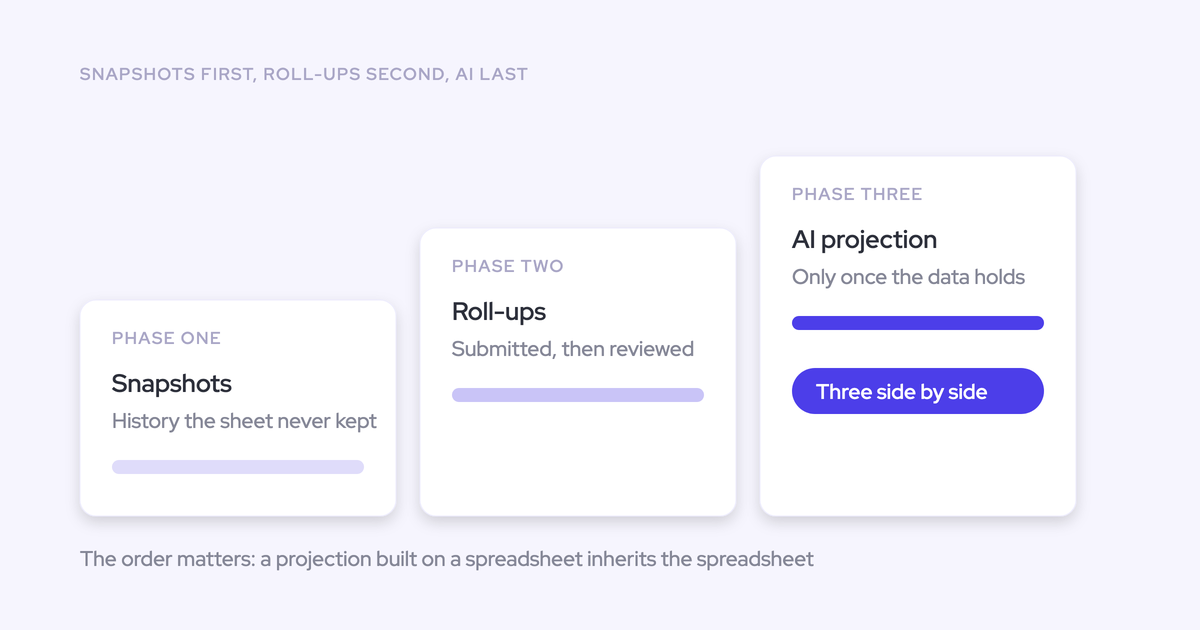
Weflow builds a separate AI projection model for each forecast configuration. That keeps the new-business projection grounded in new-business history rather than blending it with renewals.
Completion check: Each setup has one revenue definition that everyone using it can name. Review any overlapping record scope before combining figures in leadership reporting.
6. Set targets in the forecast’s revenue metric
Enter quotas and targets in the Weflow admin console using the same metric, currency, and period as the forecast. An ARR forecast compared with a total-bookings target produces a gap that nobody can interpret.
For our quarterly new-business ARR forecast, use the quarterly new-business ARR target in the same reporting currency. Keep renewal ARR and services bookings targets with their respective setups.
- Set quotas per Salesforce user for the year. Weflow breaks them into quarters and months, and you can edit each period.
- Where rep quotas don’t add up to the team target, carry the remainder on the manager.
- Set target visibility and restrict forecast submission or adjustment rights to managers where needed.
Weflow displays quotas alongside forecast and pipeline figures, so you can review the target and the deals behind the number together.
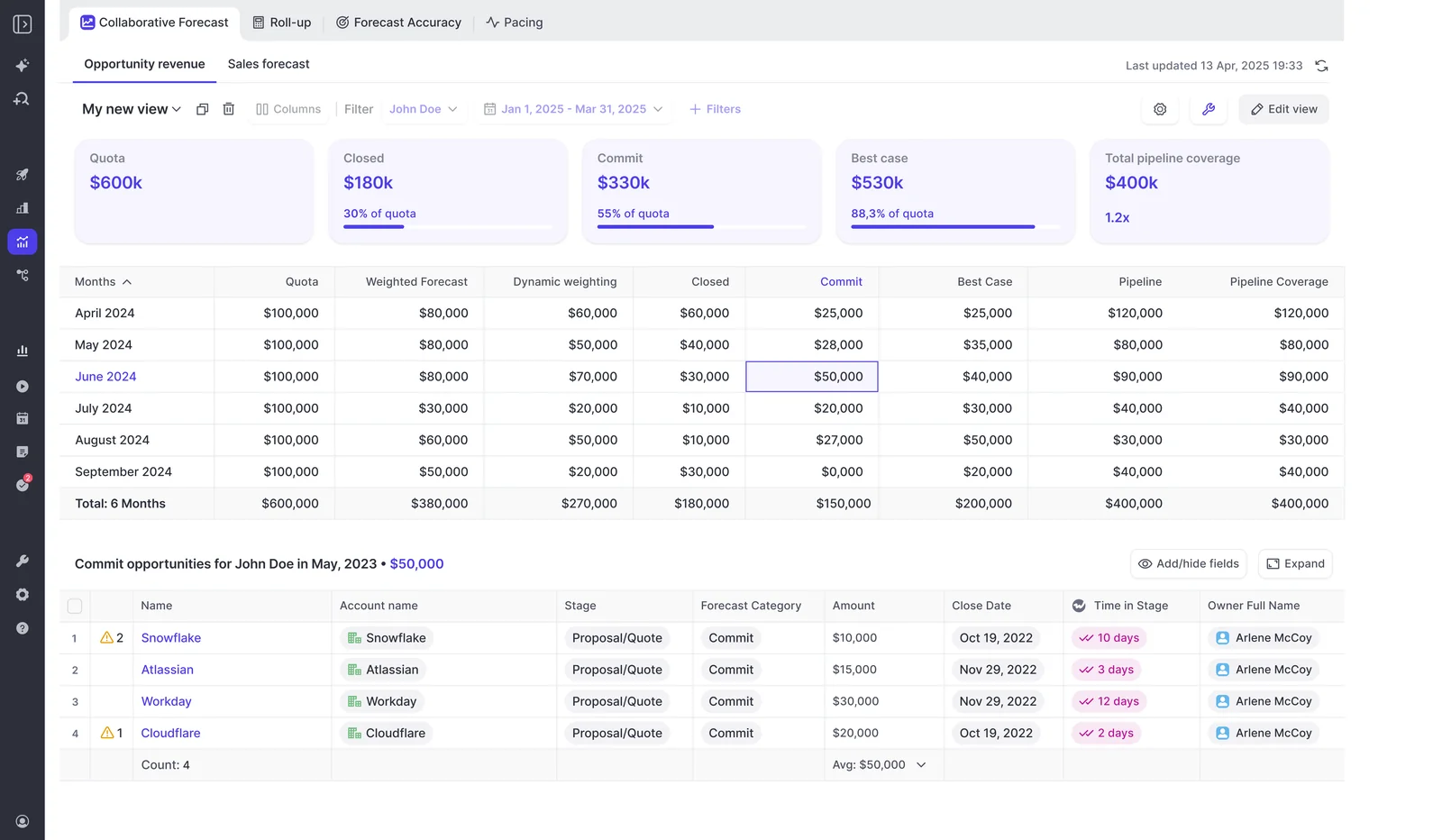
Forecast targets are currency amounts, not counts of new logos or deals.
Completion check: The target appears in the active forecast period and matches the metric you selected. A target outside that period won’t surface.
Validate your ARR forecast against Salesforce and finance
Reconcile the underlying records and revenue values before evaluating the forecast methods. A weighted forecast, an AI projection, and a manager’s submitted call answer different questions; none should automatically equal the full pipeline total.
- Match the population. Use the same record source, filters, team scope, and date range in Salesforce and Weflow.
- Match the selected value. Compare the ARR field record by record, especially where it differs from Amount.
- Test period boundaries. Trace records immediately before and after the cutoff using the configured date field.
- Reconcile currencies. Compare local-currency and converted values with finance’s approved treatment.
- Reconcile the unweighted total. Sum the selected revenue field across the matching records before comparing predictions or submissions.
- Review targets and access. Test the forecast as a rep and a manager, including which records and target columns each can see.
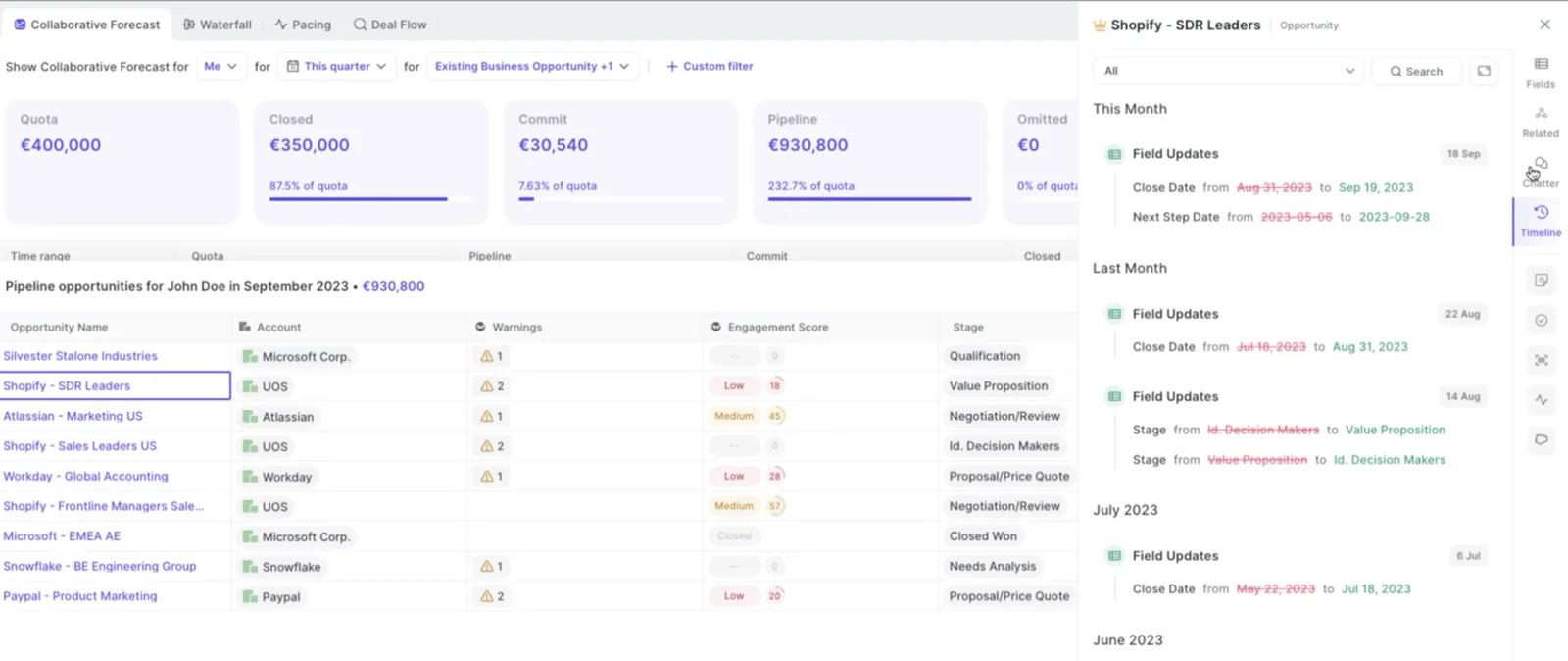
Weflow tracks Salesforce field changes in the opportunity timeline. Use that history to explain why a record moved between periods instead of treating every changed total as a calculation error.
| Observed mismatch | What to inspect | Corrective action |
|---|---|---|
| The forecast resembles contract value rather than ARR. | The selected amount field. | Use the finance-approved ARR field instead of Amount. |
| The right value appears in the wrong quarter. | The selected date field and its value on the record. | Align the date basis with the timing rule finance uses. |
| Renewals appear in new-business totals. | Motion filters and record classifications. | Correct the scope or the source record’s classification. |
| Regional totals disagree with finance. | The conversion basis and selected revenue field. | Use the approved converted amount field where finance requires its own rate logic. |
| A user can’t see expected records or fields. | Salesforce record access and field-level security. | Correct permissions for the intended access. |
| Line-item totals exceed the reference total. | The records included in the comparison. | Compare line items with line items, without also summing parent opportunity values. |
Bring the revenue field, timing rule, and finance reference report to the configuration conversation. Those inputs let us work through your actual operating model.
See how Weflow captures activity, updates Salesforce fields from calls, and rolls up your forecast. Book a 30-minute demo.
FAQ: How does Weflow handle custom-field forecasts?
Weflow uses your Salesforce revenue data, while you configure the forecasting process in Weflow. Here’s what that means for calculations, history, storage, and purchasing.
Can Weflow reuse my Salesforce forecast configuration?
No. Weflow forecasting runs independently of Salesforce Collaborative Forecasts, and the existing forecast configuration doesn’t carry over.
You retain your Salesforce records and revenue fields. You set up the forecast source, fields, filters, cadence, and targets in Weflow.
How do Weflow’s forecast methods use custom amount fields?
The selected amount field establishes the revenue basis for the Weflow forecast setup. The methods differ in how they estimate the outcome, not in which revenue definition the setup uses.
| Method | How it uses the revenue basis |
|---|---|
| Weighted forecast | Weights deal values using stage win rates recalculated from recent history, rather than fixed Salesforce stage probabilities. |
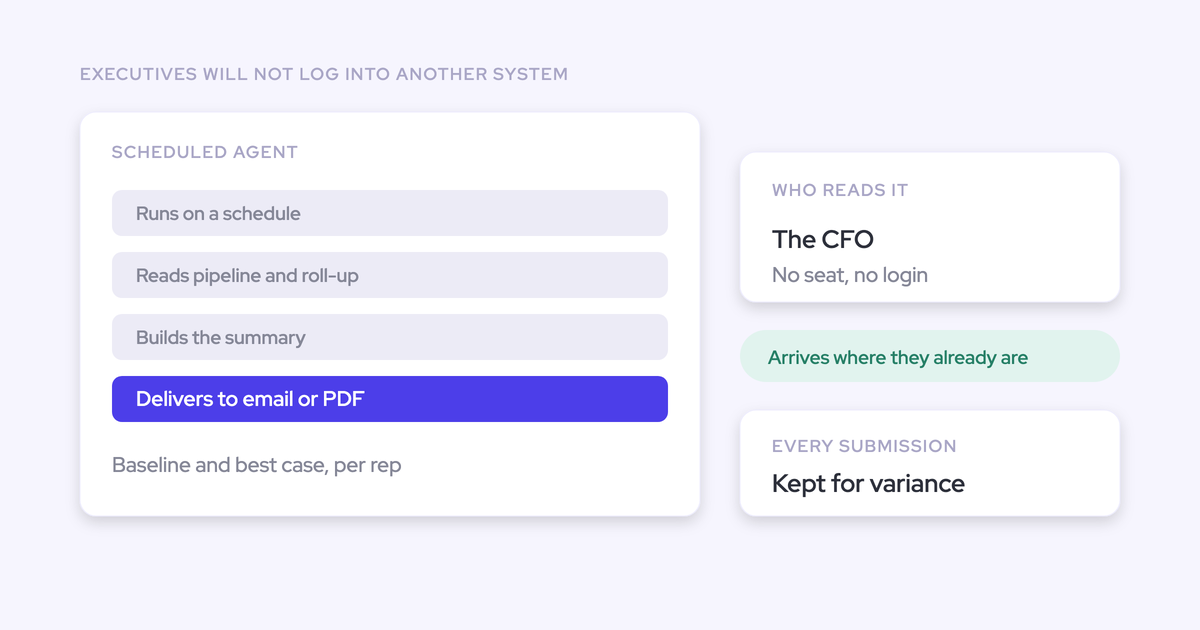
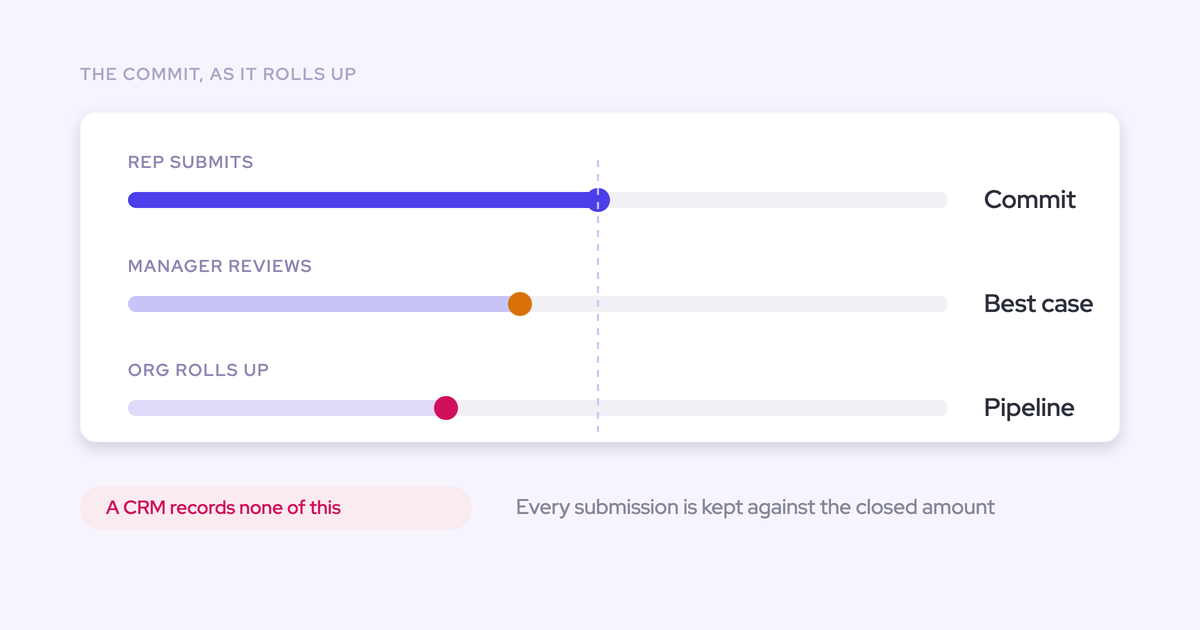
| Rep and manager roll-up | Combines forecast submissions with the underlying deal values. People can apply judgment, so a submitted call can differ from the deal sum. |
| AI projection | Uses the configuration’s history and deal-level signals to project a landing range. |
How much history does Weflow need for AI forecasting?
Weflow’s AI projection needs at least six months of opportunity history. We import twelve months by default and can import more where Salesforce field history allows, with the projection using up to two years.
With the required history in place, the first projection is ready within 48 to 72 hours. It refreshes nightly and returns low, middle, and high values.
When the model lacks confidence in a range, Weflow shows no projection and explains why. Configuring the ARR field and producing a confident AI projection are separate milestones.
Where does Weflow store forecast submissions and targets?
Weflow stores forecast submissions, targets, and roll-up data in the Weflow application, not on Salesforce objects. Salesforce remains the source of truth for the underlying opportunity data.
| Information | Where it lives |
|---|---|
| Opportunity revenue fields and dates | Salesforce. Opportunity edits made in Weflow write back to Salesforce. |
| Forecast submissions and roll-up data | Weflow. |
| Quotas and targets | Weflow. |
What can a proof of concept validate about ARR forecasting?
A proof of concept can establish whether Weflow reads the right ARR values and assigns them to the right records and periods. A short technical test doesn’t prove sustained forecast accuracy or adoption.
| Technical acceptance checks | Longer-running process validation |
|---|---|
| The selected currency or formula field matches Salesforce. | Reps and managers submit consistently. |
| Filters and dates produce the expected record population. | Teams apply commit criteria consistently. |
| Currency values reconcile with finance. | Submitted forecasts hold up against actual results. |
| Separate motions use their intended fields and targets. | Leaders use the roll-ups in their recurring forecast calls. |
Start the evaluation with RevOps and the finance owner agreeing on the revenue definition. Approve the configuration against that definition before expanding the rollout.
What does Weflow Deal Intelligence & Forecasting cost?
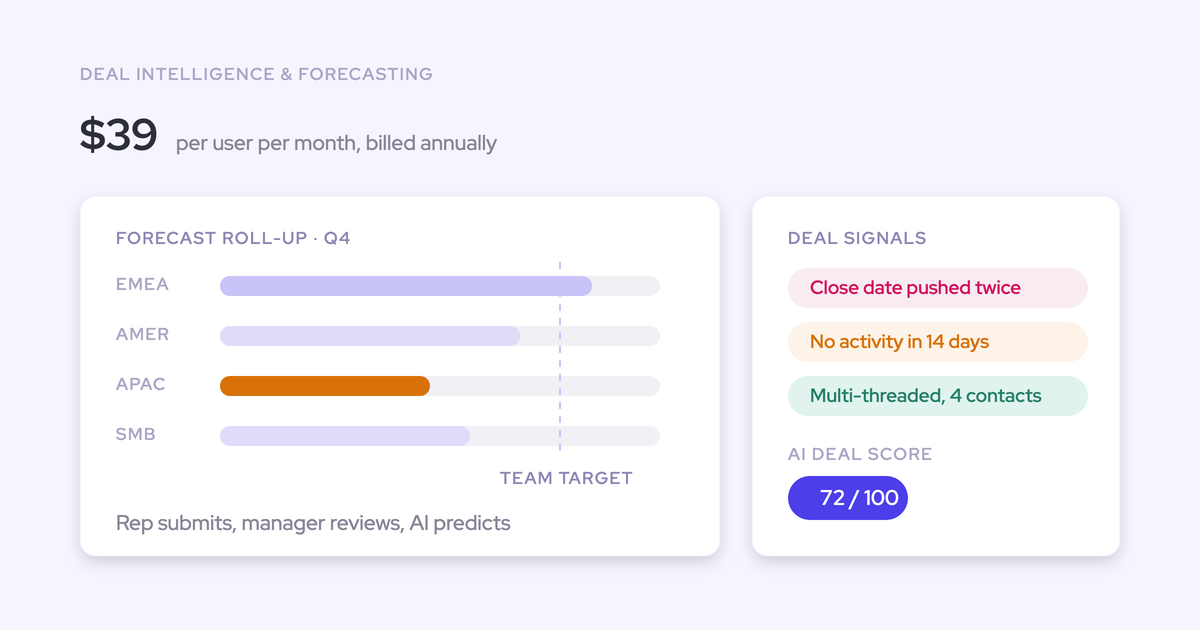
Weflow Deal Intelligence & Forecasting costs $39 per user per month, billed annually, with a 10-user minimum.
For your evaluation, use the module price alongside the configuration acceptance test: the selected revenue field, date basis, record scope, and currency treatment should all reconcile with finance.