Leaving Salesloft after the Clari merger: a RevOps playbook
Learn how to leave Salesloft after the Clari merger: replace capture first, then keep or cut sequencing.



Your renewal is on a clock, Salesloft hasn't shipped what you were promised since the Clari merger, and you've already gone through your phone asking peers what they run instead. That's the call we take most often right now.
Before you shortlist anything, count the seats.
A handful of BDRs run cadences. The other thirty or forty seats exist for one reason: activity flows into Salesforce through Salesloft. You didn't buy a company-wide capture layer. You inherited one, and it does that job badly, because activity lands on the contact and the task object and never on the opportunity.
That capture layer is what Weflow Activity & Contact Capture replaces, and it's the only part of Salesloft we'll claim to replace. Weflow has no cadence engine and no dialer.
So your exit is two decisions, not one. Move capture onto a data foundation you own. Then decide the sequencing question on its own merits. In that order, inside the window you actually have.
Why RevOps teams are leaving Salesloft after the Clari merger
Salesloft and Clari merged into a single private-equity-backed company, and the buyers we talk to report the same thing since: the roadmap stopped moving while the price didn't.
The consolidation story hasn't shown up in the product either. Salesloft is still a standalone application with its own login rather than a native part of Clari's forecasting platform, so the two products you now buy from one owner don't behave like one platform.
None of that on its own gets a tool replaced. The renewal does. Nobody rips out a revenue tool because they're annoyed with it in March; they do it in the window where the contract happens to end, because finance won't pay for two tools at once. The concrete triggers we see stacked together:
- A renewal date inside the next two quarters, often bunched with other year-end renewals.
- A seat count that grew past the people who actually use the product.
- Group or PE-level procurement now asking what every line item is for.
- An AI roadmap of your own that needs data the current stack isn't producing.
If that's your situation, the deadline is the real constraint. Pick in one quarter, implement in the next, be live before the new fiscal year, or you're locked in for another twelve months.
Salesloft's hidden job: your company-wide activity capture layer
Using a sales engagement platform as the company's activity capture layer is one of the most expensive mistakes in a revenue stack, and it's almost always an accident rather than a decision.
Sequencing gets bought for the BDR team. Capture happens to work. Over the next two years everyone customer-facing gets a license so their emails show up in Salesforce, and nobody ever revisits it.
The pattern is consistent: SDRs live in the cadences, and account executives running long, multi-stakeholder deals quietly go back to their inbox, because in a complex cycle the path to close is different every time and a fixed cadence adds nothing.
| The job you bought it for | The job it actually does |
|---|---|
| Outbound sequencing and cadences | Writing emails and meetings into Salesforce for the whole go-to-market org |
| Used by a handful of BDRs and maybe one or two AEs | Licensed to AEs, AMs and often CS, most of whom never send a sequence |
| Priced as sales engagement | Priced as sales engagement |
Which means most of your Salesloft spend buys a background data feed, at sequencing prices. That's the sentence to say out loud in the renewal meeting.
Why Salesloft's activity capture can't answer deal review questions
Sales engagement platforms map activity to the contact and log it to the Salesforce task object. Those two choices are why full sequencing coverage still can't answer a deal review.
The task object doesn't carry from and to. Direction is discarded at write time, so you can't separate sent from received, you can't count replies, and reply rate is not computable from that data no matter what you build on top of it.
The contact-level mapping is the bigger problem. Emails attach to a person, not to the deal that person is on, and an account with a new business opportunity plus a renewal open has no one-to-one link for capture to follow.
To be fair to Salesloft: capture isn't what the product is for. It logs enough for a sequencing report and stops there. The failure is that the whole company came to depend on it.
| What a deal review asks | What contact and task logging can answer |
|---|---|
| When did we last touch this deal? | When we last emailed a person, on some deal |
| Is the buyer actually replying to us? | Nothing. Direction was discarded |
| How many touches did this opportunity take? | Nothing at opportunity level |
| Who on the buying committee is engaged? | Which contacts exist, not which ones responded |
Activity data only becomes useful above roughly 99% capture into the CRM, mapped to the right record. Below that, you get confident-looking reports built on a partial record, which is worse than no report at all.
How Weflow replaces Salesloft's capture layer, not its sequencing
Weflow is the Revenue AI Orchestration platform for sales, customer success, and RevOps teams, and the piece that replaces Salesloft here is one product: a dedicated capture layer that writes activity into native Salesforce objects you own.
Each mechanism answers one of the failures above.
| Salesloft capture failure | Weflow mechanism |
|---|---|
| Coverage depends on where the rep sent from | Server-side capture at the mail tenant through a central app in Microsoft Entra or Google Workspace, so mail from phone, browser or desktop is logged the same way and reps do nothing |
| Activity lands on the contact, never the opportunity | A hybrid model: automatic matching plus a browser and Outlook extension where the rep can correct the record once, and Weflow applies that choice to the rest of the thread |
| Logged as tasks, direction discarded | Emails written to the native email message object and meetings to the event object, so sent and received separate, replies count, and reply rate becomes a field you can report on |
The mapping correction matters more than it sounds. Server-side capture alone cannot choose between a renewal and an expansion on the same account with the same contacts. Letting the rep resolve it once, from inside the mailbox they're already in, is the difference between activity data reps trust and activity data they relink by hand.
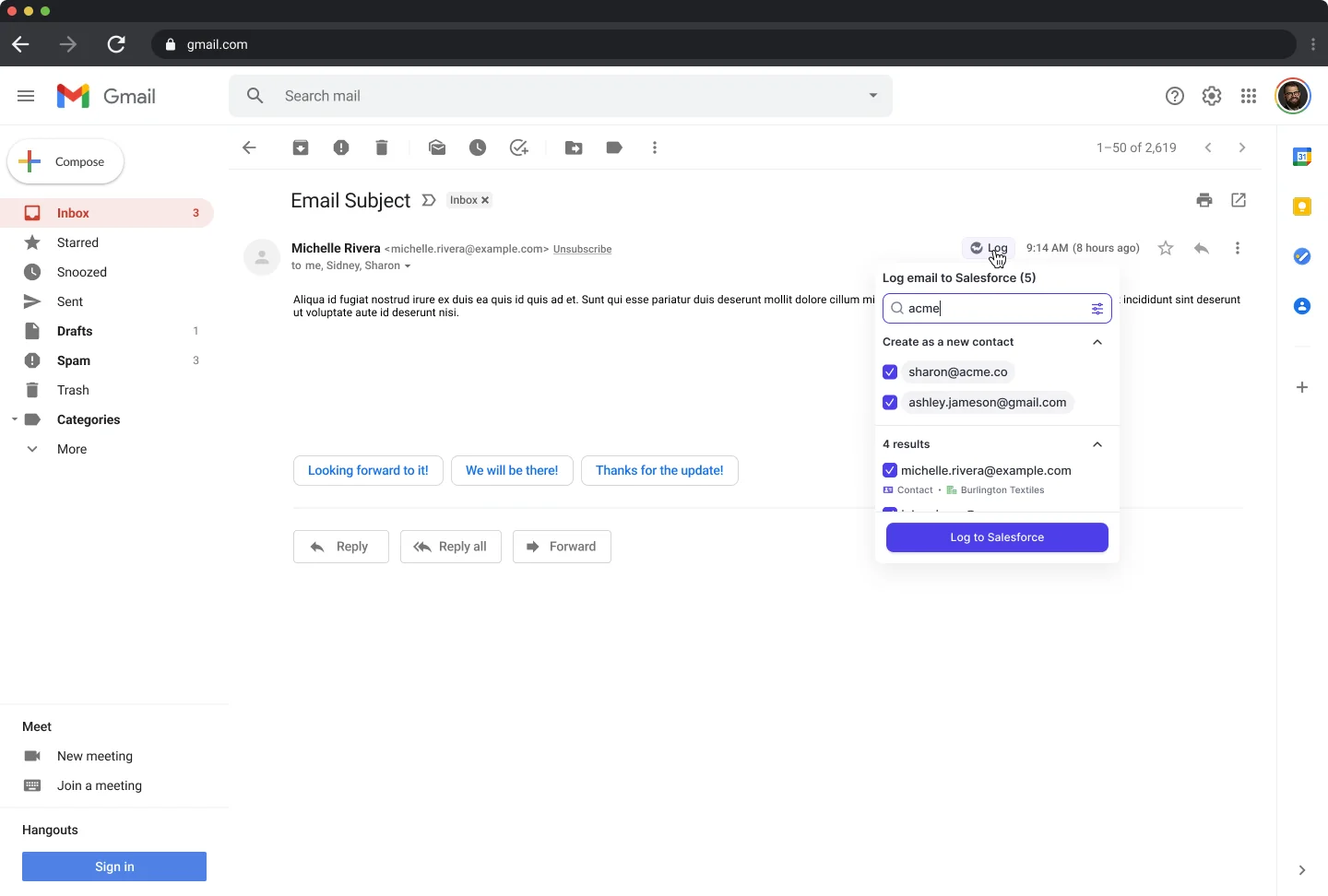
Two things come with it that Salesloft never gave you. Weflow creates missing Salesforce contacts from email threads and calendar invites and can attach them to the opportunity as contact roles, which turns multi-threading from an assertion into something reportable. And logging is scoped to business-relevant activity: internal-only threads are never written, which is the first objection reps raise and the fastest one to defuse.

The edge, stated plainly: Weflow does not sequence, does not dial, and does not send email on a rep's behalf. There is no cadence engine and we're not building one. What to do with that job is the next decision, and it's yours.
How the migration runs inside your Salesloft renewal window
The migration is a parallel run, not a cutover, which is what makes it fit a renewal window without a gap in your reporting.
Be honest with yourself about what a swap competes with: it isn't competing with Salesloft, it's competing with your delivery backlog. So the install is deliberately small.
- Two Salesforce managed packages, no code deployment.
- One integration user with a dedicated permission set, kept separate so the access stays auditable.
- One mail app installed centrally in Microsoft Entra or Google Workspace, scoped to the users you license.
That's a single admin session of roughly 45 minutes with your Salesforce admin and your mail or IT admin in the room. Most of the elapsed time afterwards is configuration and rollout, not integration work.
Run Weflow in parallel using compatibility mode
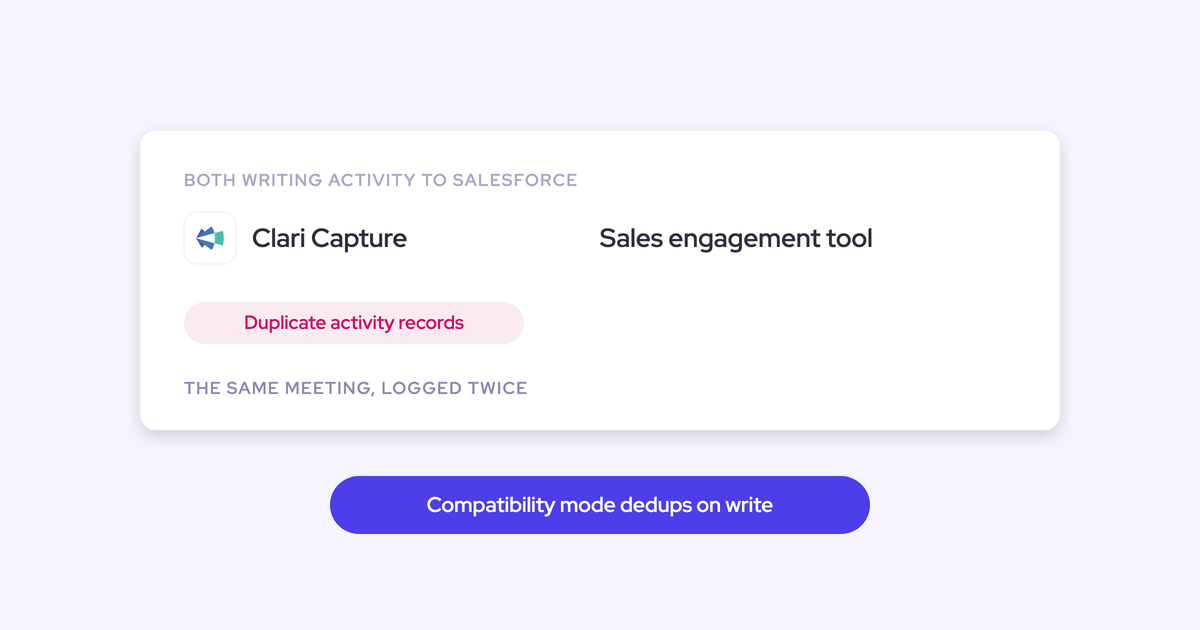
Compatibility mode is what stops the same email being written to Salesforce twice while both tools are live. Salesloft sends through the same Microsoft tenant Weflow reads, so without it you'd double-log every sequenced email and distort every activity count built on top.
- Turn on the Salesloft preset. Named sequencers, including Salesloft, Outreach and Apollo, ship as presets rather than something you configure from scratch.
- Weflow delays its own sync by around ten seconds so the other system claims the record first.
- Weflow checks the message for Salesloft's tracking pattern, and skips it if it finds one.
- Everything Salesloft doesn't log, which is most of the company's mail and every meeting, Weflow writes to the email message and event objects.
Run it this way for a few weeks. You get a real comparison on your own Salesforce data, which is what you'll need internally anyway, and nothing double-writes while you do it.
Turn off Salesloft's Salesforce sync and go sole-capture
The clean end state is one capture infrastructure feeding Salesforce, and you get there by switching off Salesloft's Salesforce write-back rather than by switching Salesloft off.
That's the moment Weflow becomes sole capture. Compatibility mode stops being necessary. If you're keeping Salesloft for the BDR slice, it keeps sending without writing anything to your CRM.
Do this per stream and one at a time. Two capture engines writing the same stream is how meeting and email counts inflate, and duplicates already written don't clean themselves up.
Backfill up to 24 months of activity history
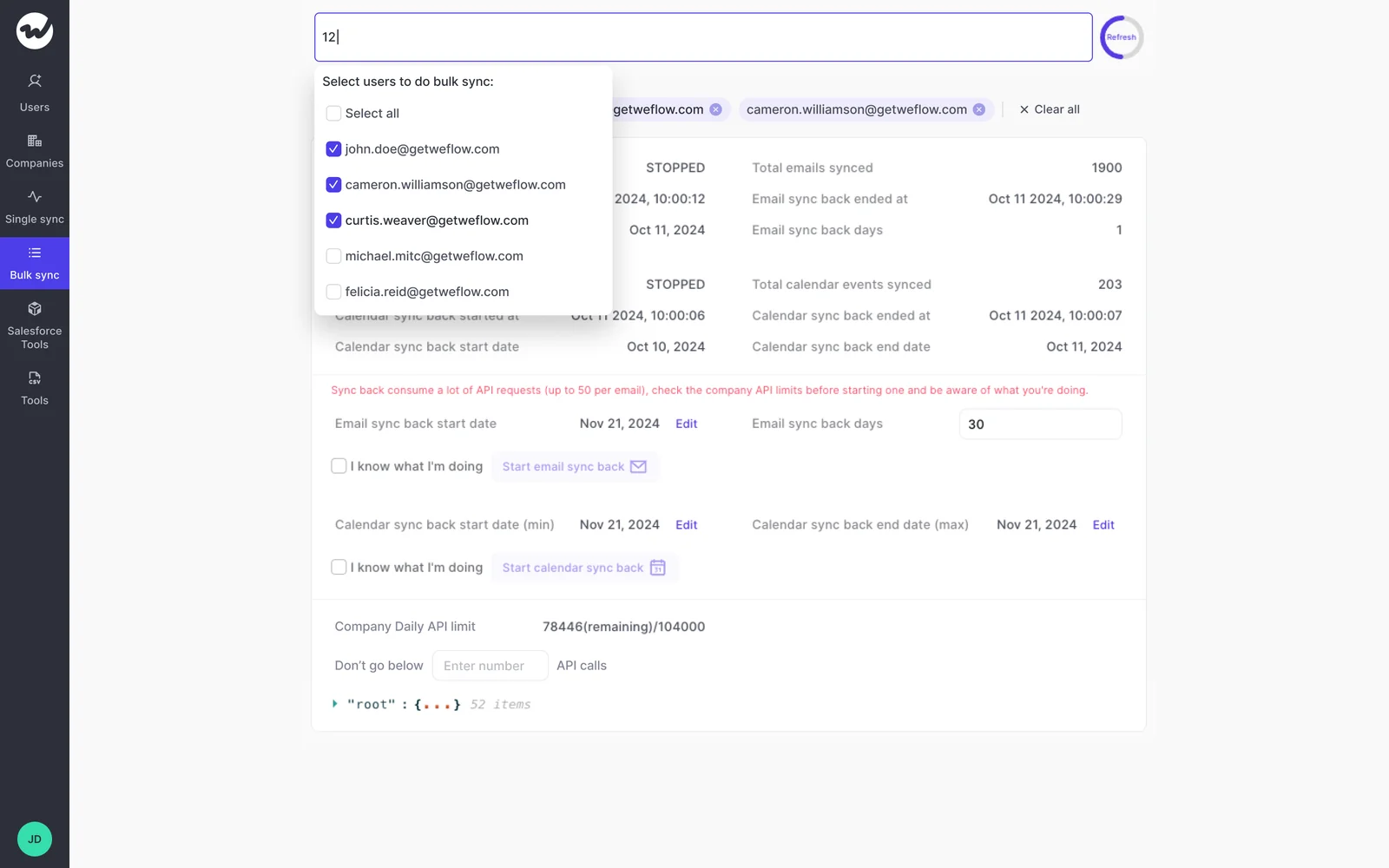
Your history isn't hostage to Salesloft, because the mail and calendar data sits in your own Microsoft or Google tenant. Weflow can backfill up to two years of emails and meetings from there into Salesforce.
This matters on day one. New capture only starts a forward-looking timeline, so without a backfill your in-flight deals look artificially dead and deal scoring has nothing to run against.
Two honest notes. Backfill is opt-in and paced over days or weeks, because pulling that much history is heavy on your org's shared Salesforce API allowance. And teams whose activity history is already sitting in Salesforce often skip it entirely.
Keep Salesloft for sequencing, or move BDRs to Apollo
Sequencing is a real job for a small slice of your team, and Weflow is not the answer to it. Both options coexist with Weflow's capture layer, because compatibility mode was built for exactly this overlap.
Keep a right-sized Salesloft footprint if:
- Your cadences work and your BDRs know the tool.
- You can cut the seat count to the people who genuinely send sequences.
- You'd rather change one thing this quarter than two.
Move the BDR slice to Apollo if:
- Built-in enrichment in the same tool is worth real money to you.
- You're signing a fresh contract anyway and want out of the merged vendor entirely.
Two caveats on Apollo, from teams who made that move. Its enrichment data goes stale, so if you're tiering and segmenting off it, expect to rebuild firmographics with a separate enrichment stack. And its conversation intelligence drops calls, worst on international ones, so don't plan on it as your recording layer.
One more thing to know before you flip anything. Weflow matches on the sender address held in Salesforce, so if your BDRs send from a separate deliverability subdomain, those pre-engagement touches won't be captured. Weflow picks the thread up when the buyer replies and the conversation moves back to your standard domain.
And the gap that matters most for phone-heavy motions: Weflow has no VoIP or phone call capture today. Meetings on Zoom, Microsoft Teams, Google Meet and WebEx are covered. If half your buyer conversations happen on a dialer, that slice stays outside the capture layer, and you should price that in rather than have us talk you past it.
The seat math: $19 capture seats vs sequencing licenses
Paying sequencing prices for seats that only capture is the line item nobody in the room can defend once someone does the arithmetic out loud. Here's how that conversation actually goes on a call:
Weflow Activity & Contact Capture is $19 per user per month, billed annually, with a 10-user minimum, published openly. Run the same 50 seats through it, using that buyer's own $120 seat figure for the sequencing side:
| Seats | Today | After the split |
|---|---|---|
| BDRs running cadences (10) | Sequencing license | Sequencing license, unchanged |
| Everyone else (40) | Sequencing license, used only for capture | Capture at $19/user/month |
| Monthly cost of those 40 seats | About $4,800 | $760 |
There's no implementation fee, no platform fee and no usage-based charges on top, which matters when your pitch has to survive a CFO who's been burned by a services quote. The capture seats also include Ask Weflow AI and Agent Builder on the free tier, so the AI work you've been queuing doesn't need a second purchase order.
Right-size the sequencing seats and buy capture as capture. That's the whole renewal conversation.
What switching capture delivered at United Fintech
United Fintech moved to Weflow Activity & Contact Capture from manual Outlook plugin logging, not from Salesloft, and the number that came out of it is about what the data itself was worth.
"We had a lot of missing activities. Salespeople were manually logging with Outlook plugins, and things slipped through."
— Rugile Pudzevelyte, Senior Revenue Operations Manager, United Fintech
After switching, captured activities went up 3x, and the team validated that increase manually as real interactions that had been slipping through. Activity capture was up and running in less than an hour, rolled out centrally through OAuth-based authentication rather than rep by rep.
"We always believed that revenue and pipeline are driven by the bottom layer of data: activities. But without full activity capture, we couldn't see the full story."
— Rugile Pudzevelyte, Senior Revenue Operations Manager, United Fintech
That's the part worth carrying into your own business case. Every AI initiative on your roadmap, deal scoring, agent workflows, whatever you're prototyping in Claude, reads from the CRM. If the emails, meetings and contacts that carry the context never landed there, the model reasons over stage and amount and returns something plausible built on a thin slice of reality. Capture is the foundation the rest of it stands on, which is why it's the first thing to move and not the last.
See how Weflow captures activity, updates Salesforce fields from calls, and rolls up your forecast. Book a 30-minute demo.
FAQ
How does compatibility mode prevent duplicate activities in Salesforce?
Weflow's compatibility mode names the other tool's sending domain, delays its own Salesforce sync by around ten seconds, checks the message for that tool's tracking pattern, and skips writing it if it finds one. Salesloft, Outreach, Apollo and Clay ship as presets. The other tool claims the record first and Weflow steps back, so the same email is never written twice.
Do we lose historical Salesloft activity when we switch?
No. Anything Salesloft already wrote into Salesforce stays there, because those are your records in your org. The mail and calendar history also lives in your own Microsoft or Google tenant, so Weflow can backfill up to two years of it independently of whether Salesloft is still running.
What breaks in Salesforce reporting mid-switch?
The one real risk is running two capture engines on the same stream at once, which inflates activity and meeting counts and leaves duplicates that don't clean themselves up. Compatibility mode exists precisely so nothing double-writes during the overlap. If an individual email or meeting fails to match during rollout, it's recoverable: the match rule gets corrected and the record is pushed into Salesforce afterwards, so a gap doesn't become a permanent hole.
How long does a Salesloft-to-Weflow capture migration take?
The technical install is one admin session of roughly 45 minutes: two managed packages, an integration user with its own permission set, and one mail app in your Microsoft Entra or Google Workspace console. After that, plan a parallel run of a few weeks with compatibility mode on, switch off Salesloft's Salesforce write-back, then run the backfill, which is paced over days or weeks to respect your org's daily Salesforce API allowance.
How does Weflow handle security review and data ownership?
Sign-in to Weflow happens only through your Salesforce authentication, using OAuth and whatever SSO your org already enforces, so there's no separate Weflow identity to provision or deprovision and deactivating a user in Salesforce removes their Weflow access immediately. Captured activity is written to native Salesforce objects in your own org, so it's yours to report on, automate against and export. Weflow is SOC 2 Type II certified and GDPR compliant, with zero data retention for AI processing and no customer data used to train models.
Does Weflow capture phone calls and Zoom meetings?
Meetings are covered on Zoom, Microsoft Teams, Google Meet and WebEx, with the notetaker auto-scheduled onto external meetings from the calendar connection rather than started by the rep. WebEx has to be enabled per workspace first. VoIP and phone call capture is a genuine gap today, so if a large share of your buyer conversations happen on a dialer, treat that slice as uncovered when you build the case.