

Commit Deal Review Checklist: 7 Questions to Answer Before a Deal Goes Into the Forecast
Learn the 7 questions to decide if a deal belongs in Commit before it goes into the forecast


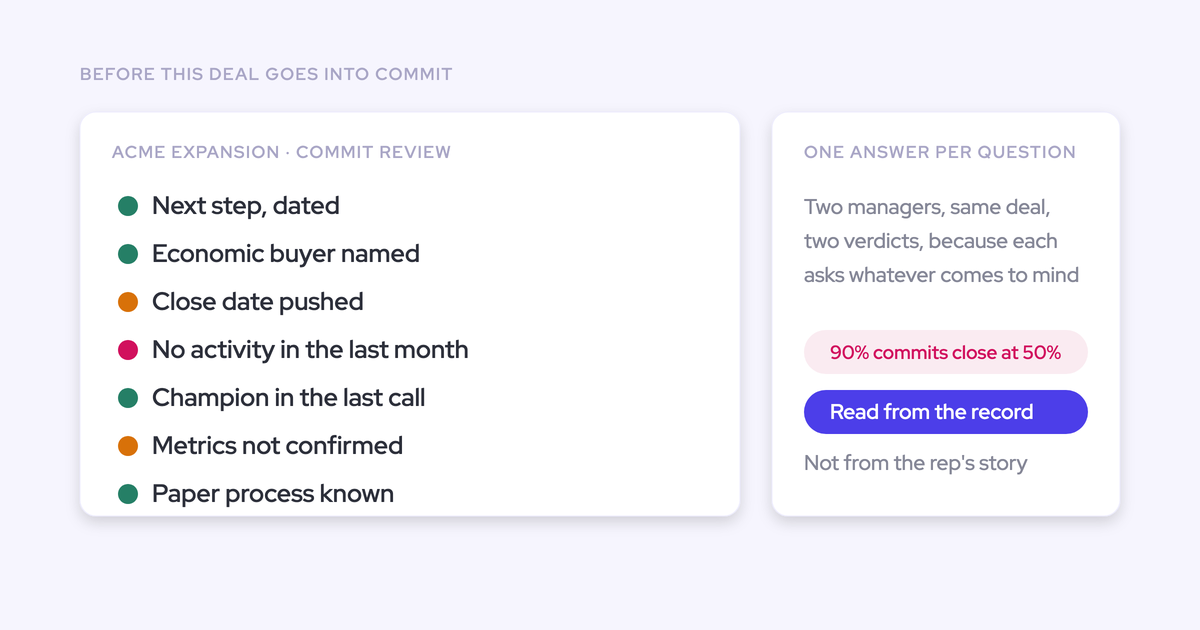

A deal belongs in Commit when you can defend its path to closing in the forecast period with customer evidence. Before committing it, inspect the next step, close-date pushes, days in stage, active stakeholders, qualification evidence, last meaningful activity, and latest customer conversation.
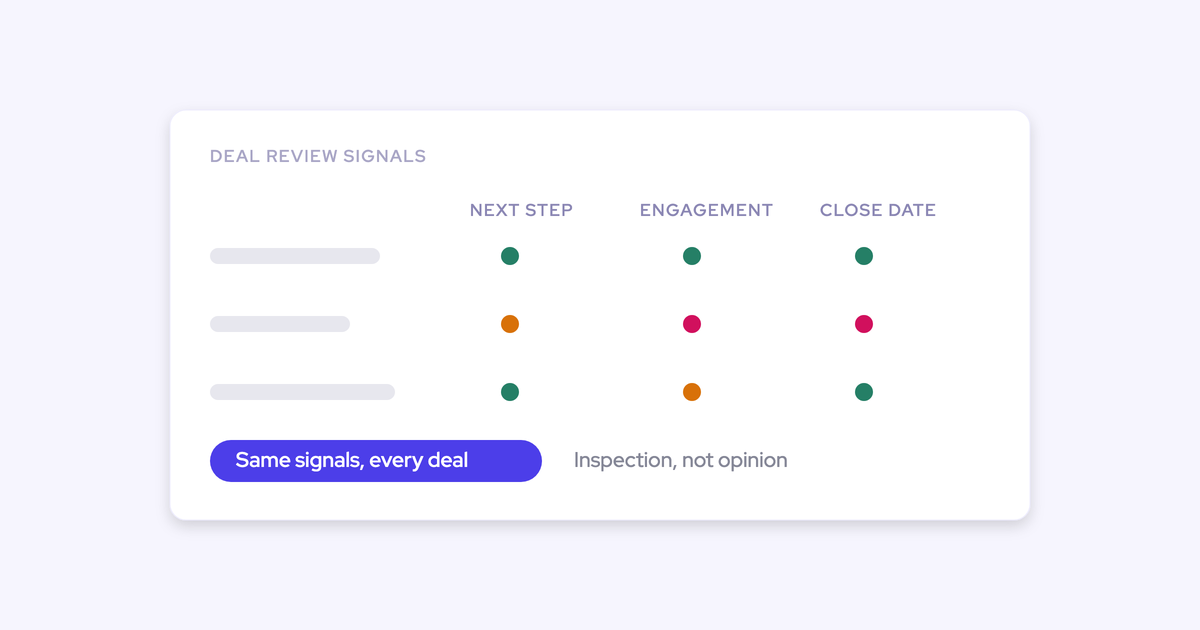
Here, “goes into the forecast” means moves into Commit, not first appears in your pipeline. Use the same seven questions across managers, then set requirements that fit your sales motion. Every review should end with a category decision and a named action. You don’t need new software to start, and you shouldn’t need another form for reps to maintain.
Weflow is the Revenue AI Orchestration platform for sales, customer success, and RevOps teams. Built for Salesforce teams, Weflow Deal Intelligence & Forecasting brings the evidence together so you can spend the review testing the deal rather than reconstructing it.
Gather the evidence for a Commit deal review
Prepare an opportunity-specific record before asking the rep to defend Commit. An account timeline alone won’t do if the customer has several open opportunities.
- Set the period: Name the month or quarter you’re committing against and the submission deadline.
- Select the opportunities: Include proposed Commit deals and existing Commit deals whose evidence has changed.
- Open the source material: Bring together customer emails, meeting records, call transcripts or notes, qualification fields, and the close plan.
- Bring the history: Include close-date changes, stage-entry dates, and comparable closed-won opportunities.
- Choose the decision record: Use an accessible opportunity field or shared review record. Make sure the rep and manager can update the category, rationale, and recovery action.
Before interpreting a quiet timeline, establish whether the record covers the channels the buyer uses. Missing activity data and a customer who has stopped responding are different problems.
If evidence is unavailable, record the gap. Don’t turn an empty timeline into a claim that the customer has disappeared, or treat the rep’s reassurance as proof that everything’s fine.
1. Set your team's Commit criteria
Define what must pass before reviewing individual deals. Separate mandatory evidence from warning signals that require investigation.
- Write the Commit definition. State what must support a close in this period, including the customer’s approval path and remaining work.
- Name the mandatory requirements. Decide which technical, commercial, legal, procurement, and qualification evidence your motion requires.
- Set contextual warning thresholds. Use comparable closed-won history for stage duration, close-date pushes, and engagement gaps.
- Agree the response. Specify when a manager downgrades a deal, requests missing evidence, or assigns a recovery action.
Your rubric might look like this:
| Criterion | Acceptable evidence | Requirement or threshold | Response when unmet |
|---|---|---|---|
| Customer-agreed next step | Customer reply or accepted meeting with a defined purpose | Must advance a remaining close milestone | Keep out of Commit until the customer agrees |
| Approval path | Technical sign-off and documented legal and procurement steps | Required approvals complete or on a customer-supported schedule that fits the period | Downgrade if a blocking step has no credible completion path |
| Required qualification | Current evidence for the team’s required methodology elements | Mandatory elements established | Name the missing evidence and assign its owner |
| Close-date pushes and stage duration | Change history and comparable successful deals | Investigate deviations from your internal pattern | Document the explanation and remaining work |
| Stakeholder engagement | Relevant buyer participation in emails and meetings | Required buying roles actively involved | Assign an access or relationship action |
Don’t average away a failed mandatory requirement. Strong engagement cannot compensate for a technical approval that blocks the purchase.
A warning works differently. Longer-than-usual stage duration should start an investigation, not automatically disqualify the deal.
2. Answer these seven Commit deal review questions
Answer each question from the evidence, then compare it with the rep’s assessment. The disagreement often tells you where to spend the review.
Use this checklist as the review record. Link to existing evidence rather than asking reps to copy it into another deal sheet.
| Question | Evidence to inspect | Recorded answer | Unresolved gap |
|---|---|---|---|
| What customer-agreed next step will move this deal forward? | Customer reply, accepted meeting, close plan | Action, participants, date, intended outcome | Missing agreement or milestone |
| How many times has this deal’s close date moved? | Close-date history and explanations | Push count, reasons, basis for current date | Unsupported date or unexplained change |
| Has this deal spent too long in its current stage? | Stage-entry date and comparable closed-won history | Duration, comparison, explanation | Unfinished stage-exit requirement |
| Which buying stakeholders are actively engaging? | Replies, meeting participation, contact roles | Active roles and observed involvement | Missing access or untested champion claim |
| What evidence supports this deal’s MEDDIC qualification? | Opportunity-wide conversations and qualification fields | Established, partial, or missing elements | Unsupported or stale qualification |
| When did the customer last meaningfully engage? | Recent inbound activity and meeting substance | Latest customer action and its significance | Silence or incomplete capture |
| What did the customer say on the latest call? | Transcript, recording, or documented customer position | Confirmed milestones, blockers, changed assumptions | Conflict with the current Commit assessment |
Consider a deal in procurement review throughout these checks. The rep expects it to close this quarter. Technical approval is complete, but the latest customer conversation leaves the procurement timetable unresolved.
What customer-agreed next step will move this deal forward?
A credible next step shows that the customer has agreed to advance a buying milestone. An internal follow-up task shows only what the seller intends to do.
- Read the next-step field alongside the supporting customer message or meeting record.
- Identify the participants, timing, and decision the next step should produce.
- Record how that outcome advances the close plan.
| Weak next step | Credible next step |
|---|---|
| Follow up with procurement | The procurement owner accepted a review meeting to identify outstanding vendor requirements |
| Send the contract | The customer’s legal reviewer agreed to return redlines by the date in the close plan |
In the procurement deal, the rep’s task says to chase the contract. The customer hasn’t accepted a procurement meeting, so the recorded answer is: seller action exists; customer agreement is missing.
A dated CRM task doesn’t resolve that gap. Assign the rep to secure the next step and document what the customer agrees to do.
How many times has this deal's close date moved?
Inspect every close-date push alongside its explanation and the evidence supporting the current date. A push count alone cannot tell you whether the revised plan is credible.
Open the date history. Separate changes tied to customer milestones from changes made to keep the opportunity inside an active forecast period.
| Previous date | Revised date | Explanation | Supporting evidence |
|---|---|---|---|
| End of last month | End of this month | Technical review needed more time | Customer documented the review and later completed sign-off |
| End of this month | End of this quarter | Procurement needs more time | No confirmed procurement completion date |
The first change has an explanation and a completed milestone. The latest change still rests on an assumption.
Record the latest push as unsupported and name the missing evidence: a customer-supported procurement schedule. Don’t impose a universal push limit, and don’t accept quarter-end as a reason by itself.
Has this deal spent too long in its current stage?
Compare stage duration with similar deals that closed won. An average across unrelated sales motions gives you the wrong reference point.
- Select successful deals with a comparable motion, segment, size, and approval complexity.
- Compare time in the same stage, using consistent stage definitions.
- Identify what has progressed and which exit requirement remains open.
The procurement deal has spent longer in review than comparable wins. Technical sign-off explains part of the elapsed time, but procurement still hasn’t provided a schedule.
Record both facts. The deal has made progress, yet its remaining stage duration has no supported endpoint.
A stage-duration outlier isn’t automatically a loss. The useful question is whether the customer’s remaining work still fits the forecast period.
Which buying stakeholders are actively engaging in this deal?
Count active buying relationships, not contacts attached to the opportunity. A populated contact list can hide a single-threaded deal.
Inspect who replies, attends, contributes, and takes responsibility for a buying step. Record recency against the review date.
| Buying role | Observed participation | Recency | Unresolved access |
|---|---|---|---|
| Business sponsor | Responds and coordinates internal discussions | Latest call | Internal advocacy still needs evidence |
| Technical approver | Provided technical sign-off | Completed review | No outstanding technical approval |
| Procurement owner | No direct participation in the deal record | No observed interaction | Introduction and timetable needed |
| Economic buyer | Named in qualification notes | No recent direct engagement | Current approval position unclear |
The procurement deal has technical participation, but access to the people controlling the purchase remains incomplete. More contact records won’t fix that.
Ask the rep what the sponsor has done internally: secured access to authority, explained the approval process, or carried the business case. Email volume alone doesn’t establish a champion.
What evidence supports this deal's MEDDIC qualification?
Inspect whether the required MEDDIC elements are established across the opportunity. A field containing text doesn’t prove qualification.
Read the supporting conversations and emails, then assess freshness and substance. Apply the same procedure if your team uses a house methodology.
| Required element | Evidence in the procurement deal | Status |
|---|---|---|
| Metrics and pain | Customer has discussed the problem, but the business outcome lacks agreed measures | Partial |
| Economic buyer | A name appears in Salesforce without a current approval position | Partial |
| Decision criteria | Technical approval documents the requirements the solution met | Supported for technical criteria |
| Decision process | Procurement ownership and completion timing remain unresolved | Missing evidence |
| Champion | Sponsor engages, but internal advocacy remains unproven | Partial |
A weak metrics entry lists the customer’s headcount. A supported entry describes the business problem, the outcome the buyer wants, and how the buyer will measure it.
For this deal, the unresolved decision process directly challenges the close date. Record that gap rather than debating whether the methodology fields look complete.
Don’t score the entire buying cycle from the latest call alone. Earlier conversations may establish qualification that nobody needed to repeat.
When did the customer last meaningfully engage?
Use the latest customer action that advances or clarifies the purchase. Recent outbound emails don’t prove customer momentum.
- Separate seller touches from customer replies and participation.
- Read the substance of the interaction, not just its timestamp.
- Check that the activity belongs to this opportunity rather than another deal on the account.
The procurement deal shows recent seller follow-ups. Its last meaningful customer engagement was the sponsor’s call explaining that procurement timing remained uncertain.
That call counts as engagement, but it doesn’t support the close date. Activity can be recent and still reveal risk.
If the rep reports a more recent phone or in-person conversation, reconcile the record before deciding. Document who participated, what changed, and the supporting notes or customer follow-up. Keep incomplete capture separate from confirmed silence.
What did the customer say on the latest call?
Read the customer’s latest position against the assumptions behind Commit. A positive conversation can still leave the purchase blocked.
- Find the discussion of timing, approvals, budget, and remaining work.
- Separate confirmed commitments from conditional statements.
- Compare those statements with the close plan and the rep’s assessment.
- Record what changed for the forecast period.
In the procurement deal, the rep’s assessment is that the sponsor remains enthusiastic and technical approval is complete. The customer’s position is that procurement hasn’t confirmed when its review will finish.
Both can be true. The second determines whether the current close date has support.
Record the implication: the deal doesn’t meet the team’s Commit requirement for a supported approval schedule. The recovery action is to establish that schedule with procurement.
3. Record the Commit decision before forecast submission
End the review with a category decision, an evidence-based rationale, and an action owner. An unresolved discussion shouldn’t silently become Commit.
| Review outcome | Category decision | Required follow-through |
|---|---|---|
| Mandatory requirements pass; remaining work fits the period | Retain or move to Commit | Record the supporting evidence and next review trigger |
| A mandatory requirement fails | Remove from Commit | Name the failed requirement and recovery action |
| A contextual warning appears | Retain Commit only if the explanation supports closing in the period | Document the explanation, owner, and recheck point |
| Evidence is unavailable or contradicts the rep’s assessment | Keep out of Commit if the gap prevents a mandatory check from passing | Resolve the discrepancy before reconsidering the category |
The procurement deal’s completed decision record would read:
- Category: Best Case, under the team’s definition of plausible in-period upside.
- Rationale: Technical approval is complete, but procurement hasn’t supported the quarter-end close date.
- Missing evidence: Procurement owner, remaining requirements, and agreed completion timing.
- Action owner: Opportunity owner, with manager support for buyer access.
- Deadline: Before the next forecast submission.
- Recheck trigger: Procurement confirms the remaining steps and dates, or the proposed close date changes.
Removing a deal from Commit doesn’t mean abandoning it. The action record tells the rep exactly what must change.
Keep the weekly handoff in this order:
- Reps update the opportunity evidence and their assessment.
- Managers run deal inspection and coaching.
- Reps submit forecasts using the reviewed categories.
- Managers review the roll-up and document adjustments.
- The forecast call addresses the number, changes, and remaining exposure.
We recommend keeping deal inspection separate from the forecast call. Coaching needs room to examine the problem; the roll-up discussion needs decisions it can use.
How Weflow Deal Intelligence & Forecasting supports Commit reviews
Weflow Deal Intelligence & Forecasting brings activity, qualification, and deal-history signals into the review so you can pressure-test Commit without assembling several reports.
You can see recent emails and meetings, the next meeting, time in stage, and the activity timeline together. Our deal-level AI summary reasons across every meeting on the opportunity, rather than leaving you to reconstruct the deal from individual call summaries.
| Review work | What Weflow does | What you still decide |
|---|---|---|
| Find deals needing attention | Shows deal signals and configurable warnings by team and stage, including stalled or slipping deals | Which warnings matter for your motion and which deals need inspection |
| Inspect progression and engagement | Shows close-date pushes, time in stage, communication velocity, people involved, and activity history | Whether the remaining work supports an in-period close |
| Assess qualification | AI Playbooks read CRM fields, emails, meetings, and recordings, evaluate methodology elements, and write results to corresponding Salesforce fields | Which elements must pass and whether the evidence supports the rep’s judgment |
| Pressure-test Commit across the team | Ask Weflow AI answers across a single deal or filtered deal board using Salesforce records, captured activity, and transcripts | How to act on the gaps and contradictions it surfaces |
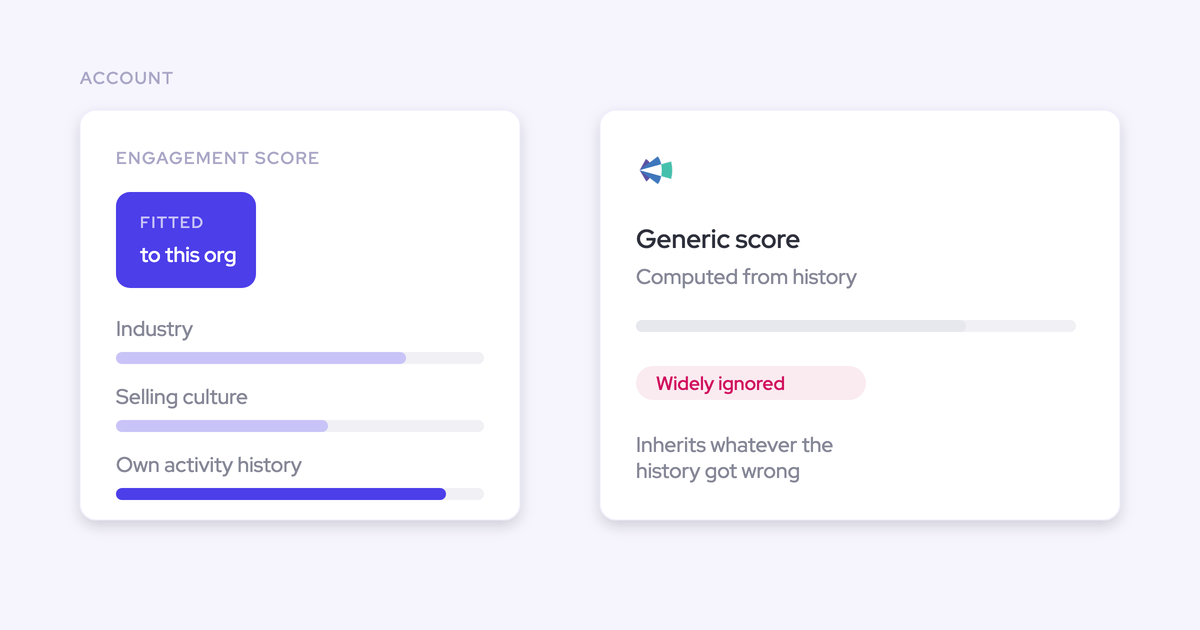
| Interpret deal health | Scores opportunities using your own closed-deal history, recalculates nightly, and explains the factors behind each score | Whether the evidence supports Commit for this period |
| Preserve forecast accountability | Ties submissions to named opportunities, versions revisions, and records attributed manager overrides with rationale | The submitted number and the reason for each adjustment |
AI Playbooks evaluate human-entered qualification text too. Filling a MEDDIC field with low-value content doesn’t make the element established. That gives you a second reading of the deal without removing the rep’s responsibility to think it through.
A deal score estimates likelihood of winning; it doesn’t replace evidence that the deal will close in your chosen period. Weflow also cannot prove champion status from digital engagement alone.
The data boundaries matter for this workflow:
- Salesforce: Captured activity, transcripts, summaries, and AI field updates land in Salesforce. Opportunity edits sync back to the CRM.
- Weflow: Recordings, opportunity snapshots, forecast submissions, targets, and roll-up data live in Weflow.
- Shared customer Slack channels: Weflow doesn’t capture those conversations, so they aren’t part of the captured deal evidence.
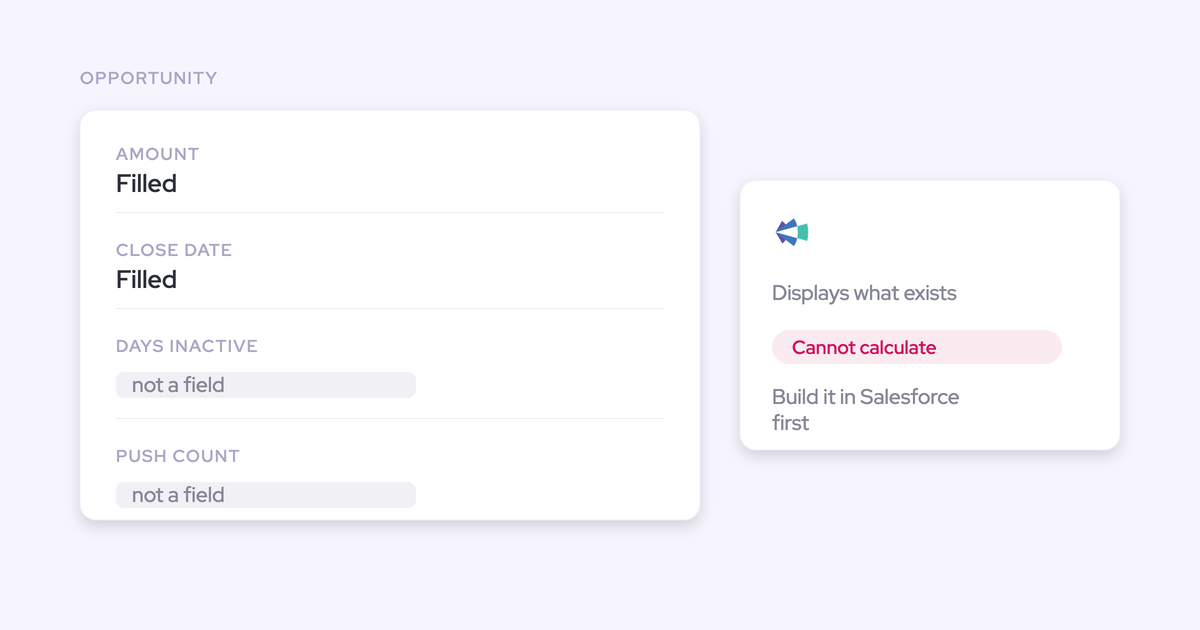
If your current systems already provide complete, correctly mapped evidence, you can run this checklist there. The standard comes first.
For a broader companion to your review process, use our Free Guide: Deal Insights & Pipeline Management Best Practices.
Commit deal review FAQ
Keep the inspection questions consistent while adapting category definitions and warning thresholds to your sales motion.
How does Commit differ from Best Case and Most Likely?
Commit contains deals whose evidence supports closing in the period. Best Case and Most Likely describe less certain outcomes, with definitions your team must share.
| Category | Working meaning |
|---|---|
| Commit | The deal meets mandatory requirements and has a supported path to closing in the period |
| Most Likely, where used | The team expects an in-period close, but the deal hasn’t cleared the Commit bar |
| Best Case | The deal can close in the period if identified conditions resolve |
| Pipeline | The opportunity remains open without enough support for an in-period call |
Category names don’t carry universal percentages. Define the distinction through evidence and timing so two managers can defend the same classification.
Should Salesforce assign Commit automatically when a sales stage changes?
No stage change should bypass the Commit review. Sales stage records where the deal sits in the process; forecast category records the judgment about closing in the period.
You can keep stage-to-category defaults as a starting point. Require the evidence review before accepting Commit, and let the category move down when risk changes even if the sales stage stays the same.
Can we use this Commit checklist without replacing forecasting tools?
Yes. The checklist is a process standard, and your current CRM and forecasting system may already support it.
You need:
- Opportunity-specific evidence and change history that managers can access.
- A shared place to record the category decision, rationale, and actions.
- A review cadence that finishes before forecast submission.
Consider a software change when assembling the evidence consumes the review or important signals never reach the manager. Keep a working system if it already supports those tasks.
How do we review Commit deals with limited history?
Start with explicit evidence requirements. Limited history reduces confidence in numerical benchmarks, but it doesn’t prevent you from inspecting the approval path or customer commitments.
- Define mandatory evidence from the buying steps your customers must complete.
- Use provisional warning thresholds and record the reasoning behind exceptions.
- Review won, slipped, and lost outcomes to see which gaps mattered.
- Refine thresholds using comparable internal deals as history accumulates.
Weflow’s opportunity scoring needs about six months of closed-deal history for useful accuracy. You don’t need to wait for automated scoring to begin the checklist.
Before your next submission, review the same candidate Commit deal with another manager. Compare the evidence you each require, resolve the differences, and write down the standard your team will use.


.webp)
.webp)