

How to Enable Salesforce Dark Mode
Learn how to enable Salesforce Dark Mode in a few simple steps.




Looking for a way to enable Dark Mode in Salesforce? We’ve got you covered — keep on reading to learn how to switch to a darker color scheme in Salesforce and reduce eye strain.
What is Salesforce Dark Mode?
Salesforce Dark Mode is a feature that allows you to change the color scheme of the Salesforce interface to darker colors. This can help reduce eye strain and make it easier to work in low-light environments.
Benefits of Salesforce Dark Mode
Using Salesforce Dark Mode can help you:
- Reduce eye strain – Darker colors are easier on the eyes compared to brighter colors, so using Dark Mode can help reduce eye strain.
- Improve sleep – Since Dark Mode emits significantly less harsh blue light compared to the default color scheme, it has a lesser chance of interfering with your sleep.
- Increase battery life – If you work on a laptop, using Dark Mode can help increase battery life and give you that extra bit of power you need to finish the workday without needing a charger.
How to enable Salesforce Dark Mode?
In the past, Salesforce provided a built-in way of enabling Dark Mode through the Lightning extension. Unfortunately, that option is no longer available.
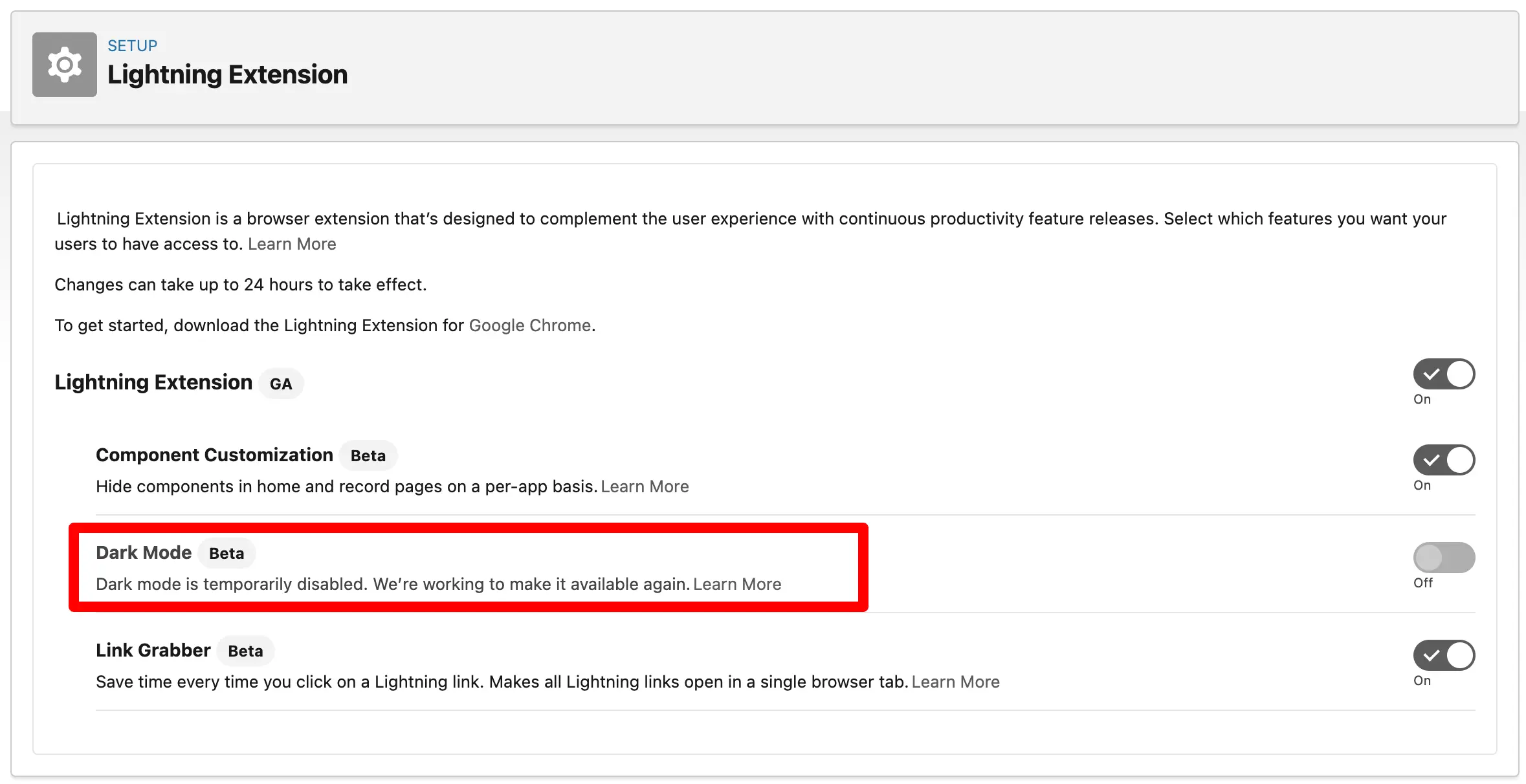
But — worry not! There are still different ways to add Dark Mode to Salesforce. Here’s how to do it:
Use a Chrome extension
There are a few unofficial Chrome extensions you can use to enable Dark Mode in Salesforce.
The first one is Salesforce Dark Theme. You can use it across:
- Salesforce Classic and Lightning
- Trailhead
- Salesforce knowledge articles and discussion forums
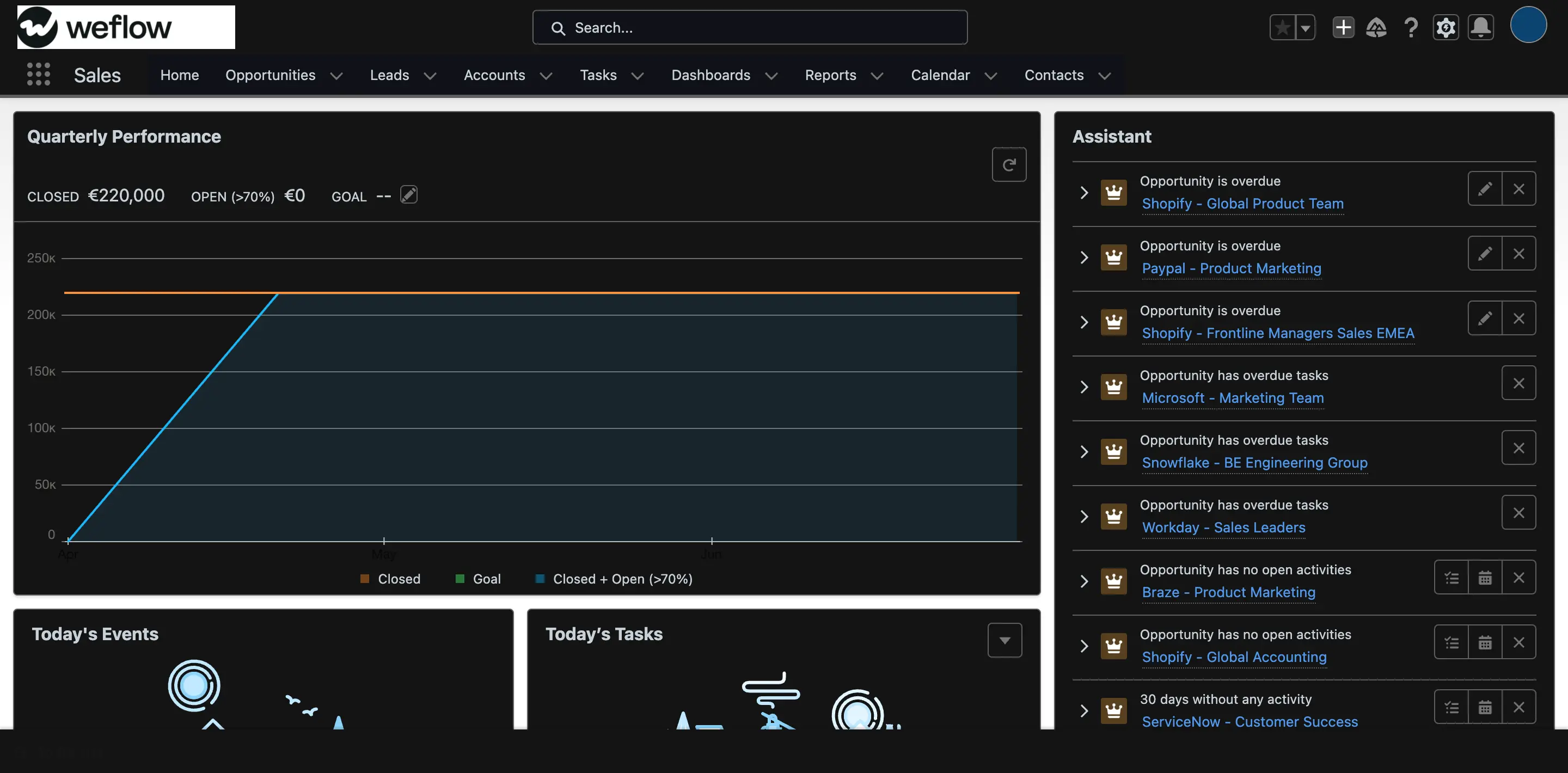
There’s also Dark Reader — a Chrome extension that can switch on Dark Mode for your entire browser. With Dark Reader, you can choose specific pages where Dark Mode will be used, as well as configure brightness, contrast, and sepia levels.
A better way to use Salesforce
Weflow offers revenue teams a more efficient way to use Salesforce. Here are just some of the features you can get access to:
- Built-in and custom pipeline views – Simplify pipeline review and management with Weflow’s built-in and custom pipeline views. No more countless Salesforce tabs.
- Automated sales activity tracking and email logging – Stop wasting time manually updating opportunities and contacts in Salesforce. Automate the process with Weflow’s automated sales activity tracking and email logging features.
- Notes and note templates – Take better sales notes and sync them to Salesforce automatically. Adhere to your organization’s sales process and methodology more easily with note templates.
- Sales forecasting – Submit, review, and track changes to your sales forecasts. Sync everything to Salesforce automatically.
Learn more about Weflow here or book a demo today.
.webp)
