
Whitespace Agent
Find every product and business unit combination a customer has not bought, then rank the gaps by what comparable accounts bought next.
- Trigger: each expansion planning cycle
- AI steps: find the untouched squares, then rank the whitespace
- Output: a whitespace map sent to the account team
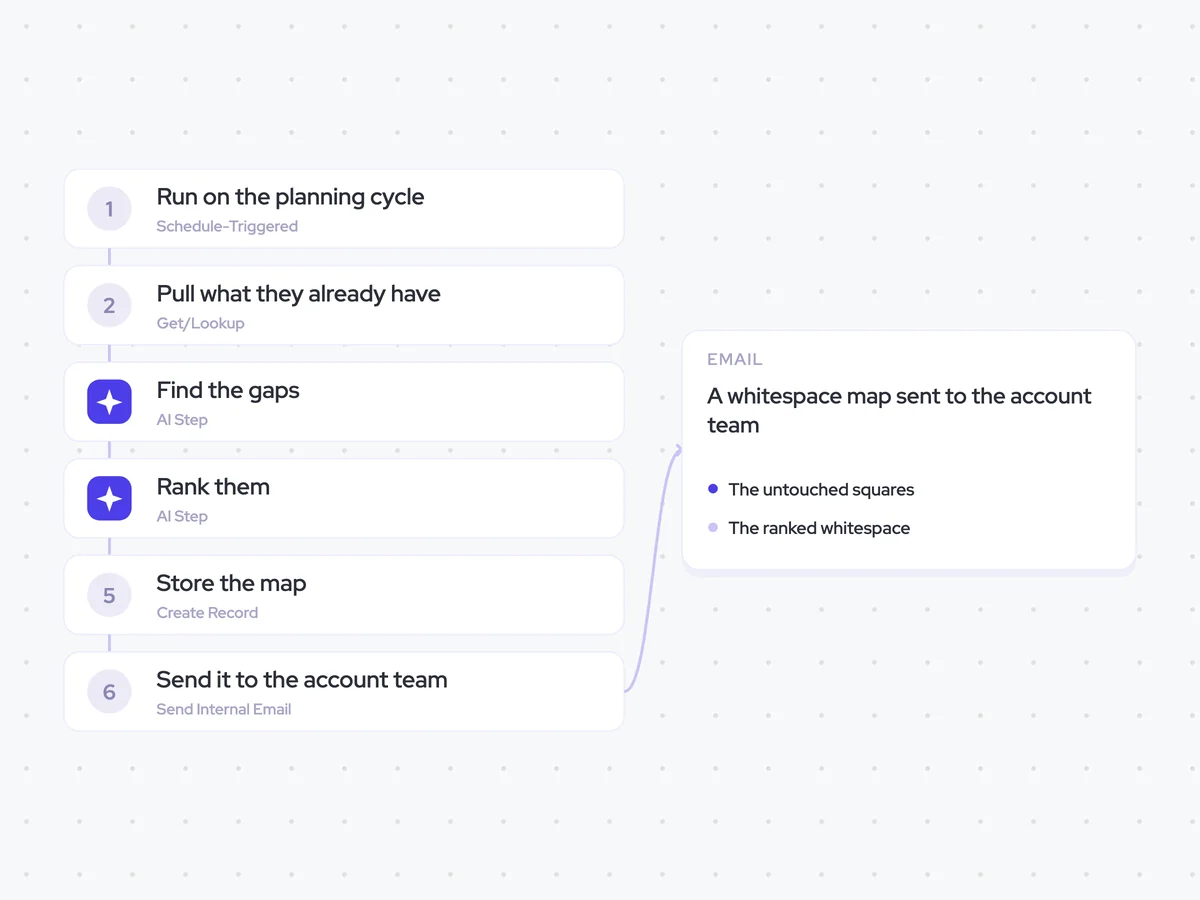
Agent breakdown
A blueprint to adapt, not a fixed recipe. Set the trigger, thresholds, and methodology that fit your team, and each step builds on the last, using the conversation and CRM context you already capture.
Run on the planning cycle
At the start of each expansion planning cycle, the agent runs for the accounts being planned. This keeps the whitespace map tied to the same cycle the account team uses to decide where to focus.
- Trigger: The start of each expansion planning cycle
- Runs: Once per planning cycle
Pull what they already have
Next, the agent pulls the products the customer already owns and the business units using them. Looking across every business unit shows which product and unit combinations are already covered and which squares are still empty.
- Fields: Products owned and the business units using them
- Scope: Every business unit
Find the gaps
Using the products and business units from the account, the agent lists every combination the customer has not bought. It lays these untouched squares out as a grid, so the account team can see the whitespace across the account.
Find every product and business unit combination this account has not bought.
Input: the products the customer owns, the business units using them, every business unit in scope, and the full set of available products.
- Build a grid with products on one axis and business units on the other.
- Mark each combination the customer already has as owned.
- Mark each combination the customer has not bought as whitespace.
Use the account data provided. Do not mark a combination as owned unless the product is recorded for that business unit.
Return the complete product and business unit grid, with every combination marked as owned or whitespace.
Rank them
With the untouched squares identified, the agent ranks them by what comparable accounts bought next. It leaves out products that will not fit the customer, so the ranked map focuses on relevant expansion options.
Rank the whitespace combinations from the previous step by what comparable accounts bought next.
Input: the product and business unit combinations marked as whitespace, the purchase history of comparable accounts, and the account information used to determine product fit.
- Compare each whitespace combination with what comparable accounts bought next.
- Rank the combinations from highest to lowest based on those purchase patterns.
- Ignore any product that will not fit this account.
Use only the account and comparable-account information provided. Do not include combinations that are already owned.
Return the ranked list of product and business unit combinations, highest ranked first.
Store the map
Once the gaps are ranked, the agent creates one whitespace map for the account and planning cycle. Keeping a separate map for each cycle lets the account team compare the current view with the previous one.
- Creates: One whitespace map per account per cycle
- Keeps: Earlier maps for comparison across planning cycles
Send it to the account team
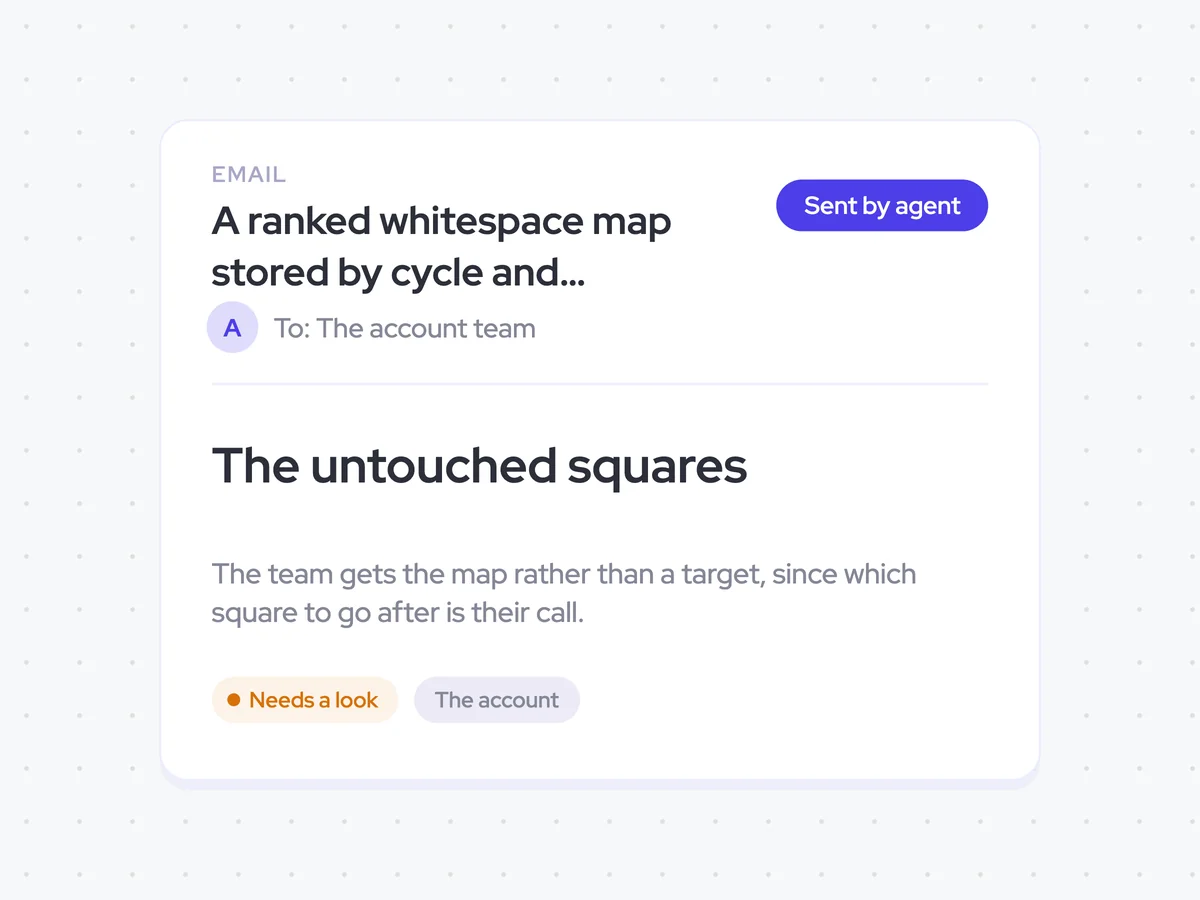
Finally, the agent emails the whitespace map to the customer success account team. It sends the ranked map rather than assigning a target, since the team decides which product and business unit combination to pursue.
- Recipients: The customer success account team
- Sends: The ranked whitespace map
- Assigns a target automatically: Never
A ranked whitespace map stored by cycle and emailed to the account team
See which product and business unit combinations each customer has not bought, ranked by what comparable accounts bought next. Each cycle creates a new map, so Customer Success can compare it with the previous one and choose which expansion option to pursue.
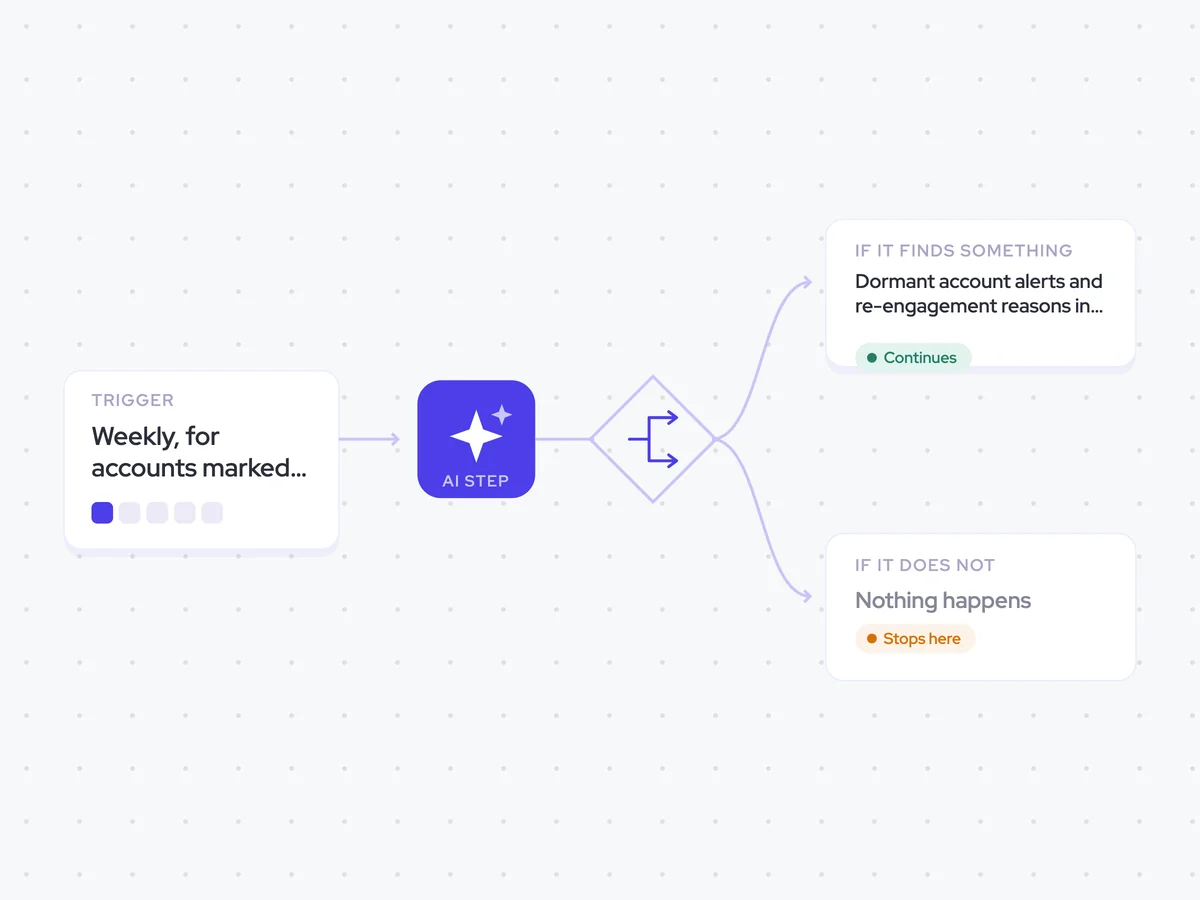
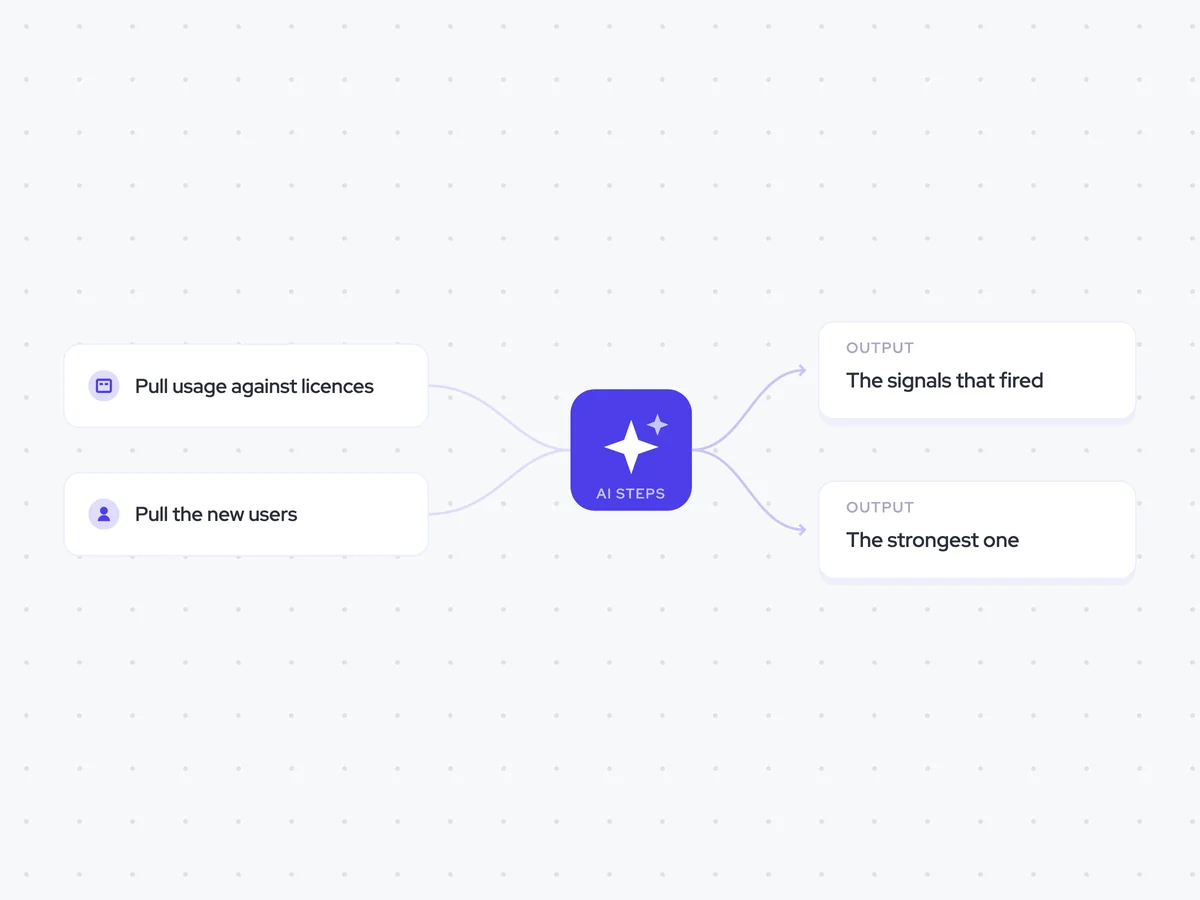
AI Agents that pair well
Same data, different jobs. Run them together for a fuller picture.


Learn more about GTM & Revenue Operations
RevOps Lab Podcast


50+ Free GTM & RevOps Cheat Sheets

Free RevOps Community (1k+ members)
.webp)