
Usage-to-value Agent
Compare what each customer actually uses with the outcomes they expected when they bought the product, and show the CS owner which value gap to close.
- Trigger: each quarterly review cycle
- AI steps: match feature usage to the original outcomes, then name the biggest value gap
- Output: the outcome-to-usage comparison and value gap emailed to the CS owner
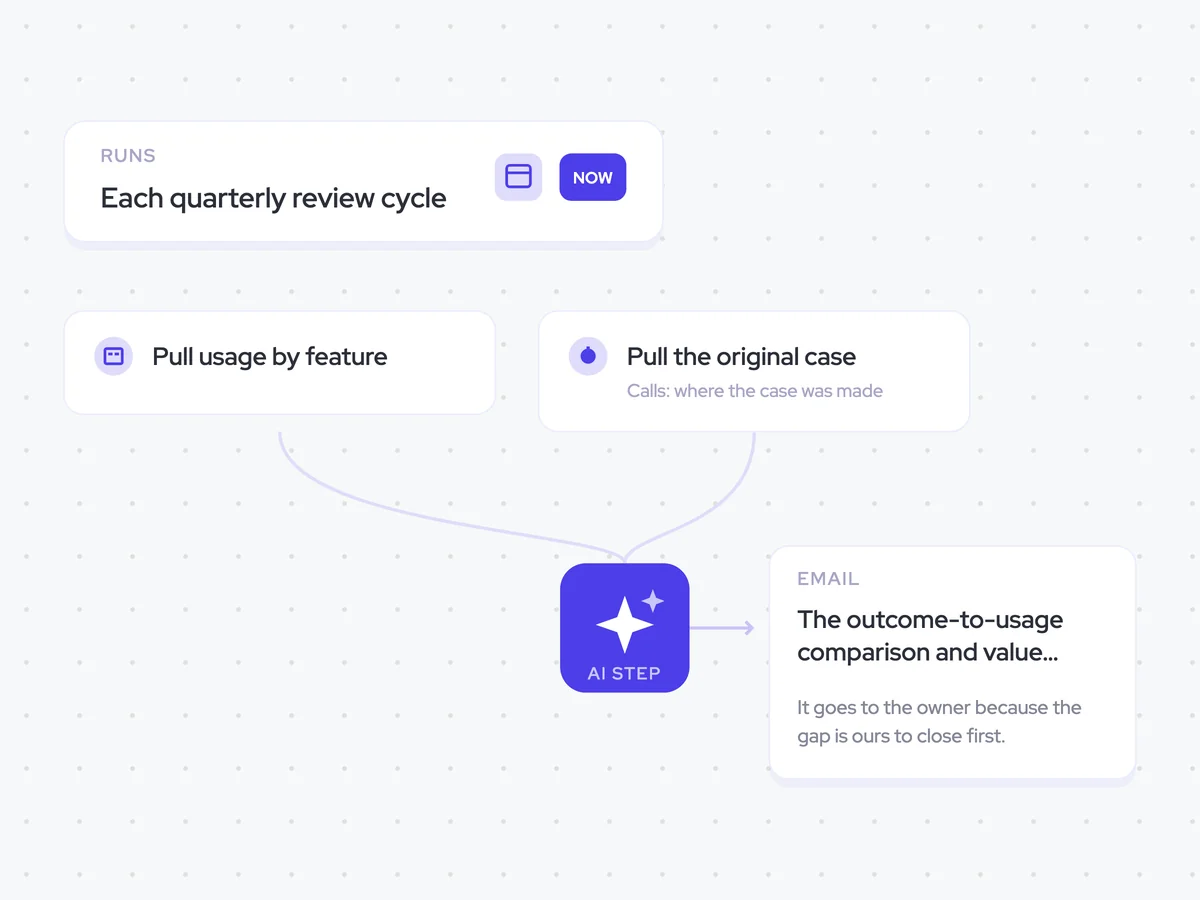
Agent breakdown
A blueprint to adapt, not a fixed recipe. Set the trigger, thresholds, and methodology that fit your team, and each step builds on the last, using the conversation and CRM context you already capture.
Run each quarter
Each quarter, the agent starts a new review cycle for the account. Value realisation takes time, so a quarterly view shows a clearer usage pattern without treating monthly changes as meaningful signals.
- Trigger: Each quarterly review cycle
- Cadence: Quarterly
Pull usage by feature
Next, the agent pulls the account's usage by feature. This shows which parts of the product the customer actually uses, rather than relying on whether someone logs in at all.
- Account: The customer account in the current review cycle
- Fields: Usage by feature
Pull the original case
The agent then pulls the calls where the customer discussed the outcomes they wanted and made the business case for buying the product. These conversations provide the original expectations that the agent will compare with current usage.
- Account: The customer account in the current review cycle
- Calls: Conversations where the original outcomes and business case were discussed
Match usage to outcomes
For each outcome the customer bought, the agent identifies which product features support it and compares those features with current usage. This connects the original business case to what the customer is actually doing with the product.
You are comparing a customer's current product usage with the outcomes they expected when they bought the product.
Input: usage by feature for the account, and the calls where the customer discussed the original outcomes and business case.
For each outcome the customer bought:
- State the outcome in the customer's own words.
- Name the product features that serve that outcome.
- Describe the current usage of those features.
Rules: use only outcomes mentioned in the original business case calls and the feature usage provided. Do not add outcomes or usage that are not present in the input.
Return a list with the outcome, the features that serve it, and the current usage of those features.
Name the gap
Using the outcome-to-usage comparison, the agent names the outcome furthest from being realised and the usage change that would close the gap. This gives the CS owner one clear value gap to work on with the customer.
Using the outcome-to-usage comparison from the previous step, identify the outcome furthest from being realised.
- Name the outcome.
- Describe the gap between the outcome and current feature usage.
- State the usage change that would close the gap.
Rules: base the answer only on the customer's original outcomes and current usage by feature. Name one outcome and one usage change.
Return the outcome furthest from being realised, the current value gap, and the usage change that would close it.
Send it to the CS owner
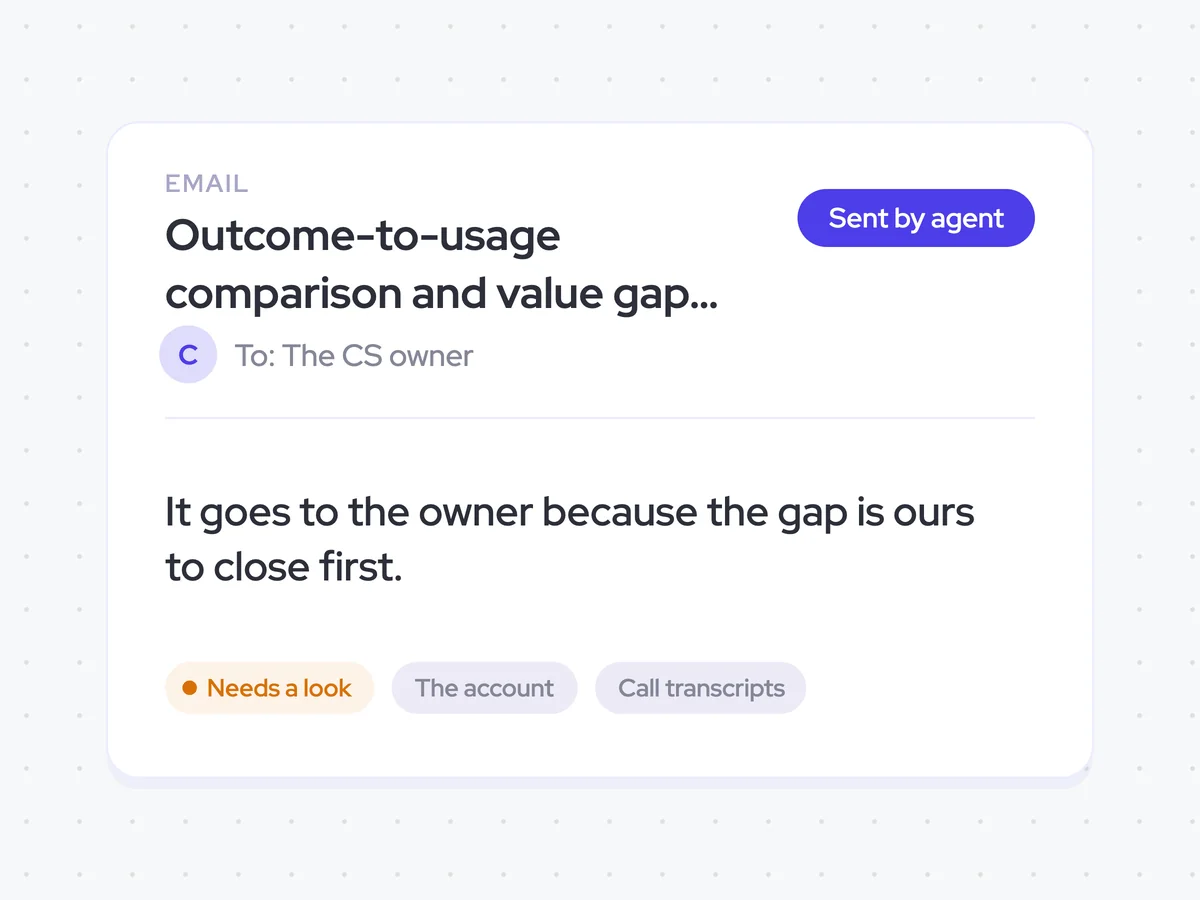
Finally, the agent emails the outcome-to-usage comparison and value gap to the CS owner. It goes to the owner first because closing that gap starts with the CS team.
- Recipient: The CS owner for the account
- Sends externally: Never
Outcome-to-usage comparison and value gap in the CS owner's inbox
See how the customer's current feature usage compares with the outcomes in the original business case. The email names the outcome furthest from being realised and the usage change that would close the gap, giving the CS owner a clear place to focus next.
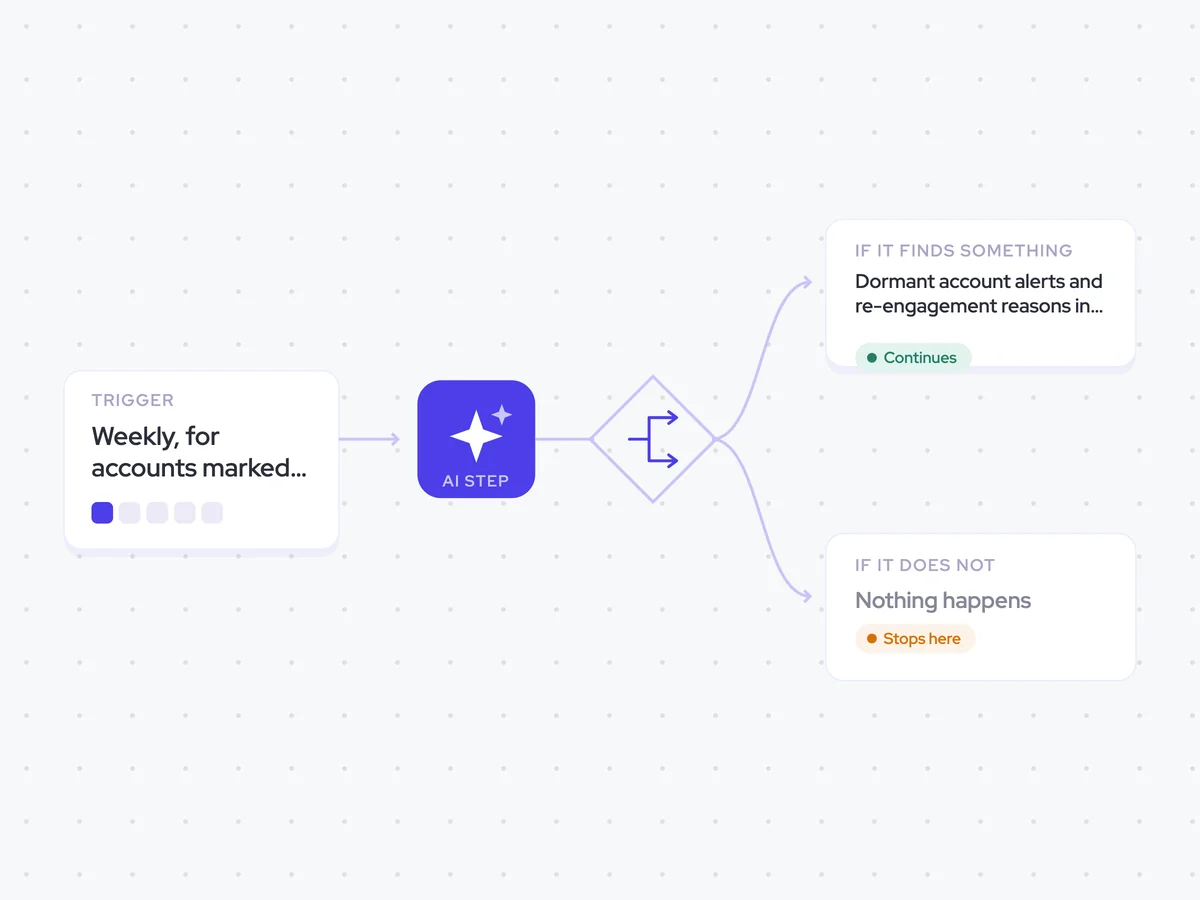
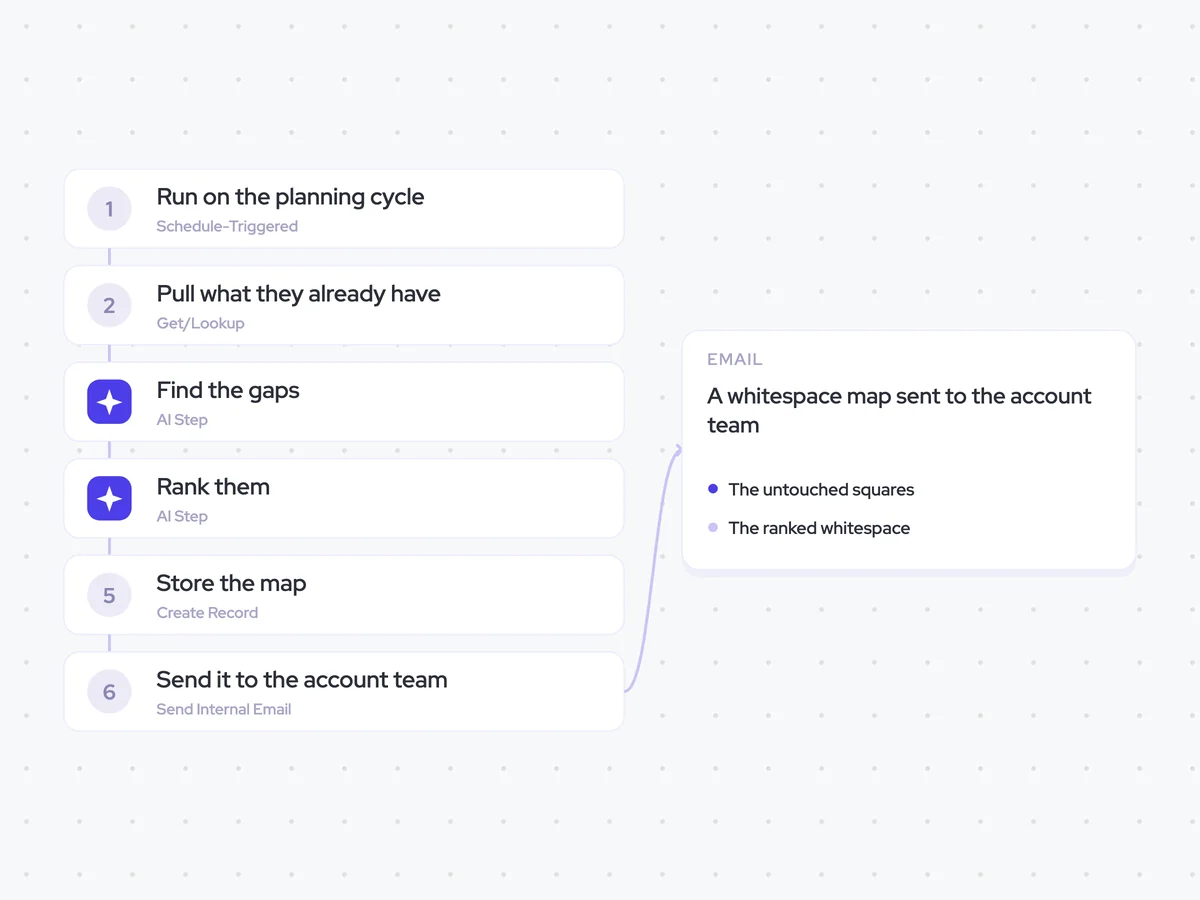
AI Agents that pair well
Same data, different jobs. Run them together for a fuller picture.


Learn more about GTM & Revenue Operations
RevOps Lab Podcast


50+ Free GTM & RevOps Cheat Sheets

Free RevOps Community (1k+ members)
.webp)