
Submission Compliance Agent
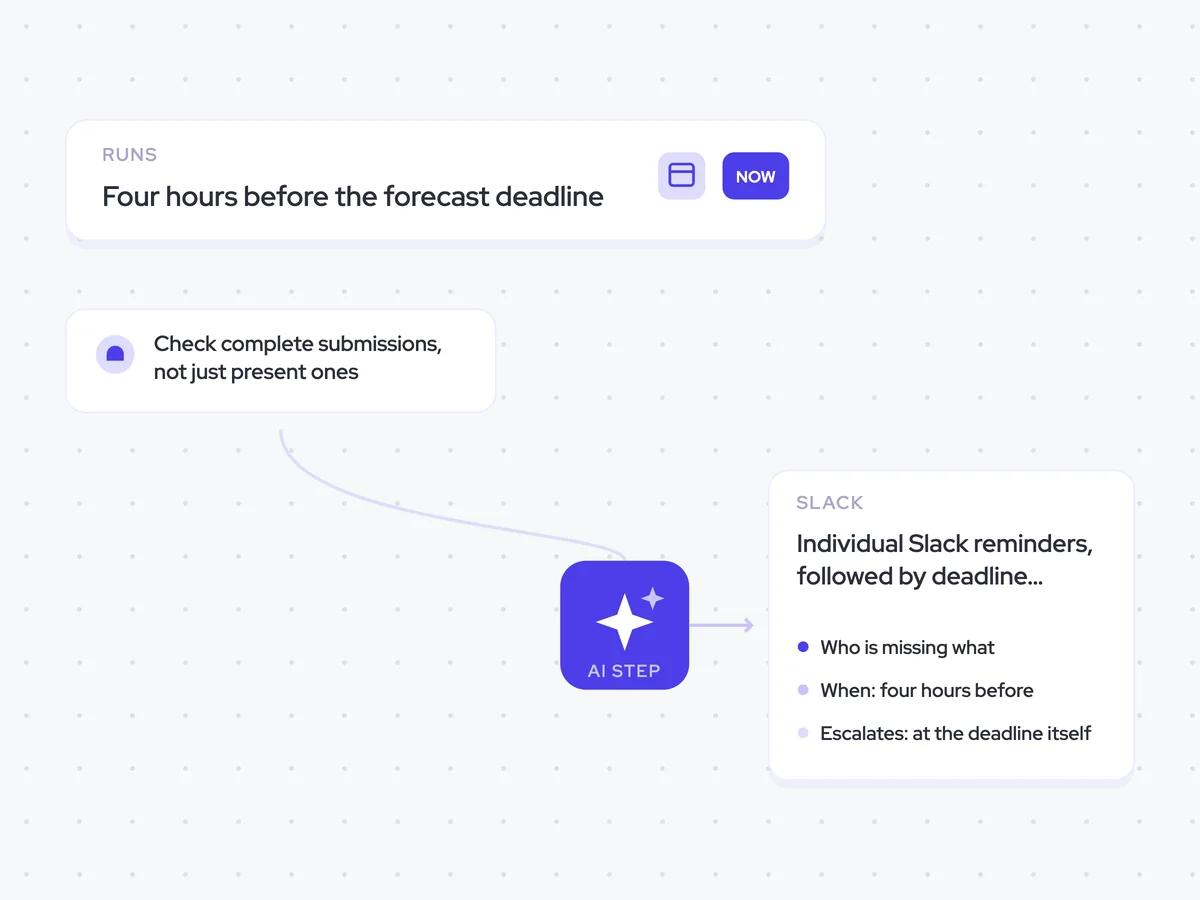
Check that every rep with open pipeline has submitted a complete forecast before the deadline, then nudge anyone who has not.
- Trigger: four hours before the forecast deadline
- AI steps: identify who has not submitted and which fields are missing
- Output: individual Slack reminders, followed by deadline escalations to RevOps
Agent breakdown
A blueprint to adapt, not a fixed recipe. Set the trigger, thresholds, and methodology that fit your team, and each step builds on the last, using the conversation and CRM context you already capture.
Run four hours before the deadline
Four hours before the forecast deadline, the agent starts checking submissions. This gives reps enough time to finish anything that is missing without sending the reminder so early that it gets put off.
- Trigger: Four hours before the deadline
- Runs: Once for each forecast deadline
Check complete submissions, not just present ones
Next, the agent checks every rep's forecast submission for a commit number, best case, and notes. It treats a submission with a number but no notes as incomplete, so the forecast call does not have to unpick what sits behind it.
- Fields: Commit, best case, and notes
- Checks: Submitted and complete
- Excludes: Reps with no pipeline
Show who is missing what
From those checks, the agent lists every rep who has not submitted a forecast or has left it incomplete. It names the specific missing fields for each rep, so the reminder can say exactly what they need to finish.
Check every rep's forecast submission and identify who has not submitted or whose submission is incomplete.
For each rep:
- Check whether a forecast was submitted.
- Check whether commit, best case, and notes are complete.
- If the submission is missing or incomplete, name the rep and every specific field they still need to complete.
Do not include reps with no open pipeline this quarter.
Return a list naming each rep who is short, whether they have not submitted or submitted an incomplete forecast, and the specific fields missing.
Nudge the rep, then escalate
The agent sends each rep their own Slack reminder four hours before the deadline, naming what is still missing. It only escalates at the deadline itself, so the first message stays a reminder to the rep rather than a report to their manager.
- When: Four hours before the deadline
- Escalates: At the deadline itself
- Repeats: Never
Forecast submission reminders in each rep's Slack, with deadline escalations to RevOps
See which reps have not submitted a forecast and which commit, best case, or notes fields are still missing. Each rep gets an individual Slack reminder four hours before the deadline, while RevOps only receives the escalation when the deadline itself is reached.

AI Agents that pair well
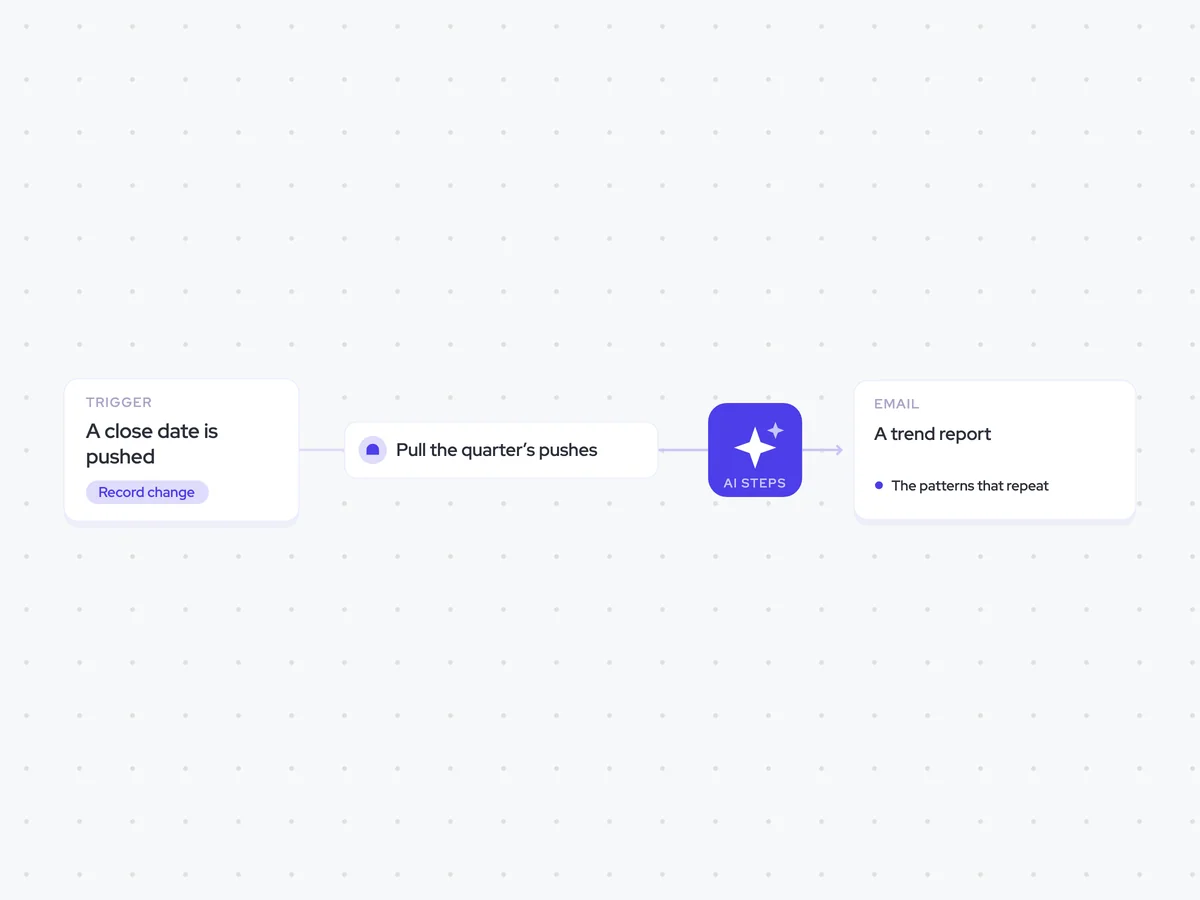
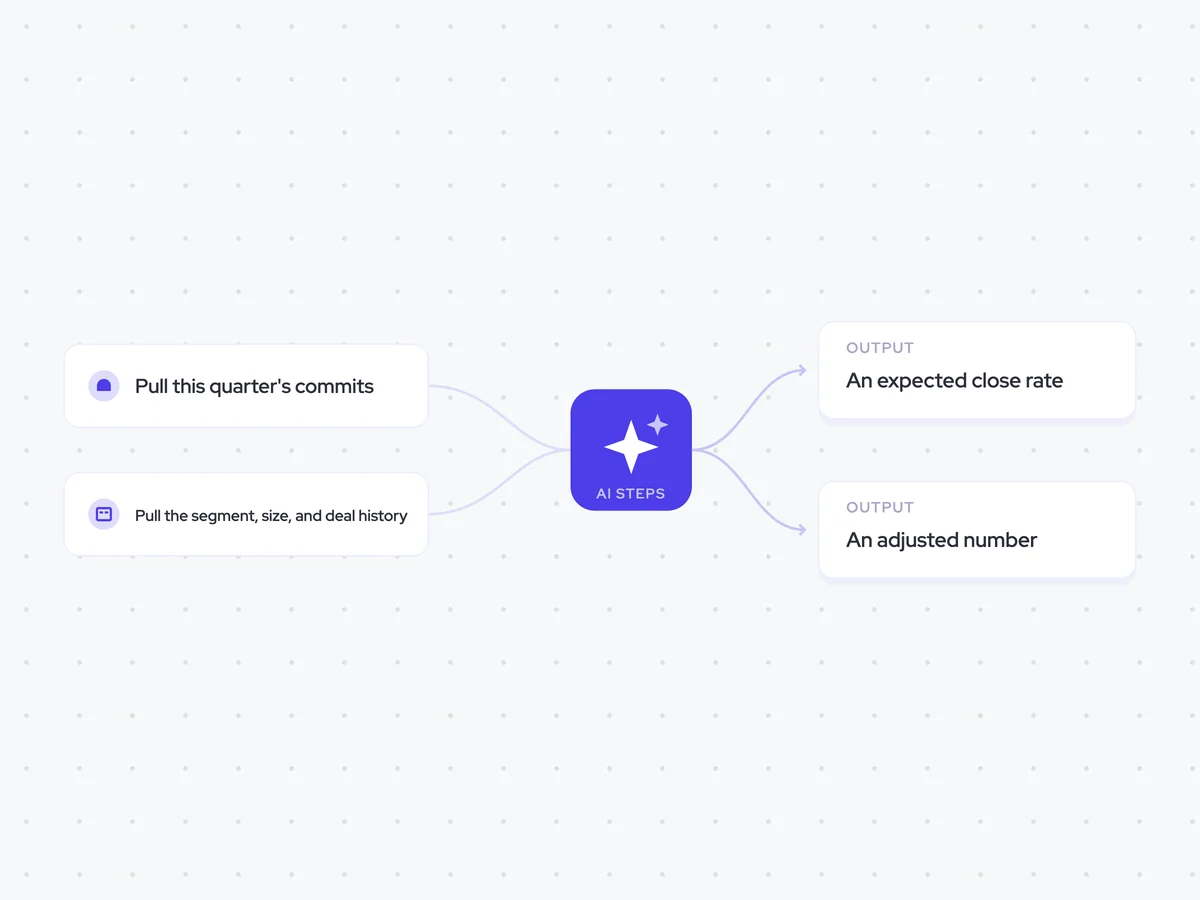
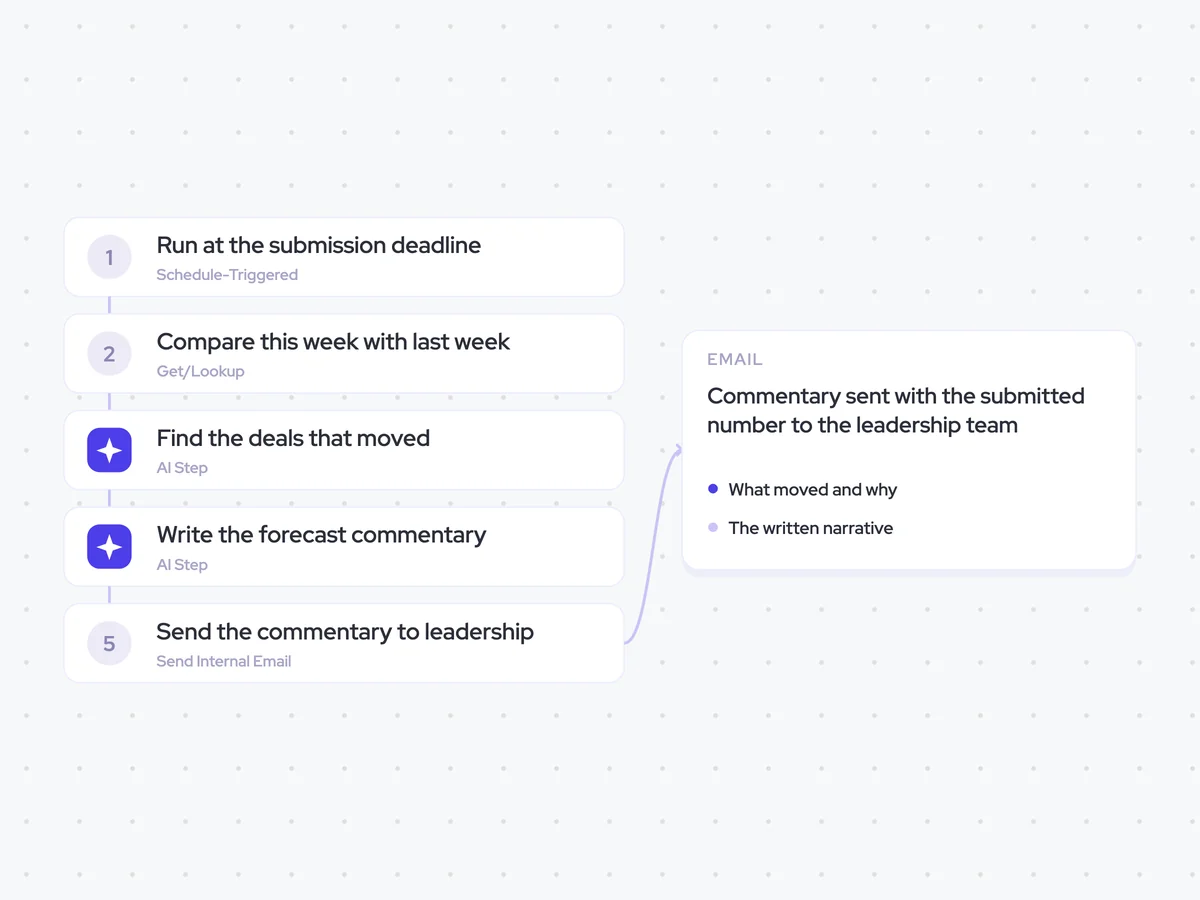
Same data, different jobs. Run them together for a fuller picture.

Learn more about GTM & Revenue Operations
RevOps Lab Podcast


50+ Free GTM & RevOps Cheat Sheets

Free RevOps Community (1k+ members)
.webp)