
Stakeholder Sentiment Agent
Track how each stakeholder sounds across calls and emails, and see when someone’s sentiment changes before the deal stalls.
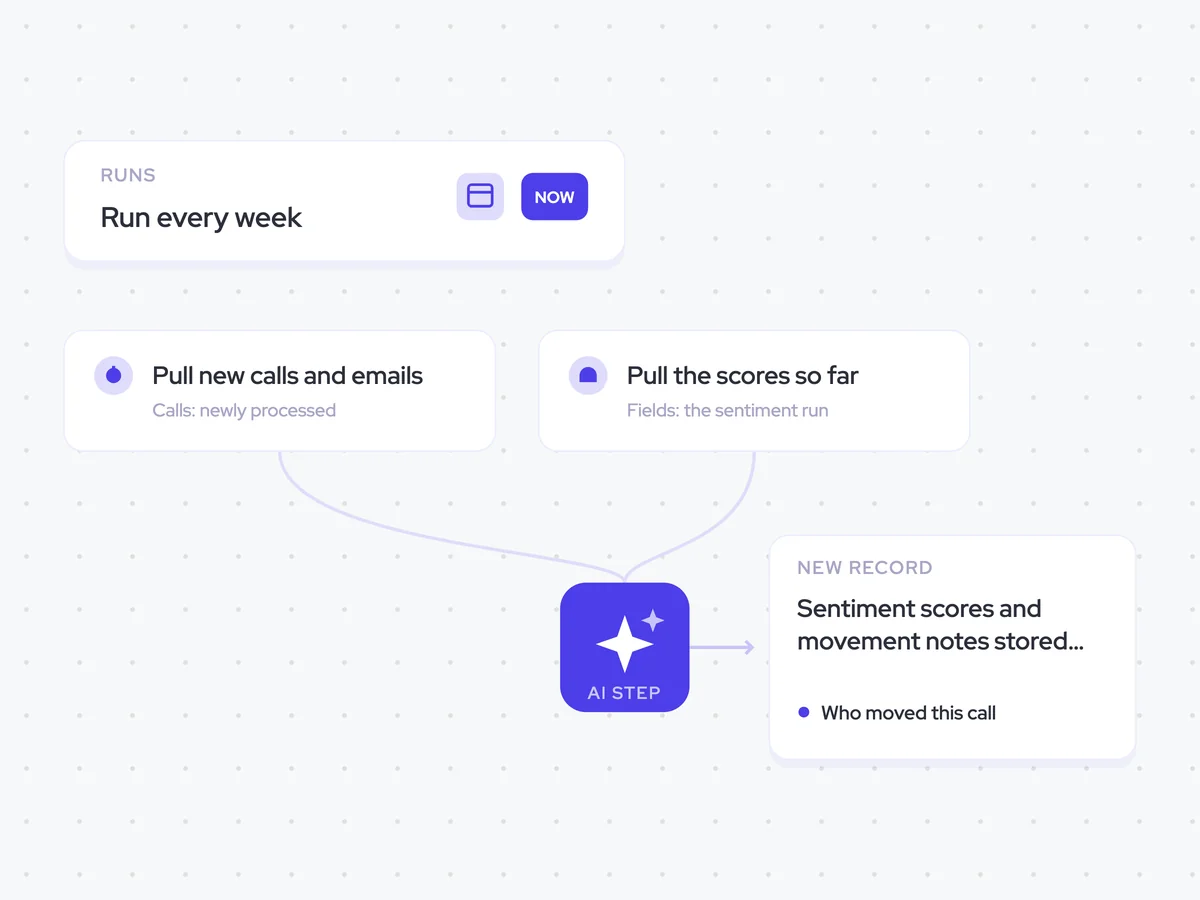
- Trigger: run every week
- AI steps: score each stakeholder, then identify who moved
- Output: sentiment scores and movement notes stored per person
Agent breakdown
A blueprint to adapt, not a fixed recipe. Set the trigger, thresholds, and methodology that fit your team, and each step builds on the last, using the conversation and CRM context you already capture.
Run every week
The agent runs every week to assess the latest buyer communication alongside the sentiment recorded so far. This keeps the analysis current as new calls and email threads are added to the deal.
- Schedule: Weekly
- Scope: Existing and new emails and call transcripts
Pull new calls and emails
Each week, the agent pulls only the calls and email threads that have arrived since the previous run. Earlier communication has already been scored, so it does not need to process the same conversation again.
- Calls: Newly processed calls and transcripts
- Emails: New threads
Pull the scores so far
Next, the agent pulls the sentiment run for the opportunity. A stakeholder’s latest score can then be read against their earlier scores, rather than treated as a single point without context.
- Fields: The sentiment run on the opportunity
- Include: The score history for each stakeholder
Score each person on this deal
For each stakeholder, the agent scores how they sounded in the new calls and emails from minus two to plus two. It quotes the line that determined each score, so the rep can see what the assessment is based on.
You are scoring how each individual stakeholder sounded in the latest communication on an opportunity.
Input: the newly processed call transcripts and new email threads for the opportunity.
- Identify each stakeholder who took part in each call or email.
- Score each person from minus two to plus two based on how they sounded.
- Quote the line from that person that determined the score.
- Keep the scores separate for each person and each call or email.
Return a list with the stakeholder, score, deciding quote, and the call or email it came from.
Say who moved
Against the sentiment run so far, the agent checks who moved by at least one point and explains what changed their score. This makes it easier to spot an individual stakeholder cooling off even when the rest of the deal still looks steady.
Compare each stakeholder’s new sentiment score with their run of scores so far.
Input: the sentiment scores and deciding quotes from the latest calls and emails, and the existing sentiment run for the opportunity.
- Name every stakeholder who moved by one point or more against the run so far.
- State how their score moved.
- Explain what changed the score using the latest communication.
- Do not include stakeholders who moved by less than one point.
Return a list with the stakeholder, the movement in their score, and what changed it.
Store one entry per person
Finally, the agent creates a separate sentiment entry for each person. It stores each score against the relevant call and contact, preserving the full run rather than overwriting an earlier score.
- Create: One sentiment entry per person
- Link each entry to: The call and the contact
- Overwrite earlier scores: Never
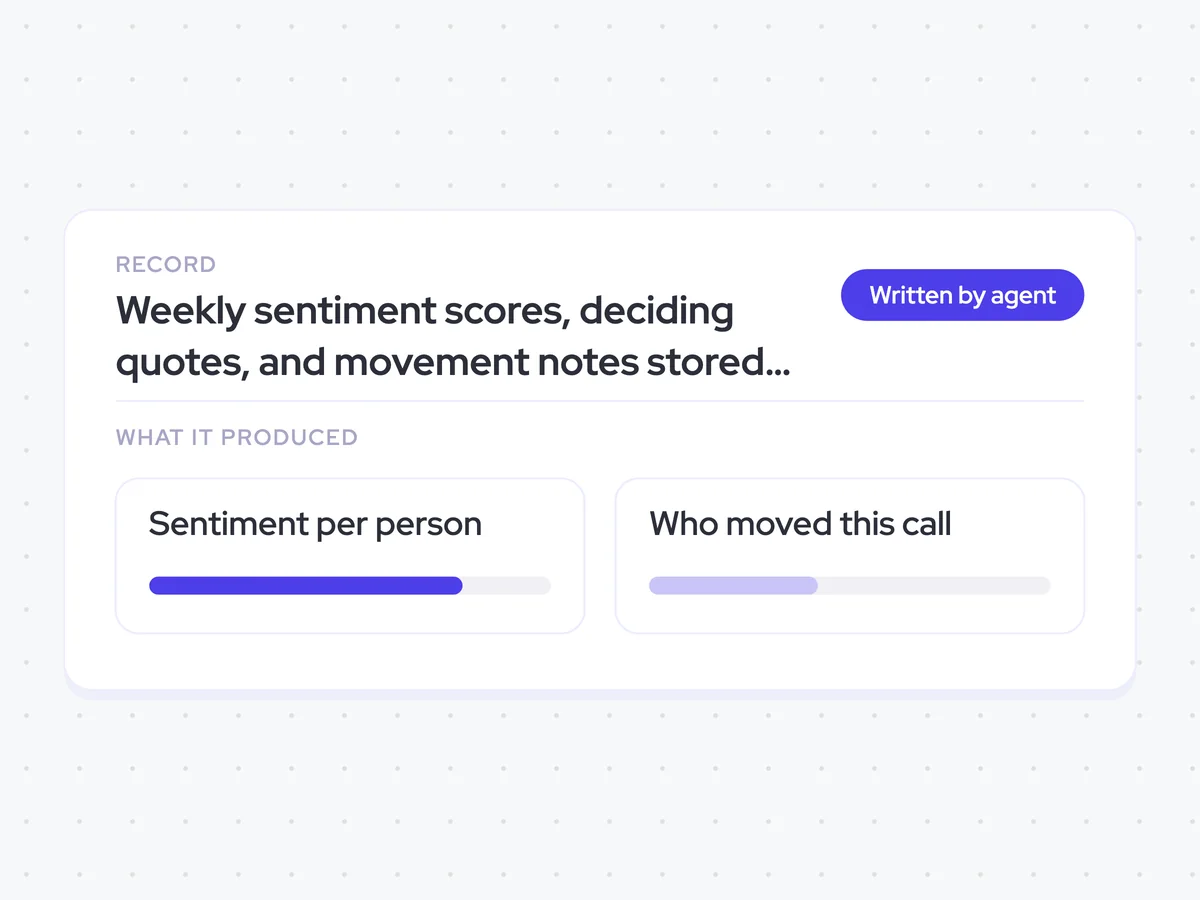
Weekly sentiment scores, deciding quotes, and movement notes stored against each call and contact
See how each stakeholder sounded in the latest calls and emails, the line that determined their score, and how that score compares with the run so far. Each weekly entry stays attached to the relevant call and contact, so you can see when one person starts cooling off before the deal stalls.
- For reps: Check who moved by at least one point and use the deciding quote to understand what changed.
AI Agents that pair well
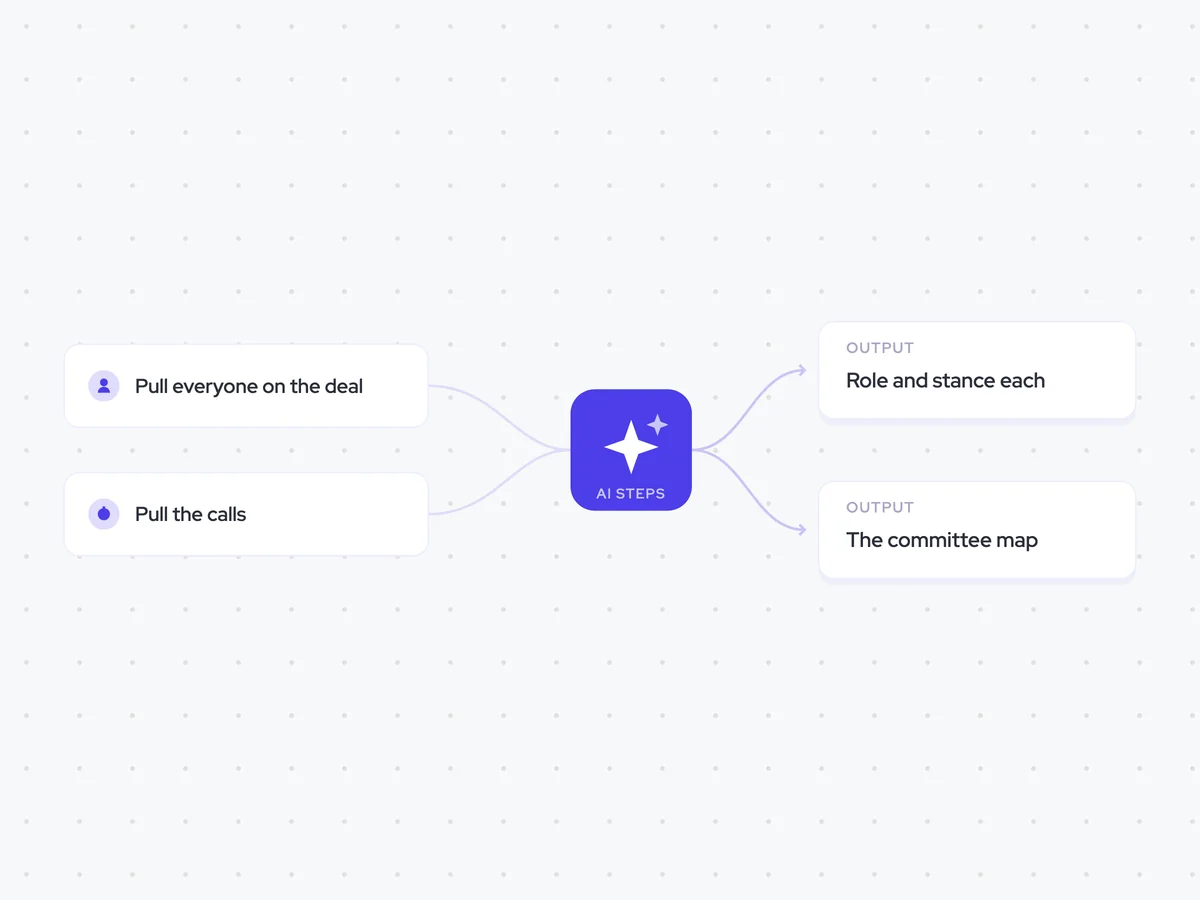
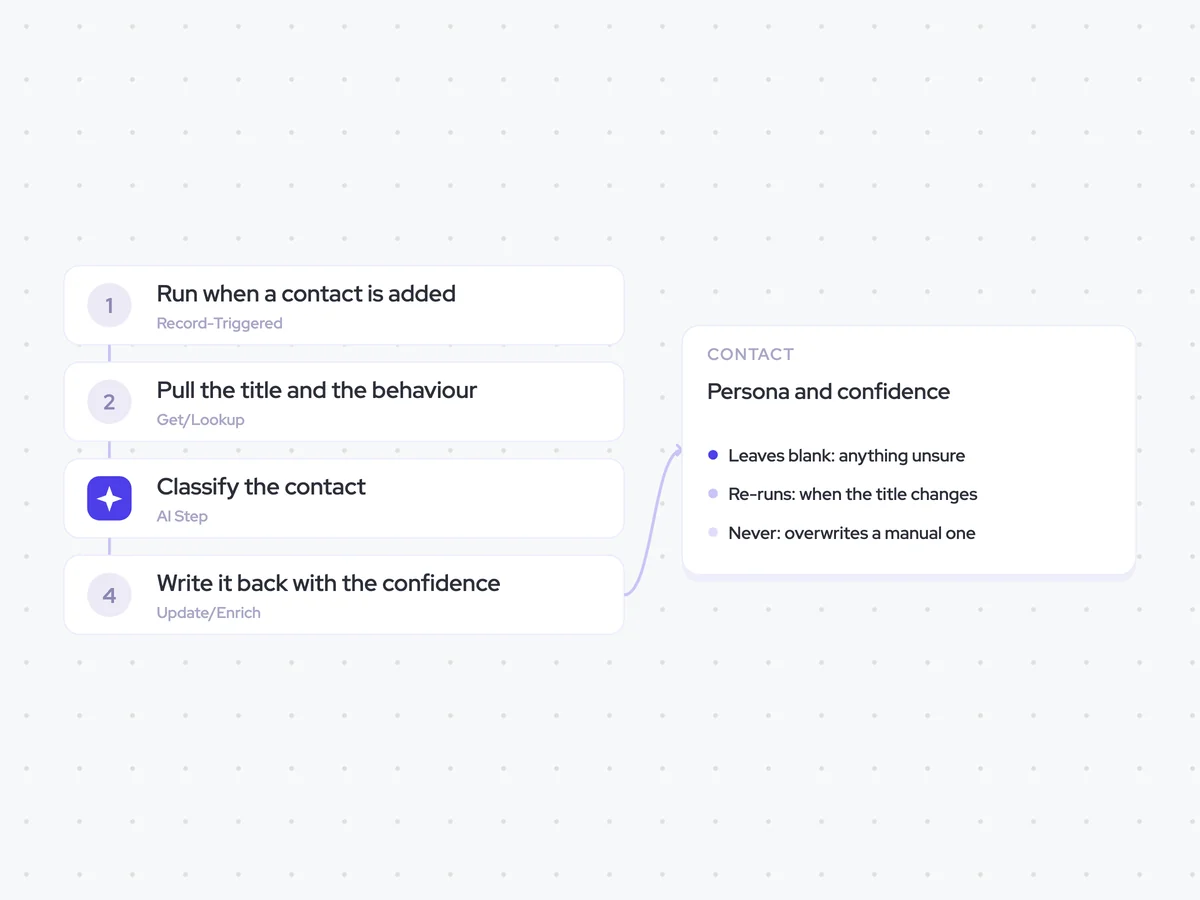
Same data, different jobs. Run them together for a fuller picture.

Learn more about GTM & Revenue Operations
RevOps Lab Podcast


50+ Free GTM & RevOps Cheat Sheets

Free RevOps Community (1k+ members)
.webp)