
Revenue-weighted Demand Agent
Attach pipeline and ARR to every requested capability, then rank the backlog by the revenue behind each request rather than how often it comes up.
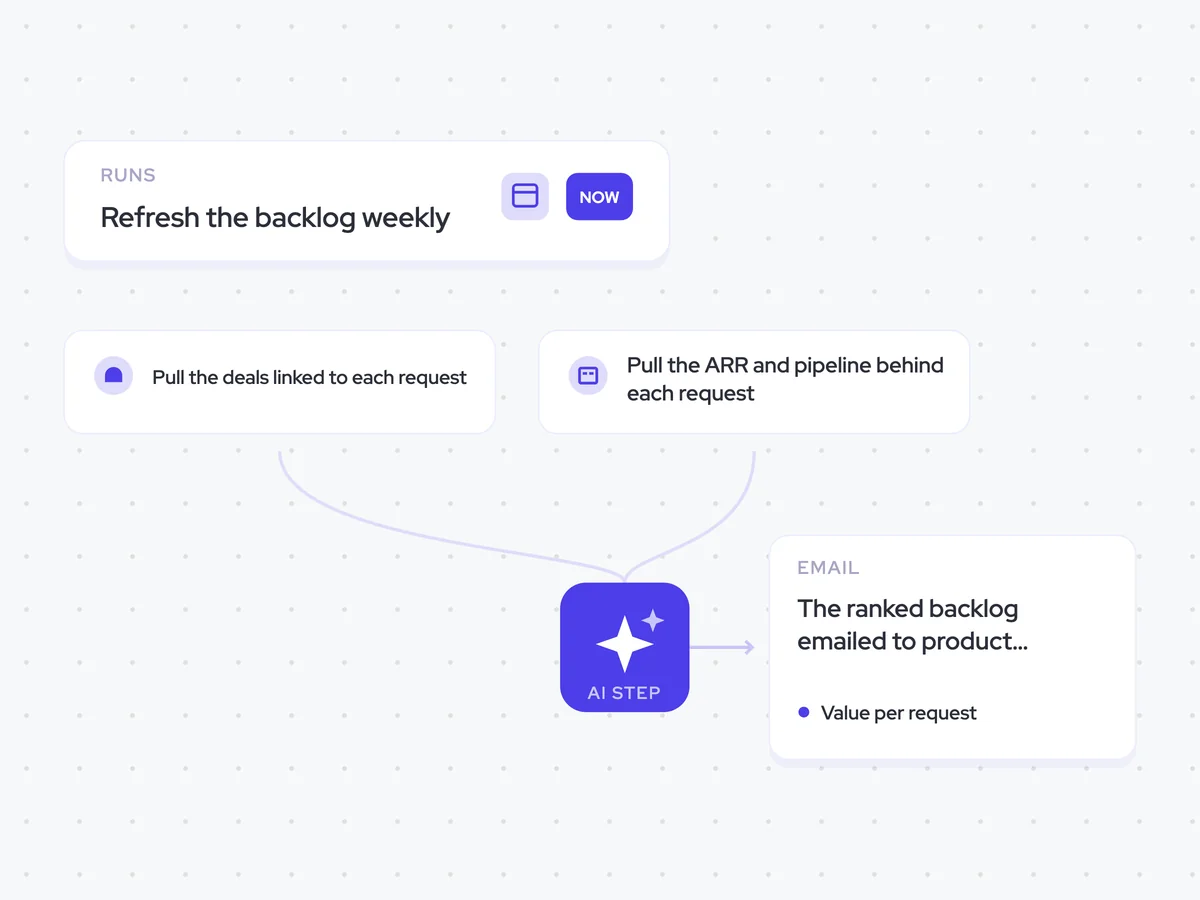
- Trigger: refresh the backlog weekly
- AI steps: value each request, then rank the backlog
- Output: the ranked backlog emailed to product leadership
Agent breakdown
A blueprint to adapt, not a fixed recipe. Set the trigger, thresholds, and methodology that fit your team, and each step builds on the last, using the conversation and CRM context you already capture.
Refresh the backlog every week
Each week, the agent refreshes the values across the backlog. The pipeline and ARR behind a request can change as deals progress, so the ranking needs to move with them.
- Schedule: Weekly
- Scope: Every request in the backlog
Pull the deals linked to each request
Next, the agent pulls every open deal attached to a request. This connects each requested capability with the pipeline that depends on it.
- Include: Every open deal linked to a request
- Pull: The pipeline value for each linked deal
Pull the ARR and pipeline behind each request
The agent then pulls ARR and pipeline from the linked accounts. Keeping existing revenue alongside open pipeline shows when a request matters for retention as well as new business.
- Fields: ARR and pipeline
- Include: Accounts linked to the requested capabilities
Calculate the value behind each request
For each request, the agent totals the pipeline and ARR attached to it. It keeps the two figures separate, so product can see whether the value comes from open deals, existing customers, or both.
Calculate the revenue value behind every requested capability in the backlog.
Input: each request, every open deal attached to it, and the ARR and pipeline from the linked accounts.
- Total the pipeline behind each request.
- Total the ARR behind each request.
- Keep pipeline and ARR separate throughout.
Return one row per request with the request name, total pipeline, and total ARR.
Rank the backlog by revenue value
Using those figures, the agent ranks the backlog by combined pipeline and ARR. It also names any request whose position changes most when the backlog is ranked by frequency alone, keeping loudness and revenue value visible as separate signals.
Rank the requested capabilities using the pipeline and ARR totals from the previous step.
- Calculate the combined value of each request from its pipeline and ARR.
- Rank the backlog from highest to lowest combined value.
- Compare that ranking with a ranking based only on request frequency.
- Name any request whose position changes most between the two rankings.
- Show pipeline and ARR separately for every request.
Return the ranked backlog with the columns: rank, request, pipeline, ARR, combined value, and frequency. Then name any request whose rank changes most when ranked by frequency alone.
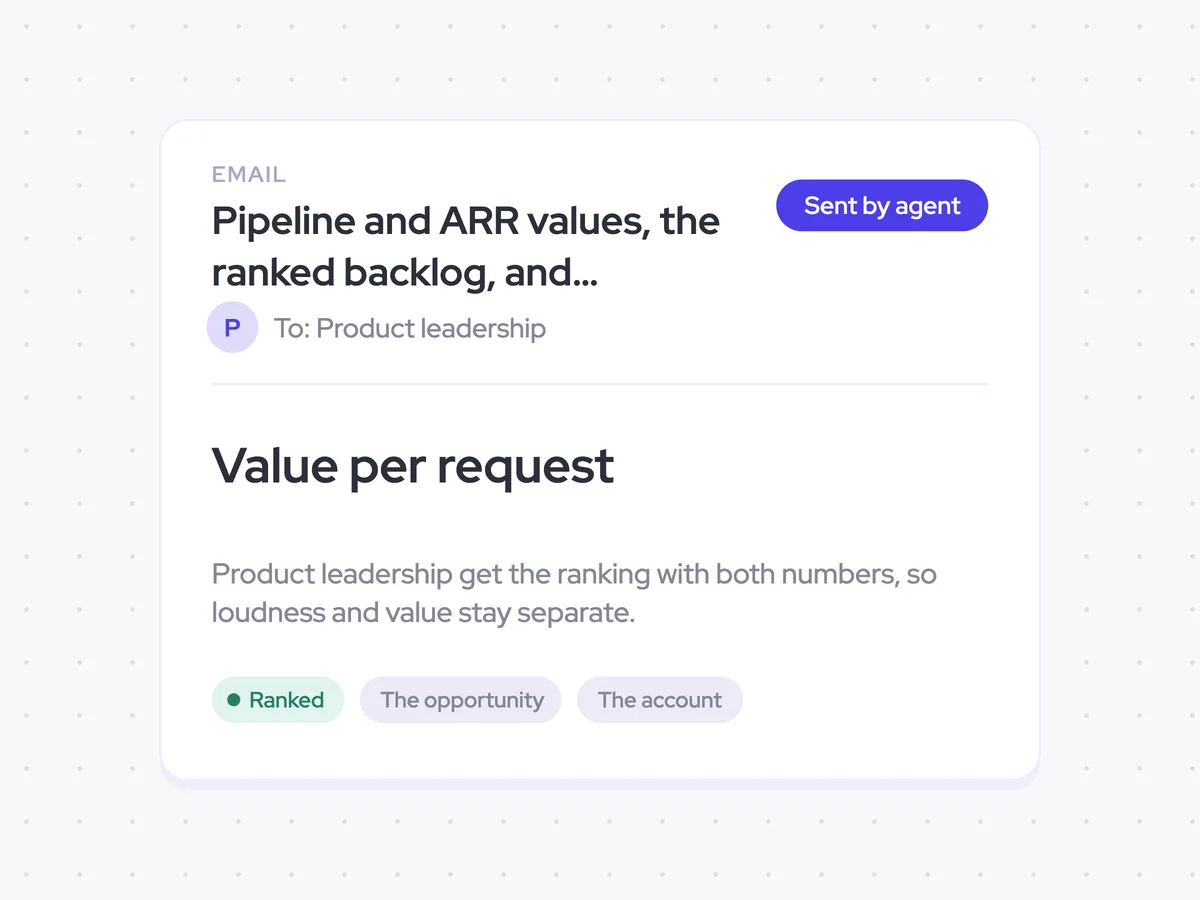
Send the ranked backlog to product leadership
Finally, the agent emails the ranking to product leadership with pipeline and ARR shown separately. They can compare how often a capability is requested with the revenue behind it before deciding what moves up the backlog.
- Recipients: Product leadership
- Include: The ranked backlog with pipeline and ARR for every request
- Include: Any request whose rank changes most based on frequency alone
Pipeline and ARR values, the ranked backlog, and frequency-based rank changes in product leadership's inbox
Get a weekly backlog ranking that shows the pipeline and ARR behind every requested capability. Product leadership can see which requests carry the most combined revenue value and which ones rank differently when frequency is considered on its own.
AI Agents that pair well
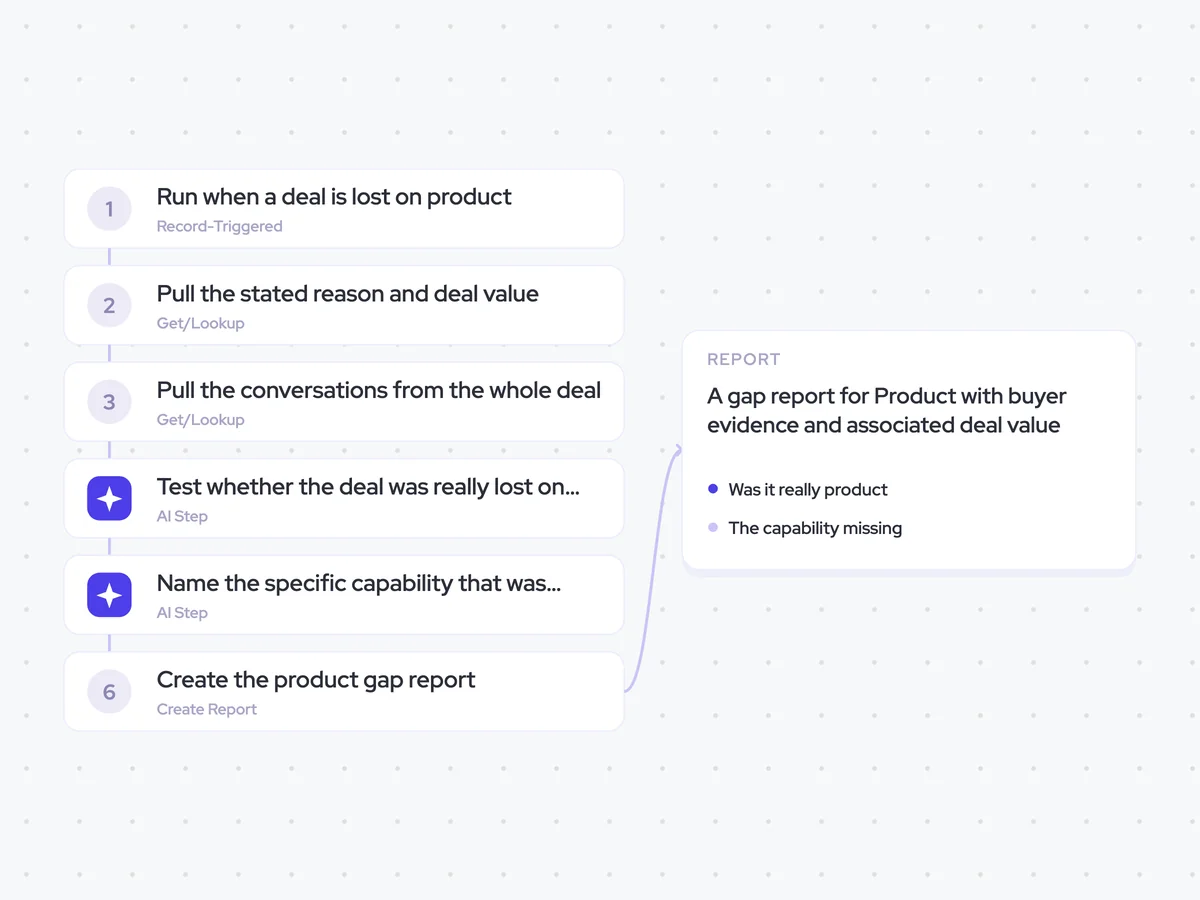
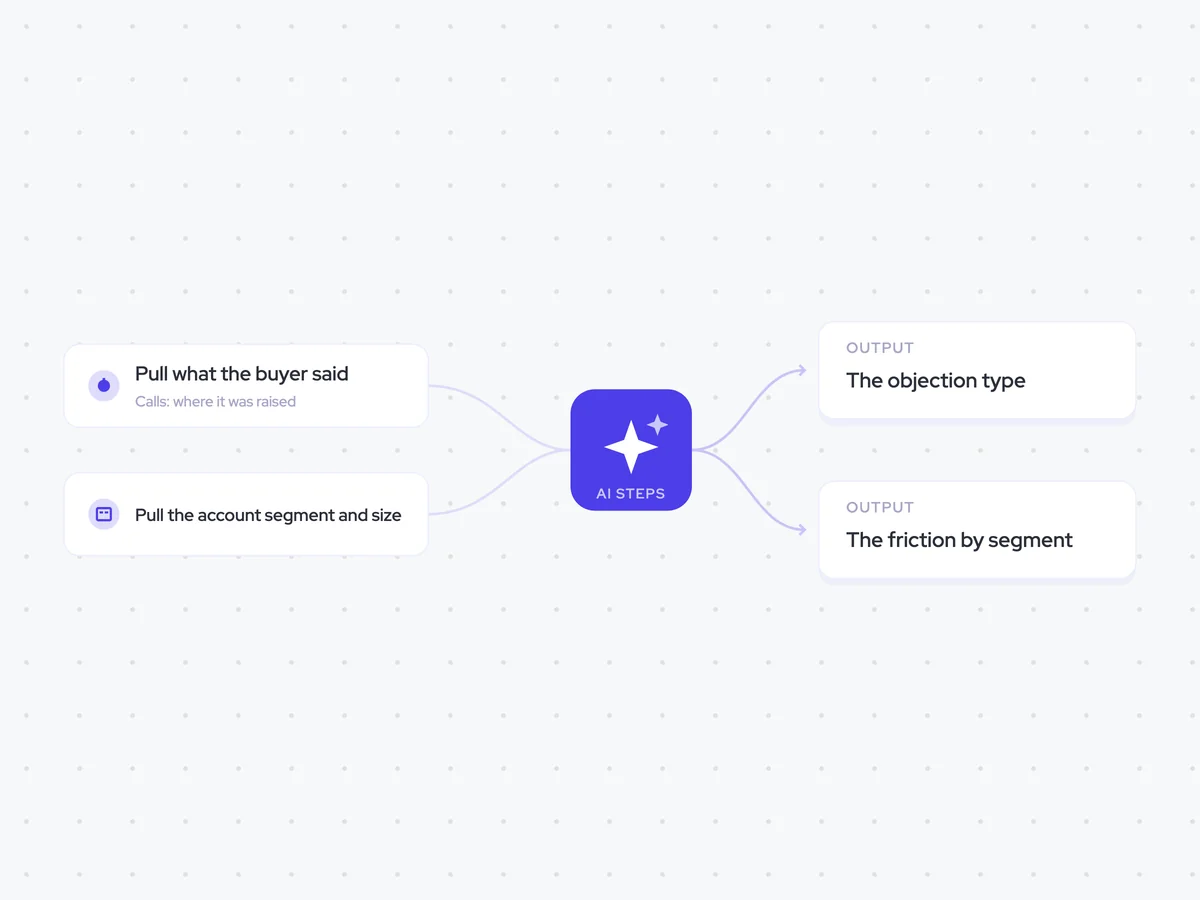
Same data, different jobs. Run them together for a fuller picture.

Learn more about GTM & Revenue Operations
RevOps Lab Podcast


50+ Free GTM & RevOps Cheat Sheets

Free RevOps Community (1k+ members)
.webp)