
Rep Accuracy Agent
Compare what each rep called at commit with what actually closed over the past eight quarters, then calculate an accuracy factor you can apply to what they call now.
- Trigger: at each quarter close
- AI steps: compare commit calls with closed outcomes, then calculate an accuracy factor
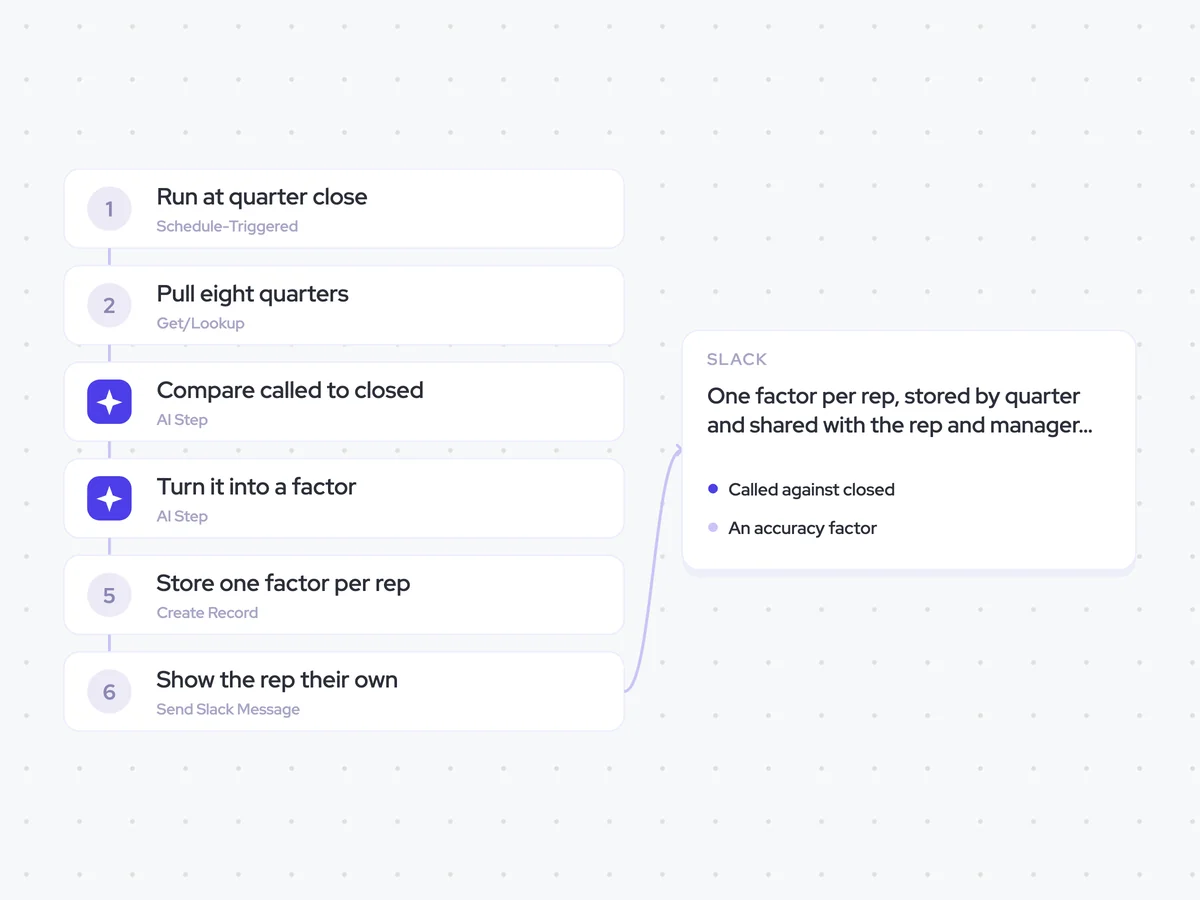
- Output: one factor per rep, stored by quarter and shared with the rep and manager in Slack
Agent breakdown
A blueprint to adapt, not a fixed recipe. Set the trigger, thresholds, and methodology that fit your team, and each step builds on the last, using the conversation and CRM context you already capture.
Run at quarter close
At each quarter close, the agent recalculates the accuracy factor for every rep. Running it once a quarter gives each rep time to build enough history for a pattern to emerge.
- Trigger: At each quarter close
- Cadence: Once per quarter
Pull eight quarters
The agent pulls what each rep called at commit and what actually closed over the past eight quarters. Two years of results helps separate a consistent forecasting habit from one bad run.
- Scope: Eight quarters for each rep
- Include: What the rep called at commit and what actually closed
Compare called to closed
With that history, the agent compares each rep's commit call with the amount that actually closed in the same quarter. It expresses the result as a percentage for each quarter, so the full eight-quarter run can be used to calculate the rep's factor.
Compare what each rep called at commit with what actually closed over the past eight quarters.
For each rep and quarter:
- Give the amount the rep called at commit.
- Give the amount that actually closed.
- Calculate what actually closed as a percentage of what the rep called at commit.
Return a table with the columns: rep, quarter, commit call, actual closed, and actual closed as a percentage of commit.
Turn it into a factor
Next, the agent turns each rep's quarterly results into one accuracy factor. The factor captures how the rep's commit calls have compared with closed outcomes over time, and it can be applied to what they call now. The agent also states when a rep has too few quarters for the factor to mean anything.
Turn each rep's quarterly commit-versus-closed results into one accuracy factor that can be applied to what they call now.
Use the full run of available quarterly percentages for each rep. State when a rep has too few quarters for the factor to mean anything.
Return one row per rep with the columns: rep, quarters available, accuracy factor, and enough history (yes/no).
Store one factor per rep
The agent creates one accuracy-factor record for each rep at the end of the quarter. It stores every quarter as a separate record, so you can see whether the rep's factor improves over time.
- Create: One accuracy-factor record per rep
- Store: The quarter and accuracy factor
- Keep: Each quarter as a separate record
Show the rep their own
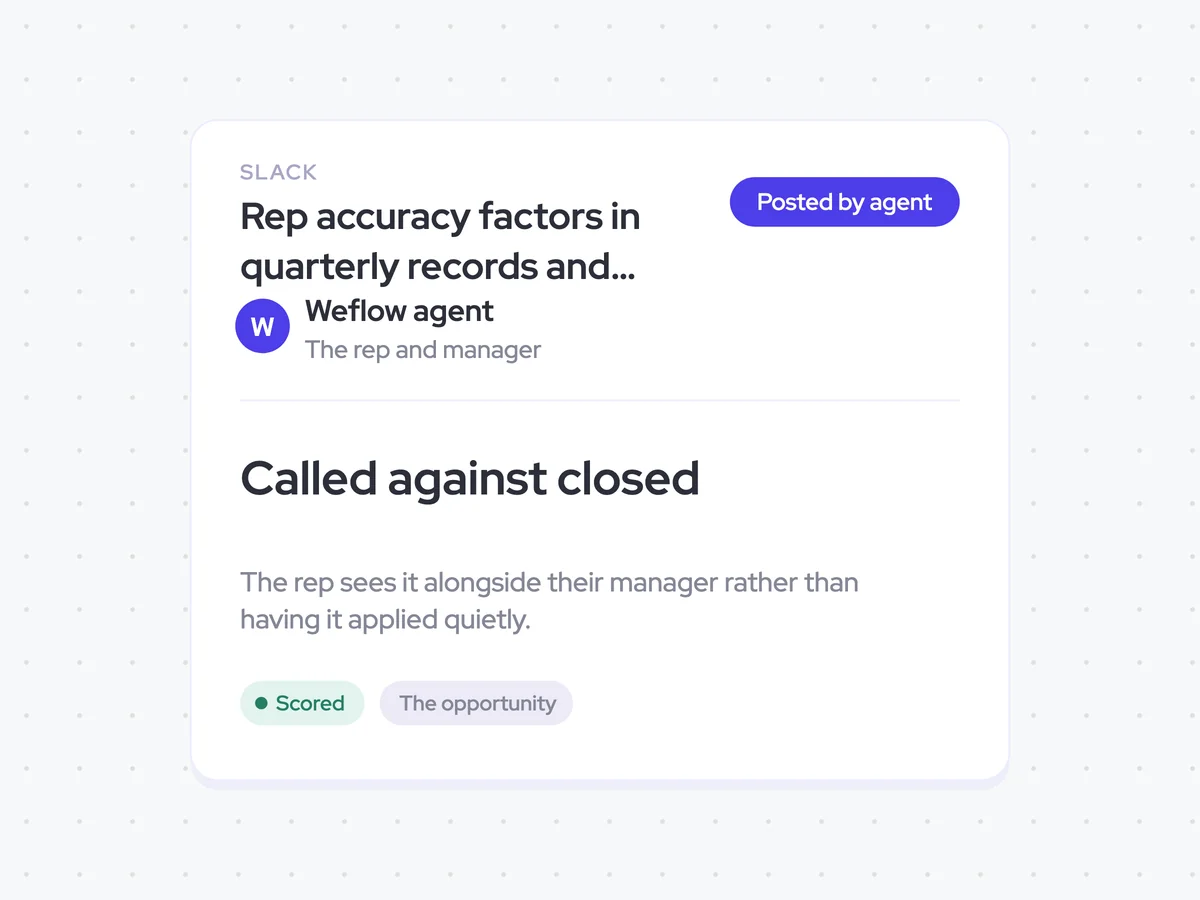
Finally, the agent sends each rep's accuracy factor to the rep and their manager in Slack. Both see the same result, rather than having the factor applied to the rep's forecast quietly.
- Recipients: The rep and their manager
- Include: The rep's latest accuracy factor
- Visibility: The rep sees the same factor as their manager
Rep accuracy factors in quarterly records and Slack messages to reps and managers
See how closely each rep's commit calls have matched what actually closed over the past eight quarters. You get one accuracy factor per rep that you can apply to what they call now, with a separate record for each quarter so you can follow the pattern over time.
- For managers: Use the factor when comparing the team's current commit calls with past forecasting accuracy.
- For reps: See the same factor as your manager and how it has changed from quarter to quarter.
AI Agents that pair well
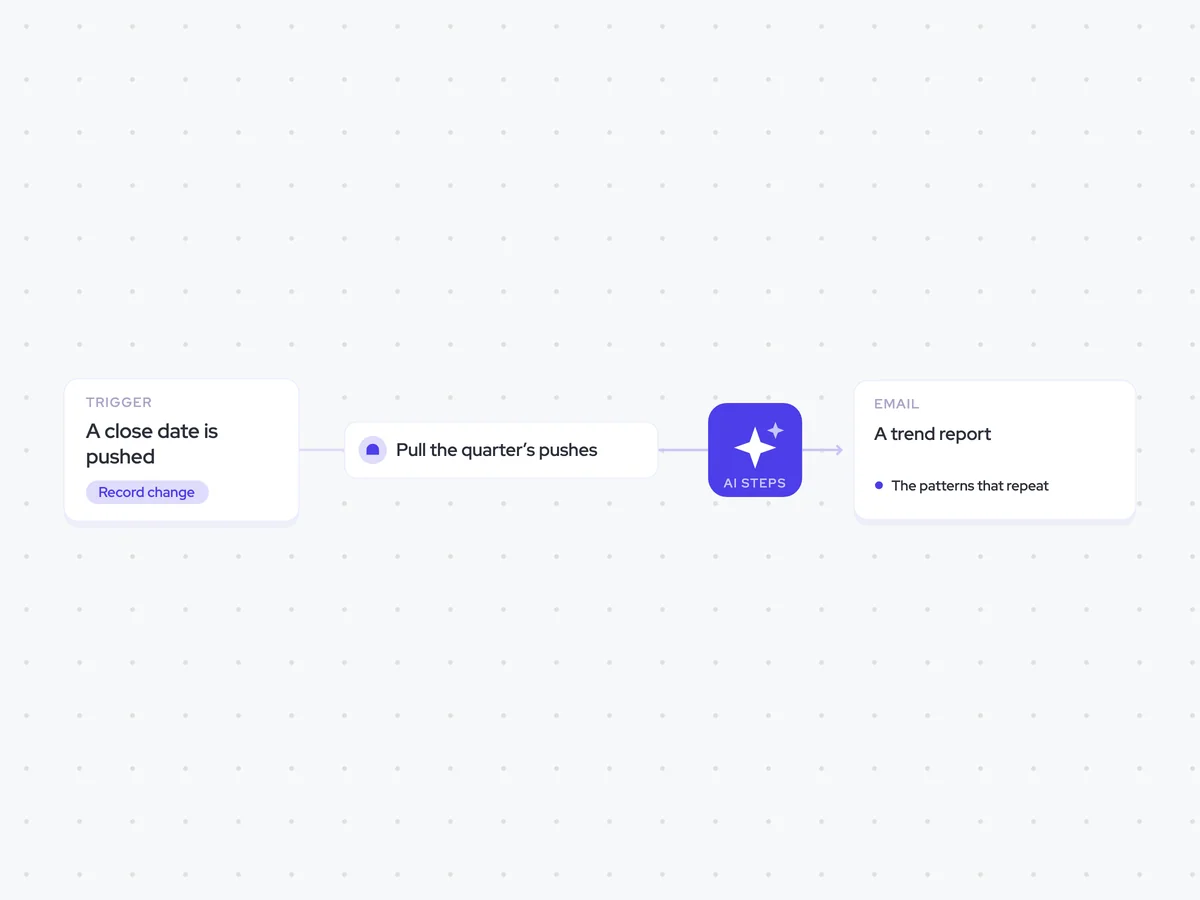
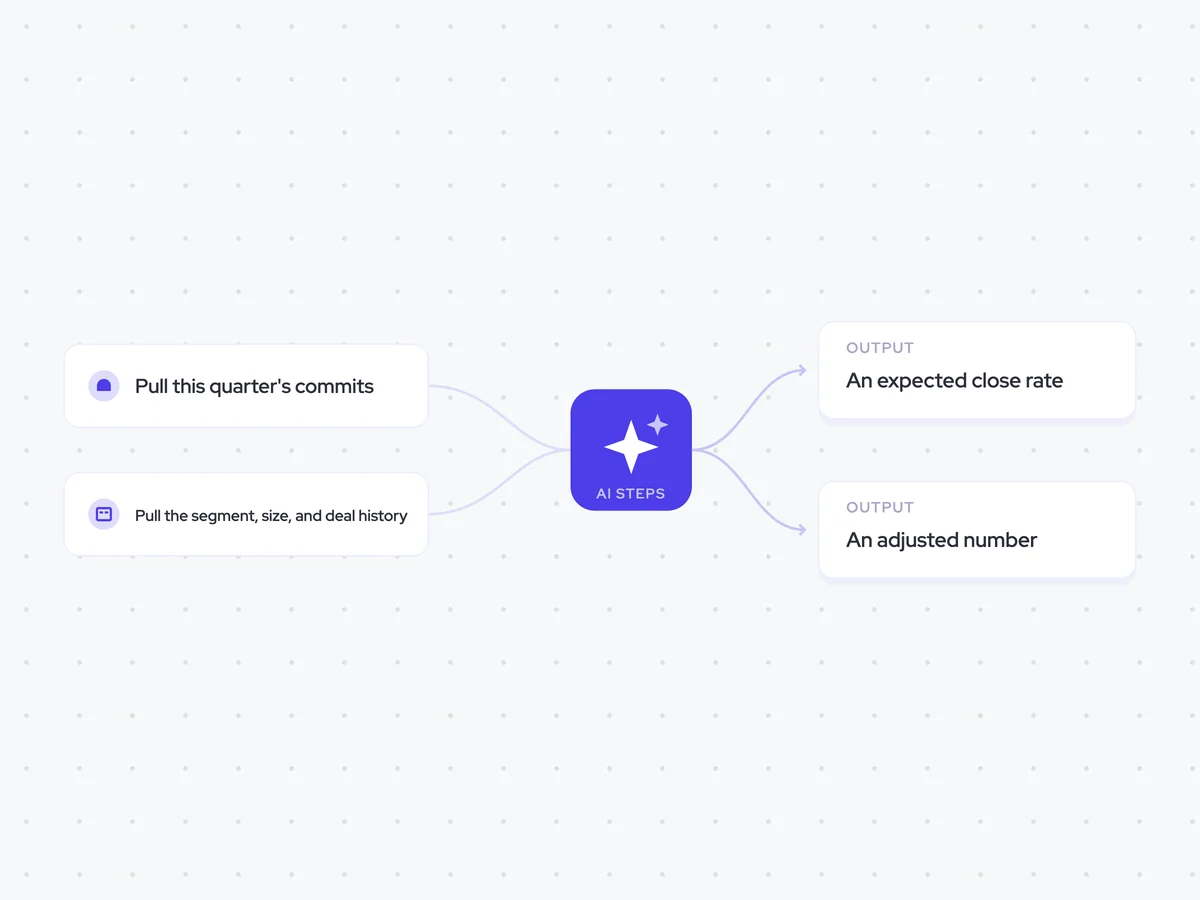
Same data, different jobs. Run them together for a fuller picture.

Learn more about GTM & Revenue Operations
RevOps Lab Podcast


50+ Free GTM & RevOps Cheat Sheets

Free RevOps Community (1k+ members)
.webp)