
Ramp Tracking Agent
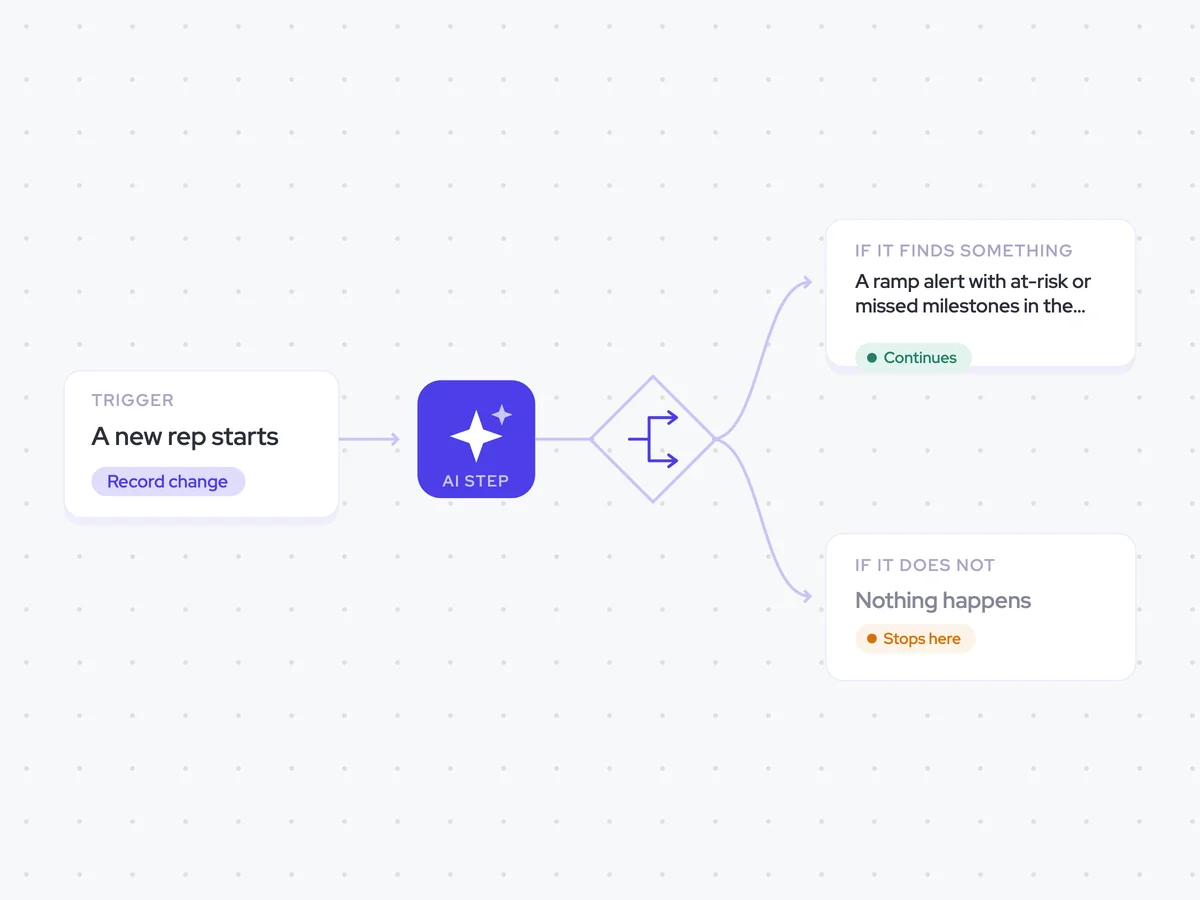
Track each new rep against the milestones and dates in their ramp plan, and tell their manager only when the rep is behind.
- Trigger: a new rep starts
- AI steps: judge each ramp milestone as met, at risk or missed
- Output: a Slack message to the rep’s manager when the rep is behind
Agent breakdown
A blueprint to adapt, not a fixed recipe. Set the trigger, thresholds, and methodology that fit your team, and each step builds on the last, using the conversation and CRM context you already capture.
Start tracking on day one
The agent starts tracking the rep on their first day and continues for the length of the defined ramp. This keeps the assessment tied to the rep’s actual start date rather than a fixed number of weeks.
- Trigger: A new rep starts
- Duration: The full length of the defined ramp
Pull their deals and the ramp plan
Next, the agent pulls the new rep’s activity and deals, along with the milestones in their ramp plan. It uses the plan the rep is expected to follow, rather than comparing them with a generic ramp curve.
- Scope: The new rep’s activity and deals
- Against: The milestones in the rep’s ramp plan
Judge each milestone
For each milestone, the agent compares the rep’s activity and deals with what the ramp plan expects by that date. It marks the milestone as met, at risk or missed, based on the rep’s own timeline rather than the rest of the cohort.
Compare this rep’s activity and deals with each milestone in their ramp plan.
For each milestone:
- Use the milestone requirements and date defined in the ramp plan.
- Mark the milestone as met, at risk or missed.
- State which activity or deal evidence supports the status.
Rules: judge the rep against the date for each milestone and their own start date. Do not compare the rep with the rest of the cohort or with a generic ramp curve.
Return each ramp milestone with its date, status and supporting activity or deal evidence.
Stop when they are on track
Once each milestone has a status, the agent checks whether the rep is behind. It continues only when a milestone is at risk or missed, so a message about ramp always means the manager has something to address.
- Continue: If the rep is behind
- Stop: If the rep is on track
Tell the manager
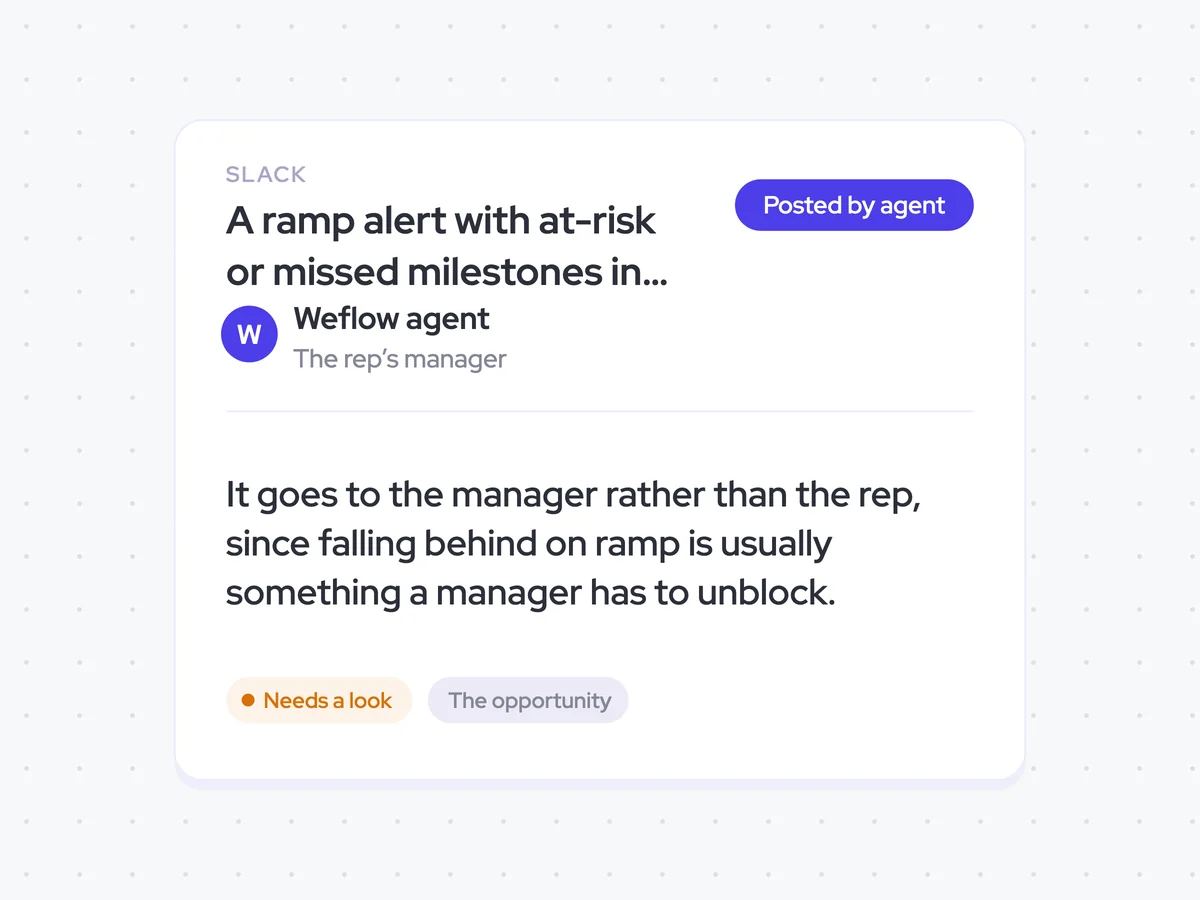
If the rep is behind, the agent sends their manager a Slack message with the at-risk or missed milestones. The message goes to the manager rather than the rep, since the manager is usually the person who can unblock what is holding up the ramp.
- Recipient: The rep’s manager
- Sends: Only when the rep is behind
A ramp alert with at-risk or missed milestones in the manager’s Slack
Get a Slack message when a new rep falls behind their ramp plan, with the milestones marked at risk or missed. You receive nothing while the rep is on track, so every alert points to something that may need your help to unblock.
AI Agents that pair well
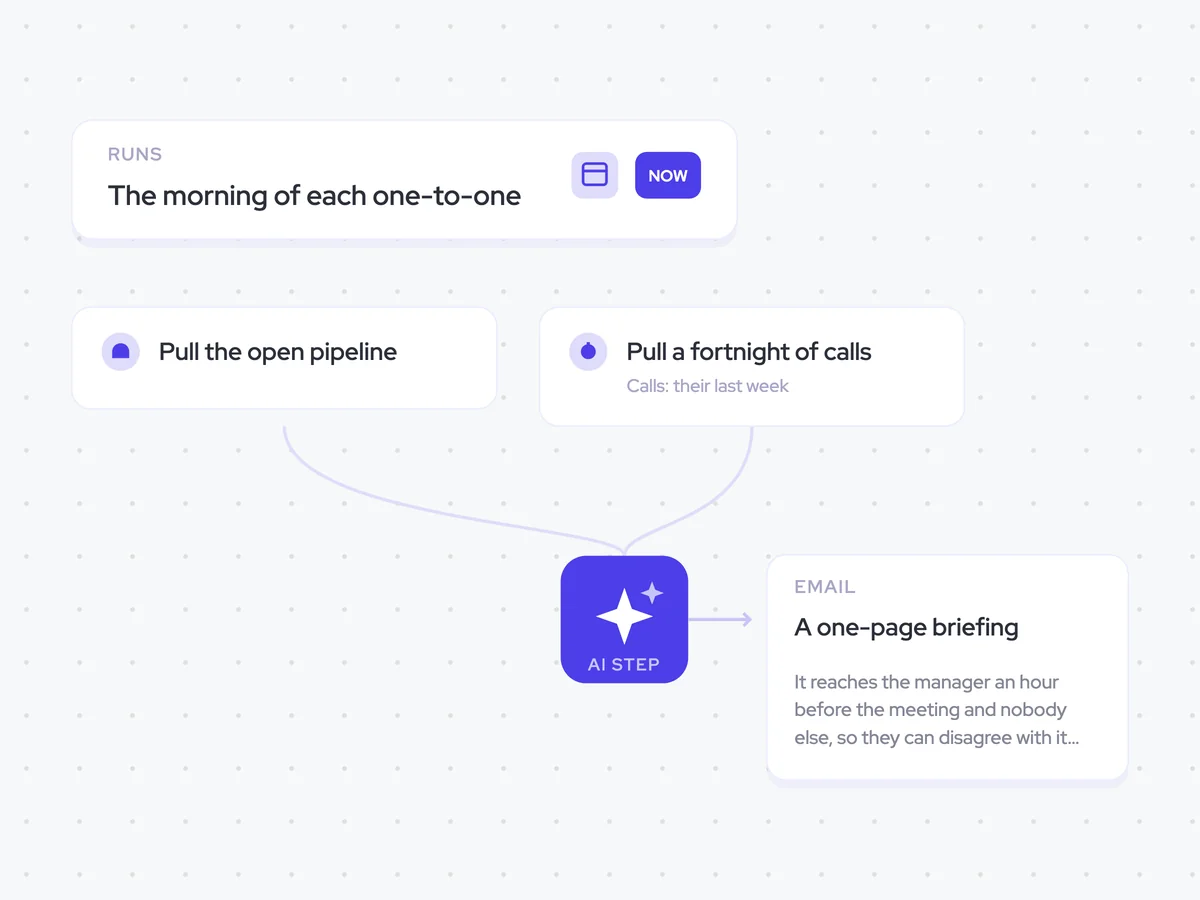
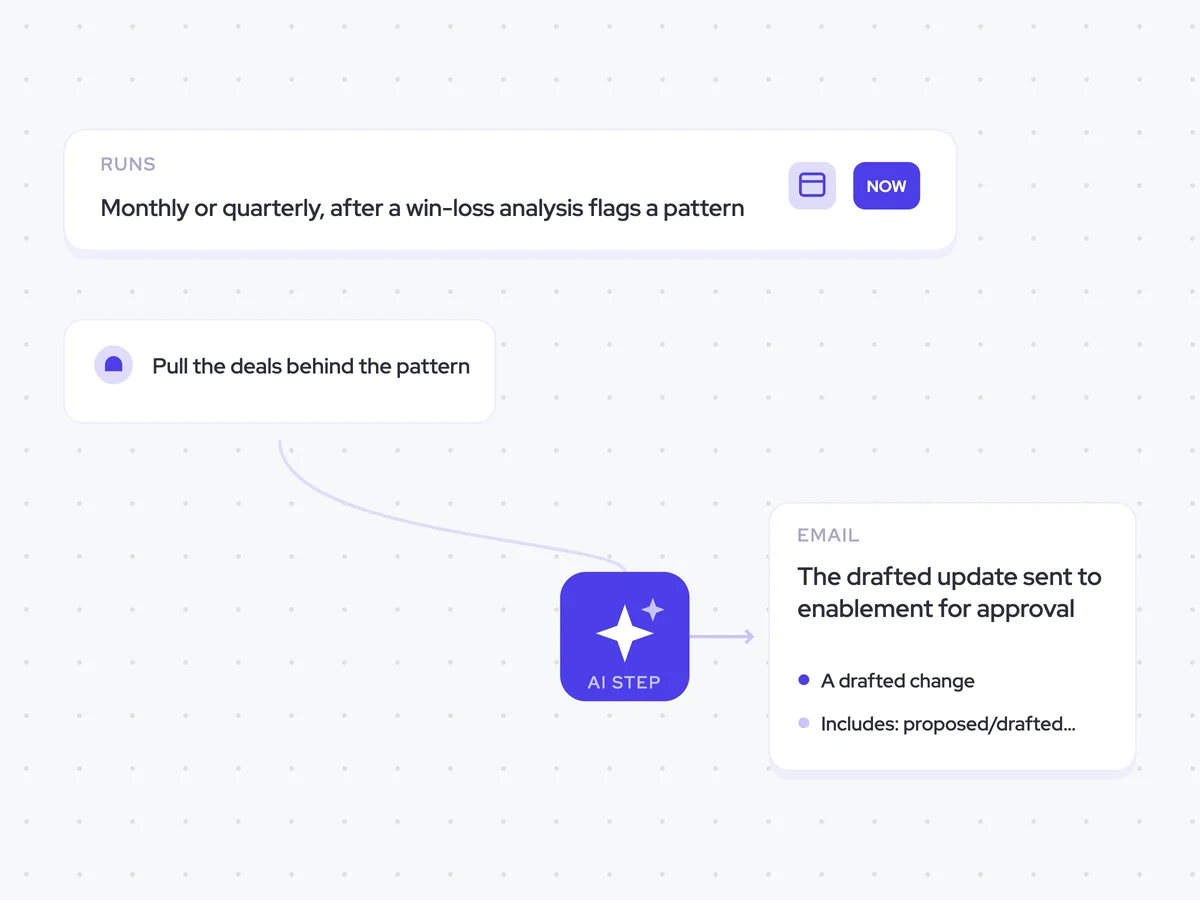
Same data, different jobs. Run them together for a fuller picture.

Learn more about GTM & Revenue Operations
RevOps Lab Podcast


50+ Free GTM & RevOps Cheat Sheets

Free RevOps Community (1k+ members)
.webp)