
Quota Allocation Agent
Spread the team number across reps based on territory potential and attainment history, then send leadership and RevOps the proposed quotas and the working behind them.
- Trigger: a new year starts or a territory changes
- AI steps: size the territories, then propose a quota for each rep
- Output: the quota proposal emailed to leadership and RevOps
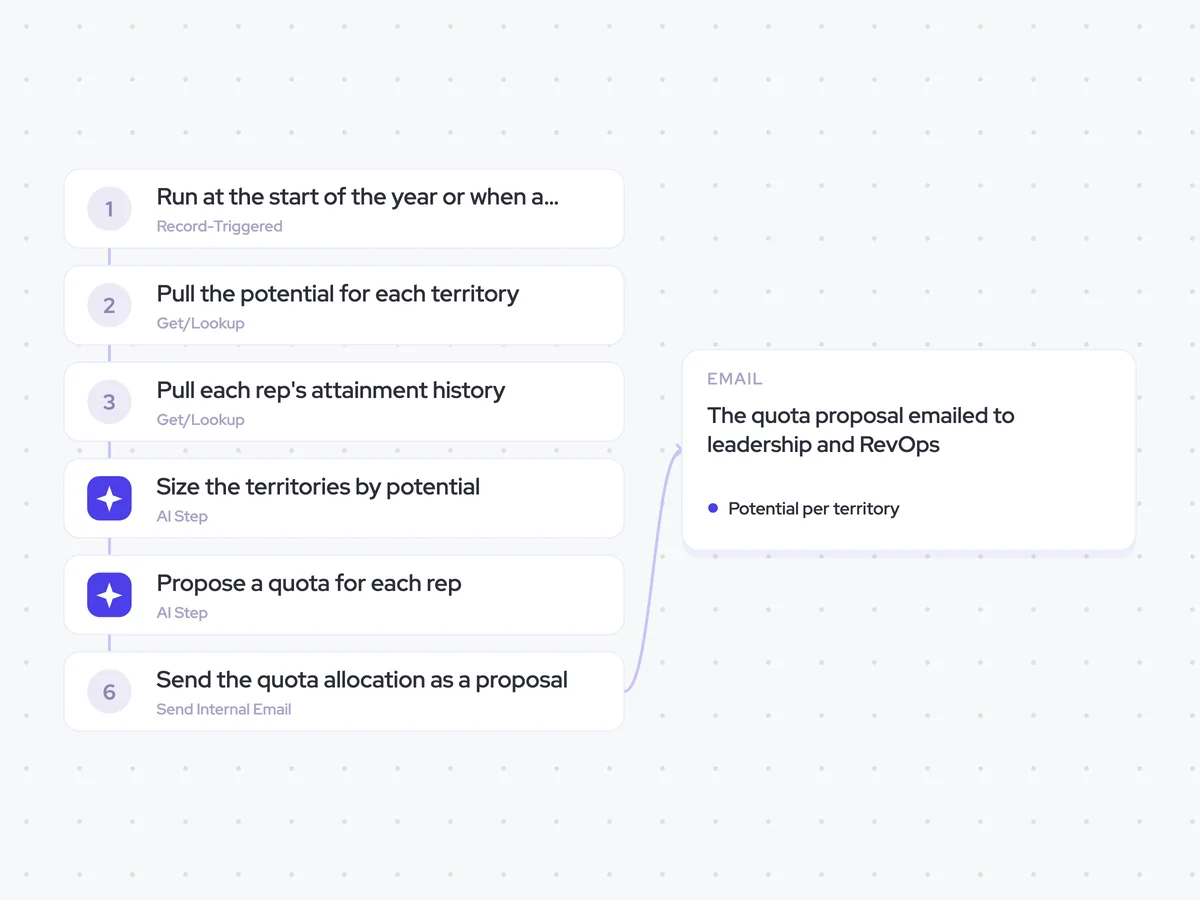
Agent breakdown
A blueprint to adapt, not a fixed recipe. Set the trigger, thresholds, and methodology that fit your team, and each step builds on the last, using the conversation and CRM context you already capture.
Run at the start of the year or when a territory changes
The agent runs when a new year starts or a territory changes. This keeps quota allocation tied to the planning decisions that affect the team, rather than recalculating quotas continuously.
- Trigger: A new year starts or a territory changes
- Runs: When quotas need to be proposed, not continuously
Pull the potential for each territory
To understand what each territory could produce, the agent pulls its account count, segments, and installed base. This gives the allocation a view of territory potential instead of treating every patch as equal.
- Fields: Account count, segment, and installed base by territory
- Scope: Accounts assigned to each territory
Pull each rep's attainment history
Next, the agent pulls what each rep has historically attained, along with last year's quota. This connects the potential in each territory with the person carrying the number and gives the next step a basis for comparing the new proposal with last year.
- Scope: Attainment history by rep
- Include: Last year's quota for each rep
Size the territories by potential
The agent ranks the territories by sales potential using their account count, segments, and installed base. It does not use team headcount, so a territory's position reflects what the accounts could produce rather than how many reps cover it.
You are sizing sales territories by their potential.
Input: the account count, segments, and installed base for each territory.
For each territory:
- Assess its sales potential using account count, segment, and installed base.
- Rank it against the other territories from highest to lowest potential.
- Explain which of the three factors most influenced its position.
Rules: do not use rep headcount when assessing or ranking territory potential. Base the result only on the territory data provided.
Return a ranked list with the territory, potential, account count, segment, installed base, and reason for its position.
Propose a quota for each rep
The agent distributes the team number across reps using the territory rankings and each rep's attainment history. It flags any proposed quota that is more than 20% above last year's quota, so leadership and RevOps can see where the largest increases sit before setting the final numbers.
You are proposing how to distribute the team number across reps.
Input: the team number, the ranked potential for each territory, each rep's assigned territory, attainment history, and last year's quota.
- Propose a quota for each rep based on the potential of their territory and what they have historically attained.
- Make sure the proposed quotas add up to the team number.
- Show how territory potential and attainment history contributed to each proposal.
- Flag any proposed quota that is more than 20% above the rep's quota last year.
Rules: do not divide the team number evenly. Treat the quotas as a proposal for leadership and RevOps, not as final quotas.
Return a table with the columns: rep, territory, territory potential, attainment history, last year's quota, proposed quota, change from last year, above 20% (yes/no), and rationale.
Send the quota allocation as a proposal
Finally, the agent emails leadership and RevOps the proposed quota for each rep and the working behind it. The proposal shows how territory potential and attainment history shaped the allocation, while the decision on the final numbers stays with them.
- Recipients: Leadership and RevOps
- Include: Proposed quotas, territory potential, attainment history, and flags for increases above 20%
- Status: A proposal, not the final quota allocation
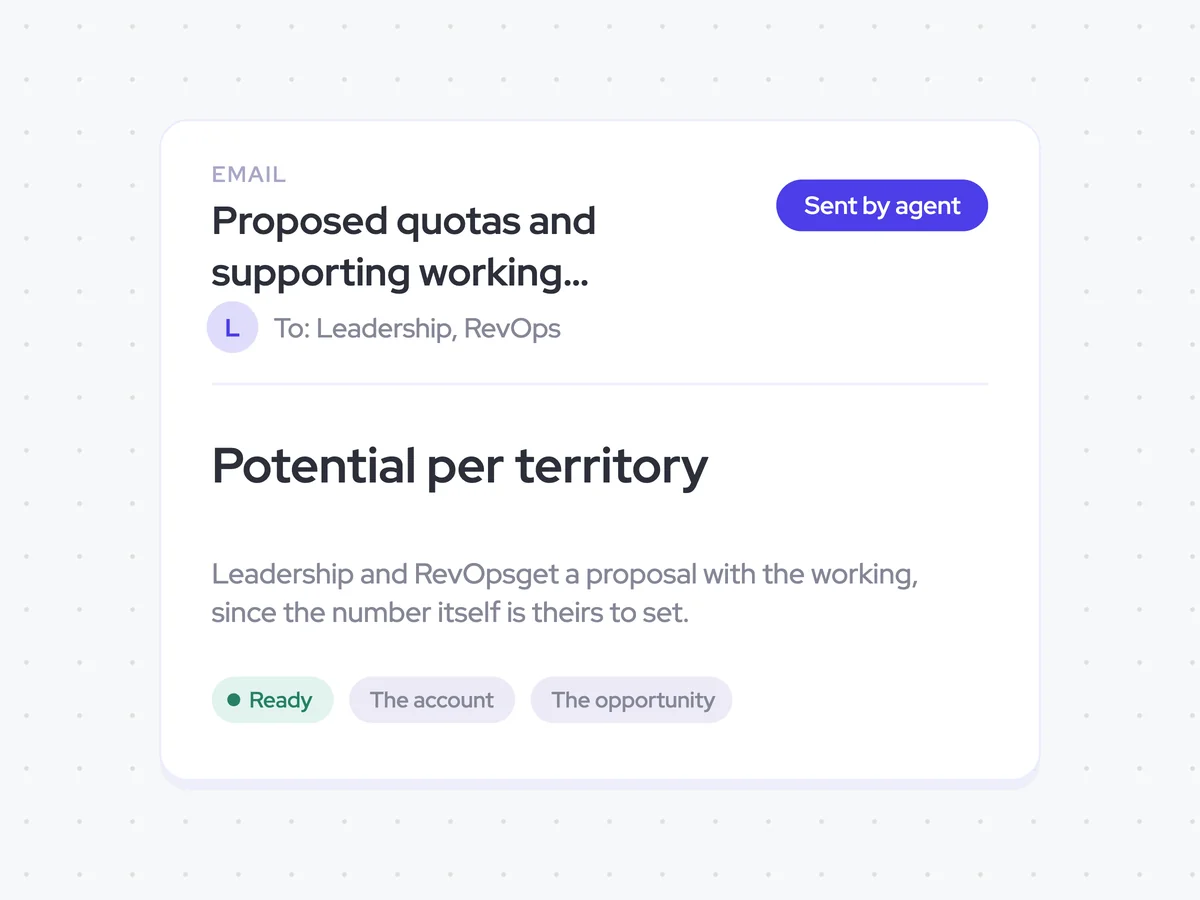
Proposed quotas and supporting working emailed to leadership and RevOps
Get a quota proposal that spreads the team number across reps using territory potential and attainment history rather than an even split. The proposal shows the working for each rep and flags any quota more than 20% above last year.
- For RevOps: Check the allocation, the territory assumptions, and the largest year-over-year increases.
- For leadership: Review the proposal and set the final numbers for the team.
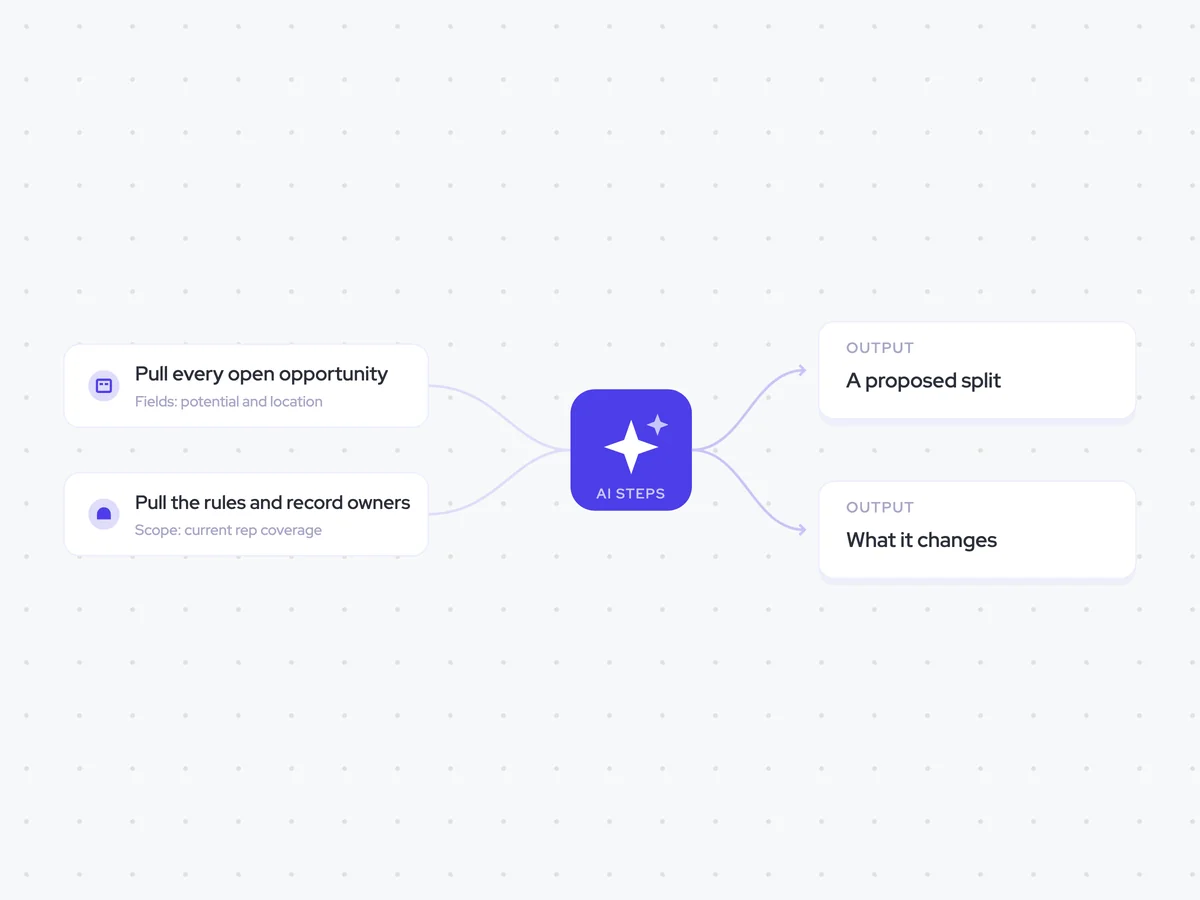
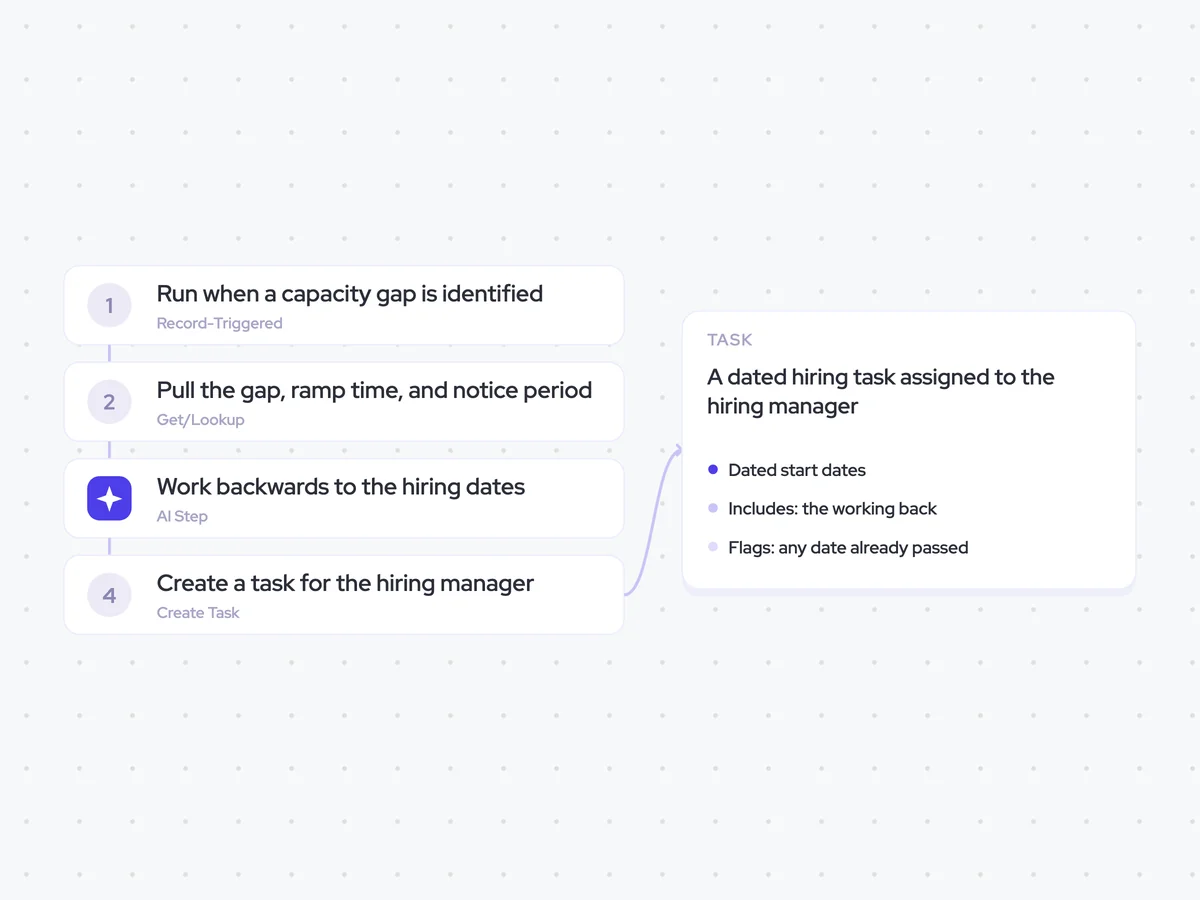
AI Agents that pair well
Same data, different jobs. Run them together for a fuller picture.

Learn more about GTM & Revenue Operations
RevOps Lab Podcast


50+ Free GTM & RevOps Cheat Sheets

Free RevOps Community (1k+ members)
.webp)