
Promise Tracking Agent
Build one register of every commitment made to a customer during the sales cycle, assign the team responsible for delivering each one, and tell the CS lead where to find it.
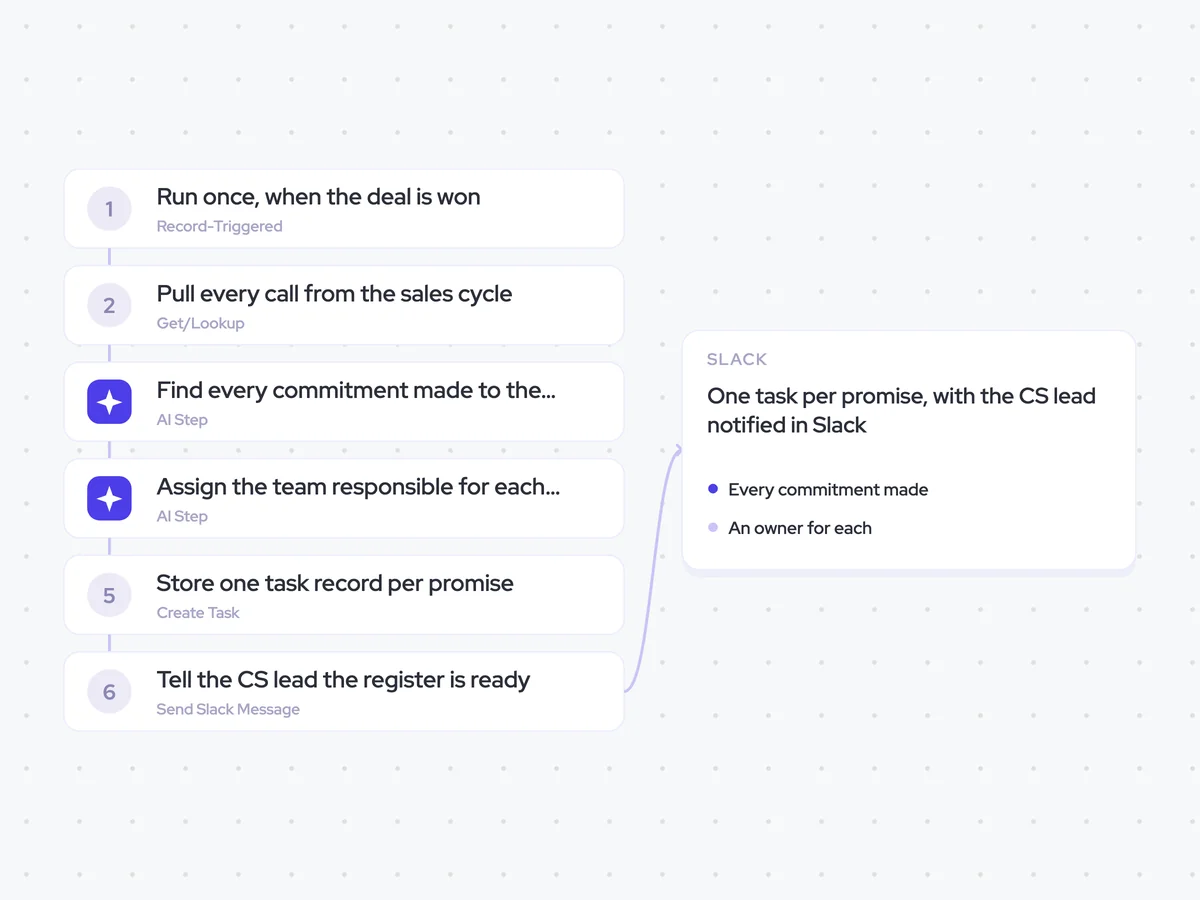
- Trigger: a won deal is processed
- AI steps: find every commitment, then assign an owner
- Output: one task per promise, with the CS lead notified in Slack
Agent breakdown
A blueprint to adapt, not a fixed recipe. Set the trigger, thresholds, and methodology that fit your team, and each step builds on the last, using the conversation and CRM context you already capture.
Run once, when the deal is won
The agent runs once the won deal is processed. Building the register at close gives Customer Success the commitments from the whole sales cycle before the handover begins.
- Trigger: A won deal is processed
- Runs: Once, at close
Pull every call from the sales cycle
Next, the agent pulls every call from the sales cycle. It uses the full call history because important promises are often made in the details of an earlier conversation.
- Deal: The won deal being processed
- Calls: Every call from the whole sales cycle
Find every commitment made to the customer
The agent reviews the calls and lists everything anyone promised to the customer. It keeps the original wording, who said it, and when, including commitments that were left vague.
Review every call from the sales cycle and list everything promised to this customer.
For each commitment:
- State what was promised.
- Quote the words used on the call.
- Name the person who made the commitment.
- State when the commitment was made and which call it came from.
- Include commitments that were vague, and mark them as vague.
Use the calls from the sales cycle as the source. Keep each commitment separate rather than combining several promises into one entry.
Return a list with the fields: commitment, quote, person, when, source call, and clear or vague.
Assign the team responsible for each commitment
Using the list from the previous step, the agent assigns each commitment to the team that has to deliver it. If nobody can own a commitment, it marks that clearly rather than assigning it to a team that cannot fulfil it.
Assign each customer commitment from the previous step to the team that has to deliver it.
For each commitment:
- Keep the commitment, quote, person, when, and source call from the original list.
- Name the team responsible for delivering it.
- If nobody can own it, mark it as no owner.
Return one list with the fields: commitment, quote, person, when, source call, assigned team, and ownership status.
Store one task record per promise
For each promise, the agent creates a separate task record in the register. Customer Success can then follow up and close each promise individually instead of working through one long list.
- Creates: One task record per promise
- Includes: The commitment, who made it, when, the source call, and the assigned team
- Keeps separate: Each promise can be closed individually
Tell the CS lead the register is ready
Finally, the agent sends the CS lead a Slack message to say the task register exists. They can open it, check the promises made during the sales cycle, and take the necessary action.
- Recipient: The CS lead
- Channel: Slack
- Message: The customer promise task register is ready
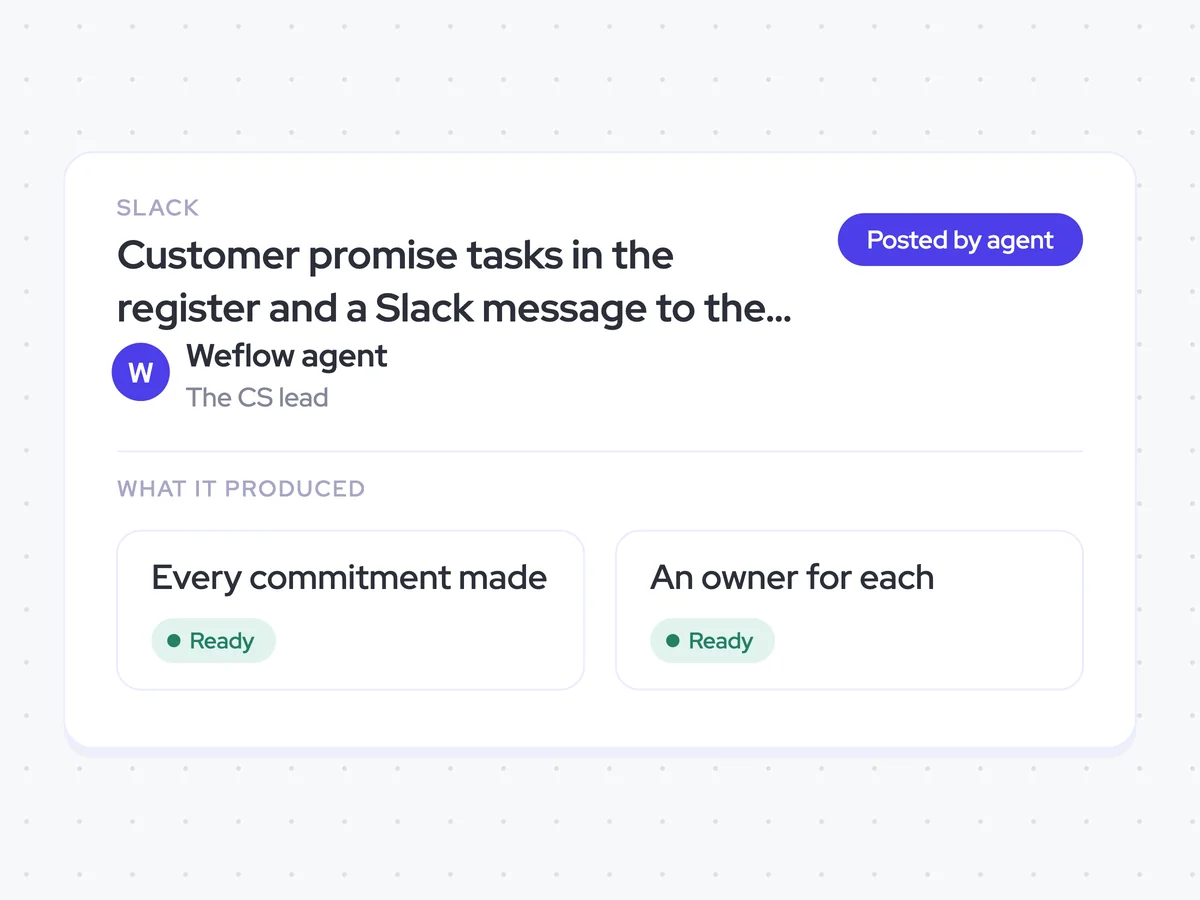
Customer promise tasks in the register and a Slack message to the CS lead
Give Customer Success one task record for every promise made during the sales cycle, with the original quote, who made it, when, and the team responsible for delivering it. The CS lead receives a Slack message when the register is ready.
- For Customer Success: Review each promise, follow up with the assigned team, and close the tasks individually as they are delivered.
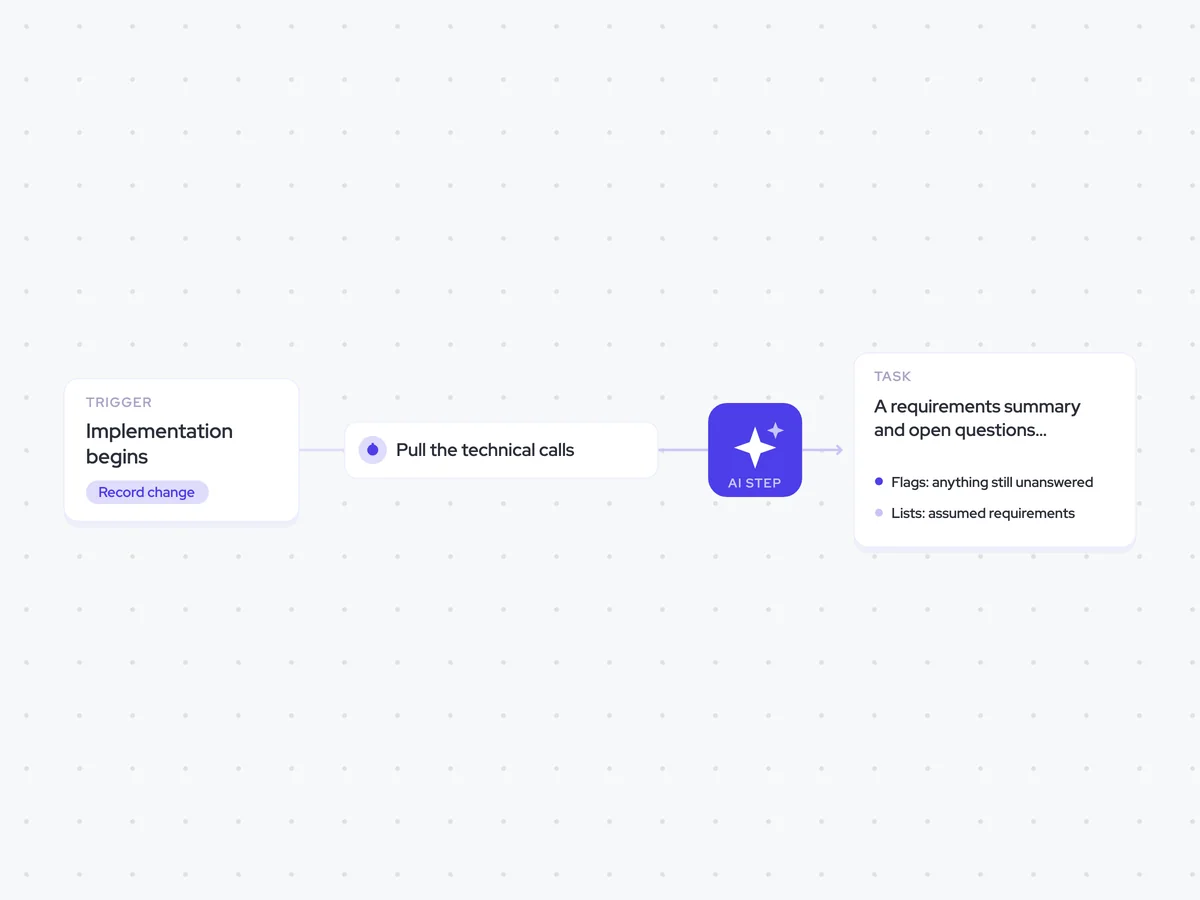
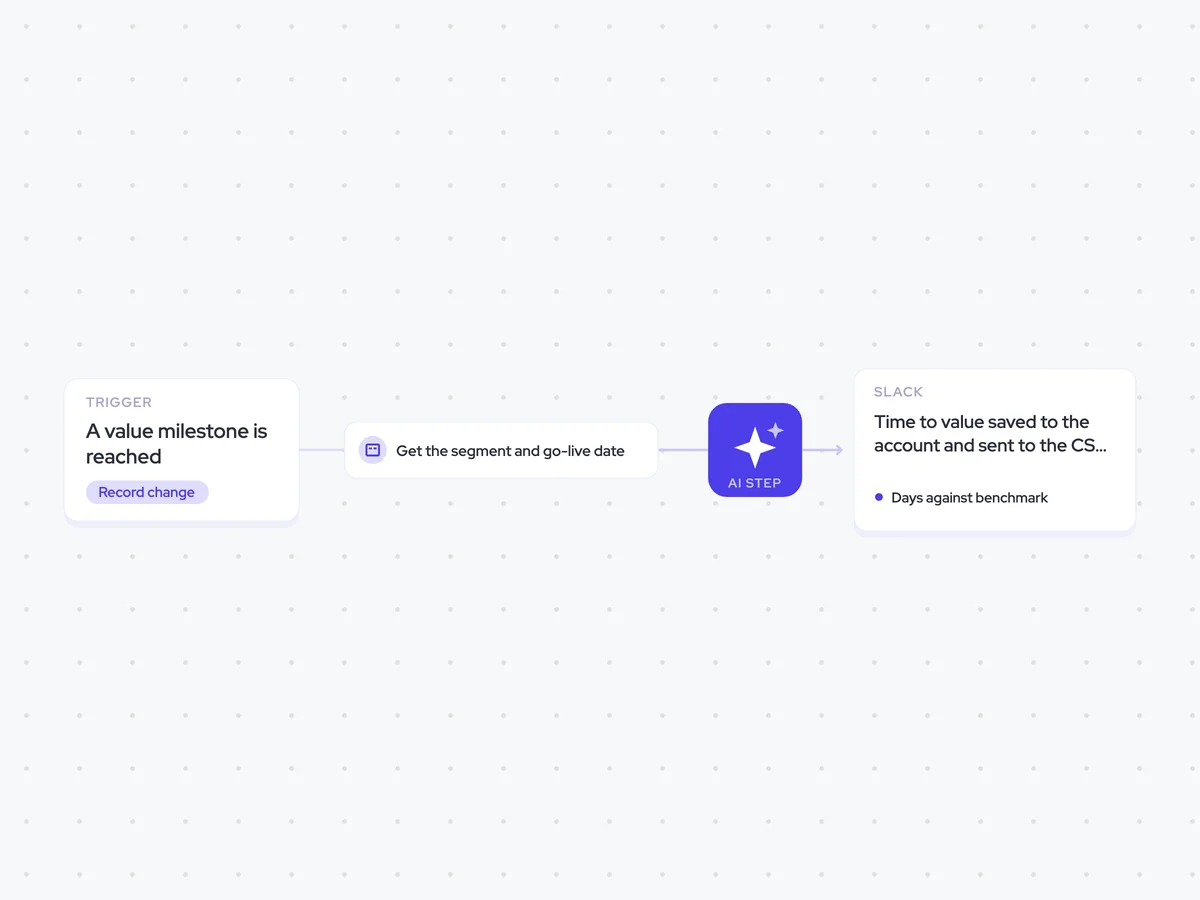
AI Agents that pair well
Same data, different jobs. Run them together for a fuller picture.


Learn more about GTM & Revenue Operations
RevOps Lab Podcast


50+ Free GTM & RevOps Cheat Sheets

Free RevOps Community (1k+ members)
.webp)