
Post-call CRM Field Agent
Update qualification fields, next steps, and close dates from what was actually said on the latest call, while leaving every other value as the rep set it.
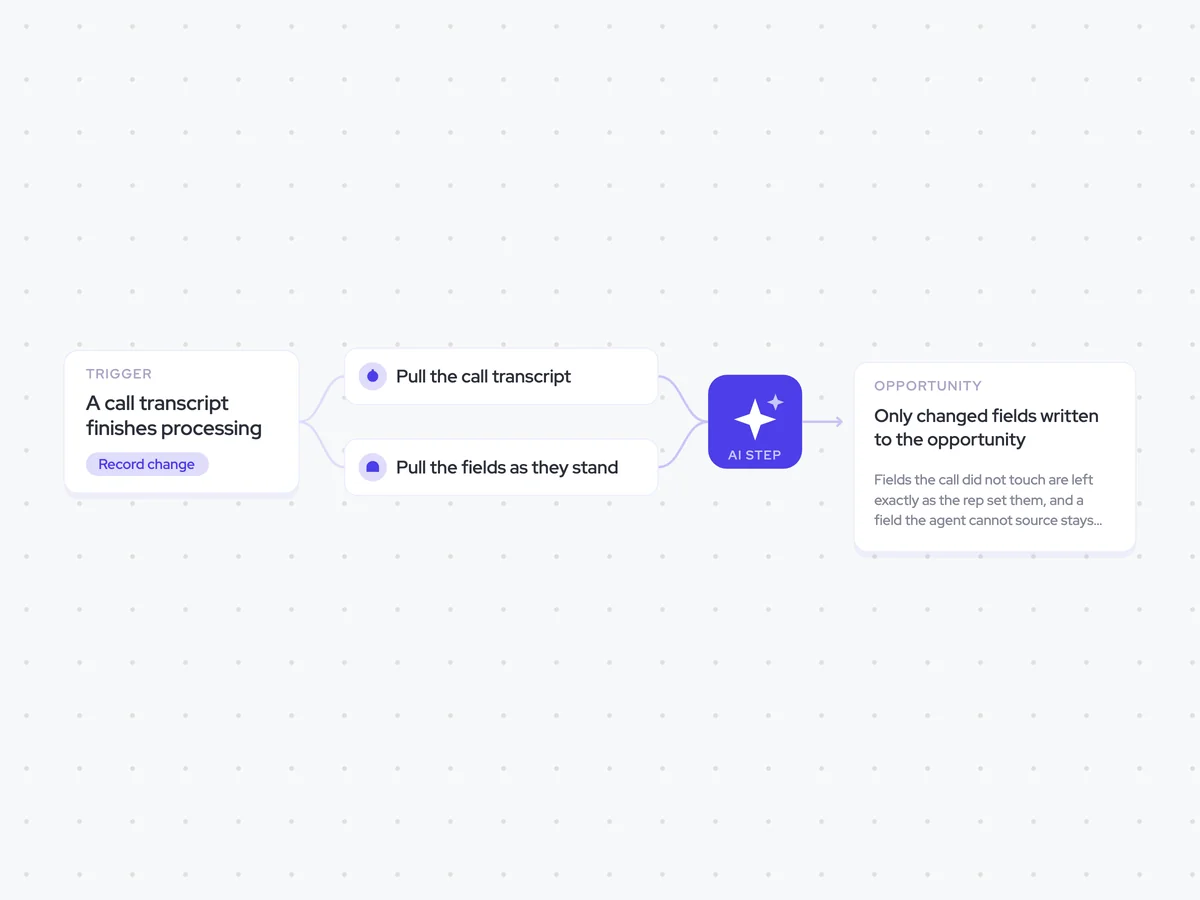
Trigger: a call transcript finishes processing
AI steps: compare the transcript with the current opportunity fields
Output: only changed fields written to the opportunity
Agent breakdown
A blueprint to adapt, not a fixed recipe. Set the trigger, thresholds, and methodology that fit your team, and each step builds on the last, using the conversation and CRM context you already capture.
Run when the transcript is ready
Once the transcript is ready, the agent starts checking the call against the opportunity. Waiting until processing is complete means the fields are updated from what was actually said, rather than from the calendar event or call details.
Trigger: A call transcript finishes processing
Runs after: The full transcript is available
Pull the call transcript
Next, the agent pulls only the transcript from the call that just finished. It leaves out earlier conversations on the deal, so an old commitment cannot overwrite a newer one.
Include: The transcript from the call that just finished
Exclude: Earlier conversations on the deal
Pull the fields as they stand
The agent then pulls the qualification fields, next step, and close date as the rep last left them. This gives it the current values to compare with the latest call before it changes anything.
Fields: Qualification fields and next step
Also include: Close date
Find what the call changed
With the transcript and current values in hand, the agent finds the fields that the latest call contradicts. For each change, it gives the old value, the new value, and the moment in the call that supports the update.
It leaves every other field out of the result, so the next step changes only what the call supports.
Compare the transcript from the call that just finished with the opportunity's current qualification fields, next step, and close date.
List each CRM field that the call contradicts. For every field that changed:
Name the CRM field.
Give the old value currently stored on the opportunity.
Give the new value supported by the call.
Quote the moment in the transcript that supports the change.
Rules: use only the transcript from the call that just finished. Do not use earlier conversations on the deal. Include only fields that the call contradicts. Leave every other field untouched. Do not clear or change a field unless the transcript supports the new value.
Return a list with the CRM field, old value, new value, and supporting quote for each change.
Update only what changed
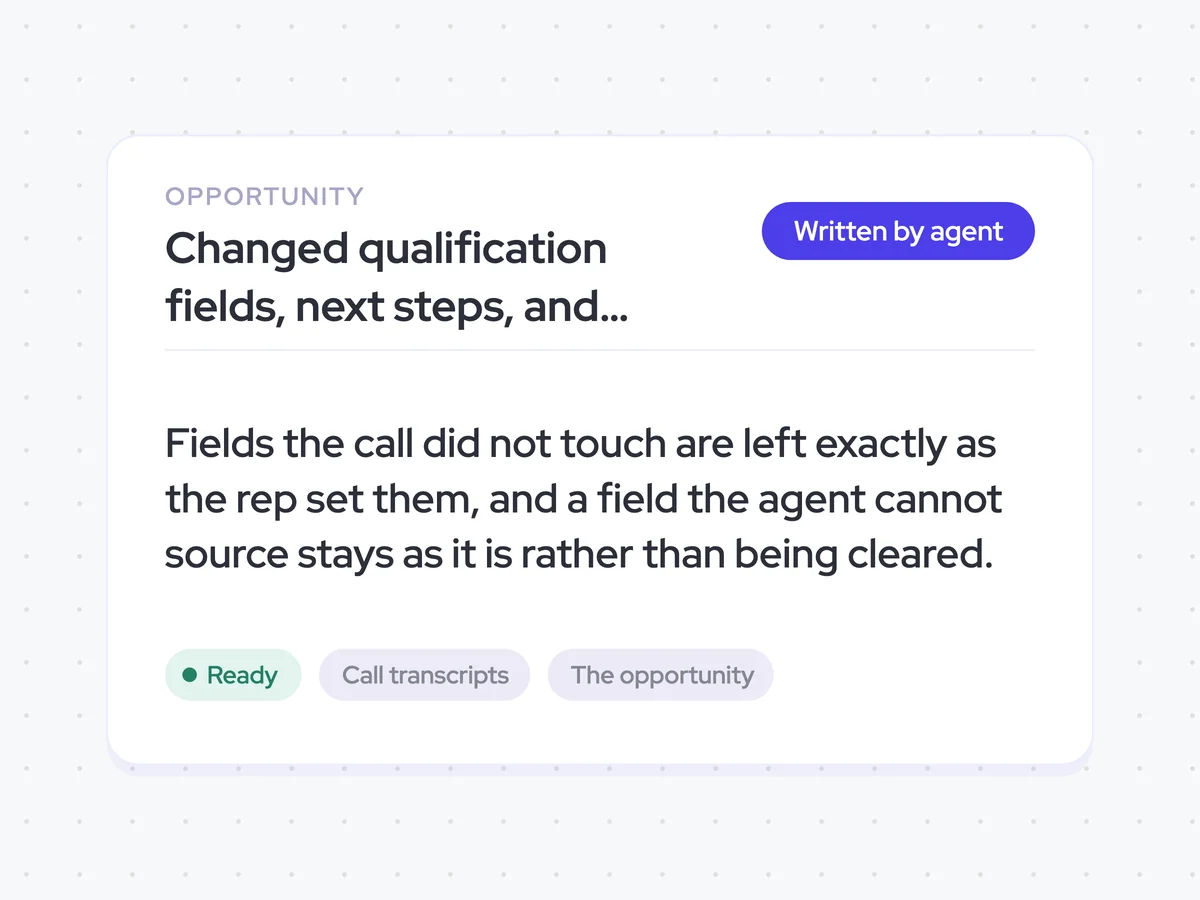
Finally, the agent writes only the supported changes back to the opportunity. It leaves fields the call did not touch exactly as the rep set them, and keeps any field it cannot source unchanged rather than clearing it.
You can also require the rep to confirm the changes before the agent saves them.
Update: Only qualification fields, next step, and close date values changed by the call
Keep: Fields the call did not touch or the agent cannot source
Optional: Require rep confirmation before saving the updates
Changed qualification fields, next steps, and close dates on the opportunity
See the opportunity updated with qualification details, next steps, and close dates supported by the latest call. Only fields with evidence from the transcript change, while every other value stays as the rep left it.
Account Executives can review the updated opportunity after each call, or confirm the changes before they are saved when rep-in-the-loop is enabled.
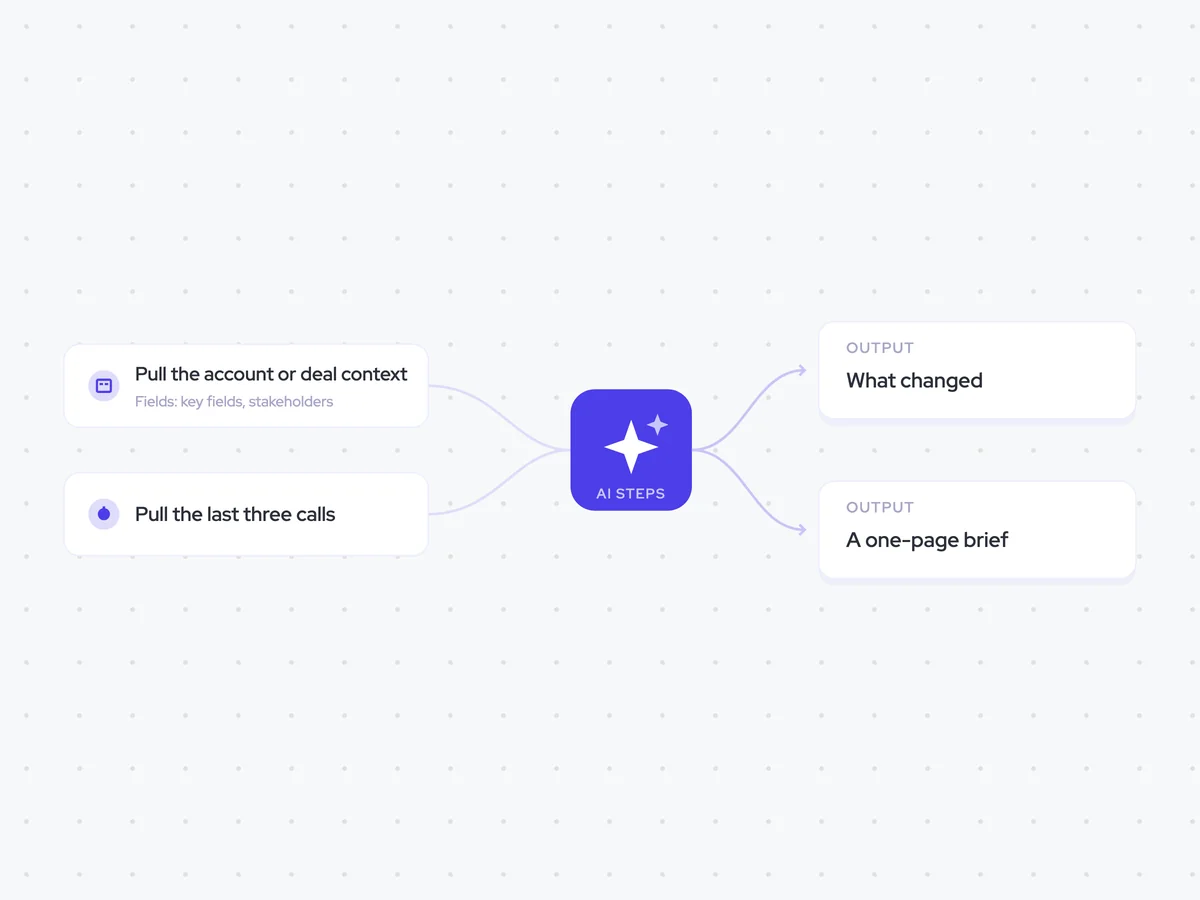
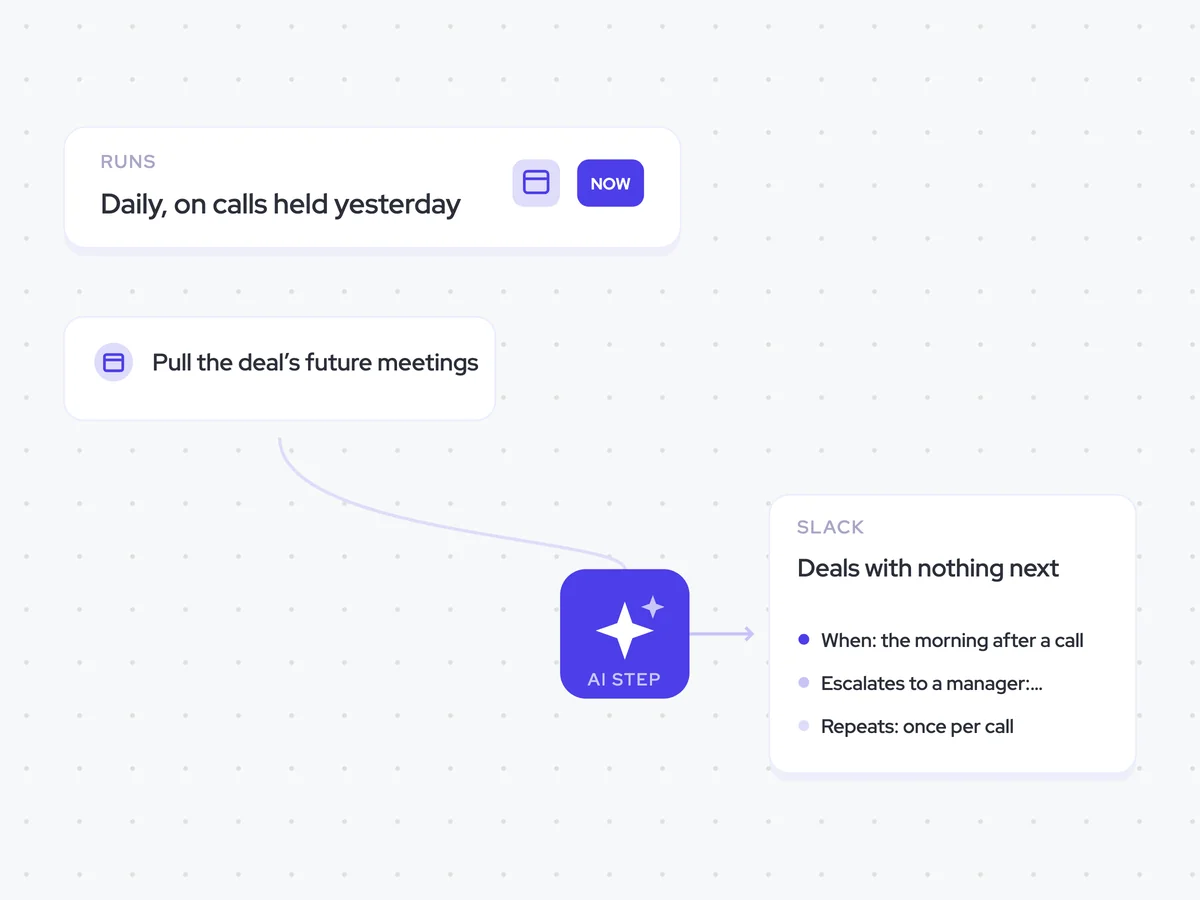
AI Agents that pair well
Same data, different jobs. Run them together for a fuller picture.


Learn more about GTM & Revenue Operations
RevOps Lab Podcast


50+ Free GTM & RevOps Cheat Sheets

Free RevOps Community (1k+ members)
.webp)