
Pipeline Quality Agent
Judge new pipeline on account fit and qualification depth rather than deal value, then score pipeline quality back to the source it came from.
- Trigger: run weekly or monthly
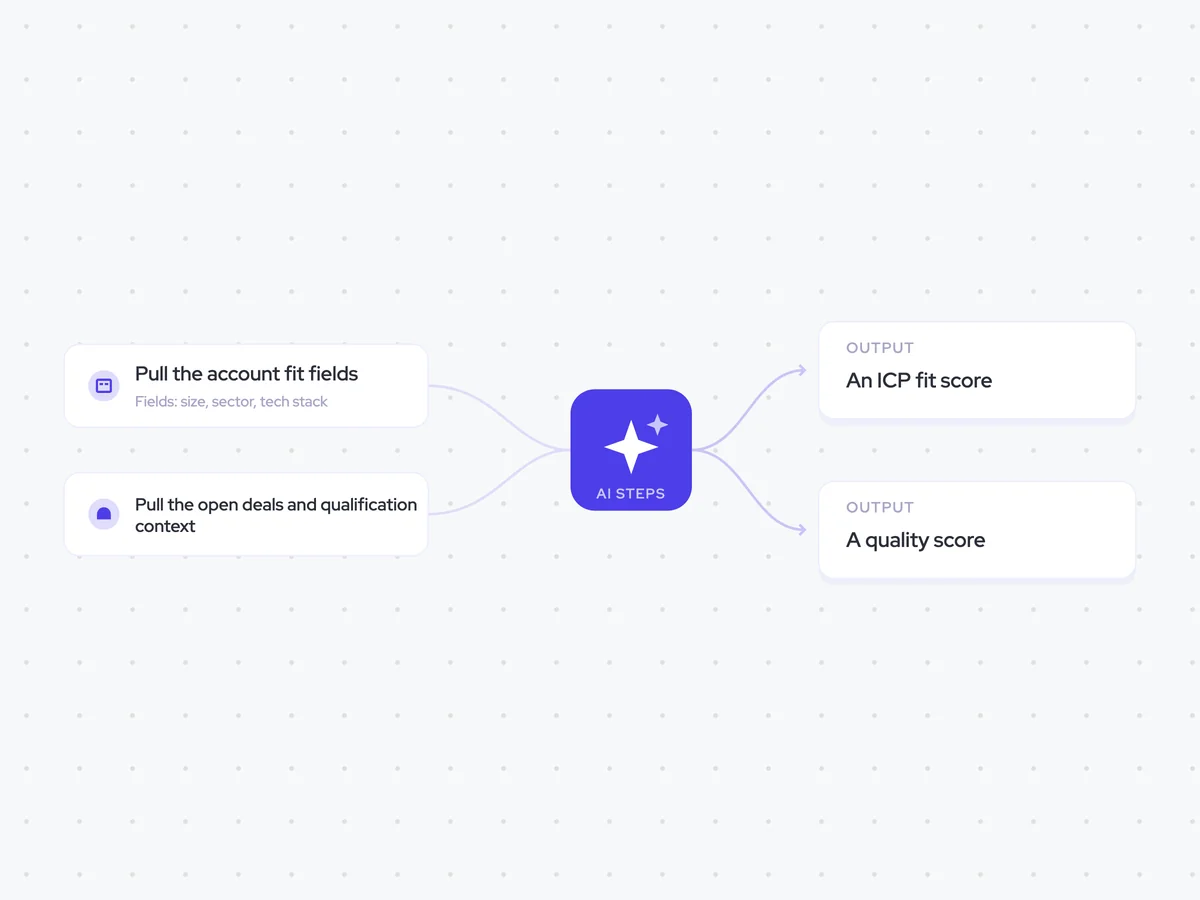
- AI steps: score ICP fit, then combine it with qualification depth
- Output: a pipeline quality report sent to RevOps
Agent breakdown
A blueprint to adapt, not a fixed recipe. Set the trigger, thresholds, and methodology that fit your team, and each step builds on the last, using the conversation and CRM context you already capture.
Regularly score the pipeline
On the schedule you choose, the agent assesses new pipeline for fit and qualification quality. Running it weekly or monthly helps RevOps see risks before they are carried into executive reporting.
- Schedule: Weekly or monthly
- Coverage: New pipeline
Pull the account fit fields
Next, the agent pulls the account fields that show whether the company fits your ICP. Size, sector, and tech stack give the fit score a concrete basis instead of relying on the opportunity value.
- Account fields: Size and sector
- Tech stack: The technologies recorded on the account
Pull the open deals and qualification context
The agent then pulls the open opportunities linked to those accounts, including their qualification fields and other key fields. It also gathers call transcripts and email threads, so the quality score can reflect how well each deal has actually been qualified.
- Fields: Qualification and key opportunity fields
- Calls: Transcripts
- Context: Email threads
Score each account against the ICP
The agent compares each account with the ICP definition and assigns an ICP fit score. It quotes the two account attributes that had the greatest effect on the score, so RevOps can see what drove the result.
Score this account against the ICP definition.
Input: the ICP definition and the account’s size, sector, and tech stack.
- Assign an ICP fit score based on how closely the account matches the definition.
- Identify the two account attributes that had the greatest effect on the score.
- Quote each attribute using the value recorded on the account and explain briefly how it affected the score.
Rules: use only the ICP definition and the account fields provided. Do not use opportunity value when scoring fit.
Return the account, its ICP fit score, and the two deciding attributes with a short explanation for each.
Combine fit and qualification into a quality score
Using the fit score and the open deal context, the agent assigns one pipeline quality score to each opportunity. It considers both ICP fit and qualification depth, but never lets deal value raise the score.
Combine the account’s ICP fit with the opportunity’s qualification depth into one pipeline quality score.
Input: the ICP fit score and deciding attributes, the opportunity’s qualification and key fields, its call transcripts and email threads, and the pipeline source it came from.
- Assess qualification depth using the opportunity fields, buyer conversations, and email threads.
- Combine qualification depth with the ICP fit score into one pipeline quality score.
- Summarize the fit or qualification gaps that create risk.
- Keep the opportunity linked to the pipeline source it came from.
Rules: never let deal value raise the pipeline quality score. Base the score on fit and qualification depth.
Return the opportunity, pipeline source, ICP fit score, pipeline quality score, and a short summary of the risks.
Create the pipeline quality report and send it to RevOps
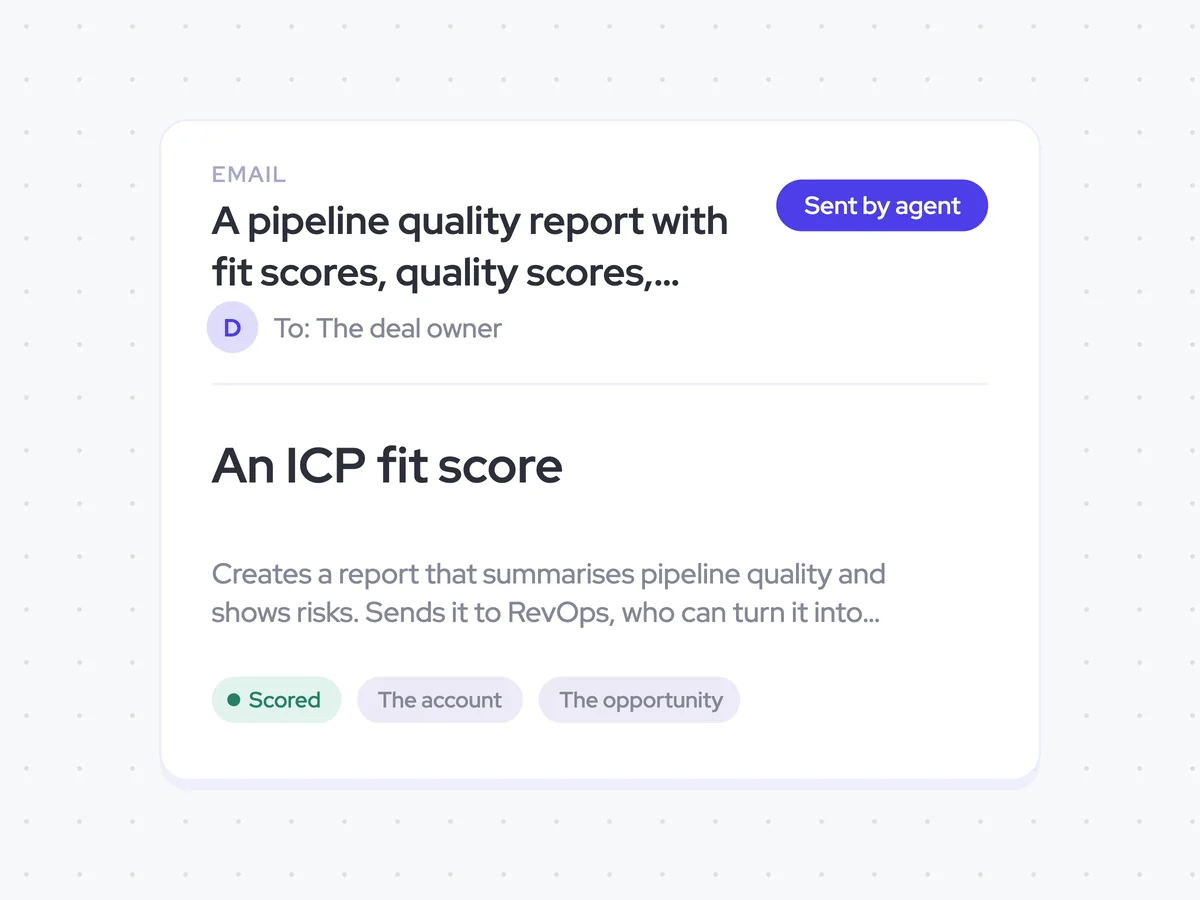
Finally, the agent creates a report that summarizes pipeline quality by source and shows the fit or qualification risks behind the scores. It sends the report to RevOps, who can use it when preparing executive reports.
- Report: ICP fit scores, pipeline quality scores, and risks by source
- Recipient: RevOps
A pipeline quality report with fit scores, quality scores, and risks by source, sent to RevOps
See how new pipeline scores on ICP fit and qualification depth, grouped by the source it came from. The report shows the risks behind the scores without allowing deal value to make weak pipeline look stronger.
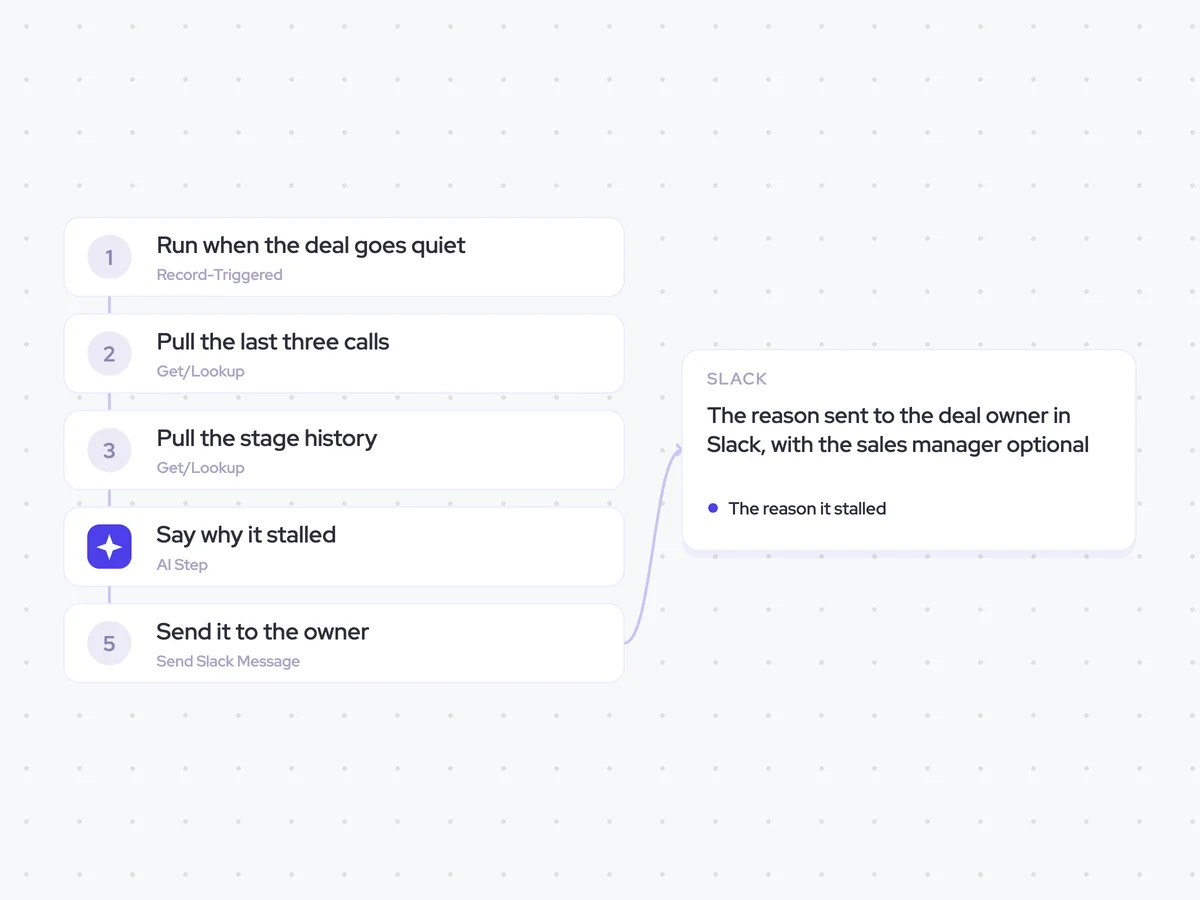
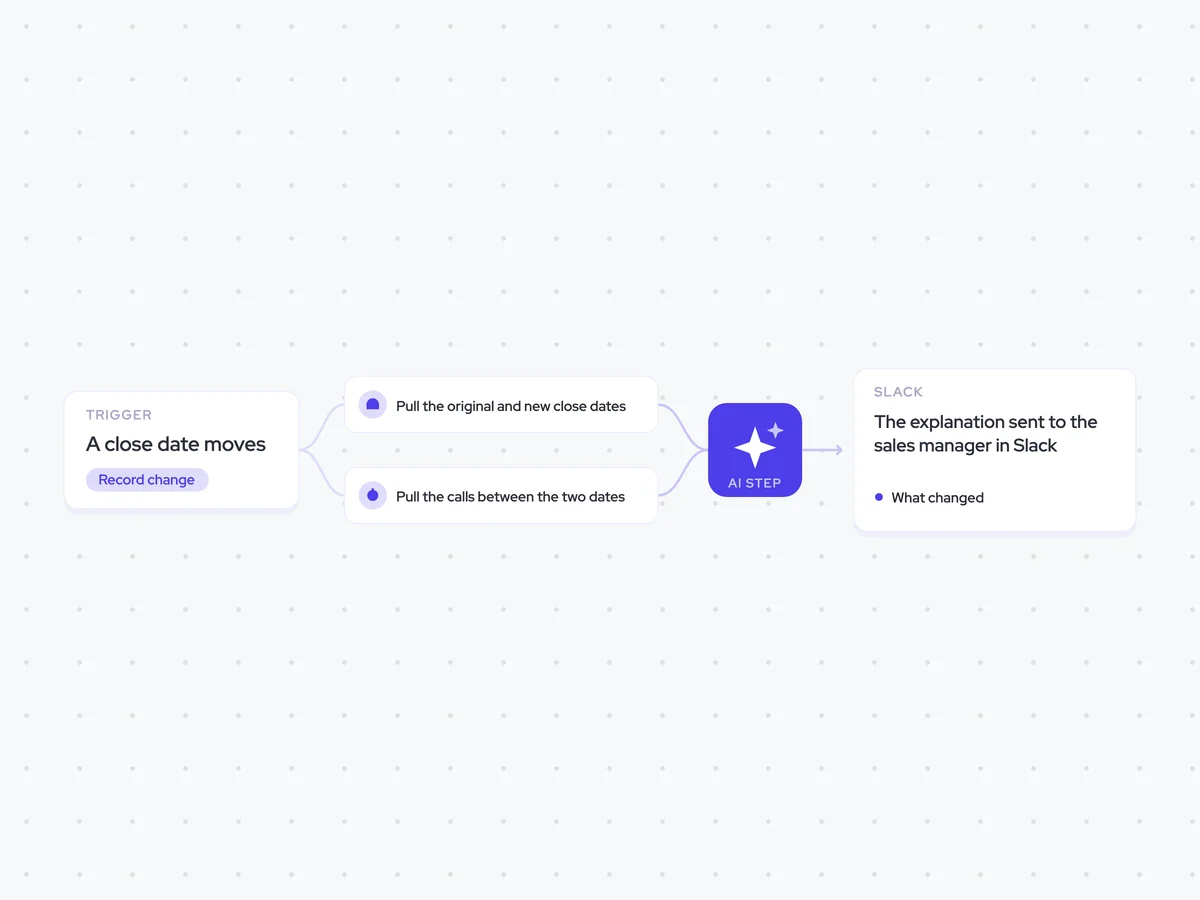
AI Agents that pair well
Same data, different jobs. Run them together for a fuller picture.

Learn more about GTM & Revenue Operations
RevOps Lab Podcast


50+ Free GTM & RevOps Cheat Sheets

Free RevOps Community (1k+ members)
.webp)