
Pipeline Hygiene Agent
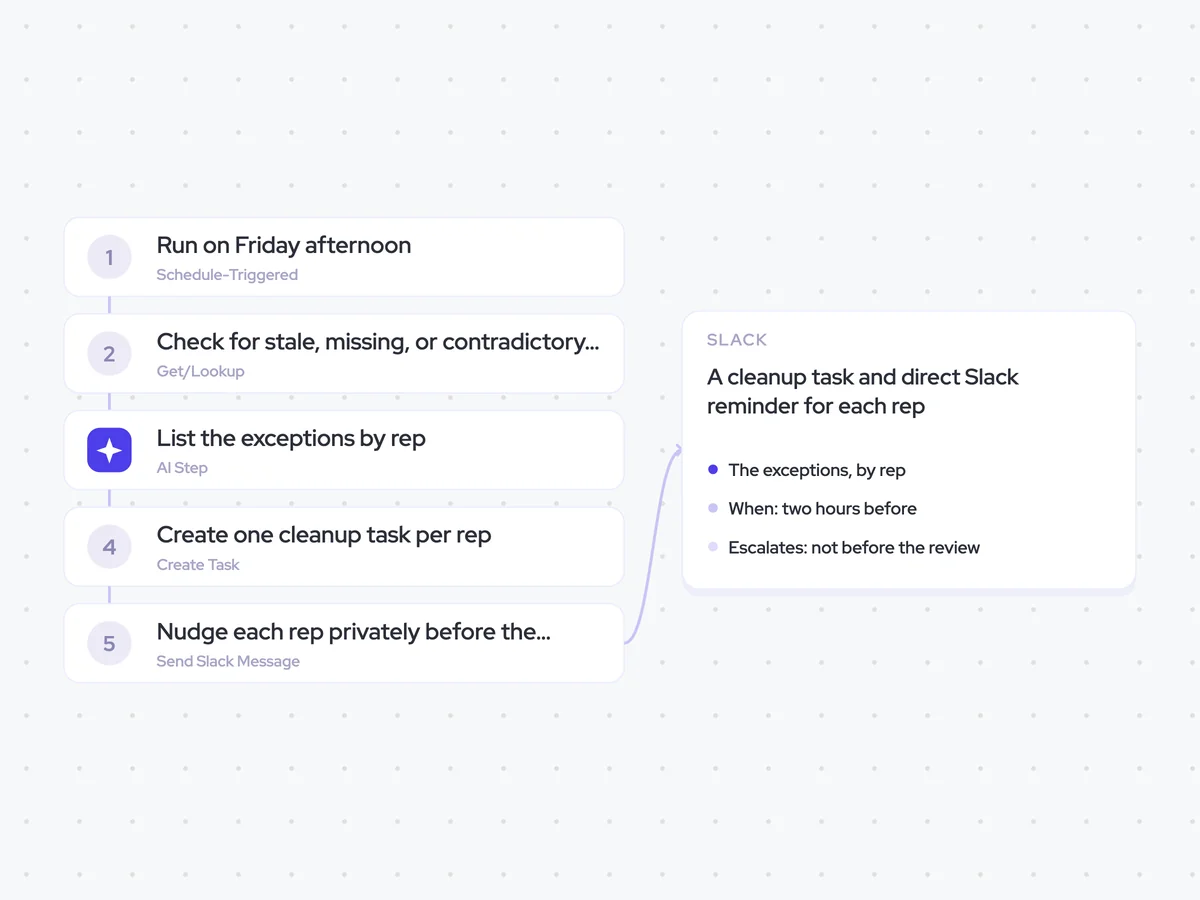
Check the opportunities in your weekly review for stale, missing, or contradictory data, then give each rep a private list of what to update before the review starts.
- Trigger: Friday afternoon
- AI steps: list the exceptions by rep and name each field
- Output: a cleanup task and direct Slack reminder for each rep
Agent breakdown
A blueprint to adapt, not a fixed recipe. Set the trigger, thresholds, and methodology that fit your team, and each step builds on the last, using the conversation and CRM context you already capture.
Run on Friday afternoon
The agent runs on Friday afternoon, giving reps time to correct their opportunities before the next week starts. By checking at the end of the week, it prepares the pipeline before the weekly review rather than interrupting reps throughout the week.
- Day: Friday
- Time: Afternoon
Check for stale, missing, or contradictory data
Next, the agent pulls every opportunity included in the review and checks its close date and next step. Stale means the field was untouched while the deal moved, missing means it is empty, and contradictory means the close date falls inside a stage that takes longer than the time remaining.
- Fields: Close date and next step
- Checks: Stale, empty, or wrong
List the exceptions by rep
The agent lists every deal with stale, missing, or self-contradictory data, grouped by rep and naming the field that needs attention. It skips deals closing this week, where last-minute changes are expected and would add noise to the list.
You are checking the opportunities included in a weekly pipeline review for stale, missing, or self-contradictory data.
Input: every opportunity in the review, including its rep, current stage, close date, and next step.
List every deal that meets at least one of these conditions:
- A close date or next step is stale because it was untouched while the deal moved.
- A close date or next step is missing because the field is empty.
- The close date contradicts the current stage because it falls inside a stage that takes longer than the time remaining.
Skip every deal closing this week.
Use only the opportunity data provided. Group the exceptions by rep and name the field responsible for each exception.
Return one section per rep. For each exception, include the deal name, field, and whether the data is stale, missing, or self-contradictory.
Create one cleanup task per rep
The agent creates one task per rep containing their pipeline exceptions. The task carries the deadline with it, so each rep can see what needs updating and when it needs to be done without relying on a Slack message alone.
- Creates: One task per rep
- Due: Before the review starts
Nudge each rep privately before the review
Two hours before the weekly review, the agent sends each rep a direct Slack message with only their own list. Nothing reaches the manager before the review, keeping the focus on correcting the pipeline rather than calling out the rep.
- Channel: Direct message to each rep
- When: Two hours before the review
- Escalation: Not before the review
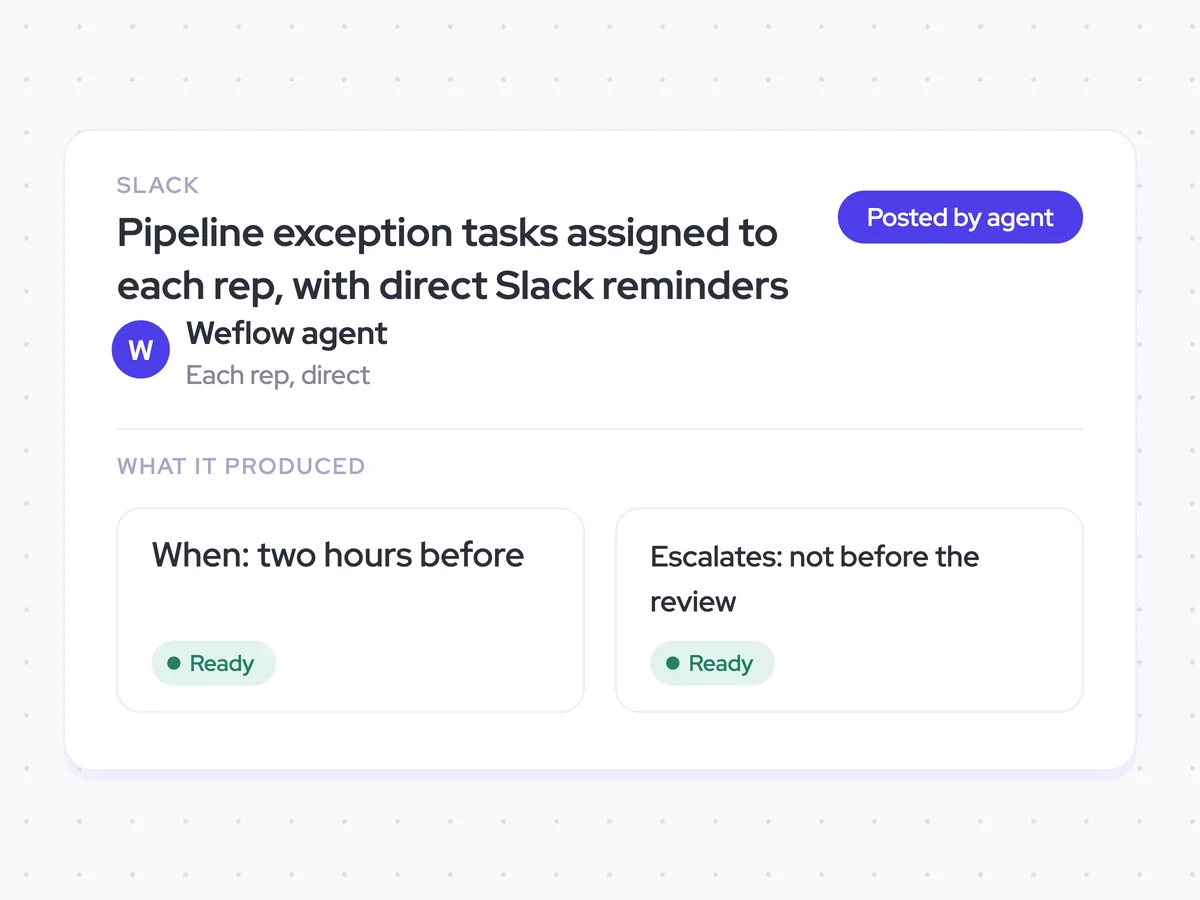
Pipeline exception tasks assigned to each rep, with direct Slack reminders
Give each rep a clear list of the close dates and next steps they need to update before the weekly review. RevOps goes into the review with every exception assigned and each rep reminded privately, without sending anything to the manager beforehand.
- For RevOps: See which pipeline exceptions were assigned before the review starts.
- For reps: Update your own deals from one task and a private Slack reminder.
AI Agents that pair well
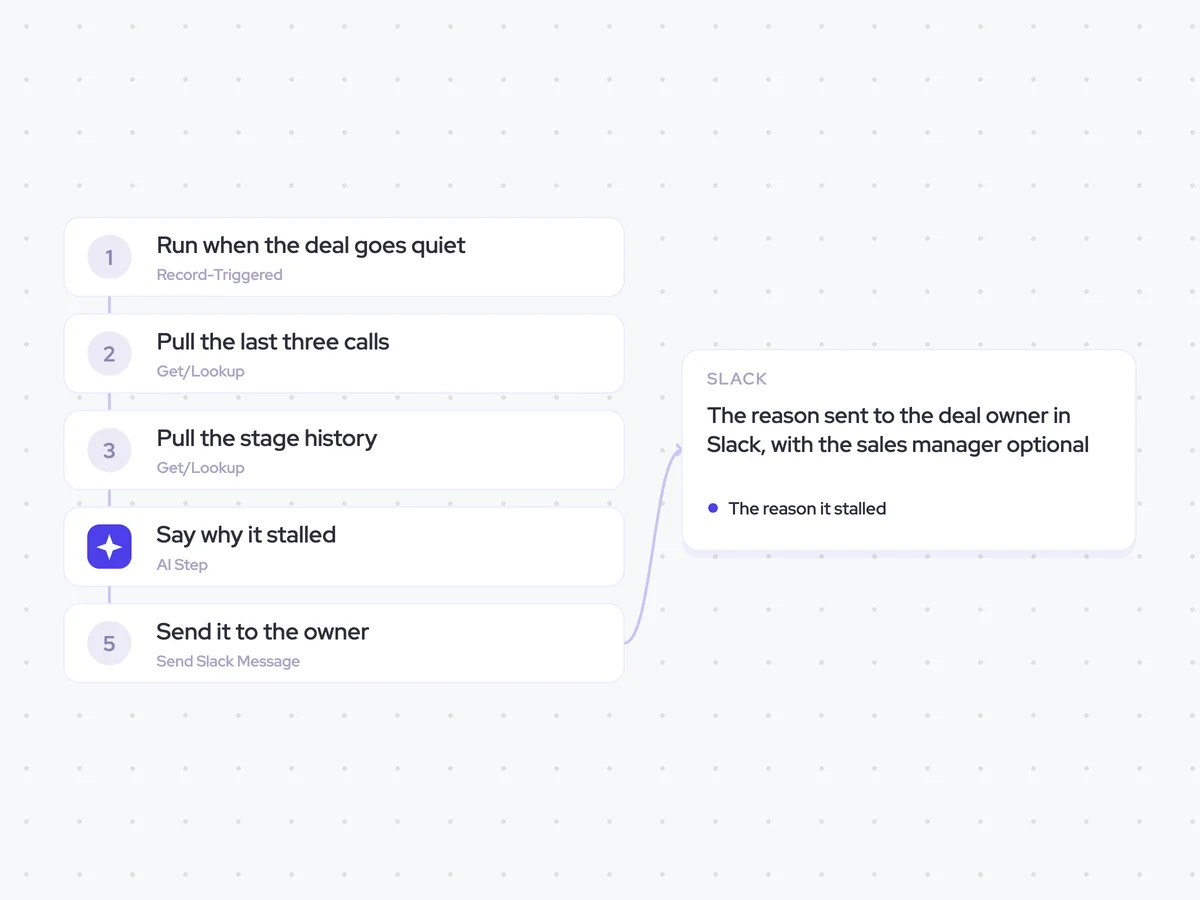
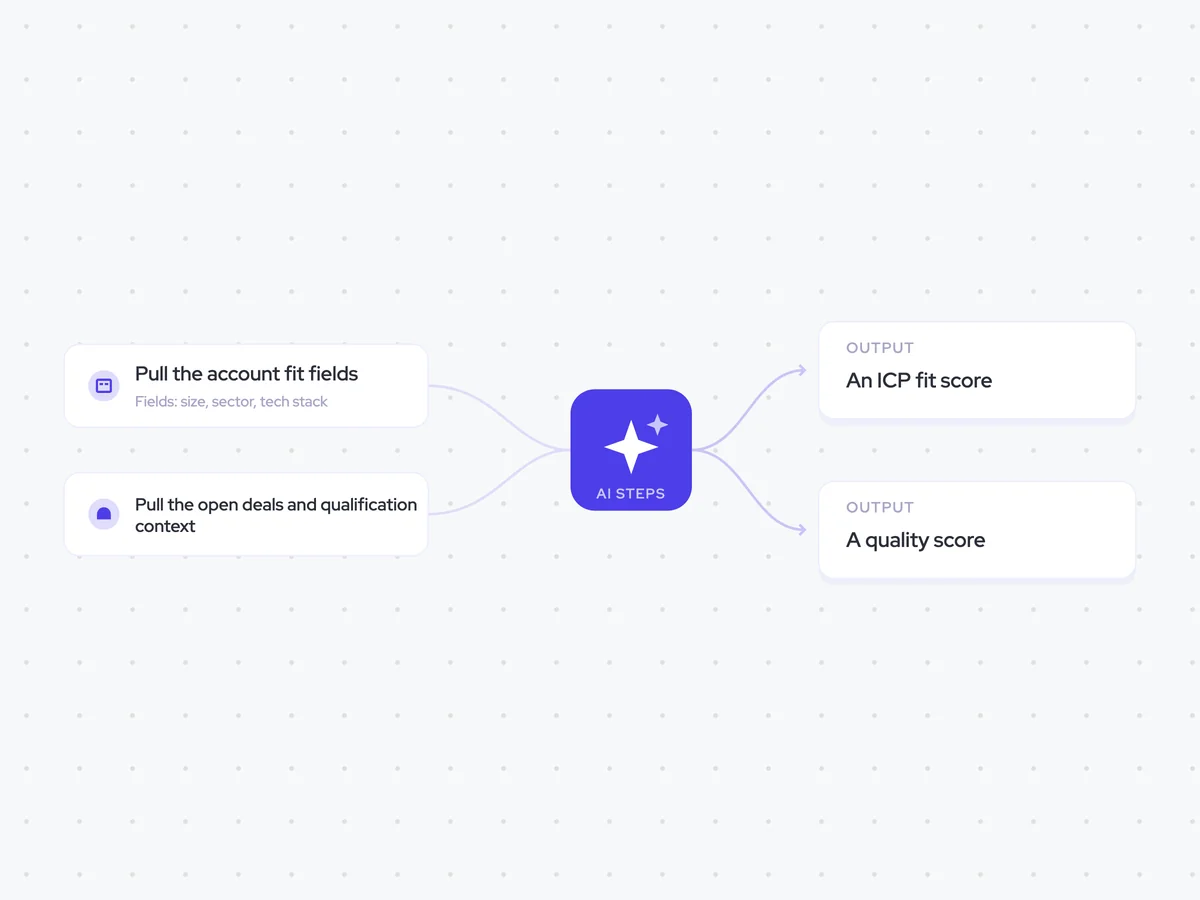
Same data, different jobs. Run them together for a fuller picture.

Learn more about GTM & Revenue Operations
RevOps Lab Podcast


50+ Free GTM & RevOps Cheat Sheets

Free RevOps Community (1k+ members)
.webp)