
Pipeline Council Agent
Compare how much pipeline each source generated, split by segment, and show the pipeline council what changed from the last period.
- Trigger: the day before pipeline council
- AI steps: report pipeline by source and segment, then identify the biggest changes
- Output: the report emailed to the pipeline council members
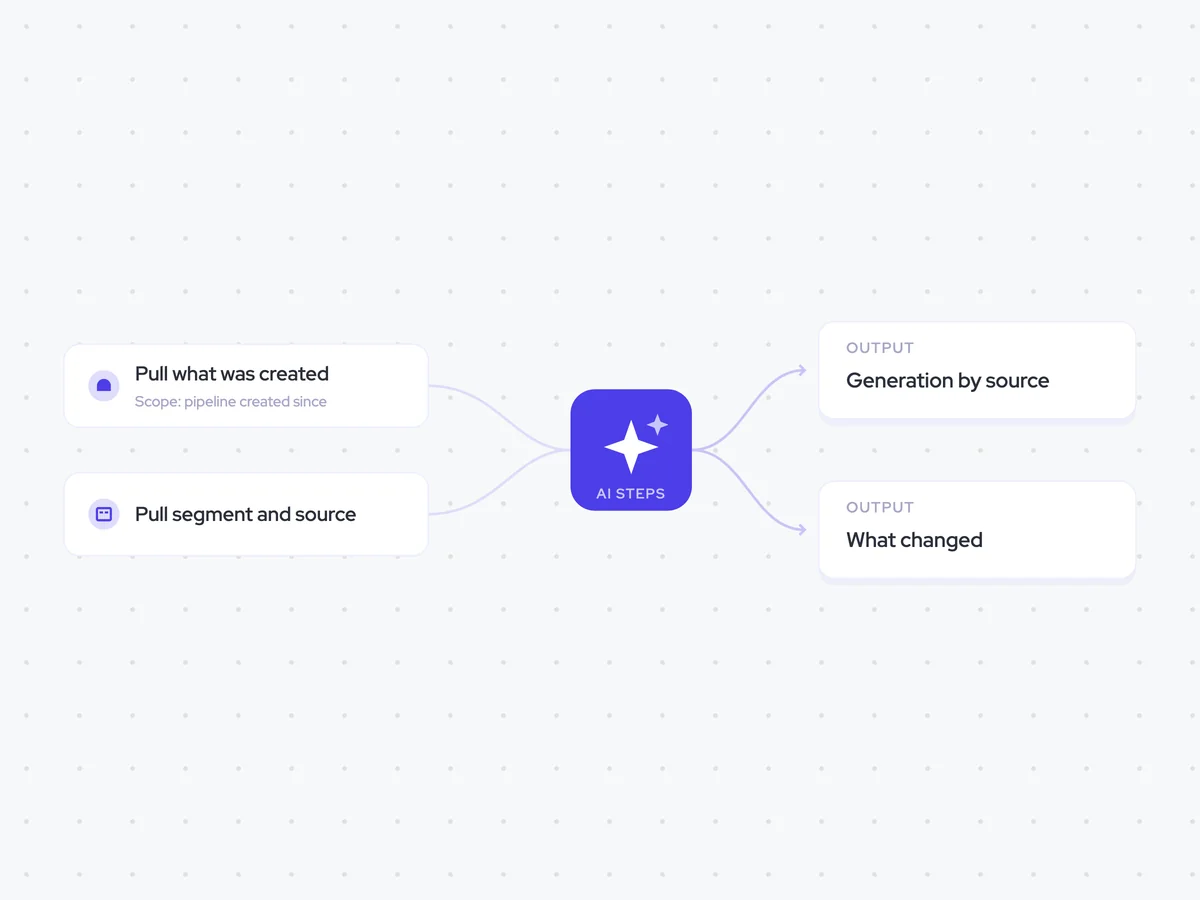
Agent breakdown
A blueprint to adapt, not a fixed recipe. Set the trigger, thresholds, and methodology that fit your team, and each step builds on the last, using the conversation and CRM context you already capture.
Build it the day before
A day before pipeline council, the agent starts building the report. This gives everyone time to read the numbers before the meeting, so the discussion can focus on what to do about them.
- Trigger: The day before pipeline council
- Timing: One day ahead of the meeting
Pull the pipeline created in the period
Next, the agent pulls the pipeline created during the reporting period. It uses created pipeline rather than closed pipeline, so marketing, SDR, and rep-sourced motions are compared on the same basis.
- Include: Pipeline created during the reporting period
- Measure: Created pipeline rather than closed pipeline
Pull each account's segment and source
The agent then pulls the source and segment from the account linked to each opportunity. Looking at source within each segment avoids making a channel look stronger simply because it generated pipeline in larger accounts.
- Fields: Source and segment
- Account: The account linked to each opportunity
Report pipeline generation by source
Using the opportunity and account data, the agent reports how much pipeline each source generated within each segment. It includes both the opportunity count and pipeline value, so the council can compare volume and value on the same view.
You are reporting how much pipeline each source generated during the reporting period.
Input: the opportunities included in the period, their pipeline values, and the source and segment of each linked account.
- Group the opportunities by source and segment.
- For each source and segment, count the opportunities and calculate their total pipeline value.
- Use pipeline created during the period, not pipeline closed during the period.
Return a table with the columns: source, segment, opportunity count, pipeline value.
Show what changed from last period
Once the source report is ready, the agent compares it with the same report from the last period. It names the sources that moved most and states how much their opportunity count and pipeline value changed, while leaving out small changes.
Compare pipeline generation by source for the current reporting period with the last period.
Input: the current-period report by source and segment, and the equivalent report for the last period.
- Compare the opportunity count and pipeline value for each source across the two periods.
- Name the sources that increased or decreased the most.
- State how much each named source changed in opportunity count and pipeline value.
- Ignore small changes.
Return a concise list of the sources that moved most, largest changes first, with the current-period figure, last-period figure, and change for each.
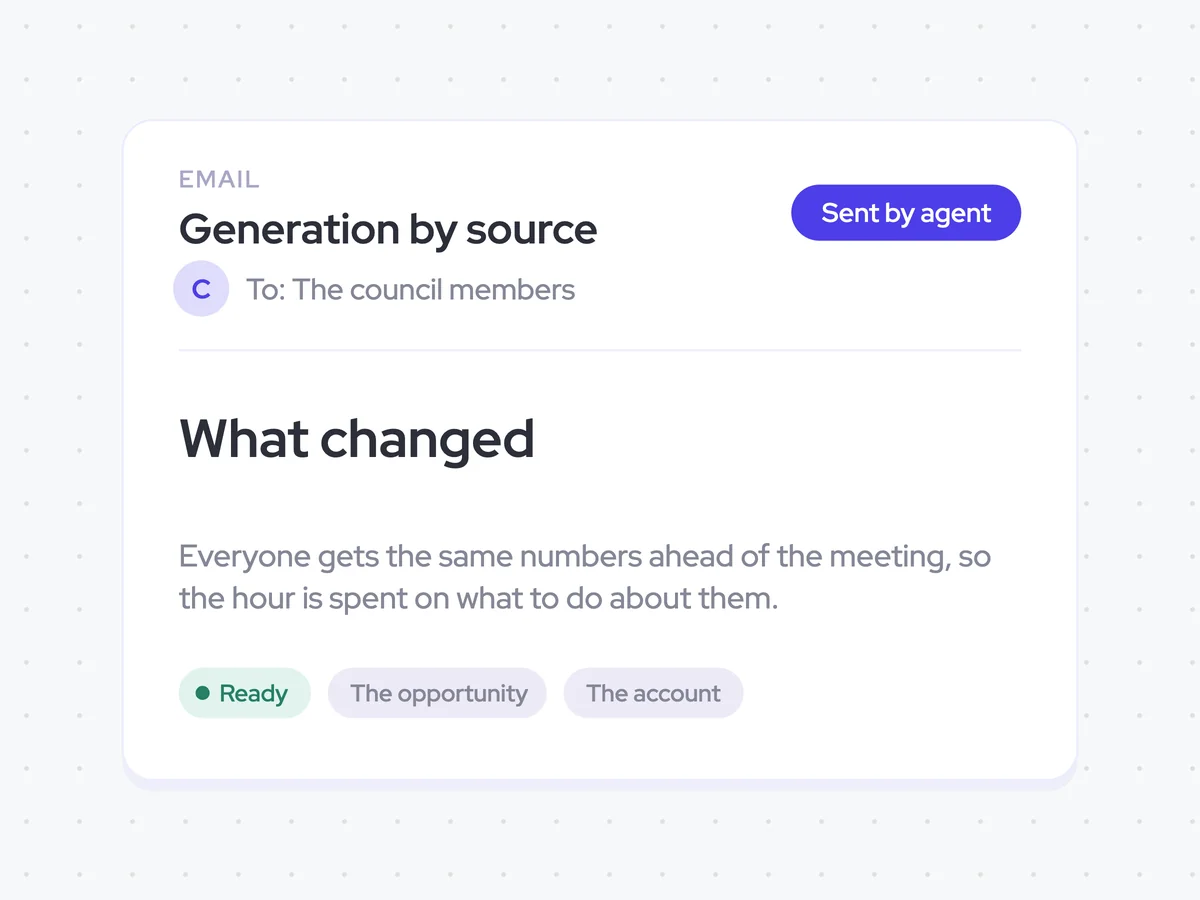
Send the report to the council
Before the meeting, the agent emails the source report and the largest period changes to the pipeline council members. Everyone receives the same numbers ahead of time, so the meeting can focus on what the team wants to change.
- Recipients: The pipeline council members
- Includes: Pipeline generation by source and segment, plus the largest changes from last period
- Timing: Before the pipeline council meeting
Pipeline generation by source and period changes in the council members' inboxes
See the opportunity count and pipeline value generated by each source, split by segment, before pipeline council. The report also shows which sources moved most from the last period and by how much, giving every council member the same numbers before the meeting.
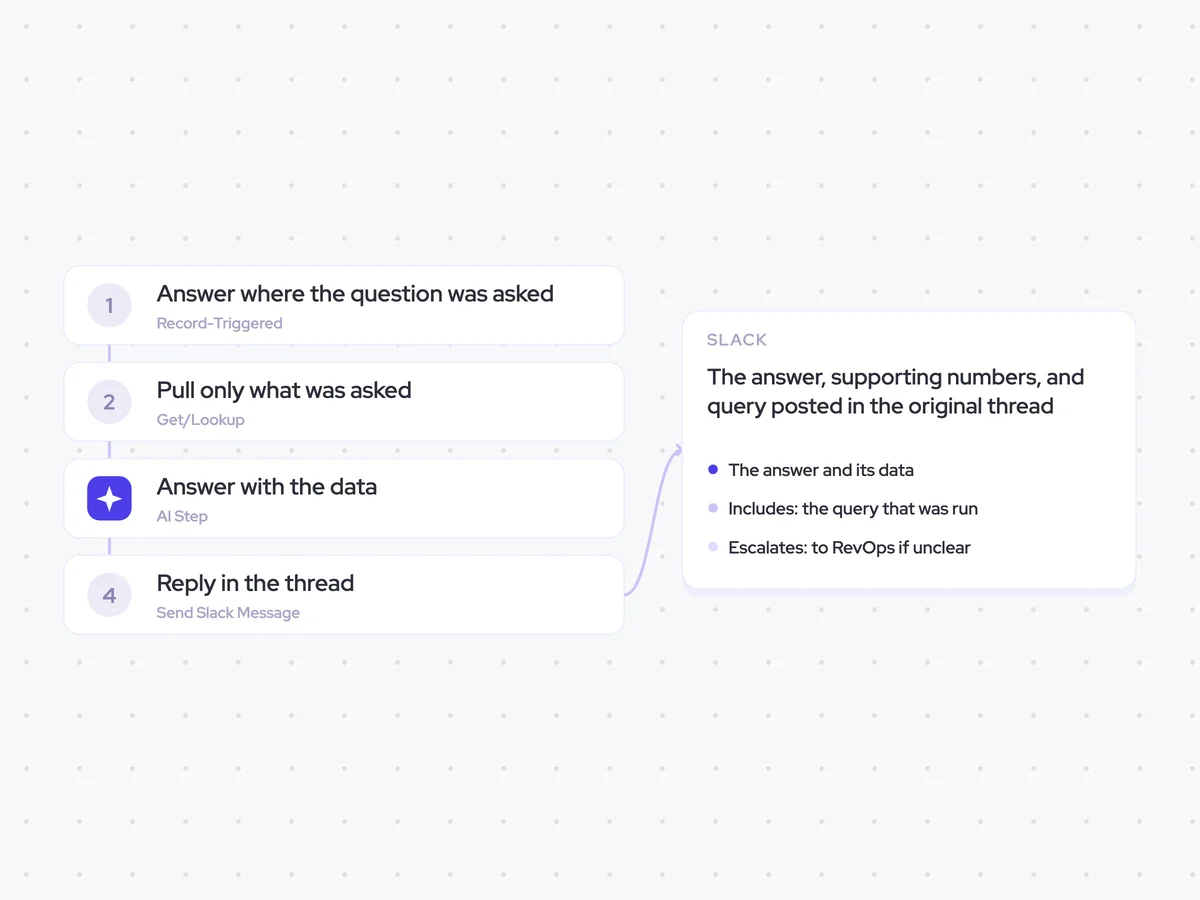
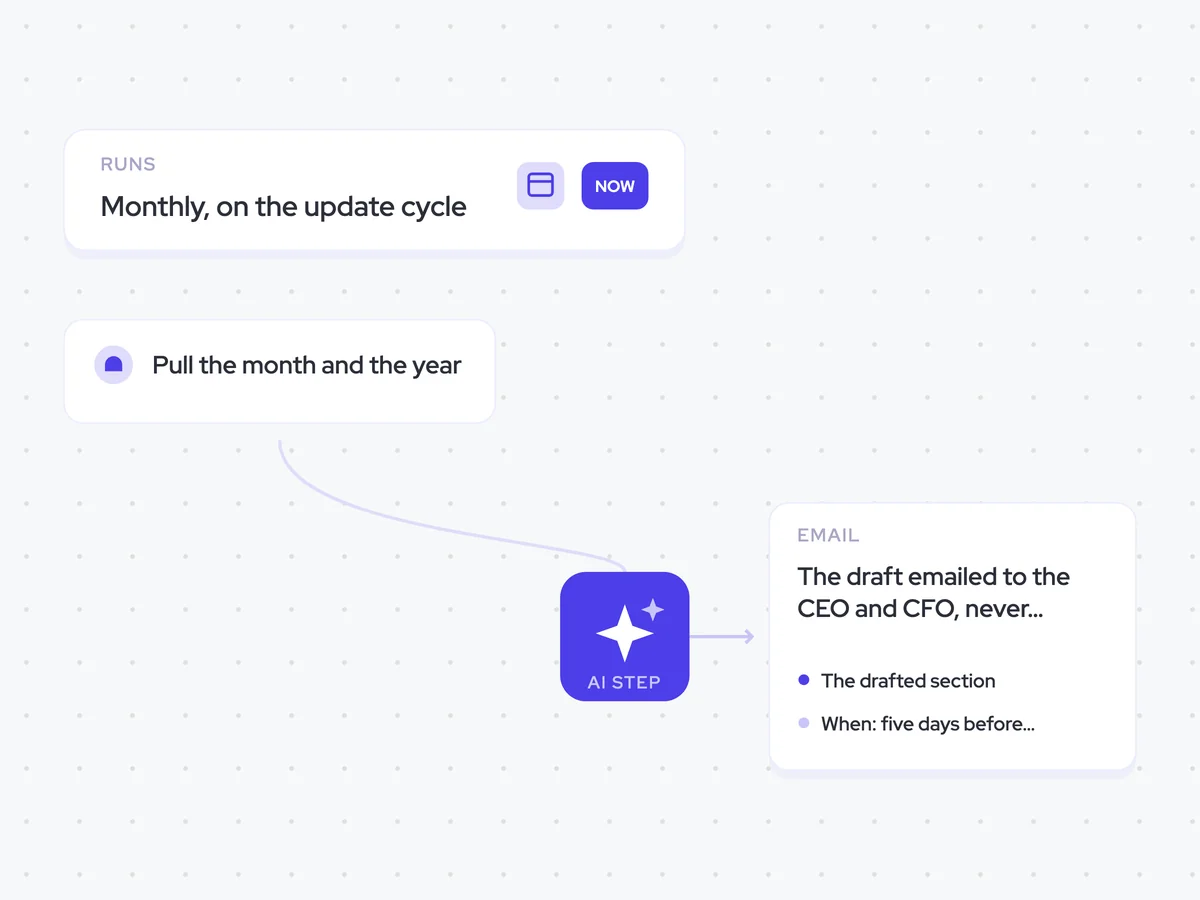
AI Agents that pair well
Same data, different jobs. Run them together for a fuller picture.


Learn more about GTM & Revenue Operations
RevOps Lab Podcast


50+ Free GTM & RevOps Cheat Sheets

Free RevOps Community (1k+ members)
.webp)