
Persona Classification Agent
Classify each new contact into a defined buyer persona using their title and how they have behaved on calls and in emails, then record the persona and confidence on the contact.
- Trigger: a contact is added to a deal
- AI steps: classify the contact and score the confidence out of five
- Output: persona and confidence written to the contact
Agent breakdown
A blueprint to adapt, not a fixed recipe. Set the trigger, thresholds, and methodology that fit your team, and each step builds on the last, using the conversation and CRM context you already capture.
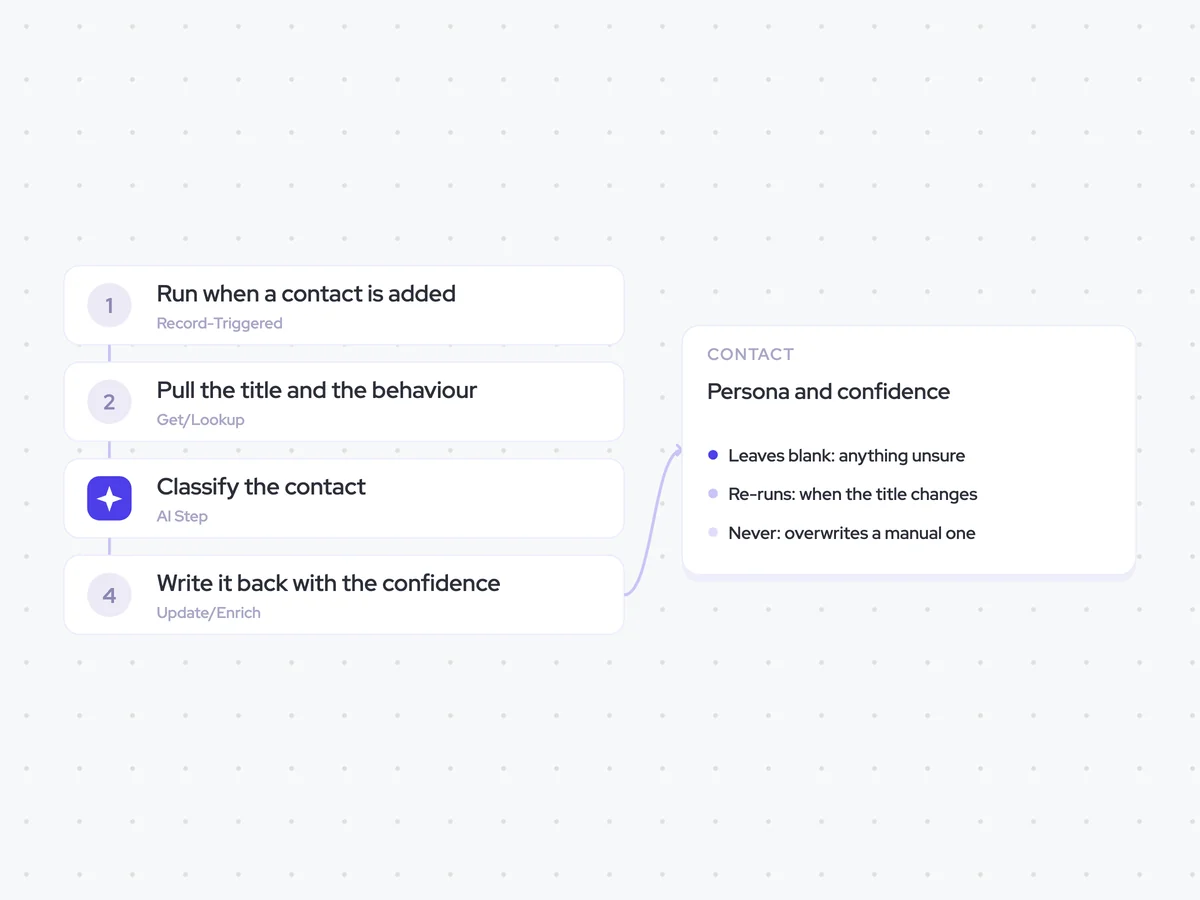
Run when a contact is added
When a new contact is added to a deal, the agent runs the initial classification. Starting when the contact first appears gives RevOps a persona without waiting for someone to classify the contact manually.
- Trigger: A contact is added to a deal
- Initial run: When the contact first appears on the deal
Pull the title and the behaviour
Next, the agent pulls the contact's title, seniority, and function, along with the calls and emails they have taken part in so far. The contact fields provide the first indication of their persona, while their behaviour in buyer conversations can confirm or contradict it.
- Fields: Title, seniority, and function
- Activity: Calls and emails so far
- Skips: Contacts already classified
Classify the contact
Using the contact fields and activity, the agent classifies the contact into one of the defined buyer personas. It returns a confidence score out of five and the two signals that had the most influence on the classification, so RevOps can see how certain the result is and what it was based on.
Classify this contact into one of the defined buyer personas using their title, seniority, function, and how they have behaved on calls and in emails so far.
Input: the defined buyer personas, the contact's title, seniority, and function, and the calls and emails they have taken part in.
- Choose the buyer persona that best matches the available evidence.
- Give the classification a confidence score out of five.
- Name the two signals that had the most influence on the classification.
- Use behaviour from calls and emails to confirm or contradict what the contact's title and function suggest.
Return the persona, the confidence out of five, and the two signals that decided it.
Write it back with the confidence
Finally, the agent writes the persona and confidence to the contact. It records a low-confidence classification with its confidence score rather than dropping it, so a rep can see when the agent was unsure. If the title changes, the agent runs the classification again, but it never replaces a persona entered manually.
- Leaves blank: Anything the agent cannot classify
- Re-runs: When the contact's title changes
- Never: Overwrites a manual persona
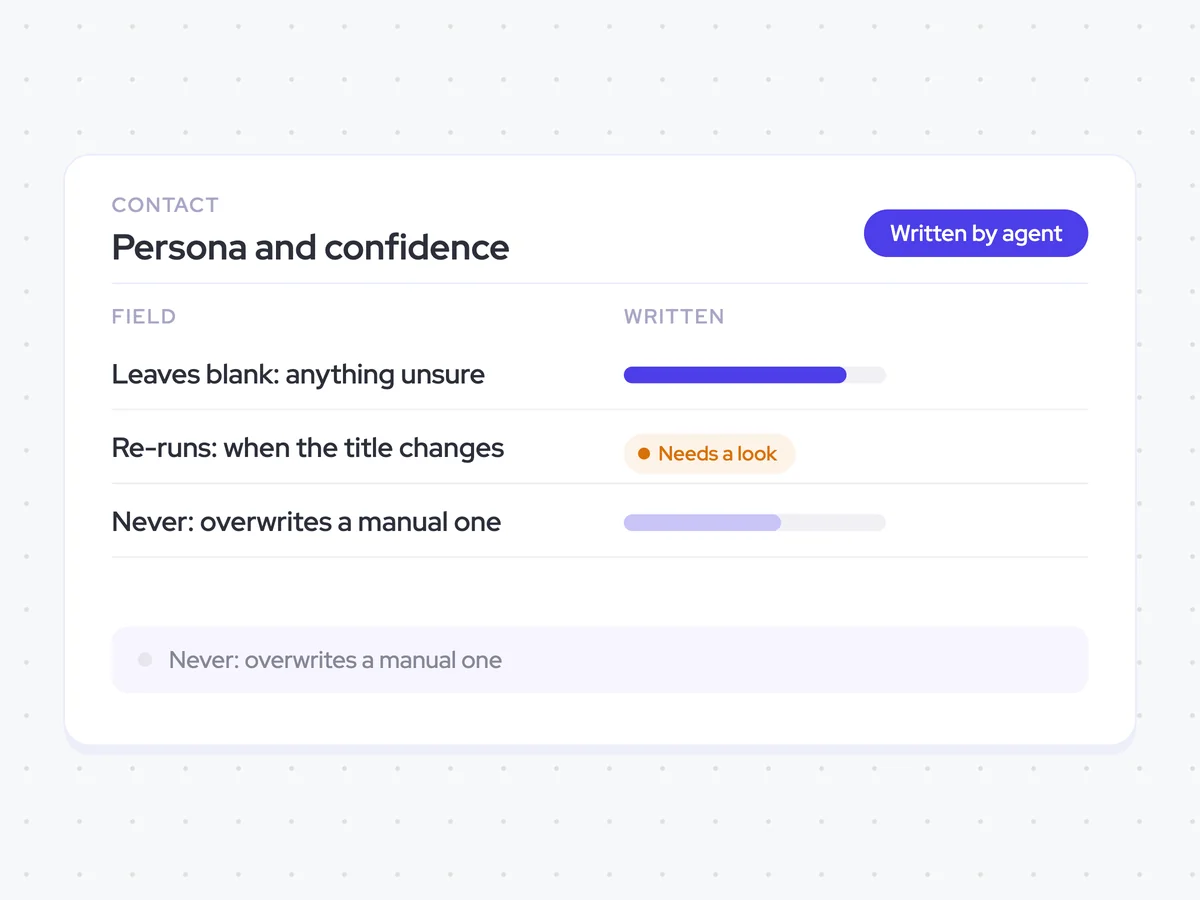
Buyer persona and confidence recorded on each contact
See the buyer persona assigned to each contact and how confident the agent is in that classification. Low-confidence results remain visible, title changes trigger a new classification, and personas entered manually stay untouched.
- For RevOps: Use the persona and confidence fields to review how contacts are classified across your deals.
AI Agents that pair well
Same data, different jobs. Run them together for a fuller picture.

Learn more about GTM & Revenue Operations
RevOps Lab Podcast


50+ Free GTM & RevOps Cheat Sheets

Free RevOps Community (1k+ members)
.webp)