
Onboarding Risk Agent
Trace a missed onboarding milestone back to the earliest delay, identify who owns it, and give Customer Success a specific way to get the onboarding moving again.
- Trigger: an onboarding milestone slips
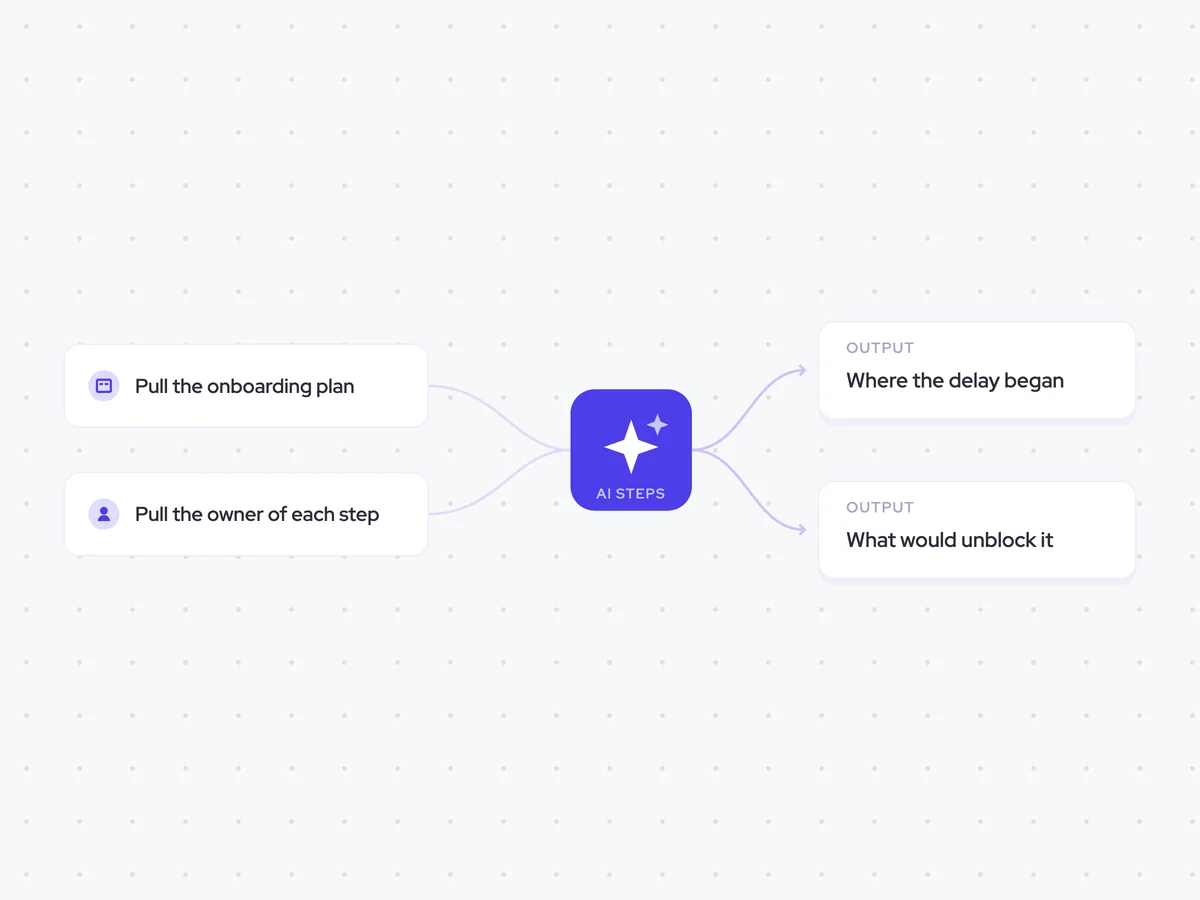
- AI steps: find where the delay began, then suggest what would unblock it
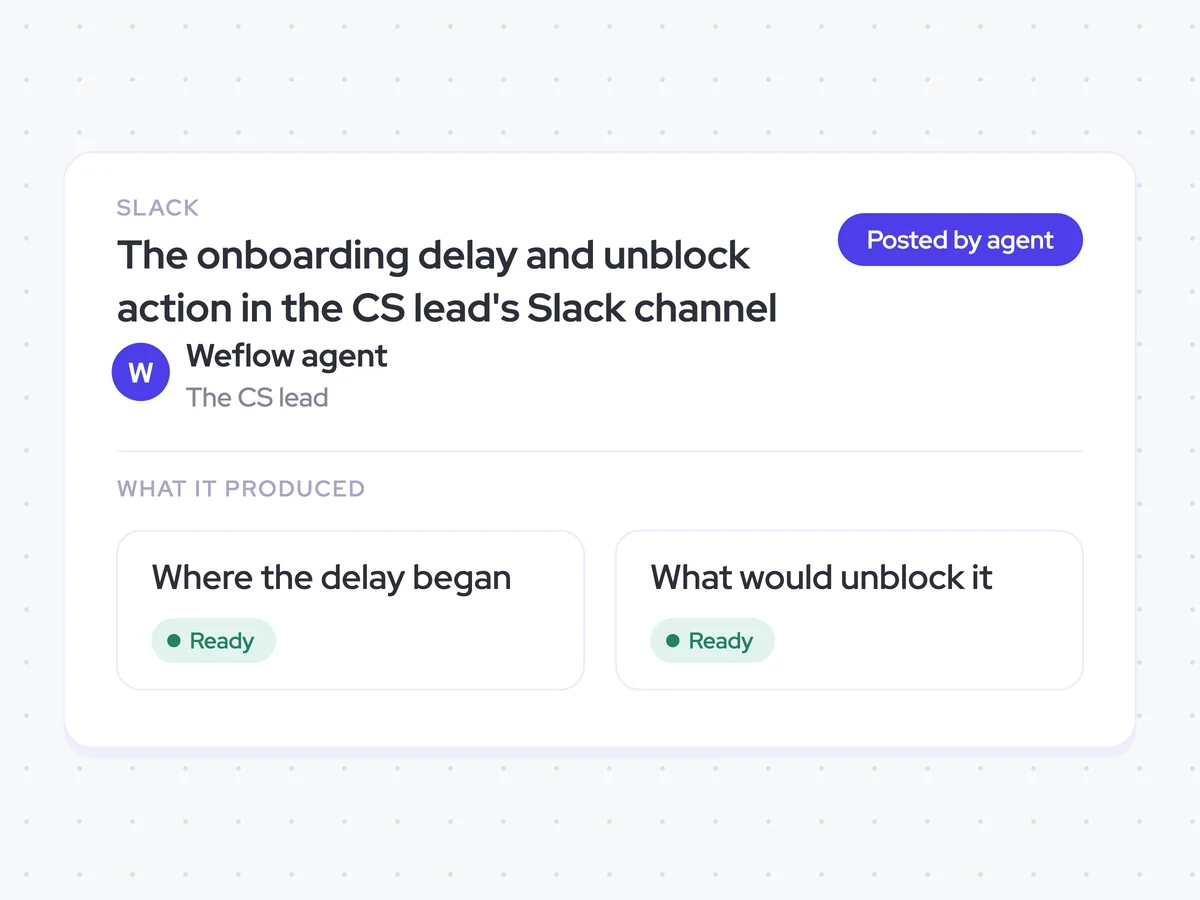
- Output: the delay and unblock action sent to the CS lead in Slack
Agent breakdown
A blueprint to adapt, not a fixed recipe. Set the trigger, thresholds, and methodology that fit your team, and each step builds on the last, using the conversation and CRM context you already capture.
Run when an onboarding milestone slips
When an onboarding milestone slips, the agent starts from that missed date. The miss is the signal rather than the assumed cause, so the next steps work backwards through the plan to find where the delay began.
- Trigger: An onboarding milestone slips
- Starting point: The milestone that missed its planned date
Pull the onboarding plan
Next, the agent pulls the full onboarding plan from the account, including every step and its planned date. This gives it the sequence of events it needs to work backwards from the missed milestone.
- Source: The onboarding plan on the account
- Include: Every onboarding step and its planned date
Pull the owner of each step
The agent then pulls who owns each step on the customer side and on your side. Matching named owners to the plan shows who was responsible for the first step that ran late.
- Include: The owner of every onboarding step
- Sides: Customer owners and internal owners
Find where the delay started
Working backwards from the missed milestone, the agent finds the earliest onboarding step that ran late. It names the step, who owned it, and how long it has been delayed, so Customer Success can focus on where the stall began rather than where it became visible.
Work backwards through the onboarding plan to find where the current delay began.
Input: every onboarding step, its planned date, the milestone that slipped, and the person who owns each step on the customer side and on our side.
- Start with the milestone that slipped and review the earlier steps in order.
- Identify the earliest step that ran late.
- Name the person who owned that step.
- State how long the step is delayed.
Return the earliest late step, its owner, and how long it is delayed.
Suggest what would unblock it
Using the point where the delay began, the agent suggests the one thing that would move the onboarding forward now. It also names who needs to do it, giving Customer Success a specific next action instead of generic escalation advice.
Suggest what would unblock the onboarding based on the earliest step that ran late.
Input: the delayed step, its owner, how long it is delayed, and the remaining onboarding plan.
- Name the one thing that would move the onboarding forward now.
- Name the person who has to do it.
- Avoid generic escalation advice.
Return the unblock action and the person who has to do it.
Notify the customer success lead
Finally, the agent sends the findings to the customer success lead in Slack. The message shows where the delay began, who owned that step, how long it has been delayed, and the specific action that could get the onboarding back on track.
- Recipient: The customer success lead
- Channel: Slack
- Include: The delayed step, its owner, the length of the delay, the unblock action, and who needs to do it
The onboarding delay and unblock action in the CS lead's Slack channel
See where the onboarding delay began, who owned the first late step, and how long it has been delayed. The CS lead also gets one specific action to move the onboarding forward and the name of the person who needs to take it.
- For Customer Success: Use the suggested action to follow up with the right owner and get the onboarding back on track.
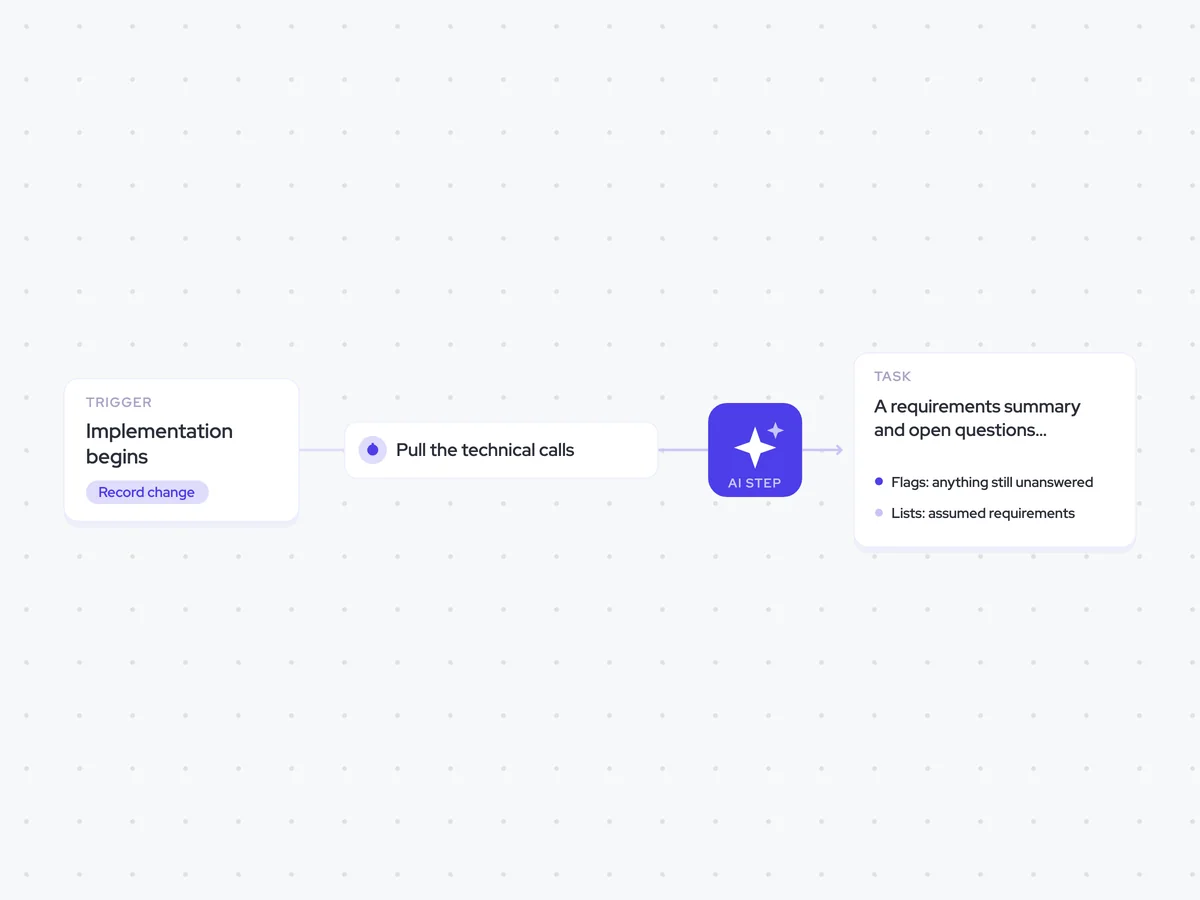
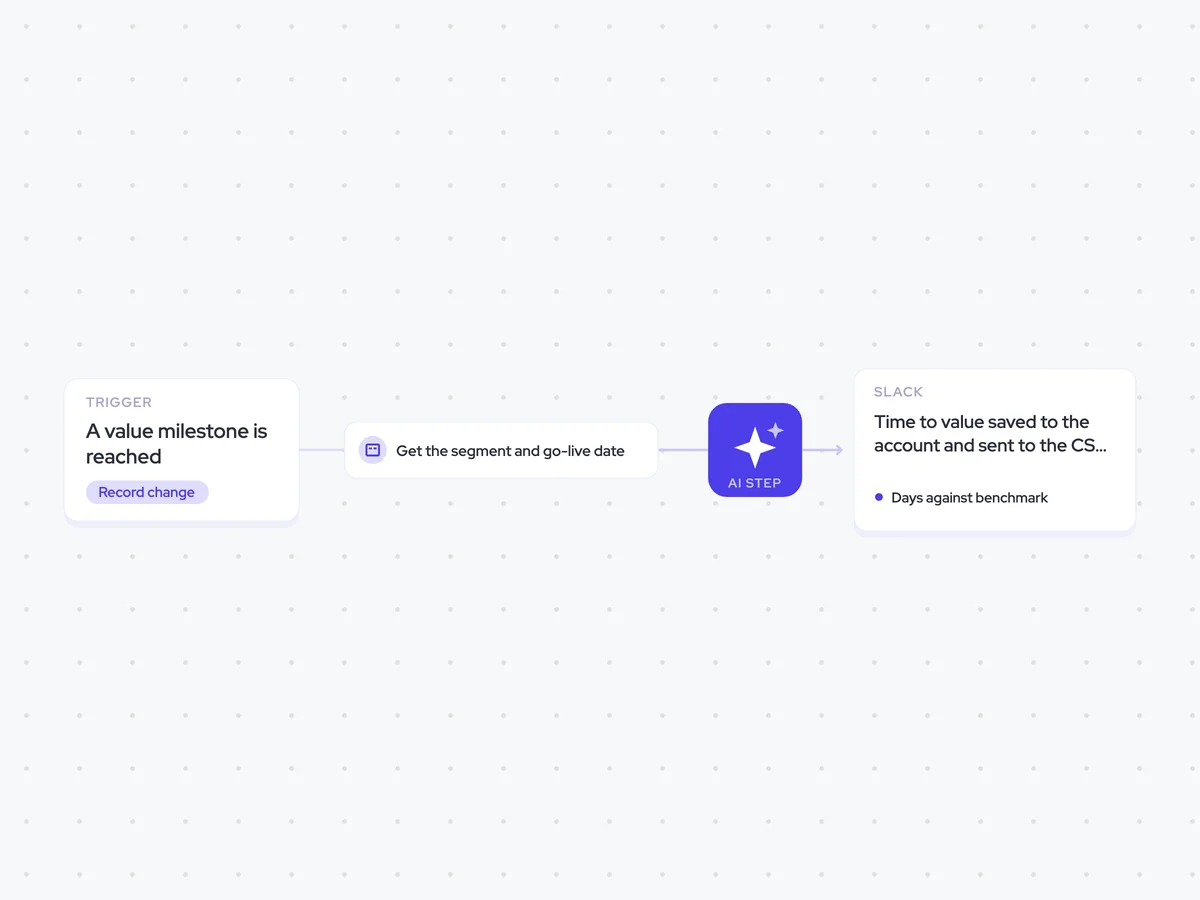
AI Agents that pair well
Same data, different jobs. Run them together for a fuller picture.

Learn more about GTM & Revenue Operations
RevOps Lab Podcast


50+ Free GTM & RevOps Cheat Sheets

Free RevOps Community (1k+ members)
.webp)