
Mutual Action Plan Agent
Keep the mutual action plan current from evaluation onward by rebuilding it after every call from the milestones, owners, and dates agreed out loud, then sending the updated plan to the rep.
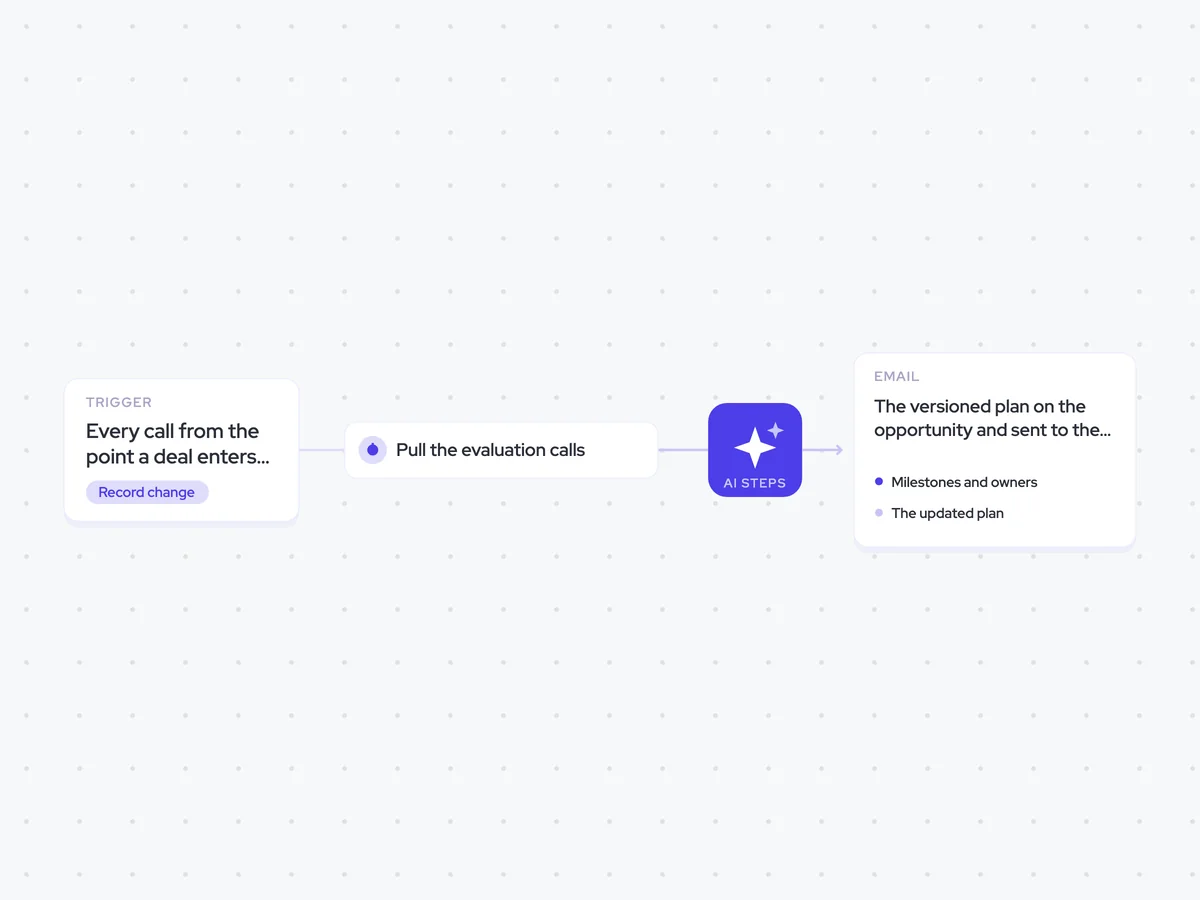
- Trigger: every call from the point a deal enters evaluation
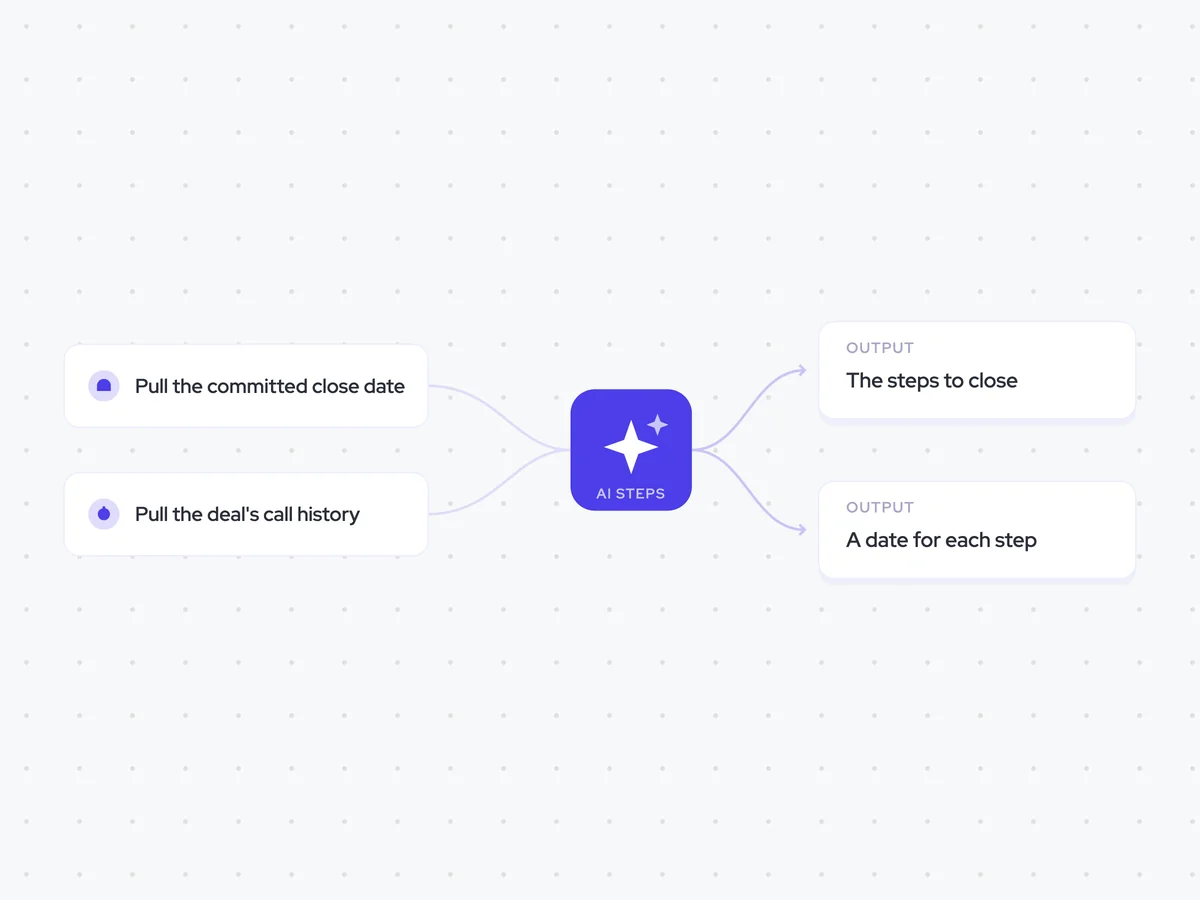
- AI steps: pull out what was agreed, then rebuild the plan
- Output: the versioned plan on the opportunity and sent to the rep, optionally to the buyer
Agent breakdown
A blueprint to adapt, not a fixed recipe. Set the trigger, thresholds, and methodology that fit your team, and each step builds on the last, using the conversation and CRM context you already capture.
Run from evaluation onward
Once a deal enters evaluation, the agent runs after every call from that point onward. This keeps the mutual action plan tied to the latest buyer conversation instead of leaving it as a document written once at the start.
- Trigger: A deal enters evaluation
- Scope: Every call from evaluation onward
Pull the evaluation calls
Next, the agent pulls the calls held since the deal entered evaluation. These conversations contain the milestones, owners, and dates agreed out loud, including details that were never written into the opportunity.
- Include: Calls from evaluation onward
- Exclude: Calls held before the deal entered evaluation
Pull out what was agreed
The agent lists every milestone agreed on the evaluation calls, along with its owner and date. It marks milestones that were agreed without a date so the updated plan shows where the timeline is still open.
Pull out every milestone agreed on the evaluation calls.
Input: the calls held since the deal entered evaluation.
- List each milestone that was agreed.
- Name the owner of each milestone.
- Include the agreed date.
- Mark any milestone that was agreed without a date.
Return a list with the fields: milestone, owner, date, and date agreed (yes/no).
Rebuild the plan
Using the milestones from the calls, the agent rebuilds the mutual action plan. It merges new commitments into the existing plan, keeps completed items, marks what slipped, and records any milestone that is no longer part of the agreed plan instead of silently dropping it.
Rebuild the mutual action plan using the milestones, owners, and dates agreed on the evaluation calls.
Input: the current mutual action plan and the milestones extracted from the calls.
- Merge new milestones into the current plan.
- Update the owner or date when a new agreement changes it.
- Keep completed milestones in the plan.
- Mark milestones that slipped.
- Never drop a milestone without saying so. If the calls show that it is no longer part of the plan, keep it in the history and mark the change.
- Mark milestones that were agreed without a date.
Return the updated mutual action plan with each milestone, owner, date, status, and any change to the previous version.
Write the plan to the deal
Next, the agent writes the rebuilt mutual action plan to the opportunity. It keeps one plan per deal and saves each update as a new version, so you can see how milestones, owners, and dates changed over time.
- Update: The mutual action plan on the opportunity
- Versioning: Keep the plan's change history on the opportunity
Send the updated plan to the rep
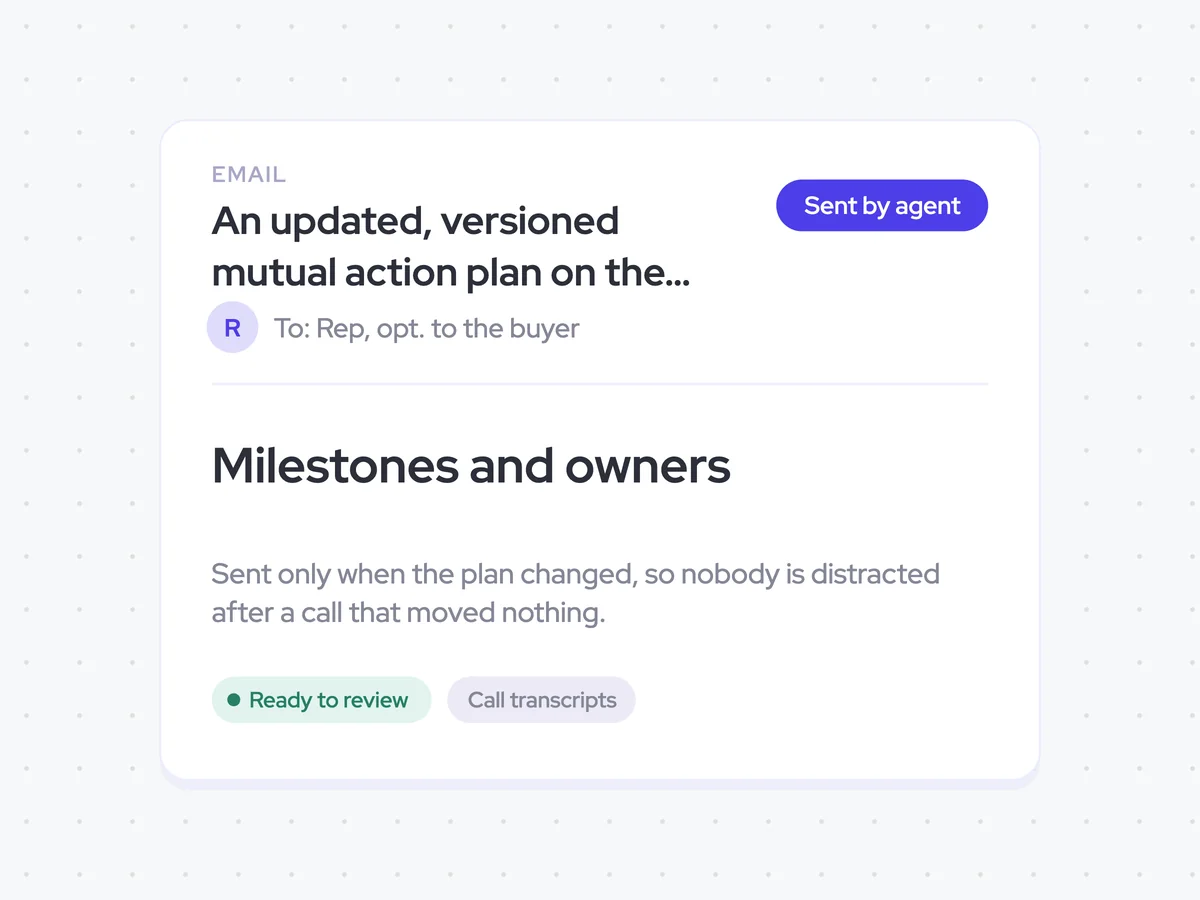
If the plan changed, the agent sends the updated version to the rep. The buyer can also receive it when included, while calls that changed nothing do not create another email.
- Recipient: The rep on the deal
- Optional recipient: The buyer
- Send condition: Only when the mutual action plan changed
An updated, versioned mutual action plan on the opportunity and in the rep's inbox, optionally sent to the buyer
Get the latest mutual action plan after each evaluation call that changes it, with the agreed milestones, owners, dates, completed items, and anything that slipped. The opportunity keeps the version history, while the rep receives the current plan and can include the buyer when needed.
- For reps: Use the latest version to keep both sides working from the commitments agreed on the calls.
AI Agents that pair well
Same data, different jobs. Run them together for a fuller picture.


Learn more about GTM & Revenue Operations
RevOps Lab Podcast


50+ Free GTM & RevOps Cheat Sheets

Free RevOps Community (1k+ members)
.webp)