
Integration Demand Agent
Rank the integrations buyers ask for by request volume and the pipeline value behind them, then share the demand with the product team in Slack.
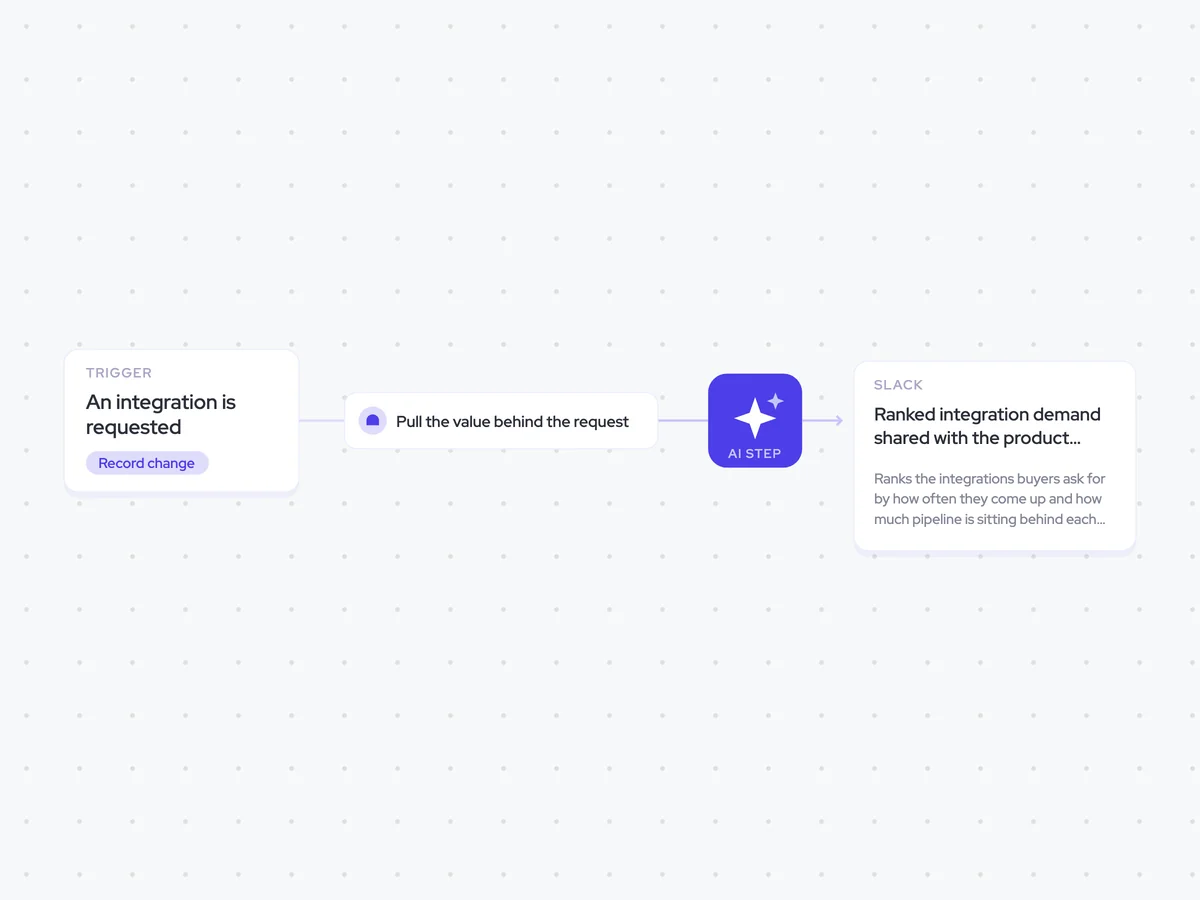
- Trigger: an integration is requested
- AI steps: group and rank integration demand by request count and pipeline value
- Output: ranked integration demand shared with the product team in Slack
Agent breakdown
A blueprint to adapt, not a fixed recipe. Set the trigger, thresholds, and methodology that fit your team, and each step builds on the last, using the conversation and CRM context you already capture.
Run when an integration is requested
The agent runs whenever a buyer requests an integration. Adding each request as it comes up means the ranking stays current, rather than relying on somebody to compile requests from different deals later.
- Trigger: An integration is requested
- Adds: Every request to the ranking
Pull the value behind the request
Next, the agent pulls the stage and value of the deal where the request came up, along with earlier integration requests. This keeps request volume and the pipeline behind it visible as separate signals, since several requests from smaller deals can mean something different from fewer requests tied to larger deals.
- Scope: The deal where the integration request came up
- Includes: Prior requests
Rank the integration demand
The agent groups requests by integration and ranks them using two separate measures: how often buyers ask for each integration and the pipeline value attached to those requests. It reports both numbers rather than combining them into one score, so Product can compare request volume with the value behind it.
Rank the integrations buyers have requested using the integration requests and the stage and value of the deals where they came up.
For each requested integration:
- Group requests that refer to the same integration under one integration theme.
- Count how many times buyers requested it.
- Calculate the total pipeline value attached to those requests.
- Keep each request linked to its integration theme.
Rules: report request count and pipeline value separately. Do not combine them into a blended score.
Return two ranked lists: requested integrations ranked by request count, then requested integrations ranked by pipeline value. Show the integration theme, request count, and pipeline value in both lists.
Share the ranking with the product team
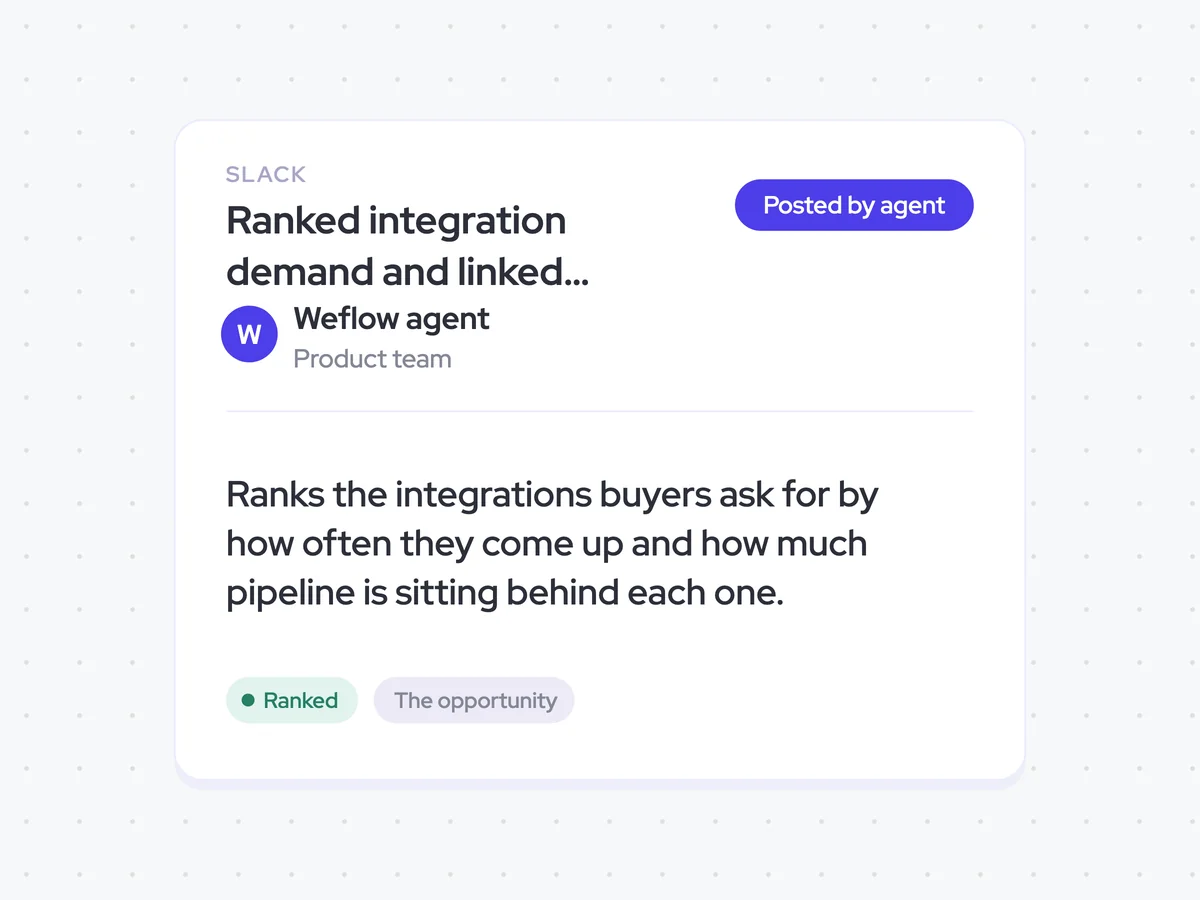
Finally, the agent shares the ranked demand with the product team in Slack. Each request appears as its own entry linked to its integration theme, so the team can see the individual requests behind the totals.
- Recipients: Product team
- Channel: Slack
- Entry: Each request linked to its integration theme
Ranked integration demand and linked request entries in Product's Slack
See which integrations buyers request most often and how much pipeline sits behind each one. Product receives the ranking in Slack, with every request linked to its integration theme and request count kept separate from pipeline value.
- For Product: Compare request volume with the pipeline behind it when prioritizing integrations.
AI Agents that pair well
Same data, different jobs. Run them together for a fuller picture.

Learn more about GTM & Revenue Operations
RevOps Lab Podcast


50+ Free GTM & RevOps Cheat Sheets

Free RevOps Community (1k+ members)
.webp)