
Forecast Commentary Agent
Explain what moved in the forecast since last week, which deals changed commit and best case, and what it means for the rest of the quarter.
- Trigger: the submission deadline, once submissions close
- AI steps: find the movement, then write the forecast narrative
- Output: commentary sent with the submitted number to the leadership team
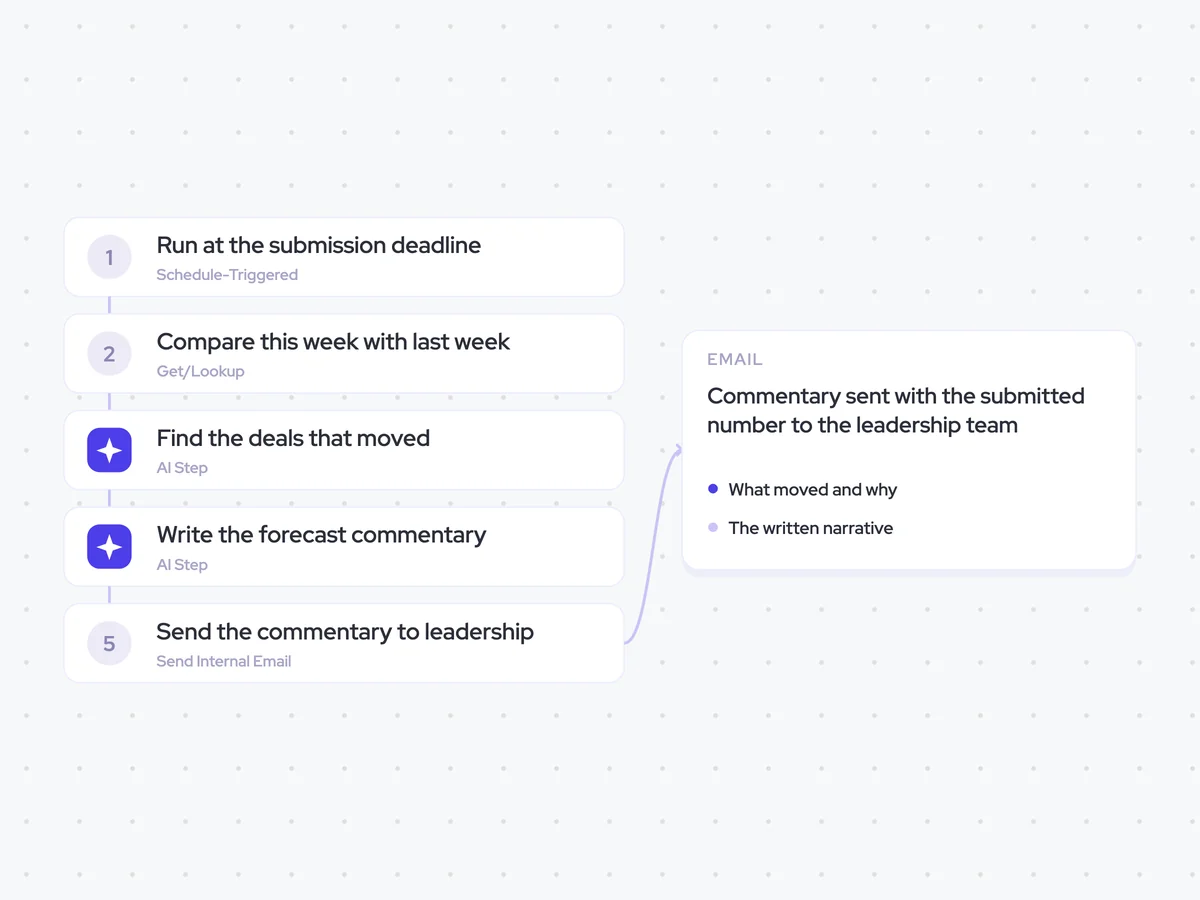
Agent breakdown
A blueprint to adapt, not a fixed recipe. Set the trigger, thresholds, and methodology that fit your team, and each step builds on the last, using the conversation and CRM context you already capture.
Run at the submission deadline
At the submission deadline, the agent starts once submissions have closed. This means the commentary explains the forecast number that was actually filed, rather than a number that could still change.
- Trigger: The submission deadline
- Runs: Once submissions close
Compare this week with last week
Next, the agent compares this week’s submission with last week’s across the opportunities behind commit and best case. Looking at the movement between the two submissions shows which deals changed the forecast, rather than simply restating the latest totals.
- Fields: Commit and best case
- Ignores: Movement under $50,000
Find the deals that moved
The agent identifies every deal that moved between the two weeks and states the direction of the change. It ignores movement under $50,000, keeping the commentary focused on the deals that materially changed commit or best case.
You are comparing this week’s forecast submission with last week’s.
Input: the opportunity-level commit and best case data for both weeks.
- Name every deal that moved between the two weeks.
- State the direction of each movement.
- State whether the deal changed commit, best case, or both.
- Explain how each deal contributed to the movement in the submitted forecast.
Rules: ignore movement under $50,000. Use only the two forecast submissions and the opportunities included in them. Do not include deals that did not move.
Return a list of every deal that moved, the direction it moved, and how it changed commit or best case.
Write the forecast commentary
Using that comparison, the agent writes the commentary that goes with the submitted number. It explains what moved, names the deals that moved it, and summarizes what those changes mean for the rest of the quarter.
Write the forecast commentary for this week’s submitted number.
Input: the comparison with last week’s submission and the list of deals that moved, including the direction and effect of each movement.
- Explain what moved in commit and best case since last week.
- Name the deals that caused the movement.
- State what the changes mean for the rest of the quarter.
Rules: keep the commentary under 200 words. Focus on movement rather than restating the totals. Use only the changes and deals identified in the comparison.
Return the written forecast narrative, ready to send with the submitted number.
Send the commentary to leadership
Finally, the agent emails the commentary to the leadership team with the submitted forecast number. Sending both together means sales leaders receive the number with an explanation of what changed and which deals moved it.
- Recipients: The leadership team
- Timing: With the submitted forecast number
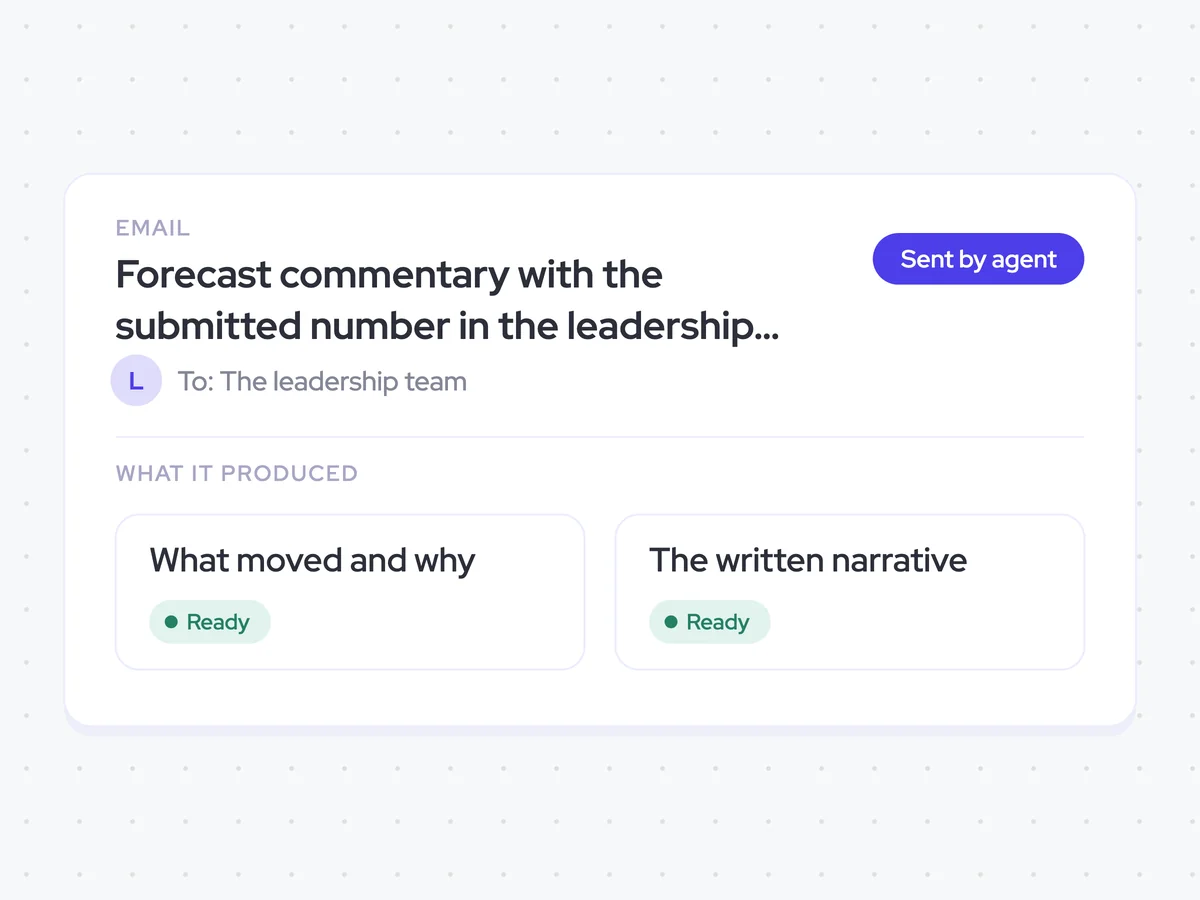
Forecast commentary with the submitted number in the leadership team’s inbox
Get the submitted forecast number with a concise explanation of what moved since last week, which deals changed commit and best case, and what those changes mean for the rest of the quarter.
- For sales leaders: Read the movement behind the number without working back through the two submissions deal by deal.
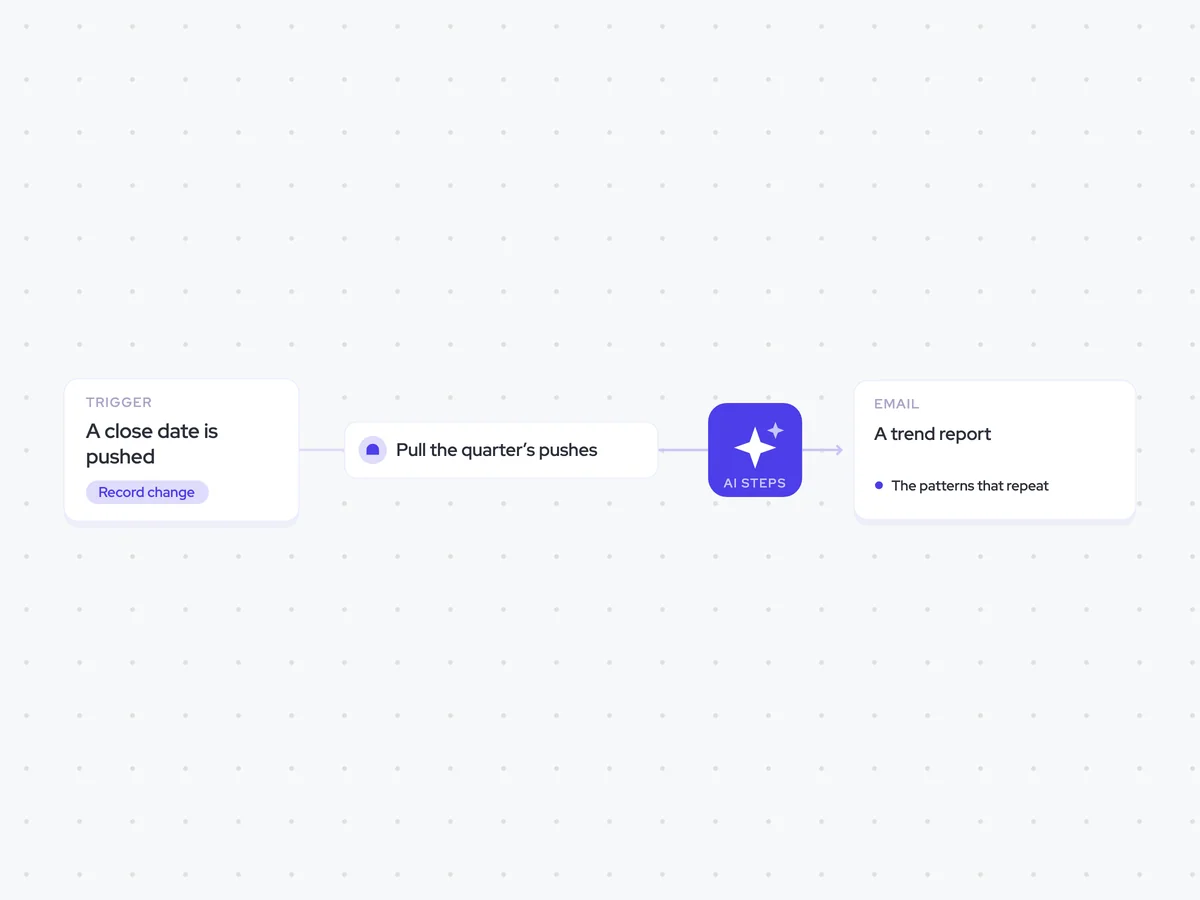
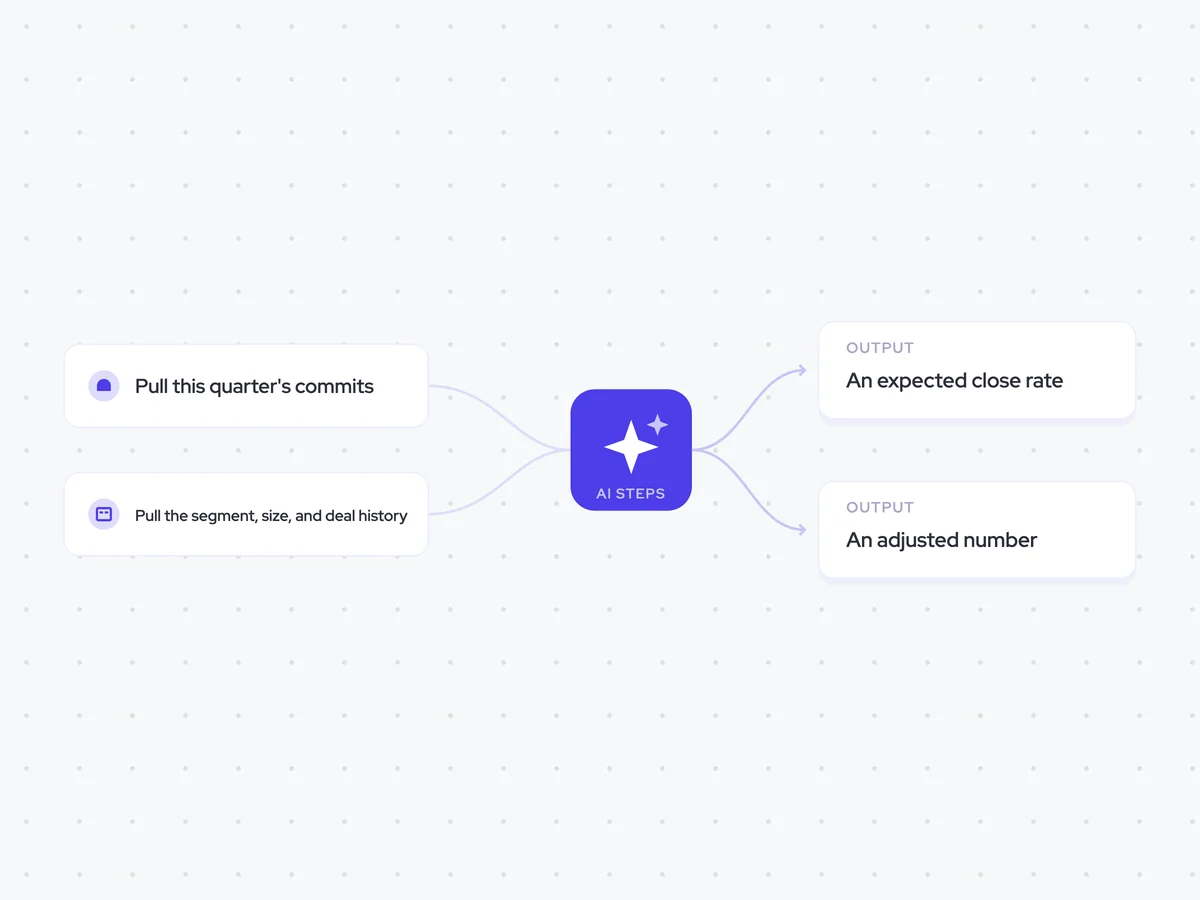
AI Agents that pair well
Same data, different jobs. Run them together for a fuller picture.

Learn more about GTM & Revenue Operations
RevOps Lab Podcast


50+ Free GTM & RevOps Cheat Sheets

Free RevOps Community (1k+ members)
.webp)