
Executive Relationship Agent
Find the strategic accounts where your executive team has had no contact for ninety days, and give each executive sponsor a specific reason to get back in touch.
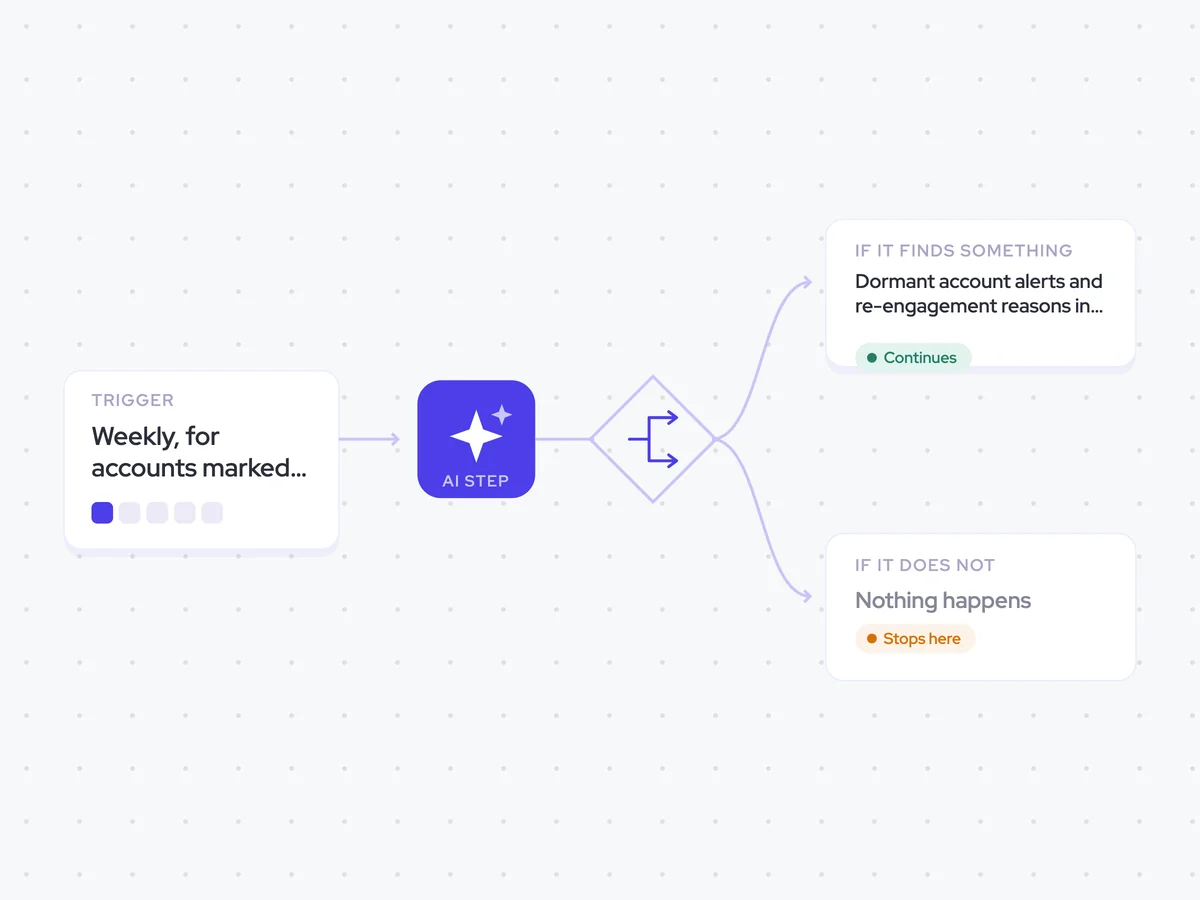
- Trigger: weekly, for accounts marked strategic
- AI steps: find dormant executive relationships and suggest a reason to reconnect
- Output: an account-specific alert emailed to the executive sponsor
Agent breakdown
A blueprint to adapt, not a fixed recipe. Set the trigger, thresholds, and methodology that fit your team, and each step builds on the last, using the conversation and CRM context you already capture.
Run weekly on strategic accounts
Each week, the agent checks the accounts marked strategic. It leaves other accounts out because an executive relationship is not expected on every account.
- Include: Accounts marked strategic
- Exclude: Accounts not marked strategic
Pull the executives
Next, the agent pulls the contacts at director level and above on both sides of each strategic account. It also checks when executives from the two companies last met, which gives the next step the date it needs to find relationships that have gone quiet.
- Scope: Director-level and above on both sides
- Since: The last meeting
Find the dormant ones
The agent identifies strategic accounts with no executive contact in the last ninety days. For each dormant account, it suggests a specific reason to get back in touch rather than sending a general check-in.
Prompt
Review the strategic accounts, the executives at director level and above on both sides, and the date of the last meeting between them.
- List each strategic account with no executive contact in the last ninety days.
- For each account, give one specific reason to get back in touch.
- Look for something nuanced and relevant to that account rather than suggesting a general check-in.
Rules: include only accounts with no executive contact in the last ninety days. Do not invent account details or reasons that are not supported by the account information.
Return a list of the dormant strategic accounts, with one account-specific reason to get back in touch for each.
Stop when it is current
If the agent finds executive contact within the last ninety days, it stops for that account. It continues only for dormant relationships, so every alert points to a real gap.
- If dormant: Continue
- If touched recently: Stop
Send it to our exec sponsor
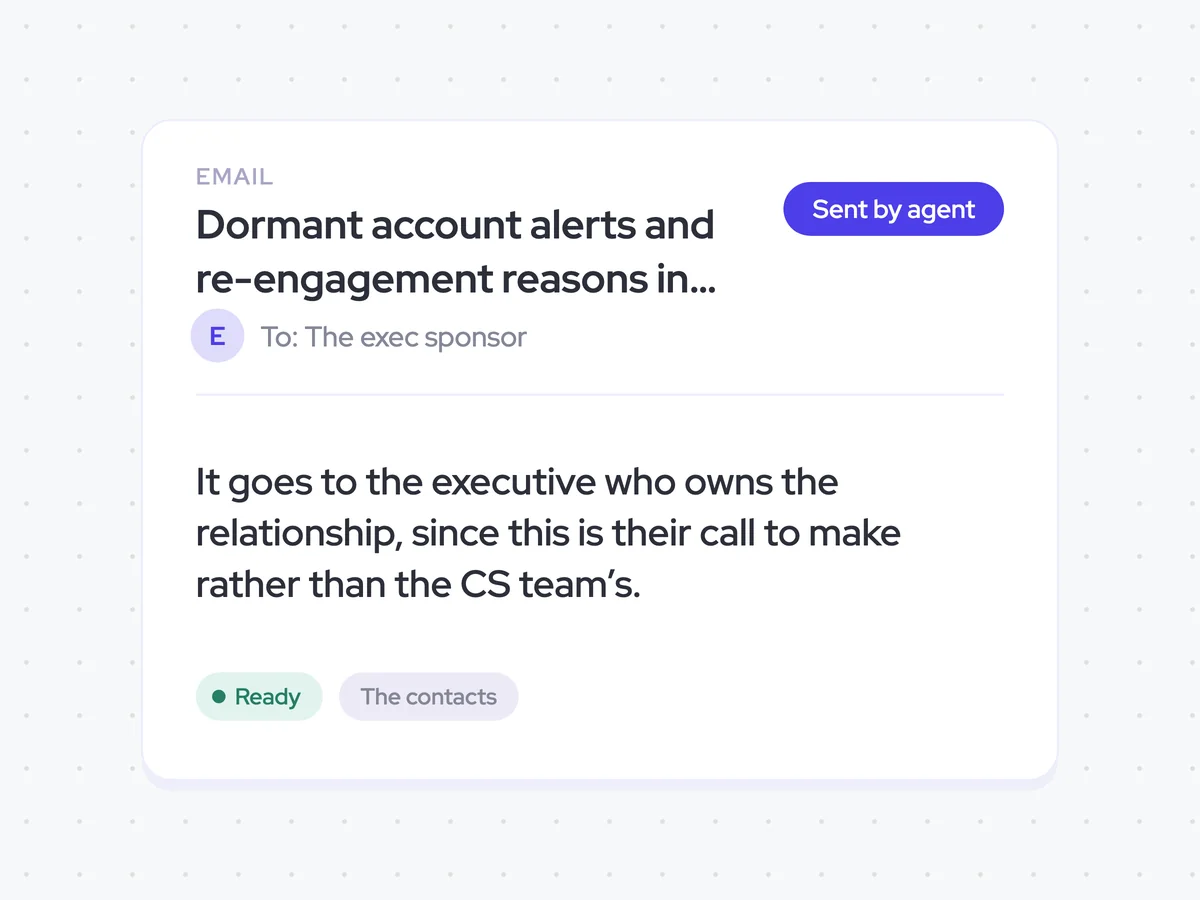
Finally, the agent emails the alert to the executive sponsor who owns the relationship. It goes to that executive rather than the CS team because the decision to reconnect is theirs to make.
- Recipient: The executive sponsor who owns the relationship
- Recipient excluded: The CS team
Dormant account alerts and re-engagement reasons in each executive sponsor’s inbox
See which strategic accounts have gone ninety days without executive contact and why it is worth getting back in touch. Each alert goes to the executive sponsor who owns the relationship and includes a reason specific to that account.
- For executives: Review the account-specific reason and decide whether to reconnect.
- For RevOps: Keep executive relationship gaps visible without sending alerts for accounts that were touched recently.
AI Agents that pair well
Same data, different jobs. Run them together for a fuller picture.


Learn more about GTM & Revenue Operations
RevOps Lab Podcast


50+ Free GTM & RevOps Cheat Sheets

Free RevOps Community (1k+ members)
.webp)