
Engagement Scoring Agent
Score every contact on an open deal based on their replies, meeting attendance, and depth of participation, then roll up the scores to show engagement on the opportunity.
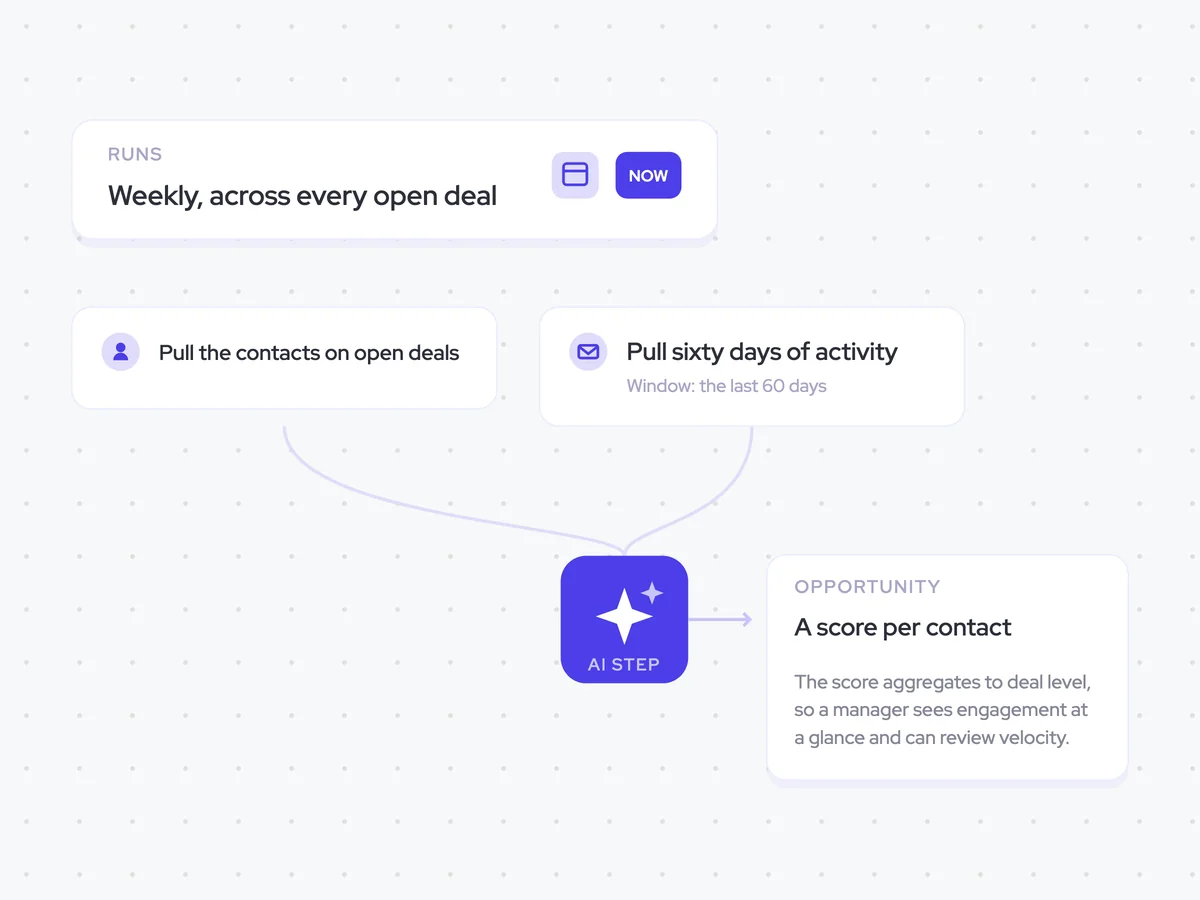
Trigger: weekly, across every open deal
AI steps: score each contact based on the last 60 days of activity
Output: contact scores rolled up to the opportunity
Agent breakdown
A blueprint to adapt, not a fixed recipe. Set the trigger, thresholds, and methodology that fit your team, and each step builds on the last, using the conversation and CRM context you already capture.
Refresh the scores weekly
Each week, the agent refreshes the engagement scores across every open deal. Engagement usually moves slowly enough for a weekly schedule, while keeping each score no more than a week out of date.
Schedule: Weekly
Scope: Every open deal
Pull the contacts on open deals
Next, the agent pulls every contact attached to an open deal. This includes contacts who joined an early call but have not spoken with the team since, so the score reflects the full group around the deal.
Include: Every contact attached to an open deal
Include contacts with no recent conversations
Pull 60 days of activity
For each contact, the agent pulls the last 60 days of replies, meeting attendance, and participation in meetings. It focuses on how the contact responded and what they contributed, rather than how often your team emailed them.
Window: The last 60 days
Include: Replies, meeting attendance, and depth of participation
Exclude from scoring: The number of emails sent by your team
Score each contact
The agent scores each contact out of 10 based on responsiveness, meeting attendance, and depth of participation. It gives depth of participation the most weight, so someone who contributes meaningfully scores higher than someone who simply attends.
Alongside the total, the agent returns the three component scores. This lets the rep see whether engagement comes from replies, attendance, or what the contact actually says in meetings.
Score each contact attached to the open opportunity based on their activity from the last 60 days.
Input: the contacts on the opportunity and their email replies, meeting attendance, and depth of participation during the 60-day window.
Assess each contact's responsiveness based on their replies.
Assess their meeting attendance.
Assess the depth of their participation based on how much they contributed in meetings.
Calculate a total engagement score from 0 to 10.
Give depth of participation more weight than responsiveness or meeting attendance.
Rules: score the contact's own activity, not how often our team emailed them. Use only activity from the last 60 days.
Return each contact's name, responsiveness score, meeting attendance score, depth of participation score, and total engagement score.
Write the score to the deal
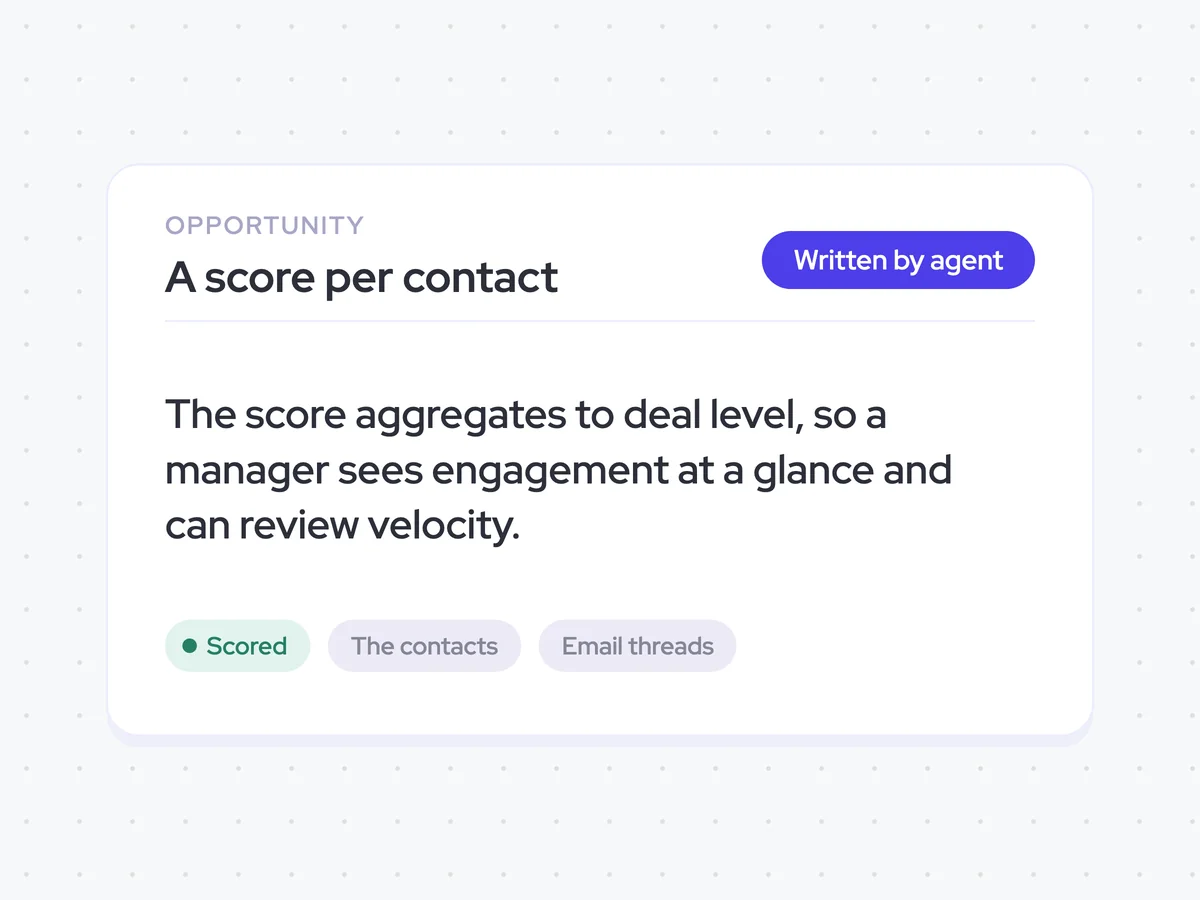
Finally, the agent rolls up the contact scores and writes the engagement score to the opportunity. The rep can see engagement across the deal at a glance, while managers can use the same score to review its velocity.
Roll up: Scores for contacts attached to the deal
Update: Engagement score on the opportunity
Weekly contact scores and rolled-up engagement on each open opportunity
See how actively the contacts on each open deal are responding, attending meetings, and contributing to conversations. The weekly score shows where engagement is coming from and rolls it up to the opportunity, so you can quickly check how the deal is moving.
For reps: Check which contacts are participating and where engagement has slowed.
For managers: Review the rolled-up score when checking deal velocity.
AI Agents that pair well
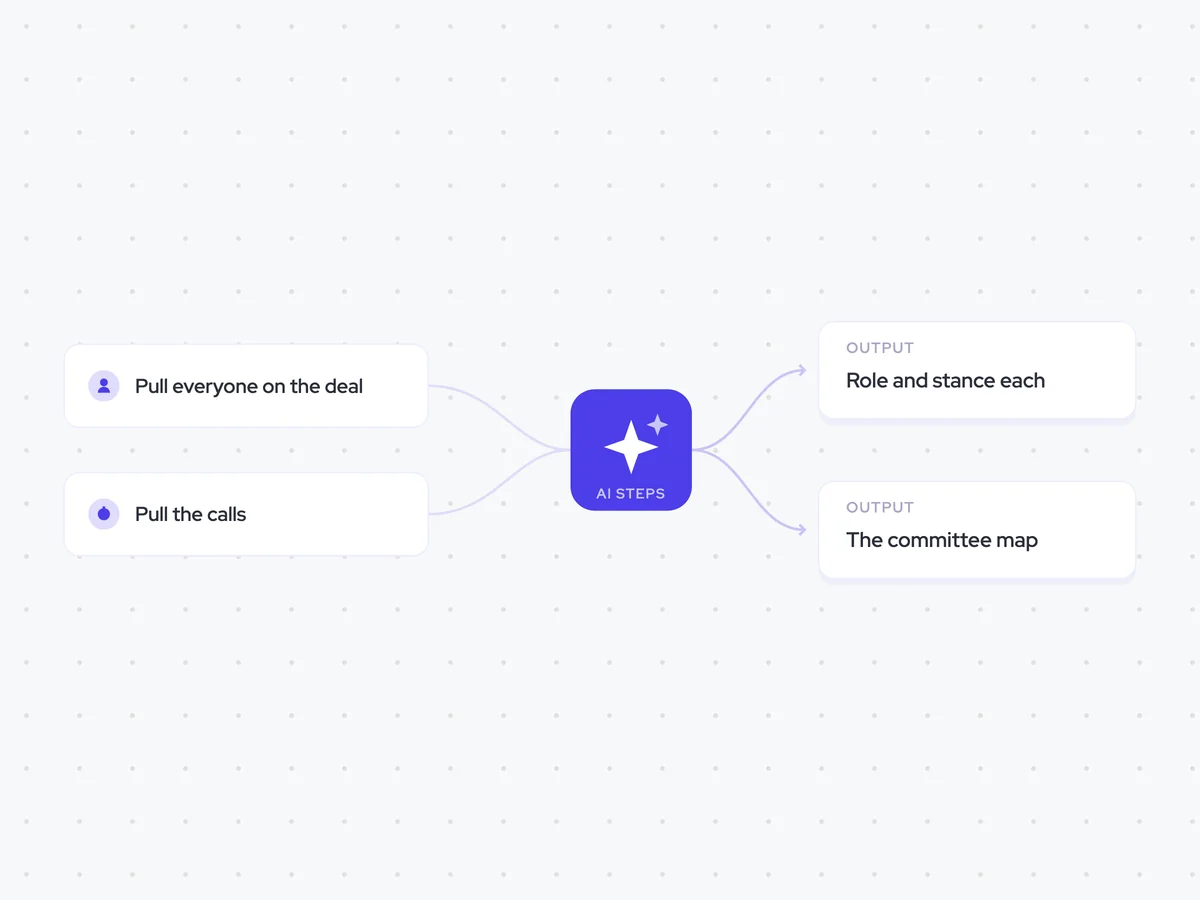
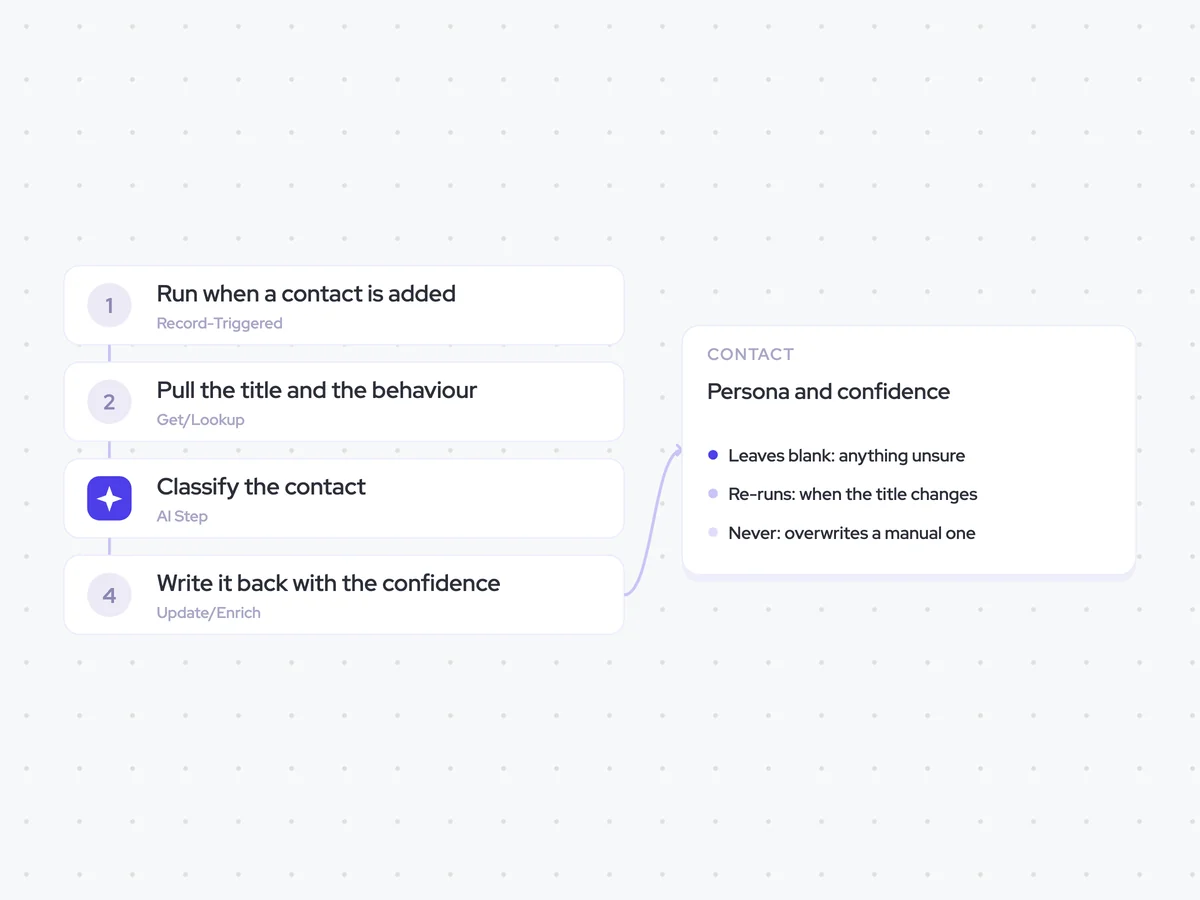
Same data, different jobs. Run them together for a fuller picture.

Learn more about GTM & Revenue Operations
RevOps Lab Podcast


50+ Free GTM & RevOps Cheat Sheets

Free RevOps Community (1k+ members)
.webp)