
Data Governance Audit Agent
Audit every open opportunity against your required data standards each month, and show RevOps which rules are being broken and who owns the affected records.
- Trigger: monthly, on the governance review
- AI steps: find every breach, then roll them up by owner and rule
- Output: the breach report and owner scorecard emailed to RevOps and team leads
Agent breakdown
A blueprint to adapt, not a fixed recipe. Set the trigger, thresholds, and methodology that fit your team, and each step builds on the last, using the conversation and CRM context you already capture.
Run the audit monthly
The agent runs once a month, in time for the governance review. This cadence gives data standards enough time to drift between audits, so the review shows where records are no longer meeting the rules.
- Schedule: Monthly
- Timing: On the governance review
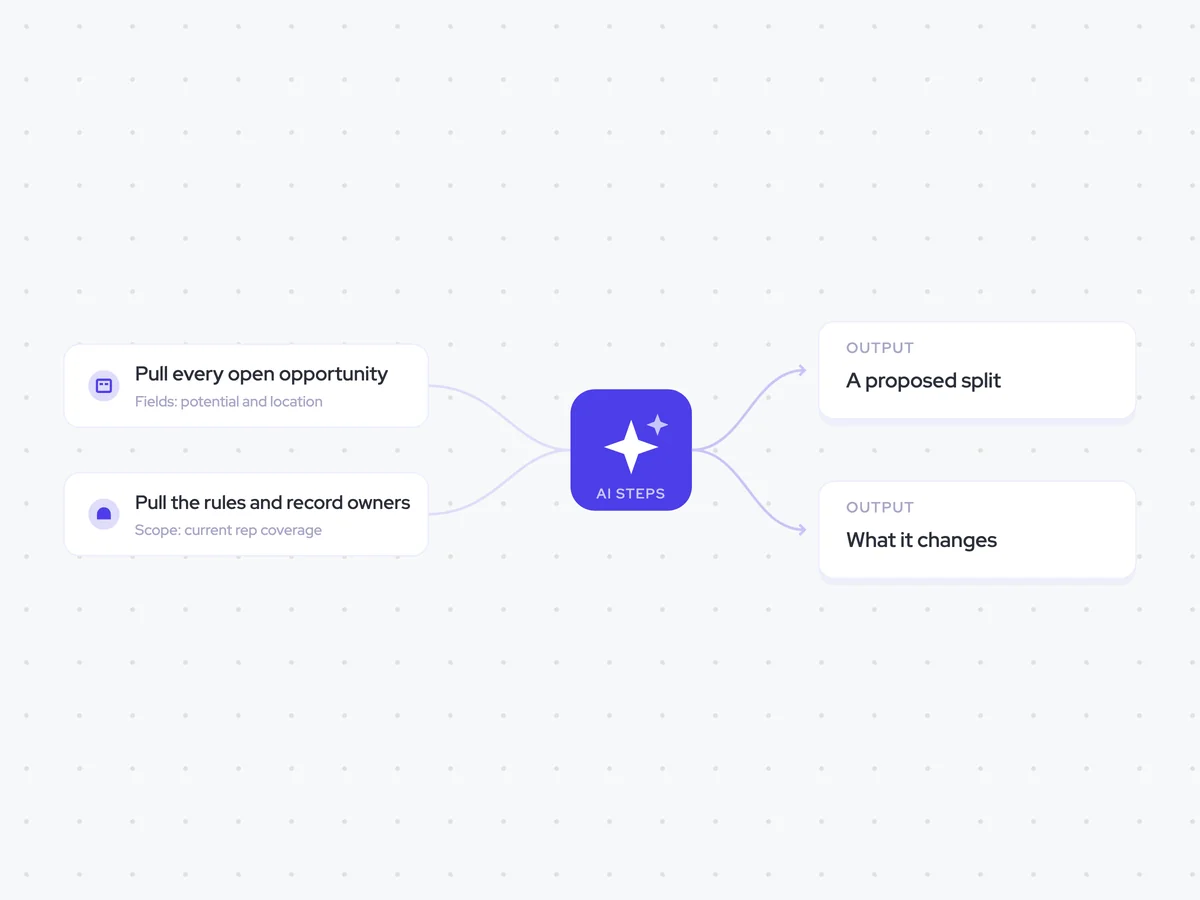
Pull every open opportunity
Next, the agent pulls every open opportunity rather than checking a sample. That keeps the audit focused on the full set of records your team is working and prevents people from learning how to pass a sampled check.
- Include: Every open opportunity
- Sample: None
Pull the rules and record owners
The agent then pulls the required fields and owner information from the related accounts. This gives it the rules each record needs to meet and the owner accountable when a record does not meet them.
- Object: Account
- Fields: Owner and required fields
Find every breach
Using the open opportunities, required fields, and owner information, the agent checks every record against the data standards. It lists each breach separately, naming the rule that was broken and how long the record has been out of line with it.
Audit every open opportunity against the required data standards.
Input: every open opportunity, the required fields for each record, and the record owner.
- List every record that breaches a standard.
- For each breach, name the rule that was broken.
- State how long the rule has been broken.
- Include the owner of the affected record.
Include every breach. Do not sample the records or combine multiple breaches on the same record.
Return a list with the record, owner, rule broken, and how long it has been broken.
Build a scorecard by owner
The agent rolls the breaches up by owner and rule, so RevOps can see where the problems sit instead of getting one global number. For each owner, it reports the rule broken most often as well as the breach counts.
Using the breaches found in the previous step, build a data governance scorecard by owner.
- Roll up the breaches by owner.
- Within each owner section, group the breaches by rule.
- Show the breach count for each rule.
- Name the rule that owner breaks most often.
Do not report only a global count. Keep the results separated by owner so RevOps and team leads can see where each breach sits.
Return a scorecard with one section per owner, showing breaches by rule, the count for each rule, and the rule most often broken.
Send the audit to RevOps and team leads
Finally, the agent emails the audit to RevOps and the team leads. RevOps and each team lead get their own section, so they can see the breaches and rules that apply to the records they are accountable for rather than one global score.
- Recipients: RevOps and team leads
- Sections: One for RevOps and one for each team lead
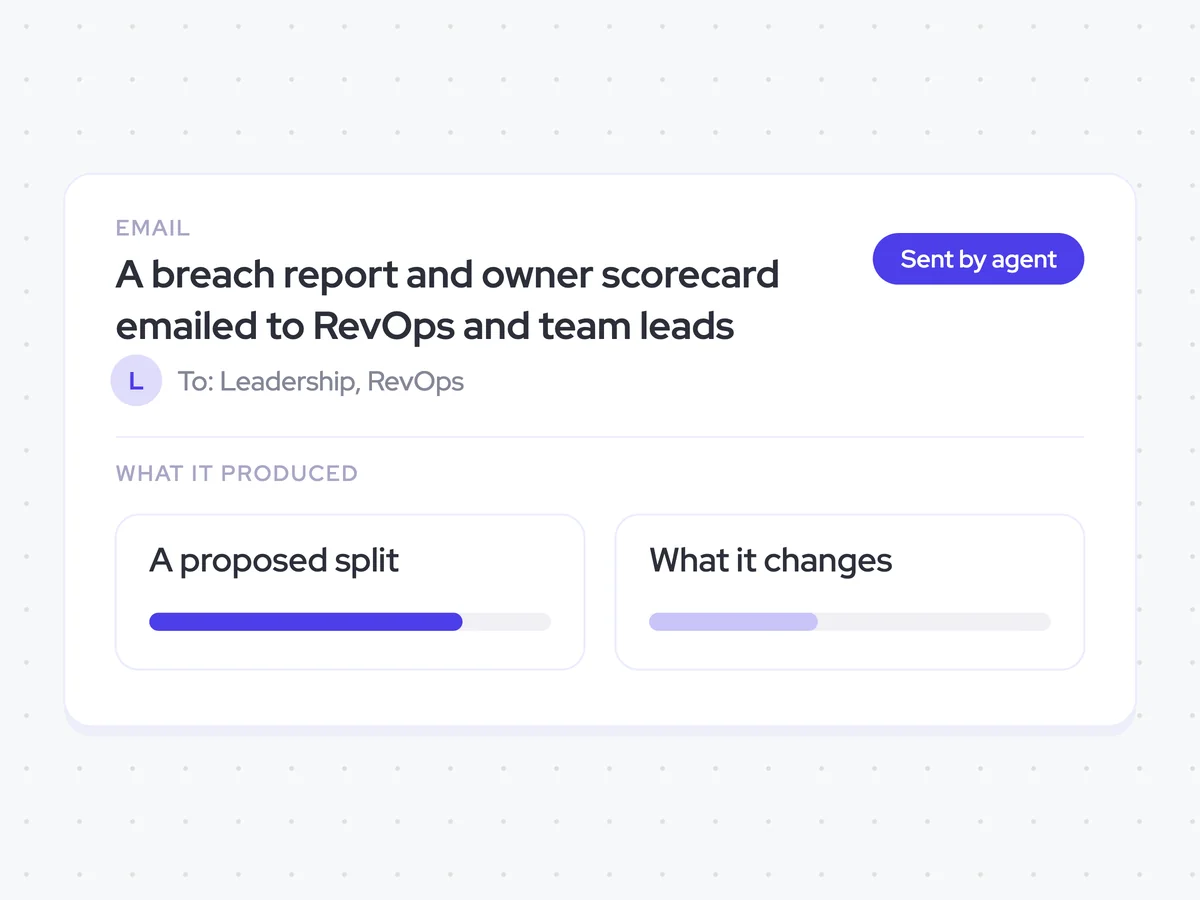
A breach report and owner scorecard emailed to RevOps and team leads
See every open record that breaches a data standard, which rule it breaks, how long the breach has existed, and who owns it. The scorecard rolls the results up by owner and rule, and shows the rule each owner breaks most often.
- For RevOps: Review the full audit and see which rules are drifting across open opportunities.
- For team leads: Focus on the section for your team and the rules most often broken.
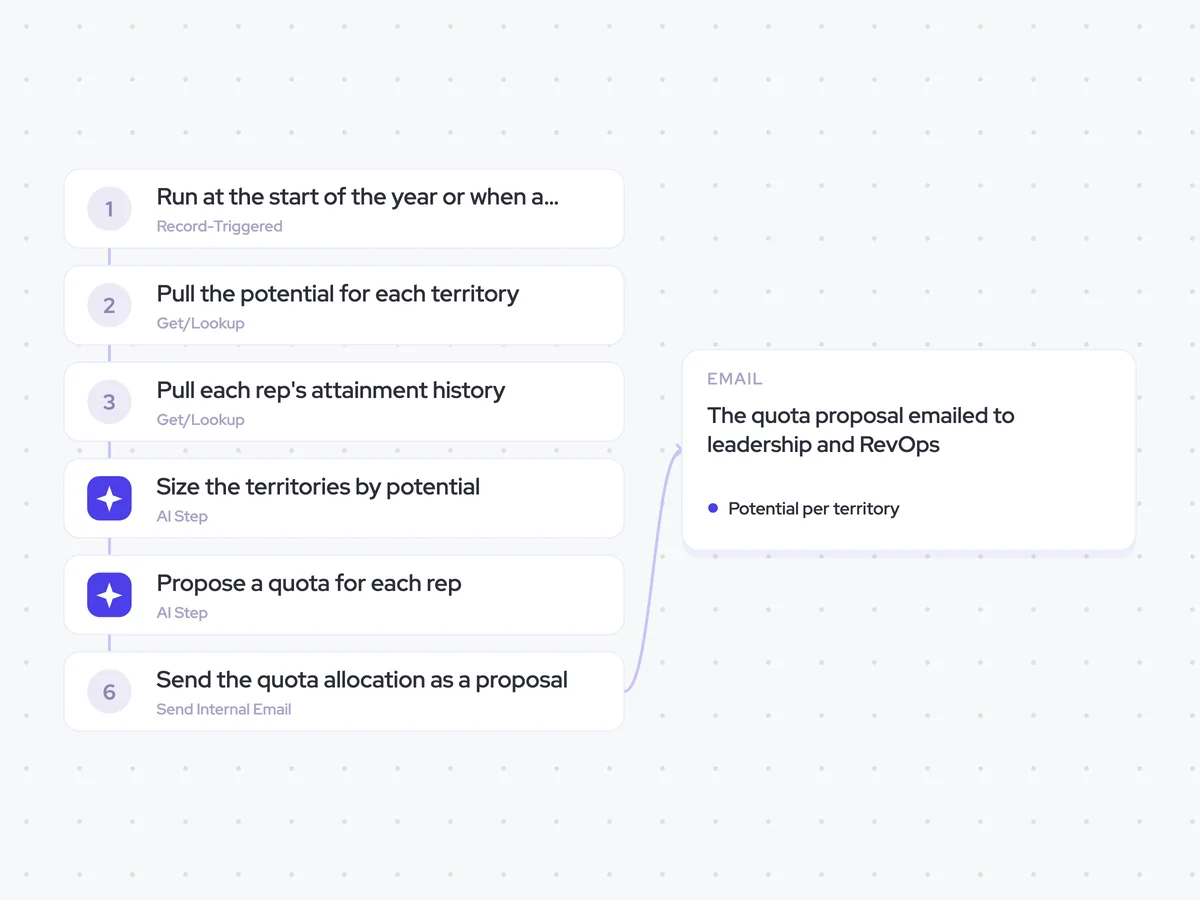
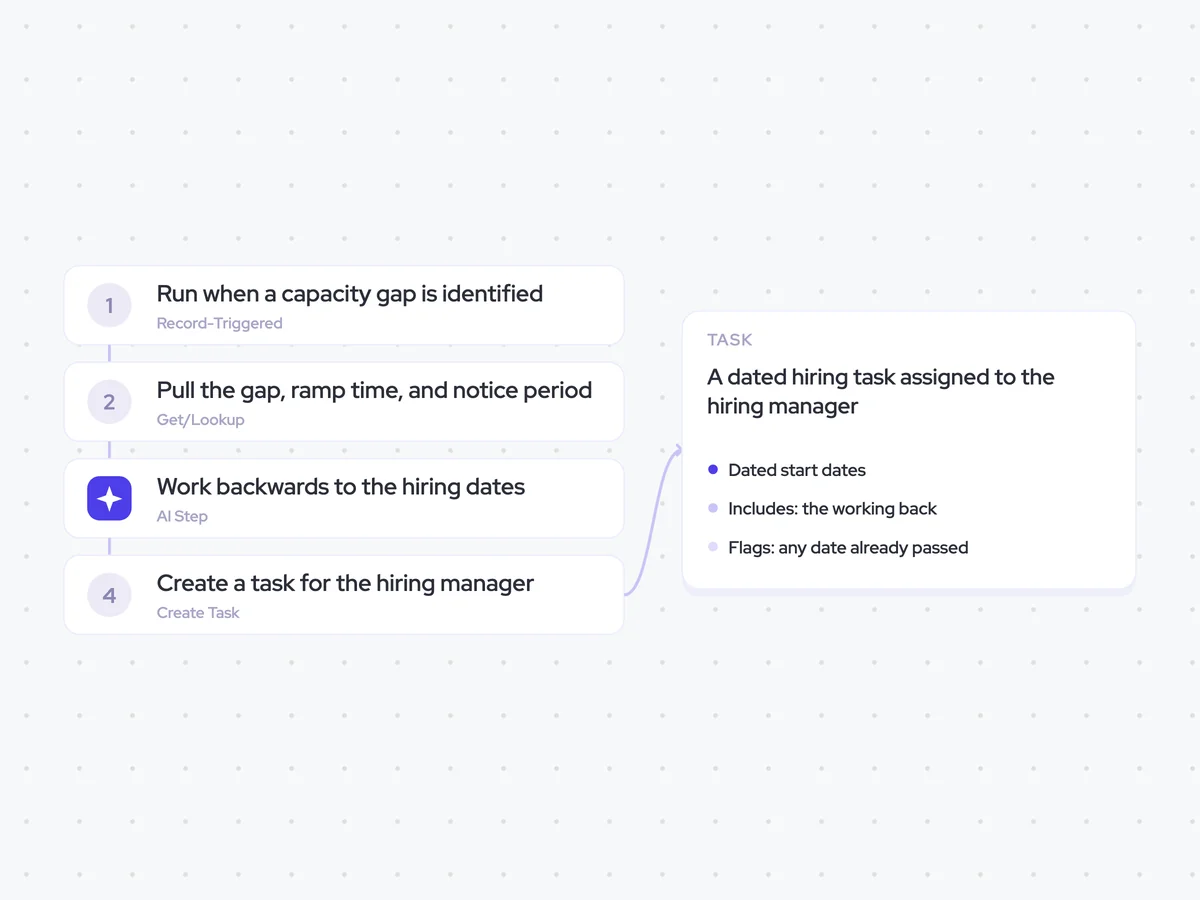
AI Agents that pair well
Same data, different jobs. Run them together for a fuller picture.

Learn more about GTM & Revenue Operations
RevOps Lab Podcast


50+ Free GTM & RevOps Cheat Sheets

Free RevOps Community (1k+ members)
.webp)