
CRM Hygiene Agent
Fill incomplete fields across your open deals overnight, using only values supported by the latest call transcripts and emails.
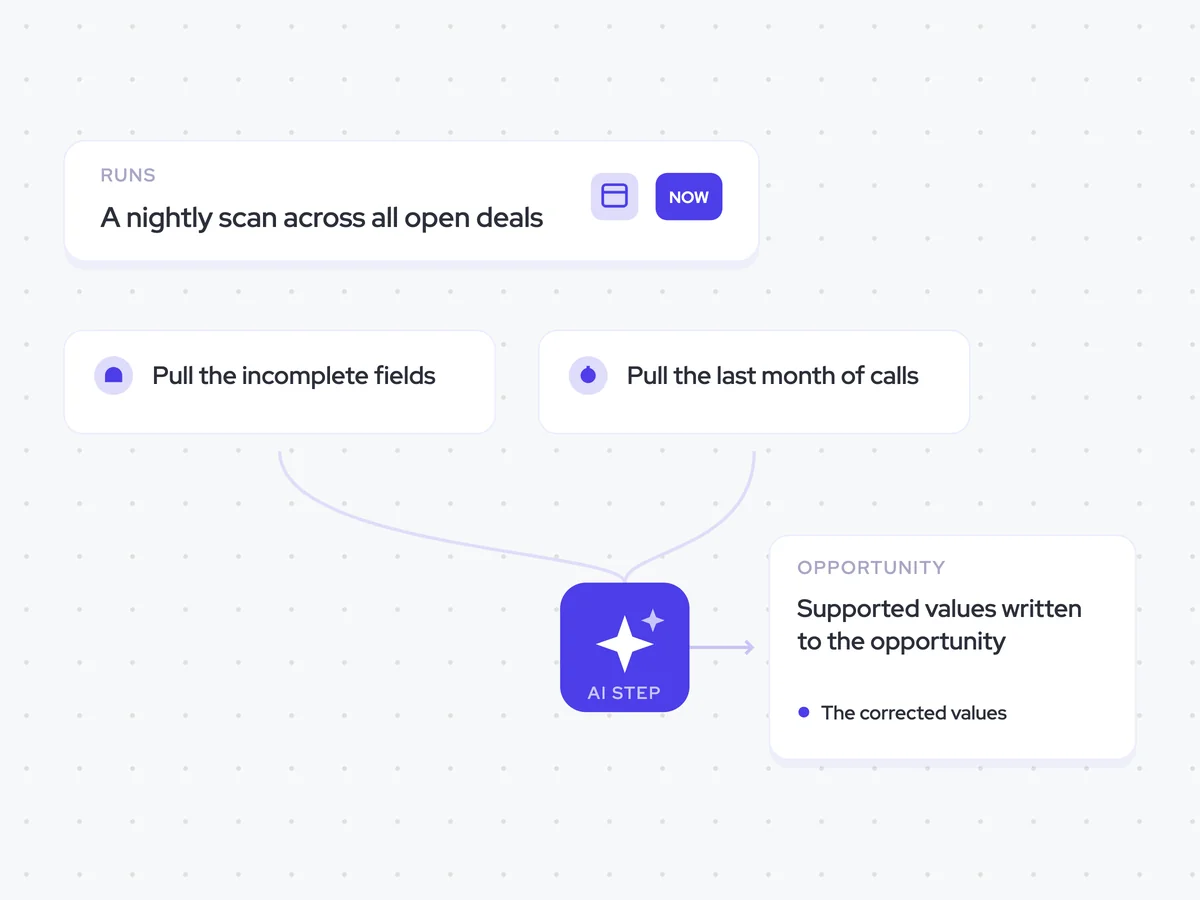
- Trigger: a nightly scan across all open deals
- AI steps: check incomplete fields against the last 30 days of calls and emails
- Output: supported values written to the opportunity
Agent breakdown
A blueprint to adapt, not a fixed recipe. Set the trigger, thresholds, and methodology that fit your team, and each step builds on the last, using the conversation and CRM context you already capture.
Run overnight
Overnight, the agent scans every open deal for fields that need attention. It runs when nobody is editing those opportunities, so a rep never finds a field changing under their cursor.
- Schedule: Nightly
- Scope: All open deals
Pull the incomplete fields
For each open opportunity, the agent pulls only the fields already flagged as empty or stale. This keeps it focused on known gaps and away from fields a rep has deliberately set.
- Include: Fields flagged as empty or stale
- Leave untouched: Fields a rep has deliberately set
Pull the last month of calls
Next, the agent pulls the opportunity's calls and emails from the last 30 days. This gives it recent evidence of where the deal stands without relying on older conversations.
- Include: Calls and emails from the last 30 days
- Exclude: Calls and emails older than 30 days
Correct what the calls support
For each incomplete field, the agent checks the recent calls and emails for a supported value. It quotes the moment that supports the value and leaves the field empty when the conversations provide no evidence.
Review each incomplete opportunity field against the calls and emails from the last 30 days.
For each field:
- Give the value supported by the calls and emails.
- Quote the moment that supports the value and name the call or email it came from.
- Leave the value empty when nothing in the calls or emails supports it.
Rules: use only evidence from the provided calls and emails. Do not infer a value or fill a field from unsupported context.
Return a list with the field, supported value, supporting quote, and source.
Write back what it can source
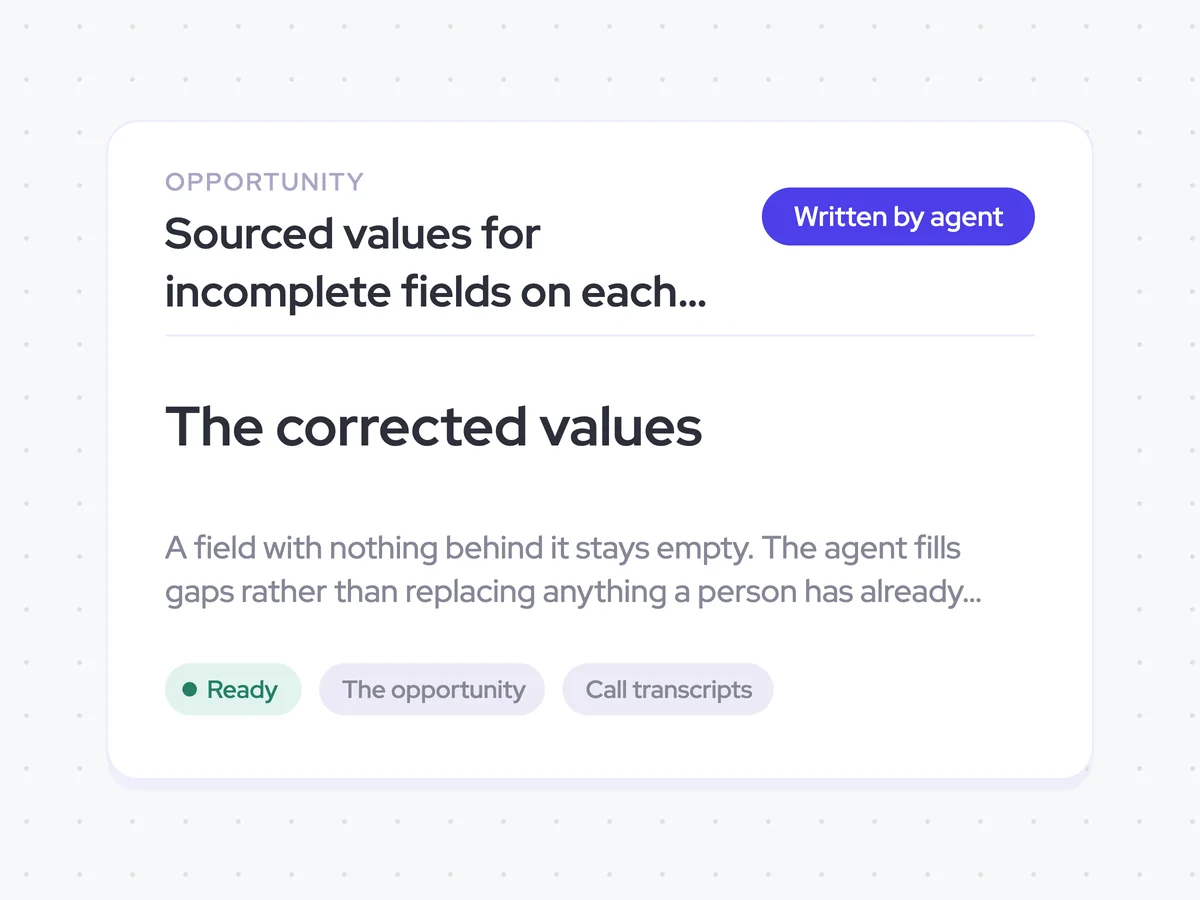
Once the values are sourced, the agent writes them back to the incomplete fields on the opportunity. It leaves a field empty when there is no supporting evidence and does not replace anything a person has already written.
- Update: Incomplete fields with values supported by calls or emails
- Leave empty: Fields with no supporting evidence
- Keep: Anything a person has already written
Sourced values for incomplete fields on each open opportunity
See incomplete opportunity fields filled overnight with values supported by recent calls and emails. Each value includes the evidence behind it, while fields without support stay empty and person-written values remain unchanged.
- For RevOps: Review which gaps were filled and the conversation evidence used for each value.
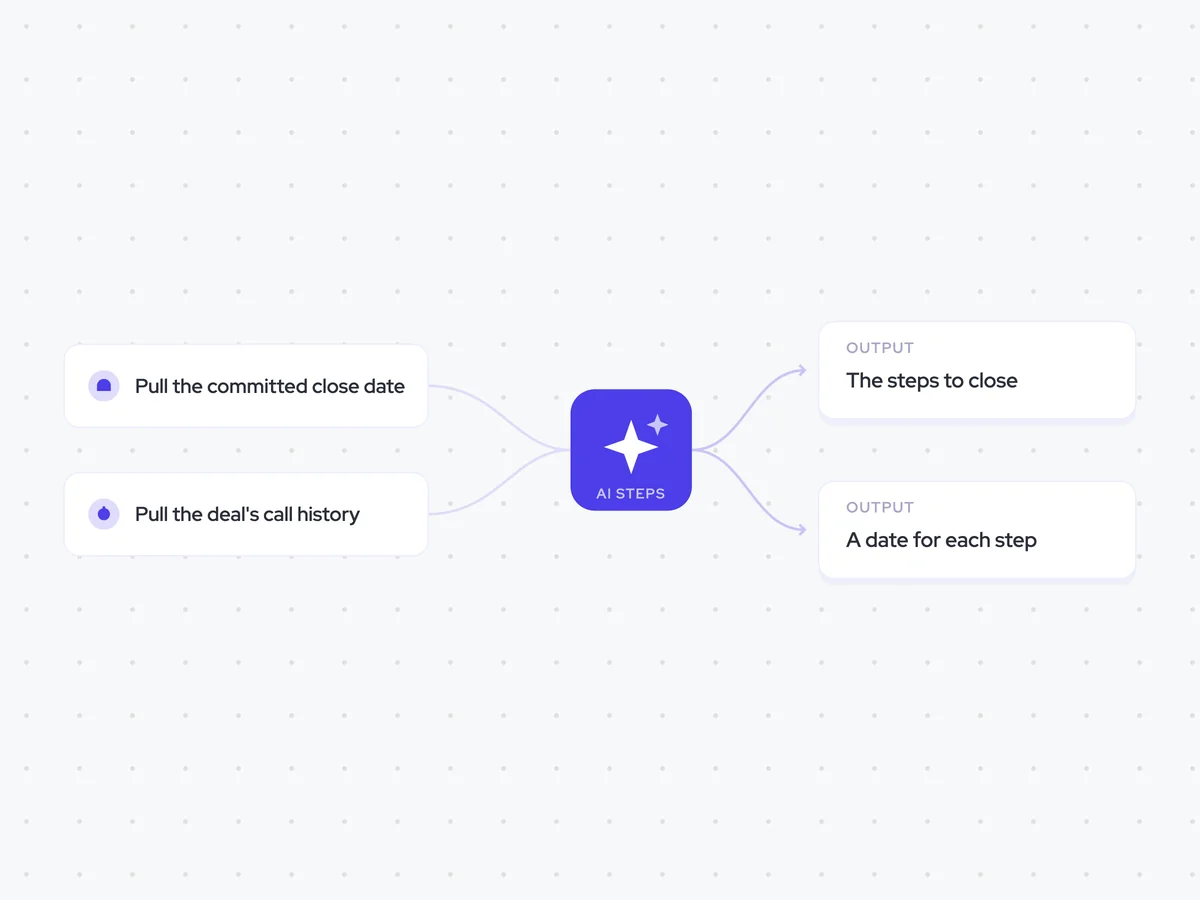
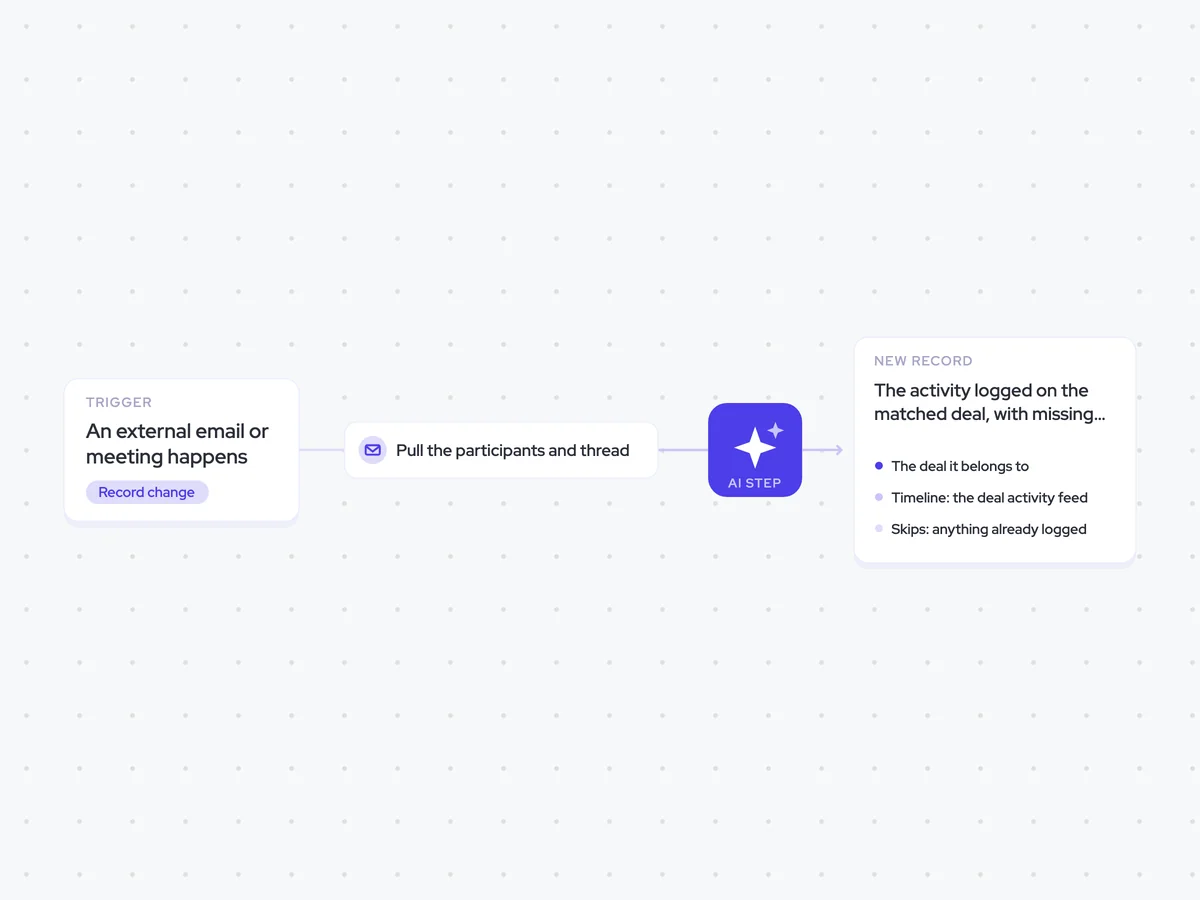
AI Agents that pair well
Same data, different jobs. Run them together for a fuller picture.


Learn more about GTM & Revenue Operations
RevOps Lab Podcast


50+ Free GTM & RevOps Cheat Sheets

Free RevOps Community (1k+ members)
.webp)