
Competitive Pricing Agent
Collect the competitor prices, packages, and discounts buyers mention on live calls, and give Enablement a record built from real deals rather than competitor websites.
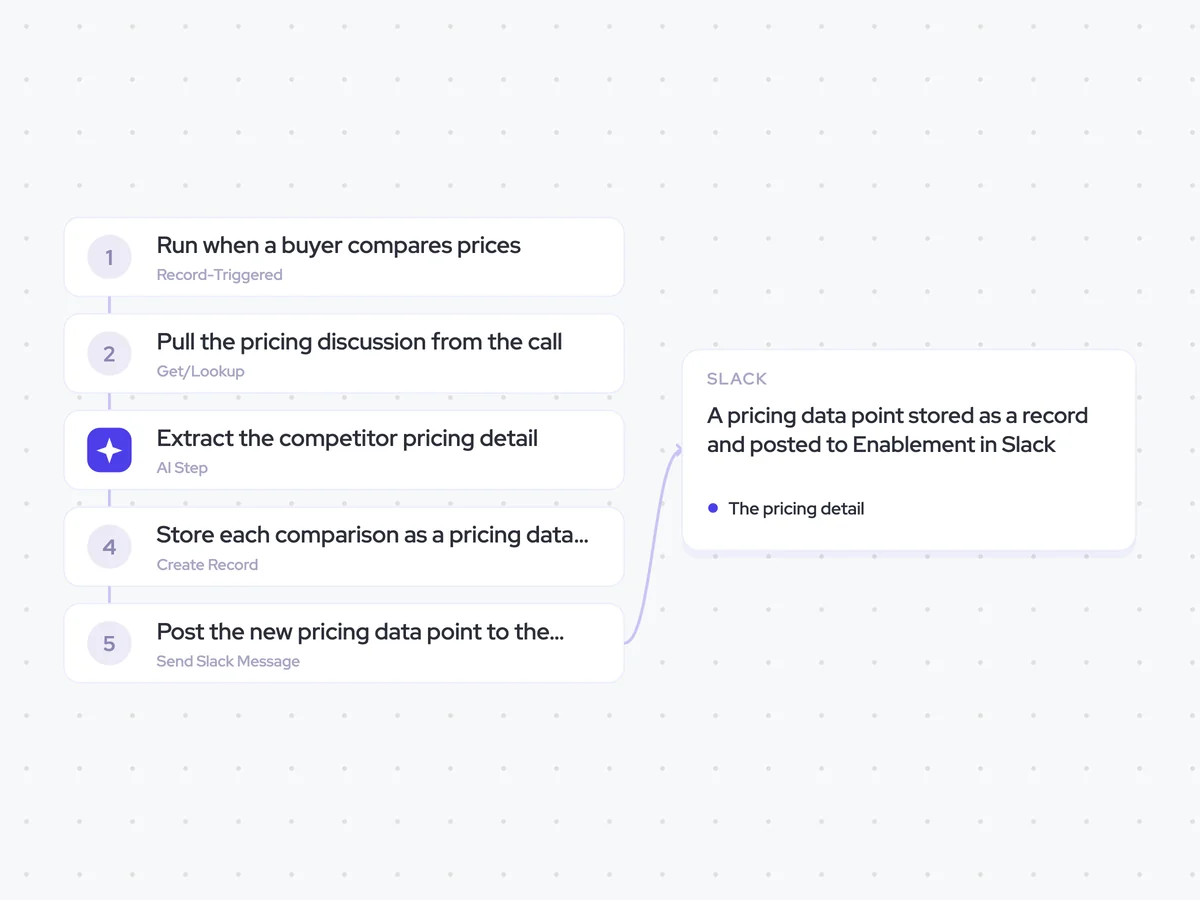
- Trigger: a buyer compares prices on a live call
- AI steps: extract the competitor pricing detail and its context
- Output: a pricing data point stored as a record and posted to Enablement in Slack
Agent breakdown
A blueprint to adapt, not a fixed recipe. Set the trigger, thresholds, and methodology that fit your team, and each step builds on the last, using the conversation and CRM context you already capture.
Run when a buyer compares prices
The agent runs when a buyer compares your price with a competitor on a live call. Starting at the point where the comparison comes up captures the number while its package, discount, and context are still clear.
- Trigger: A buyer compares prices on a live call
- Source: Live buyer conversations
Pull the pricing discussion from the call
Next, the agent pulls the part of the call where the buyer discussed the competitor's pricing. Keeping the surrounding conversation gives the next step enough context to distinguish the quoted price from what it included.
- Window: The pricing discussion
- Exclude: Your own list price
Extract the competitor pricing detail
The agent records the competitor, the price the buyer quoted, what that price included, and any discount they named. It also marks whether the buyer was reading the information or paraphrasing it, so Enablement can see how directly the detail was reported.
Extract the competitor pricing detail from the buyer's pricing discussion.
Input: the section of the call where the buyer compared prices.
Record:
- The competitor named by the buyer.
- The price quoted for that competitor.
- What the quoted price included.
- The discount, if the buyer named one.
- Whether the buyer was reading the pricing information or paraphrasing it.
Rules: use only what the buyer said during the pricing discussion. Do not include your own company's list price. Do not infer a price, package, or discount that the buyer did not state.
Return the competitor, quoted price, what it included, discount if named, and whether the buyer was reading or paraphrasing.
Store each comparison as a pricing data point
Once it has extracted the detail, the agent creates a new pricing data point rather than updating an existing one. Each comparison stays as its own record, so Enablement can see how competitor pricing and discounting show up across deals over time.
- Create: A new pricing data point for each comparison
- Store: The competitor, quoted price, what it included, discount, and whether the buyer was paraphrasing
Post the new pricing data point to the channel
Finally, the agent posts each new pricing data point to the competitor intel channel as it lands. Enablement and the relevant team members can use the detail in current deals instead of waiting for a quarterly summary.
- Channel: Competitor intel channel
- Recipient: Enablement and relevant team members
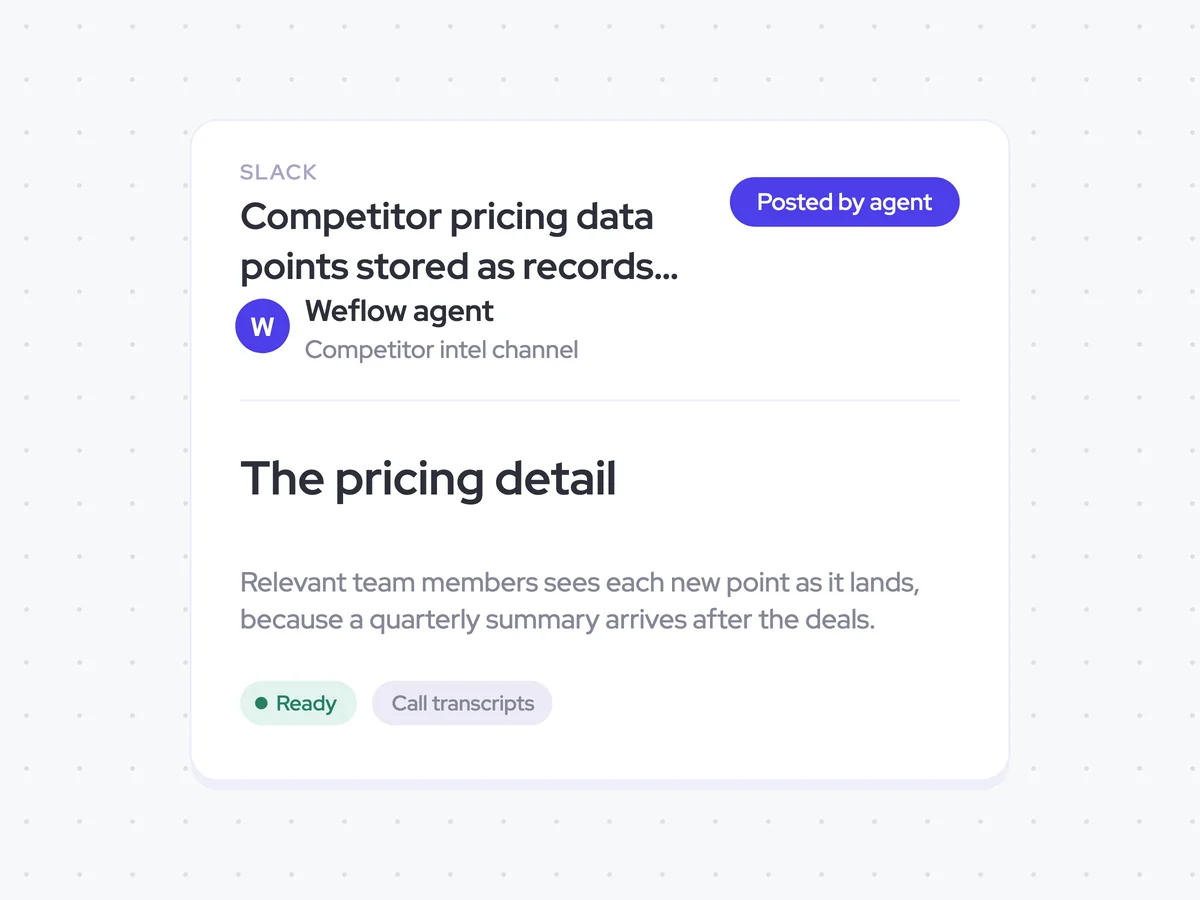
Competitor pricing data points stored as records and posted in Enablement's Slack channel
See the competitor prices, packages, and discounts buyers mention on live calls, with the context behind each comparison. Every pricing data point shows what the buyer reported and whether they were reading the information or paraphrasing it.
- For Enablement: Use new pricing details as they land and build a view of competitor pricing from real deals over time.
AI Agents that pair well
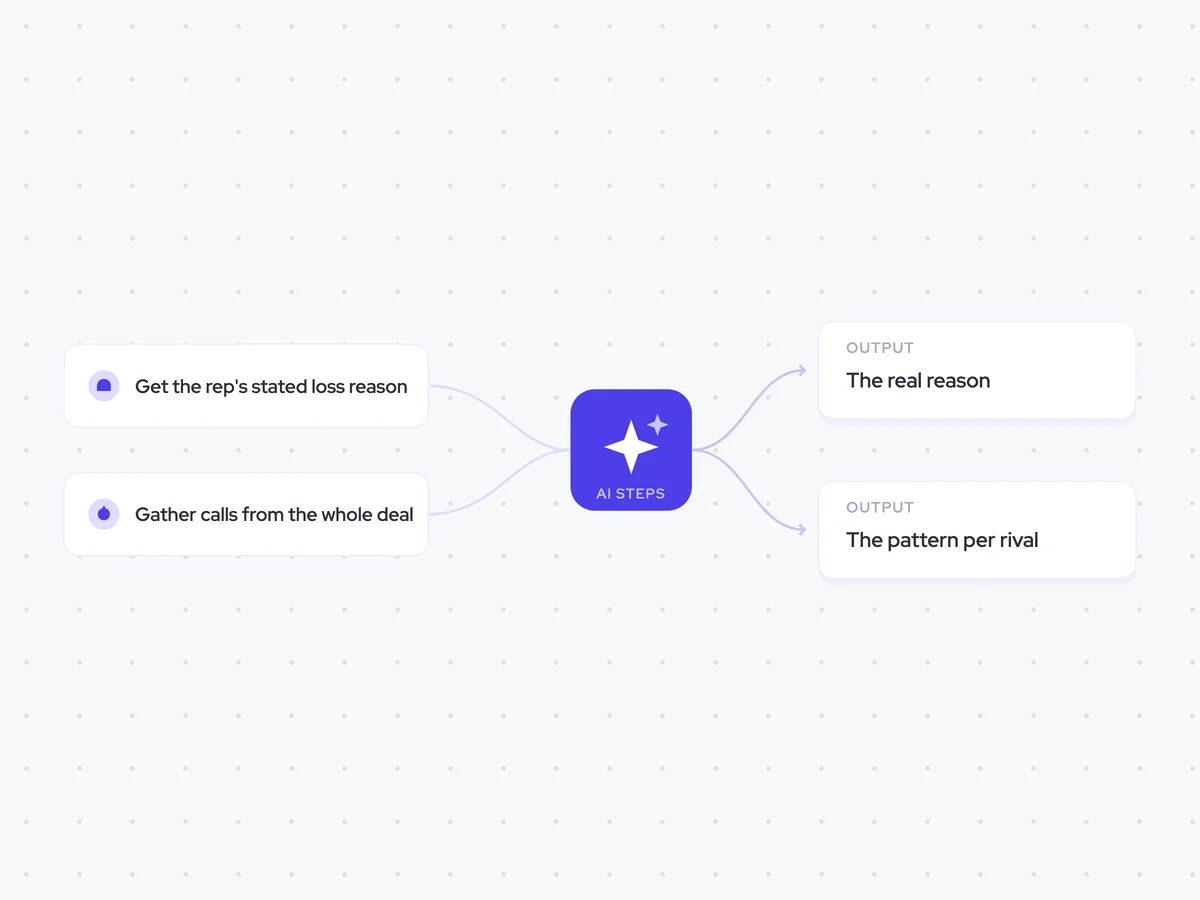
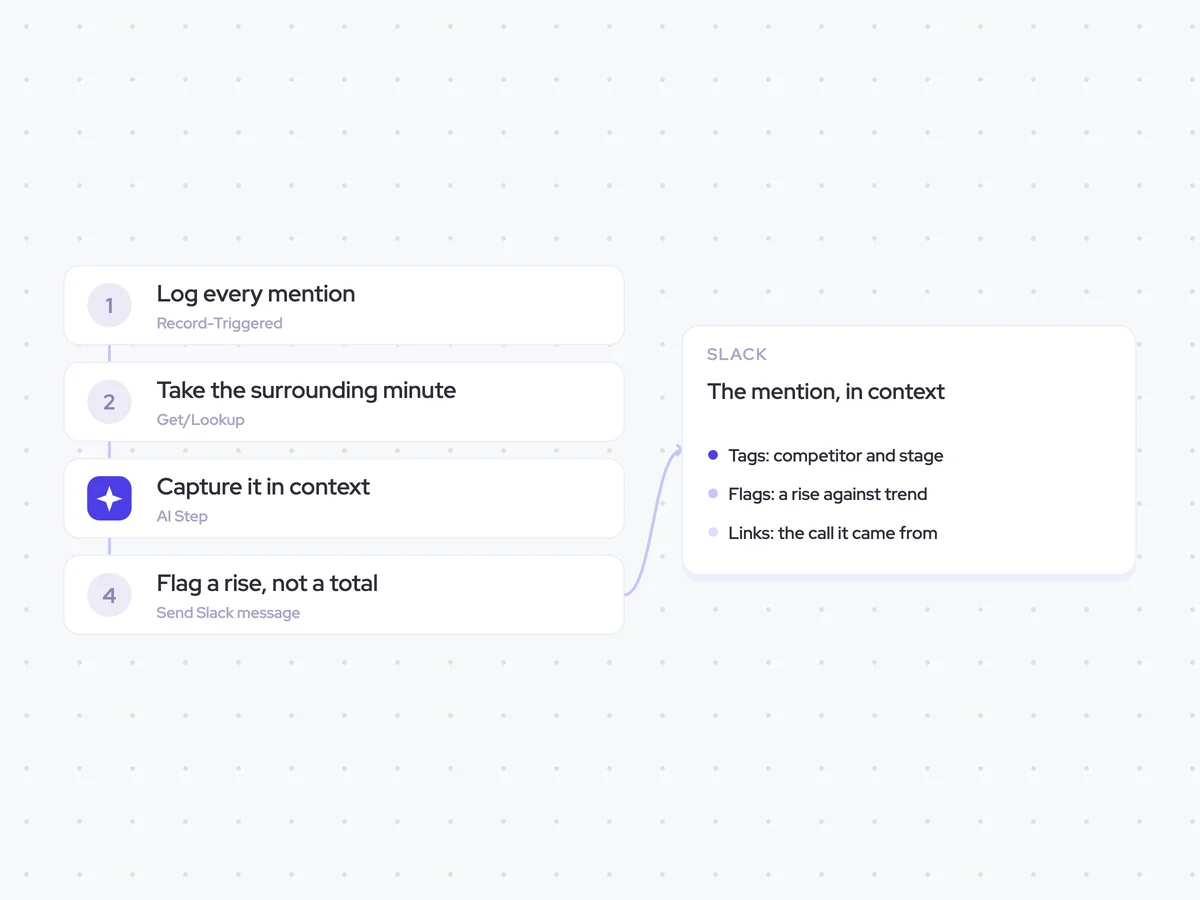
Same data, different jobs. Run them together for a fuller picture.

Learn more about GTM & Revenue Operations
RevOps Lab Podcast


50+ Free GTM & RevOps Cheat Sheets

Free RevOps Community (1k+ members)
.webp)