
Competitive Gap Agent
Separate the capability gaps raised in competitive deals from other gaps, then show Product how many deals and how much pipeline value are attached to each gap by competitor.
- Trigger: a gap is raised in a competitive deal
- AI steps: state the gap in the buyer’s words, then total the attached pipeline by competitor
- Output: a competitive gap report for Product
Agent breakdown
A blueprint to adapt, not a fixed recipe. Set the trigger, thresholds, and methodology that fit your team, and each step builds on the last, using the conversation and CRM context you already capture.
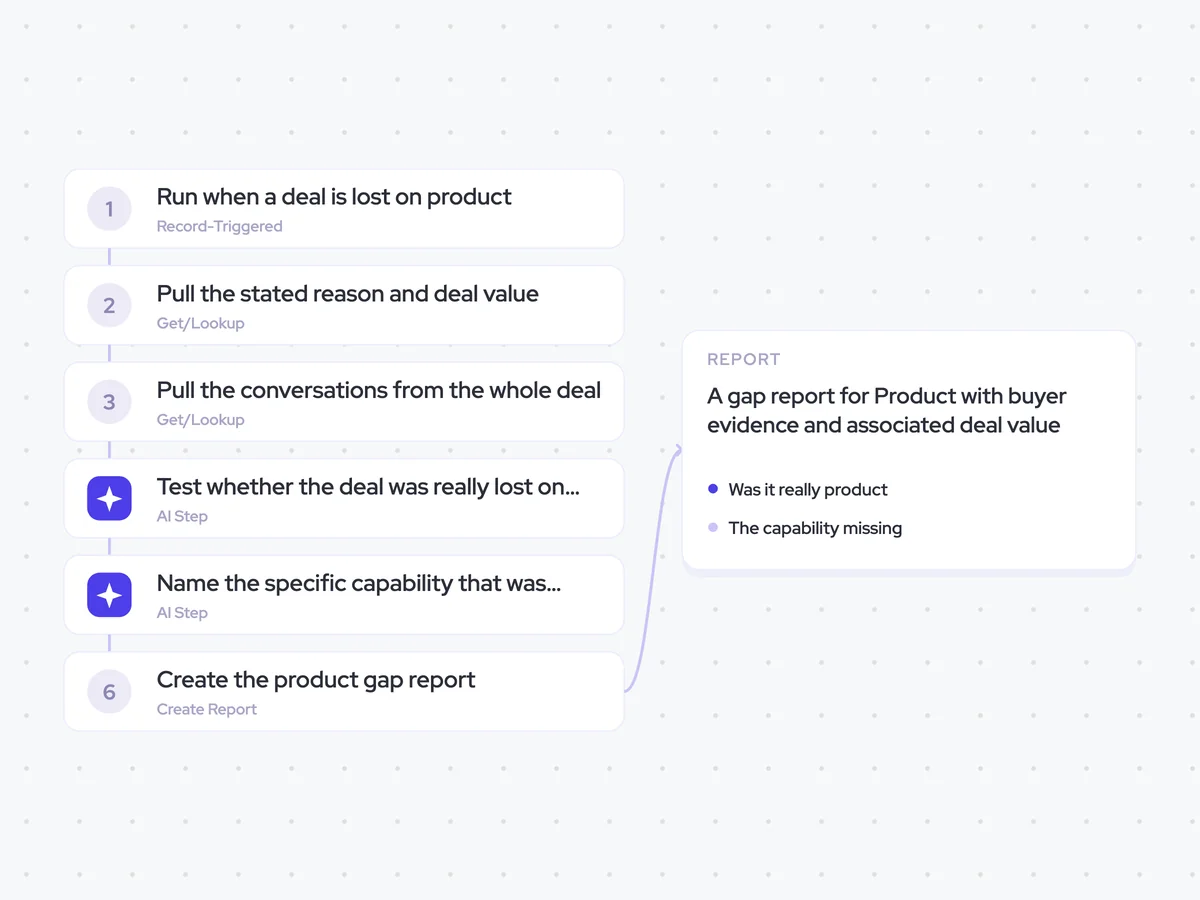
Run only when a gap is raised in a competitive deal
The agent starts when a buyer raises a gap in a competitive deal. Keeping the trigger specific to competitive deals separates these gaps from general requests that were not tied to a rival.
- Trigger: A gap is raised in a competitive deal
- Include: Only gaps raised against a competitor
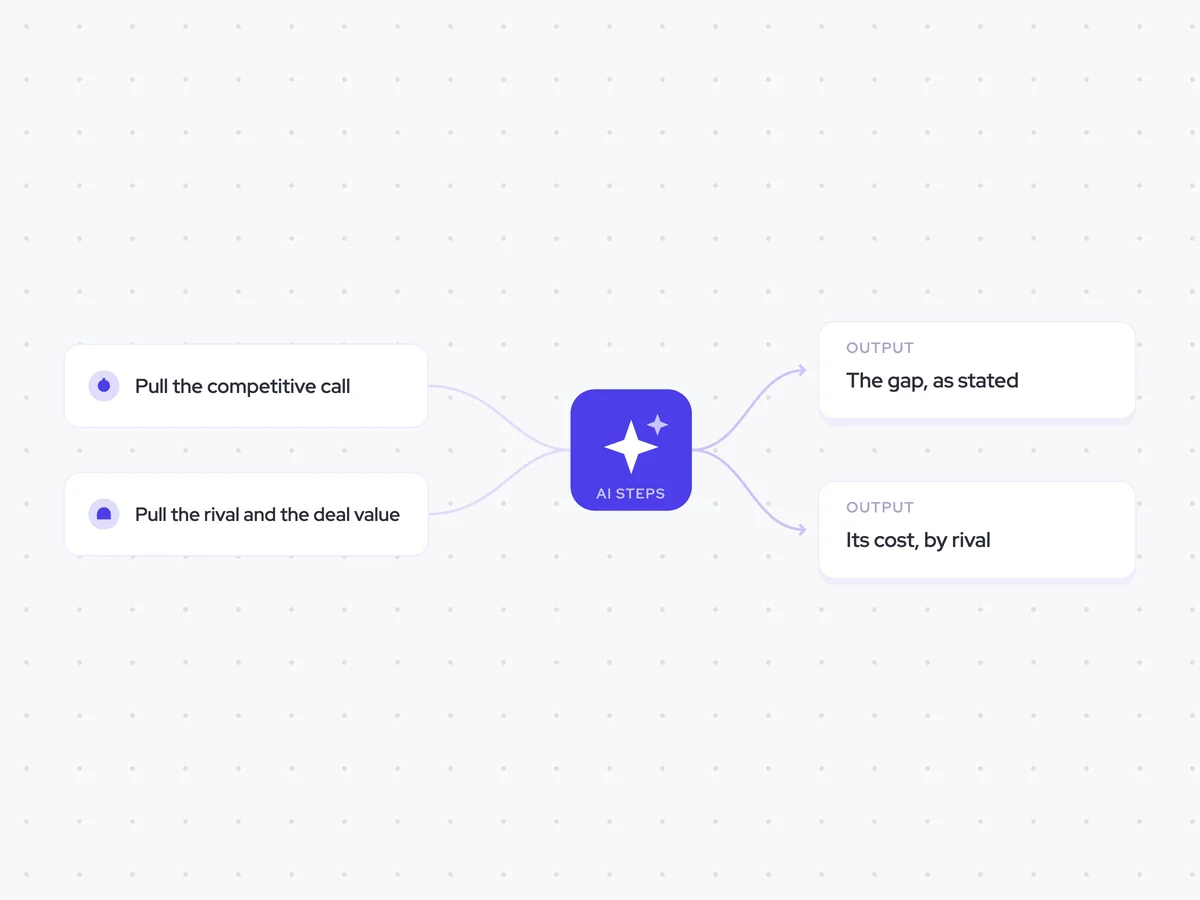
Pull the competitive call
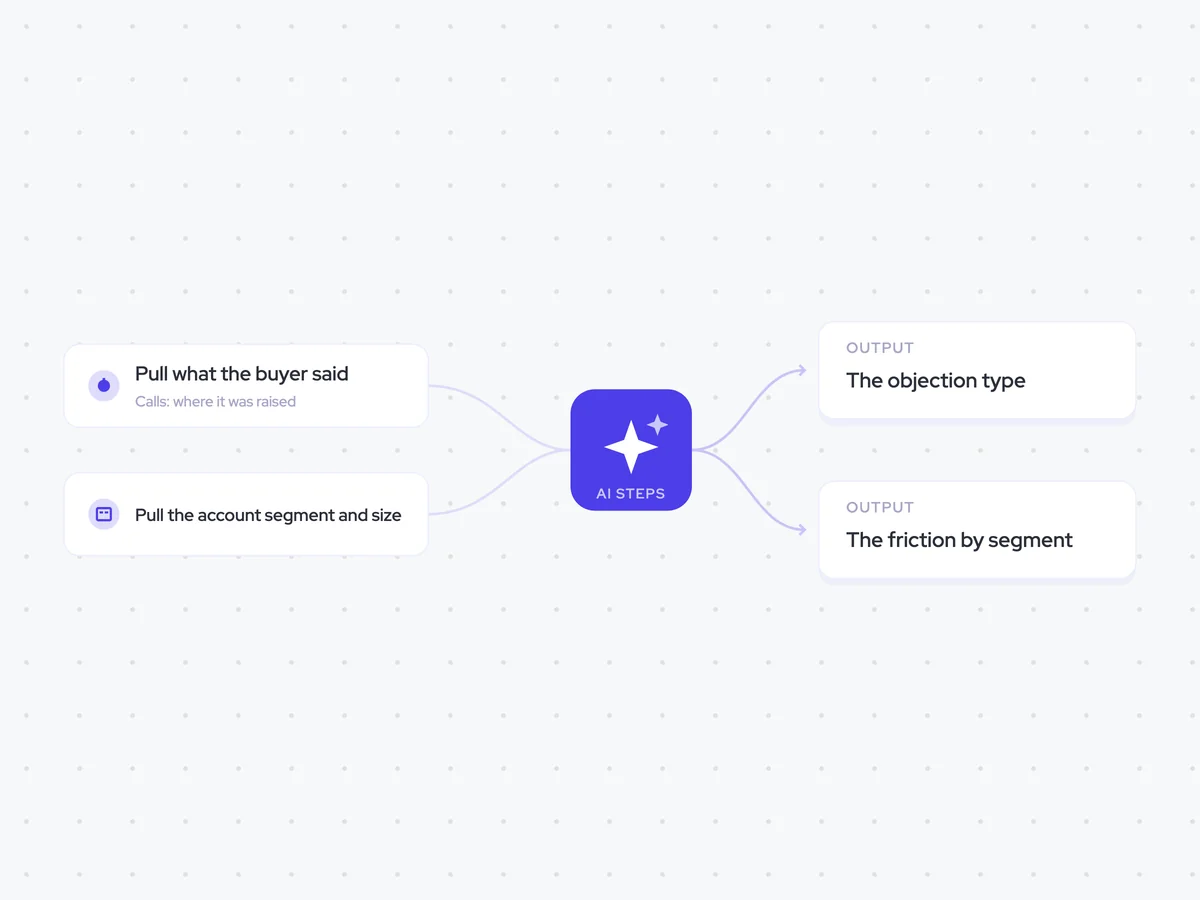
Next, the agent pulls the call where the gap was raised. The buyer’s phrasing shows what they expected and how the competitor shaped that expectation.
- Recording: The call where the competitive gap was raised
- Deal scope: The competitive deal linked to the gap
Pull the rival and the deal value
It then pulls the competitor named on the opportunity and the deal value. This connects the gap to the rival in the deal and the pipeline value attached to it.
- Fields: Competitor and deal value
- Opportunity: The competitive deal linked to the gap
State the gap in the buyer’s words
Using the competitive call, the agent records the gap in the buyer’s own words and notes which competitor was in the deal when it was raised. It also separates capability gaps from other non-feature gaps, so Product can see what the buyer said without the wording being broadened or reinterpreted.
Record the gap raised by the buyer during this competitive call.
Input: the competitive call, the competitor named on the opportunity, and the deal value.
- State the gap in the buyer’s own words.
- Classify it as a capability gap or a non-feature gap based only on what the buyer said.
- Note which competitor was in the deal when the gap was raised.
Rules: use only the buyer’s statements from the call. Do not infer a capability or expectation that the buyer did not state. Keep the buyer’s meaning and level of specificity unchanged.
Return the gap as stated, the gap type, and the competitor.
Price the gap by rival
The agent then totals the pipeline attached to each gap for each competitor. It reports the deal count alongside the value, so Product can see whether the same capability gap is affecting multiple competitive deals.
Calculate the pipeline attached to each competitive gap by competitor.
Input: the stated gaps from the previous step, the competitor on each attached opportunity, and each opportunity’s deal value.
- Group the opportunities by stated gap and competitor.
- Count the deals attached to each gap for that competitor.
- Total the associated deal values for that gap and competitor.
Rules: keep competitors separate. Use the stated gap from the previous step without broadening or renaming it.
Return the gap, competitor, deal count, and total pipeline value.
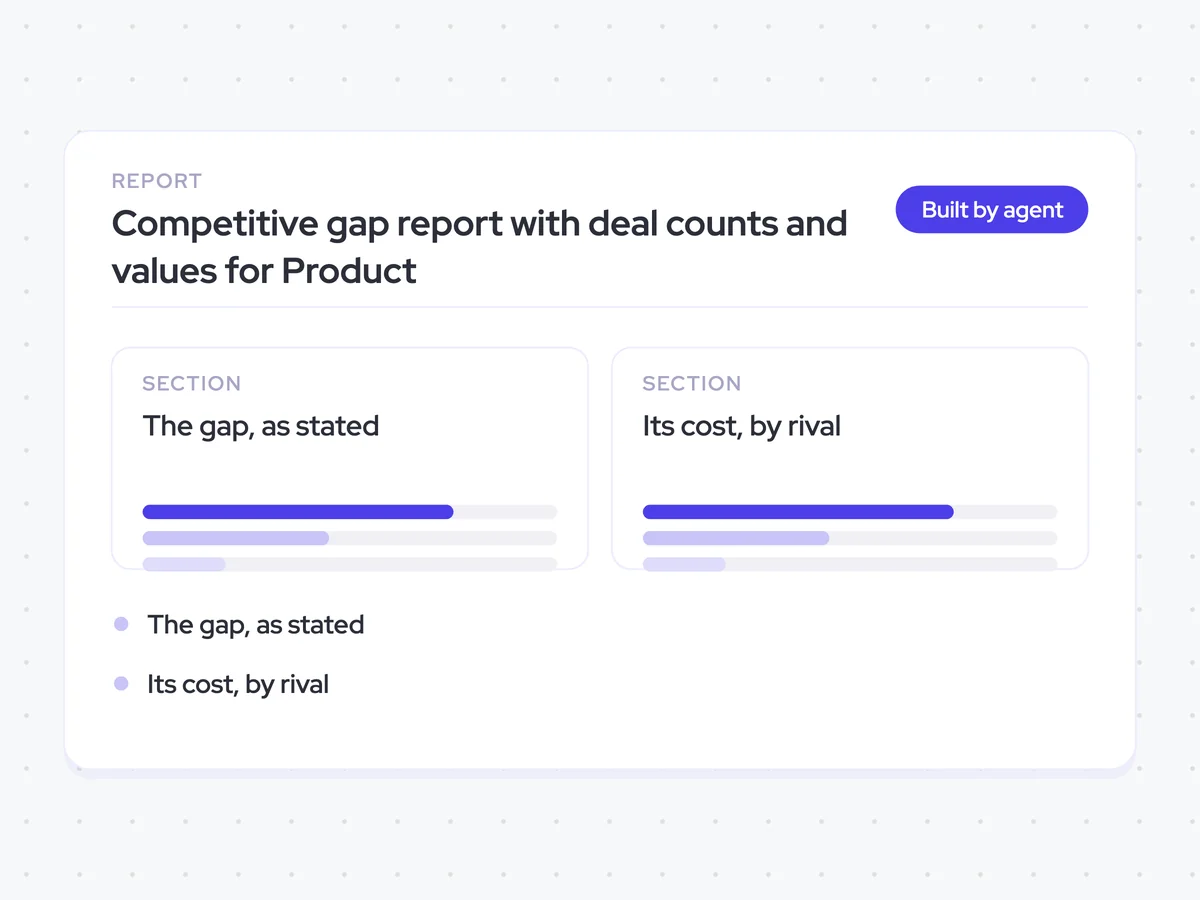
Create the competitive gap report
Finally, the agent creates a report for Product that summarizes the competitive gaps, the number of deals attached to each one, and their associated deal values. The report keeps the results grouped by rival, making repeated gaps visible across competitive deals.
- Contents: Competitive gaps, deal counts, and associated deal values
- Grouping: By competitor
- Recipient: Product
Competitive gap report with deal counts and values for Product
See which capability gaps buyers raise in competitive deals, the competitors connected to them, and the pipeline attached to each one. The report keeps the buyer’s wording and shows both deal count and value, so Product can distinguish repeated competitive gaps from other non-feature gaps.
- For Product: Compare gaps by rival and see which ones are tied to multiple deals or greater pipeline value.
AI Agents that pair well
Same data, different jobs. Run them together for a fuller picture.

Learn more about GTM & Revenue Operations
RevOps Lab Podcast


50+ Free GTM & RevOps Cheat Sheets

Free RevOps Community (1k+ members)
.webp)