
Close Plan Agent
Work backwards from the committed close date, turn every outstanding step into a dated task, and assign it to the person who owns it.
- Trigger: a deal moves to commit
- AI steps: list the outstanding steps, then date them backwards
- Output: dated close plan tasks assigned to each step owner
Agent breakdown
A blueprint to adapt, not a fixed recipe. Set the trigger, thresholds, and methodology that fit your team, and each step builds on the last, using the conversation and CRM context you already capture.
Run when the deal reaches commit
When an opportunity moves to commit, the agent starts building the close plan. At this stage, the close date is firm enough to use as the fixed point for working backwards.
- Trigger: A deal moves to commit
- Planning date: The deal's committed close date
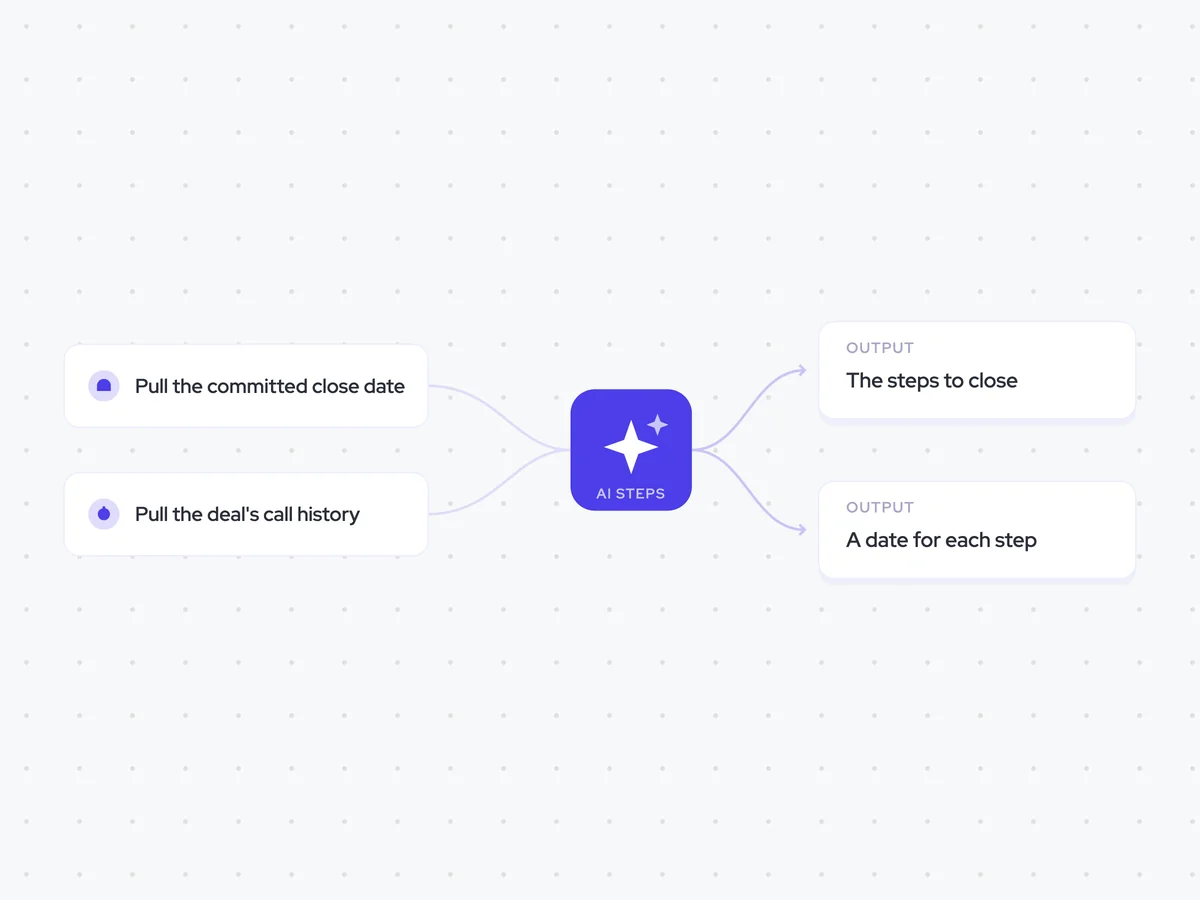
Pull the committed close date
Next, the agent pulls the opportunity's committed close date and value. The close date gives the plan its endpoint, so every outstanding step can be dated backwards from it.
- Date field: Committed close date
- Additional field: Opportunity value
Pull the deal's call history
The agent then pulls the call history from across the whole deal. Looking beyond the latest call helps it find every step that was agreed and check whether it was later closed out.
- Calls: Every call linked to the deal
- Include: Steps agreed during those calls
- Exclude: Steps that were later closed out
List what is still outstanding
Using the full call history, the agent lists every agreed step that still needs to happen before the deal can close. It keeps the steps separate and names the person who owns each one, ready for the plan to date them.
You are building a close plan for a deal that has moved to commit.
Input: the call history from across the whole deal.
List every step that was agreed on a call and is still outstanding before the deal can close.
- Describe each outstanding step in plain words.
- Name the person who owns each step, based on what was agreed on the calls.
- Keep separate steps as separate items so each one can become its own task.
Rules: use only steps named in the call history. Exclude anything that was later closed out. Do not add steps that were not agreed on a call.
Return a list with the fields: outstanding step and owner.
Date each step backwards
Once the outstanding steps are clear, the agent works backwards from the committed close date and gives each one a date. It flags any step that would need to start before today, so the rep can see where the current plan is already behind.
You are dating the outstanding steps in a close plan.
Input: the committed close date and the list of outstanding steps with their owners.
Work backwards from the committed close date and assign a date to every outstanding step.
- Use the committed close date as the fixed endpoint for the plan.
- Keep the owner already named for each step.
- Flag any step that would need to start before today.
Rules: do not change the committed close date. Do not add or remove steps from the previous list.
Return a table with the columns: outstanding step, owner, date, before today (yes/no).
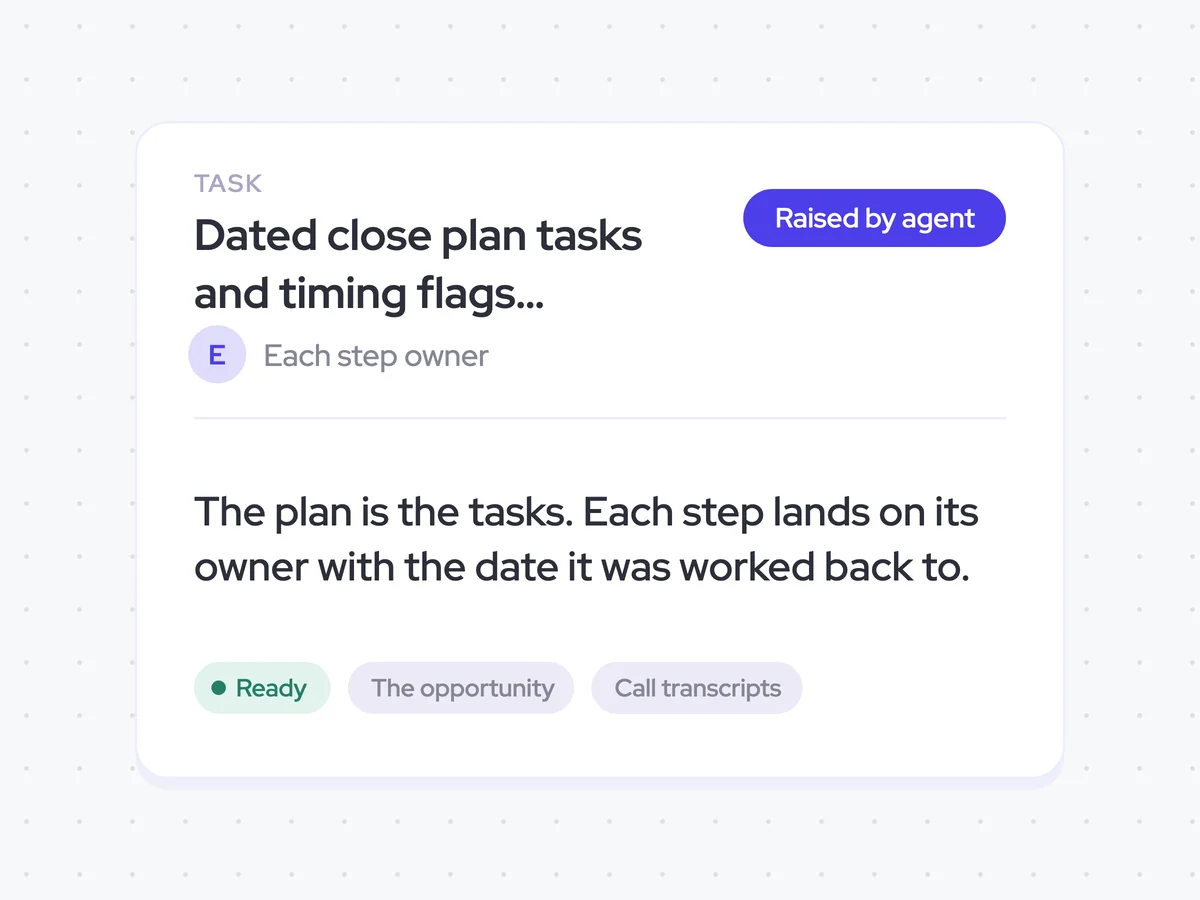
Create a task for each step
Finally, the agent creates a task for every dated step and assigns it to the person who owns it. The tasks are the close plan, with each owner able to see what they need to do and by when.
- Create: One task for every dated step
- Assigned to: The owner of each step
- Include: The worked-back date and any before-today flag
Dated close plan tasks and timing flags assigned to each step owner
Get every outstanding step turned into a dated task, assigned to the person who owns it. The plan works backwards from the committed close date and flags anything that would need to start before today.
- For reps: Review the task sequence, follow up with each owner, and address any step that is already behind the plan.
AI Agents that pair well
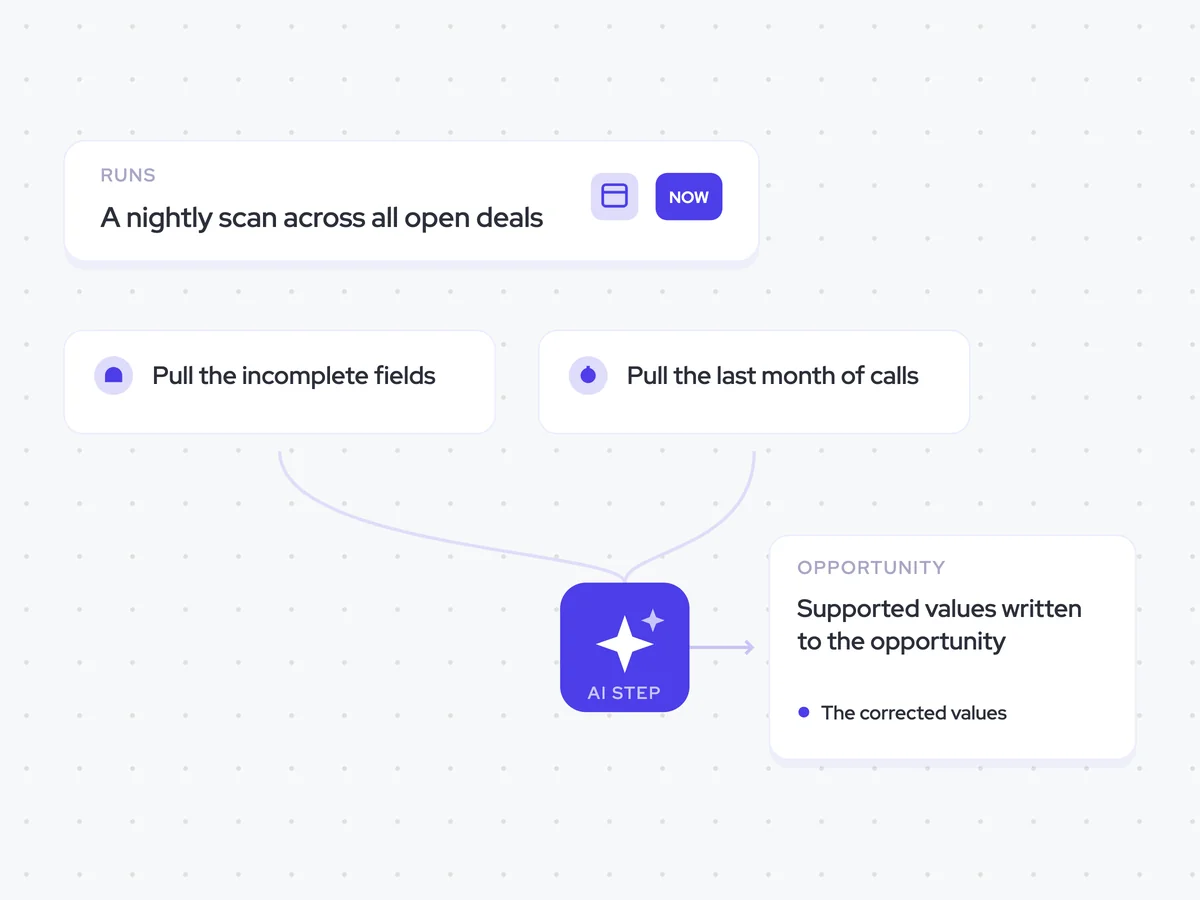
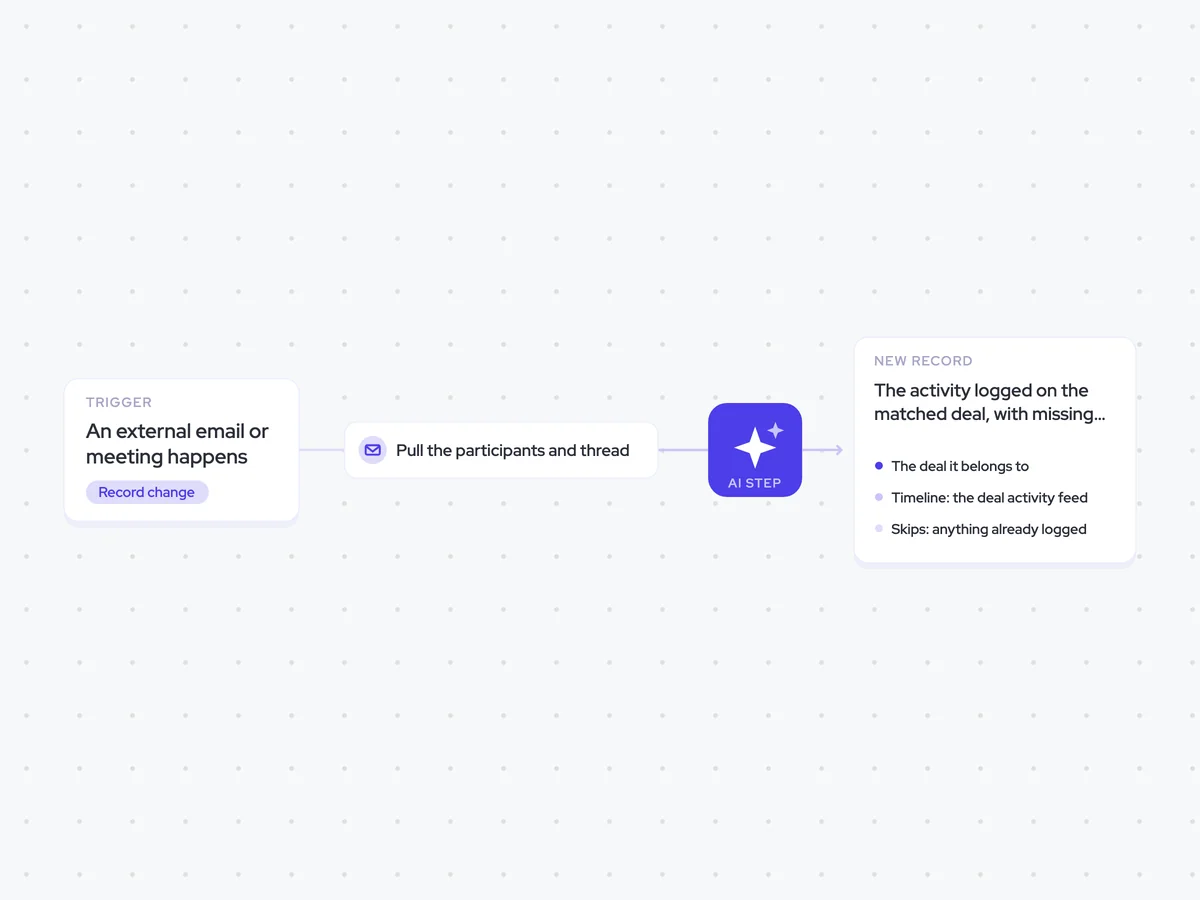
Same data, different jobs. Run them together for a fuller picture.


Learn more about GTM & Revenue Operations
RevOps Lab Podcast


50+ Free GTM & RevOps Cheat Sheets

Free RevOps Community (1k+ members)
.webp)