
Churn Risk Agent
Find the early churn signals behind a falling account health score, compare the size of each change, and tell Customer Success which factor is driving the drop.
- Trigger: an account health score drops
- AI steps: list the contributing factors, then name the main driver
- Output: the contributing factors and driver sent in Slack to the CS owner and lead
Agent breakdown
A blueprint to adapt, not a fixed recipe. Set the trigger, thresholds, and methodology that fit your team, and each step builds on the last, using the conversation and CRM context you already capture.
Run when an account health score drops
When an account health score drops, the agent starts the analysis straight away. This keeps the underlying changes recent, so Customer Success can see what moved before the signal gets harder to trace.
- Trigger: An account health score drops
- Timing: As soon as the drop is recorded
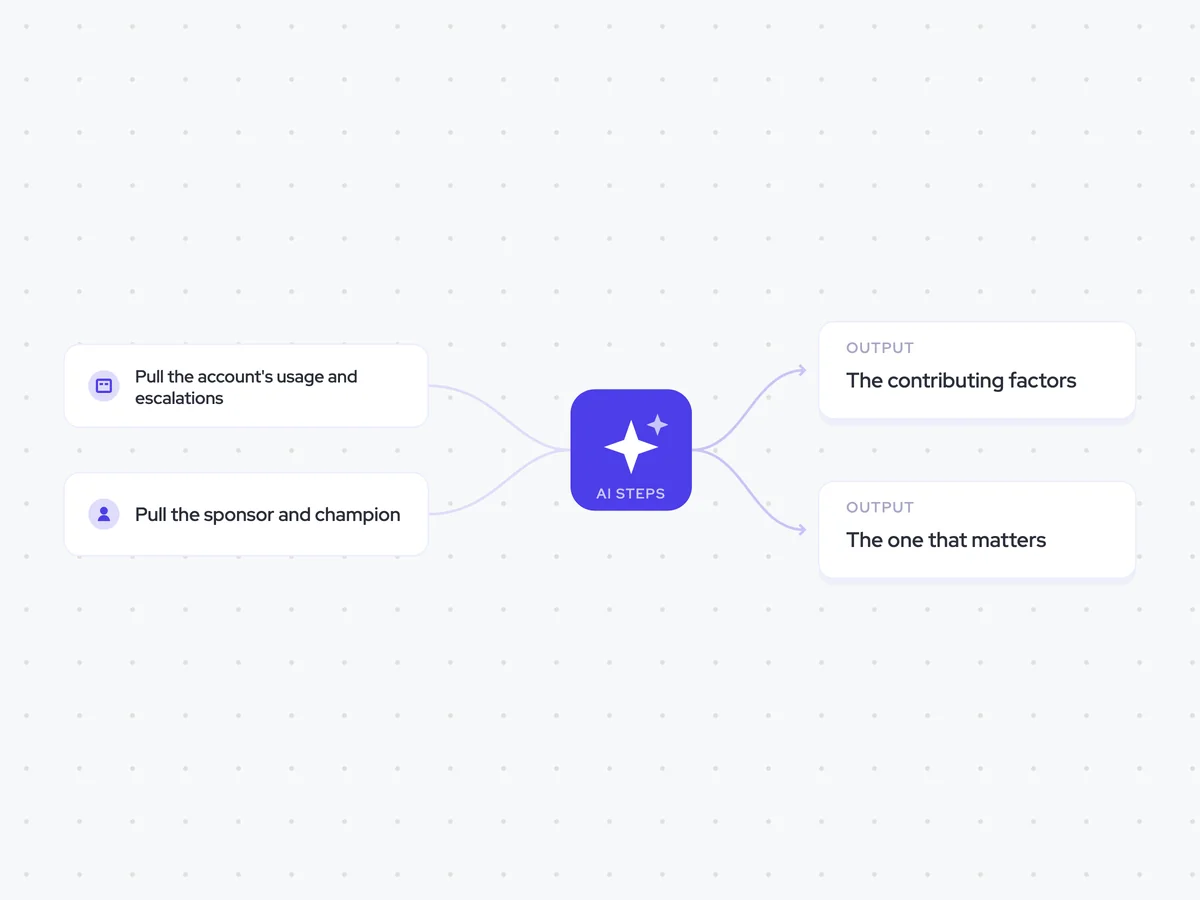
Pull the account's usage and escalations
Next, the agent pulls the account's usage and escalation count. These changes often move together, so the analysis needs both to separate lower engagement from a growing support problem.
- Account: The account whose health score dropped
- Fields: Usage and escalation count
Pull the sponsor and champion
The agent then pulls the account's sponsor and champion. Their engagement carries more weight than usage alone, so the analysis can identify when the health score is falling because key people have disengaged.
- Include: The account sponsor
- Include: The account champion
List every factor behind the drop
Using the account data and key contacts, the agent lists every factor contributing to the health score drop and states the size of each change. It includes factors that improved as well as those that worsened, so Customer Success can see the full movement behind the score.
List every factor contributing to the account's health score drop.
Input: the change in health score, the account's usage and escalation count, and the sponsor and champion information.
- Identify every factor that contributed to the drop.
- State the size of the change for each factor.
- Include factors that improved, not only those that worsened.
- Explain briefly how each factor relates to the health score movement.
Return a list of the factors, with the size and direction of each change and its contribution to the drop.
Name the factor driving the drop
From the contributing factors, the agent names the single factor driving the health score drop. If the factors are unrelated, it says so rather than forcing them into one explanation.
Review the contributing factors behind the account's health score drop and identify the single factor driving it.
Input: the full list of factors, including the size and direction of each change.
- Name the one factor driving the drop.
- Explain briefly why it matters more than the other factors.
- If the factors are unrelated, say so rather than forcing one factor to explain the drop.
Return the main driver and a short explanation, or state that the factors are unrelated.
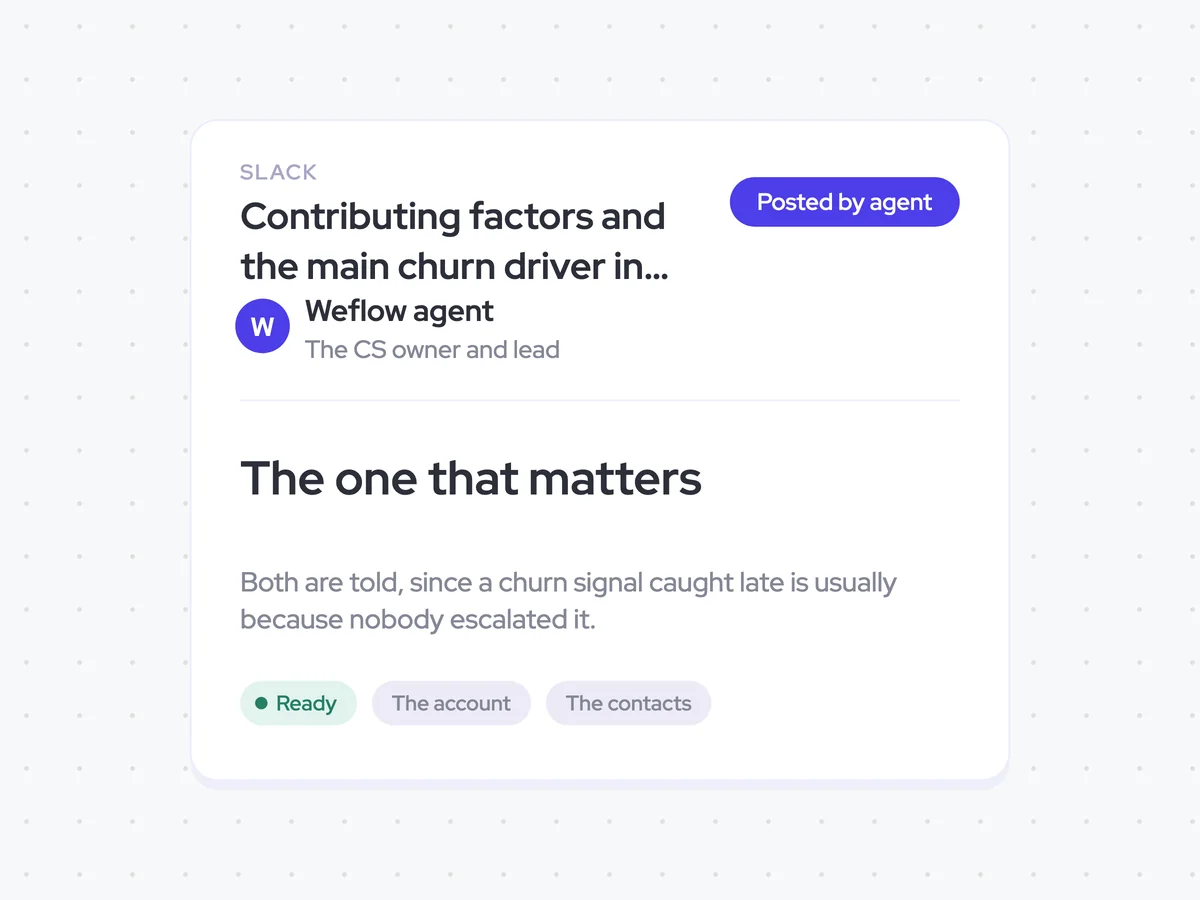
Tell the CS owner and their lead
Finally, the agent sends the contributing factors and main driver to the account's CS owner and their lead in Slack. Both receive the signal while the cause is still recent, so it does not depend on one person escalating it later.
- Recipients: The account's CS owner and their lead
- Delivery: Slack message
- Includes: The contributing factors and the main driver
Contributing factors and the main churn driver in Slack for the CS owner and lead
See what changed beneath a falling account health score, how large each movement was, and which factor is driving the drop. The CS owner and their lead receive the same Slack message, including a clear note when the factors are unrelated.
- For the CS owner: See which account signal needs attention while the change is still recent.
- For the CS lead: See the same churn signal without waiting for it to be escalated.
AI Agents that pair well
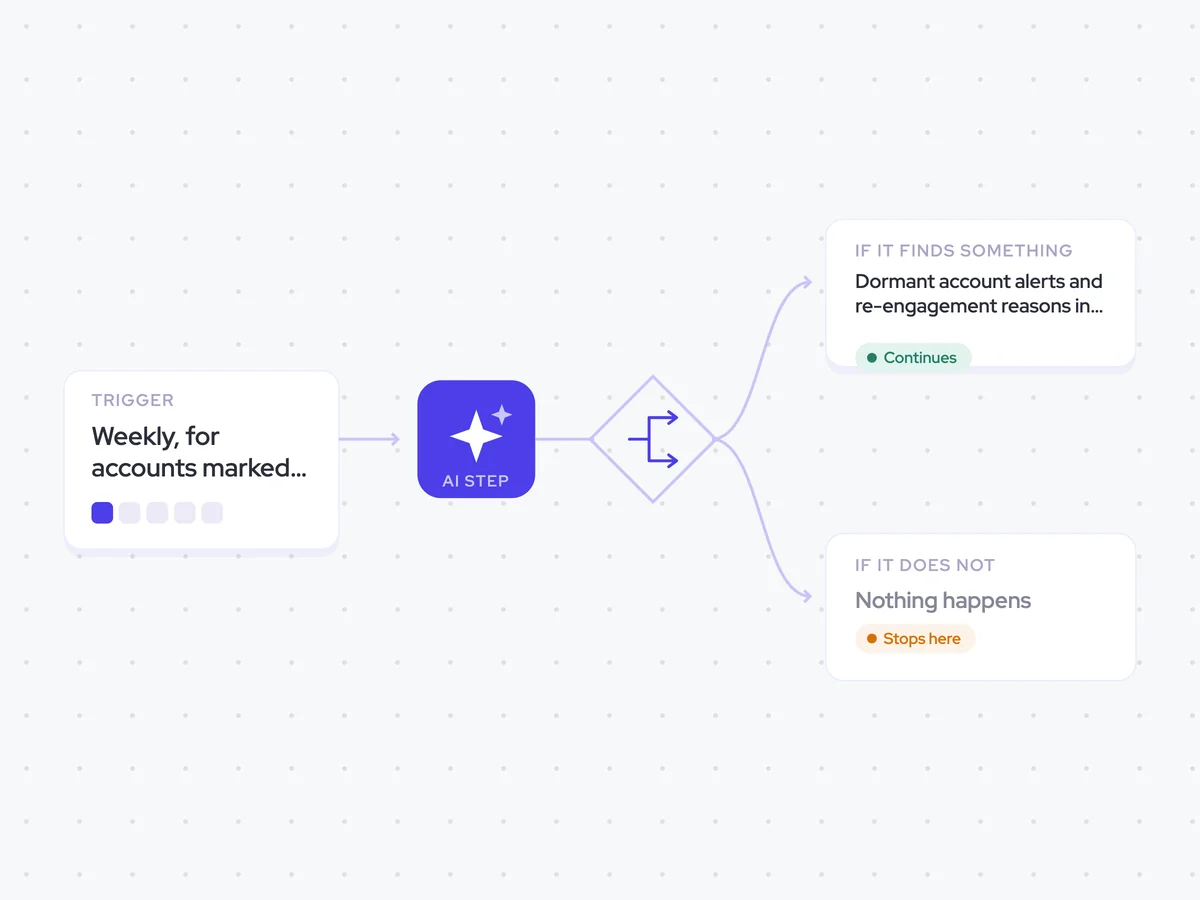
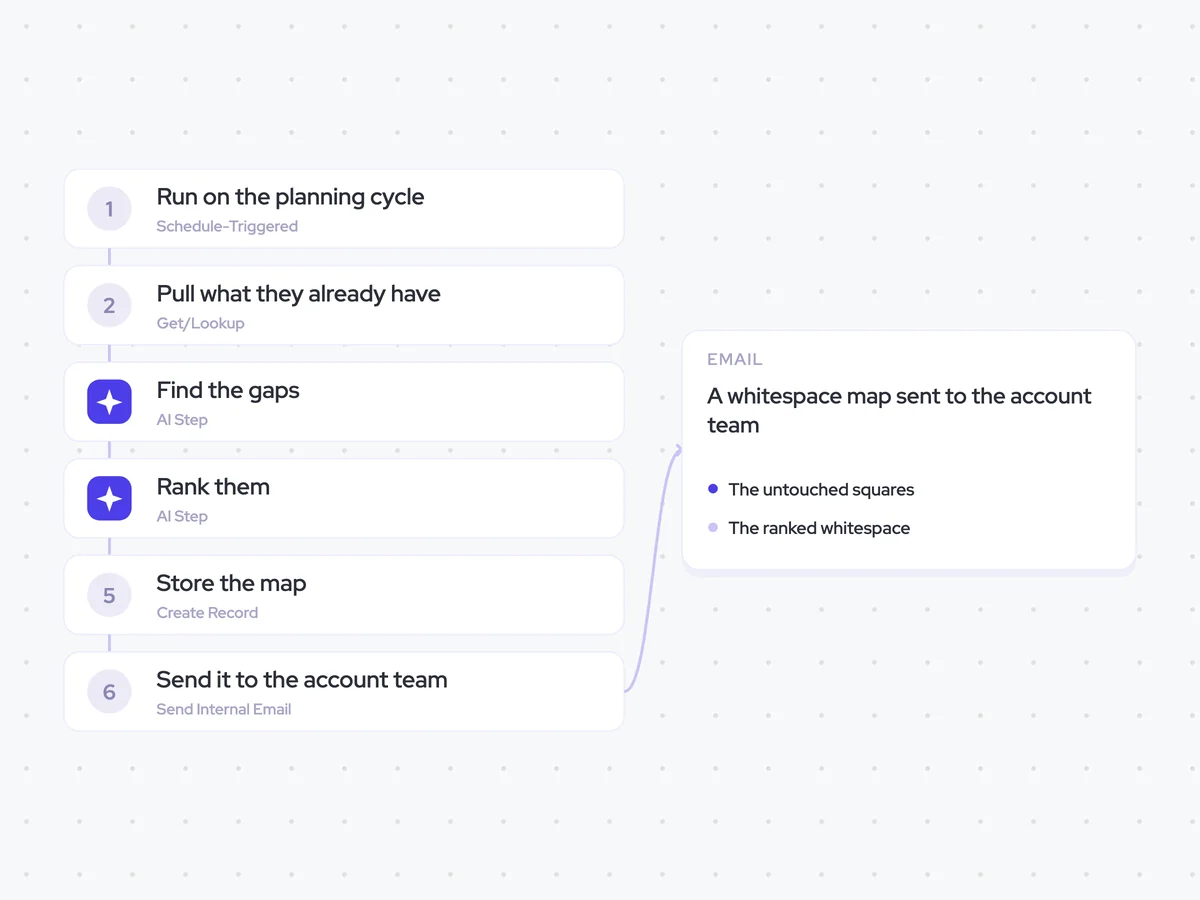
Same data, different jobs. Run them together for a fuller picture.


Learn more about GTM & Revenue Operations
RevOps Lab Podcast


50+ Free GTM & RevOps Cheat Sheets

Free RevOps Community (1k+ members)
.webp)