
Ad-hoc Question Agent
Ask a question in Slack and get a direct answer in the same thread, with the supporting numbers and the query used to find them.
- Trigger: an executive asks a question in Slack
- AI steps: answer the question using the requested opportunity data
- Output: the answer, supporting numbers, and query posted in the original thread
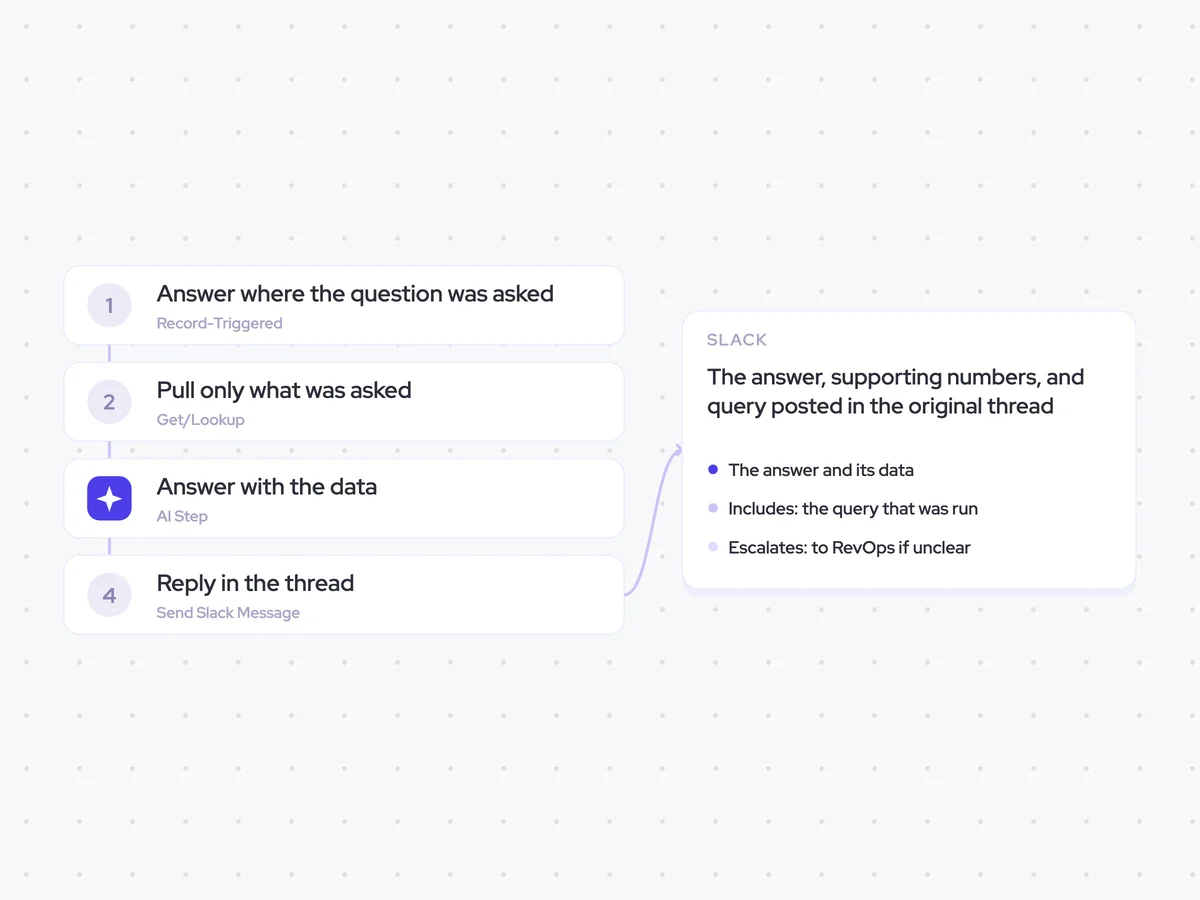
Agent breakdown
A blueprint to adapt, not a fixed recipe. Set the trigger, thresholds, and methodology that fit your team, and each step builds on the last, using the conversation and CRM context you already capture.
Answer where the question was asked
When an executive asks a question in Slack, the agent picks it up in the same thread. Nobody has to turn the question into a separate request or remember to come back with the answer later.
- Trigger: An executive asks a question in Slack
- Location: The Slack thread where the question was asked
Pull only what was asked
Next, the agent uses the question to decide which opportunity fields to pull. It only retrieves the data needed for that question, so the executive gets a focused answer rather than a standing report or dashboard.
- Fields: Taken from the question
- Excludes: Standing reports
- Limit: One question per thread
Answer with the data
The agent answers the question directly in under 100 words, then provides the numbers behind the answer and the query it used. If the question is ambiguous, it states which reading it took rather than answering multiple versions of the question.
Answer the executive's question using the opportunity data pulled from the question's scope.
Start with a direct answer in under 100 words. Then provide the numbers behind the answer and the query used to retrieve them.
- Use only the requested opportunity data.
- Keep the answer focused on the question asked.
- If the question is ambiguous, state which reading you took and answer only that reading.
- If you cannot read the requested data cleanly, do not guess. State what is unclear so the question can be escalated to RevOps.
Return the direct answer, the supporting numbers, and the query used.
Reply in the thread
The agent posts the answer in the Slack thread where the executive asked the question, with the query attached so anybody can check how it was calculated. If the requested data could not be read cleanly, the agent routes the question to RevOps instead of guessing.
- Includes: The query that was run
- Escalates: To RevOps if unclear
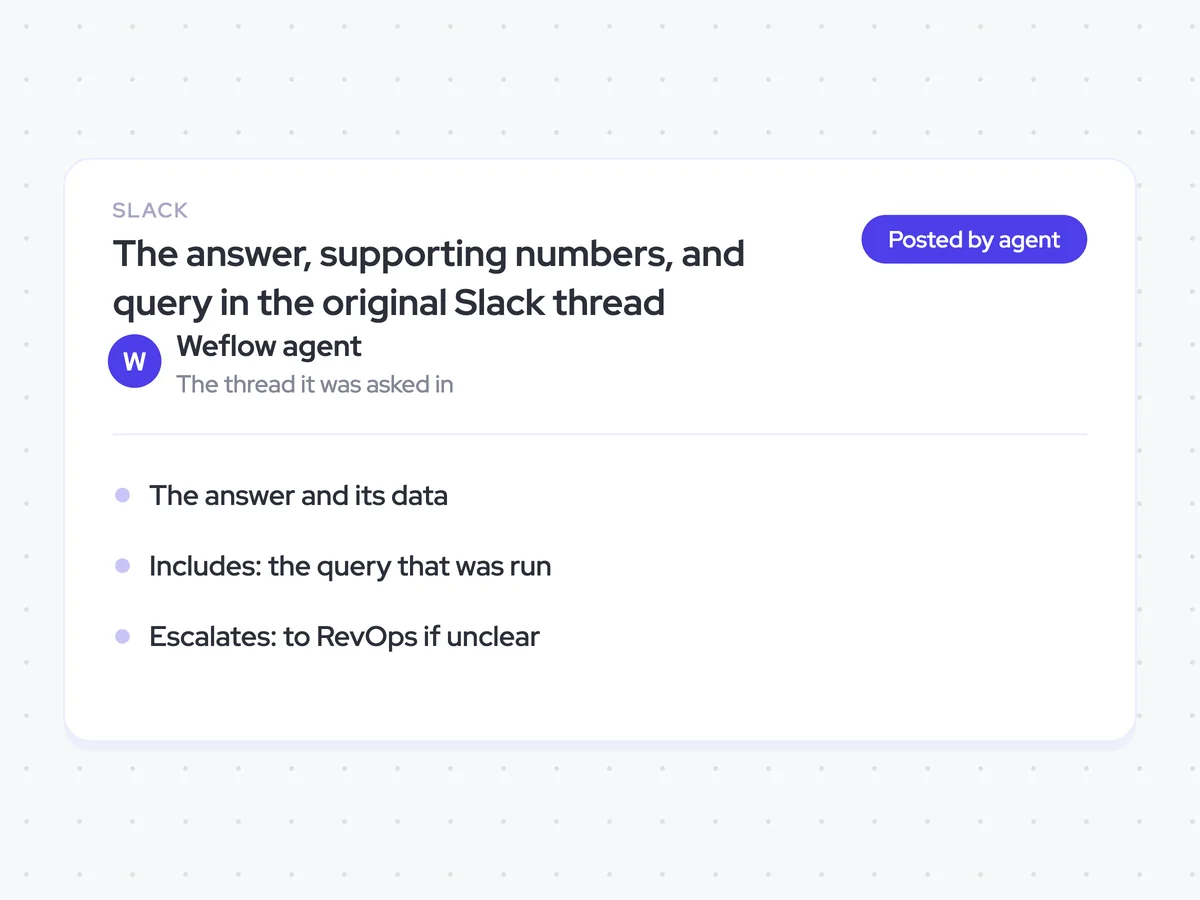
The answer, supporting numbers, and query in the original Slack thread
Get a direct answer where you asked the question, followed by the numbers behind it and the query used to retrieve them. Anybody in the thread can check the data, while questions the agent cannot read cleanly go to RevOps instead of being guessed.
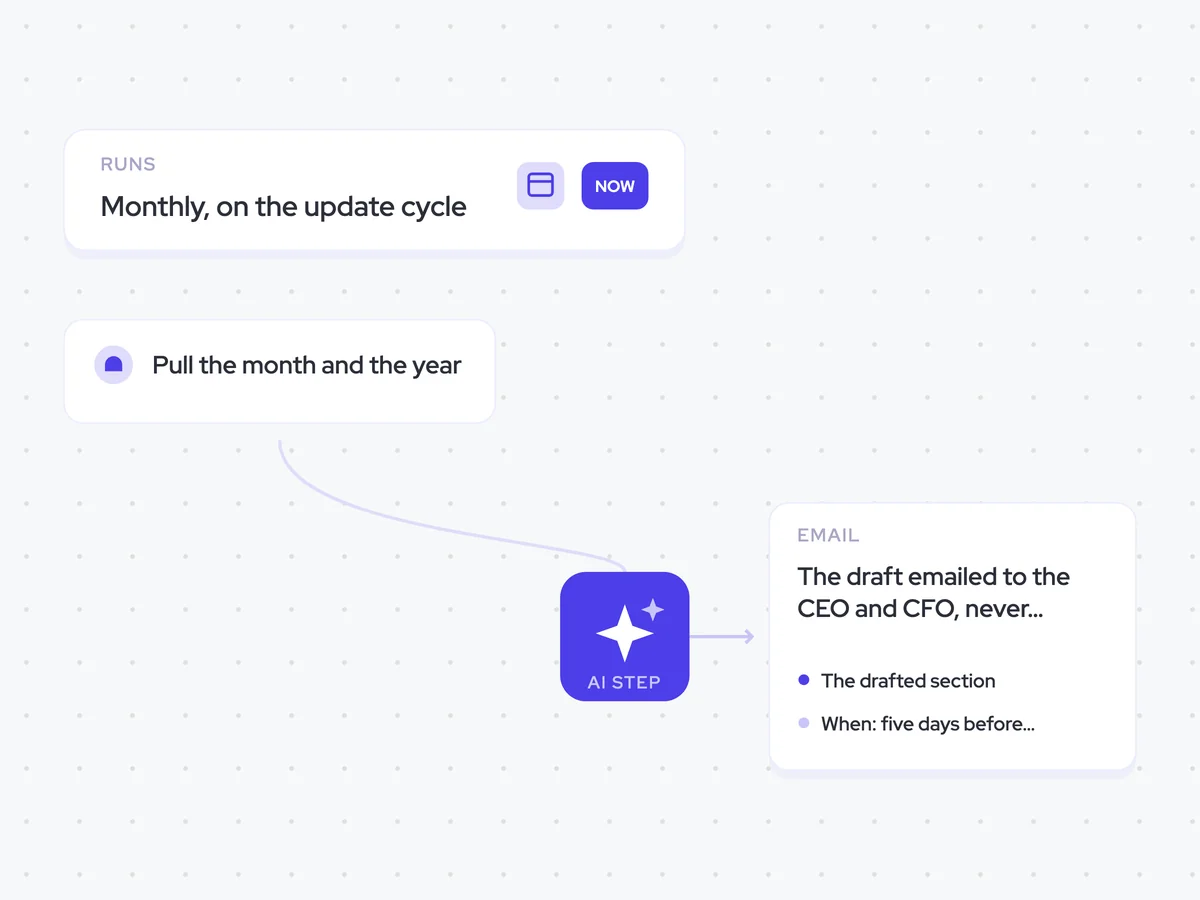
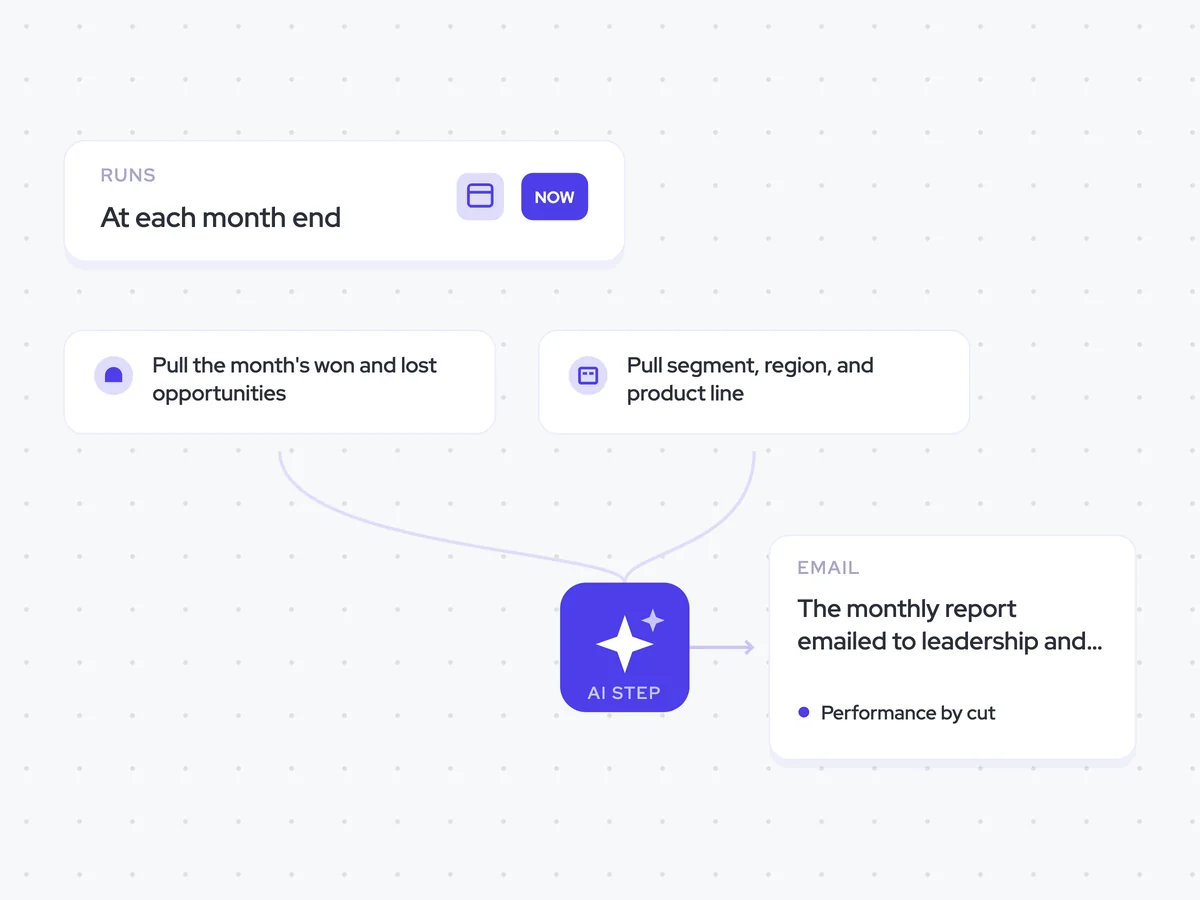
AI Agents that pair well
Same data, different jobs. Run them together for a fuller picture.


Learn more about GTM & Revenue Operations
RevOps Lab Podcast


50+ Free GTM & RevOps Cheat Sheets

Free RevOps Community (1k+ members)
.webp)