
Account Health Scoring Agent
Combine product usage, support volume, engagement, and sentiment into one account health score, while keeping all four component scores visible on the account.
- Trigger: every night, across every account
- AI steps: score the four components, then combine them
- Output: the total health score and four component scores on the account

Agent breakdown
A blueprint to adapt, not a fixed recipe. Set the trigger, thresholds, and methodology that fit your team, and each step builds on the last, using the conversation and CRM context you already capture.
Refresh account health every night
Each night, the agent refreshes the health score across every account. Product usage changes daily, so this schedule keeps Customer Success from relying on a weekly score that may already be out of date.
- Schedule: Nightly
- Scope: Every account
Pull product usage and support volume
First, the agent pulls product usage and support ticket volume for the account. These show how actively the customer is using the product and how much support they currently need.
- Usage: Product usage for the account
- Support: Ticket volume for the account
Find the contacts who are still active
Next, the agent pulls the account contacts who are still active and have engaged recently. This gives the scoring step a current view of engagement instead of counting contacts who are no longer involved.
- Scope: Everyone still active on the account
- Include: Contacts who have engaged recently
Score usage, support, engagement, and sentiment
Using the account information from the previous steps, the agent scores usage, support, engagement, and sentiment separately out of 10. It includes the evidence behind each score, so Customer Success can see which part of the account health changed and why.
Score the account across four components: usage, support, engagement, and sentiment.
Input: the account information provided by the previous steps.
- Give each component a separate score out of 10.
- Include the evidence that supports each score.
- Keep the components separate so changes in one do not obscure the others.
Return a list with the component, score out of 10, and supporting evidence for usage, support, engagement, and sentiment.
Combine the four component scores
The agent then combines the four component scores into one account health score. It considers all four without allowing strong usage to hide collapsing sentiment, so the total still reflects a serious change in the customer relationship.
Combine the usage, support, engagement, and sentiment scores into one account health score.
Consider all four component scores. Never let a strong usage score hide a collapsing sentiment score.
Return one account health score.
Save the total and keep every component visible
Finally, the agent saves the overall health score and all four component scores to the account. Keeping usage, support, engagement, and sentiment beside the total lets Customer Success see what is driving the account's health.
- Update: The overall account health score
- Keep visible: Usage, support, engagement, and sentiment scores
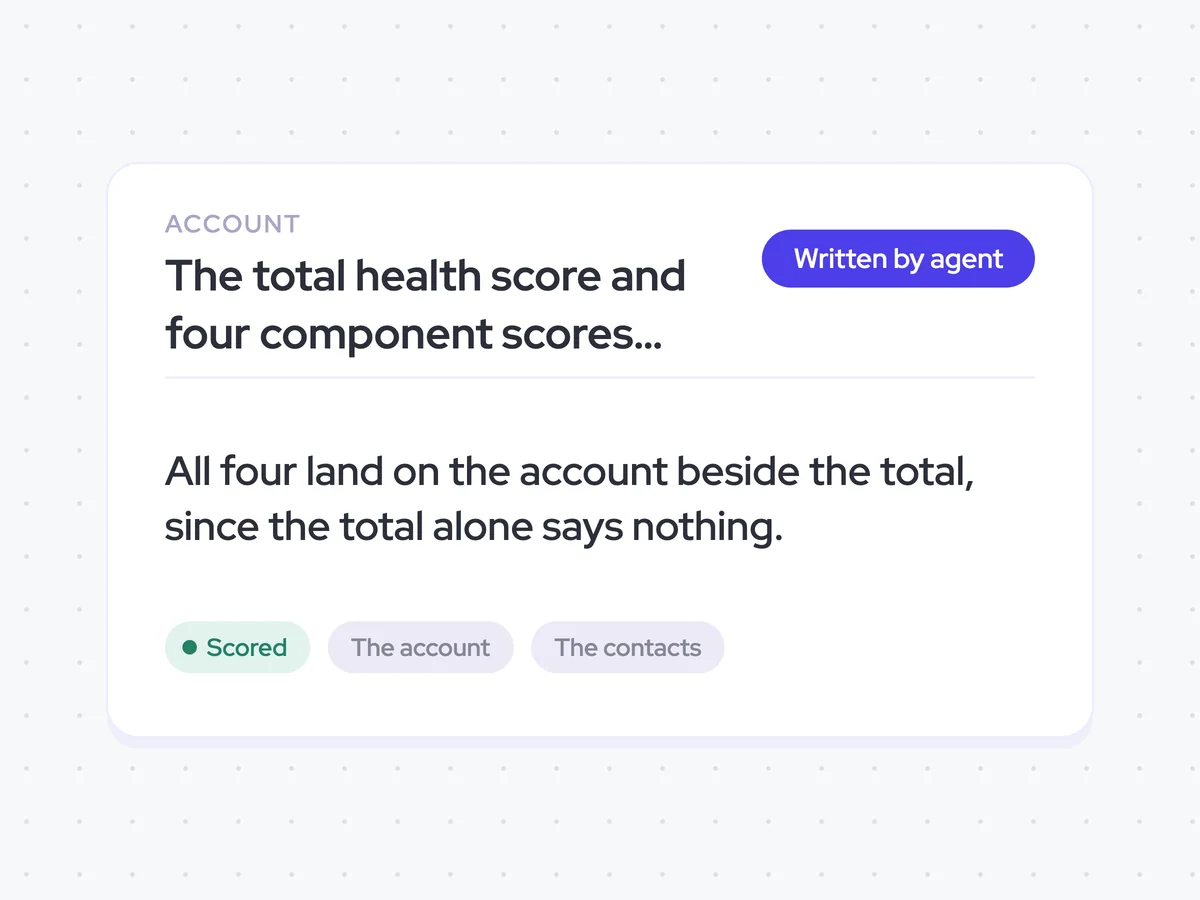
The total health score and four component scores on every account
See each account's overall health score alongside separate scores for usage, support, engagement, and sentiment. Customer Success can quickly see what is driving the total and where an account's health has changed.
- For Customer Success: Use the component scores to understand whether usage, support volume, engagement, or sentiment is affecting the account.
AI Agents that pair well
Same data, different jobs. Run them together for a fuller picture.


Learn more about GTM & Revenue Operations
RevOps Lab Podcast


50+ Free GTM & RevOps Cheat Sheets

Free RevOps Community (1k+ members)
.webp)