
Segment Performance Agent
Break down the completed month by segment, region, and product line against plan, and see which cut is carrying the number and which one is dragging it.
- Trigger: at each month end
- AI steps: report performance by cut against plan
- Output: the monthly report emailed to leadership and finance
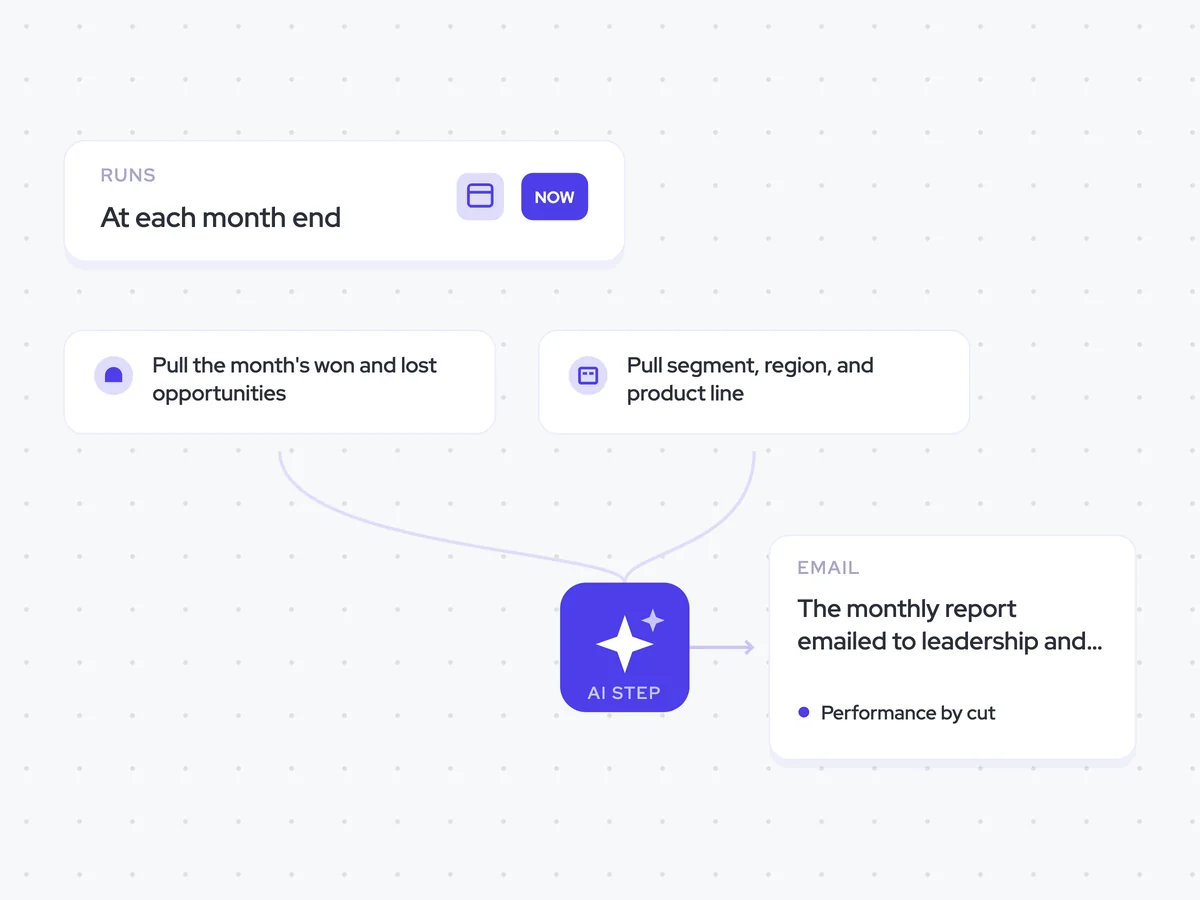
Agent breakdown
A blueprint to adapt, not a fixed recipe. Set the trigger, thresholds, and methodology that fit your team, and each step builds on the last, using the conversation and CRM context you already capture.
Run at month end
The agent runs at the end of each month, once the full month of results is available. Using a complete month makes it easier to separate segment performance from the timing of individual deals.
- Schedule: At each month end
- Cadence: Monthly
Pull the month's won and lost opportunities
Next, the agent pulls every opportunity won or lost during the month. Looking at both sides shows the difference between a segment that is not winning enough and one that is also losing a large share of its opportunities.
- Scope: Opportunities closed during the month
- Include: Won and lost opportunities
Pull segment, region, and product line
The agent then pulls the segment, region, and product line for the accounts tied to those opportunities. These are the three cuts used in the plan, so the monthly results can be compared with it directly.
- Fields: Segment, region, and product line
- Accounts: Those linked to the month's won and lost opportunities
Report performance by cut
Using the completed month's results, the agent reports performance by segment, region, and product line against plan. It names the single cut carrying the number and the one dragging it, and shows the gap for each instead of turning the report into a ranking.
Report the completed month by segment, region, and product line against plan.
Input: the month's won and lost opportunities, the segment, region, and product line fields for the related accounts, and the plan.
- Report actual performance against plan for each segment, region, and product line.
- Use both won and lost opportunities when describing performance.
- Name the single cut carrying the number and state its gap against plan.
- Name the single cut dragging the number and state its gap against plan.
- Explain what is driving each of those two results using the opportunity data.
Rules: report the gap in each case rather than ranking every cut. Use only the supplied opportunity, account, and plan data.
Return three sections: segment, region, and product line. Then state the single cut carrying the number and the single cut dragging it, with the gap for each.
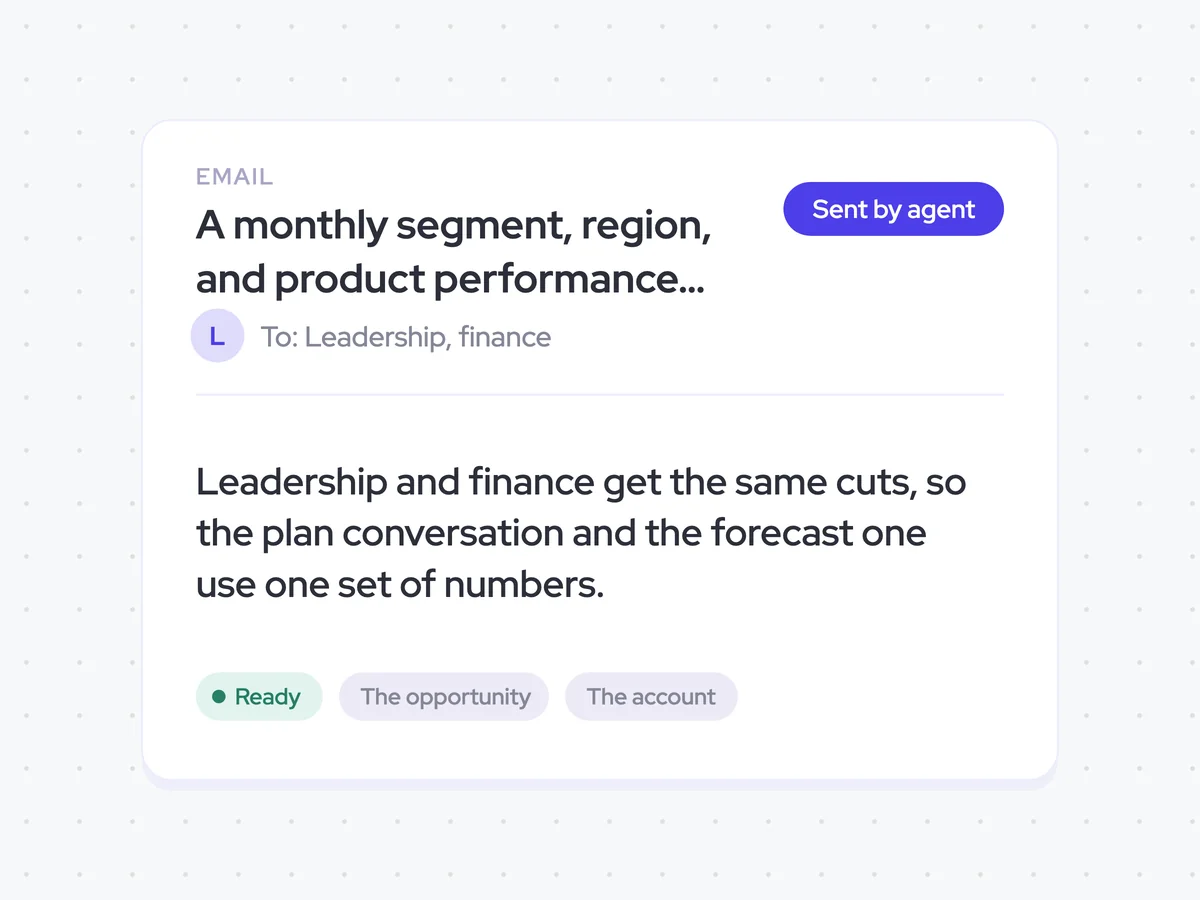
Send the same report to leadership and finance
Finally, the agent emails the same monthly report to leadership and finance. Both groups see the same segment, region, and product line results, so conversations about the plan and the forecast start from one set of numbers.
- Recipients: Leadership and finance
- Content: The same monthly performance report for both groups
A monthly segment, region, and product performance report in leadership and finance inboxes
See how the completed month performed against plan across segment, region, and product line. The report names the single cut carrying the number and the one dragging it, with the gap for each.
- For leadership and finance: Use the same monthly view when discussing performance against plan and the forecast.
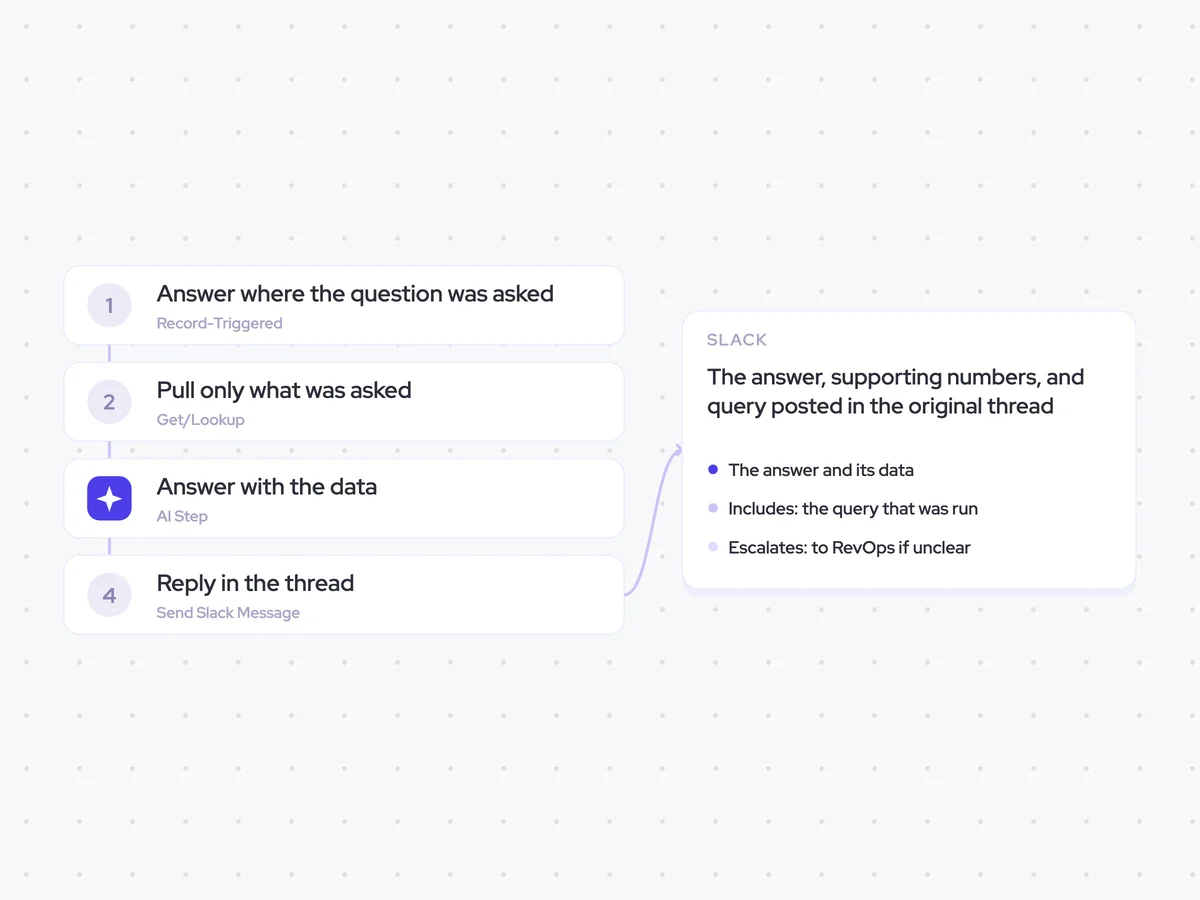
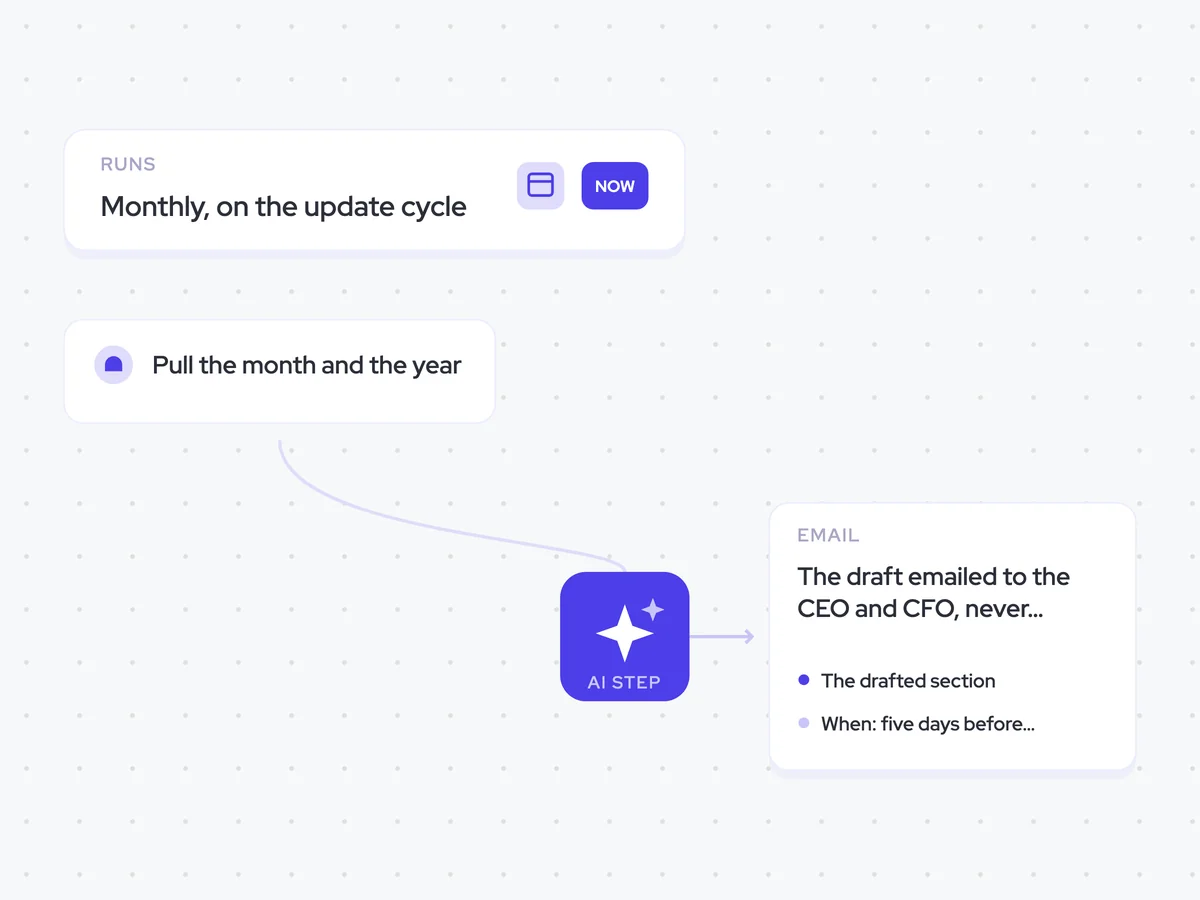
AI Agents that pair well
Same data, different jobs. Run them together for a fuller picture.


Learn more about GTM & Revenue Operations
RevOps Lab Podcast


50+ Free GTM & RevOps Cheat Sheets

Free RevOps Community (1k+ members)
.webp)